
Captions
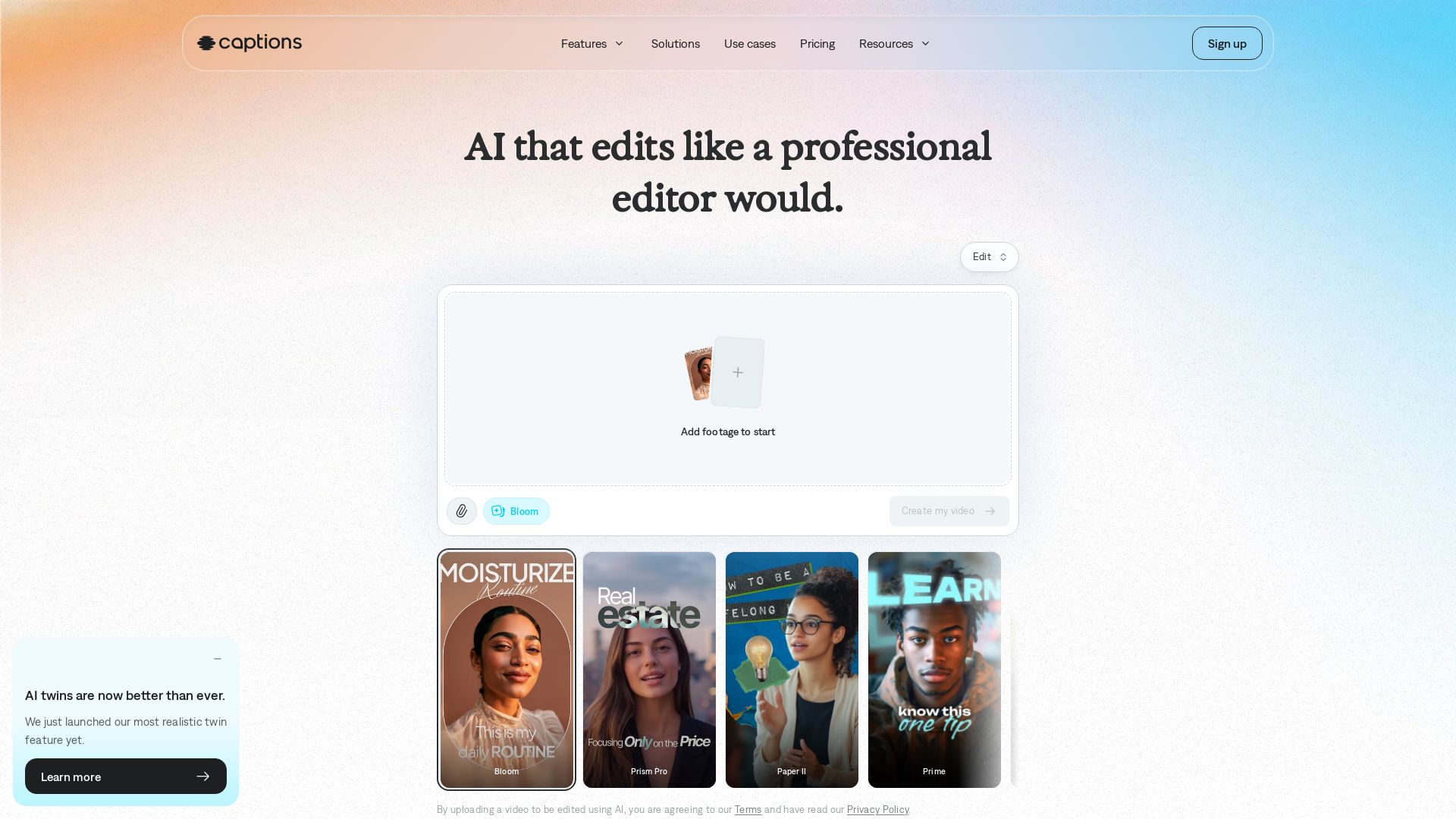
Transform your footage into polished videos in minutes. AI edits automatically with professional taste. No experience required. Add captions, translate, generate avatars. Try free!

Editor's Verdict
Key Takeaways
- AI Edit
- Automatic captions
- Translation
- AI avatars
In-Depth Review: What is Captions?
Captions is an AI-powered video editor that automatically edits your footage into a ready-to-share video. Choose from diverse editing styles, generate AI avatars, add automatic captions, translate into 100+ languages, and use simple prompts to refine your video. Perfect for content creators, marketers, and businesses. Get started free.
Core Features
AI Edit
Watch as AI edits your entire video at once. Pick a style, and Captions automatically cuts scenes, overlays B-roll and more.
Automatic captions
Create auto-captions with stylized fonts in over 100 languages.
Translation
Translate and subtitle videos in 100+ languages.
AI avatars
Generate new avatars or make a digital twin. Use prompts to change outfits, backgrounds, or product inserts.
Correct eye contact
Automatically fix inconsistent eye contact or awkward glances in videos.
Denoise
Remove unwanted background noise in seconds.
Trim pauses
Get rid of unwanted pauses, filler words, and other interruptions.
Text to edit
Use simple chat-based prompts to direct changes and updates to your video.
Music & sound effects
Generate royalty-free music or sound effects that complement your video.
Chat-based editor
Make advanced edits with simple prompts using the chat-based editor—no experience required.
AI Twin
Create a digital twin or choose from AI avatars to iterate fast on different topics and videos.
Customizable captions
Fully customize caption styles with over 100 templates and keyframe support.
Pricing
Free
- Teleprompter
- Trim
- Zoom
- Sound effects
- Transitions
- Resize videos
- Captions in 100+ languages
- Keyframes
- 1 caption template
- Customizable captions
- Download transcript
Max
- Access library of curated AI Edit styles
- Create fully-produced video with AI
- Create digital twins or custom AI actors
- Use chat-based editor
- 500 credits per month
- Generate custom B-roll, music, sound effects, images, and more
Scale
- Everything in Max
- 1,400 credits per month
- More videos per month with customized usage tiers
- Access most sophisticated tier of generative AI models
Enterprise
- Bulk credit discounts
- Custom seat options
- Dedicated account management team
- Training data exclusion
- Customer onboarding, priority training, and hands-on support
- Early access to beta and new features
Pros and Cons
Pros
- AI-powered editing saves timeAutomatically edits entire videos, cutting scenes, overlaying B-roll, and more—skipping post-production.
- No experience requiredAdvanced edits can be made with simple chat-based prompts, making it accessible to beginners.
- High-quality outputAI understands your story and tailors edits to your footage, producing tasteful results.
- Rich feature setIncludes auto-captions, translation, avatars, eye contact correction, denoising, and more.
- Multi-language supportSupports over 100 languages for captions and translation, reaching global audiences.
Cons
- Limited free tierFree version has no AI usage credits and only 1 caption template, restricting advanced features.
- Subscription costFull features require a paid plan starting at $24.99/month, which may be expensive for casual users.
- AI may miss creative intentWhile intelligent, AI editing might not always capture the exact vision or nuance you desire.
- Dependence on internetThe app requires an internet connection to process videos and use AI features.
- Privacy concernsUploading video content to cloud servers may raise data privacy issues for sensitive material.
Use Cases & Recommended Professions
Content Creator→ View Toolkit
Needs to produce engaging videos quickly across platforms like TikTok, Instagram, and YouTube; AI editing saves hours of manual work.
Marketer→ View Toolkit
Requires fast, high-quality video ads and social media content; features like AI avatars and translation help scale campaigns.
Educator→ View Toolkit
Creates tutorial or lecture videos; automatic captions and translation make content accessible to diverse learners.
Real Estate Agent→ View Toolkit
Produces property listing videos; AI can generate walkthroughs overlaying B-roll and captions, appealing to buyers.
Podcaster→ View Toolkit
Repurposes audio into video clips with captions and eye contact correction, expanding reach on video platforms.
Entrepreneur→ View Toolkit
Needs to create professional videos for business without a production team; AI avatars and chat-based editing simplify the process.
Frequently Asked Questions
Alternative AI Tools
View Detailed Comparison →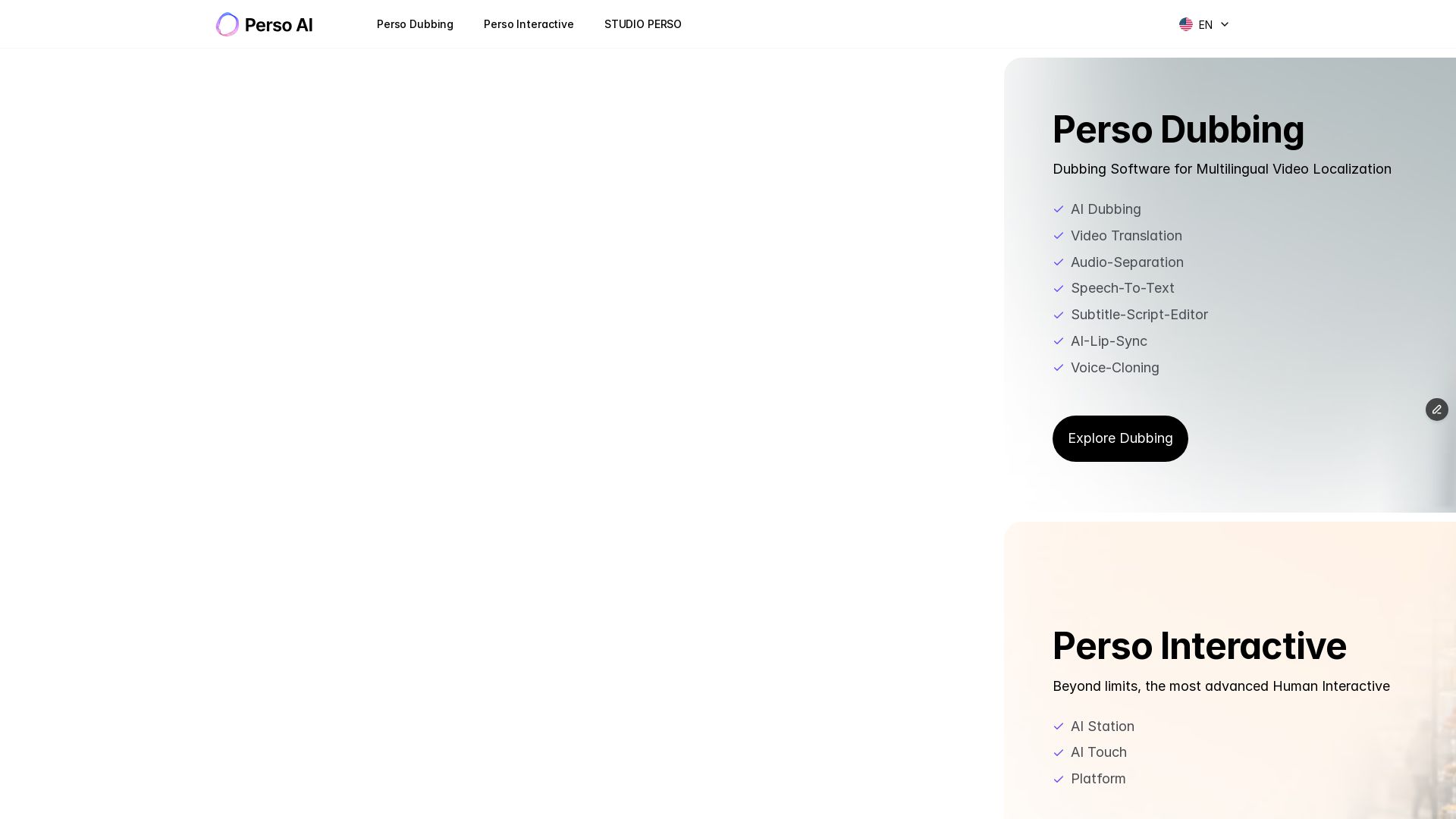
Perso AI
Discover PersoAI's AI dubbing, video translation, lip sync, voice cloning, and interactive AI avatar studio. Localize and produce videos globally.

Mango AI
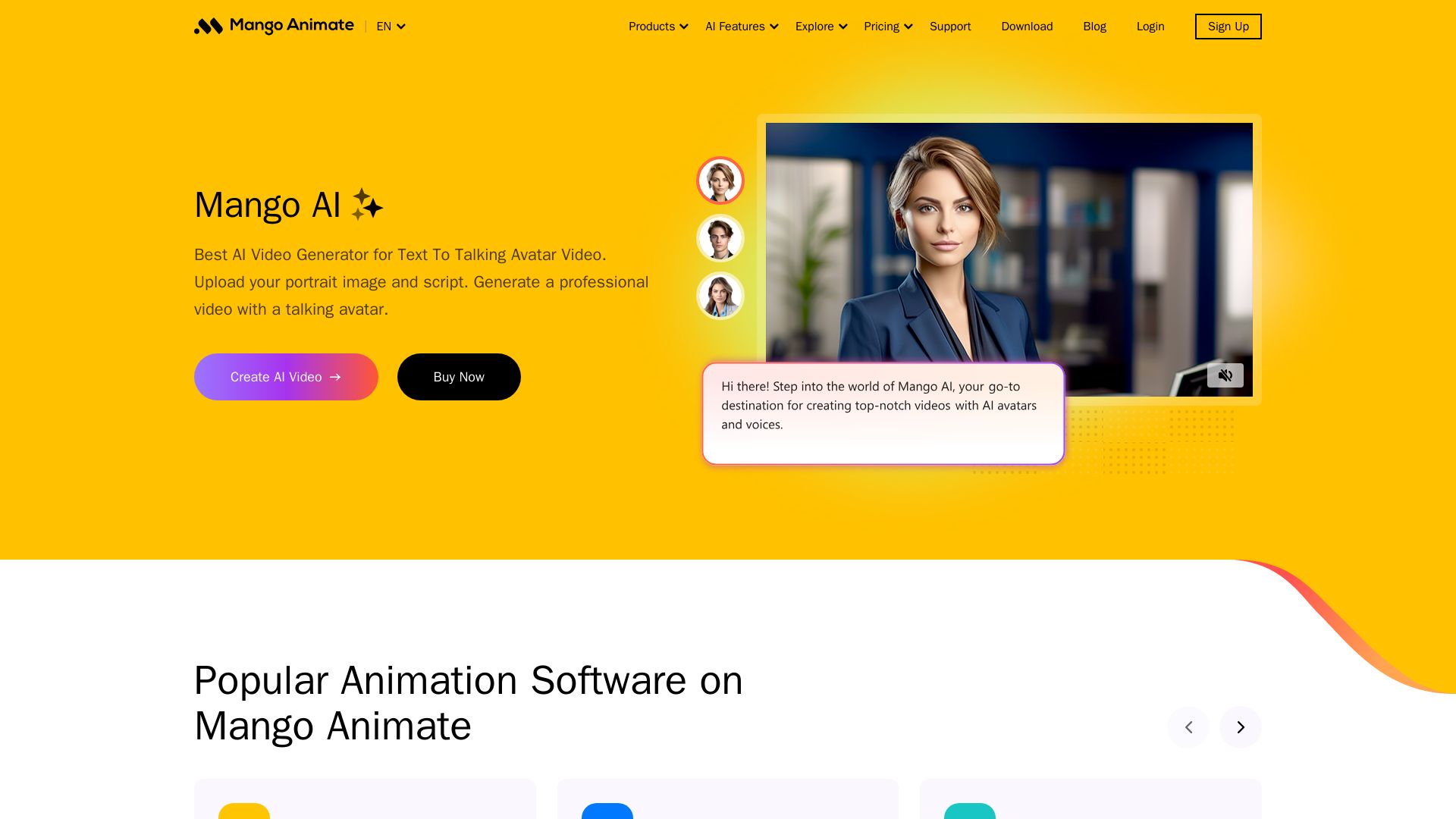
Create professional AI talking avatar videos from text and portrait. Perfect for business, education, personal use. Easy, fast, and affordable.

AI-Media
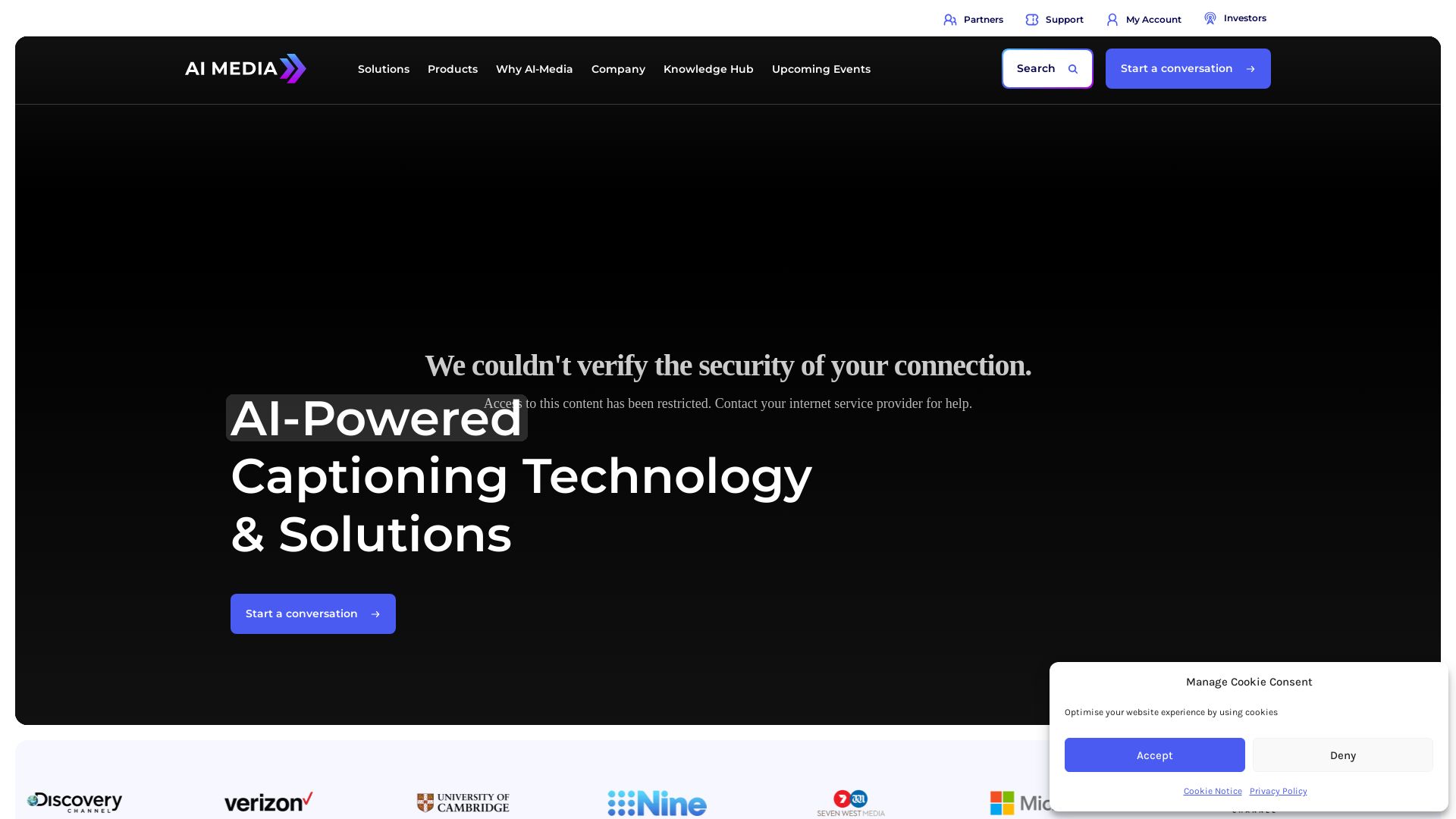
AI-Media offers AI-powered captioning, translation, and accessibility solutions for broadcast, events, education, and more. Trusted by global leaders.

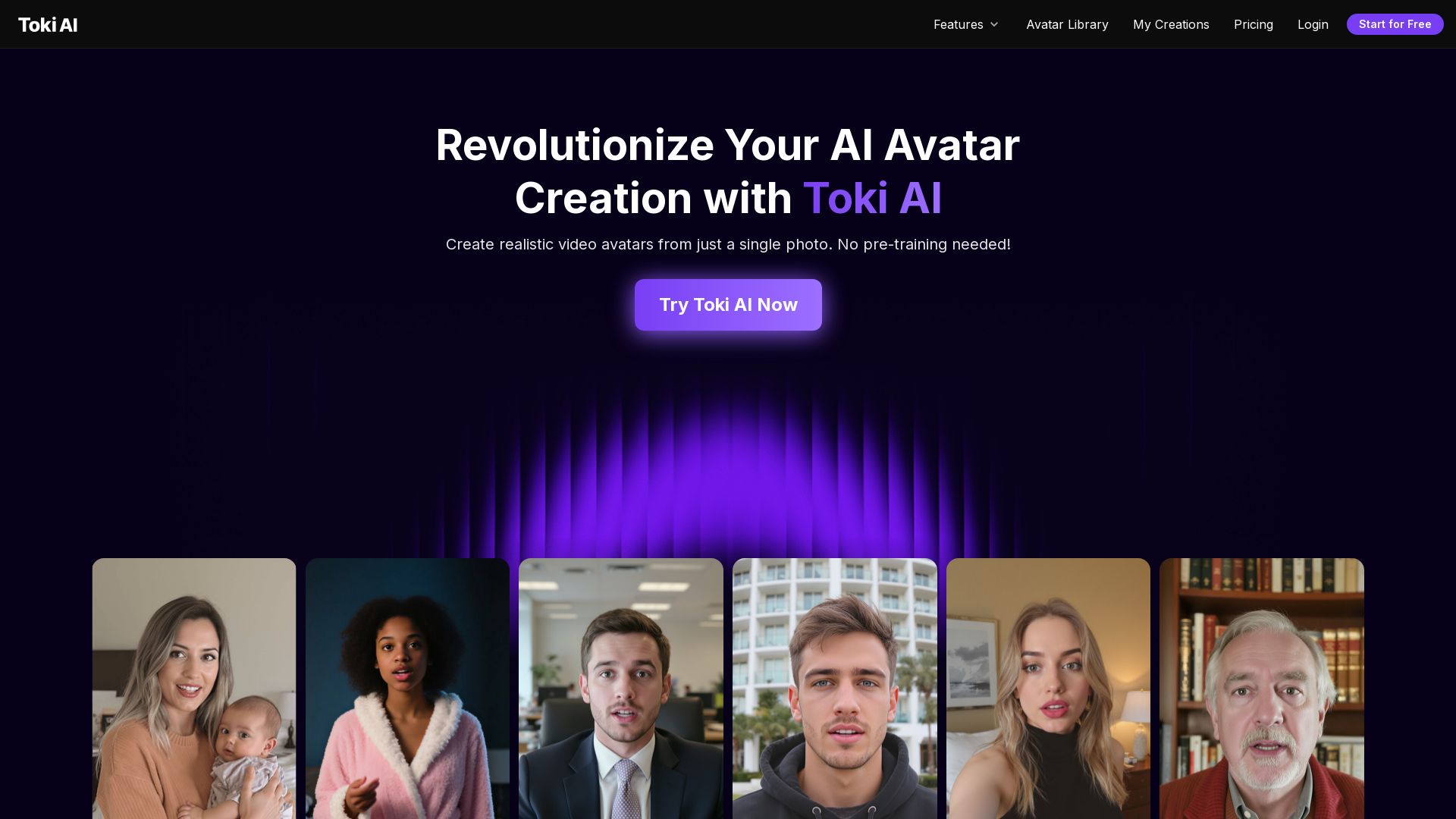
Toki AI
Transform any photo into lifelike talking avatar videos in minutes. No pre-training needed. Perfect for marketing, social media, and more. Try free!

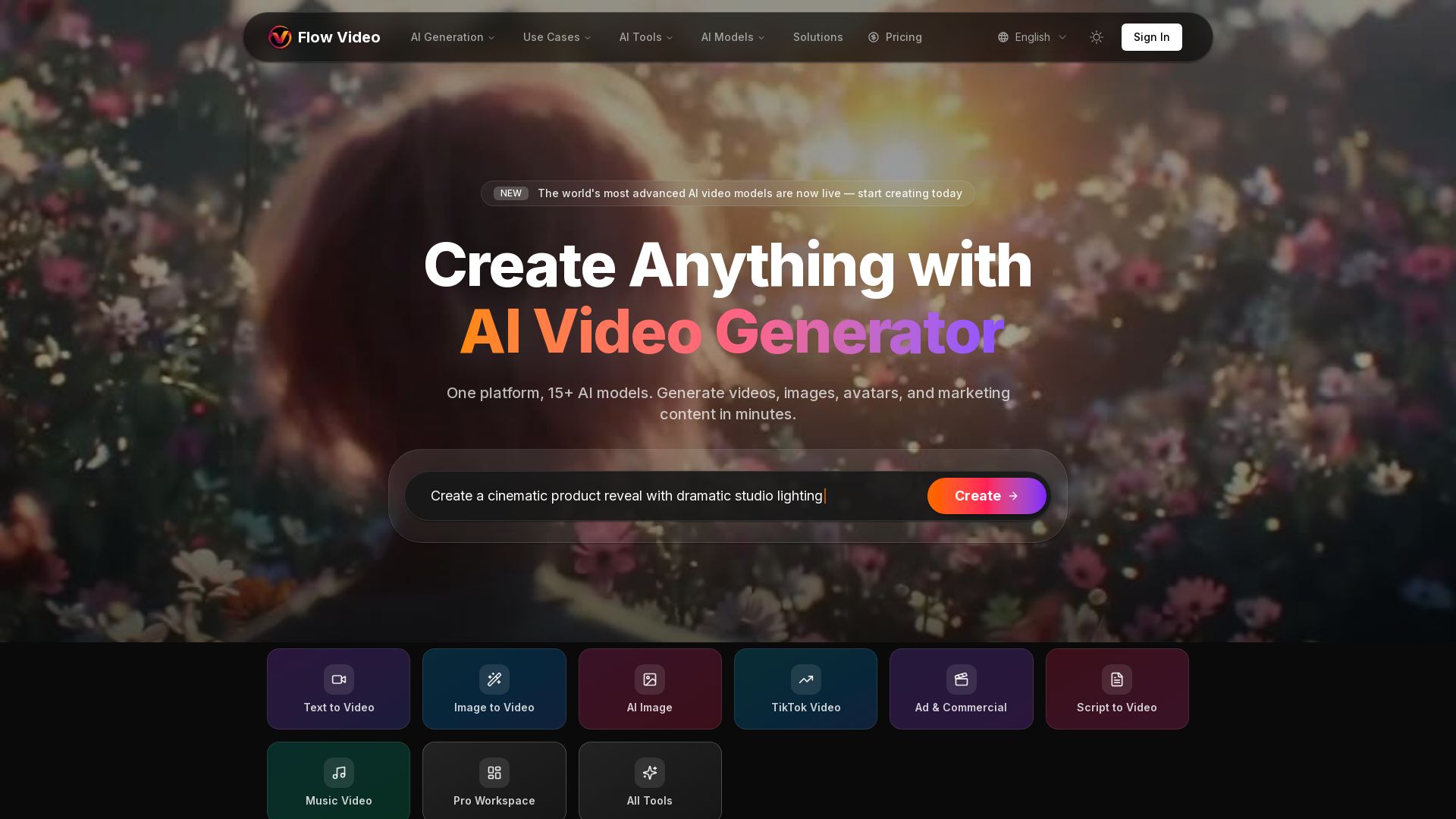
Flow Video AI
Create stunning AI videos, images, and marketing content with 15+ models. Text to video, image to video, and more. Start free!

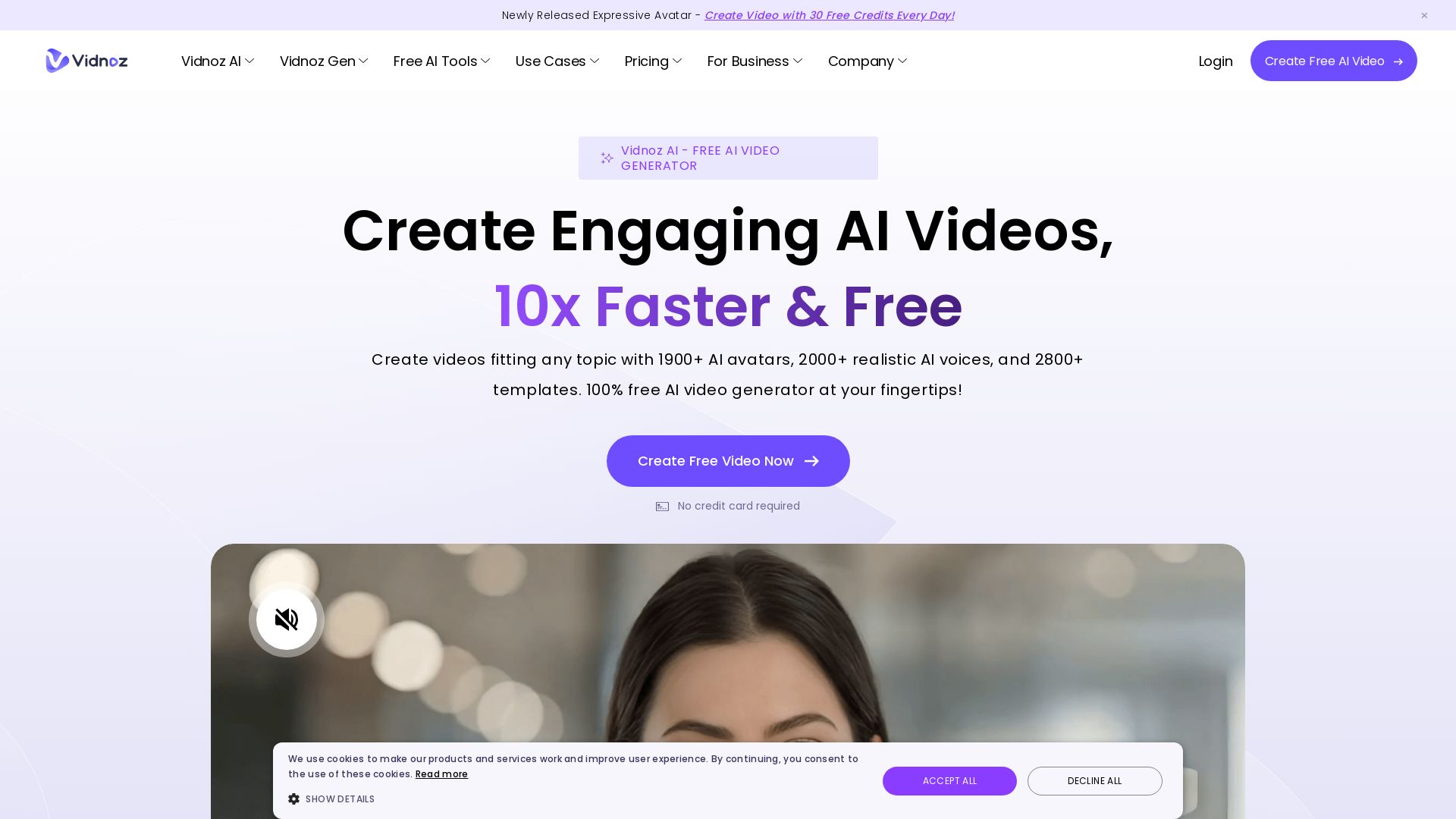
Vidnoz AI
Create free AI videos with Vidnoz AI. 1900+ avatars, 2000+ voices, 2800+ templates. 30 free credits daily. Ideal for marketing, training, and more.

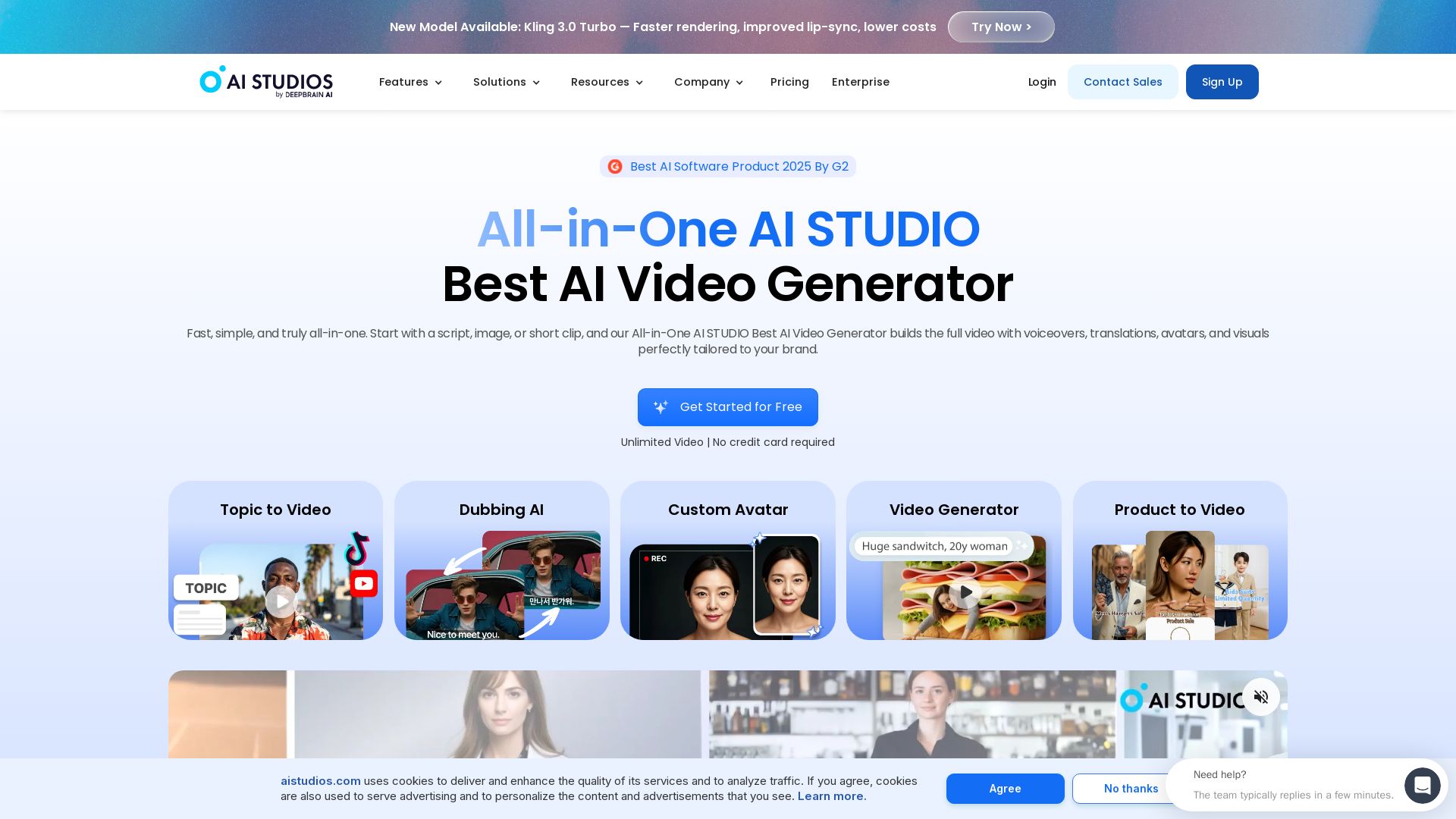
AI STUDIO
Create professional AI videos in minutes with 2000+ avatars, 150+ languages, and lifelike lip-sync. Free plan available. Trusted by 2M+ users.


Marketing Titan
Replace HubSpot, ZoomInfo, Hootsuite & Jasper with 180+ AI agents & Darwin AI. Save $50K+/yr. Start free trial.

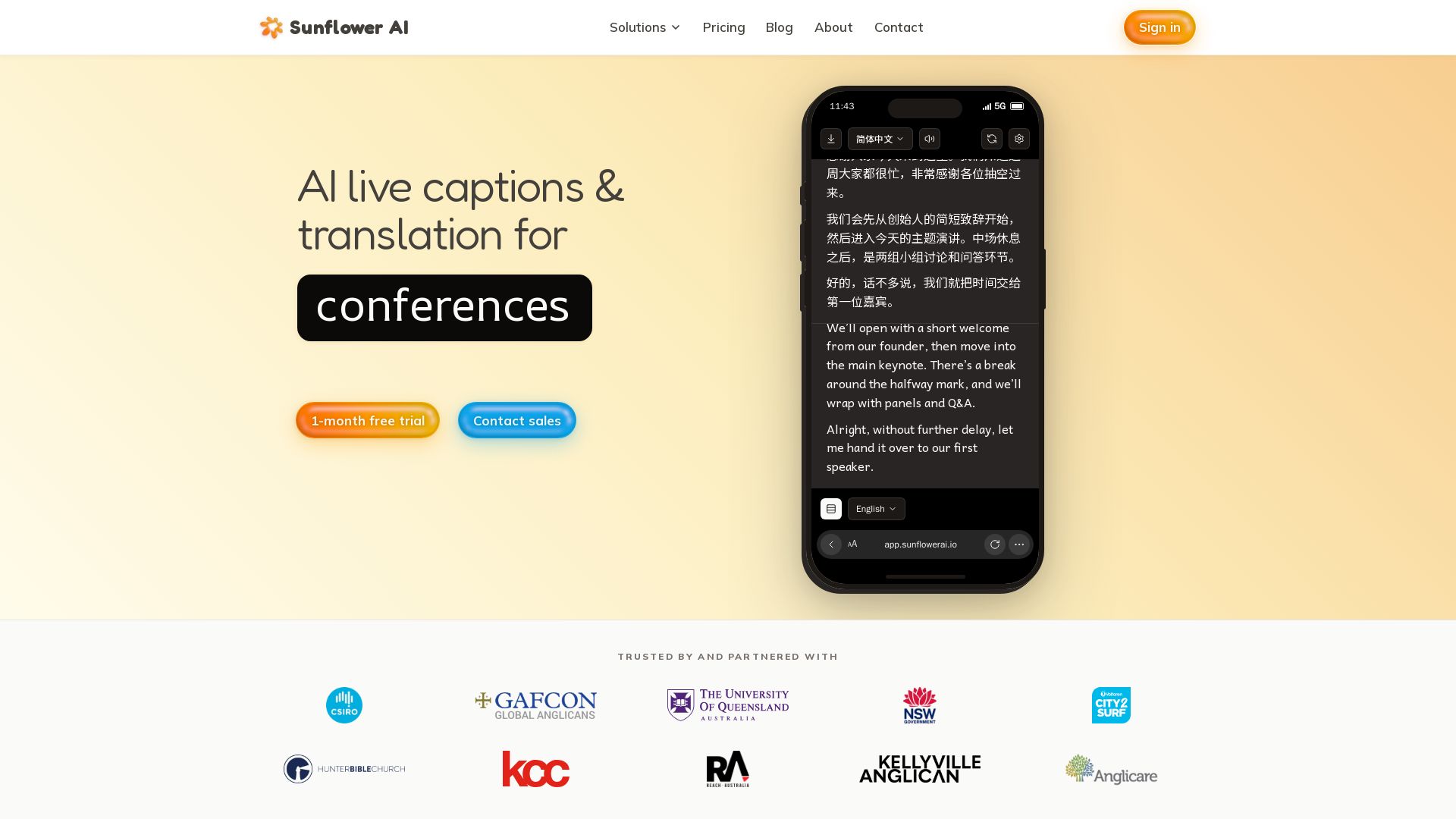
Sunflower AI
AI-powered live captions and real-time translation for multilingual audiences. One QR code, 83 languages. Trusted by churches and events. Start free trial.

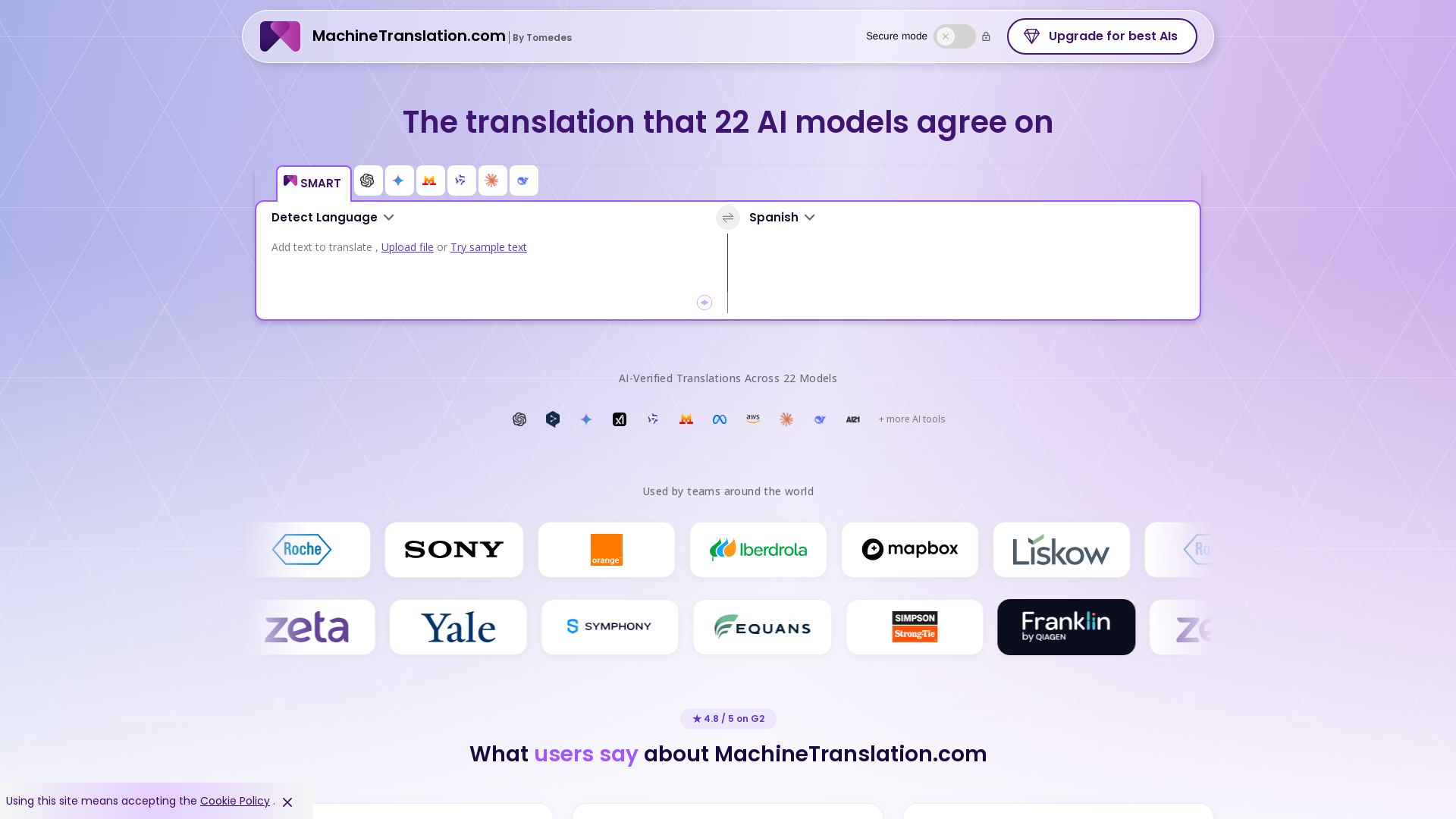
Free AI Translator
Translate with confidence using 22 AI models. SMART picks the most agreed translation, cutting errors by 90%. Human review optional. Secure & affordable.

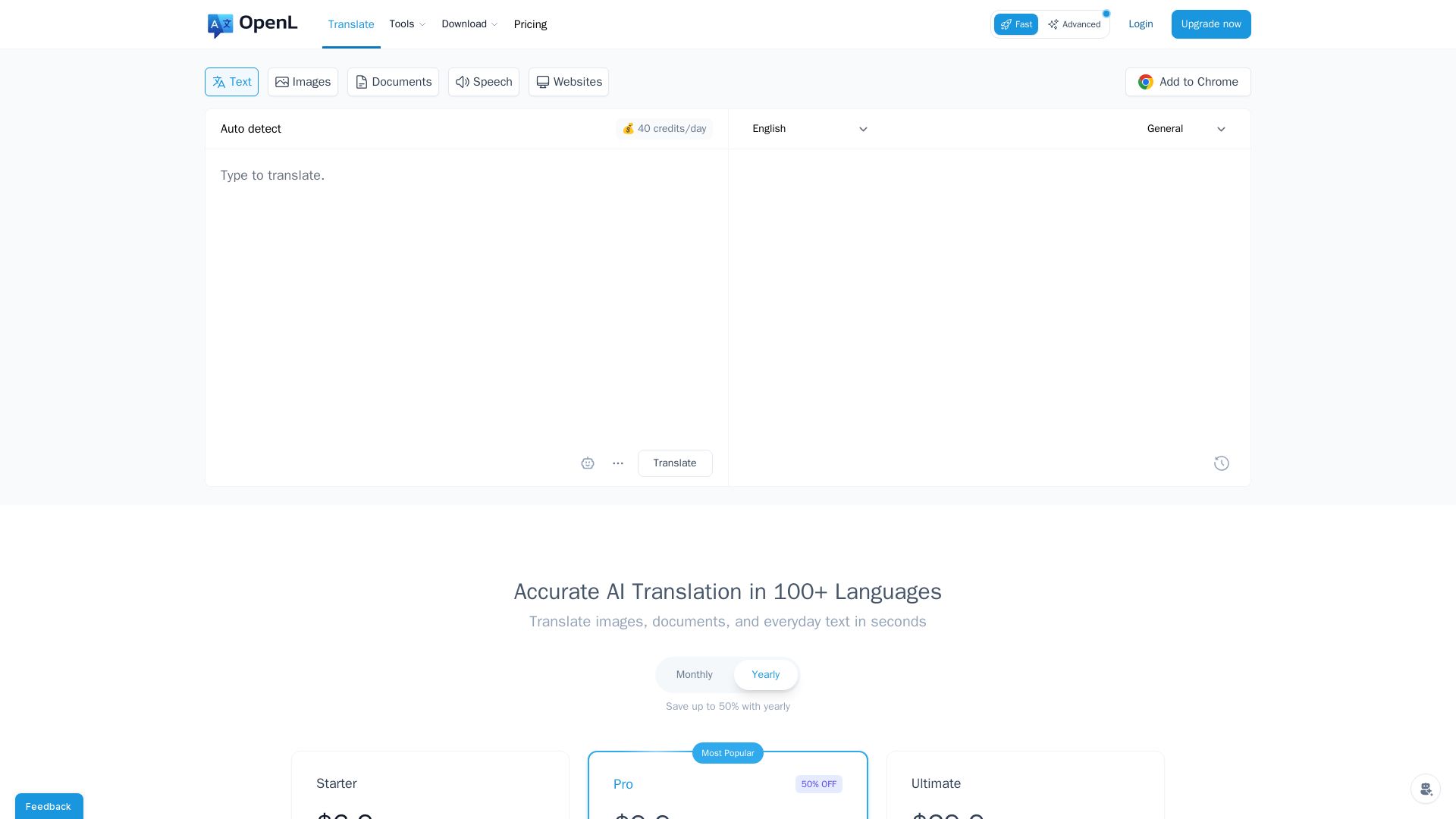
OpenL Translate
Fast, accurate AI translations for text, images, documents, and websites. Supports 100+ languages. Try free!

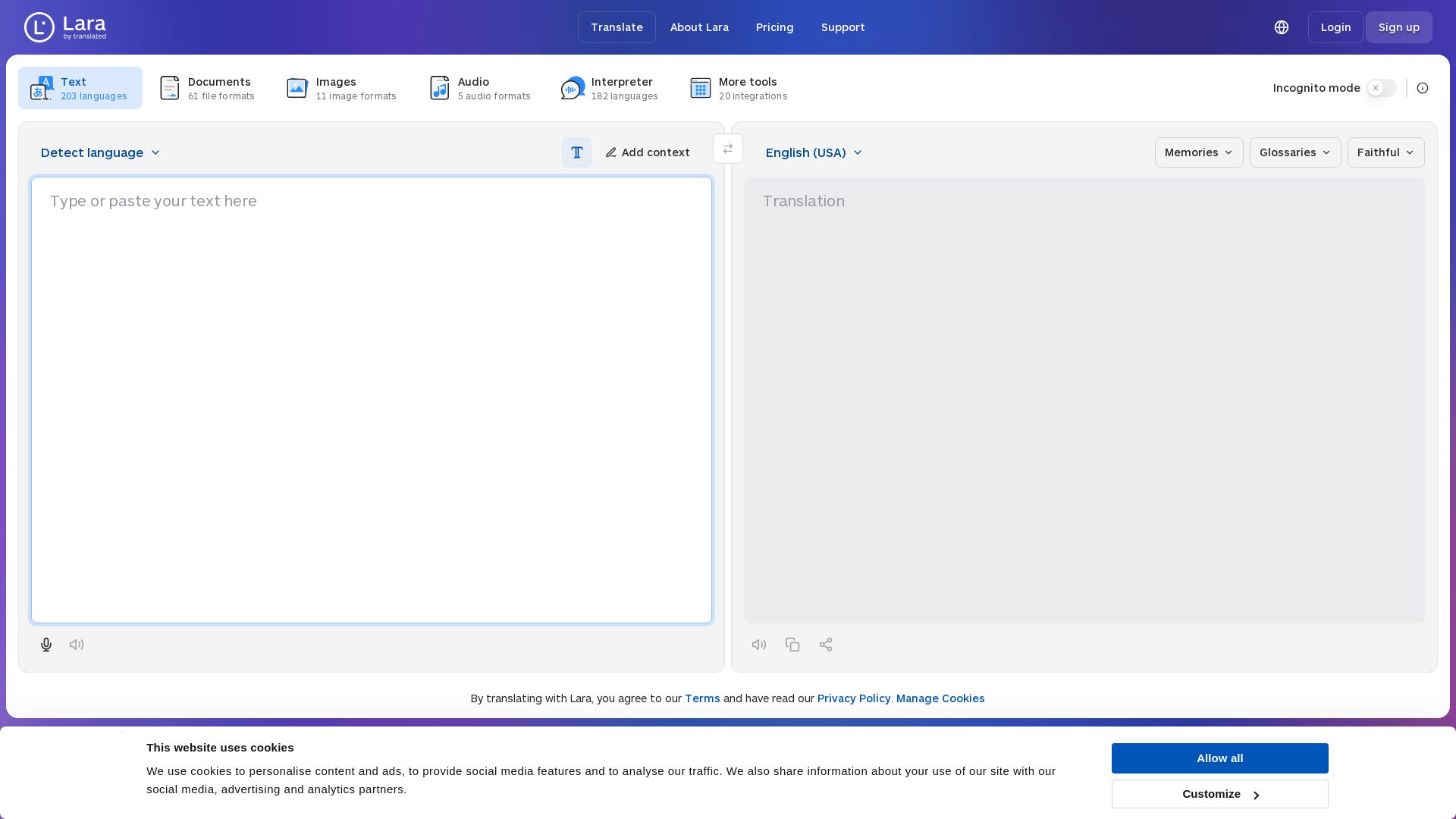
Lara Translate
Translate text, documents, images, and audio instantly in 200+ languages. Trusted by 350,000+ professionals. AI-powered by Translated since 1999.

ℹ️ Curation Disclosure: The overview and features of Captions were synthesized using AI and fact-checked by our curation team to ensure accuracy.
