
Toki AI
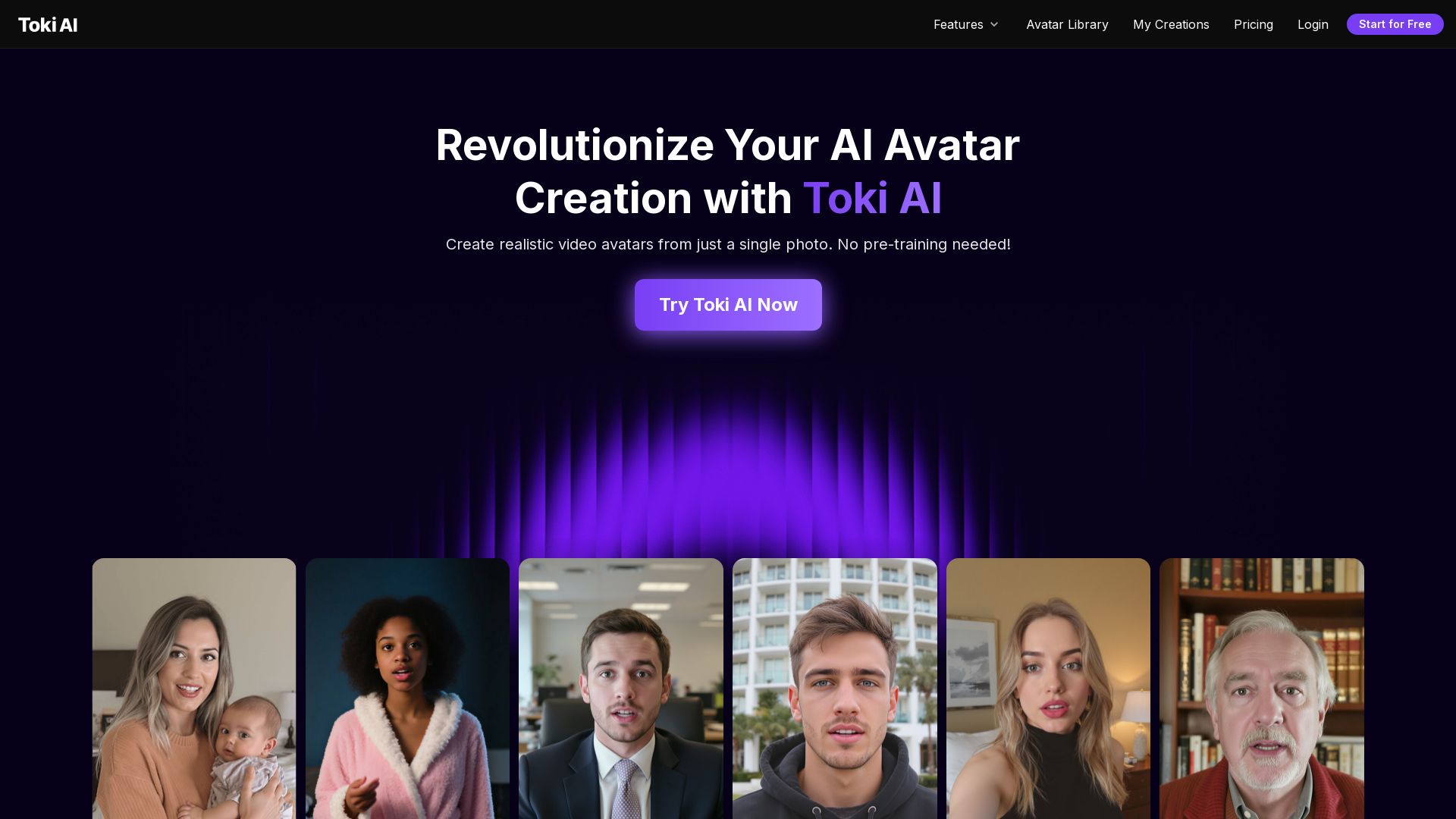
Transform any photo into lifelike talking avatar videos in minutes. No pre-training needed. Perfect for marketing, social media, and more. Try free!
Editor's Verdict
Key Takeaways
- Zero Pre-Training Needed
- Go Beyond Short Clips
- Lifelike Quality That Captivates
- Vast AI Voice Library
In-Depth Review: What is Toki AI?
Toki AI is a revolutionary AI avatar video generator that creates realistic, talking avatars from a single photo. Unlike traditional platforms, no pre-training or extra footage is required. You can generate up to 2-minute videos with perfect lip-sync, natural expressions, and a vast voice library. Use cases include AI influencers, product demos, baby podcasts, pet talking videos, and singing photos. Ideal for businesses, content creators, and personal projects. Try it now for free.
Core Features
Zero Pre-Training Needed
Unlike traditional avatar platforms, you don't need to upload extra footage or train your avatar beforehand. Toki AI creates AI avatars from any photo, with unique faces, natural movements, and authentic emotions.
Go Beyond Short Clips
Create avatar videos for up to 2 minutes, instead of 20 seconds. That's enough time to truly engage your audience with detailed product demos, helpful tutorials, and compelling content that drives results.
Lifelike Quality That Captivates
Experience ultra-realistic avatars with natural facial expressions, authentic lip-sync, and human-like gestures that engage your audience.
Vast AI Voice Library
Select from a rich library of voices – different genders and tones. Prefer something unique? Upload your own audio file. With Toki AI, every AI avatar can sound just the way you want!
Endless Avatar Options
Choose from a vast array of AI avatars. With Toki AI, you’ll always have the perfect AI avatar for every project, campaign, and story.
Natural Expressions and Movements
Our AI avatars have subtle facial expressions that match the audio, dynamic hand movements, and voice-synced emotions, making interactions more natural.
Pricing
Free
- 0 credits
- Up to 0s video/month
- 1 Parallel tasks
- Talking avatar
- Singing avatar
- 100k+ Templates
- Watermarked outputs
- Normal support
- Standard generation speed
Lite
- 300 credits/month
- Up to 75s video/month
- 2 Parallel tasks
- Talking avatar
- Singing avatar
- 100k+ Templates
- Faster generation speed
- No-watermark outputs
- Priority support
Pro
- Multiple credit options (800 to 50K credits)
- Up to 200s video/month
- 3 Parallel tasks
- Talking avatar
- Singing avatar
- 100k+ Templates
- Faster generation speed
- No-watermark outputs
- Priority support
Pros and Cons
Pros
- Zero Pre-TrainingNo need for pre-recorded videos or extensive training; create avatars from a single photo instantly.
- Long Video DurationGenerate up to 2-minute videos, allowing detailed product demos, tutorials, and engaging content.
- High QualityLifelike facial expressions, perfect lip-sync, and natural gestures captivate audiences.
- Voice FlexibilityExtensive voice library with gender and tone options, plus custom audio upload for unique voices.
- Quick CreationCreate professional avatar videos in minutes, saving time and resources compared to traditional production.
Cons
- Free Plan LimitationFree plan offers 0 seconds of video per month, essentially only for testing the interface.
- Watermarked Outputs on FreeFree plan outputs include watermarks, reducing professionalism for business use.
- Credit SystemPaid plans use credits (e.g., 300/month for Lite) which may limit usage for high-volume creators.
- Single Image InputOnly one photo is used per avatar; may not capture multiple angles or expressions for consistency.
- Pricing TransparencyExact prices for Lite and Pro plans are not clearly shown on the pricing page, requiring contact.
Use Cases & Recommended Professions
Social Media Influencer→ View Toolkit
Need to create engaging avatar videos for followers without needing to film themselves, increasing content output.
E-commerce Marketer→ View Toolkit
Create high-converting UGC-style ads with AI avatars holding and showcasing products like real customers.
Content Creator→ View Toolkit
Produce talking avatar videos for platforms like YouTube, TikTok, or podcasts to grow audience engagement.
Educator→ View Toolkit
Create educational videos with animated avatars to explain concepts in a fun, accessible way.
Business Owner→ View Toolkit
Use personalized avatar videos for marketing, customer service, or internal communications without hiring actors.
Parent→ View Toolkit
Create fun and memorable videos of babies talking or pets singing for sharing with family and social media.
Frequently Asked Questions
Alternative AI Tools
View Detailed Comparison →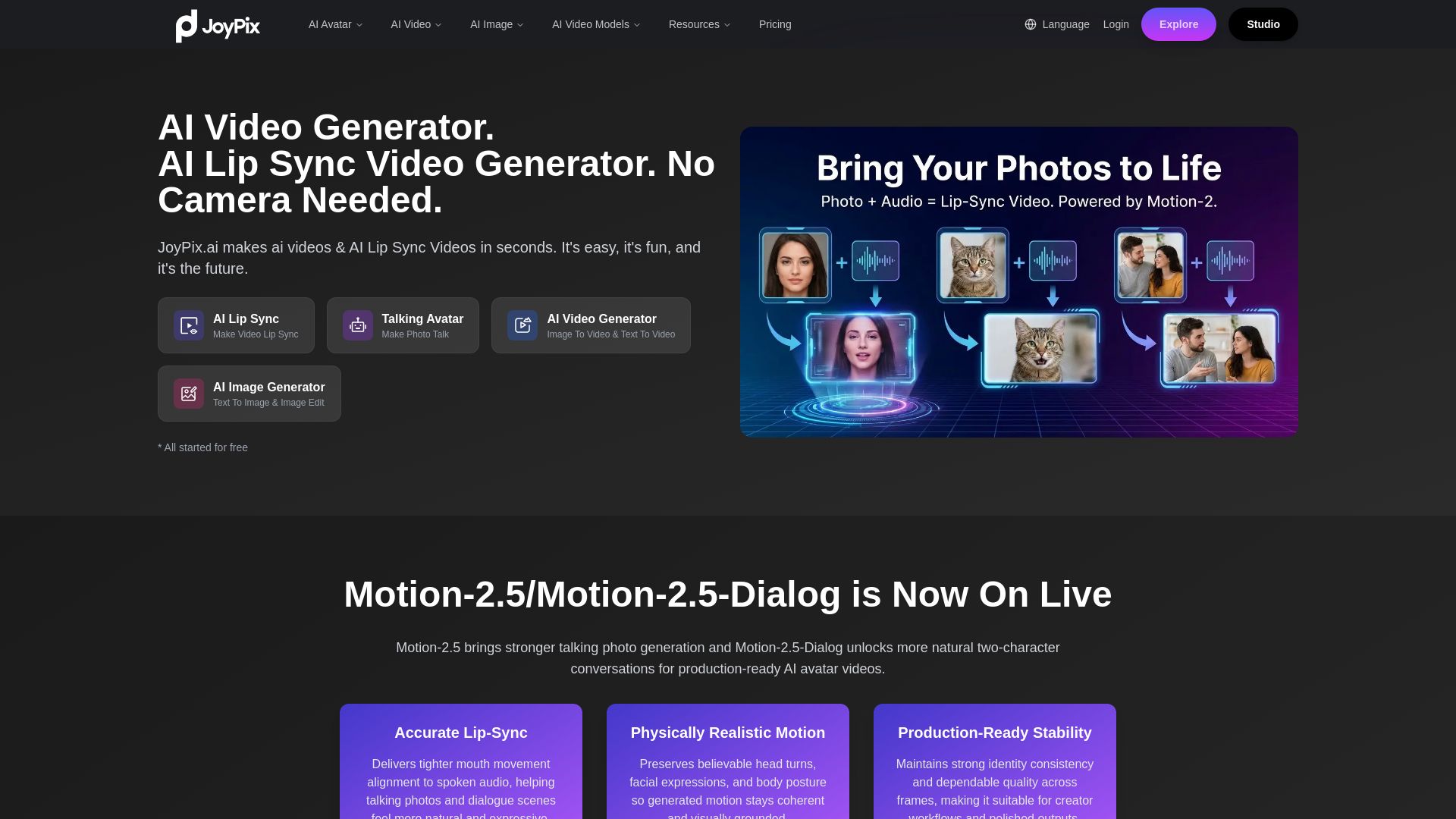
JoyPix
Create realistic AI lip-sync videos and talking avatars from photos. Free voice cloning, 40+ languages, and multiple video models. Try for free!

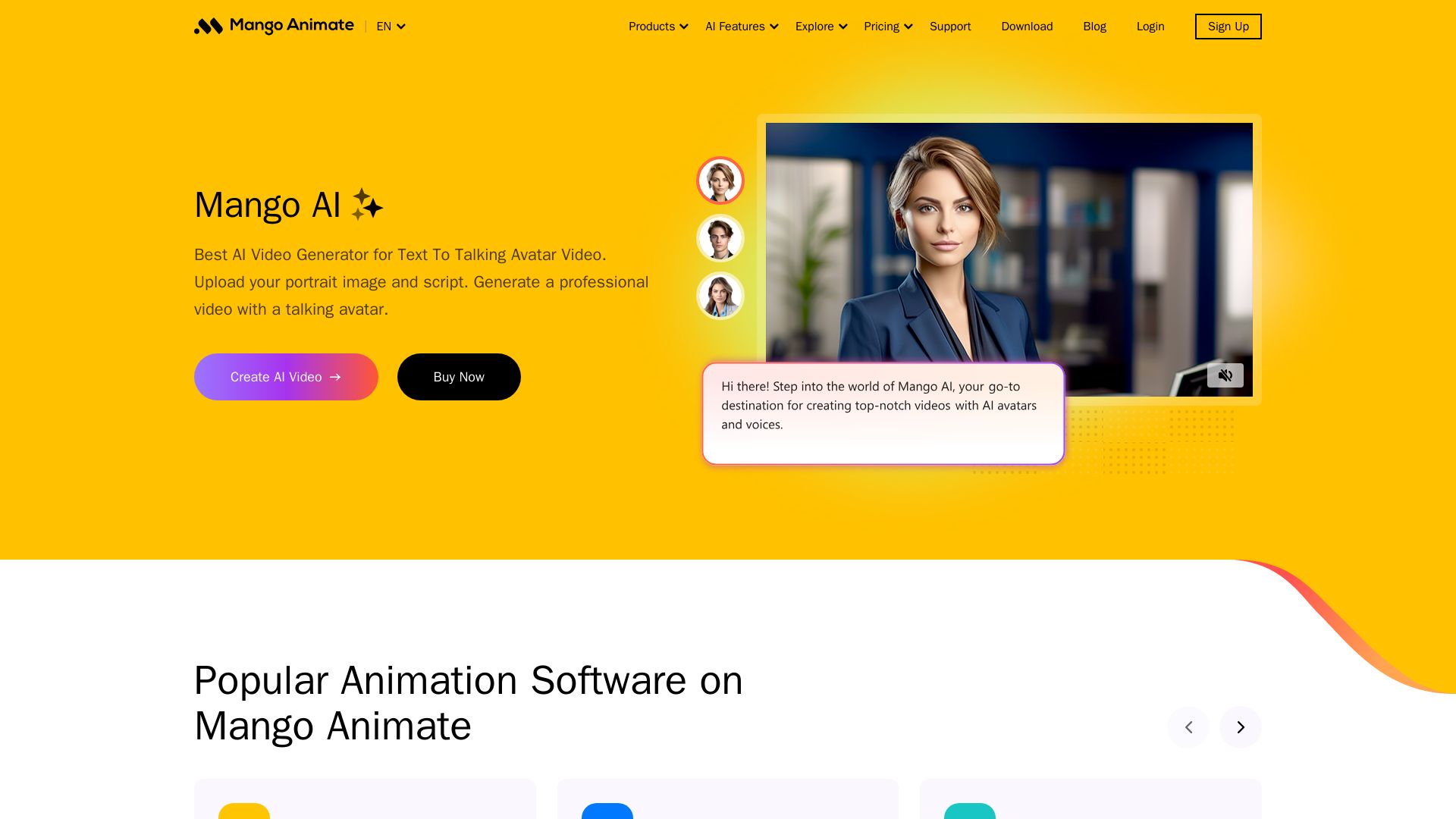
Mango AI
Create professional AI talking avatar videos from text and portrait. Perfect for business, education, personal use. Easy, fast, and affordable.

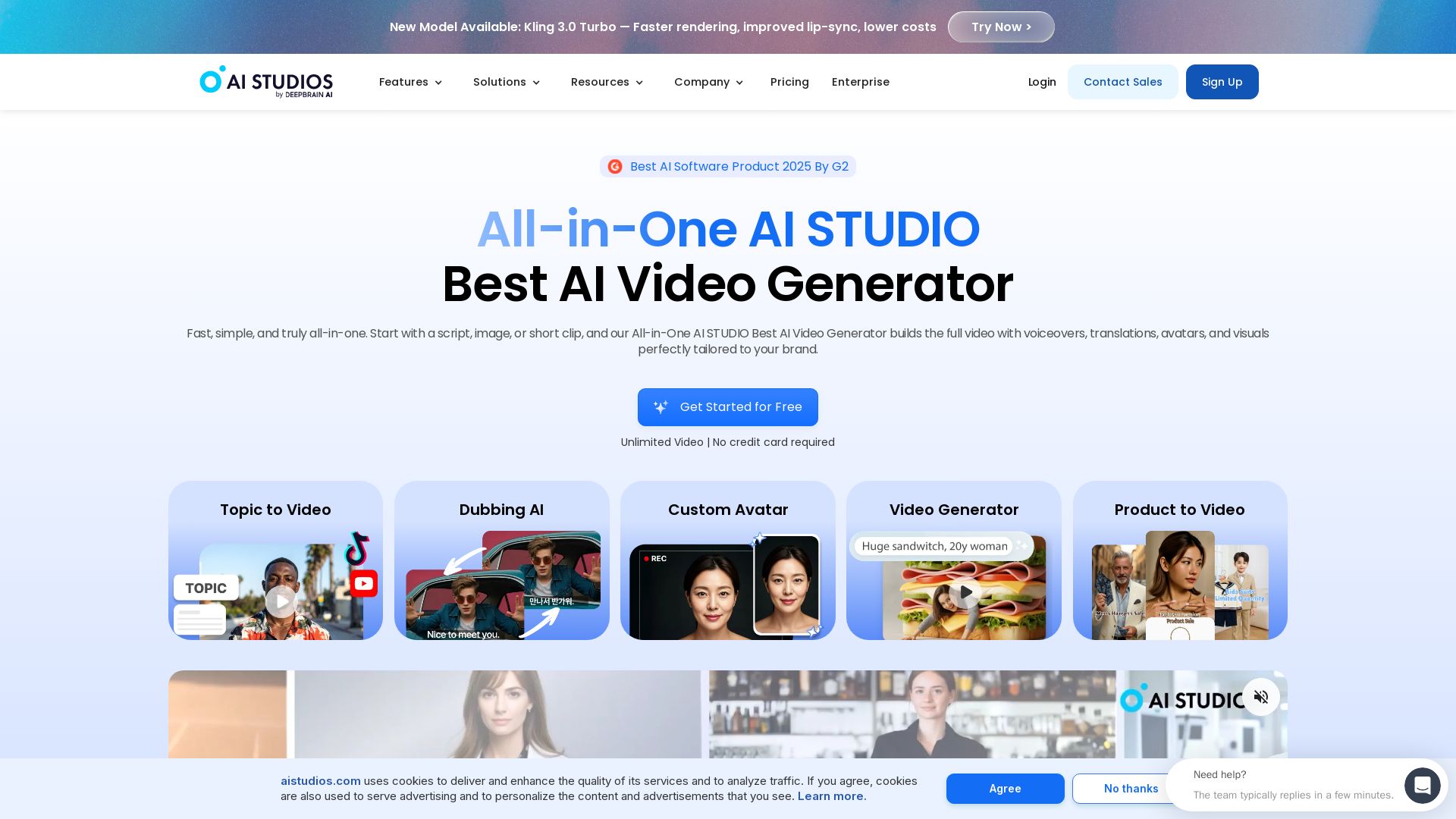
AI STUDIO
Create professional AI videos in minutes with 2000+ avatars, 150+ languages, and lifelike lip-sync. Free plan available. Trusted by 2M+ users.

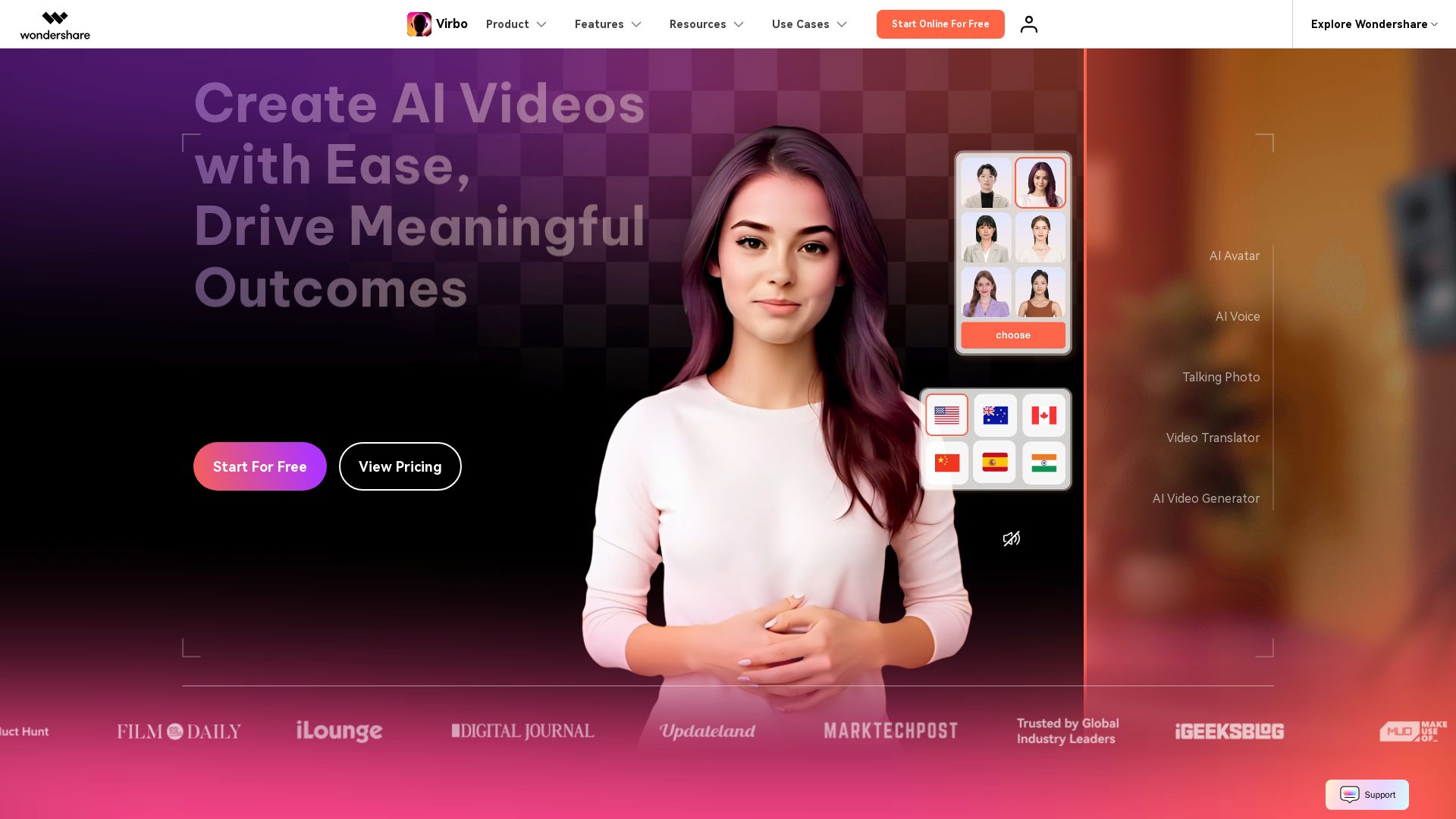
Wondershare Virbo
Create stunning AI videos with 350+ avatars, 400+ voices, and 80+ languages. Effortlessly produce professional content for marketing, education, and more.


AI Video - AI Video Generator
Create animated videos from text or images with AI. Drag-and-drop editing, lip-sync, HD export. No skills needed. Download free!


Vidix–AI Photo Video Generator
Transform photos into AI videos, 3D avatars, and cinematic effects. Free AI-powered app for creative content. Download now!

D-ID
Create humanlike AI videos and interactive avatars for engaging, personalized communication at scale. Trusted by leading organizations. Get started free.

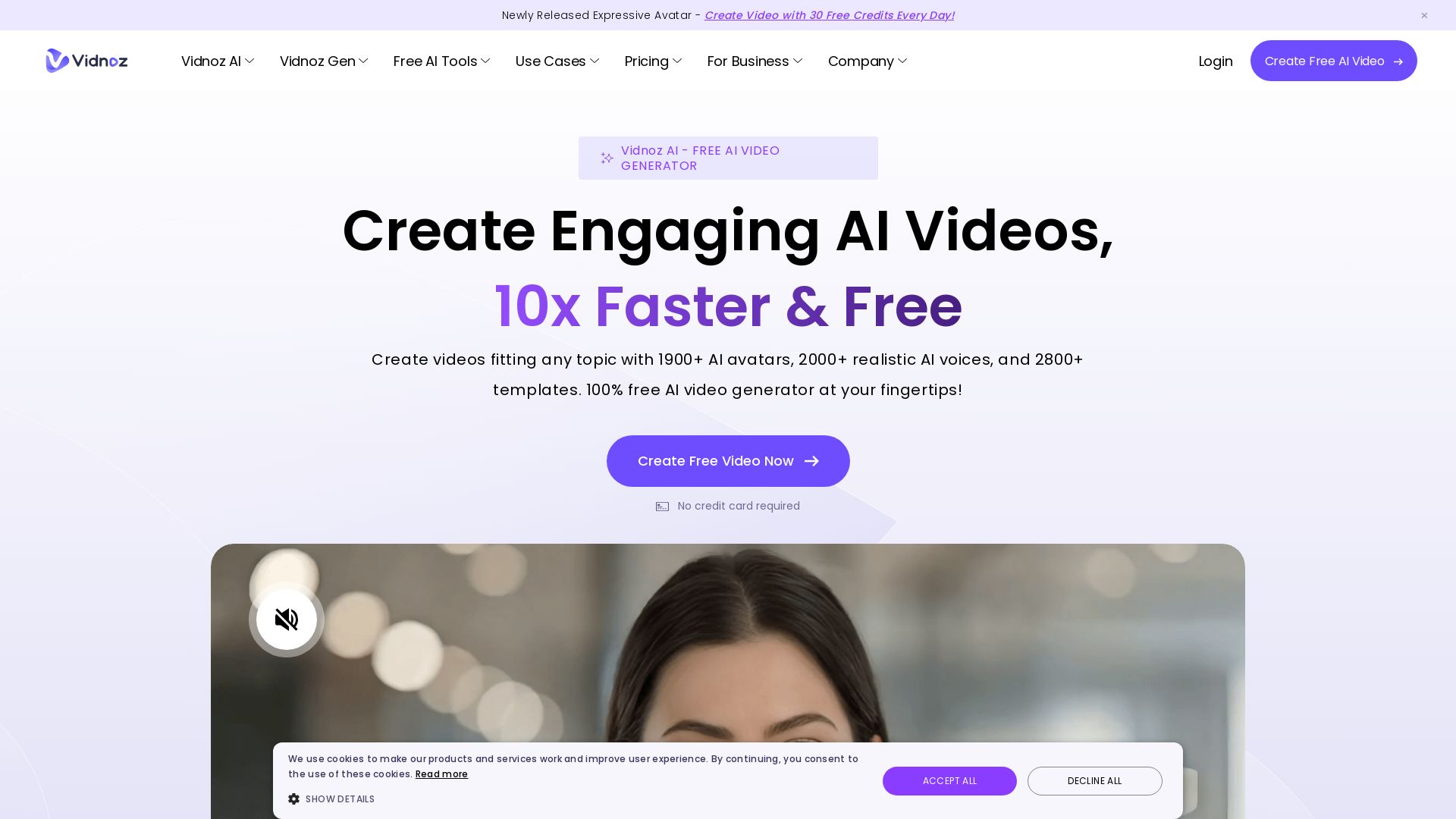
Vidnoz AI
Create free AI videos with Vidnoz AI. 1900+ avatars, 2000+ voices, 2800+ templates. 30 free credits daily. Ideal for marketing, training, and more.

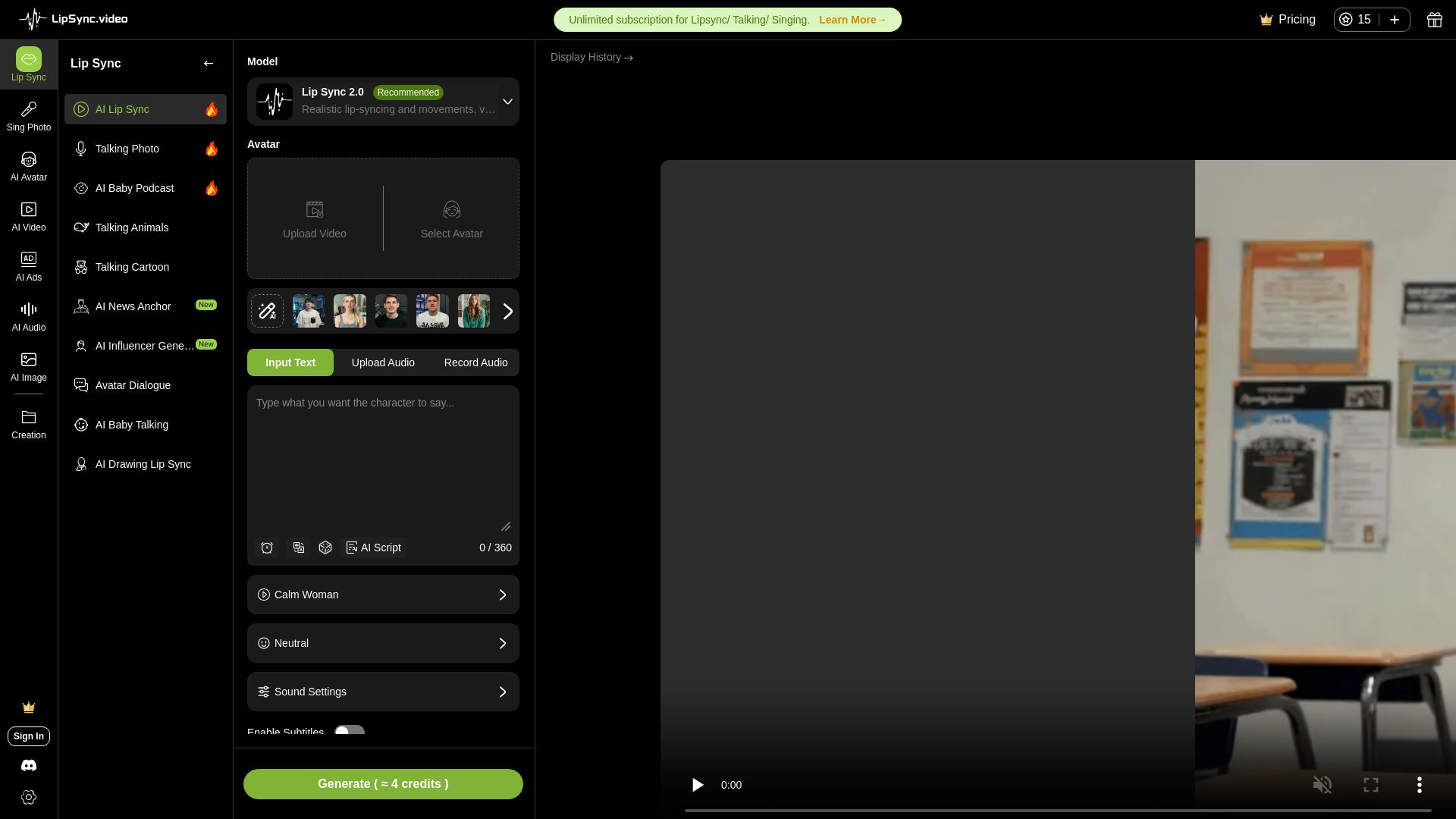
LipSync
Create realistic lip-synced videos for free with no watermark. Supports multiple languages, avatars, and content types. Perfect for marketing, social media, and more.

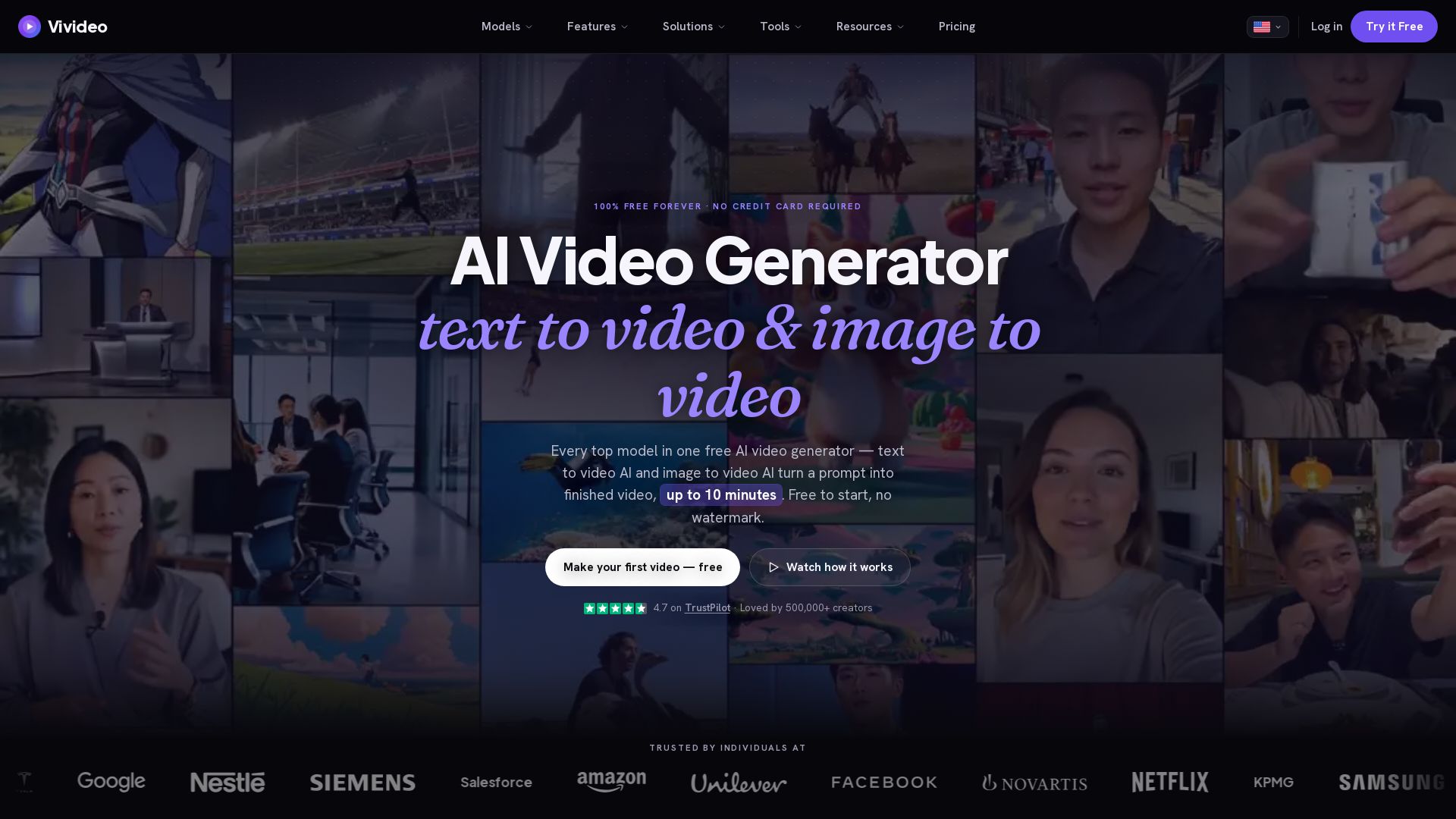
Vivideo
Create stunning AI videos from text or images. 30+ top models, 10 min length, no watermark. Free forever, no credit card needed.

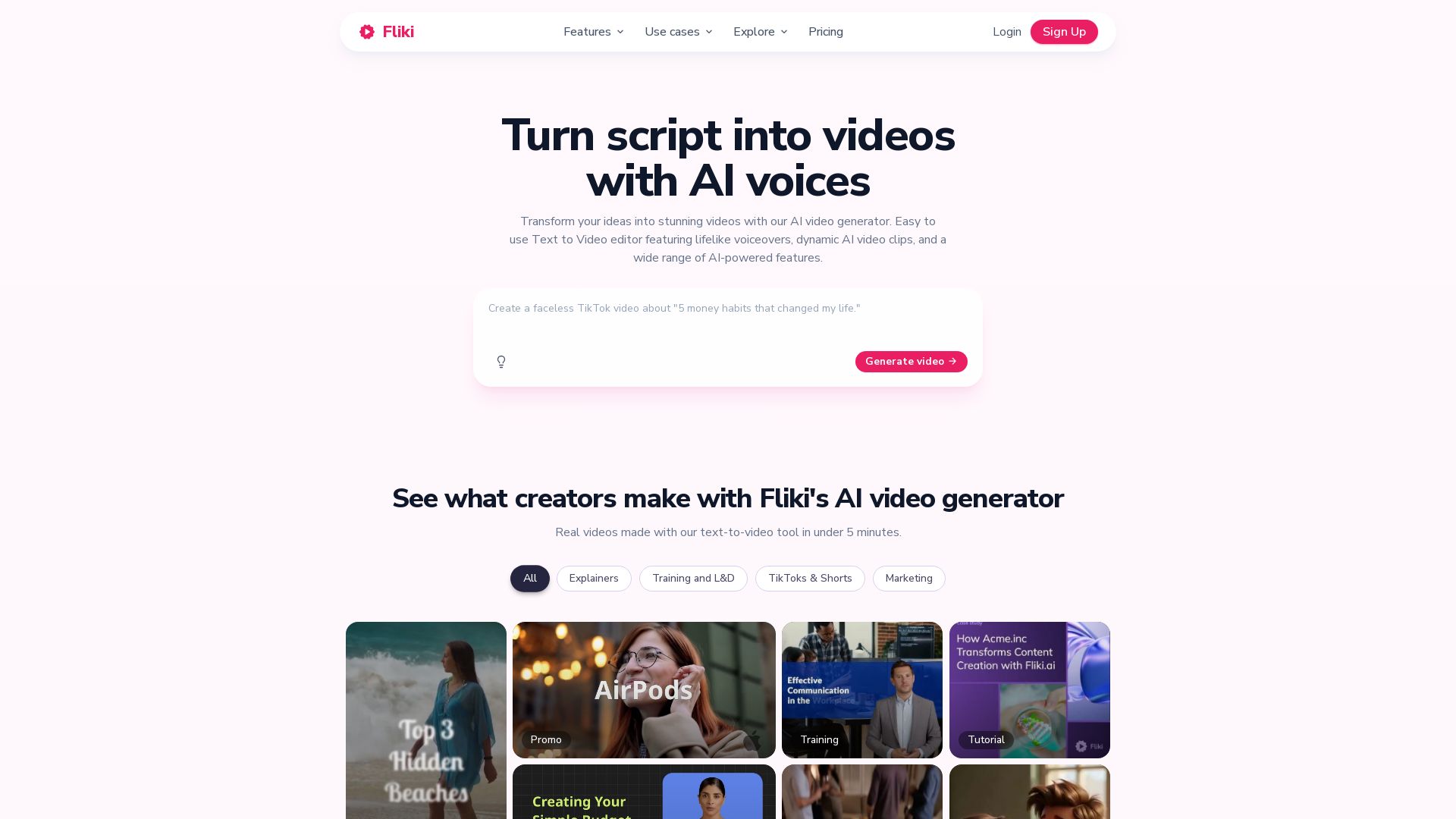
Fliki
Create stunning videos from text in minutes. AI voices, visuals, music, and captions. Trusted by 12M+ creators. Free to start.

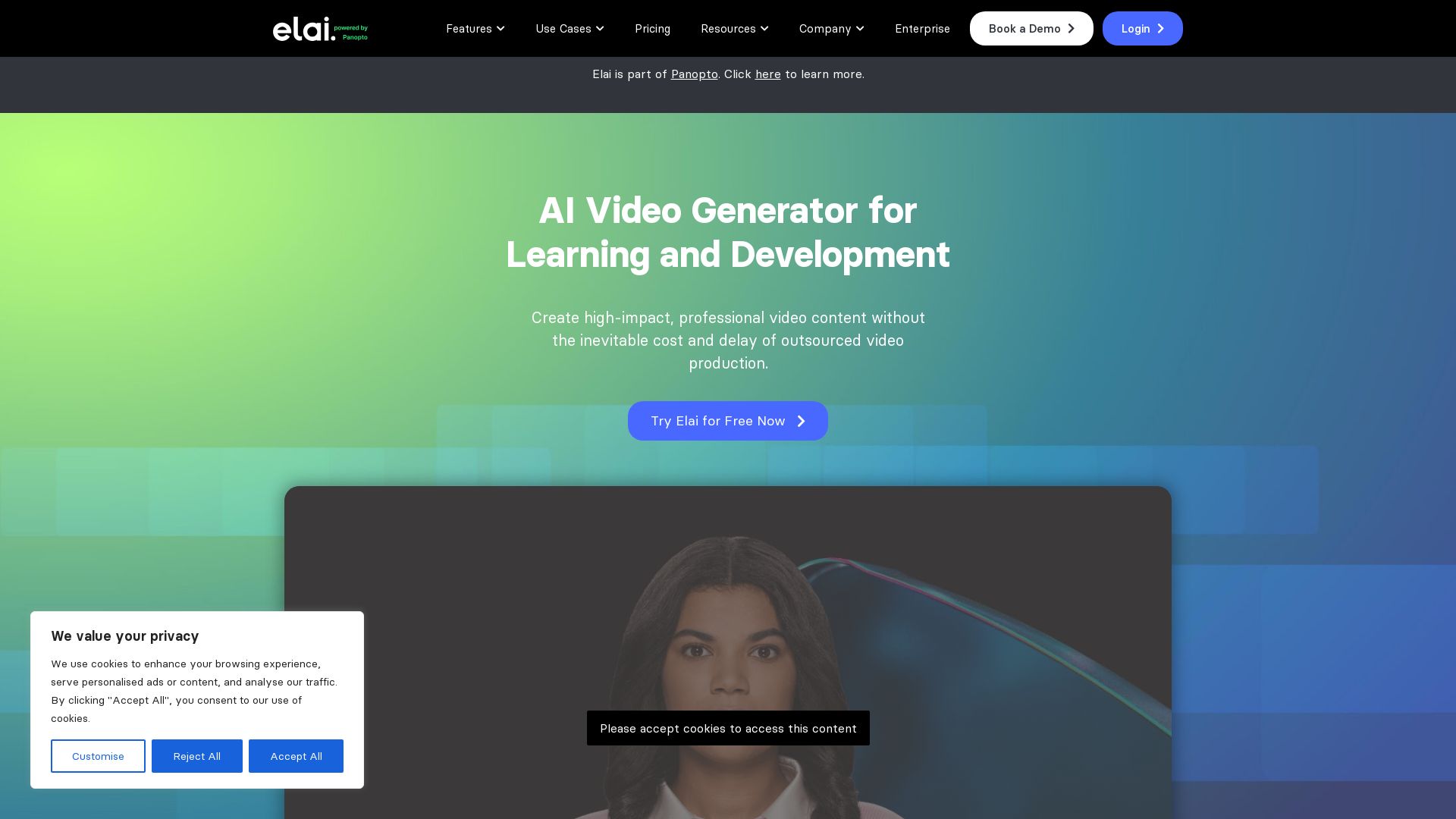
Elai
Create high-quality AI videos in minutes with realistic avatars, voice cloning, and multi-language support. Perfect for L&D teams.

ℹ️ Curation Disclosure: The overview and features of Toki AI were synthesized using AI and fact-checked by our curation team to ensure accuracy.
