
Vivideo
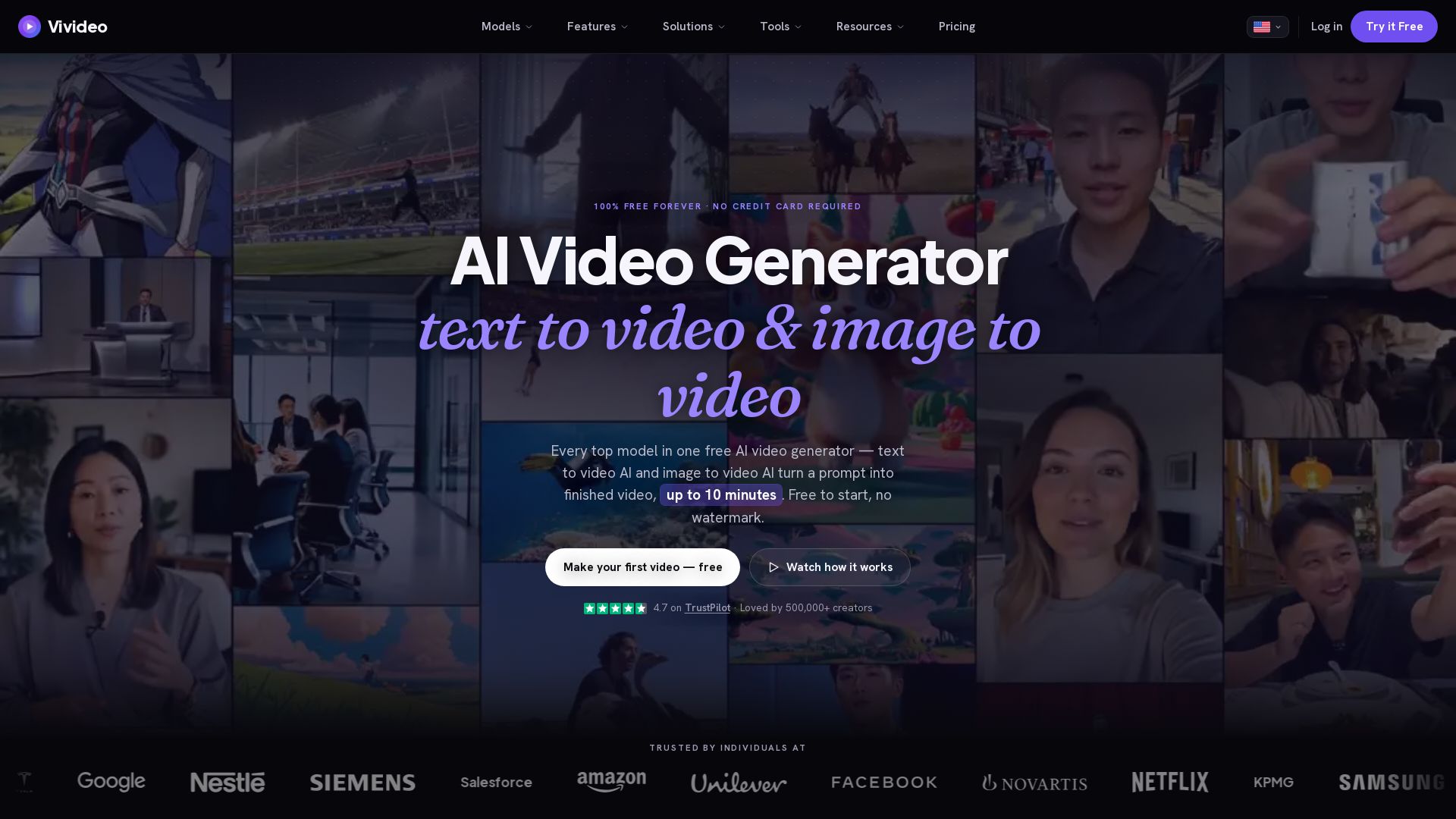
Create stunning AI videos from text or images. 30+ top models, 10 min length, no watermark. Free forever, no credit card needed.


Editor's Verdict
Key Takeaways
- Agentic Chat
- Auto-Generate
- Manual Mode
- Text to Video
In-Depth Review: What is Vivideo?
Vivideo is a comprehensive AI video generation platform that enables users to convert text prompts or images into professional videos up to 10 minutes long. It offers access to over 30 leading AI video models (including Sora 2, Veo 3.1, Kling), built-in AI avatars, voice cloning, multi-language support, and an agentic video creation tool powered by Claude. Designed for creators, marketers, and businesses, Vivideo produces watermark-free videos in HD/4K with subtitles and music. The platform is free to use without requiring a credit card, making advanced AI video production accessible to everyone.
Core Features
Agentic Chat
Describe an idea and a Claude-powered agent plans scenes, casts avatars/voices, renders, and revises on request for long-form videos up to 10 minutes.
Auto-Generate
One prompt in, a finished video out – AI handles script, scenes, voiceover, captions, and music across 30+ models.
Manual Mode
Full hands-on control: pick any of 30+ AI video models per shot, tune prompts and settings, and build videos exactly as desired.
Text to Video
Turn a prompt, script, or blog post into a finished video with AI voiceover and subtitles using 30+ models.
Image to Video
Upload a photo and animate it into a cinematic video with motion, camera moves, and sound, no watermark.
AI Avatars
Create a lifelike talking avatar from a photo or prompt, or clone yourself; lip-sync and expressions automatic.
AI Voices
Turn text into natural speech or clone your own voice in 30+ languages; realistic text-to-speech with no robotic tone.
AI Video Translator
Upload a video and translate it into 30+ languages with translated captions and native AI voiceover.
AI Dubbing & Lip Sync
Dub any video into 30+ languages with native voice and matching lip-sync, as if filmed in that language.
Brand Kit
Paste your website URL to automatically pull logo, colors, and fonts; apply to all videos for consistent branding.
Video Templates
100+ ready-to-use templates for ads, social posts, explainers; AI fills them with your prompt or brand.
Automation
Trigger video generation from spreadsheets, forms, schedules, or events; produce on-brand videos in bulk automatically.
Integrations
Connect with CMS, social schedulers, spreadsheets, and more; generated videos flow into your workflow.
MCP Server
Model Context Protocol server so AI agents (e.g., Claude) can generate video as a native tool.
CLI
Generate video from the command line – text-to-video, image-to-video, avatars, and dubbing; scriptable and pipeable.
API
One REST API for 30+ models: generate text-to-video, image-to-video, avatars, voices, dubbing, and captions.
Long-Form Videos
Generate videos up to 10 minutes with multi-scene continuity from a single prompt.
No Watermark
Download clean videos with no Vivideo watermark; exports are 100% yours.
Pricing
PRO
- 30 credits/week – up to 10 videos
- Long-form videos up to 5 minutes from a single prompt
- Access to Seedance 2.0, Kling & 30+ premium AI models
- 100+ ready-to-use avatars
- 100+ ready-to-use voices
- Clone yourself as an avatar
- Clone your own voice
- 100+ ready-to-use video templates
- Design an avatar with AI
- Design a voice with AI
- Add your brand kit from a URL
- Attach files to generate videos
- HD quality exports
- No watermarks
- Download & share videos
- Extend your videos
- Edit with a prompt
- Video remix
MAX
- 100 credits/week – up to 33 videos
- Long-form videos up to 5 minutes from a single prompt
- Access to Seedance 2.0, Kling & 30+ premium AI models
- 100+ ready-to-use avatars
- 100+ ready-to-use voices
- Clone yourself as an avatar
- Clone your own voice
- 100+ ready-to-use video templates
- Design an avatar with AI
- Design a voice with AI
- Add your brand kit from a URL
- Attach files to generate videos
- HD quality exports
- No watermarks
- Download & share videos
- Extend your videos
- Edit with a prompt
- Video remix
- Publish anywhere in one click – TikTok, Google Drive & more
- Automations
- MCP skills
- API access
Enterprise
- Unlimited / volume credits
- Team seats & shared workspace
- Full API access
- Priority support & dedicated CSM
Pros and Cons
Pros
- Free to Start, No Credit CardVivideo offers a free trial without requiring a credit card, allowing users to explore features before committing.
- No Watermark on ExportsAll paid plans and the free trial produce videos without watermarks, making them suitable for professional use.
- 30+ AI Models in One SubscriptionAccess to top models like Sora 2, Veo 3.1, Kling, and Seedance under a single plan, eliminating the need for multiple subscriptions.
- Long-Form Video GenerationGenerate videos up to 10 minutes with coherent storylines, ideal for explainers, ads, and tutorials.
- Agentic Video CreationAI-powered agent plans scenes, casts avatars and voices, and revises based on chat, saving time on manual editing.
Cons
- Credits-Based Usage for Lower PlansThe PRO plan offers only 30 credits per week, limiting the number of videos for heavy users.
- No Monthly Billing OptionPricing is only offered as yearly subscriptions (billed weekly equivalent), which may not suit users preferring monthly commitments.
- Advanced Features Locked Behind MAX PlanAPI, automation, MCP skills, and direct publishing are only available in the MAX plan, increasing cost for power users.
- Watermark in Free Tier?The text implies free trial may have limitations; while no watermark is mentioned for paid plans, it's unclear if the free tier has a watermark.
- Learning Curve for Manual ModeManual mode offers granular control but may be overwhelming for beginners not familiar with AI video parameters.
Use Cases & Recommended Professions
Content Creator / Social Media Manager→ View Toolkit
Need to produce high-volume, engaging short-form videos (TikTok, Reels, Shorts) daily without filming; Vivideo automates text-to-video and offers templates for trending content.
Digital Marketer→ View Toolkit
Require quick ad creatives, UGC-style videos, and product demos for A/B testing; Vivideo's multi-model support and brand kit enable rapid iteration.
E-commerce Seller→ View Toolkit
Need to turn product photos into video ads and virtual tours; image-to-video and avatars help showcase products with minimal cost.
Educator / Corporate Trainer→ View Toolkit
Must convert curricula or training docs into explainer videos with multilingual voiceovers; Vivideo's long-form and translation features streamline this.
Real Estate Agent→ View Toolkit
Require cinematic property tour videos from listing photos; AI-generated voiceover and motion increase inquiries significantly.
YouTuber (Faceless Channel)→ View Toolkit
Need to produce consistent video content without appearing on camera; Vivideo's avatars and text-to-video enable faceless channel growth.
Frequently Asked Questions
Alternative AI Tools
View Detailed Comparison →
Flow AI Video Generator
Create stunning 4K AI videos with Flow AI Video. Text-to-video, image-to-video, multi-shot storytelling. Get 50% OFF now!

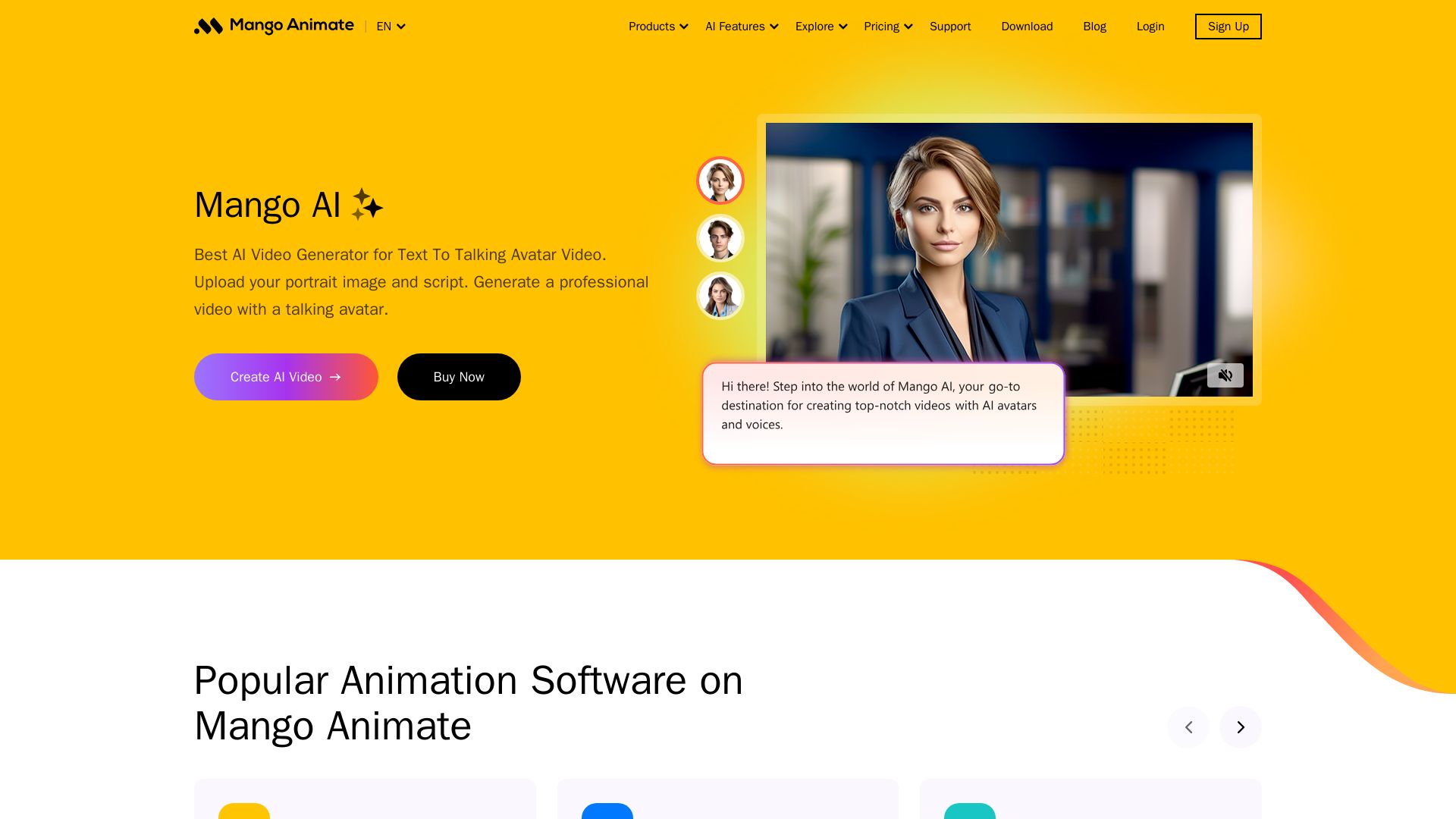
Mango AI
Create professional AI talking avatar videos from text and portrait. Perfect for business, education, personal use. Easy, fast, and affordable.


AI Video - AI Video Generator
Create animated videos from text or images with AI. Drag-and-drop editing, lip-sync, HD export. No skills needed. Download free!

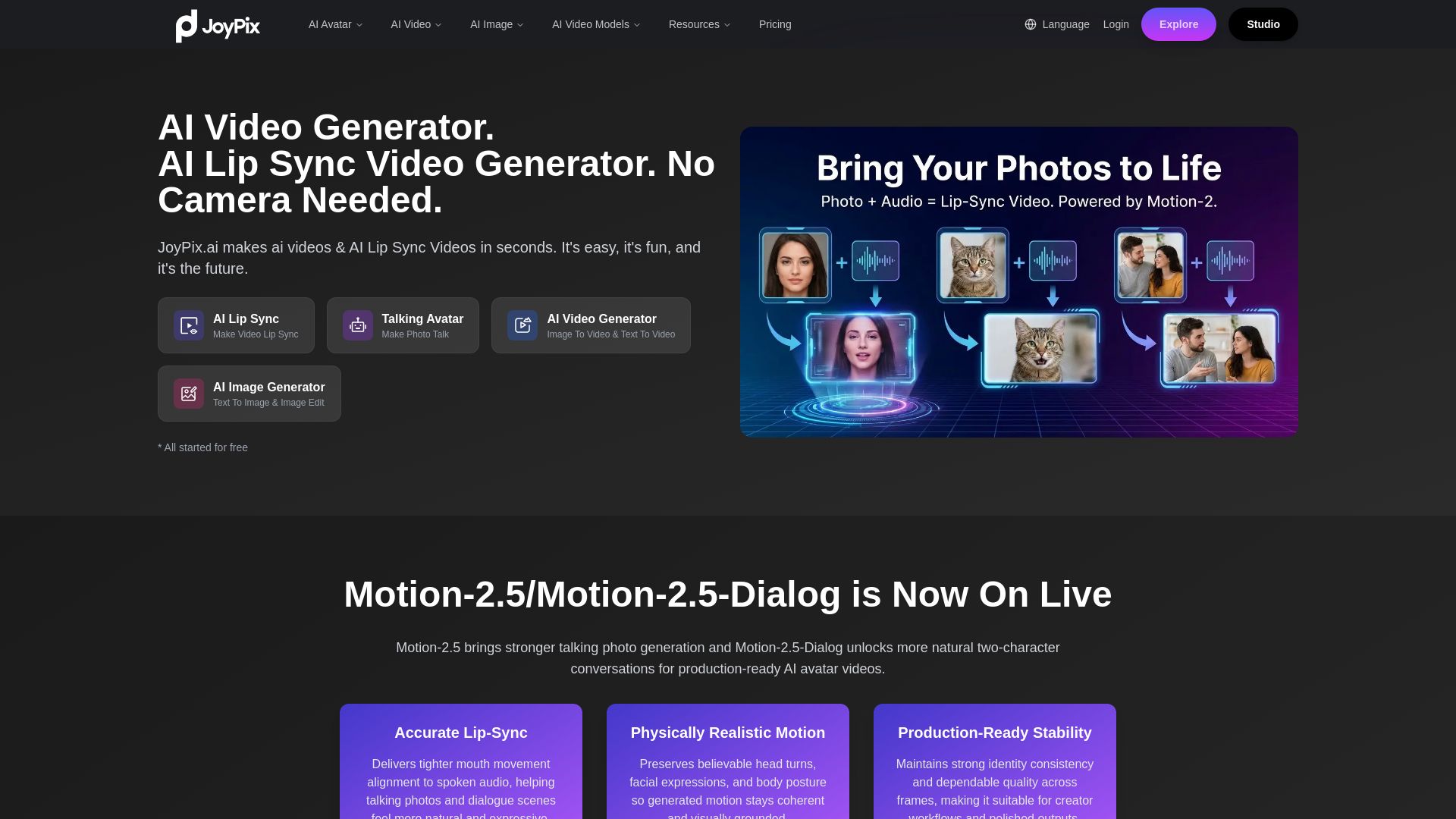
JoyPix
Create realistic AI lip-sync videos and talking avatars from photos. Free voice cloning, 40+ languages, and multiple video models. Try for free!

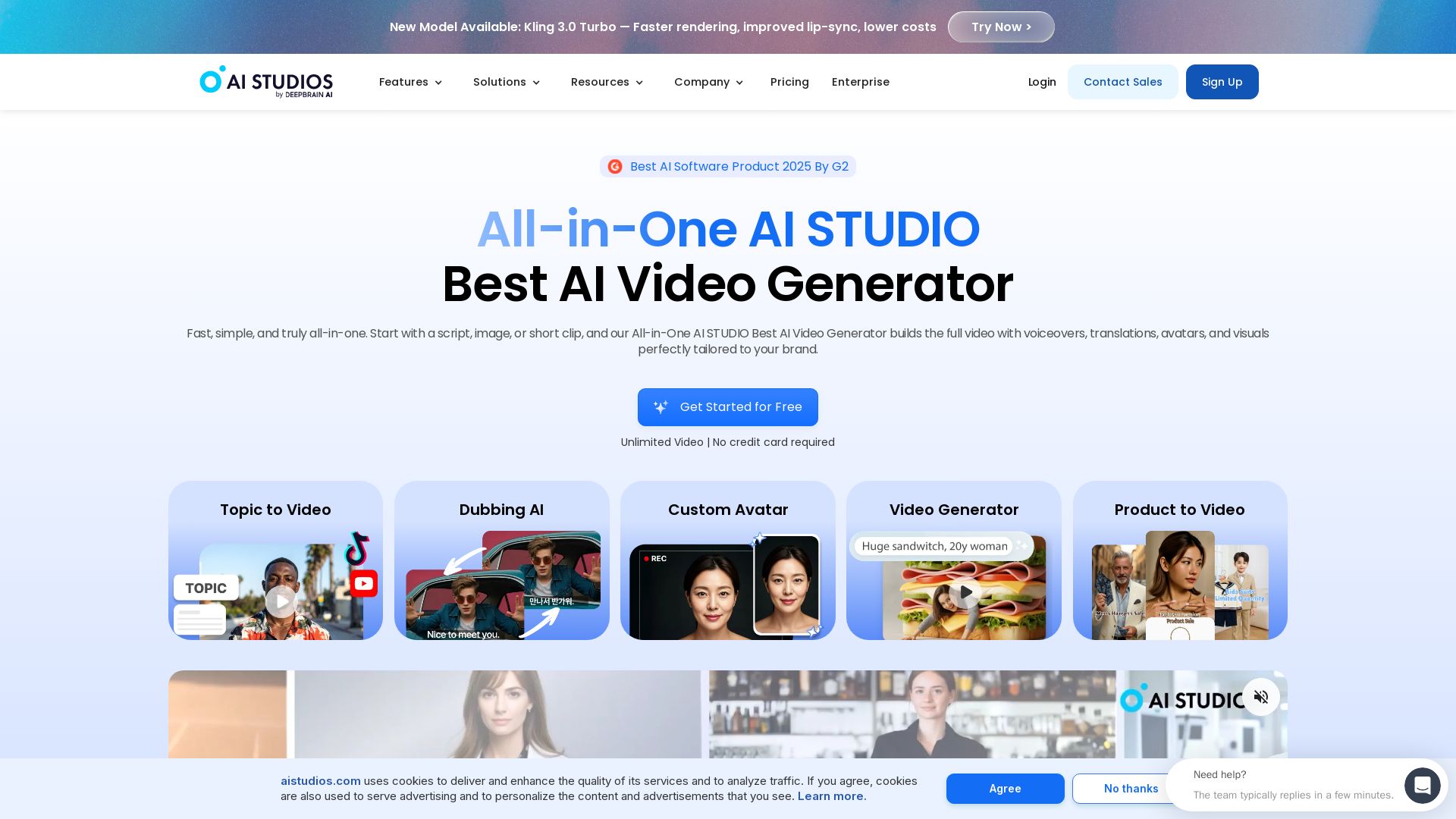
AI STUDIO
Create professional AI videos in minutes with 2000+ avatars, 150+ languages, and lifelike lip-sync. Free plan available. Trusted by 2M+ users.

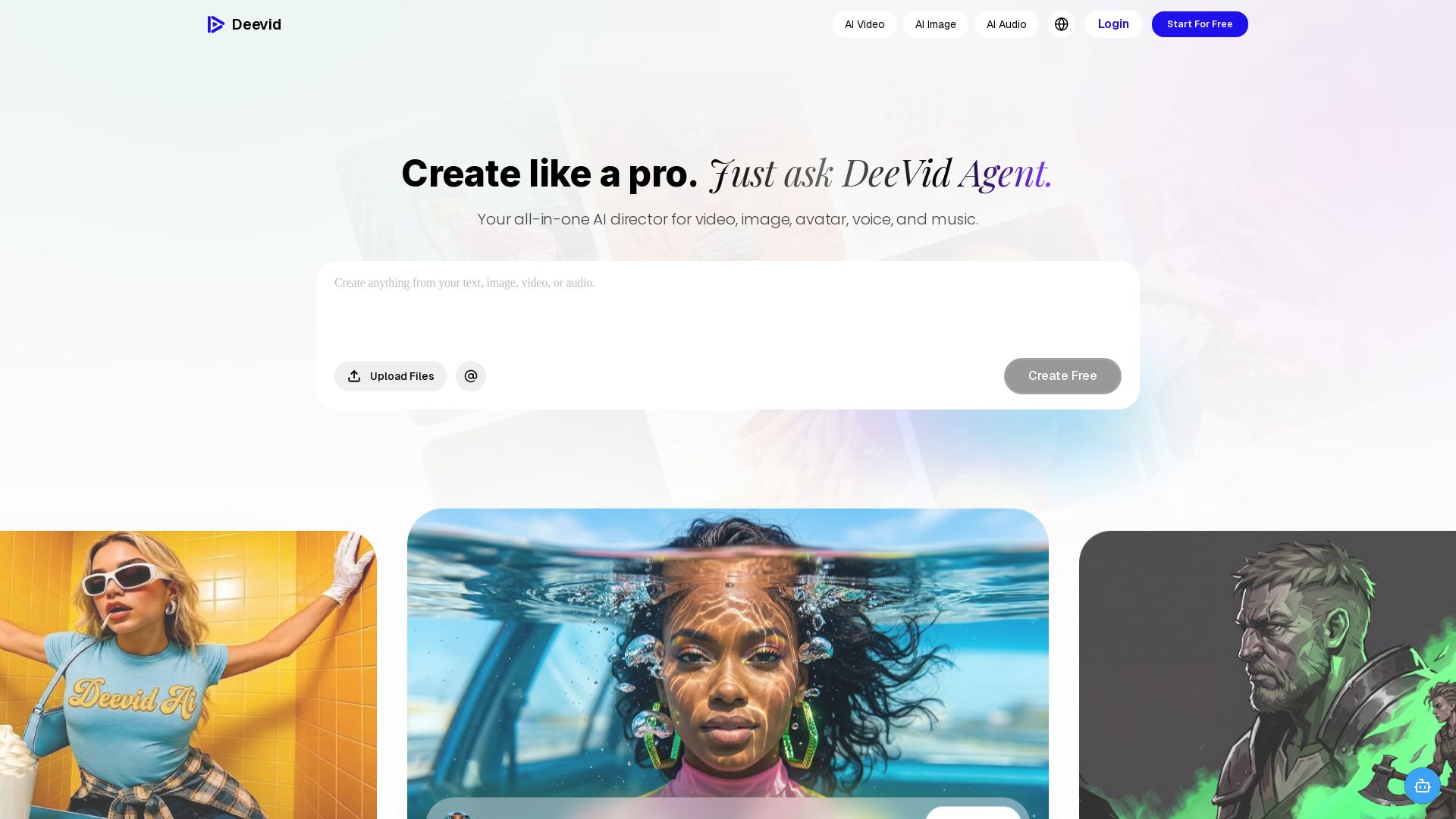
DeeVid AI
Create professional videos, images, avatars, and music with one AI. Text to video, image to video, AI ads, and more. Trusted by 30M+ creators.

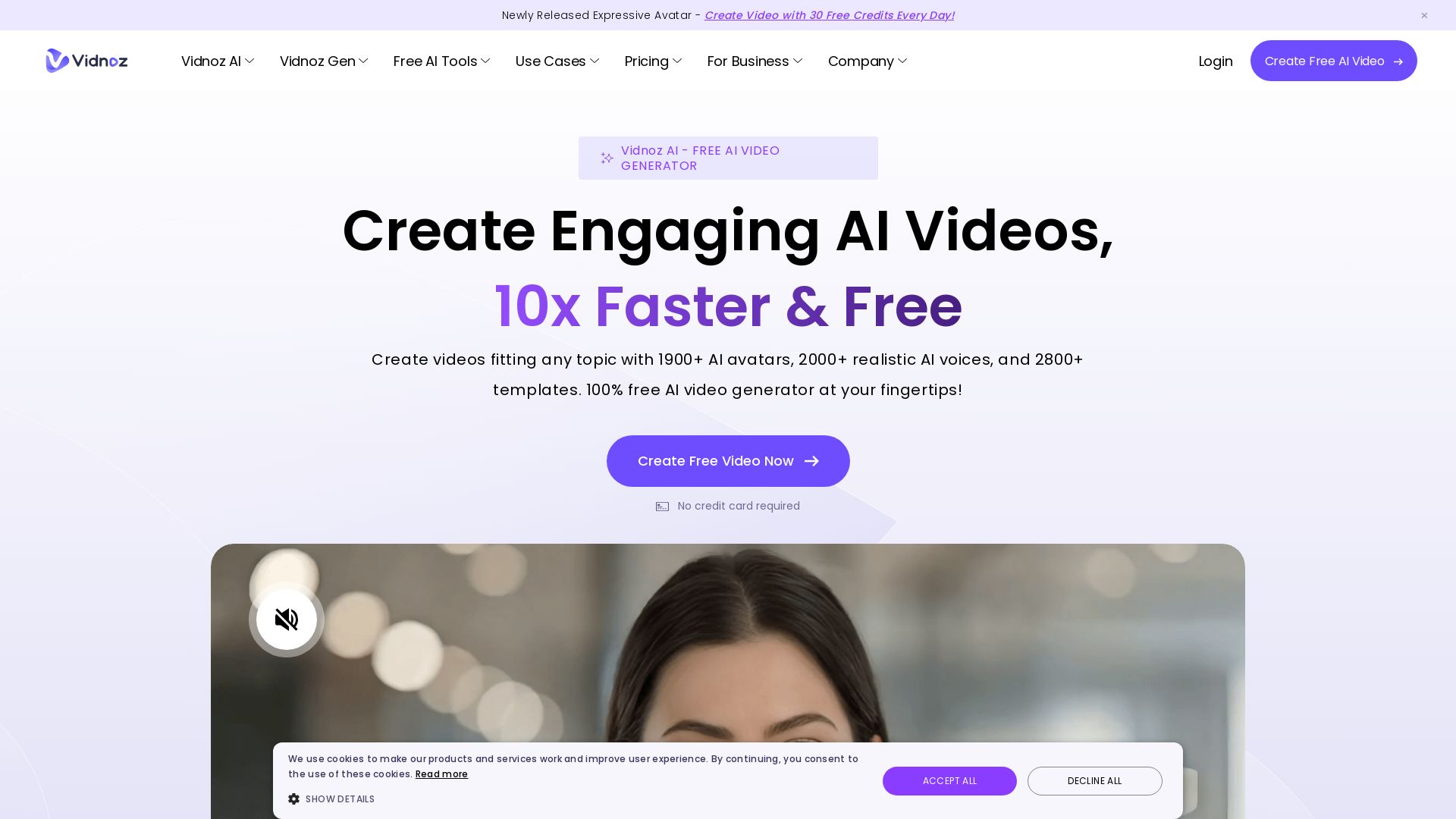
Vidnoz AI
Create free AI videos with Vidnoz AI. 1900+ avatars, 2000+ voices, 2800+ templates. 30 free credits daily. Ideal for marketing, training, and more.

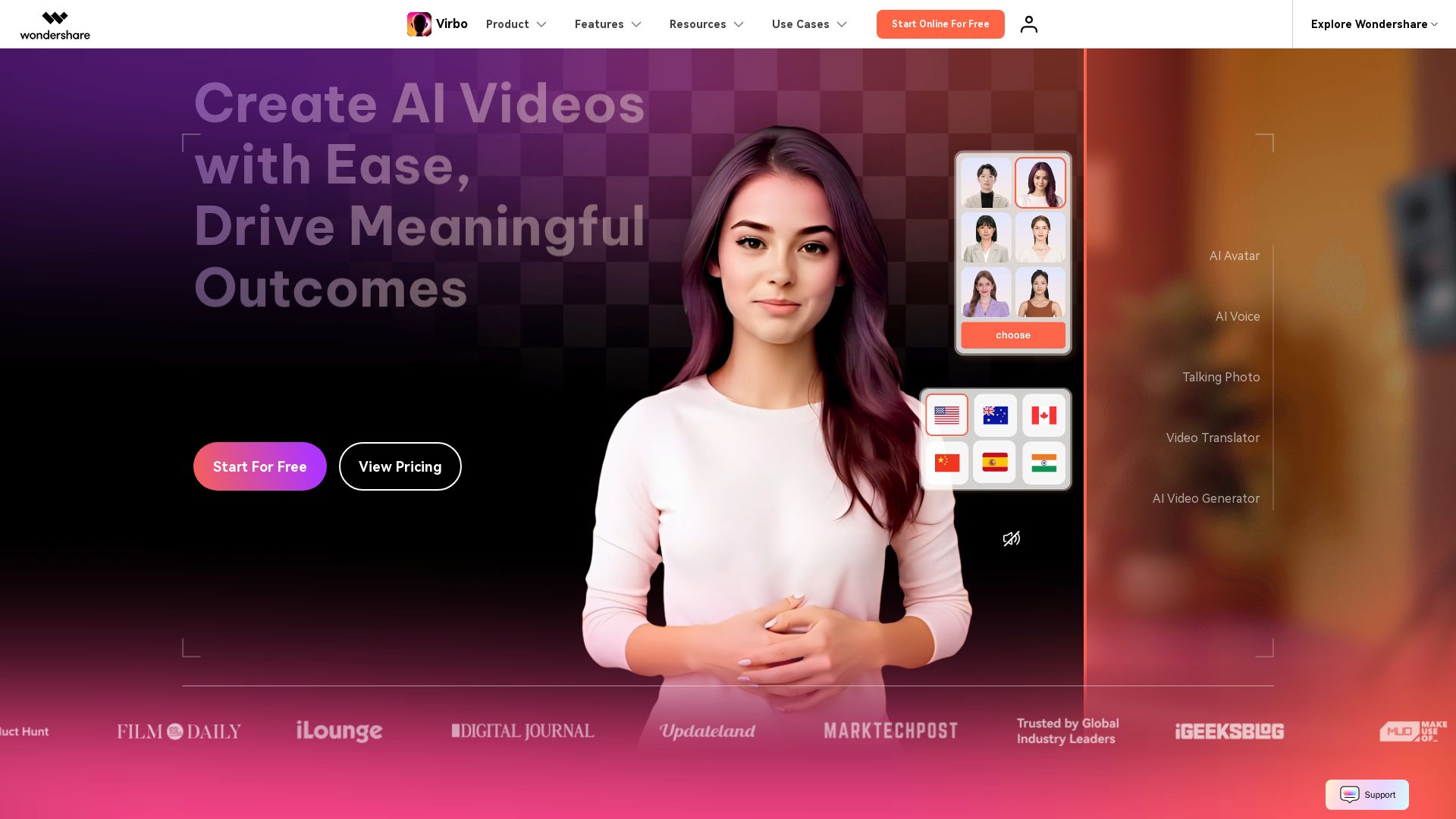
Wondershare Virbo
Create stunning AI videos with 350+ avatars, 400+ voices, and 80+ languages. Effortlessly produce professional content for marketing, education, and more.

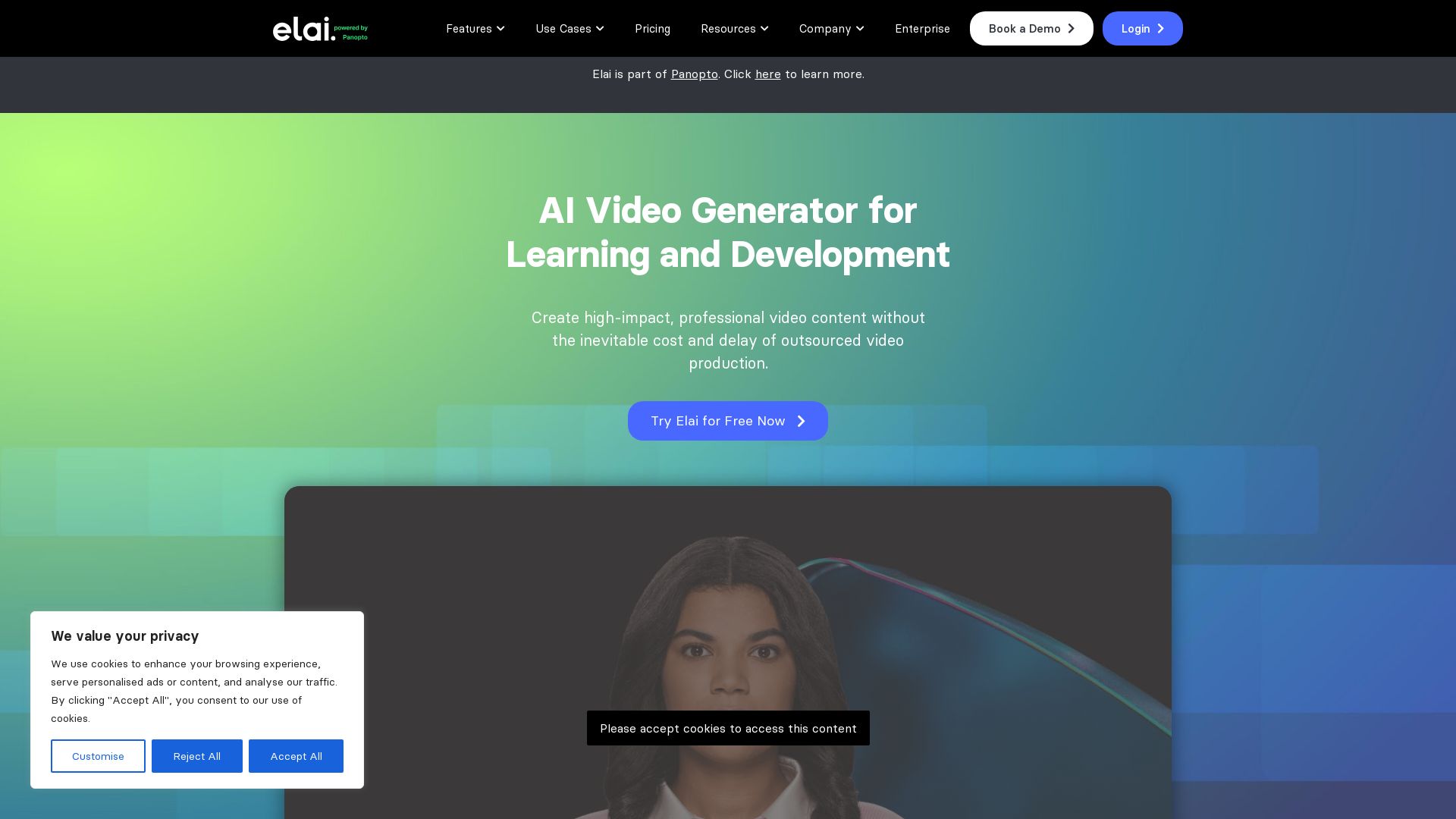
Elai
Create high-quality AI videos in minutes with realistic avatars, voice cloning, and multi-language support. Perfect for L&D teams.

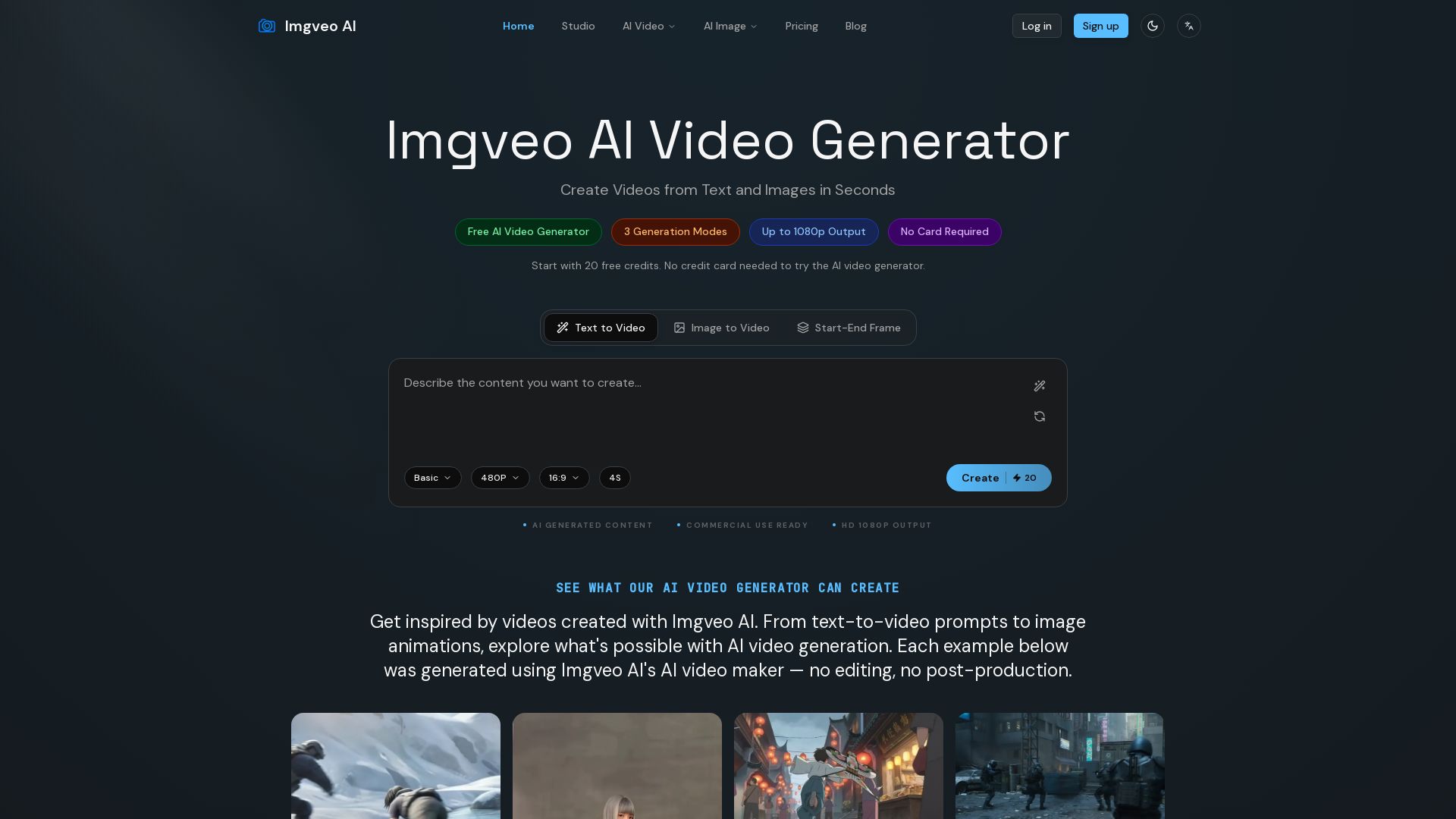
Imgveo AI
Create stunning AI videos from text, images, or start-end frames. Free to start with 20 credits, no card needed. Up to 1080p. Commercial use ready.

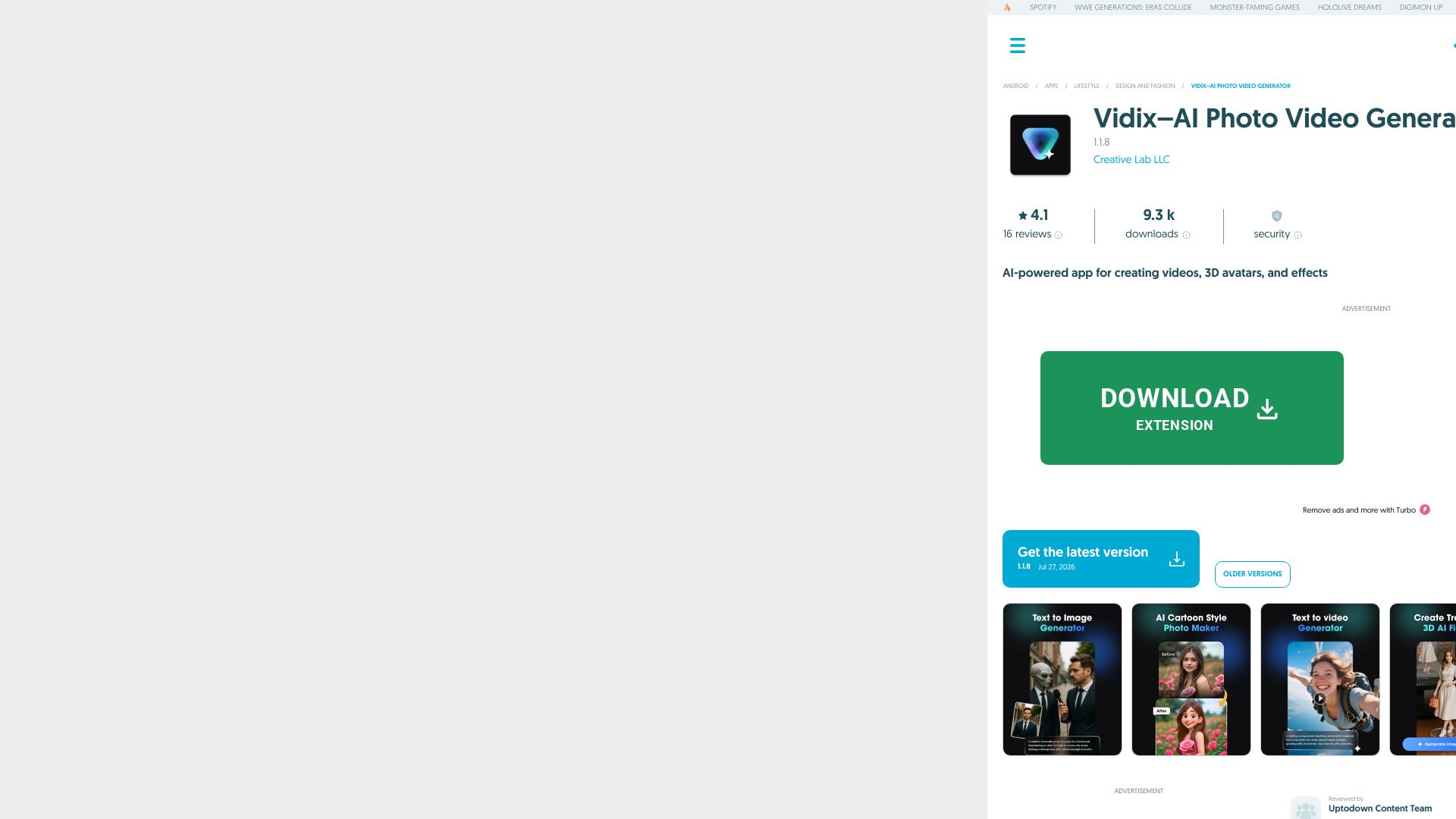
Vidix–AI Photo Video Generator
Transform photos into AI videos, 3D avatars, and cinematic effects. Free AI-powered app for creative content. Download now!


Gen AI Video Generator
Create stunning AI videos and images with 90+ models including Google VEO 3, Sora 2, Seedance 2.0. Text-to-video, image-to-video, photo editing on iOS.

ℹ️ Curation Disclosure: The overview and features of Vivideo were synthesized using AI and fact-checked by our curation team to ensure accuracy.
