
Flow AI Video Generator

Create stunning 4K AI videos with Flow AI Video. Text-to-video, image-to-video, multi-shot storytelling. Get 50% OFF now!
Editor's Verdict
Key Takeaways
- Superior Semantic Understanding
- Text & Image to Video
- Diverse Visual Styles
- 4K HD Quality
In-Depth Review: What is Flow AI Video Generator?
Flow AI Video is a professional AI video generator powered by Google's Veo models (Veo3, Veo3.1, Veo 3.2). It offers lightning-fast generation of cinematic 4K videos from text or images, with features like multi-shot consistency, semantic understanding, and diverse visual styles. Whether you need marketing clips, social media content, or creative storytelling, Flow AI Video provides an intuitive online platform with flexible pricing plans starting at $9.9/month. Save 50% during the launch special!
Core Features
Superior Semantic Understanding
Advanced language parsing enables precise control over multi-agent interactions, complex action sequences, and diverse camera movements.
Text & Image to Video
Create videos from text prompts or transform static images into dynamic video content with intelligent motion synthesis.
Diverse Visual Styles
From photorealism to anime, cyberpunk to watercolor – create in any aesthetic style with exceptional quality.
4K HD Quality
Generate stunning high-definition videos in native 4K resolution with smooth motion, rich details, and cinematic aesthetics.
Native Multi-Shot Storytelling
Generate cohesive narrative videos with multiple shots while maintaining consistency in characters, visual style, and atmosphere across scene transitions.
Ultra-Fast Processing
Industry-leading generation speed without compromising quality. Bring your creative visions to life in moments.
Pricing
Basic
- 400 credits per month
- Up to 20 videos/month
- Flow Video Generator
- Unlimited Flow AI Video downloads
- Permanent Flow AI Video history
- Nano Banana model
- Seedream model
- AI image enhancer
- AI image background remover
- Support AI video generation
- Veo 3 model
- Sora 2 model
- Seedance model
- Wan 2.5 model
- Priority generation queue
- No Watermark
- Priority customer support
Enterprise
- 6000 credits per month
- Up to 600 videos/month
- Google Flow Video
- Unlimited Flow AI Video downloads
- Permanent Flow AI Video history
- Commercial Use License
- Nano Banana model
- Seedream model
- AI image enhancer
- AI image background remover
- Support AI video generation
- Veo 3 model
- Sora 2 model
- Seedance model
- Wan 2.5 model
- Priority generation queue
- No Watermark
- Priority customer support
Pro
- 2000 credits per month
- Up to 200 videos/month
- Flow Video Maker
- Unlimited Flow AI Video downloads
- Permanent Flow AI Video history
- Nano Banana model
- Seedream model
- AI image enhancer
- AI image background remover
- Support AI video generation
- Veo 3 model
- Sora 2 model
- Seedance model
- Wan 2.5 model
- Priority generation queue
- No Watermark
- Priority customer support
Pros and Cons
Pros
- High-Quality 4K OutputNative 4K resolution with smooth motion, rich details, and cinematic aesthetics suitable for professional production.
- Multi-Shot StorytellingMaintains consistency across scenes, enabling narrative videos with coherent characters and style.
- Fast Generation SpeedUltra-rapid processing with a 99.5% success rate, delivering videos in seconds.
- Flexible Input OptionsSupports both text-to-video and image-to-video generation, offering versatility for different use cases.
- Transparent PricingMultiple plans with free credits to start, credit-based system, and no hidden fees.
Cons
- Credit-Based SystemEach video generation consumes credits, which may limit heavy users unless they purchase higher-tier plans.
- No Mobile AppCurrently only browser-based; standalone mobile app not available, though smartphone browsers are supported.
- Internet RequiredCloud-based service requires a stable internet connection to access and generate videos.
- Limited Free CreditsFree users receive only initial credits; additional generation requires subscription.
- Potential Cost for High UsageFor users needing many videos, the cost per credit may add up, especially on lower-tier plans.
Use Cases & Recommended Professions
Content Creator→ View Toolkit
Create engaging video content for social media, blogs, and platforms without needing advanced editing skills.
Social Media Manager→ View Toolkit
Quickly produce short promotional videos, ads, and stories to maintain an active online presence.
Video Editor→ View Toolkit
Leverage AI generation for quick drafts, stock footage, or creative transitions to enhance editing workflows.
Marketer→ View Toolkit
Generate marketing clips, product demos, and campaign assets with professional quality in minutes.
Entrepreneur→ View Toolkit
Create video content for business branding, pitches, and advertisements without a dedicated video team.
Filmmaker→ View Toolkit
Utilize multi-shot storytelling and 4K quality for pre-visualization, storyboards, or indie film production.
Frequently Asked Questions
Alternative AI Tools
View Detailed Comparison →
Marketing Mary
Unify research, creation, publishing & optimization with one AI Co-Pilot. Works in your existing stack. Join 500+ leaders on the waitlist.


Marketing Titan
Replace HubSpot, ZoomInfo, Hootsuite & Jasper with 180+ AI agents & Darwin AI. Save $50K+/yr. Start free trial.


Marketing Copilot
Boost AI visibility, engage buyers, and manage data with expert-led marketing. Trusted by tech companies. Claim your AI Visibility Assessment.

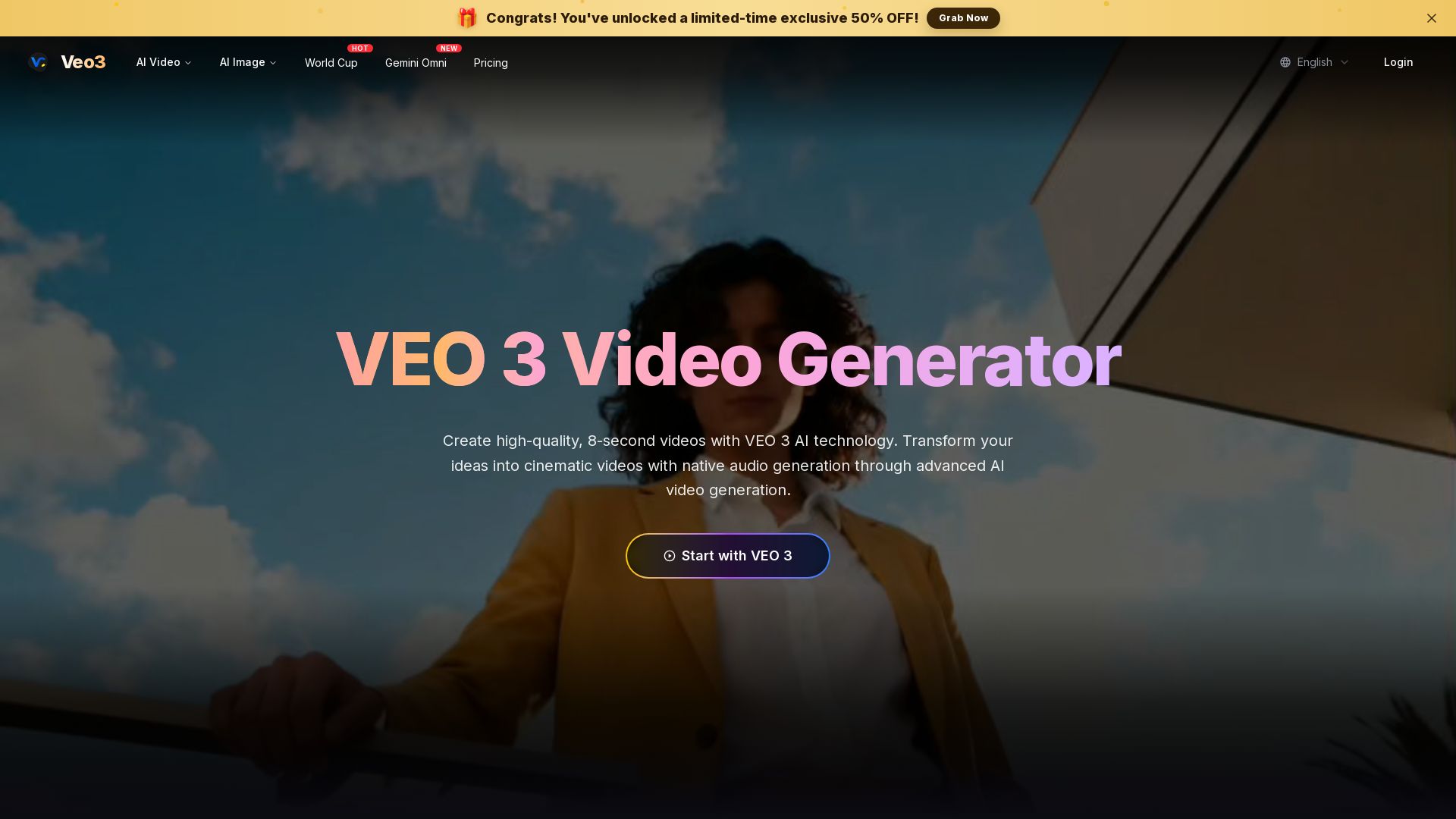
Veo 3
Create stunning 8-second AI videos with native audio. Powered by Google Veo 3.1. Text-to-video, image-to-video, cinematic quality. Start free.

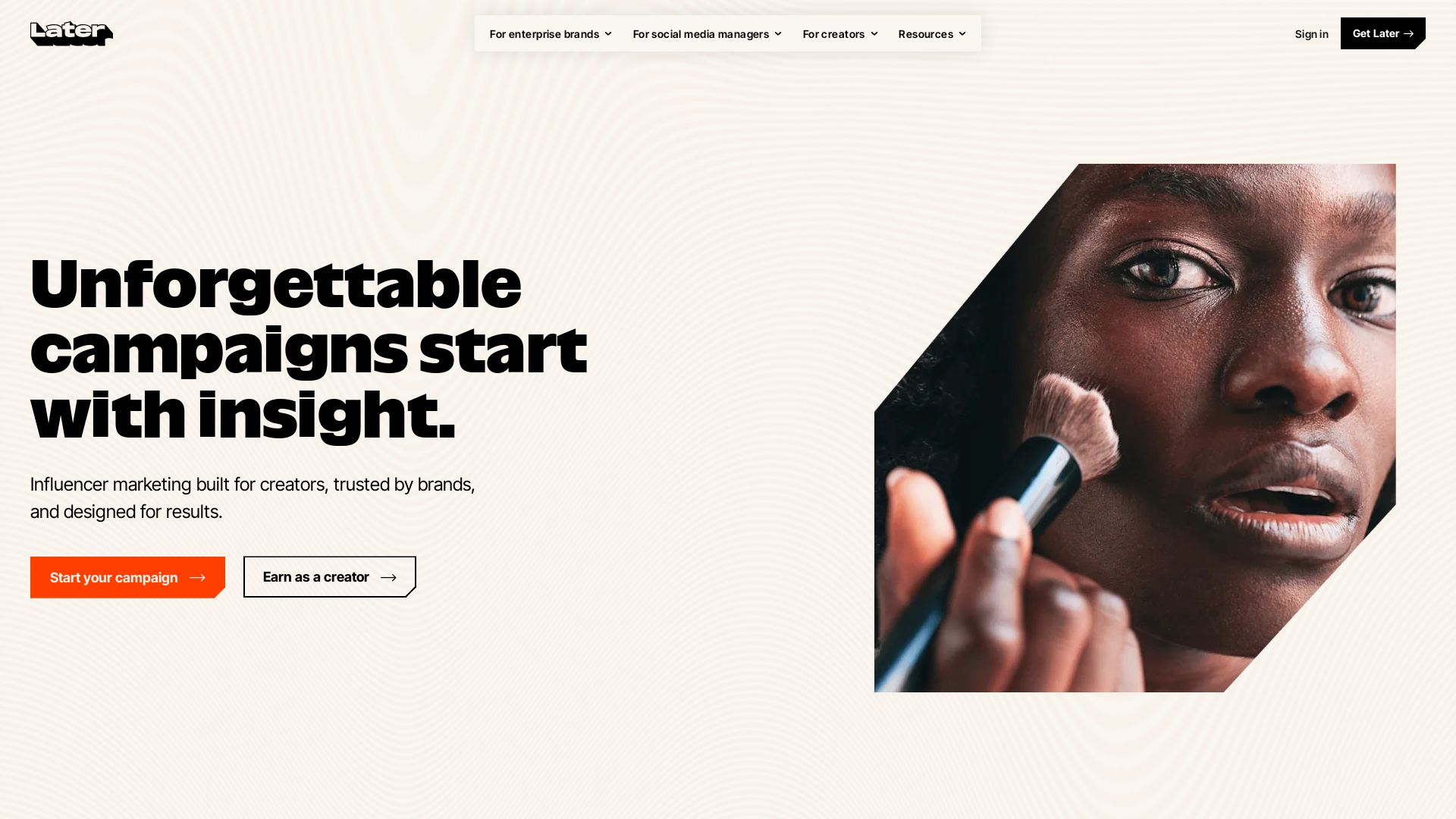
Later
Unforgettable campaigns start with insight. Later combines influencer marketing, social media management, and AI-driven data to drive results for enterprise brands, social media managers, and creators.

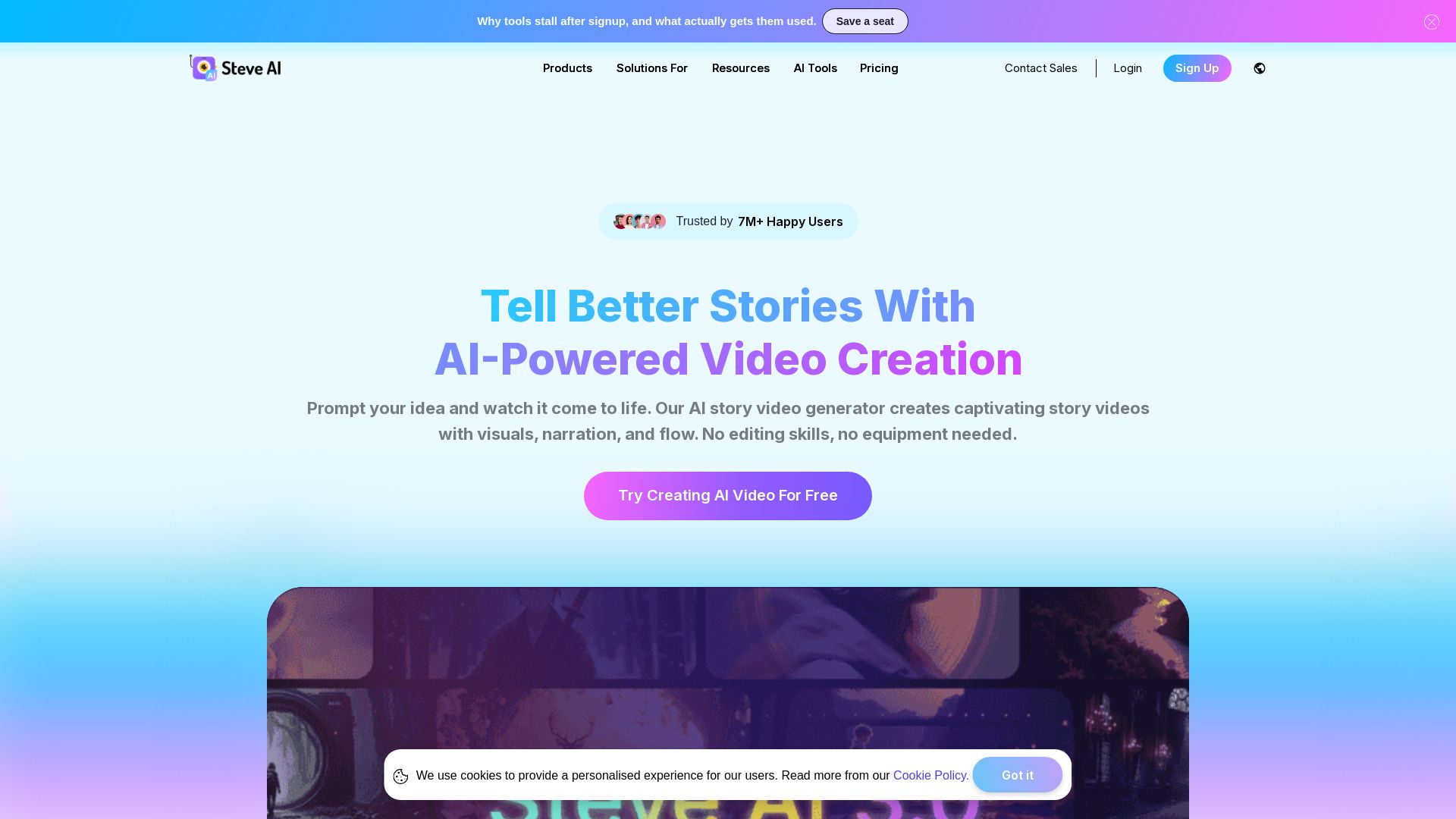
Steve AI
Turn ideas into captivating AI videos. No editing skills needed. Try free AI video maker with text, prompt, and multi-voice support.


FounderPal
Trusted by 2250+ founders. Get a personal AI marketing assistant to define strategy, delegate tasks, boost conversions. Save 100+ hours/month. Try free.

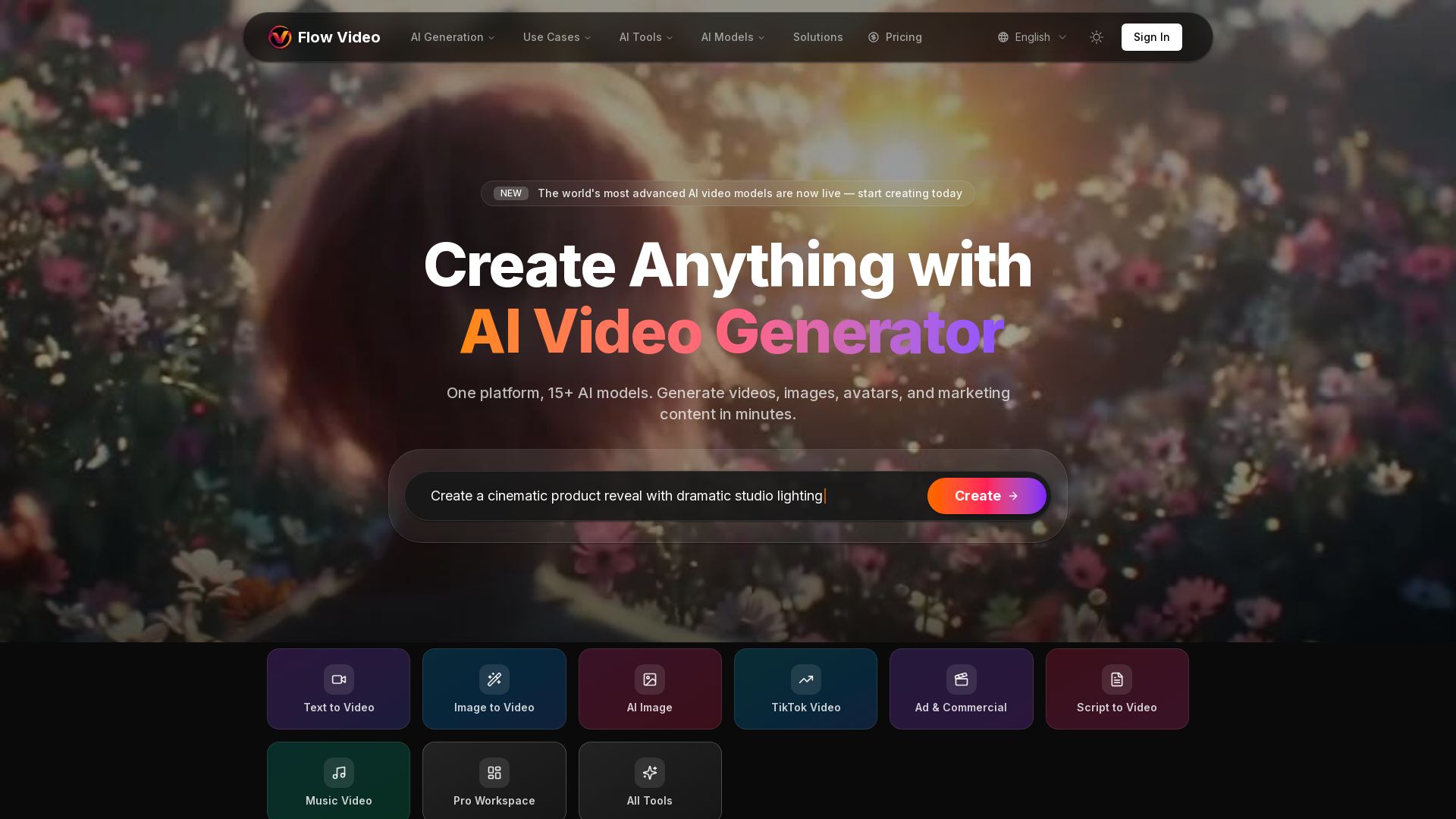
Flow Video AI
Create stunning AI videos, images, and marketing content with 15+ models. Text to video, image to video, and more. Start free!

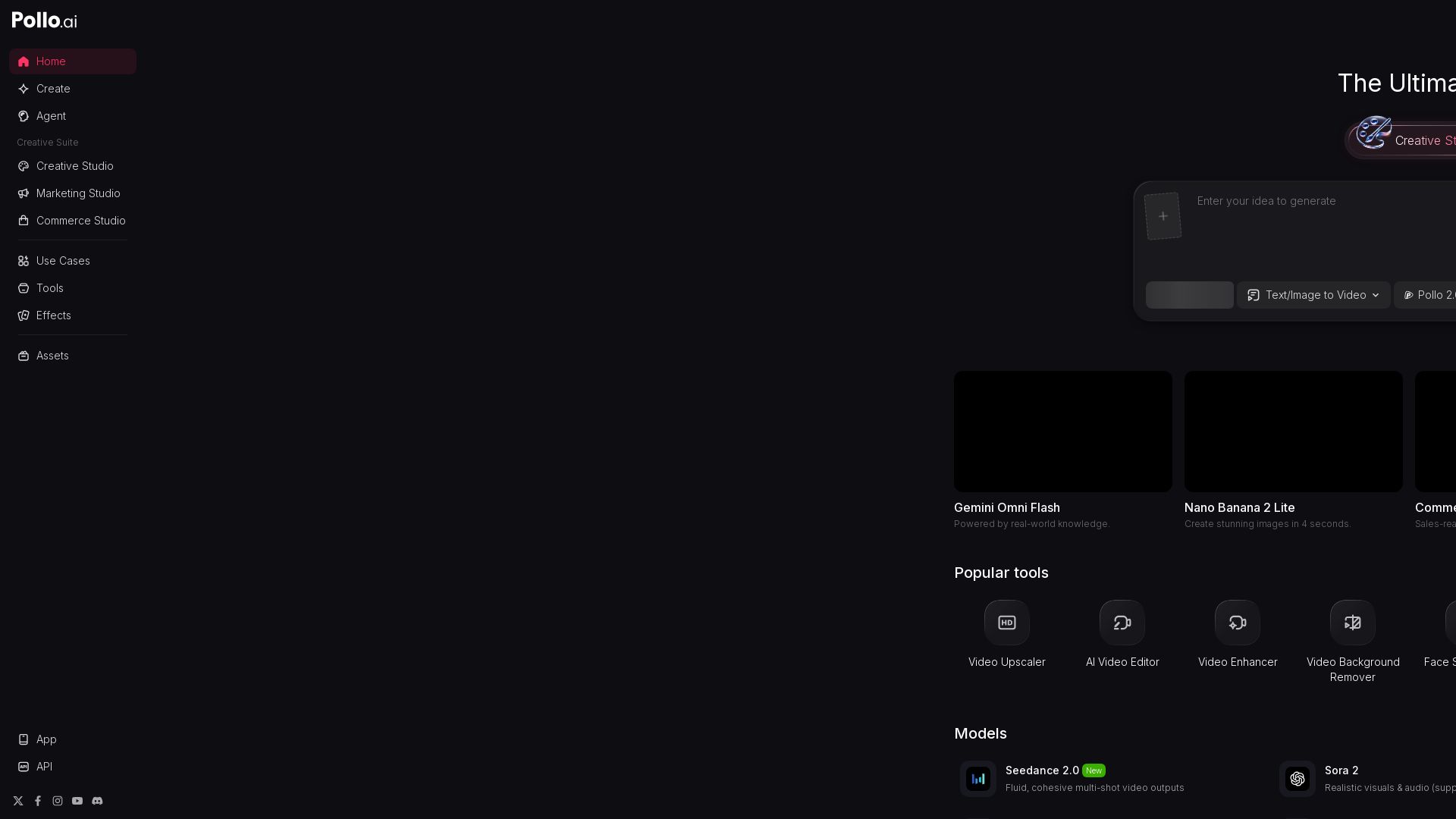
Pollo AI
Create stunning AI videos and images with Pollo.ai. Tools for video generation, editing, upscaling, and marketing. Models like Pollo 2.5, Sora 2, Kling 3.0.

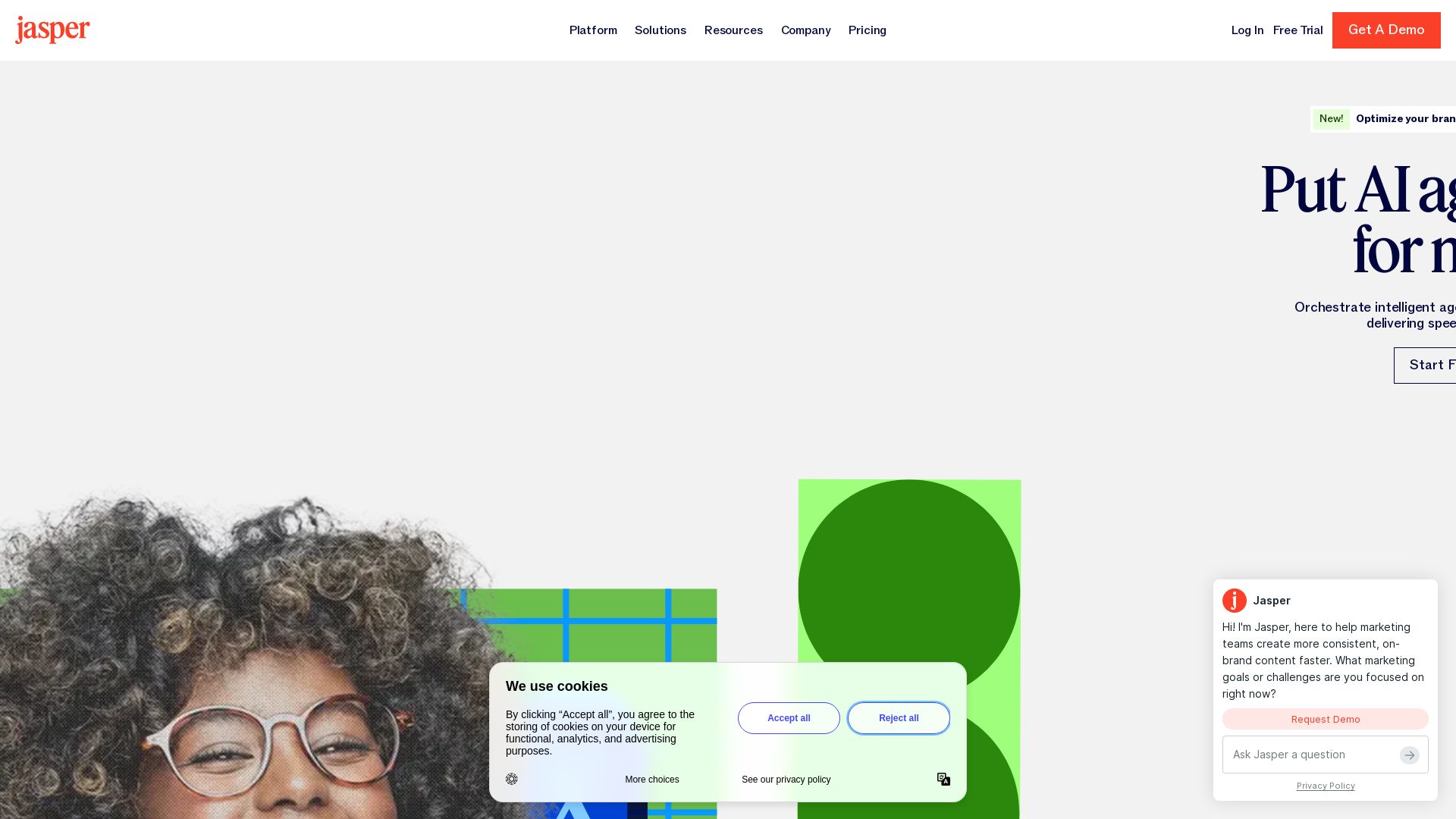
Jasper
Jasper is the AI-powered execution platform for marketing teams. Orchestrate 100+ agents to automate campaigns, scale content, and maintain brand voice. Get cited by AI search.

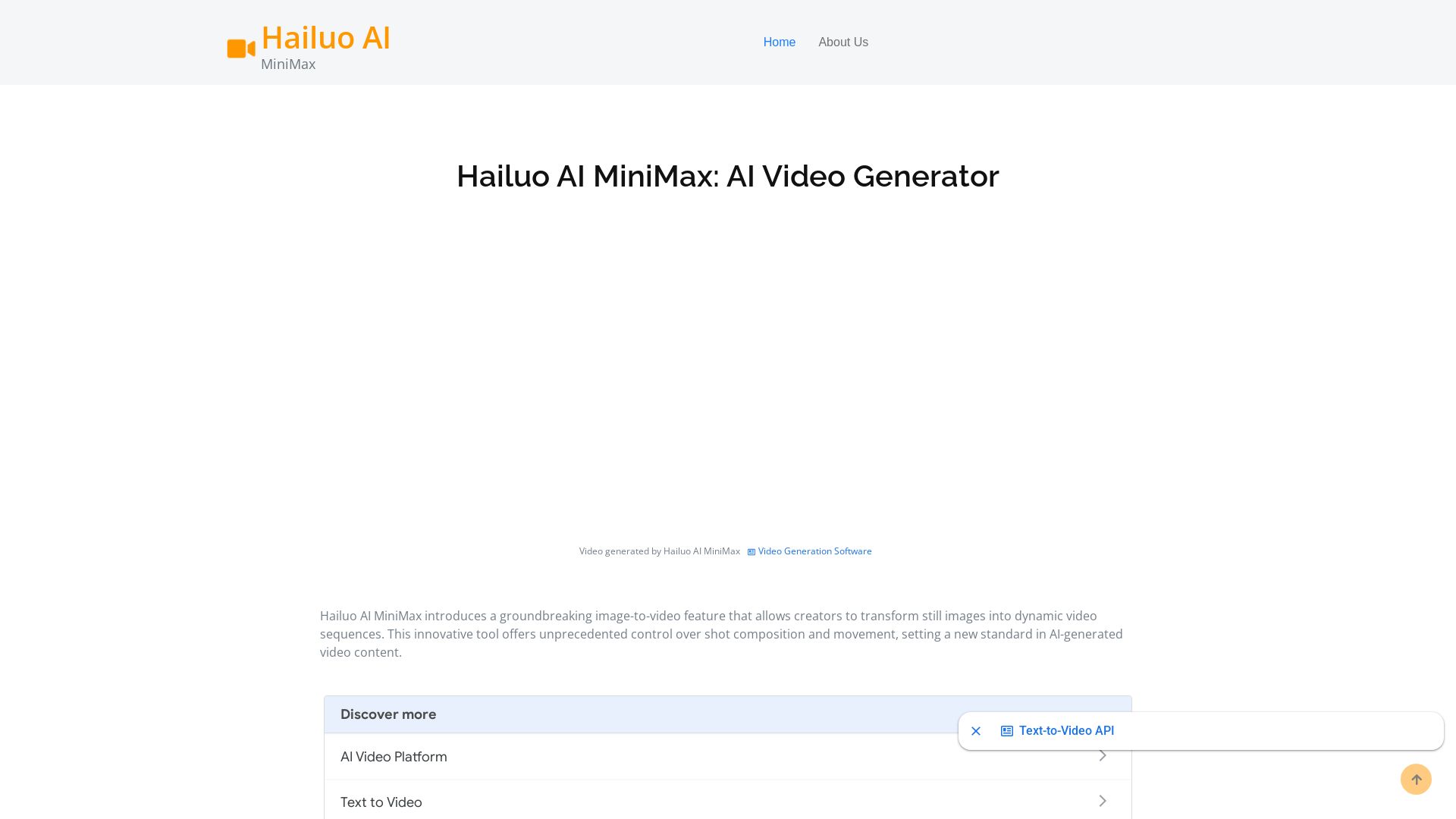
Hailuo AI MiniMax
Create stunning videos from text prompts or images with Hailuo AI MiniMax. Free, fast, and no login needed. High-quality AI video generation.
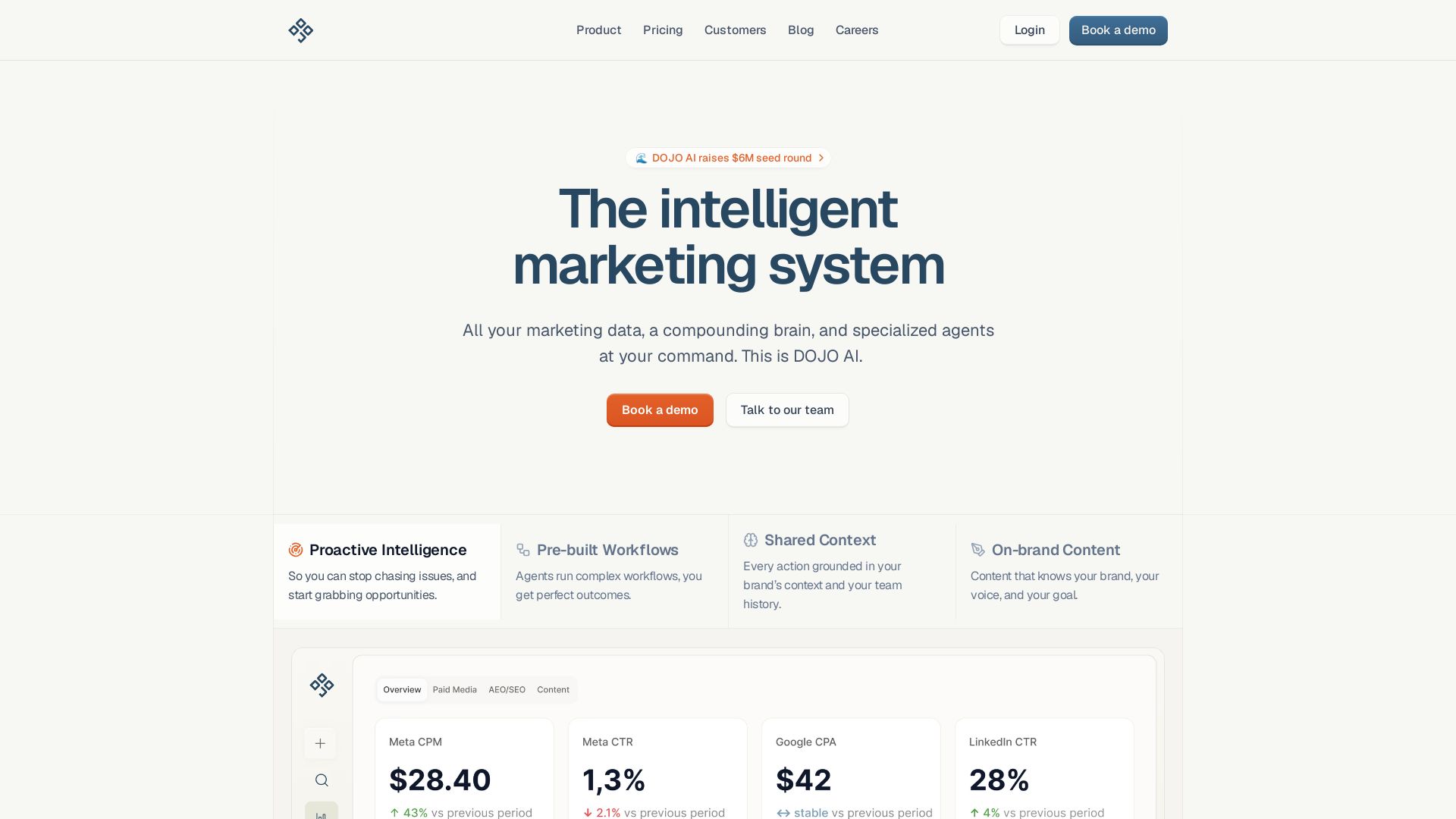
DOJO AI
All your marketing data, a compounding brain, and specialized agents at your command. Reduce CPA, boost efficiency. Book a demo.

ℹ️ Curation Disclosure: The overview and features of Flow AI Video Generator were synthesized using AI and fact-checked by our curation team to ensure accuracy.
