
Veo 3
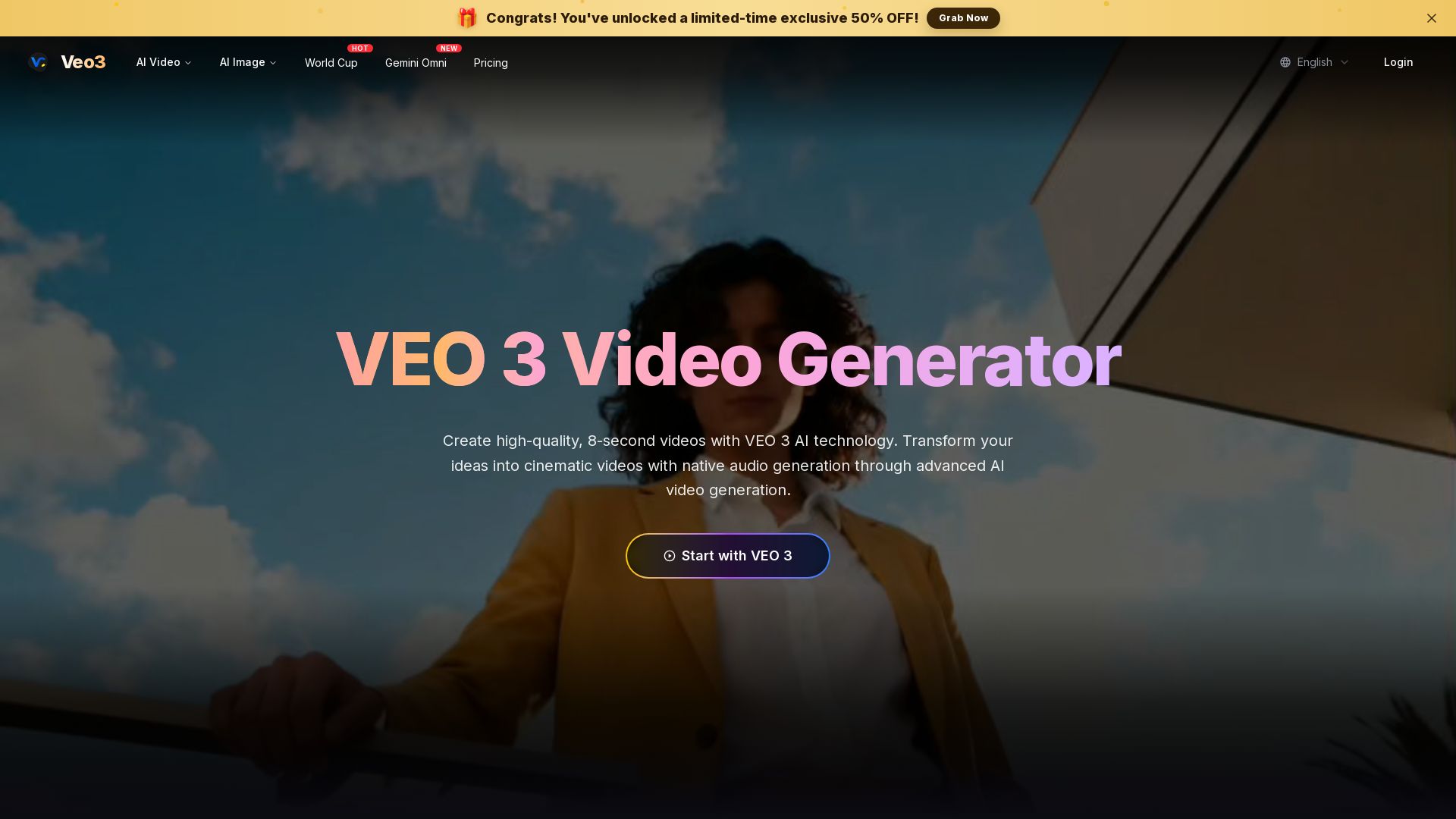
Create stunning 8-second AI videos with native audio. Powered by Google Veo 3.1. Text-to-video, image-to-video, cinematic quality. Start free.
Editor's Verdict
Key Takeaways
- Native Audio Generation
- Advanced Prompt Understanding
- Cinematic Quality
- Natural Language Processing
In-Depth Review: What is Veo 3?
VEO 3 Video Generator is an advanced AI tool that transforms text descriptions into high-quality, 8-second videos with synchronized audio. Utilizing Google's Veo 3.1 model, it offers cinematic quality, realistic physics, and native sound generation. Supports text-to-video, image-to-video, and reference modes with multiple generation speeds. Ideal for creators and marketers seeking professional video content without technical expertise.
Core Features
Native Audio Generation
Veo 3 can create and integrate audio directly into videos, including sound effects, ambient noises, and character dialogue with synchronized lip-syncing, making videos more immersive and realistic.
Advanced Prompt Understanding
Veo 3 interprets complex, narrative-driven prompts with high accuracy, translating detailed descriptions into cohesive video clips.
Cinematic Quality
Create movie-quality videos with realistic physics, professional lighting, and smooth camera movements.
Natural Language Processing
Simply describe what you want in everyday language; the AI converts your words into creative direction without technical jargon.
Multimodal Understanding
AI understands connections between visual, motion, and audio elements to create cohesive, professionally produced content.
Text-to-Video, Image-to-Video, Reference to Video
Generate videos from text prompts, images, or reference videos, offering multiple input modes for flexibility.
Pricing
Basic
- 60,000 credits instantly (full annual quota on day one)
- ≈ 1,200 Lite videos
- ≈ 750 Fast videos
- ≈ 200 Quality videos
- Video with sound effects
- Standard processing
Basic
- 60,000 credits instantly (full annual quota on day one)
- ≈ 1,200 Lite videos
- ≈ 750 Fast videos
- ≈ 200 Quality videos
- Video with sound effects
- Standard processing
Plus
- 144,000 credits instantly (full annual quota on day one)
- ≈ 2,880 Lite videos
- ≈ 1,800 Fast videos
- ≈ 480 Quality videos
- Video with sound effects
- Priority processing
Plus
- 144,000 credits instantly (full annual quota on day one)
- ≈ 2,880 Lite videos
- ≈ 1,800 Fast videos
- ≈ 480 Quality videos
- Video with sound effects
- Priority processing
Pro
- 264,000 credits instantly (full annual quota on day one)
- ≈ 5,280 Lite videos
- ≈ 3,300 Fast videos
- ≈ 880 Quality videos
- Video with sound effects
- Fastest processing
- Priority support
Pro
- 264,000 credits instantly (full annual quota on day one)
- ≈ 5,280 Lite videos
- ≈ 3,300 Fast videos
- ≈ 880 Quality videos
- Video with sound effects
- Fastest processing
- Priority support
Pros and Cons
Pros
- High-Quality Cinematic VideosProduces videos with realistic physics, professional lighting, and smooth camera movements, achieving cinematic quality.
- Native Audio GenerationAutomatically generates and synchronizes environmental sounds, dialogue, and atmospheric audio, enhancing immersion.
- Easy to UseDesigned for all skill levels; users can describe scenes in natural language without technical expertise.
- Multiple Generation ModesOffers Text-to-Video, Image-to-Video, and Reference to Video, providing flexibility in content creation.
- Commercial Usage RightsSubscribers receive unwatermarked, high-resolution videos with full usage rights for commercial projects.
Cons
- Limited Video DurationOnly generates 8-second videos, which may not be sufficient for longer narratives or detailed scenes.
- Credit-Based SystemRequires credits for generation, with different costs per mode; heavy users may need higher-priced plans.
- Independent Platform DisclaimerStated as not affiliated with Google, which may raise trust concerns regarding reliability and updates.
- Resolution Restrictions on Lower TiersLower-tier plans (Lite) only support 720p, limiting quality for professional use.
- No Free Tier MentionedNo free plan is offered; all usage requires a paid subscription.
Use Cases & Recommended Professions
Content Creator→ View Toolkit
Needs quick, high-quality video generation for social media posts, YouTube shorts, and promotional content.
Social Media Manager→ View Toolkit
Requires efficient video production for multiple platforms, with audio and cinematic quality to engage audiences.
Video Editor→ View Toolkit
Can use AI-generated clips as base footage or b-roll, speeding up the editing process and adding creative elements.
Marketer→ View Toolkit
Needs visually appealing ads and product demos; Veo 3 provides fast, customizable video creation with commercial rights.
Filmmaker→ View Toolkit
Benefit from quick storyboard visualization and pre-visualization of scenes with realistic physics and audio.
Educator→ View Toolkit
Creates engaging educational videos with narrative-driven prompts to explain complex topics visually.
Frequently Asked Questions
Alternative AI Tools
View Detailed Comparison →
Marketing Mary
Unify research, creation, publishing & optimization with one AI Co-Pilot. Works in your existing stack. Join 500+ leaders on the waitlist.

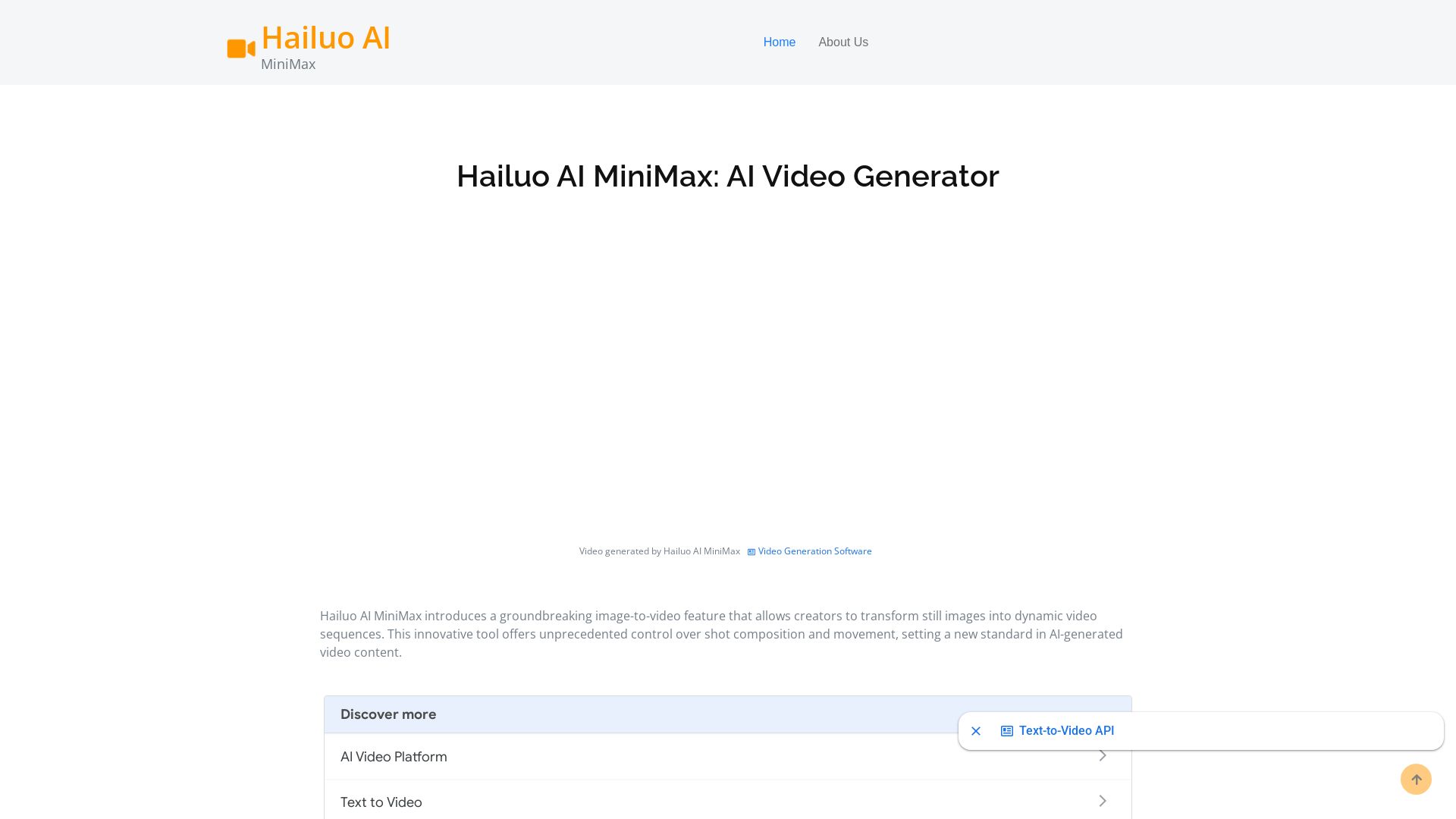
Hailuo AI MiniMax
Create stunning videos from text prompts or images with Hailuo AI MiniMax. Free, fast, and no login needed. High-quality AI video generation.

Marketing Titan
Replace HubSpot, ZoomInfo, Hootsuite & Jasper with 180+ AI agents & Darwin AI. Save $50K+/yr. Start free trial.

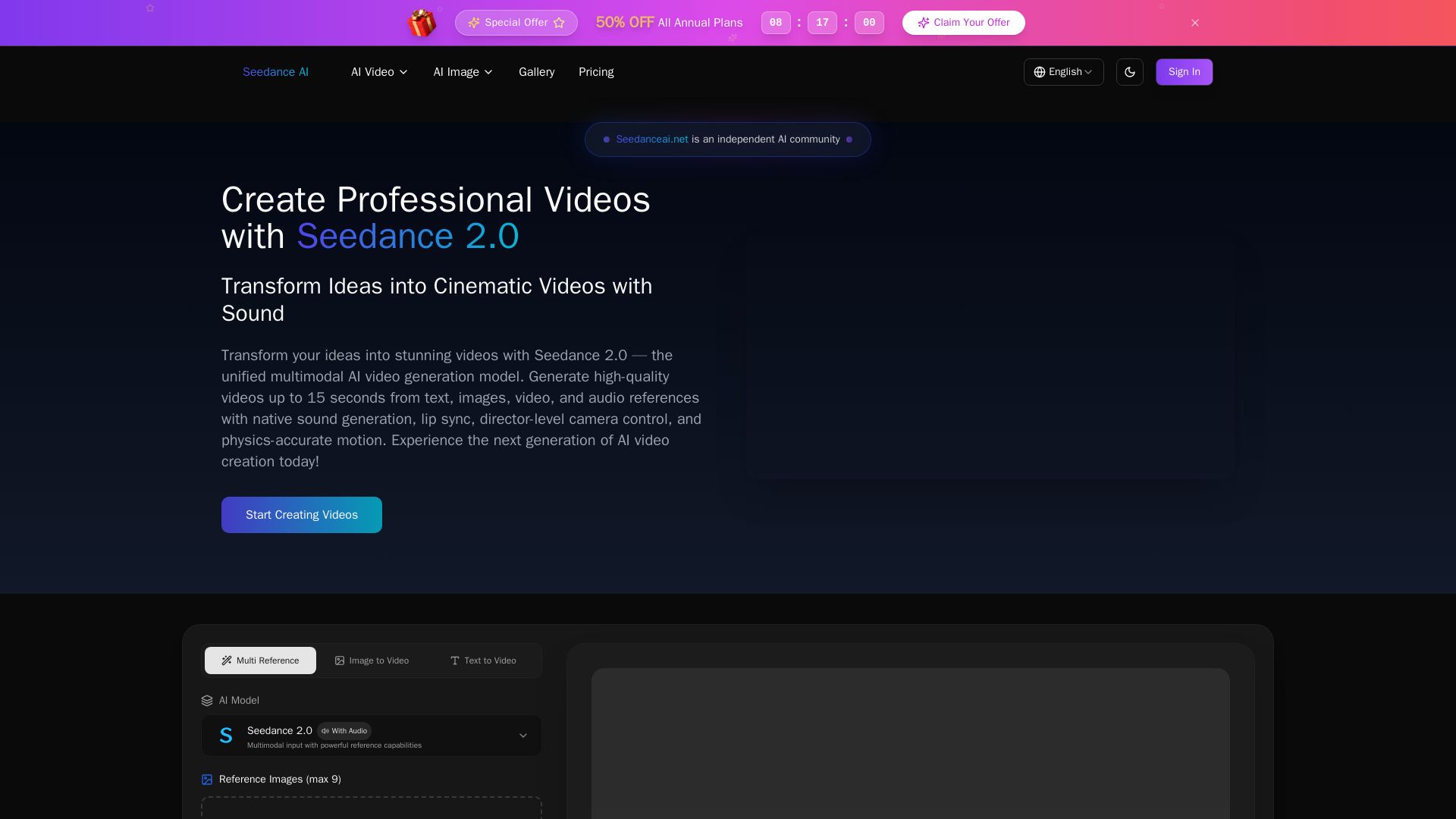
Seedance AI
Transform ideas into cinematic videos with Seedance 2.0 AI. Generate from text, images, video & audio with native sound, lip sync, and camera control. Try now!

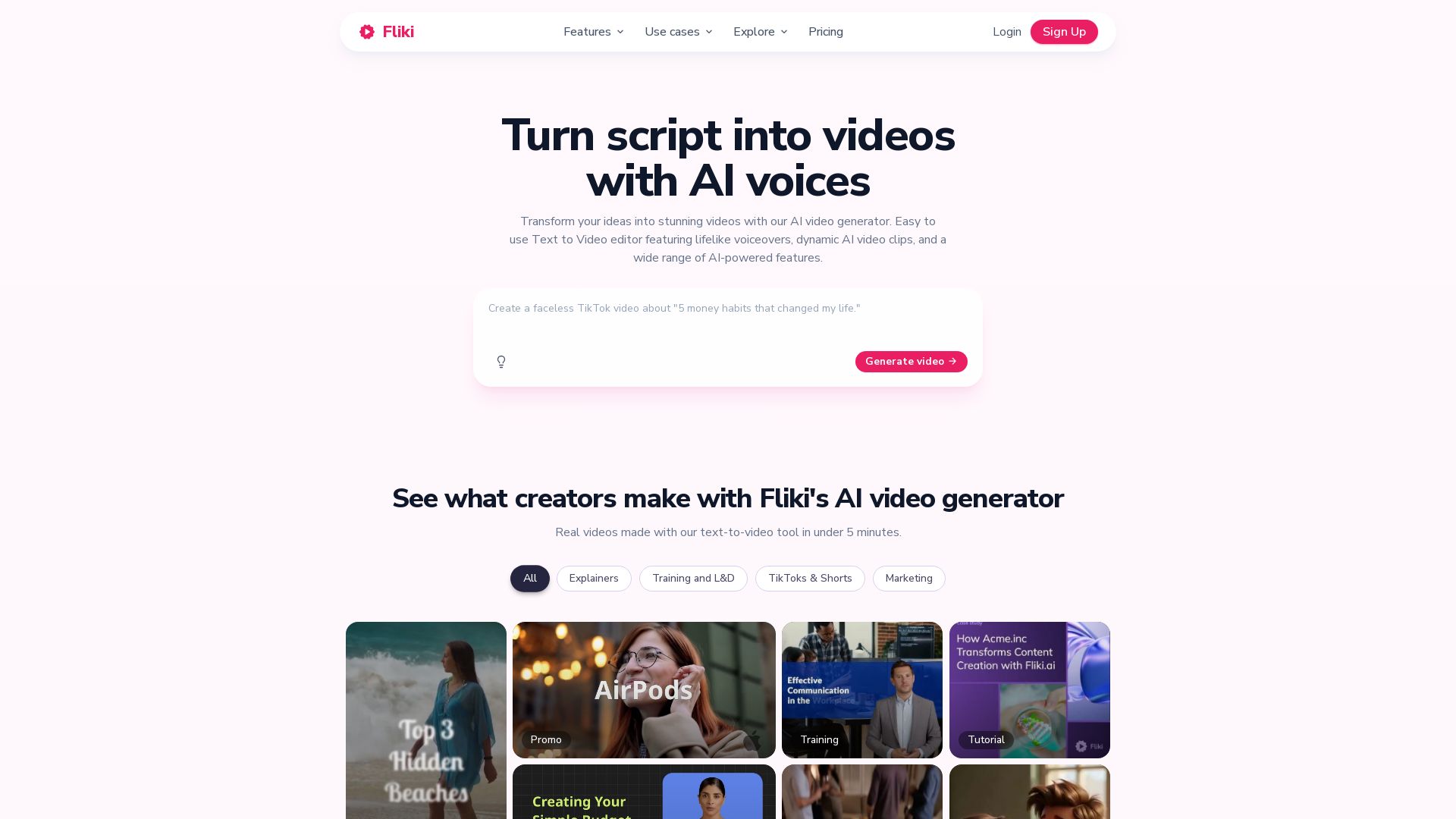
Fliki
Create stunning videos from text in minutes. AI voices, visuals, music, and captions. Trusted by 12M+ creators. Free to start.


Marketing Copilot
Boost AI visibility, engage buyers, and manage data with expert-led marketing. Trusted by tech companies. Claim your AI Visibility Assessment.

Flow Video AI
Create stunning AI videos, images, and marketing content with 15+ models. Text to video, image to video, and more. Start free!


AI Video - AI Video Generator
Create animated videos from text or images with AI. Drag-and-drop editing, lip-sync, HD export. No skills needed. Download free!


Flow AI Video Generator
Create stunning 4K AI videos with Flow AI Video. Text-to-video, image-to-video, multi-shot storytelling. Get 50% OFF now!


Later
Unforgettable campaigns start with insight. Later combines influencer marketing, social media management, and AI-driven data to drive results for enterprise brands, social media managers, and creators.


FounderPal
Trusted by 2250+ founders. Get a personal AI marketing assistant to define strategy, delegate tasks, boost conversions. Save 100+ hours/month. Try free.

Pollo AI
Create stunning AI videos and images with Pollo.ai. Tools for video generation, editing, upscaling, and marketing. Models like Pollo 2.5, Sora 2, Kling 3.0.

ℹ️ Curation Disclosure: The overview and features of Veo 3 were synthesized using AI and fact-checked by our curation team to ensure accuracy.
