
Pollo AI
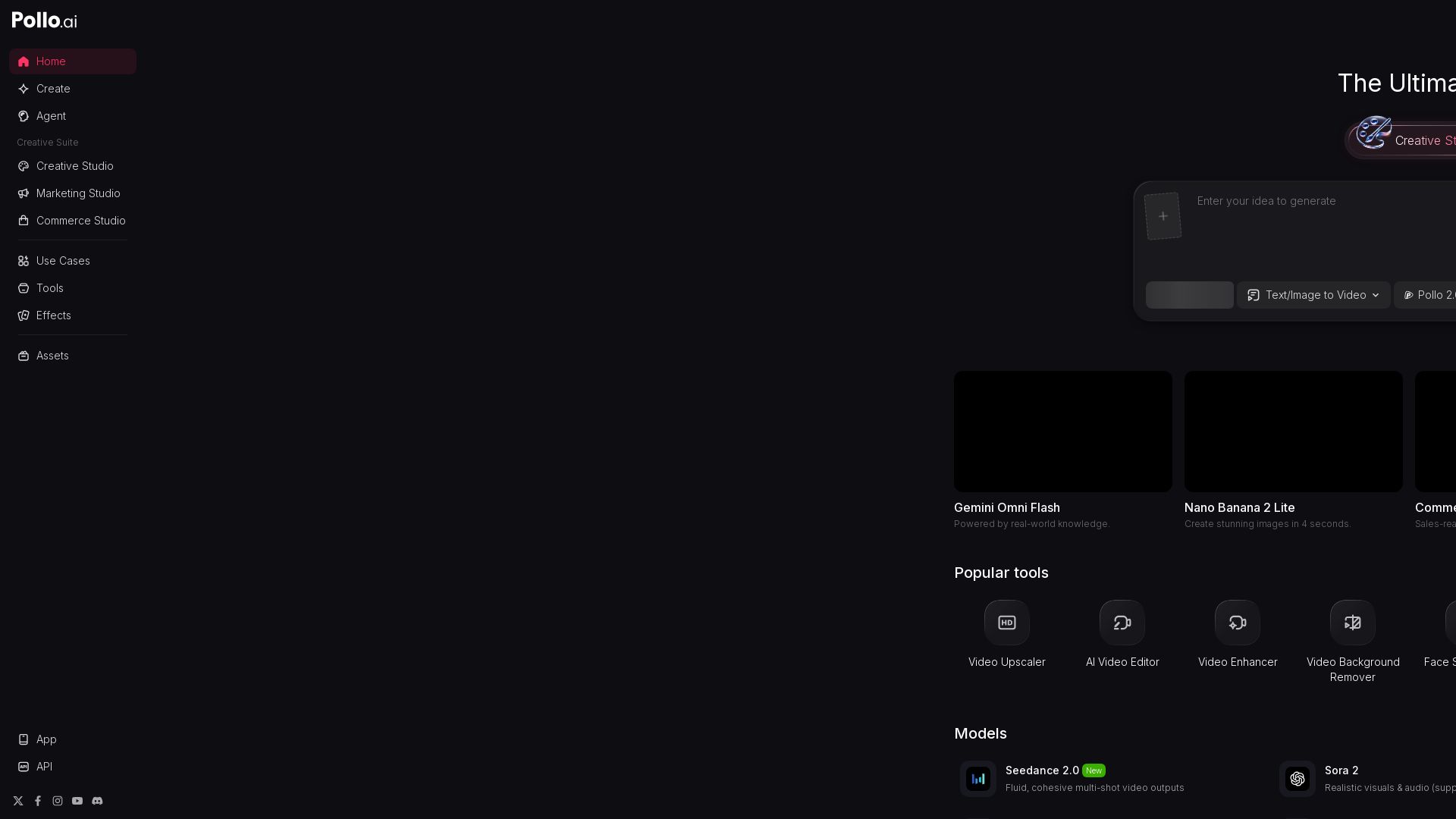
Create stunning AI videos and images with Pollo.ai. Tools for video generation, editing, upscaling, and marketing. Models like Pollo 2.5, Sora 2, Kling 3.0.


Editor's Verdict
Key Takeaways
- AI Video Generator
- AI Image Generator
- Creative Studio
- Marketing Studio
In-Depth Review: What is Pollo AI?
Pollo.ai is the ultimate AI creative suite designed for creators, marketers, and sellers. It offers three main studios: Creative Studio for AI video and image generation, Marketing Studio for ad creation, and Commerce Studio for product videos. With advanced models like Pollo 2.5, Sora 2, Kling 3.0, and GPT Image 2, users can generate high-quality content quickly. The platform also provides a wide range of AI tools including video upscaling, background removal, face swap, lip sync, and more. Whether you need text-to-video, image-to-video, or marketing videos, Pollo.ai empowers users to bring their ideas to life effortlessly.
Core Features
AI Video Generator
Generate high-quality videos from text or images using advanced AI models like Pollo 2.5, Sora 2, and Kling 3.0.
AI Image Generator
Create stunning images with models like GPT Image 2, Nano Banana 2, and Seedream, offering near-perfect text and extreme precision.
Creative Studio
A comprehensive suite for creators to generate, edit, and enhance videos and images with AI-powered tools.
Marketing Studio
Turn products into marketing videos, clone viral content, and create ads for platforms like TikTok, Facebook, and YouTube.
Commerce Studio
Produce sales-ready product videos and shots for e-commerce platforms like Amazon and Shopify in minutes.
Video Editing Tools
Includes video upscaler, background remover, face swap, lip sync, subtitle remover, and more to polish videos effortlessly.
Image Editing Tools
Remove watermarks, objects, and backgrounds, upscale images, and change backgrounds with AI precision.
Multi-Model Support
Access multiple AI models including Seedance 2.0, Veo 3.1, HappyHorse 1.0, and more for varied creative needs.
Pricing
Free
- Limited generations per day
- 480p video resolution
- Basic access to select models
Pro
- Unlimited generations
- HD video resolution
- Access to all AI models
- Priority support
Business
- Everything in Pro
- 4K video resolution
- API access
- Team collaboration
- Dedicated account manager
Pros and Cons
Pros
- Comprehensive Creative SuiteOffers both video and image generation, editing, and enhancement tools in one platform, suitable for creators, marketers, and sellers.
- Multiple AI ModelsAccess to a variety of state-of-the-art AI models (e.g., Sora, Kling, Seedance) provides versatility and high-quality outputs.
- Ease of UseSimple text-to-video/image interface and automated tools like background removal make it accessible to non-technical users.
- Commerce IntegrationDedicated studio for e-commerce product videos and images, directly linking to Amazon, Shopify, and TikTok Shop.
- Free Tier AvailableStart for free with basic features, allowing users to test the platform before committing to a paid plan.
Cons
- Pricing Not TransparentThe homepage lacks explicit pricing details; users may need to sign up to see plan costs.
- Limited Free FeaturesFree plan likely has restrictions on resolution, number of generations, and model access.
- Potential Learning CurveWith many tools and models, new users might feel overwhelmed initially.
- Dependence on InternetAll AI processing is cloud-based, requiring a stable internet connection.
- Quality VariabilityOutput quality depends on the chosen model and input, and may not always meet professional standards.
Use Cases & Recommended Professions
Content Creator→ View Toolkit
Needs to quickly generate engaging videos and images for social media platforms without extensive editing skills.
Digital Marketer→ View Toolkit
Requires AI tools to create ad videos, product shots, and marketing assets for campaigns across multiple channels.
E-commerce Seller→ View Toolkit
Benefits from Commerce Studio to produce product videos and listing images that boost sales on Amazon, Shopify, etc.
Video Editor→ View Toolkit
Can leverage AI video upscaling, background removal, and face swap to speed up post-production workflows.
Graphic Designer→ View Toolkit
Uses AI image generation and editing tools to create unique visuals and iterate designs rapidly.
Social Media Manager→ View Toolkit
Needs a steady stream of on-brand video and image content for platforms like TikTok, Instagram, and YouTube.
Frequently Asked Questions
Alternative AI Tools
View Detailed Comparison →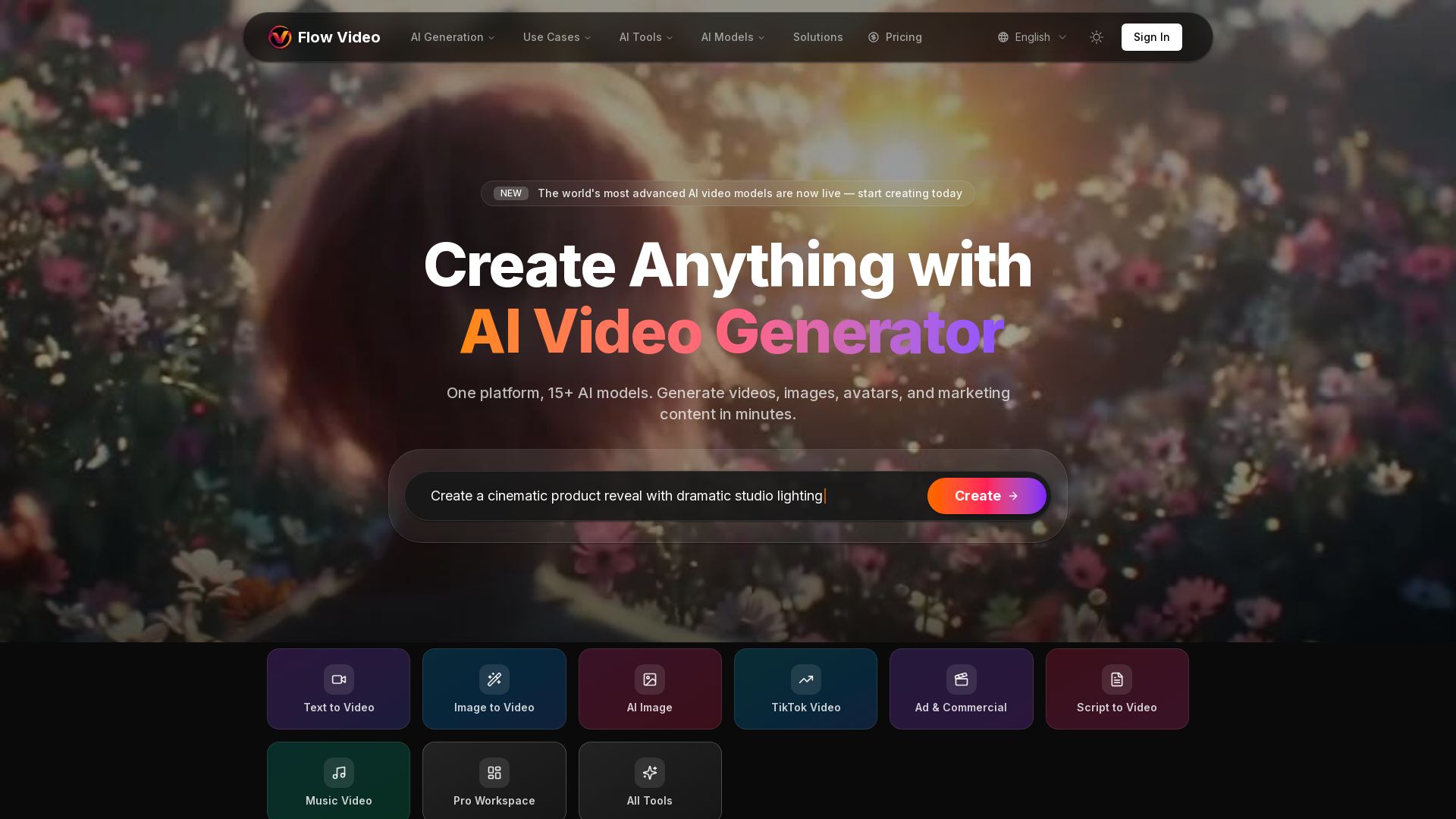
Flow Video AI
Create stunning AI videos, images, and marketing content with 15+ models. Text to video, image to video, and more. Start free!


Flow AI Video Generator
Create stunning 4K AI videos with Flow AI Video. Text-to-video, image-to-video, multi-shot storytelling. Get 50% OFF now!


SeaArt AI
Turn ideas into stunning images and cinematic videos with SeaArt AI. Free tools, community, and advanced models like Seedance 2.0.

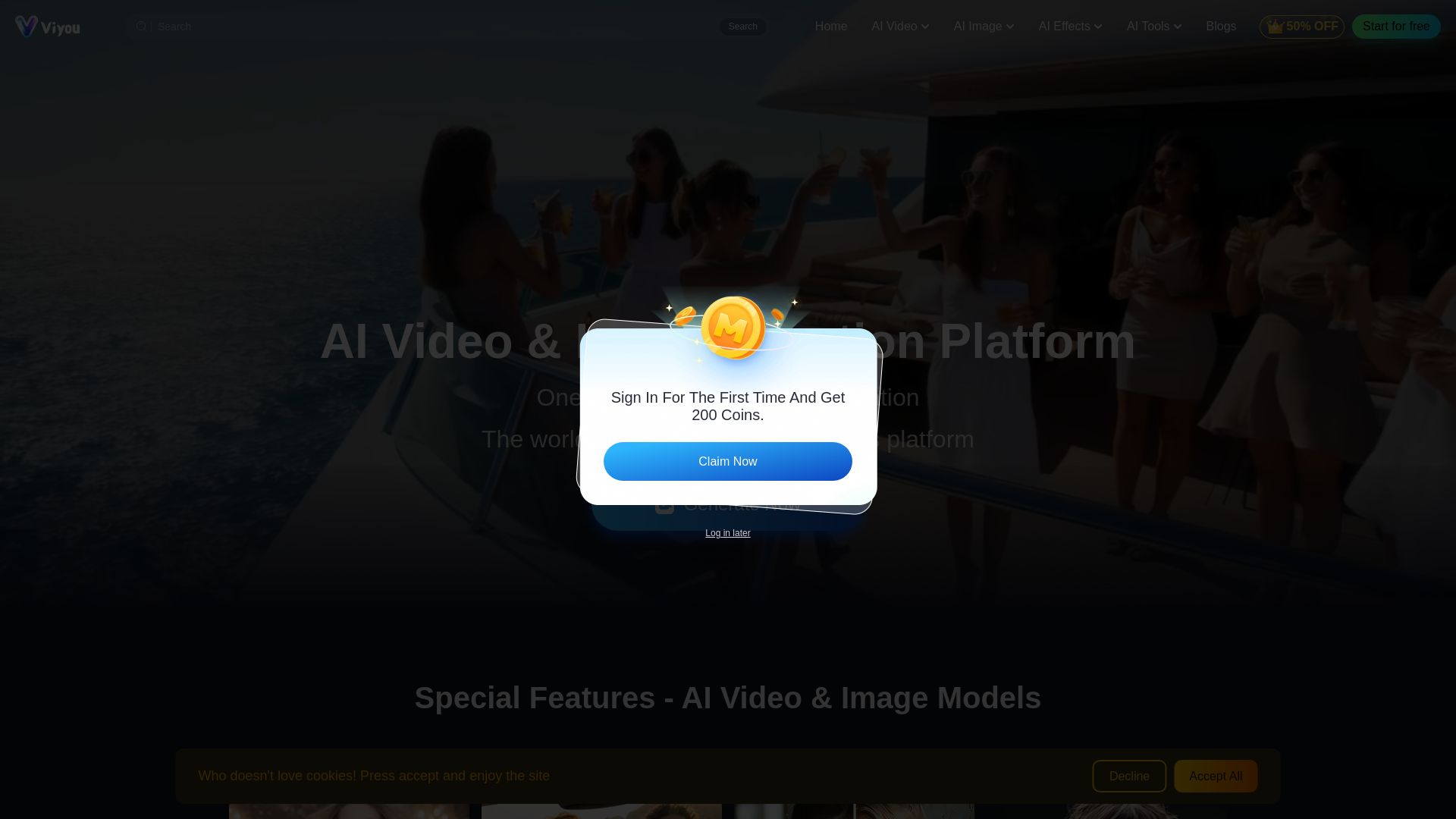
Viyou
Create stunning AI videos and images for free. Generate avatars, romantic kisses, dance videos, and more - all on one platform with full access.


Gen AI Video Generator
Create stunning AI videos and images with 90+ models including Google VEO 3, Sora 2, Seedance 2.0. Text-to-video, image-to-video, photo editing on iOS.

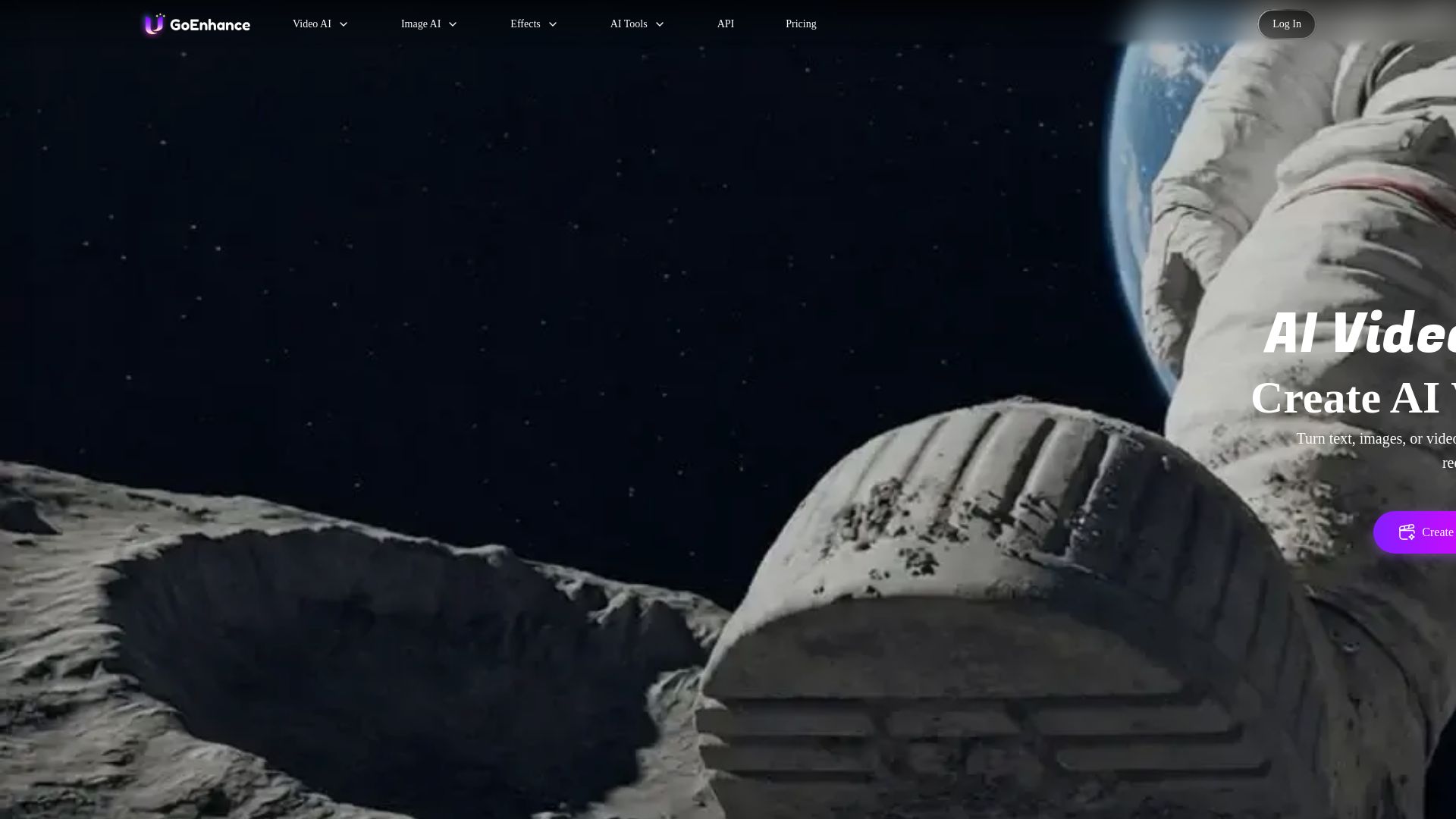
GoEnhance AI
Turn text, images, or videos into stunning AI videos and images. Access 50+ models like Sora, Runway, and Flux. Free to start!

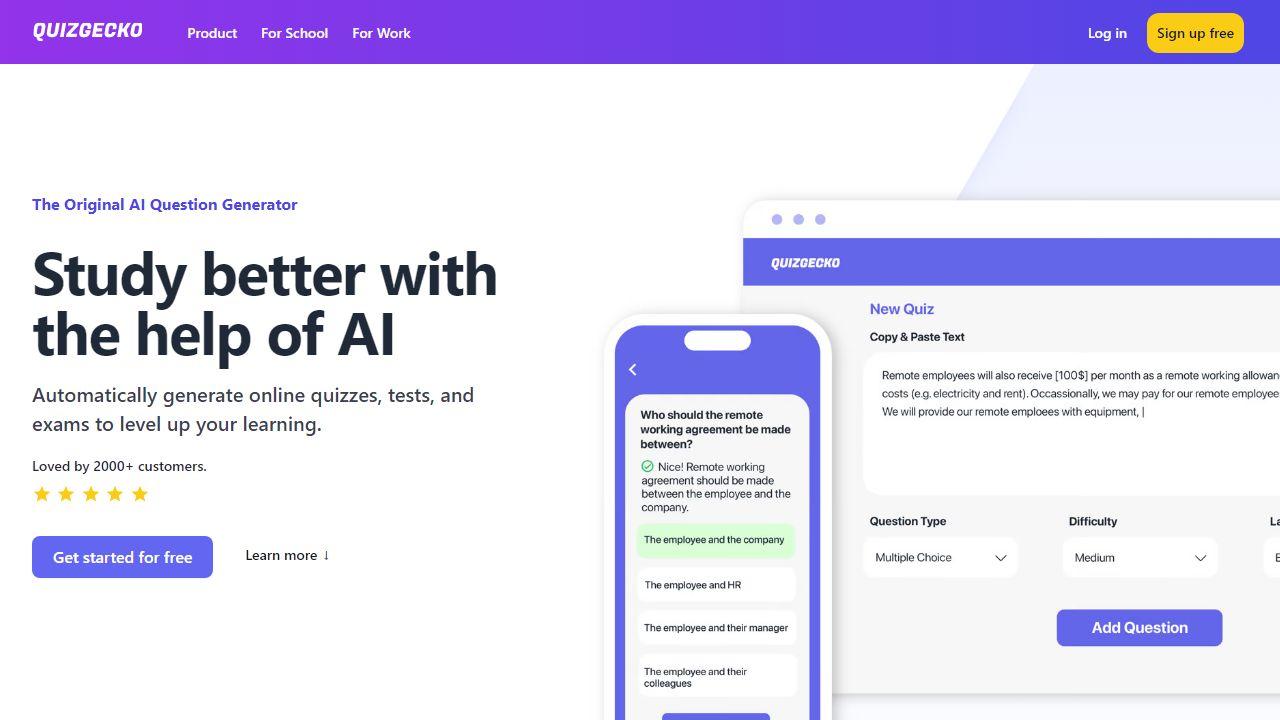
ZSky AI
Create stunning AI images and HD videos for free. Unlimited generation, no credit card. 1080p video, 4K images, commercial use. Try ZSky AI now.

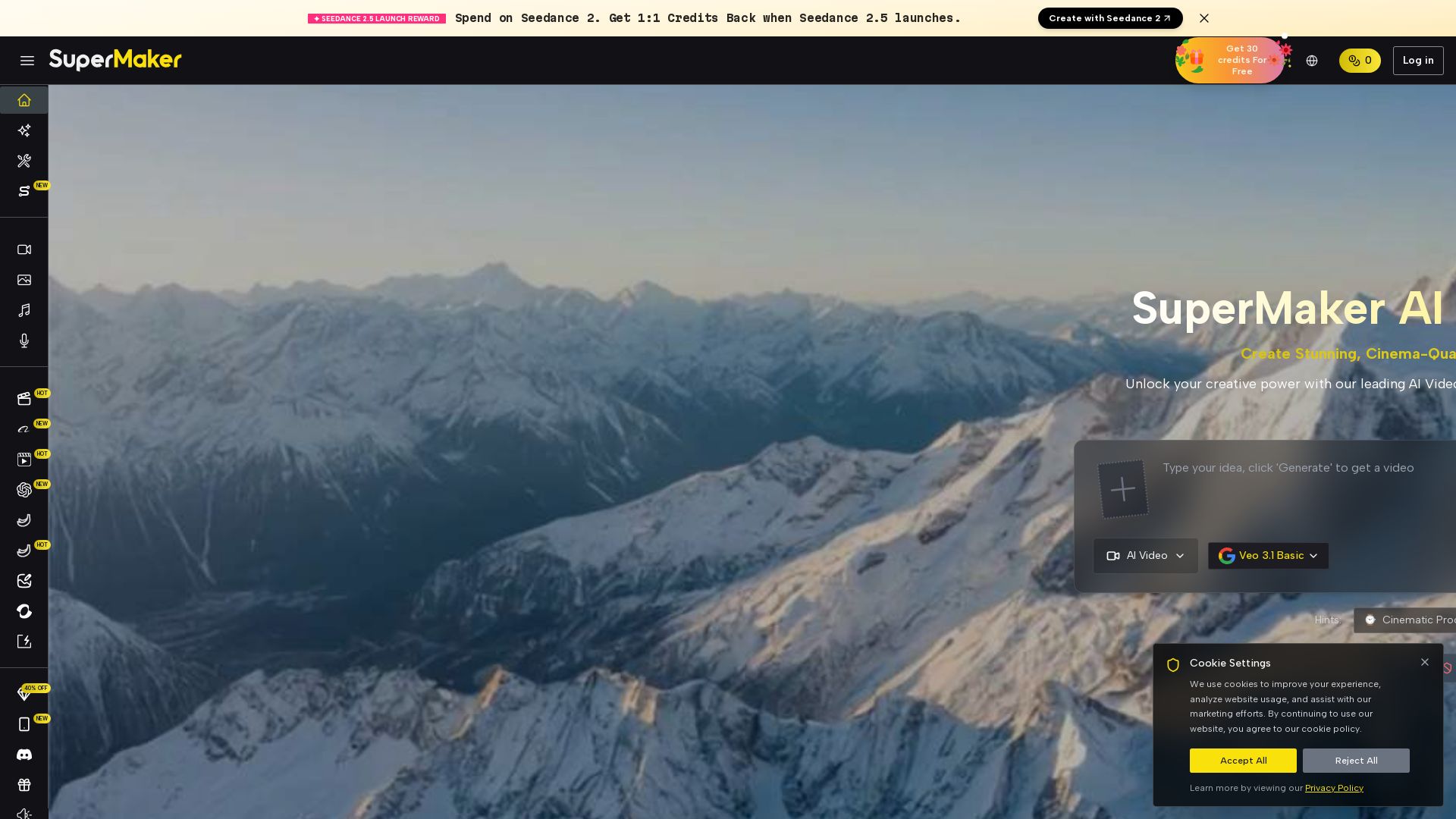
SuperMaker AI
Create stunning cinema-quality videos with SuperMaker's AI Video Generator. All-in-one suite for video, image, music, and voice. Start free.

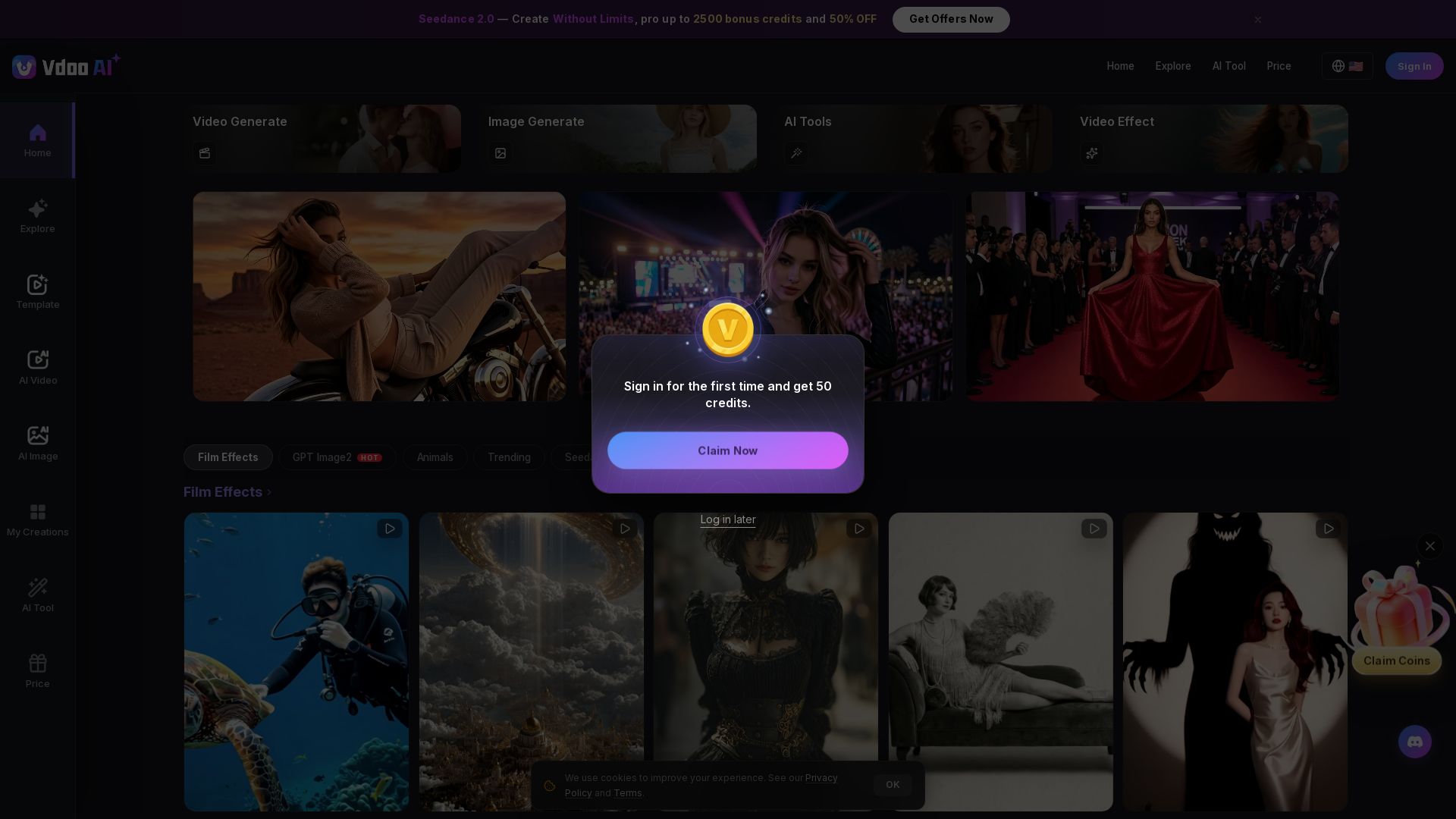
Vdoo AI
Create stunning AI videos and images with cutting-edge models. Easy-to-use platform for professional-quality content. Try free tools today!

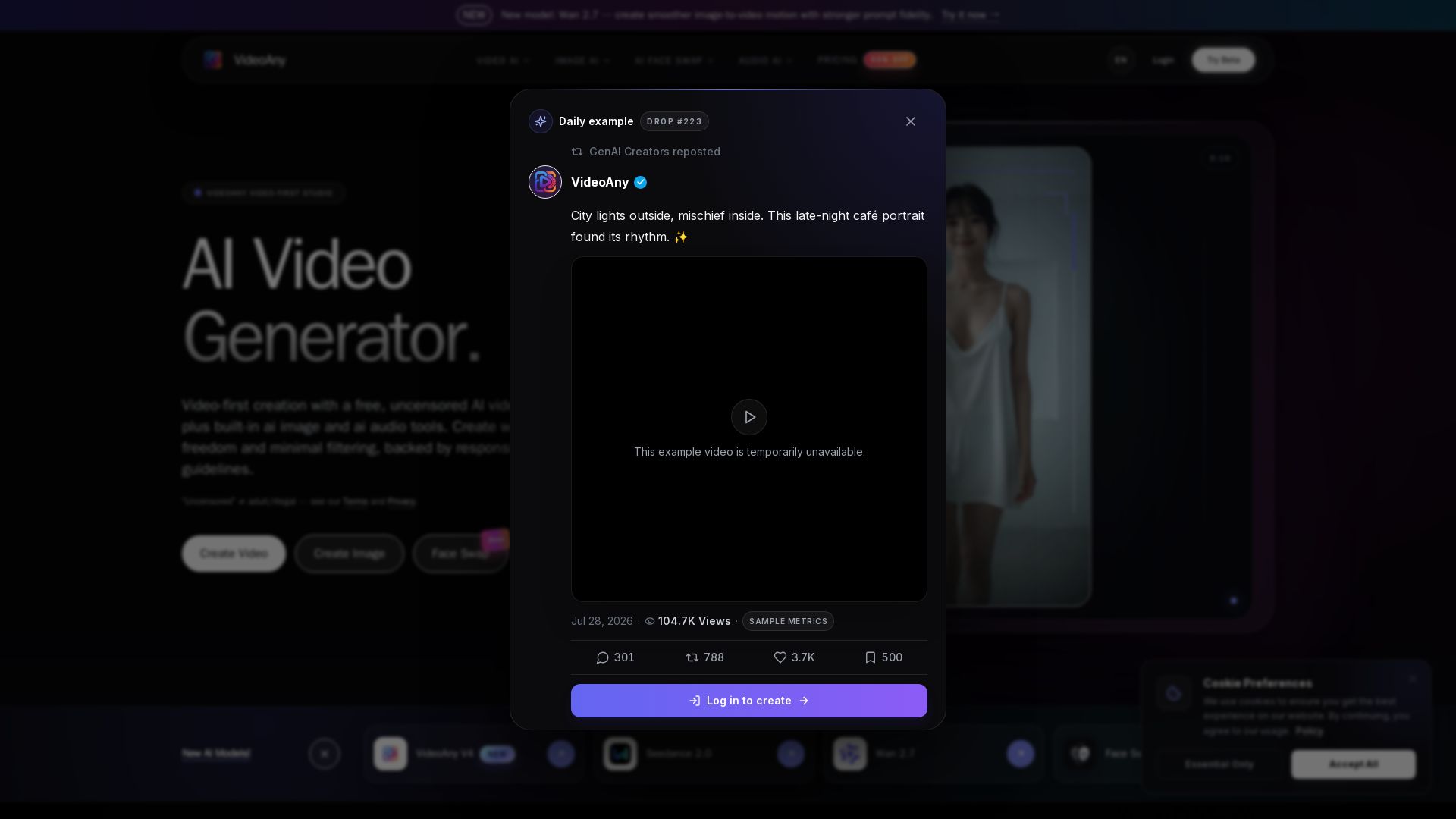
VideoAny
Generate cinematic AI videos, images, and audio with uncensored models. No filters, full creative freedom. Try Seedance 2.0, Wan 2.7 & more.


Marketing Mary
Unify research, creation, publishing & optimization with one AI Co-Pilot. Works in your existing stack. Join 500+ leaders on the waitlist.


AI Video - AI Video Generator
Create animated videos from text or images with AI. Drag-and-drop editing, lip-sync, HD export. No skills needed. Download free!

ℹ️ Curation Disclosure: The overview and features of Pollo AI were synthesized using AI and fact-checked by our curation team to ensure accuracy.
