
Steve AI
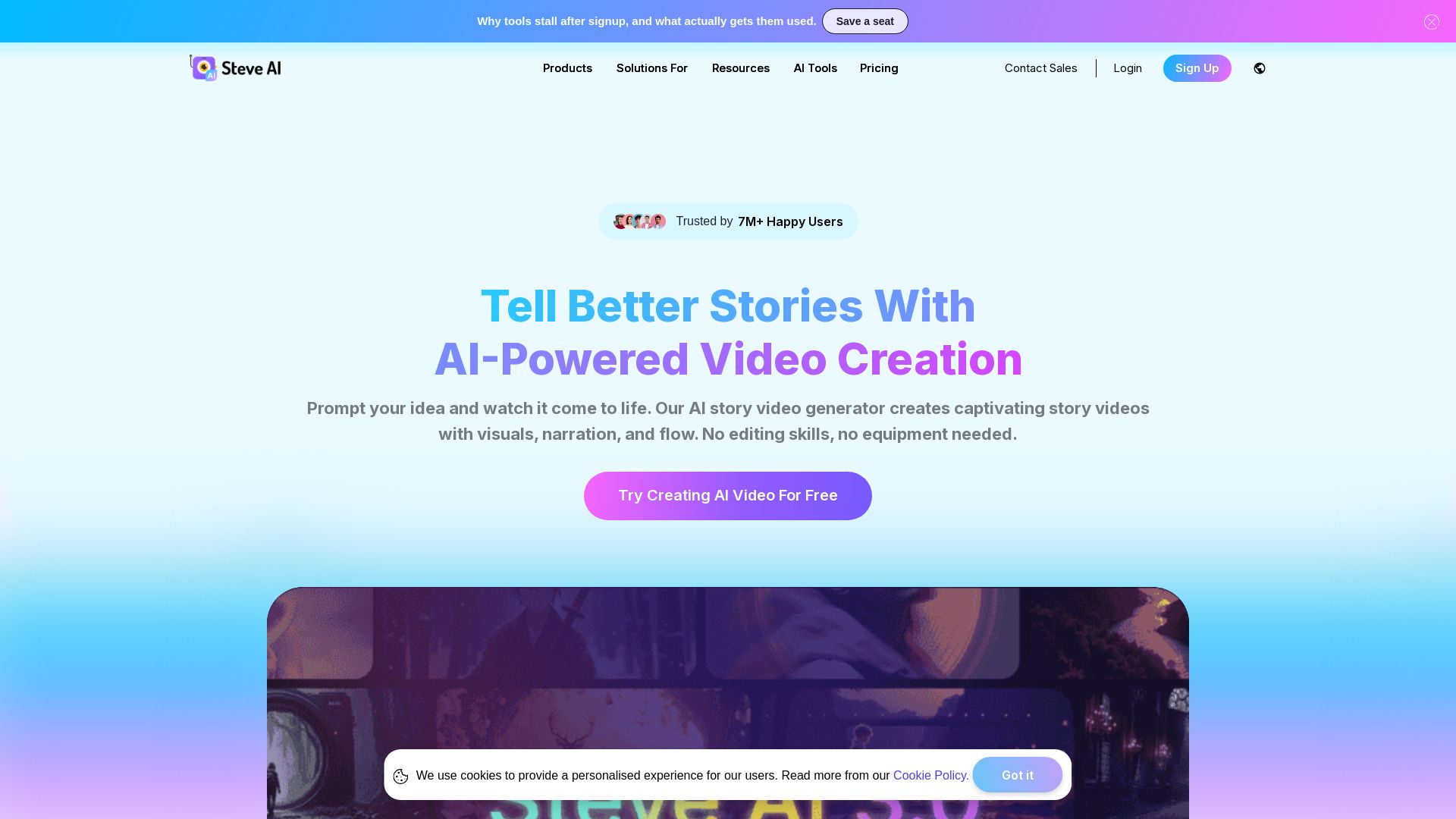
Turn ideas into captivating AI videos. No editing skills needed. Try free AI video maker with text, prompt, and multi-voice support.
Editor's Verdict
Key Takeaways
- Text to Video AI
- Prompt to Video AI
- Multi-voice Storytelling
- AI Motion Effects
In-Depth Review: What is Steve AI?
Steve AI is an all-in-one AI video creation platform that transforms text, prompts, images, and audio into professional videos. With patented storytelling AI, multiple video styles (animation, live, generative), multi-voice narration, and motion effects, it caters to marketers, educators, and creators. Trusted by 7M+ users, it offers flexible pricing, ethical AI compliance, and mobile app support.
Core Features
Text to Video AI
Convert any text, blog, or script into engaging videos with AI-generated visuals, narration, and music. No editing skills required.
Prompt to Video AI
Describe your idea and the AI builds a clear script and turns it into a finished video, eliminating creative block.
Multi-voice Storytelling
Use multiple human-like AI voices to create natural conversations in videos for ads, training, and storytelling.
AI Motion Effects
Add zooms, camera movements, kinetic text, and motion trails to static visuals to create dynamic, attention-grabbing videos.
ClipMaker AI
Turn tweets, images, or blogs into animated short clips in minutes, perfect for viral social media content.
Faceless Video Creation
Create professional videos without showing your face using 300+ animated characters, voiceovers, and stock assets.
AI Video Translator
Translate videos into 10+ languages with accurate subtitles and natural voiceovers to reach global audiences.
YouTube Automation
Automate video creation and direct publishing to YouTube in HD, facilitating consistent content output.
AI Visual IQ
Intelligent AI that understands your content and suggests the best visuals, scenes, and styles for your video.
Brand Customization
Save brand colors, fonts, logos, and character outfits to maintain consistent branding across all videos.
Pricing
Free
- 1200 seconds AI Videos
- 200 Credits for AI & Stock Media Generation
Starter
- 1x Power Up, 120 Secs Generative Credits
- 100 mins AI Videos /month
- 800 AI Images & Premium Stock /month
- 1080p Video Resolution
- Up to 90% Human-like Voices
- No Steve AI Watermark
- Unlimited Video Exports
- 300+ Animated Characters
Pro
- 1x Power Up, 120 Secs Generative Credits
- 300 mins AI Videos /month
- 2400 AI Images & Premium Stock /month
- 2K Video Resolution
- 100% Human-like Voices
- No Steve AI Watermark
- Unlimited Video Exports
- 300+ Animated Characters
Generative AI
- 1x Power Up, 15 Mins Generative Credits
- 400 mins AI Videos /month
- 3200 AI Images & Premium Stock /month
- 2K Video Resolution
- 100% Human-like Voices
- No Steve AI Watermark
- Unlimited Video Exports
- 300+ Animated Characters
Enterprise
- 6000 mins AI Videos /month
- 48000 AI Images & Premium Stock /month
- 50 mins Generative Credits
- Custom Limits & Volume-based Discounts
- Team Collaboration
- Dedicated Infrastructure
- 4K Video Resolution
- Commercial & Reselling Rights
- No Steve AI Watermark
- AI Data Privacy & Advanced Security
- Customized Onboarding
Pros and Cons
Pros
- Patented AI Storytelling EngineCreates original content with a patented engine, ensuring unique and engaging videos.
- Multiple Video StylesSupports 7+ output styles including animations, generative AI, and live videos for diverse use cases.
- Flexible Add-onsFlexiCredits allow users to unlock generative credits, power-ups, or premium assets as needed.
- Competitive PricingOffers affordable plans with high value compared to other AI video tools.
- Comprehensive All-in-One ToolCombines text-to-video, prompt-to-video, AI voiceovers, motion effects, and more in one platform.
Cons
- Limited Free PlanThe free plan offers only 1200 seconds of video and 200 credits, which may not be enough for regular creators.
- Monthly Credits May ExpireUnused credits do not roll over to the next month, potentially limiting value for infrequent users.
- Advanced Features Locked Behind Higher TiersFeatures like 4K resolution and 100% human-like voices are only available on Pro or higher plans.
- AI-generated Content May Need Manual TweakingWhile AI does most of the work, some scenes or voiceovers may require manual adjustments for perfection.
- No Offline Editing CapabilityThe tool is web-based, requiring an internet connection for video creation and editing.
Use Cases & Recommended Professions
Content Creator→ View Toolkit
Quickly produce engaging videos for social media, blogs, or YouTube without technical editing skills.
Social Media Manager→ View Toolkit
Generate platform-optimized videos in multiple formats (Reels, Shorts, TikToks) to maintain consistent posting schedules.
YouTuber→ View Toolkit
Create faceless or animated videos at scale, automate YouTube uploads, and grow channels without appearing on camera.
Educator/Trainer→ View Toolkit
Transform lesson plans, training materials, or presentations into engaging animated videos for students or employees.
Digital Marketer→ View Toolkit
Produce promotional ads, explainer videos, and product demos quickly to support marketing campaigns.
Small Business Owner→ View Toolkit
Create professional-looking videos for brand promotion, customer testimonials, or product showcases without a big budget.
Frequently Asked Questions
Alternative AI Tools
View Detailed Comparison →
Marketing Mary
Unify research, creation, publishing & optimization with one AI Co-Pilot. Works in your existing stack. Join 500+ leaders on the waitlist.


Marketing Titan
Replace HubSpot, ZoomInfo, Hootsuite & Jasper with 180+ AI agents & Darwin AI. Save $50K+/yr. Start free trial.

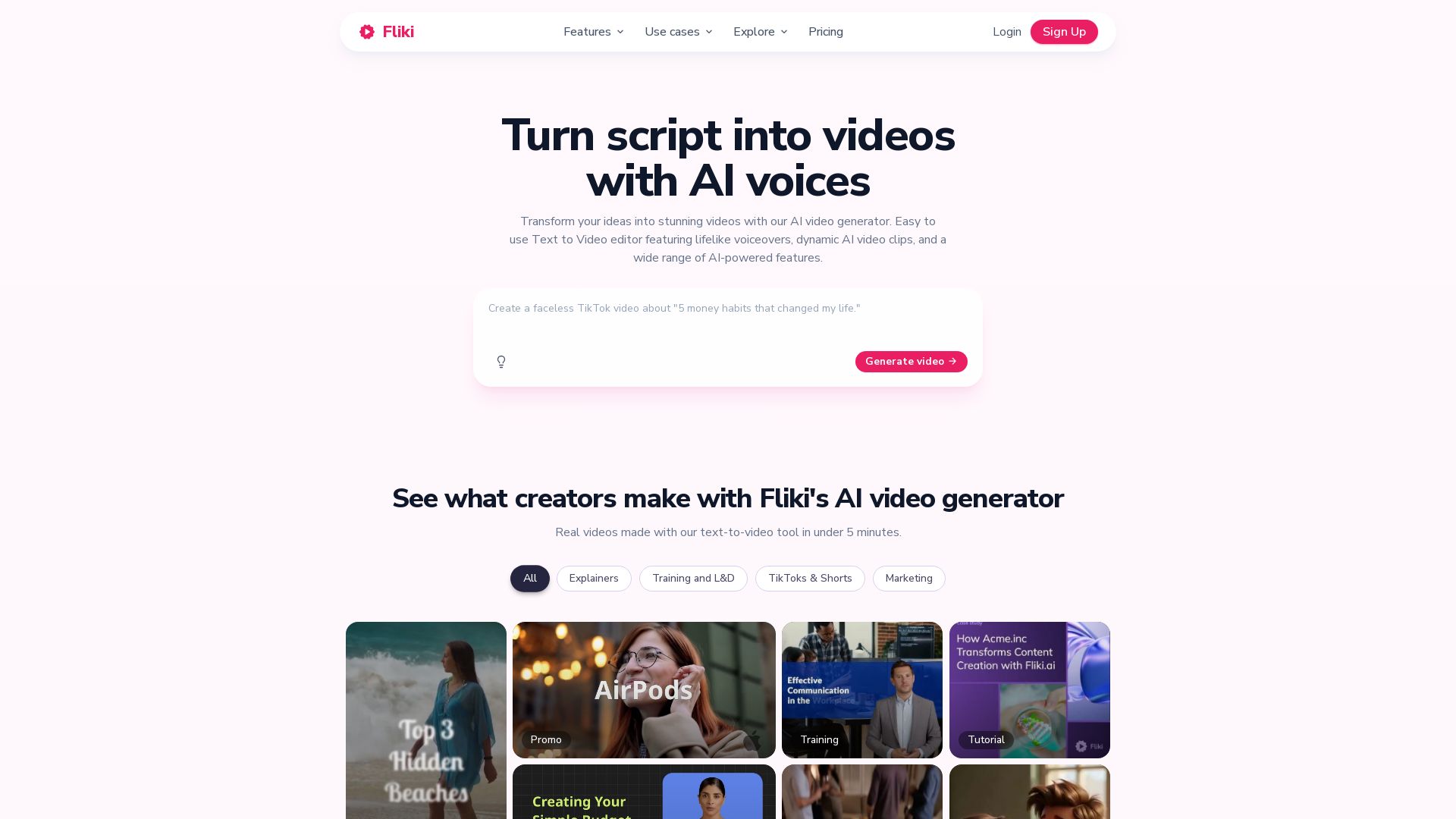
Fliki
Create stunning videos from text in minutes. AI voices, visuals, music, and captions. Trusted by 12M+ creators. Free to start.

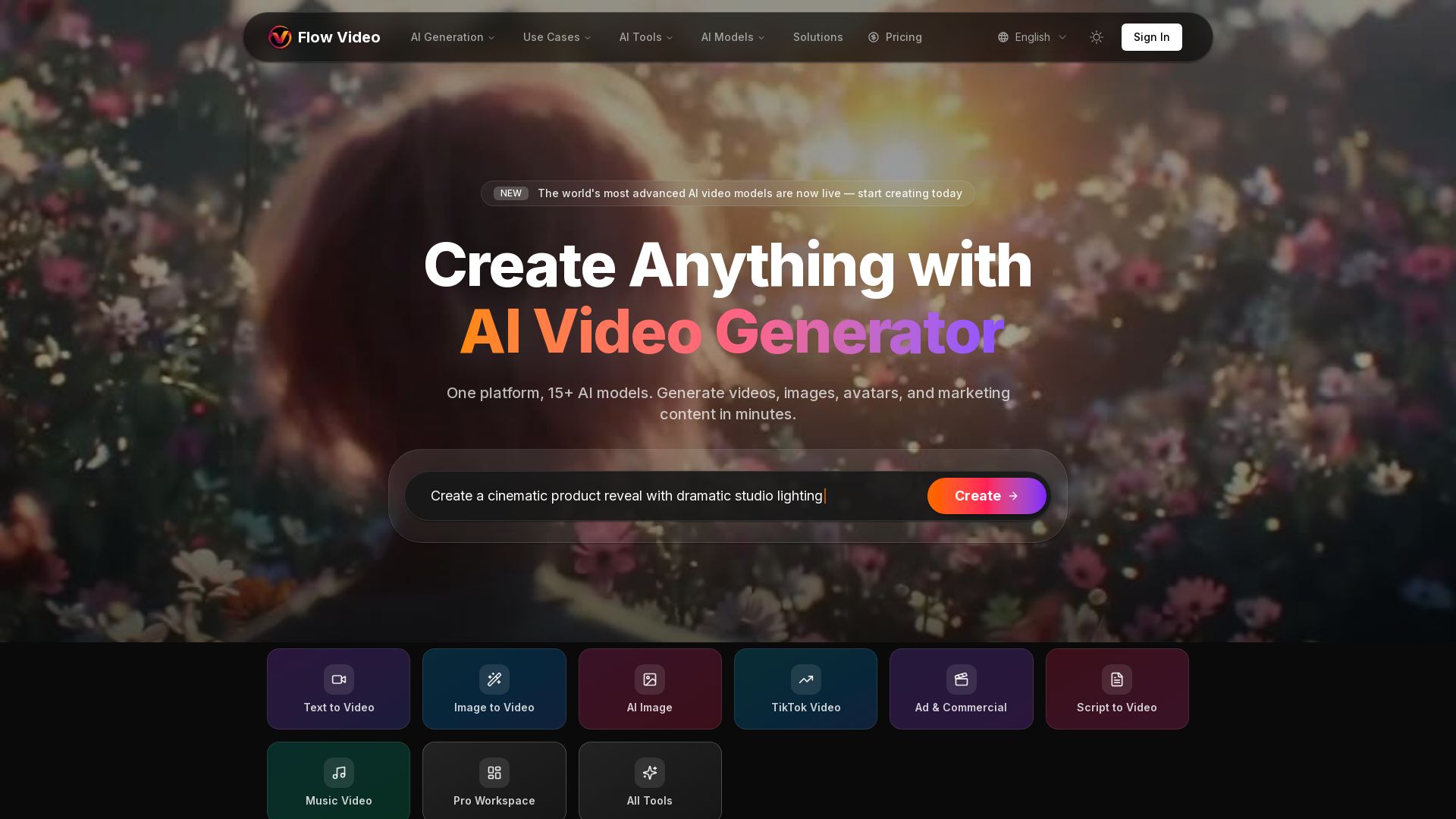
Flow Video AI
Create stunning AI videos, images, and marketing content with 15+ models. Text to video, image to video, and more. Start free!

Marketing Copilot
Boost AI visibility, engage buyers, and manage data with expert-led marketing. Trusted by tech companies. Claim your AI Visibility Assessment.

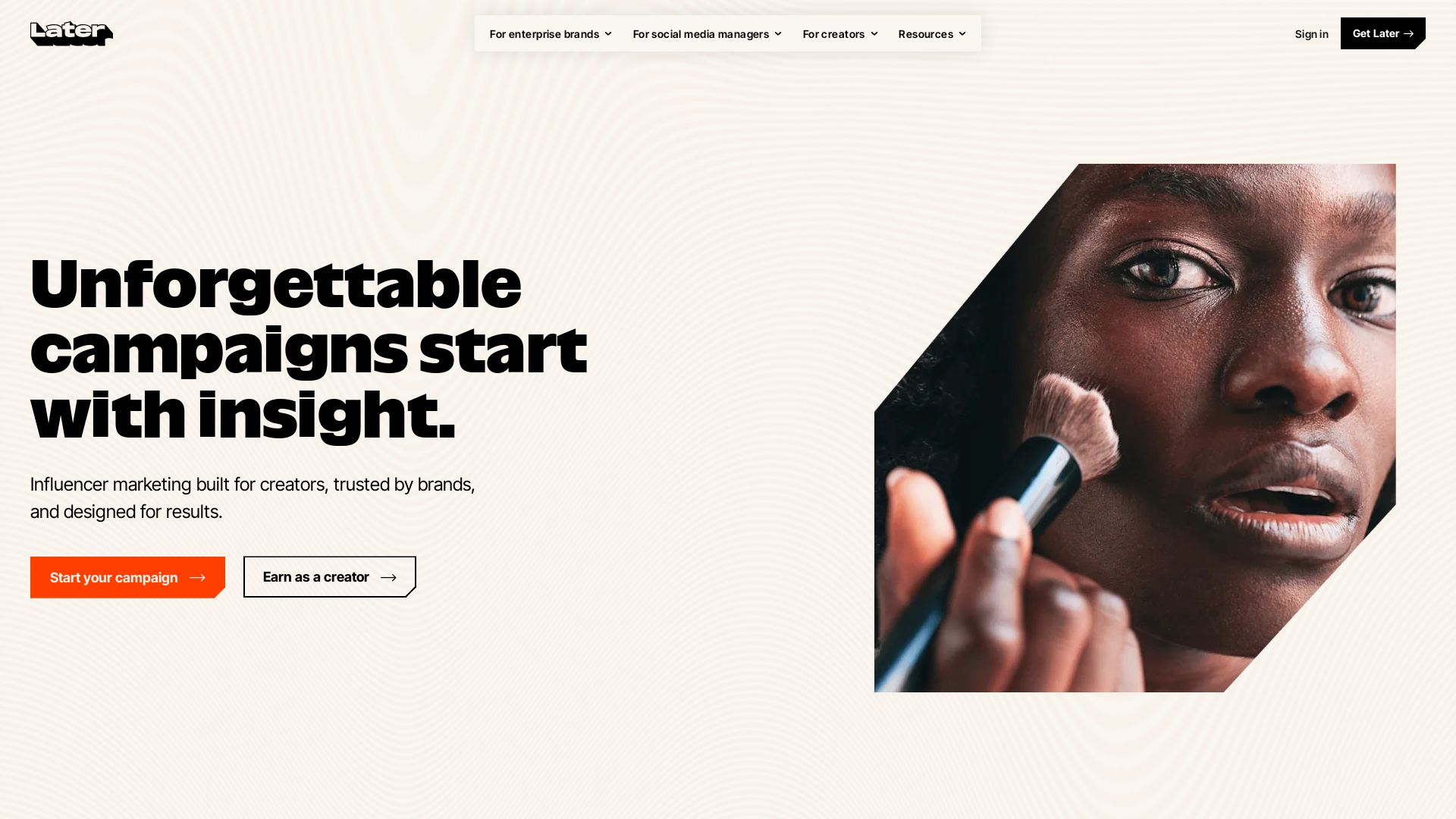
Later
Unforgettable campaigns start with insight. Later combines influencer marketing, social media management, and AI-driven data to drive results for enterprise brands, social media managers, and creators.

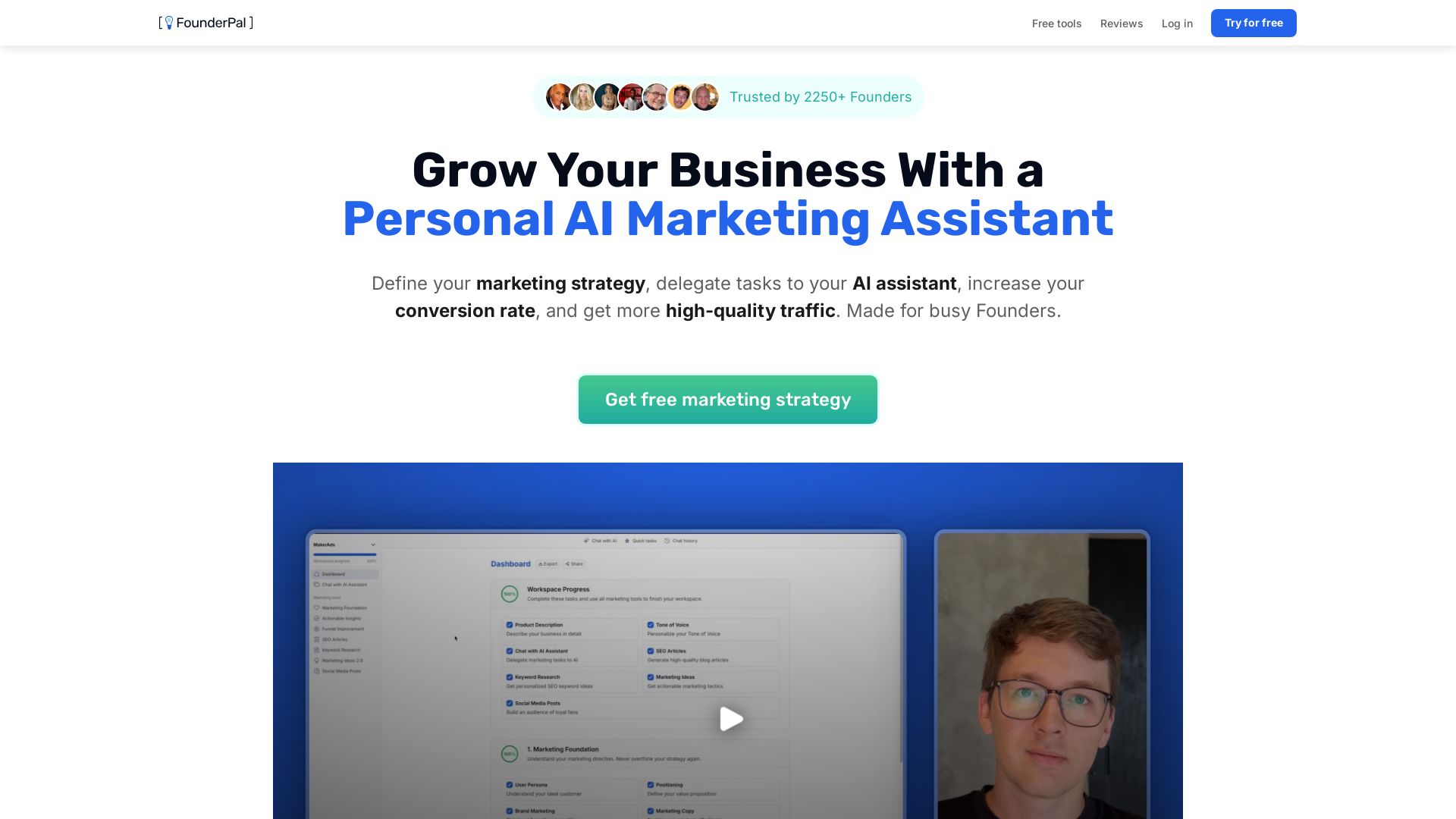
FounderPal
Trusted by 2250+ founders. Get a personal AI marketing assistant to define strategy, delegate tasks, boost conversions. Save 100+ hours/month. Try free.

Jasper
Jasper is the AI-powered execution platform for marketing teams. Orchestrate 100+ agents to automate campaigns, scale content, and maintain brand voice. Get cited by AI search.

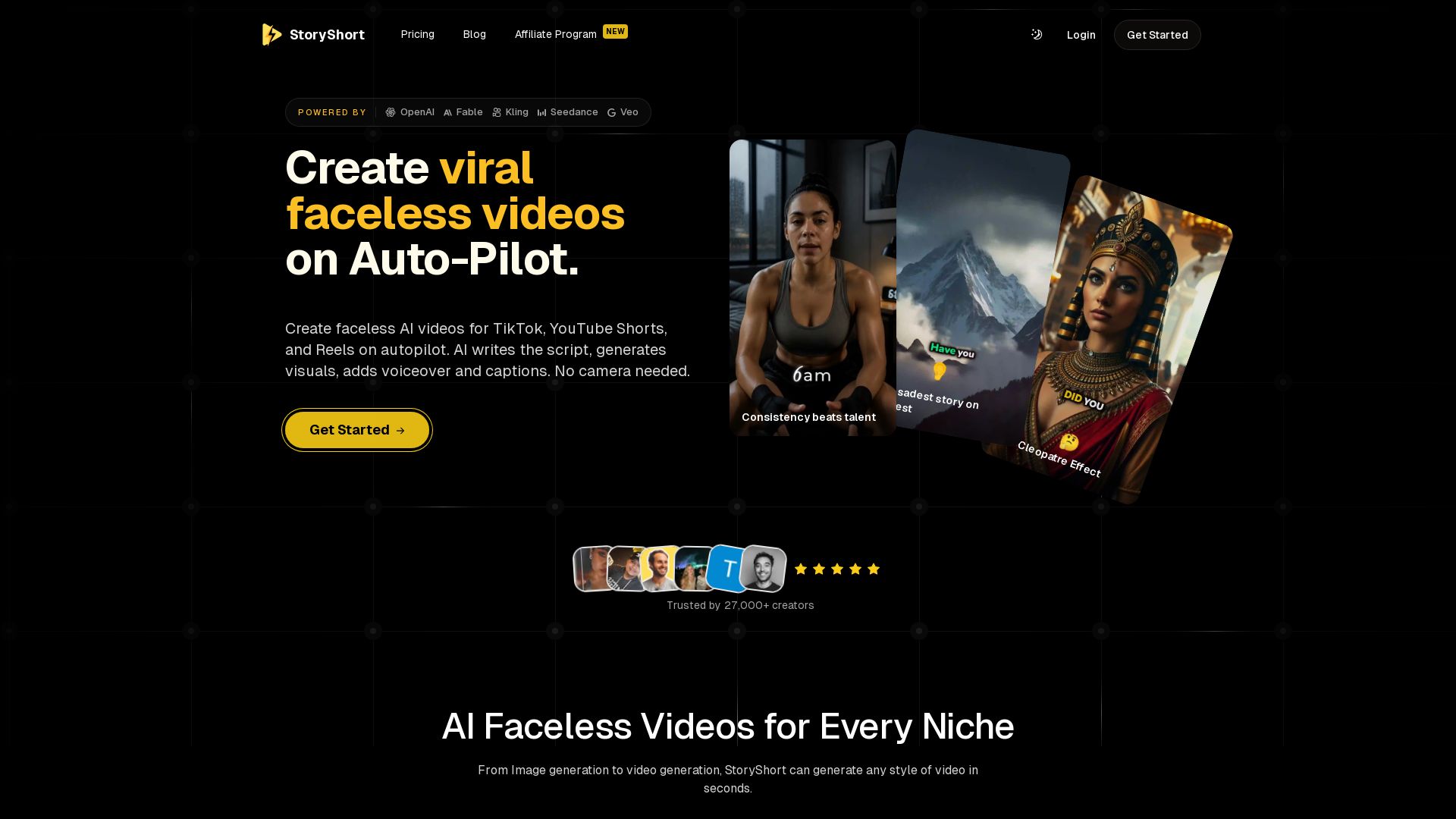
StoryShort
Create faceless AI videos for TikTok, YouTube Shorts, and Reels on autopilot. AI writes script, generates visuals, adds voiceover & captions. No camera needed.

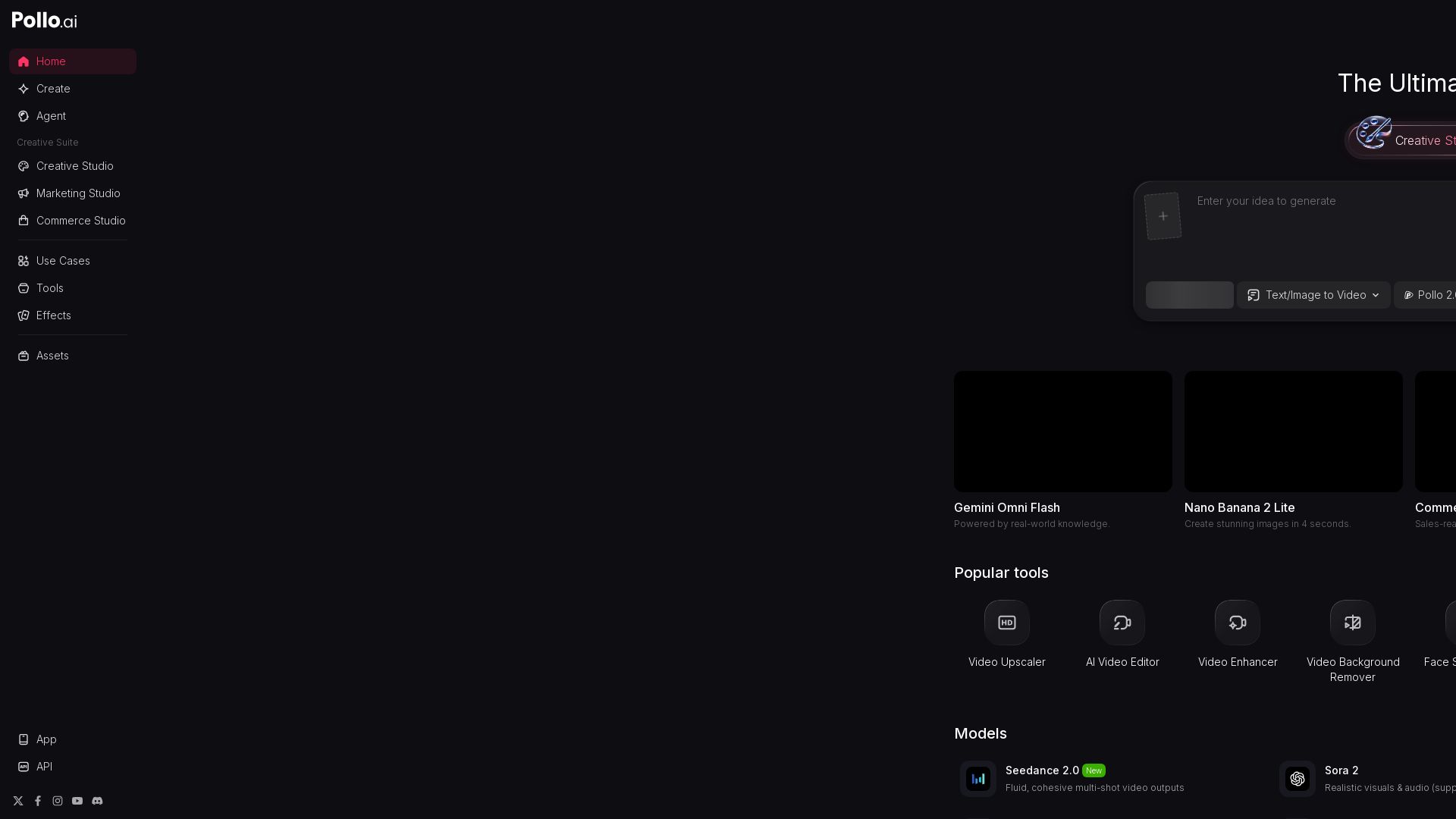
Pollo AI
Create stunning AI videos and images with Pollo.ai. Tools for video generation, editing, upscaling, and marketing. Models like Pollo 2.5, Sora 2, Kling 3.0.

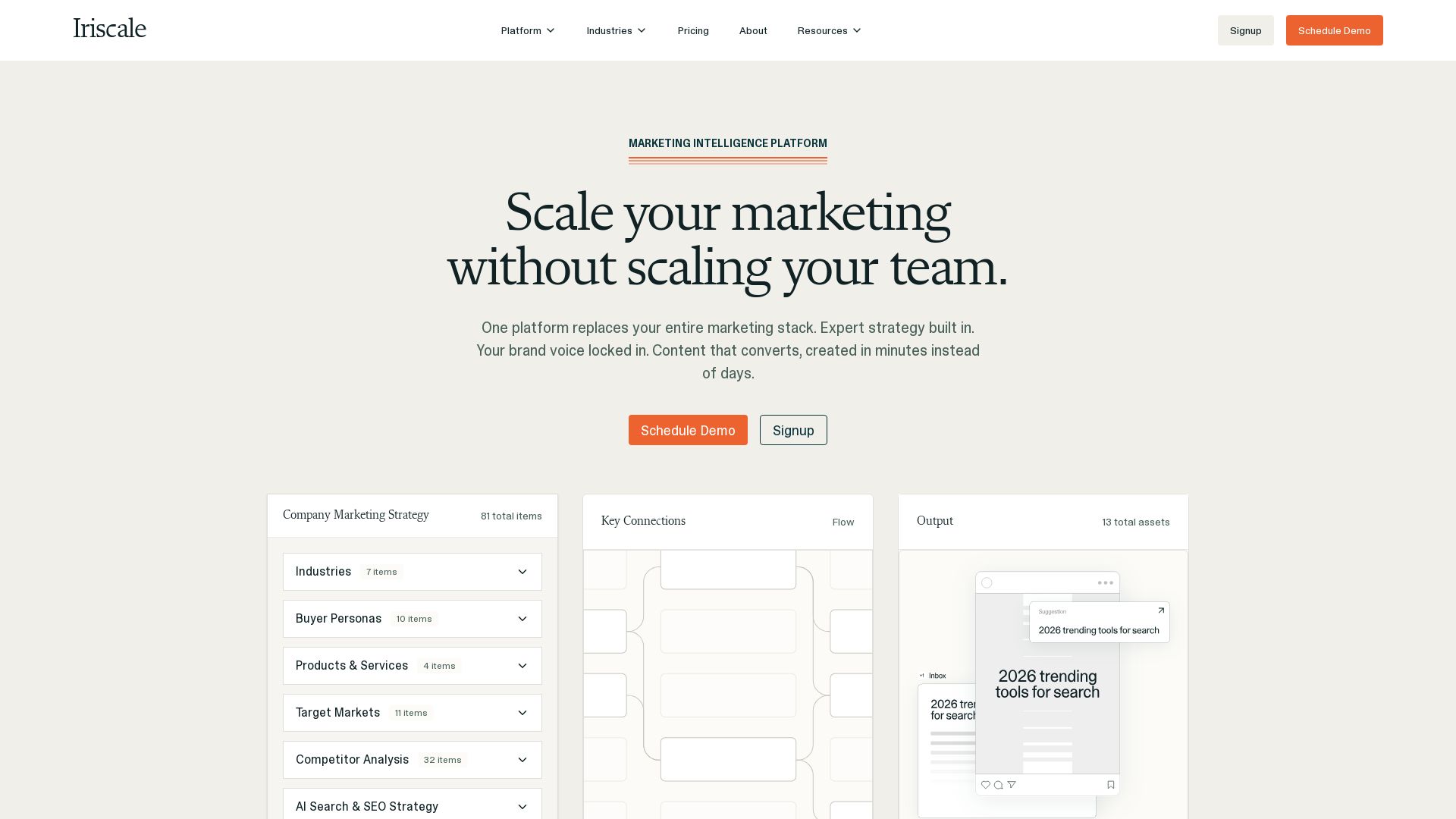


AI Video - AI Video Generator
Create animated videos from text or images with AI. Drag-and-drop editing, lip-sync, HD export. No skills needed. Download free!

ℹ️ Curation Disclosure: The overview and features of Steve AI were synthesized using AI and fact-checked by our curation team to ensure accuracy.
