
Sunflower AI
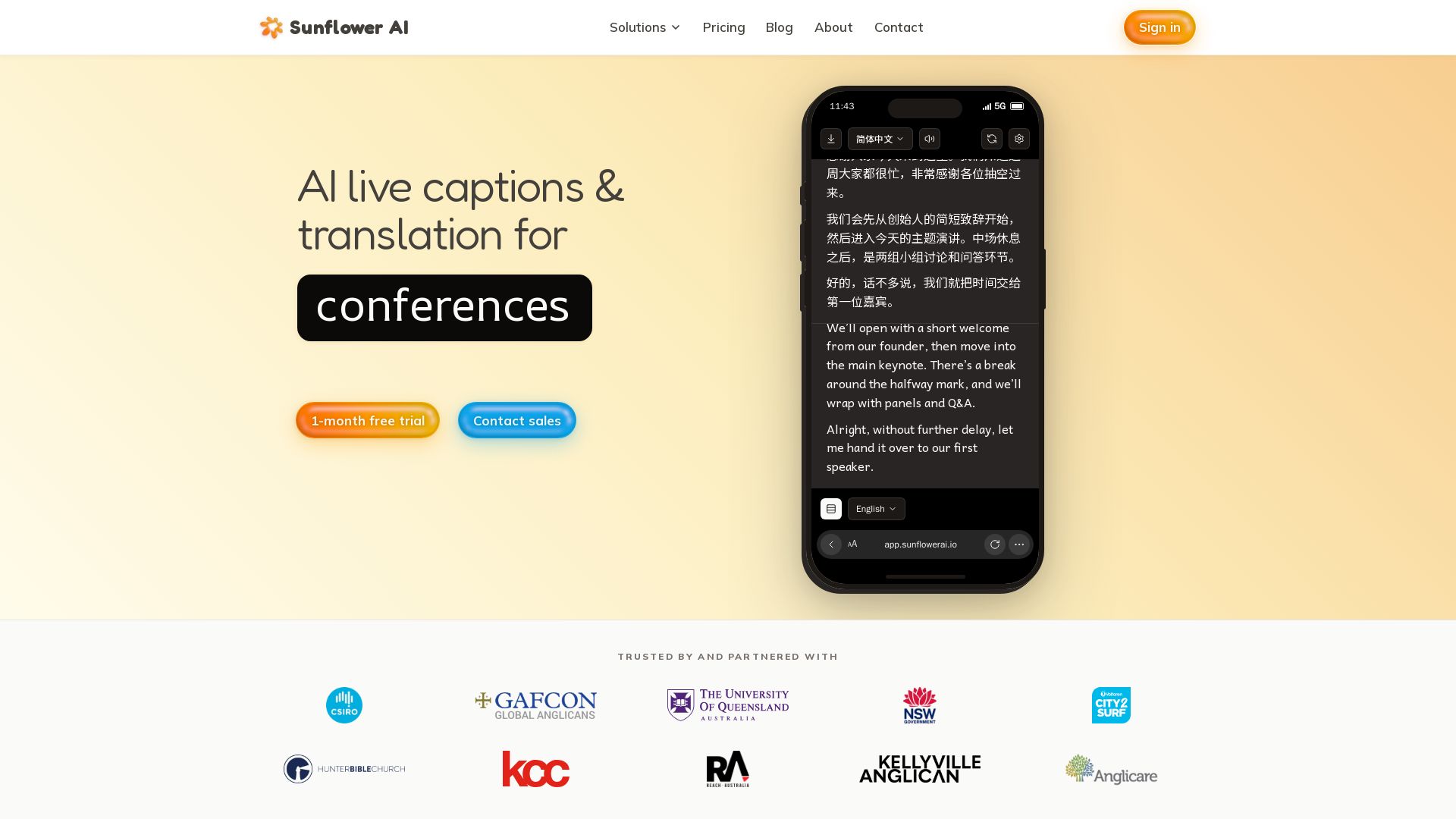
AI-powered live captions and real-time translation for multilingual audiences. One QR code, 83 languages. Trusted by churches and events. Start free trial.


Editor's Verdict
Key Takeaways
- Context aware transcription
- Easy to use
- Private and secure
- High accuracy translation
In-Depth Review: What is Sunflower AI?
Sunflower AI provides AI-driven live captions and translation for churches, conferences, and hybrid events. With support for 62 input and 83 target languages, attendees access translations via a simple QR code. Features include context-aware accuracy, enterprise-grade security, and audience analytics. Trusted by churches to make events accessible to all. Start with a free trial.
Core Features
Context aware transcription
Upload scripts in advance to boost transcription accuracy, which improves translation quality.
Easy to use
Simple web app works on any device; one QR code per session; one-click start with Stream Deck or Companion.
Private and secure
Powered by Microsoft Azure enterprise-grade cloud; data saved in Australia and never used to train AI models.
High accuracy translation
Powered by large language models that translate like a human interpreter, considering context and tone.
Audience analytics
Gain insights into audience language distribution and connection time.
Multi-language support
Supports 62 input languages and 83 target languages; also offers speech-to-speech live translation in 74 languages.
Pricing
Basic
- 1 room included (1 concurrent session)
- 7.5 hours per month
- 5 target languages from 83 options
- Custom vocabulary & uploaded scripts
- 62 input languages supported
- Add-on: $40 per extra hour
- 5 translated documents per month
- Speech-to-speech live translation
- TV view
- Caption overlay
- Up to 10 team members
Pro
- Everything in Basic
- 2 rooms included (2 concurrent sessions)
- 30 hours per month
- 10 target languages from 83 options
- Add-on: $400 per additional concurrent room (one-time, permanent)
- 10 translated documents per month
Enterprise
- Everything in Pro
- $500 per room, per day
- Unlimited session duration
- Multi-room support (run sessions in parallel)
- Dedicated account manager
- Priority setup & live support
- Flexible billing (invoice payment available)
Pros and Cons
Pros
- High AccuracyUses large language models that understand context and tone, providing human-like translations.
- Easy SetupOne QR code per session, simple web app, works on any device, and integrates with Stream Deck.
- Multilingual SupportSupports 62 input languages and 83 target languages, including speech-to-speech for 74 languages.
- Context-AwareAllows uploading scripts in advance to improve transcription accuracy and translation quality.
- Secure & PrivateEnterprise-grade security with Microsoft Azure, data stored in Australia, not used for AI training.
Cons
- Limited Hours in BasicBasic plan includes only 7.5 hours per month, which may be insufficient for frequent events.
- Limited Target Languages in BasicBasic plan supports only 5 target languages, while Pro offers 10 and Enterprise unlimited.
- Cost for Large EventsEnterprise plan starts at $500 per room per day, which can be expensive for multi-day conferences.
- No Offline ModeRequires internet connection for real-time captions and translations.
- Add-On CostsAdditional hours and rooms incur extra fees, which can add up quickly.
Use Cases & Recommended Professions
Pastor→ View Toolkit
To provide live translations for multilingual congregations, ensuring everyone understands the sermon in their native language.
Event Coordinator→ View Toolkit
To offer real-time captions and translations for conferences, hybrid events, and large gatherings, improving accessibility.
Missionary→ View Toolkit
To communicate with diverse language groups during services and outreach events.
Church Administrator→ View Toolkit
To manage translation services for multiple language groups without needing human interpreters.
Conference Speaker→ View Toolkit
To reach a broader audience by having their speech translated in real time into multiple languages.
Translation Agency→ View Toolkit
To augment human translation services with AI-powered real-time captions for events.
Frequently Asked Questions
Alternative AI Tools
View Detailed Comparison →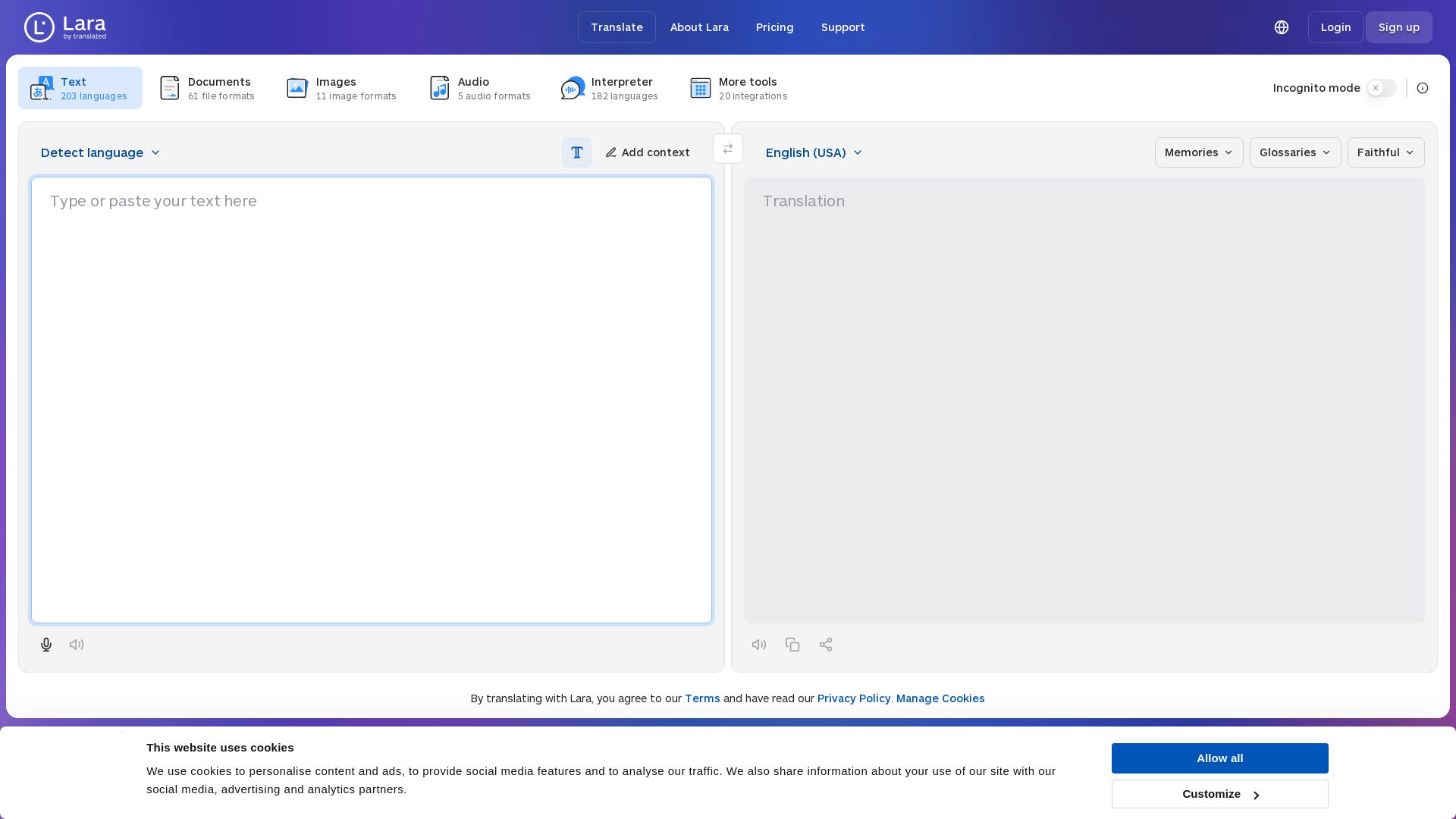
Lara Translate
Translate text, documents, images, and audio instantly in 200+ languages. Trusted by 350,000+ professionals. AI-powered by Translated since 1999.

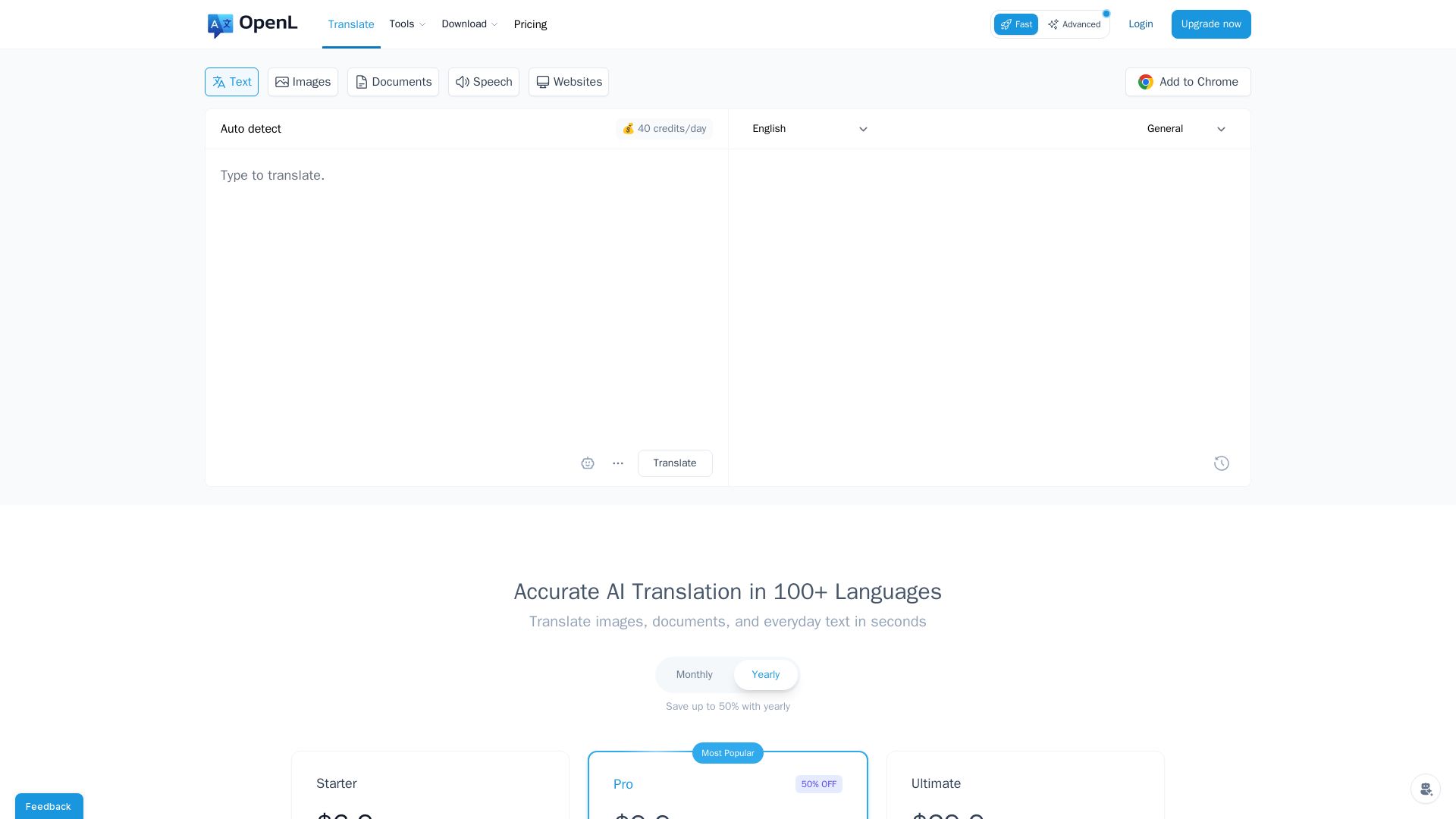
OpenL Translate
Fast, accurate AI translations for text, images, documents, and websites. Supports 100+ languages. Try free!

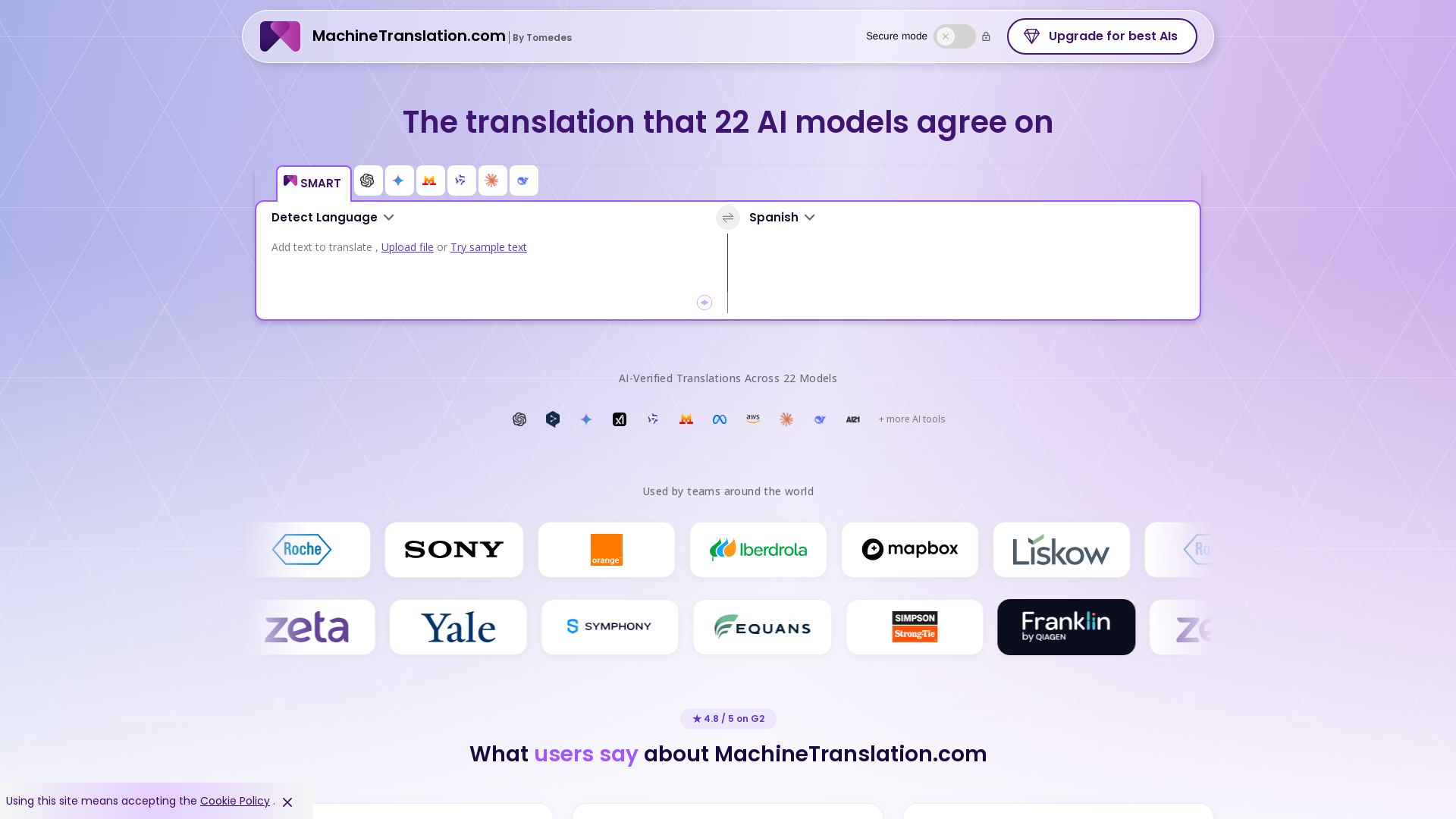
Free AI Translator
Translate with confidence using 22 AI models. SMART picks the most agreed translation, cutting errors by 90%. Human review optional. Secure & affordable.

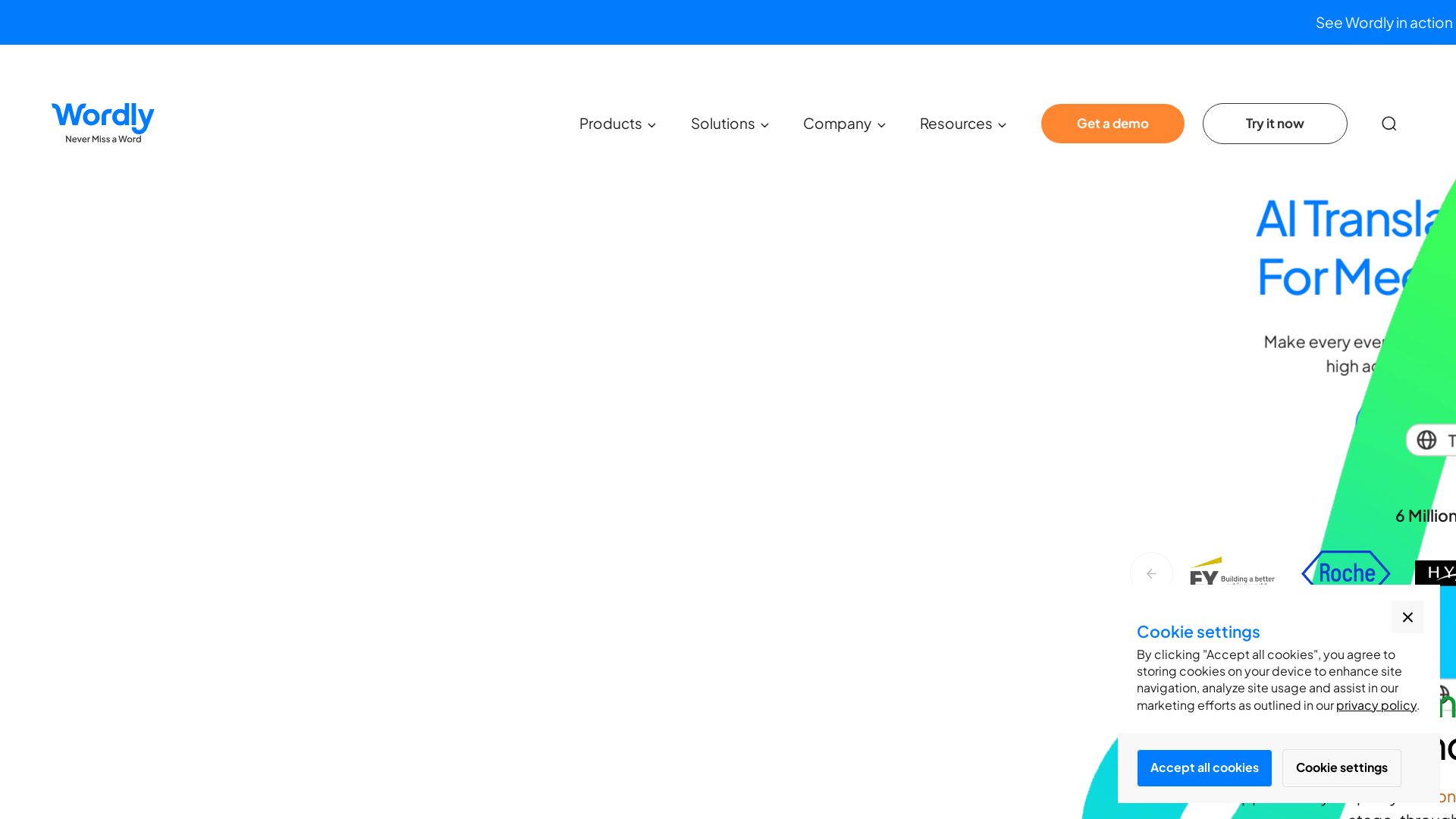
Wordly
AI-powered live translation and captions for in-person, virtual, and hybrid events. Trusted by millions, affordable, accurate, and enterprise-ready. Get a demo.

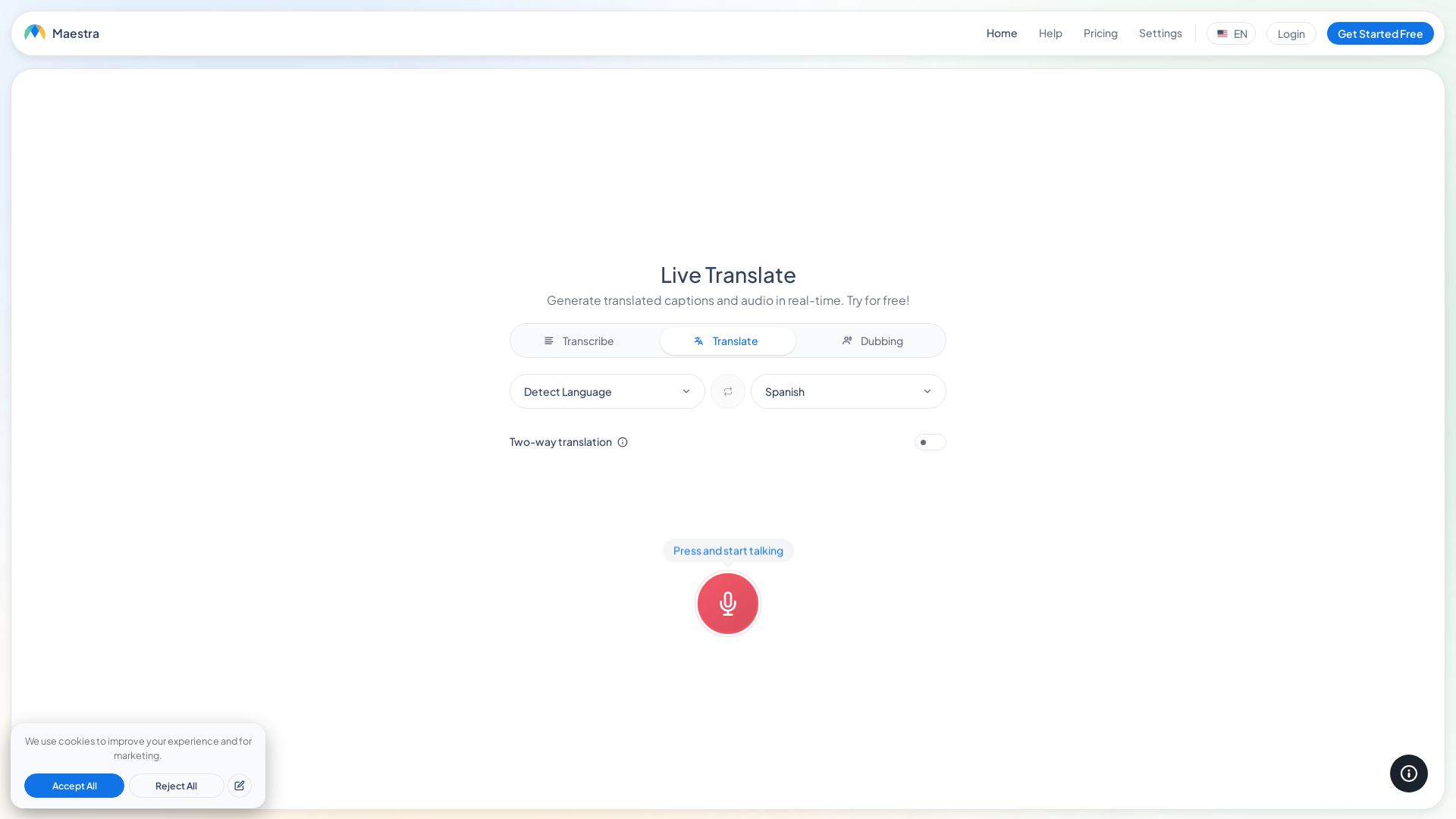
Maestra
Translate speech in real time with live captions, AI dubbing, and 125+ languages. Free, browser-based, no install. Try now!

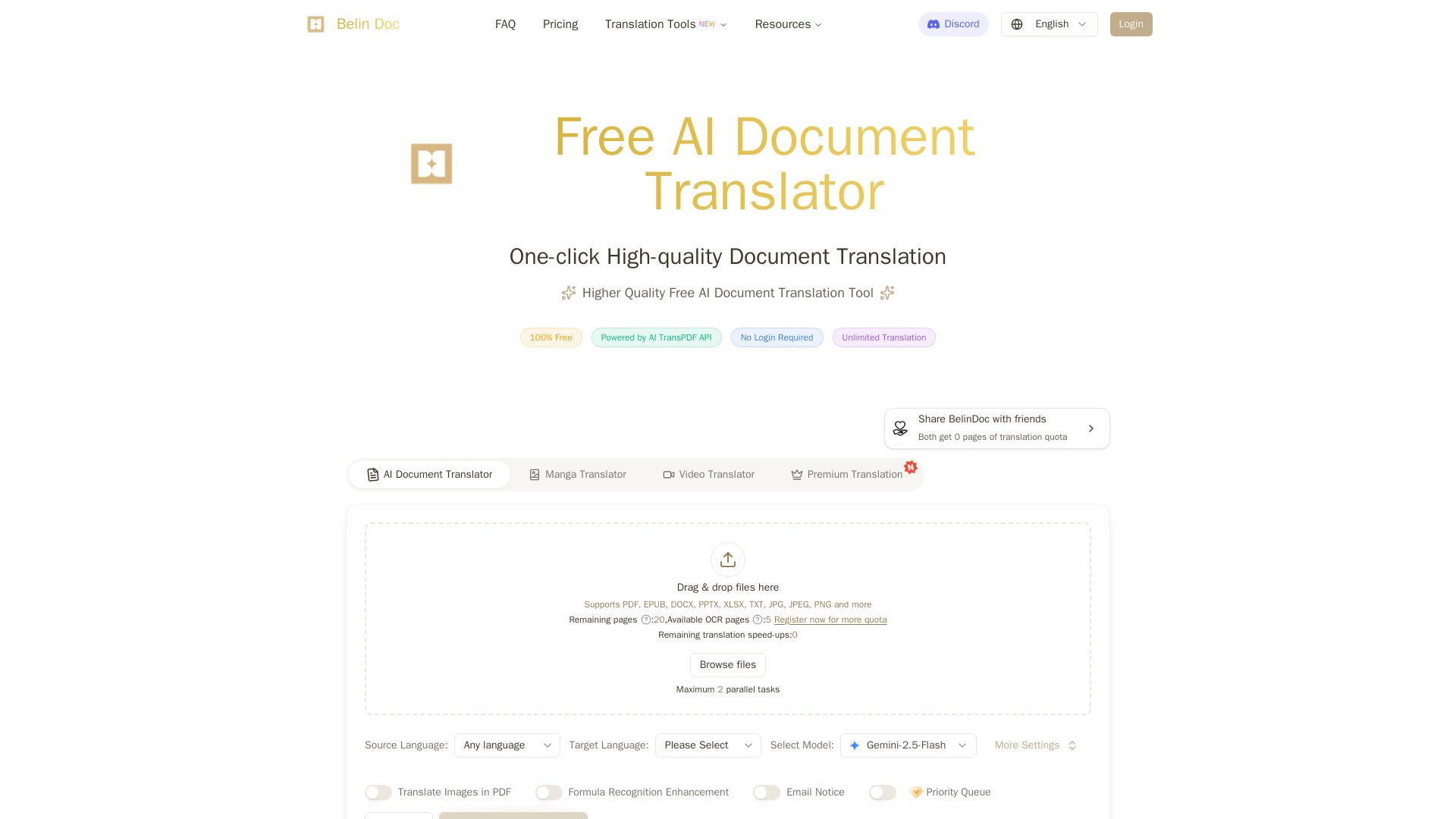
Belindoc
Translate documents online for free! AI-powered PDF, Word, Excel, PPT translation with original layout preserved. No login, unlimited pages.

AI-Media
AI-Media offers AI-powered captioning, translation, and accessibility solutions for broadcast, events, education, and more. Trusted by global leaders.


SlideSpeak
Turn PDFs, Word docs, and ideas into professional PowerPoint slides in minutes. AI-powered editor, video, and branding. Trusted by 1M+ users.


SlidesAI
Create beautiful presentations from notes, prompts, or docs with SlidesAI. Works in Google Slides, PowerPoint, ChatGPT & web. Save 85% time.


Prezi
Prezi AI creates studio-quality presentations from your ideas. Describe or upload, get a polished deck in seconds. Refine via chat, export as PPTX or PDF. No design skills needed.


Presentation Maker AI
Create professional presentations in minutes with our AI presentation maker. Ideal for students, teachers, and businesses. No design skills needed. Try free!

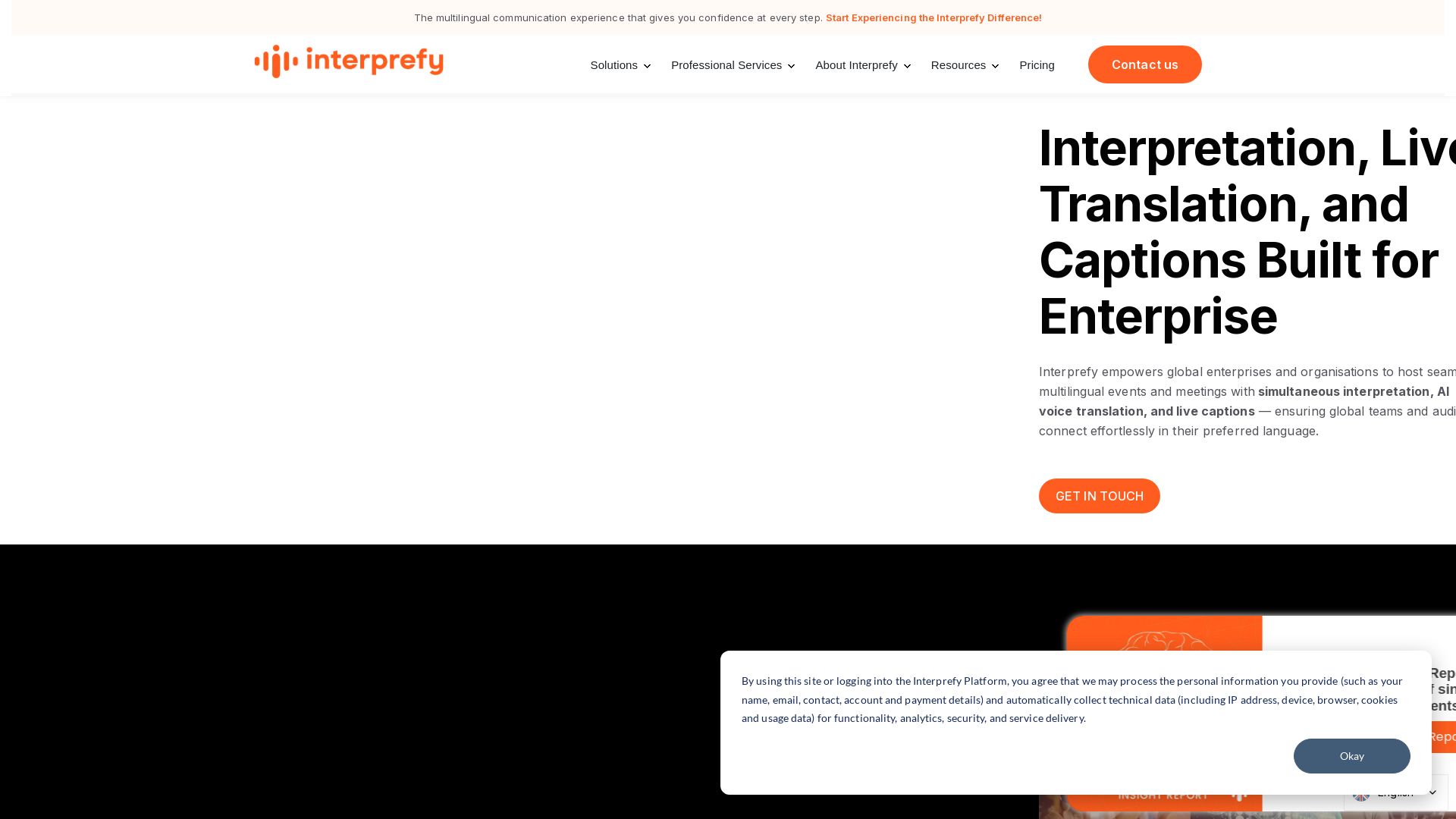
Interprefy
Interprefy empowers global enterprises with simultaneous interpretation, AI voice translation, and live captions for seamless multilingual events.
ℹ️ Curation Disclosure: The overview and features of Sunflower AI were synthesized using AI and fact-checked by our curation team to ensure accuracy.
