
Prezi

Prezi AI creates studio-quality presentations from your ideas. Describe or upload, get a polished deck in seconds. Refine via chat, export as PPTX or PDF. No design skills needed.



Editor's Verdict
Key Takeaways
- AI Presentation Generation
- Import Existing Files
- Conversational Refinement
- Brand Integration
In-Depth Review: What is Prezi?
Prezi AI is an AI-powered presentation tool that transforms your ideas into stunning, studio-quality decks through a simple conversation. Just describe your goal or upload a file, and our AI—trained on 500 million presentations—generates a fully designed, custom presentation in seconds. Refine via chat, apply your brand automatically, and export as PPTX, PDF, or weblink. Choose classic slides or Prezi's dynamic zooming format. Trusted by thousands, Prezi AI delivers professional presentations in minutes.
Core Features
AI Presentation Generation
Create studio-quality presentations through a simple conversation. Just describe what you need, and Prezi AI generates a fully designed deck.
Import Existing Files
Drop in PPTX, PDF, DOCX, or paste notes. Prezi AI turns your existing work into a polished presentation.
Conversational Refinement
Refine your presentation through chat—ask for changes like you would with a colleague. No learning curve.
Brand Integration
Upload brand guidelines, colors, and assets or link to your website. Prezi AI applies your brand consistently across every slide.
Collaboration
Work together with your team, share access, leave feedback, and keep everyone aligned.
Export and Share
Download as PPTX, PDF, or share a web link. Present directly or share a link.
Multiple Presentation Formats
Choose between classic slide presentations or Prezi's dynamic zooming format for engaging presentations.
Security and Privacy
SOC2 compliant, with privacy controls to manage who sees, edits, and comments on your presentations.
Pricing
Free
- AI-powered presentation creation
- Import PPTX, PDF, DOCX
- Conversational refinement
- Export as PPTX, PDF, weblink
- Present in slide or zoom format
Prezi for Teams
- All Free features
- Unlimited AI access
- Brand guidelines and assets
- Team collaboration
- Shared workspace
- SOC2 compliance
- Advanced privacy controls
- Priority support
Pros and Cons
Pros
- AI-Powered SpeedGenerate a fully designed presentation in seconds from a simple prompt or uploaded file.
- Professional DesignTrained on 500 million real presentations, Prezi AI delivers polished layouts, hierarchy, and visual storytelling.
- Conversational EditingRefine your deck through natural language chat—no need to learn complex editing tools.
- Brand ConsistencyAutomatically apply your brand colors, fonts, and style to every slide for a cohesive look.
- Flexible Export OptionsExport as PPTX, PDF, or share a weblink; present directly or download for other platforms.
Cons
- Dependence on InternetPrezi AI requires an internet connection for AI generation and most features.
- Free Plan LimitationsThe free plan may have restrictions on AI usage, export options, or storage.
Use Cases & Recommended Professions
Marketing Manager→ View Toolkit
Create compelling presentations for campaigns, product launches, and reports quickly with AI assistance.
Sales Representative→ View Toolkit
Generate persuasive sales decks and pitch presentations that capture attention and close deals.
Educator→ View Toolkit
Design engaging lesson plans and educational materials with dynamic visuals and interactive formats.
Trainer→ View Toolkit
Produce training materials and onboarding presentations that are clear, brand-consistent, and easy to update.
Technology Consultant→ View Toolkit
Present complex technical concepts and solutions with professional, easy-to-understand visuals.
Healthcare Professional→ View Toolkit
Create presentations for medical conferences, patient education, or internal training with a focus on clarity.
Frequently Asked Questions
Alternative AI Tools
View Detailed Comparison →
Figr
Ship better UX faster. Figr builds a living understanding of your product, maps flows, finds edge cases, and generates high-fidelity prototypes from your actual design system.


Superdesign
Create stunning designs with AI. Iterate quickly using natural language. Export production-ready code. Browse design prompts and styles.


Figma
Figma is the intelligent, AI-native canvas for designing, prototyping, and building products together. Trusted by 95% of Fortune 500. Explore design and dev tools.


SlidesAI
Create beautiful presentations from notes, prompts, or docs with SlidesAI. Works in Google Slides, PowerPoint, ChatGPT & web. Save 85% time.




SlideSpeak
Turn PDFs, Word docs, and ideas into professional PowerPoint slides in minutes. AI-powered editor, video, and branding. Trusted by 1M+ users.


UX Pilot
Ideate, design, and hand-off web apps in seconds with UX Pilot's AI. Generate wireframes, hi-fi designs, and clean code. Trusted by 1M+ users.


Figma Console MCP
Connect AI to Figma for design extraction, token sync, and component creation. Turn your design system into a programmable API.


AiPPT
Transform ideas into stunning presentations instantly with AiPPT. Generate slides from text, documents, URLs, or templates. Import from Google Drive. Free and paid plans.

MiriCanvas
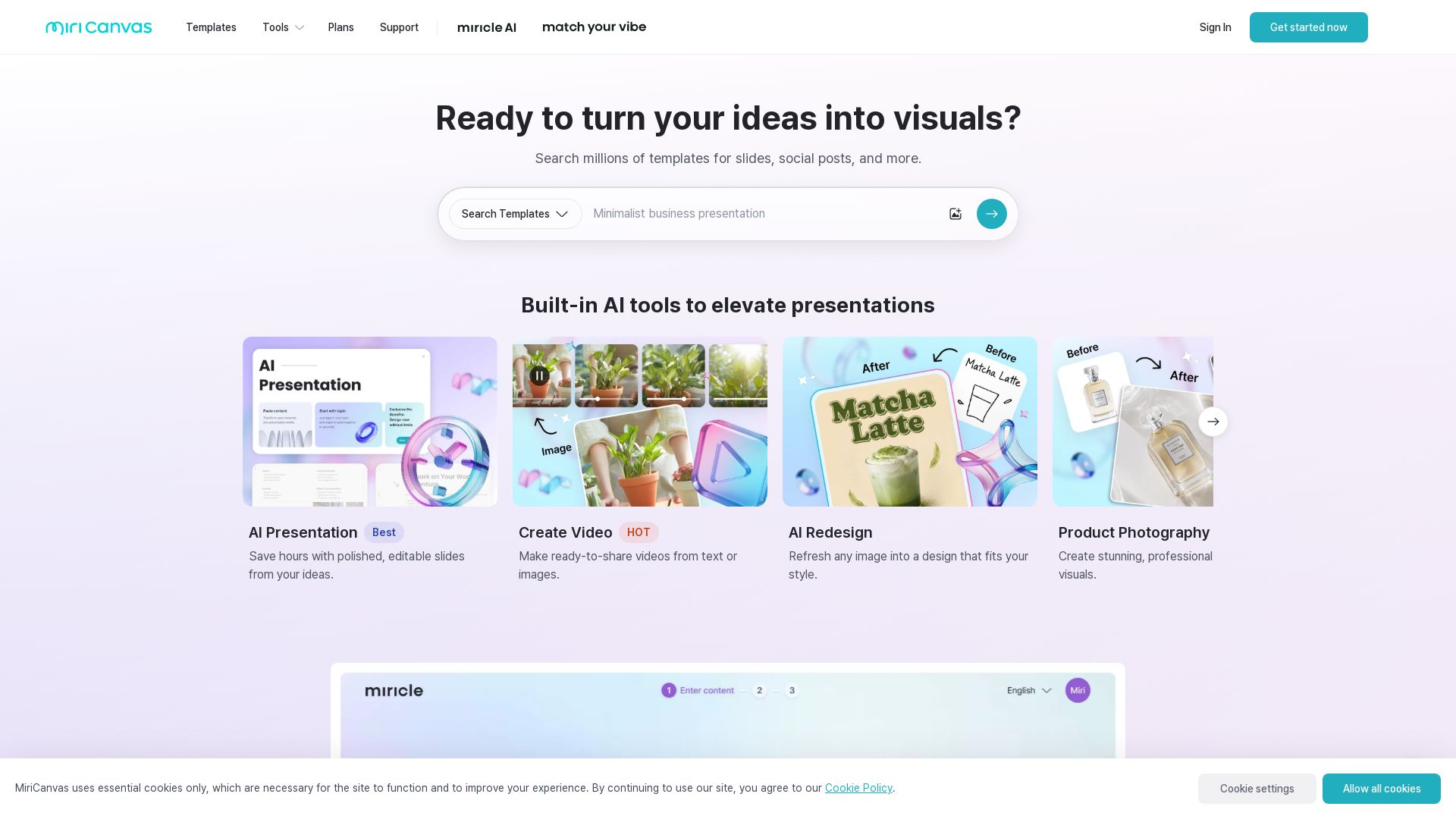
Create stunning presentations, videos, and social graphics with MiriCanvas AI. Over 530K templates, 10M+ elements. Try free!


Presentation Maker AI
Create professional presentations in minutes with our AI presentation maker. Ideal for students, teachers, and businesses. No design skills needed. Try free!


Komposo
Turn product ideas into real, editable designs with AI. Generate, edit, and export UIs using plain language. Trusted by 100k+ users. Start for free.

ℹ️ Curation Disclosure: The overview and features of Prezi were synthesized using AI and fact-checked by our curation team to ensure accuracy.