
MiriCanvas
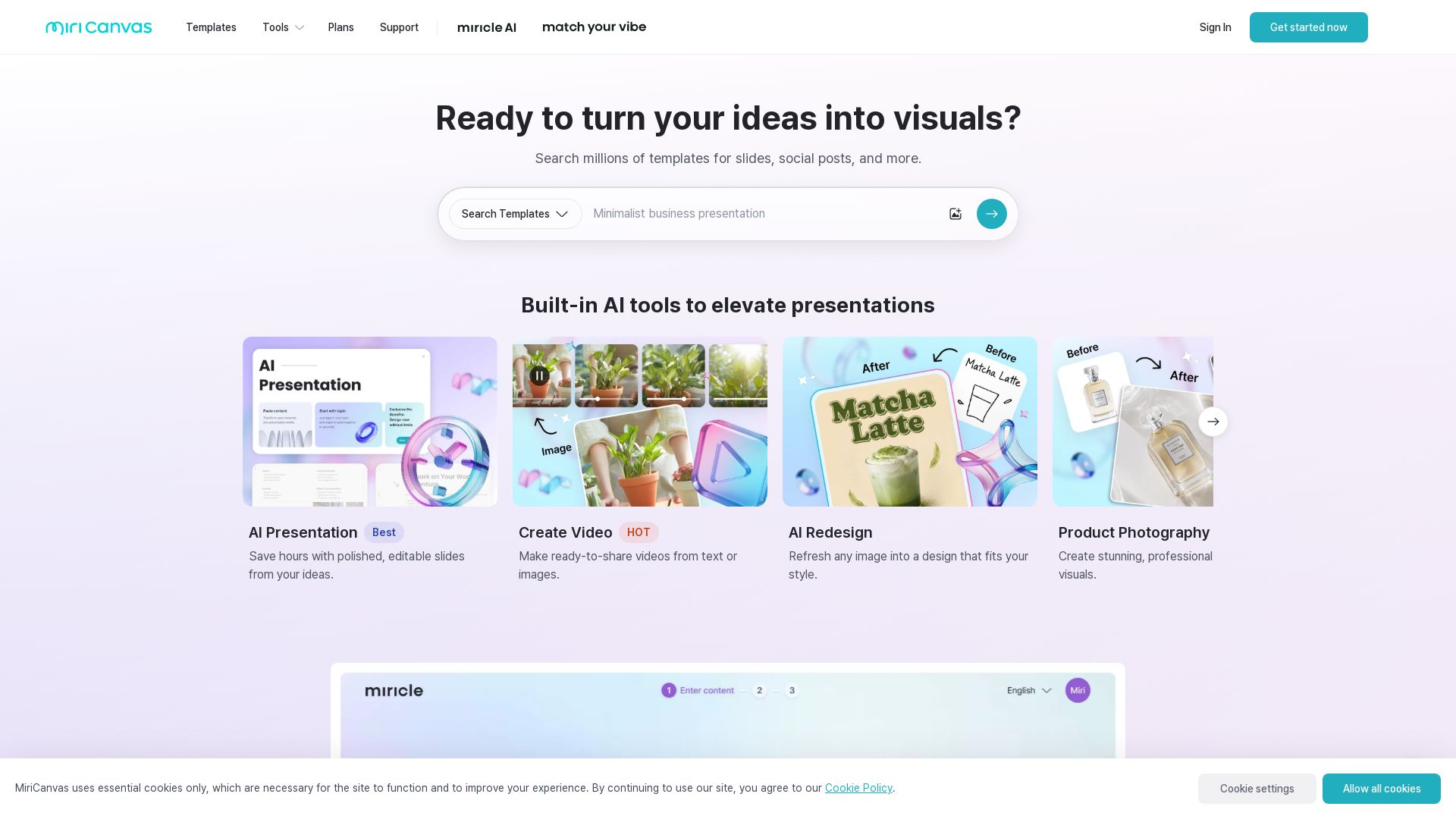
Create stunning presentations, videos, and social graphics with MiriCanvas AI. Over 530K templates, 10M+ elements. Try free!


Editor's Verdict
Key Takeaways
- AI Presentation
- AI Image Generation
- AI Writing
- Background Remover
In-Depth Review: What is MiriCanvas?
MiriCanvas is a versatile design platform that leverages AI to help you create professional presentations, videos, social media posts, and more. With over 530K templates, 10M+ design elements, and built-in AI tools like AI Presentation, AI Image Generator, and Background Remover, you can bring your ideas to life quickly and easily. Trusted by over 2 million users worldwide, MiriCanvas works seamlessly on desktop, tablet, and mobile devices. Start designing for free today!
Core Features
AI Presentation
Generate polished, editable presentation drafts by simply entering a topic, saving hours of design time.
AI Image Generation
Create stunning visuals from a single text prompt, turning ideas into images effortlessly.
AI Writing
Leverage AI to generate written content for designs, streamlining the creative process.
Background Remover
Remove image backgrounds in one click to obtain transparent backgrounds for design elements.
Animation Effects
Easily add animated effects to text and elements, making designs more engaging without extra effort.
Template Library
Access millions of templates for presentations, social posts, videos, and more, catering to various design needs.
Cross-Platform Access
Design seamlessly on desktops, tablets, and mobile devices, ensuring productivity anywhere.
10 Million+ Elements
Utilize a vast library of photos, icons, videos, and audio to create professional designs without starting from scratch.
Pros and Cons
Pros
- AI-Powered EfficiencyAutomates slide creation, image generation, and writing, significantly reducing design time.
- Extensive Template LibraryMillions of ready-to-use templates for diverse use cases, from presentations to social media.
- Easy Animation EffectsOne-click animations bring designs to life, enhancing visual appeal without complexity.
- Cross-Device CompatibilityWorks on desktop, tablet, and mobile, allowing users to design on the go.
- Rich Element CollectionOver 10 million photos, icons, videos, and audio files enable professional outputs without external resources.
Cons
- Pricing UnclearThe homepage lacks detailed pricing information, making it difficult to assess cost.
- No Offline ModeRequires internet connection, limiting use in offline scenarios.
- Limited Free Tier?Not explicitly stated; may have restrictions on free usage such as watermarks or limited exports.
Use Cases & Recommended Professions
Graphic Designer→ View Toolkit
Quickly generate design drafts, access millions of elements, and apply animations to speed up creative workflows.
Social Media Manager→ View Toolkit
Create engaging social posts and thumbnails using AI-powered tools and pre-made templates.
Business Presenter→ View Toolkit
Generate professional presentation slides from a topic input, saving time and ensuring polished outputs.
Content Creator→ View Toolkit
Produce videos, images, and written content with AI assistance, ideal for YouTube thumbnails and social media.
Marketing Professional→ View Toolkit
Craft eye-catching posters, detail pages, and quiz content to engage audiences using diverse templates.
Educator→ View Toolkit
Design educational materials like posters and presentations efficiently with AI help and templates.
Frequently Asked Questions
Alternative AI Tools
View Detailed Comparison →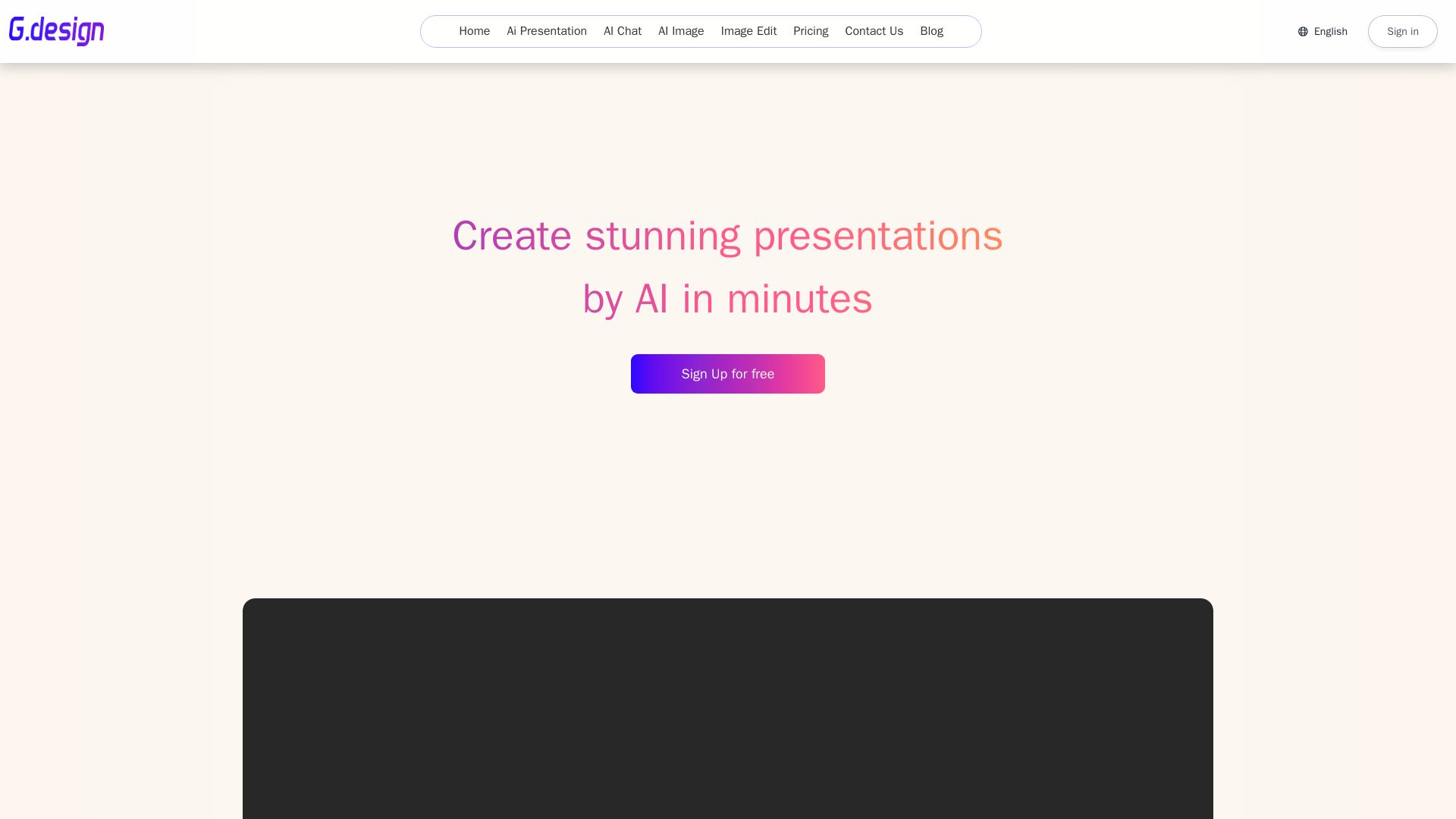
Gamma
Create stunning presentations by AI in 3 minutes. Upload files, convert to PPT, access 1000+ templates. Free trial available.


Prezi
Prezi AI creates studio-quality presentations from your ideas. Describe or upload, get a polished deck in seconds. Refine via chat, export as PPTX or PDF. No design skills needed.


AiPPT
Transform ideas into stunning presentations instantly with AiPPT. Generate slides from text, documents, URLs, or templates. Import from Google Drive. Free and paid plans.


SlideSpeak
Turn PDFs, Word docs, and ideas into professional PowerPoint slides in minutes. AI-powered editor, video, and branding. Trusted by 1M+ users.


Presentation Maker AI
Create professional presentations in minutes with our AI presentation maker. Ideal for students, teachers, and businesses. No design skills needed. Try free!

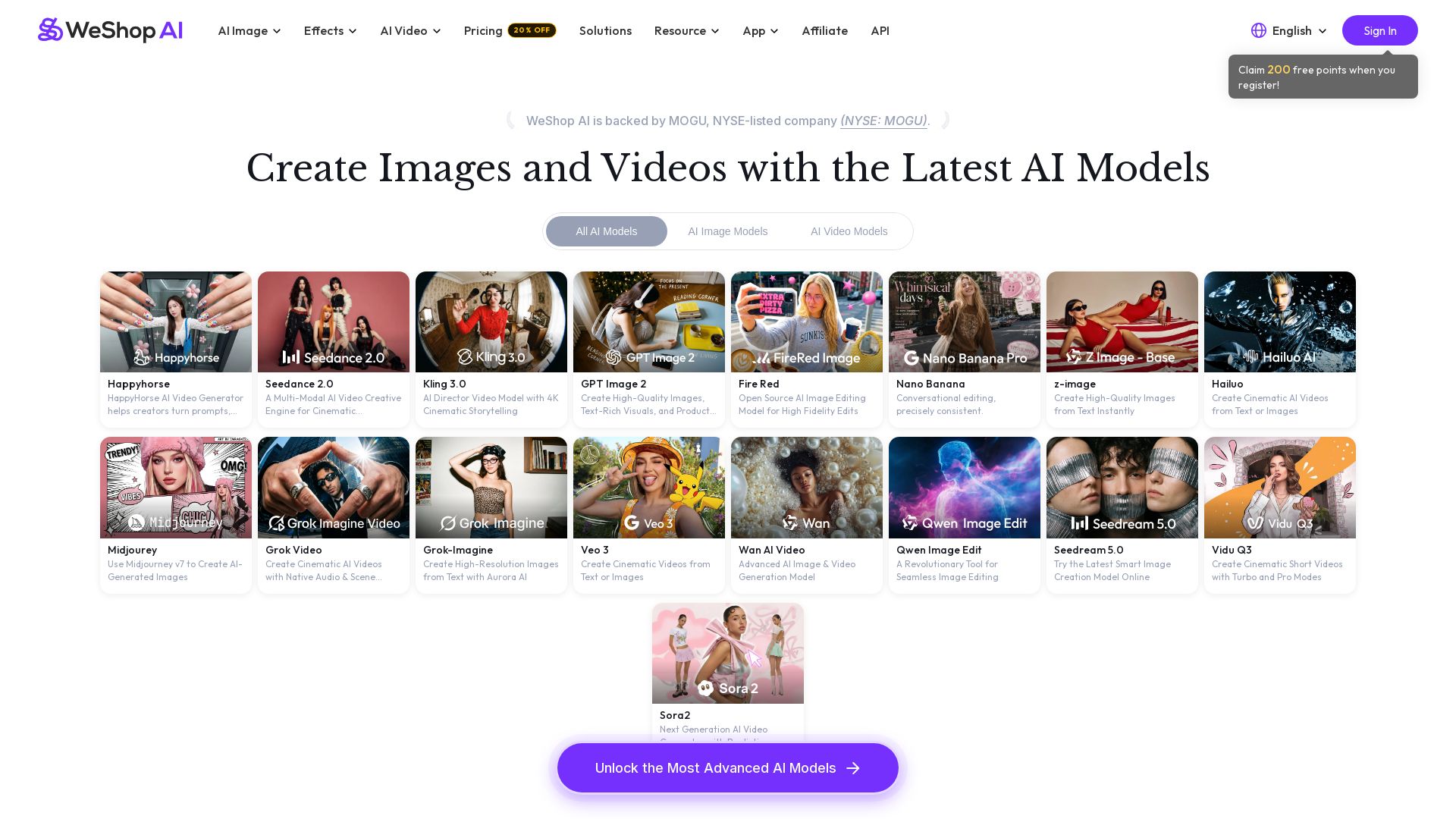
WeShop AI
Generate high-quality AI images and videos using top models like Midjourney, Kling, and Seedance. Try virtual try-on, AI fashion models, and more. Trusted by 3M+ users. Start with 200 free points!

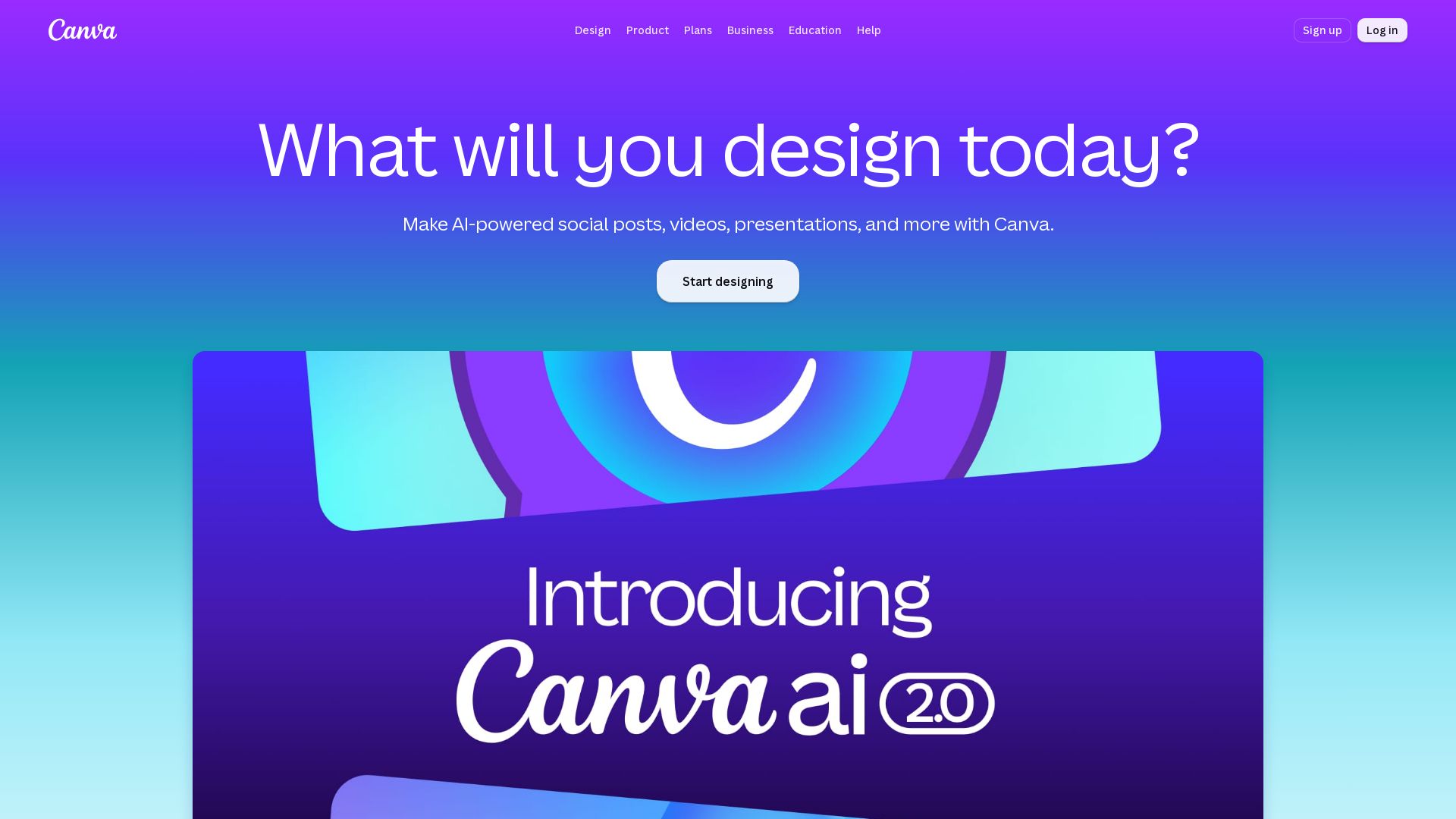
Canva
Create stunning designs, presentations, videos, and more with Canva's AI tools. Start for free.

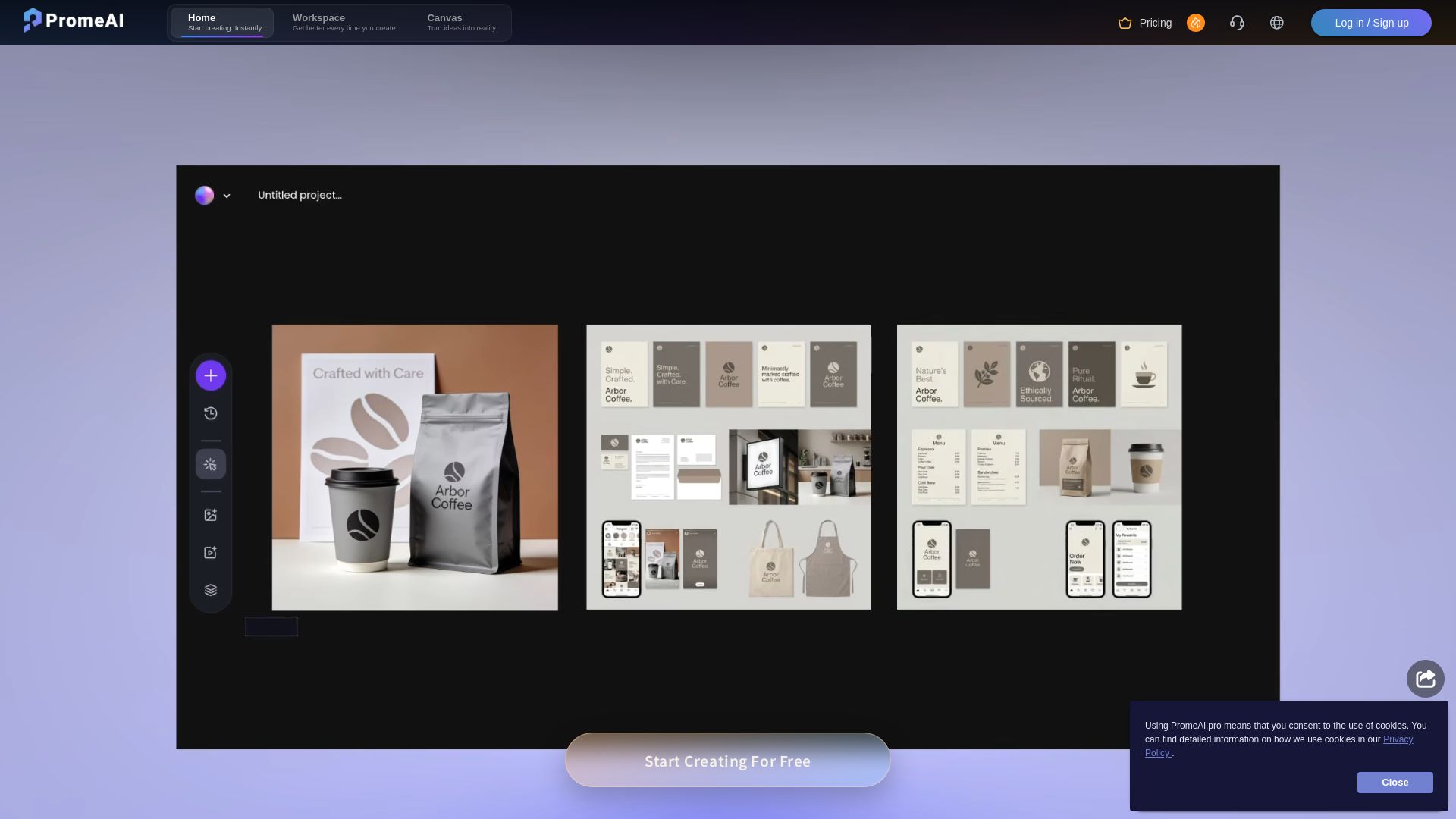
PromeAI
Transform sketches into realistic renders with PromeAI. 42+ AI tools for architecture, interior design, and more. Trusted by 2M+ users.


Pixlr
Edit, generate, and design with Pixlr's free AI photo editor. Transform photos, create images from text, and more – all in your browser. No download needed.


Superdesign
Create stunning designs with AI. Iterate quickly using natural language. Export production-ready code. Browse design prompts and styles.

Bylo AI
Generate stunning images with GPT-4o, Gemini Nano Banana, Flux AI. Edit photos, apply Ghibli style, remove backgrounds. Free online tool.


Figma
Figma is the intelligent, AI-native canvas for designing, prototyping, and building products together. Trusted by 95% of Fortune 500. Explore design and dev tools.

ℹ️ Curation Disclosure: The overview and features of MiriCanvas were synthesized using AI and fact-checked by our curation team to ensure accuracy.
