Canva
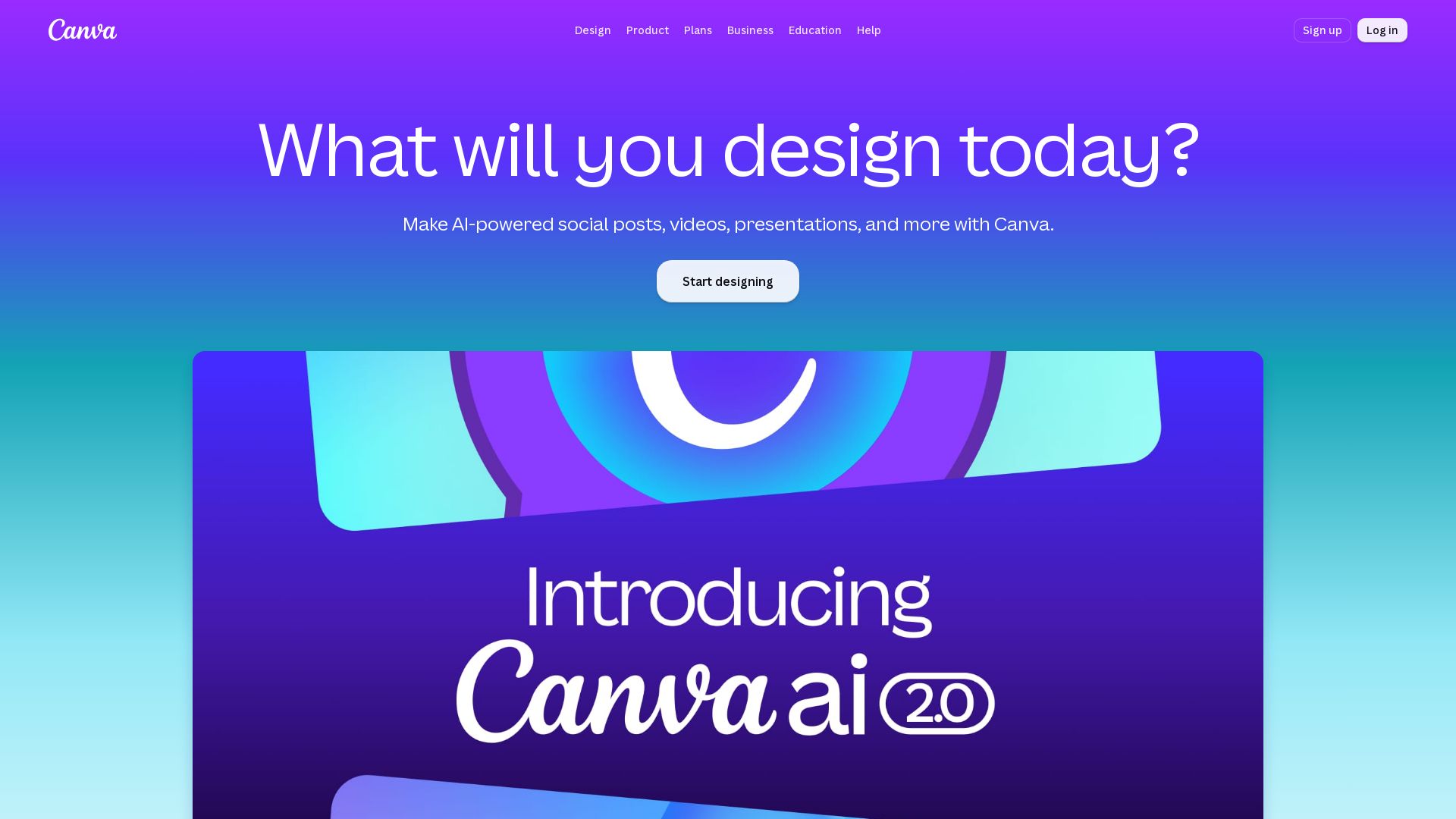
Create stunning designs, presentations, videos, and more with Canva's AI tools. Start for free.
Editor's Verdict
Key Takeaways
- AI-Powered Design Tools
- Vast Template Library
- Brand Management
- Video Editing
In-Depth Review: What is Canva?
Canva is an all-in-one visual communication platform that enables you to design anything from social posts to presentations, videos, and print materials. With AI features like Magic Eraser, Magic Write, and Magic Layers, plus thousands of templates, it's the ultimate creative suite for individuals and teams.
Core Features
AI-Powered Design Tools
Leverage AI to generate social posts, videos, presentations, and more with tools like Magic Eraser, Magic Write, and Magic Layers.
Vast Template Library
Access millions of professionally designed templates for any occasion, including Disney Pixar Toy Story collaborations.
Brand Management
Maintain brand consistency with Brand Kits, approvals, and multi-team management across all designs.
Video Editing
Edit videos with AI-powered captioning, background removal, and trending templates for social media and presentations.
Print Shop
Design and print high-quality materials directly from Canva with instant resize and invitation templates.
Collaboration
Work together in real-time with team admin tools, assignments, and live learning sessions for education.
Visual Suite
All-in-one platform combining design, presentation, video, and collaboration with AI integration.
Magic Resize
Resize designs instantly for any channel or print format without losing quality.
Background Remover
Remove image and video backgrounds in one click for clean, professional visuals.
Education Features
Interactive tools for teachers and students including quizzes, polls, voiceovers, and curriculum-mapped resources.
AI Voice & Captions
Generate AI-powered voiceovers and captions to enhance accessibility and engagement.
Canva Offline
Work on designs without an internet connection and sync when online.
Pricing
Free
- Easy drag-and-drop editor and 1,000+ design types
- 1.6M+ templates
- 4.7M+ photos, videos, graphics, and audio
- 1 Brand Kit (3 colors only)
- Ad insights and AI ad creation
- Access to Affinity
- 5GB of cloud storage
- Up to 200 Standard AI uses or 20 Premium AI uses
Pro
- Premium tools (resize, translate, remove background)
- 3.6M+ templates (including premium)
- 141M+ premium photos, videos, graphics, and audio
- 5 Brand Kits
- Social content scheduling
- Ad insights and AI ad creation
- Access to Affinity with AI
- 100GB of cloud storage
- 10x more AI than Free (Standard, Premium, or Ultra AI)
- AI Pass add-on available (extra-cost)
- Canva AI 2.0, AI connectors, Components, Offline, Magic Layers
Business
- Collaboration and team admin tools
- 3.6M+ templates (including premium)
- 141M+ premium photos, videos, graphics, and audio
- 100 Brand Kits and approvals
- Ad insights and AI ad creation
- Access to Affinity with AI
- Access to Leonardo.Ai and Flourish
- 10% discount on print orders
- 500GB of cloud storage
- 20x more AI than Free (Standard, Premium, or Ultra AI)
- AI Pass add-on available (extra-cost)
- Canva AI 2.0, AI connectors, Components, Offline, Magic Layers
Enterprise
- Enterprise-level security and controls
- SSO and SCIM provisioning
- Custom apps
- 1000 Brand Kits with tiered approvals and multi-team management
- Ad insights and AI ad creation
- Access to Affinity with AI
- Access to Leonardo.Ai and Flourish
- Priority support and dedicated success manager
- 10% discount on print orders
- 1TB of cloud storage
- 20x more AI than Free (Standard, Premium, or Ultra AI)
- Canva AI 2.0, AI connectors (soon), Components, Offline, Magic Layers
Pros and Cons
Pros
- AI-Powered CreativityAutomate and enhance design tasks with AI tools like Magic Write, Magic Eraser, and AI-generated presentations.
- Extensive Template LibraryMillions of templates for any need, from social media to presentations, saving time and ensuring professional quality.
- All-in-One PlatformDesign, edit videos, collaborate, and print in one place, reducing the need for multiple tools.
- User-Friendly InterfaceDrag-and-drop editor makes design accessible to everyone, regardless of skill level.
- Strong Collaboration FeaturesReal-time teamwork, brand kits, and approval workflows streamline team projects and maintain brand consistency.
Cons
- AI Usage LimitsEven paid plans cap AI uses, requiring additional AI Pass for heavy users, which can increase costs.
- Free Plan StorageOnly 5GB of cloud storage on the free plan may be insufficient for users with many designs or assets.
- Cost for Advanced FeaturesPremium tools and features like background remover and brand kits require a paid subscription, which may be expensive for individuals.
- Limited Offline FunctionalityOffline mode is available but only on certain plans and may have feature restrictions compared to online.
- Complex Pricing for TeamsBusiness and Enterprise plans are per-person billing, which can become costly for larger teams, and enterprise pricing requires contacting sales.
Use Cases & Recommended Professions
Teacher→ View Toolkit
Create interactive lessons, assignments, and quizzes with AI tools and curriculum-mapped templates to engage students.
Marketing Professional→ View Toolkit
Design social media posts, ads, and branding materials quickly with AI-powered features and schedule content across channels.
Small Business Owner→ View Toolkit
Build a professional brand image with customizable templates, print products, and maintain consistency with Brand Kits.
Content Creator→ View Toolkit
Produce videos, graphics, and social posts with AI-assisted editing, captions, and resizing for multiple platforms.
Graphic Designer→ View Toolkit
Use advanced design tools, templates, and AI to speed up workflows and collaborate with clients or teams.
Student→ View Toolkit
Complete projects, presentations, and posters with easy-to-use design tools and access to millions of free resources.
Frequently Asked Questions
Alternative AI Tools
View Detailed Comparison →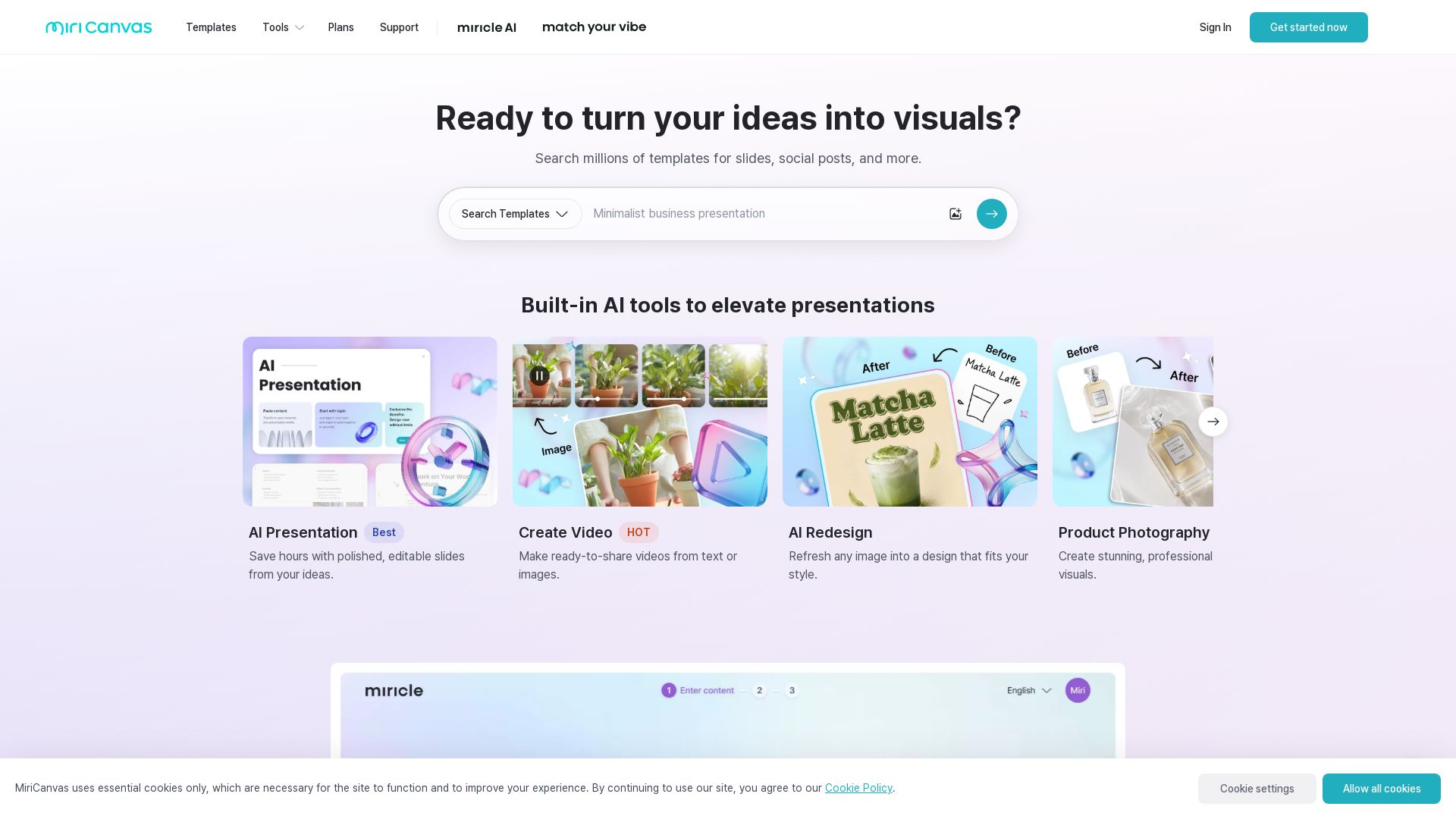
MiriCanvas
Create stunning presentations, videos, and social graphics with MiriCanvas AI. Over 530K templates, 10M+ elements. Try free!


Figma
Figma is the intelligent, AI-native canvas for designing, prototyping, and building products together. Trusted by 95% of Fortune 500. Explore design and dev tools.


AiPPT
Transform ideas into stunning presentations instantly with AiPPT. Generate slides from text, documents, URLs, or templates. Import from Google Drive. Free and paid plans.


Presentation Maker AI
Create professional presentations in minutes with our AI presentation maker. Ideal for students, teachers, and businesses. No design skills needed. Try free!

Gamma
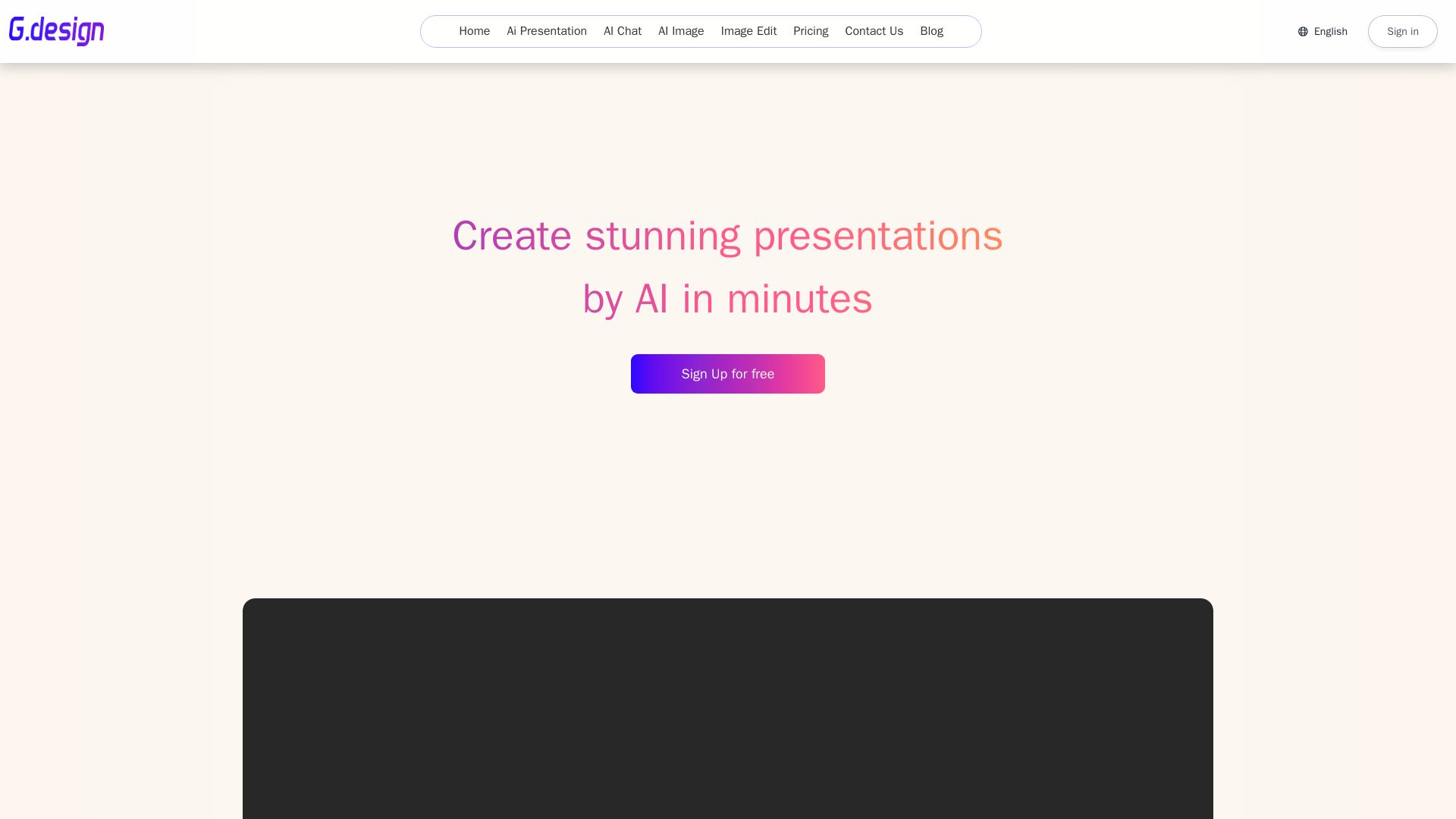
Create stunning presentations by AI in 3 minutes. Upload files, convert to PPT, access 1000+ templates. Free trial available.



Superdesign
Create stunning designs with AI. Iterate quickly using natural language. Export production-ready code. Browse design prompts and styles.

Pitch
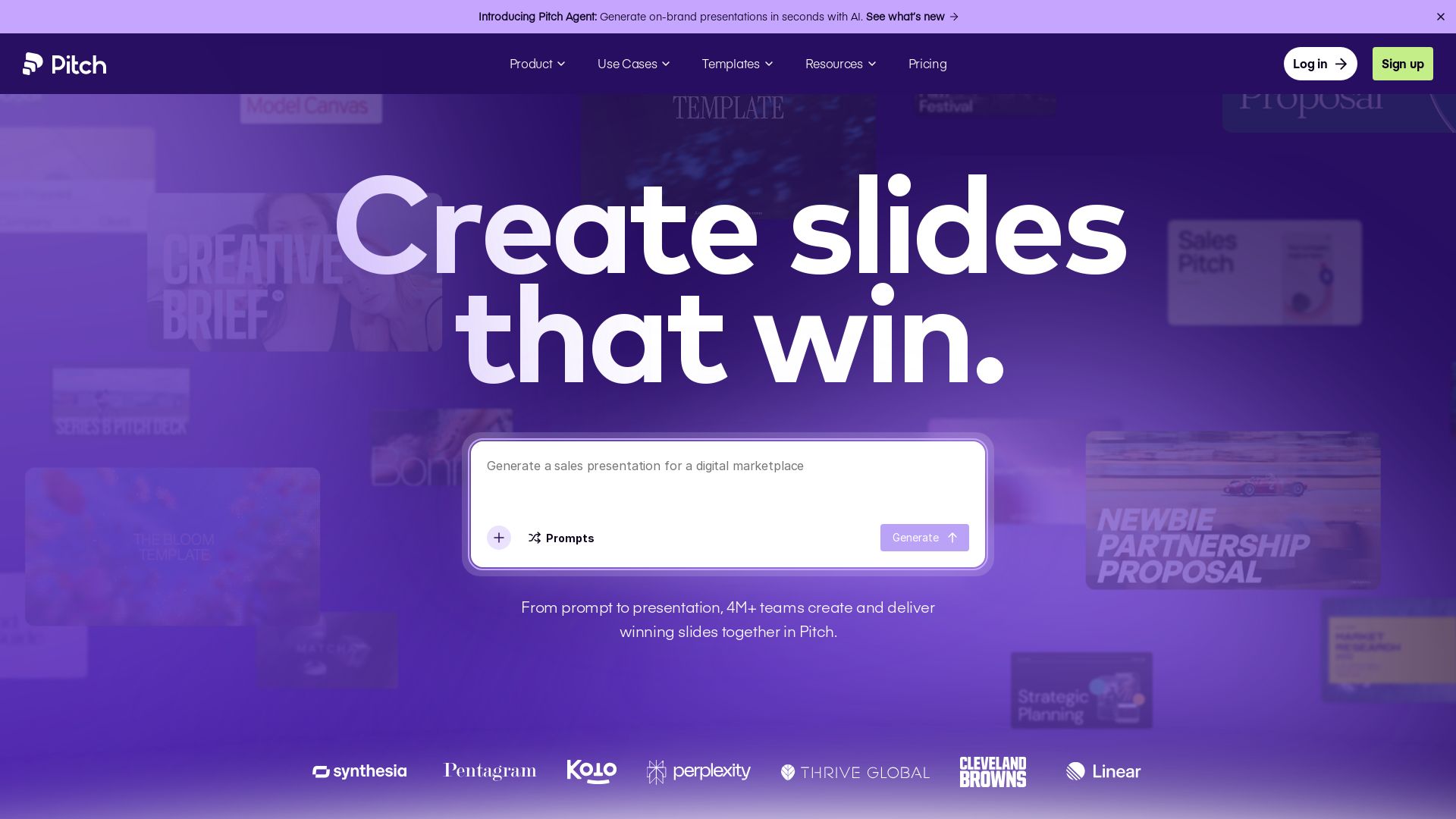
Pitch is a presentation workspace where 4M+ teams create stunning slides, collaborate in real time, and track engagement. AI-powered, brand-friendly, and free to start.


SlideSpeak
Turn PDFs, Word docs, and ideas into professional PowerPoint slides in minutes. AI-powered editor, video, and branding. Trusted by 1M+ users.


SlidesAI
Create beautiful presentations from notes, prompts, or docs with SlidesAI. Works in Google Slides, PowerPoint, ChatGPT & web. Save 85% time.


Prezi
Prezi AI creates studio-quality presentations from your ideas. Describe or upload, get a polished deck in seconds. Refine via chat, export as PPTX or PDF. No design skills needed.


AIDesigner
Create premium UI, logos, brand kits, and more with AIDesigner. No design experience needed. Free to try, no credit card required. Join 15,000+ users.

ℹ️ Curation Disclosure: The overview and features of Canva were synthesized using AI and fact-checked by our curation team to ensure accuracy.
