
SlidesAI

Create beautiful presentations from notes, prompts, or docs with SlidesAI. Works in Google Slides, PowerPoint, ChatGPT & web. Save 85% time.


Editor's Verdict
Key Takeaways
- AI Presentation Generation
- Multi-Platform Integration
- Customization Options
- Export to PDF and PPTX
In-Depth Review: What is SlidesAI?
SlidesAI is an AI-powered presentation maker built around the way you work. Whether you're in Google Slides, PowerPoint, ChatGPT, or using the web app, just paste your notes, prompt, or document and get a fully designed, editable presentation in seconds. Perfect for professionals, educators, students, and teams—no design skills needed. Trusted by 14M+ users with Chrome extension.
Core Features
AI Presentation Generation
Turn notes, prompts, documents, and text into stunning presentations in seconds, saving 85% of time on slide creation.
Multi-Platform Integration
Works where you work: Google Slides, PowerPoint, ChatGPT, and a web app, with no need to switch apps or import files.
Customization Options
Set tone, template, and language before generation; structure adapts to your content and can be refined and regenerated.
Export to PDF and PPTX
Export presentations as native PowerPoint files or PDF, ready to present, share, or hand off.
Editable AI Diagrams
Create and edit flowcharts, timelines, and other diagrams directly within slides.
Automatic Animations
Animations are applied automatically on generation, making decks more engaging without extra work.
Real-Time Multi-Collaboration
Work together with team members in real-time, enabling seamless collaboration.
Multilingual Support
Write in one language and present in another, making it ideal for global teams and audiences.
Web App Accessibility
Paste content into the web app from any device to get a deck instantly, no installation required.
Pricing
Basic
- 12 Presentations / year
- 2500 Character Input / Presentation
- 120 AI Credits / year
Pro
- 120 Presentations / year
- 6000 Character Input / Presentation
- 600 AI Credits / year
- Document Upload
Premium
- Unlimited Presentations
- 12000 Character Input / Presentation
- 1200 AI Credits / year
- Document Upload
Pros and Cons
Pros
- Time-SavingAutomates slide creation, reducing time by 85% with 3.7M+ presentations created.
- Multi-PlatformWorks directly in Google Slides, PowerPoint, ChatGPT, and web, eliminating app switching.
- Easy to UseIntuitive interface and fast generation; users highlight simplicity and quick learning curve.
- Customizable OutputTone, template, language, and structure can be adjusted to fit audience and purpose.
- Collaboration-FriendlySupports real-time multi-collaboration, making it easy for teams to work together.
Cons
- Limited Free PlanBasic plan allows only 12 presentations per year, which may be insufficient for frequent users.
- Character Input LimitsEven Premium caps at 12,000 characters per presentation, which may require splitting large documents.
- Dependence on AI QualityOutput quality depends on the clarity of input; ambiguous notes may yield less accurate slides.
- Potential Generic DesignsAI-generated slides may look similar unless users customize templates and styling.
- Requires InternetAs an AI-powered tool, a stable internet connection is needed for all features.
Use Cases & Recommended Professions
Professionals→ View Toolkit
Turn meeting notes, reports, and proposals into ready-to-present decks without manual formatting.
Educators→ View Toolkit
Convert lecture notes, lesson plans, and textbook chapters into engaging student presentations.
Students→ View Toolkit
Transform essays, research notes, and reading lists into presentation decks for classes or thesis defenses.
Sales Teams→ View Toolkit
Quickly build pitch decks, follow-up proposals, and client presentations from call notes and product one-pagers.
Founders→ View Toolkit
Create investor decks, board updates, and fundraising presentations from pitch notes and traction data.
Marketers→ View Toolkit
Turn campaign reports, performance data, and brand briefs into compelling stakeholder presentations.
Frequently Asked Questions
Alternative AI Tools
View Detailed Comparison →
Figr
Ship better UX faster. Figr builds a living understanding of your product, maps flows, finds edge cases, and generates high-fidelity prototypes from your actual design system.


Prezi
Prezi AI creates studio-quality presentations from your ideas. Describe or upload, get a polished deck in seconds. Refine via chat, export as PPTX or PDF. No design skills needed.


AiPPT
Transform ideas into stunning presentations instantly with AiPPT. Generate slides from text, documents, URLs, or templates. Import from Google Drive. Free and paid plans.


Presentation Maker AI
Create professional presentations in minutes with our AI presentation maker. Ideal for students, teachers, and businesses. No design skills needed. Try free!


Figma
Figma is the intelligent, AI-native canvas for designing, prototyping, and building products together. Trusted by 95% of Fortune 500. Explore design and dev tools.


Superdesign
Create stunning designs with AI. Iterate quickly using natural language. Export production-ready code. Browse design prompts and styles.


SlideSpeak
Turn PDFs, Word docs, and ideas into professional PowerPoint slides in minutes. AI-powered editor, video, and branding. Trusted by 1M+ users.




FounderPal
Trusted by 2250+ founders. Get a personal AI marketing assistant to define strategy, delegate tasks, boost conversions. Save 100+ hours/month. Try free.

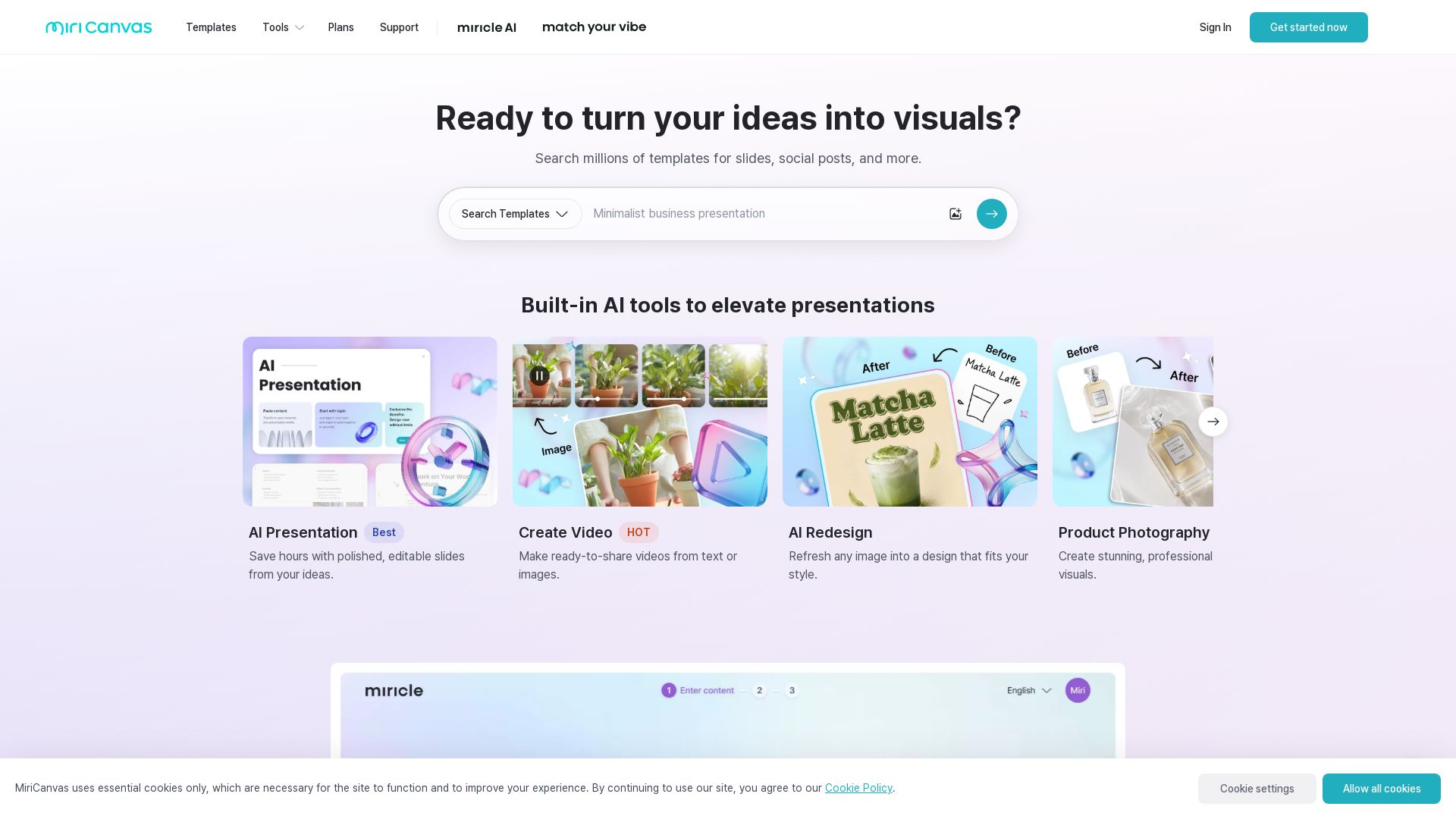
MiriCanvas
Create stunning presentations, videos, and social graphics with MiriCanvas AI. Over 530K templates, 10M+ elements. Try free!

Gamma
Create stunning presentations by AI in 3 minutes. Upload files, convert to PPT, access 1000+ templates. Free trial available.

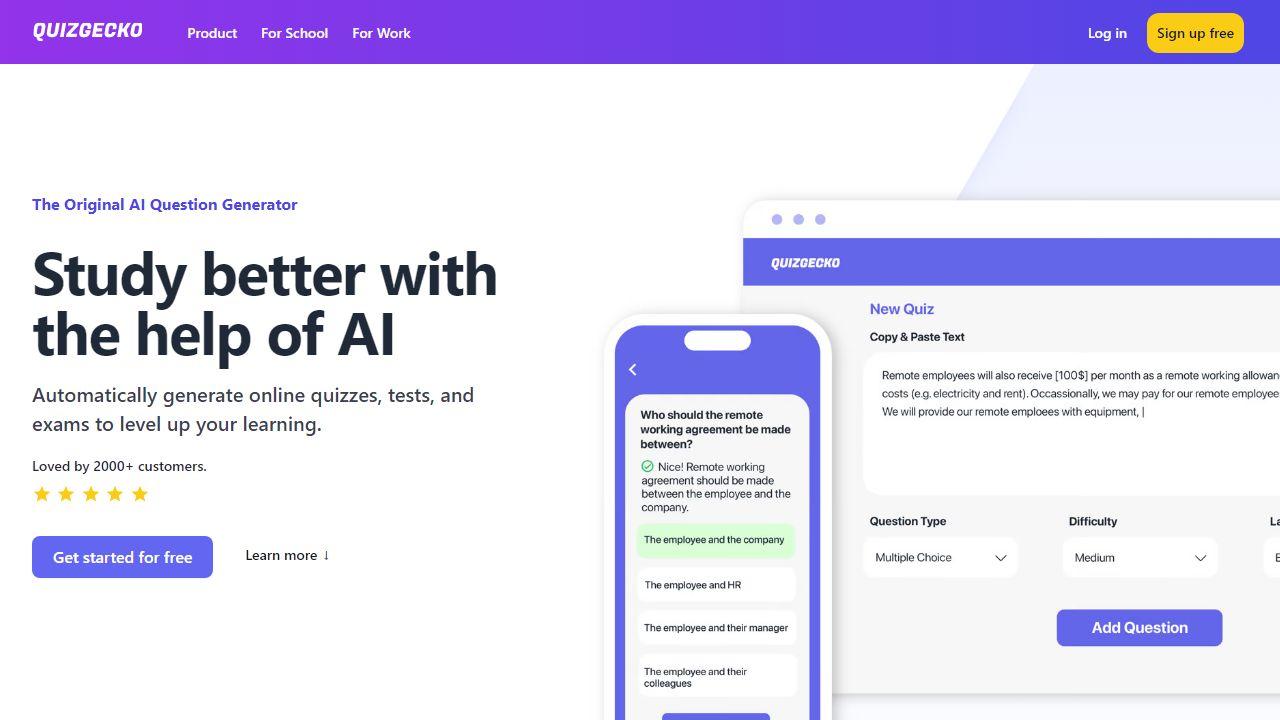
Presenti
Turn text, Word, PDF, Markdown & mindmaps into stunning slides in minutes. AI-powered design. 60% off Pro plan – only $8/month. Start free.

ℹ️ Curation Disclosure: The overview and features of SlidesAI were synthesized using AI and fact-checked by our curation team to ensure accuracy.