
Gamma
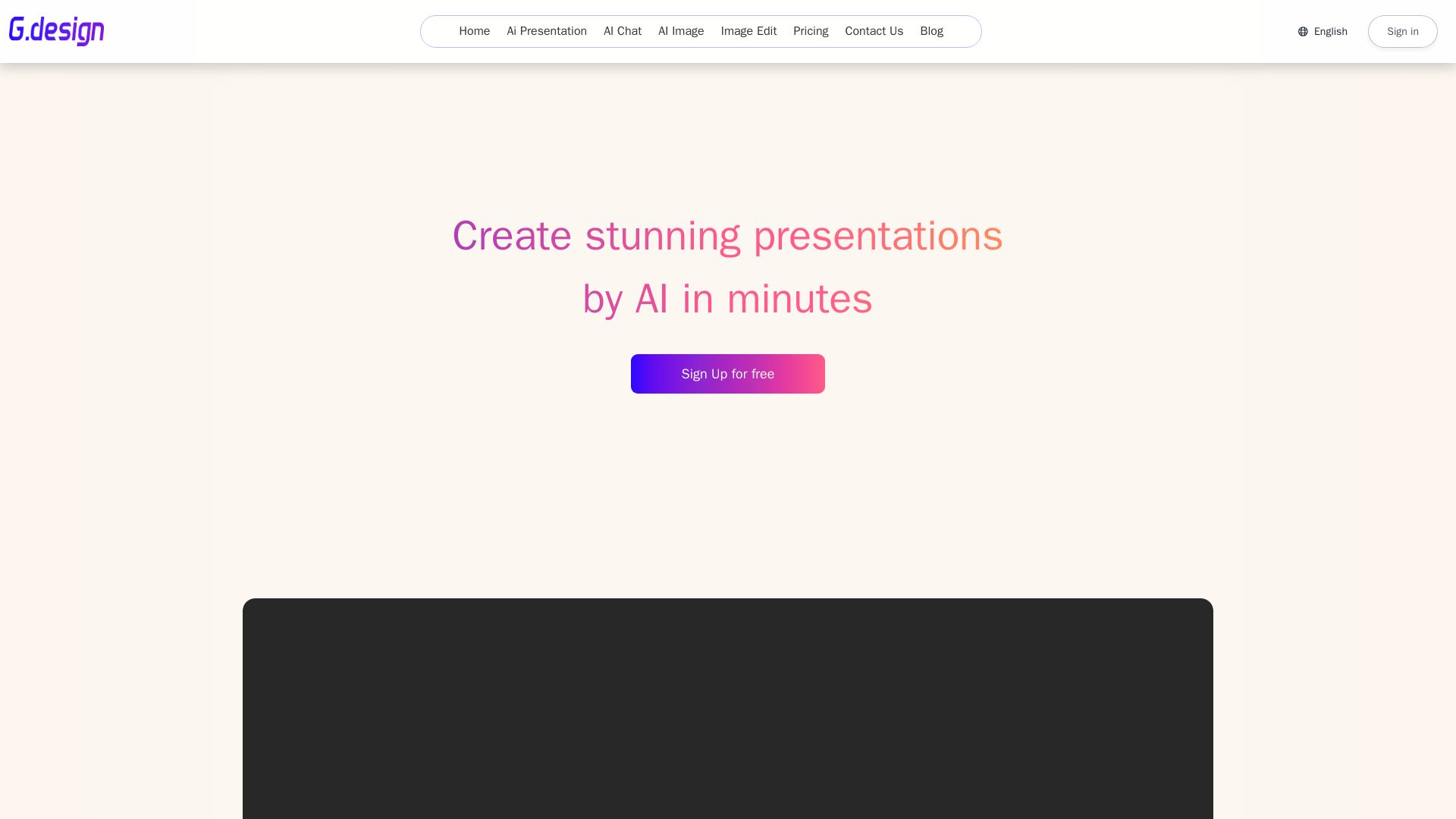
Create stunning presentations by AI in 3 minutes. Upload files, convert to PPT, access 1000+ templates. Free trial available.
Editor's Verdict
Key Takeaways
- AI Presentation Generator
- AI Chat
- AI Image Generation
- Image Editing
In-Depth Review: What is Gamma?
G.design is an AI-powered tool that generates professional presentations within minutes. It supports file-to-PPT conversion, offers over 1000 free templates, and includes online editing features. Additionally, it provides AI chat, image generation, and image editing capabilities. With flexible pricing plans from monthly to lifetime, G.design is ideal for students, professionals, and anyone needing quick, high-quality presentations.
Core Features
AI Presentation Generator
Create stunning presentations in minutes by simply uploading files or using AI to generate slides. Supports conversion to PPT and offers 1000+ free templates.
AI Chat
Chat with multiple ChatGPT models (including GPT-4o/4) for writing, planning, learning, and more. Fast and accurate responses.
AI Image Generation
Generate AI images to enhance presentations or other content.
Image Editing
Edit images online with AI-powered tools.
Online Editing & Templates
Edit presentations online with a rich library of beautifully designed templates that are updated regularly.
File to PPT Conversion
Upload various file formats and convert them into editable PowerPoint presentations.
Pricing
Pro Month Plan
- Create 25 presentations per month
- Generate up to 33 pages of PowerPoint slides
- Convert file to PowerPoint
- Export presentation as PPTX
- PowerPoint editing online
- 500 Standard questions per month
- 200 ChatGPT-4o/4 questions per month
- 20 AI generated images per month
- 200 Image Edit per month
- Customer Support
Pro Quarter Plan
- Create 90 presentations per quarter
- Generate up to 33 pages of PowerPoint slides
- Convert file to PowerPoint
- Export presentation as PPTX
- PowerPoint editing online
- 1700 Standard questions per quarter
- 700 ChatGPT-4o/4 questions per quarter
- 70 AI generated images per quarter
- 700 Image Edit per quarter
- Customer Support
Pro Year Plan
- Create 500 presentations per year
- Generate up to 33 pages of PowerPoint slides
- Convert file to PowerPoint
- Export presentation as PPTX
- PowerPoint editing online
- 7500 Standard questions per year
- 3000 ChatGPT-4o/4 questions per year
- 300 AI generated images per year
- 3000 Image Edit per year
- Customer Support
Lifetime Plan
- Create 9999+ presentations in a lifetime
- Generate up to 33 pages of PowerPoint slides
- Convert file to PowerPoint
- Export presentation as PPTX
- PowerPoint editing online
- No limited Standard questions
- No limited ChatGPT-4o/4 questions
- 800 AI generated images
- No limited Image Edit
- Customer support
Pros and Cons
Pros
- Speed and EfficiencyGenerate professional presentations in under 3 minutes, saving significant time.
- Rich Template LibraryAccess over 1000 free, beautifully designed templates that are regularly updated.
- Multiple AI CapabilitiesIncludes AI presentation generation, AI chat with GPT-4o, AI image creation, and image editing.
- File ConversionUpload and convert various file formats directly into editable PowerPoint slides.
- Flexible Pricing PlansOffers monthly, quarterly, yearly, and lifetime options to suit different needs and budgets.
Cons
- No Free PlanAll plans require payment; there is no free tier for casual users.
- Limited Image Generation on Lower PlansLower-tier plans restrict AI image generation to 20-70 images, which may be insufficient for heavy users.
- Page Limit per PresentationAll plans limit presentations to up to 33 pages, which might not suit very large decks.
- Dependency on AI AccuracyAI-generated content may require manual review and editing to ensure accuracy and relevance.
- Annual/Lifetime Costs UpfrontYearly and lifetime plans require a larger upfront payment, though cheaper per month.
Use Cases & Recommended Professions
Business Professional→ View Toolkit
Need to create compelling presentations for meetings, proposals, and client pitches quickly and efficiently.
Student→ View Toolkit
Use the tool to generate presentations for assignments, projects, and study groups, saving time on design.
Educator→ View Toolkit
Create engaging lecture slides and educational materials with AI assistance.
Marketer→ View Toolkit
Develop marketing presentations, campaign decks, and content easily with AI-generated visuals and text.
Freelancer→ View Toolkit
Offer presentation design services to clients, leveraging AI to speed up production and customize templates.
Researcher→ View Toolkit
Convert research data and papers into clear, visual presentations for conferences or publications.
Frequently Asked Questions
Alternative AI Tools
View Detailed Comparison →
Marketing Mary
Unify research, creation, publishing & optimization with one AI Co-Pilot. Works in your existing stack. Join 500+ leaders on the waitlist.


Presentation Maker AI
Create professional presentations in minutes with our AI presentation maker. Ideal for students, teachers, and businesses. No design skills needed. Try free!
MiriCanvas
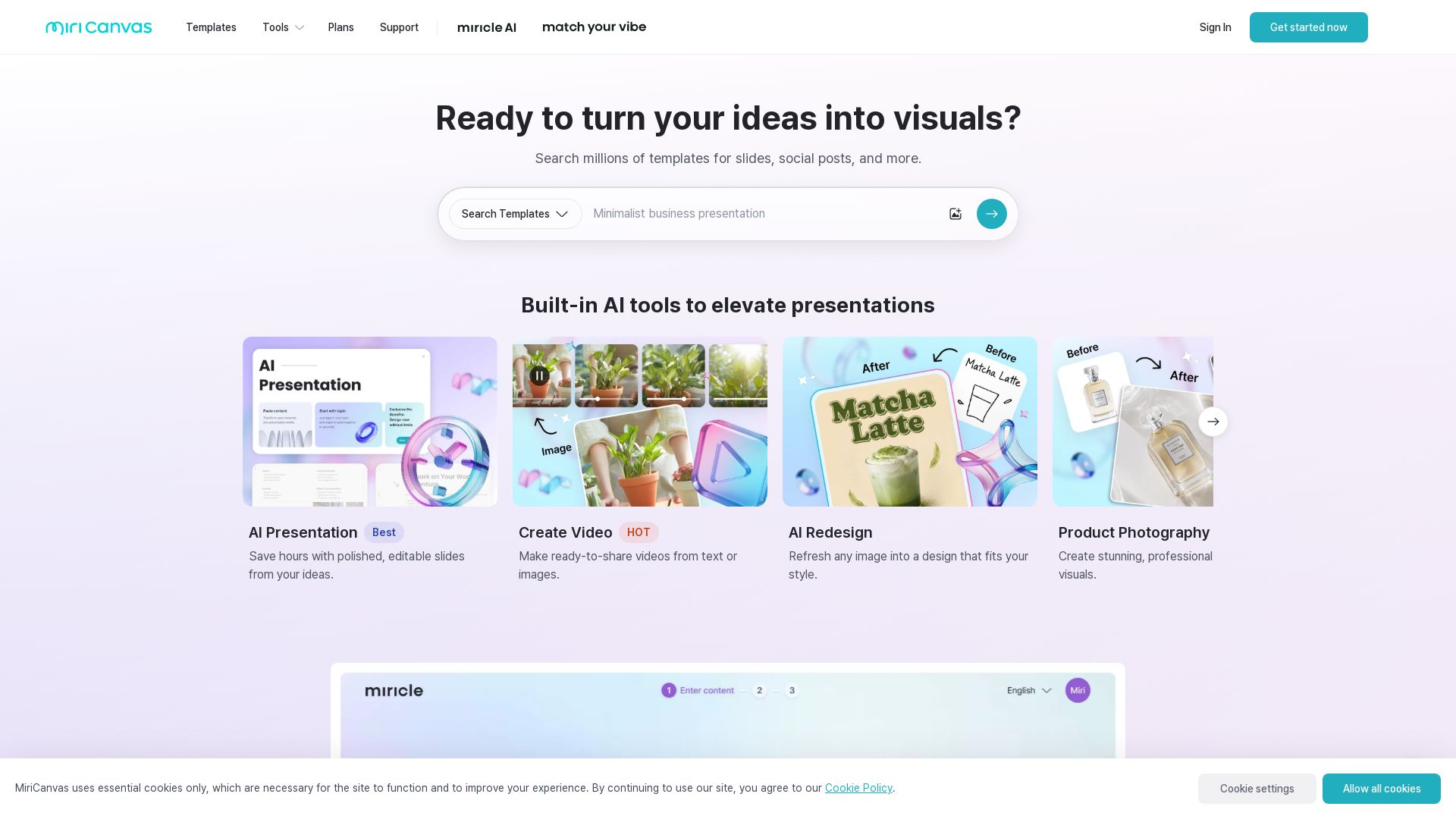
Create stunning presentations, videos, and social graphics with MiriCanvas AI. Over 530K templates, 10M+ elements. Try free!


SlidesAI
Create beautiful presentations from notes, prompts, or docs with SlidesAI. Works in Google Slides, PowerPoint, ChatGPT & web. Save 85% time.


Prezi
Prezi AI creates studio-quality presentations from your ideas. Describe or upload, get a polished deck in seconds. Refine via chat, export as PPTX or PDF. No design skills needed.


Figma
Figma is the intelligent, AI-native canvas for designing, prototyping, and building products together. Trusted by 95% of Fortune 500. Explore design and dev tools.


Superdesign
Create stunning designs with AI. Iterate quickly using natural language. Export production-ready code. Browse design prompts and styles.

Delve AI
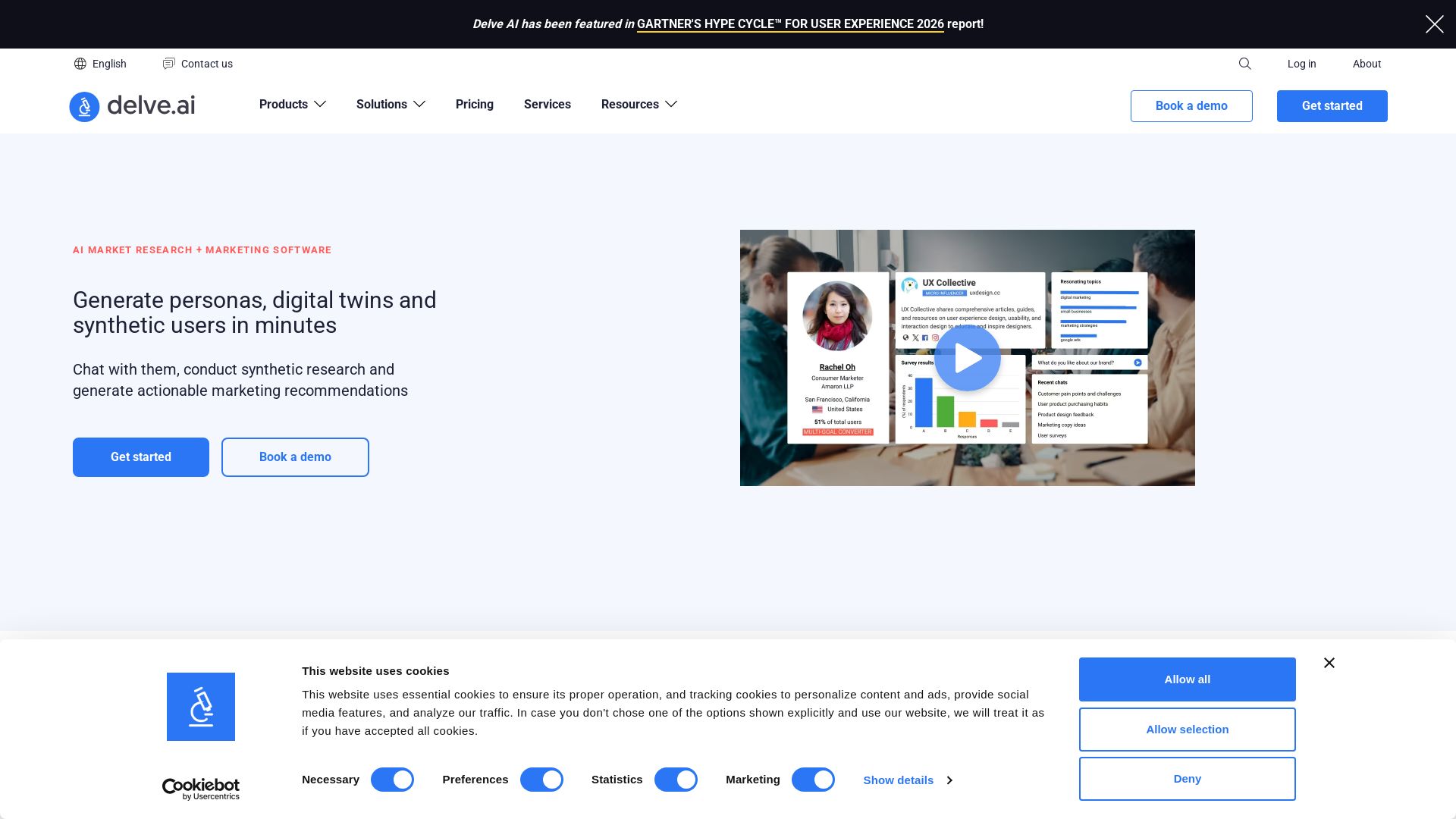
Create AI-driven customer personas, digital twins, and synthetic users for market research. Generate actionable insights in minutes.

Presenti
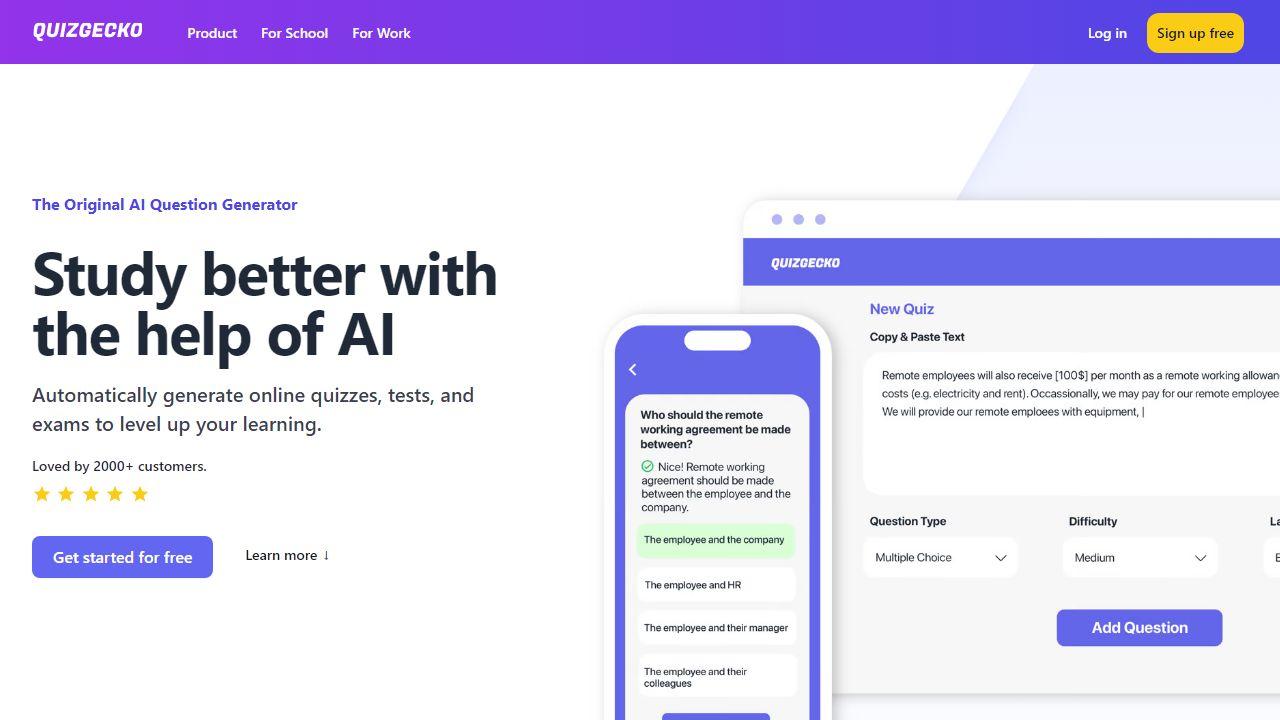
Turn text, Word, PDF, Markdown & mindmaps into stunning slides in minutes. AI-powered design. 60% off Pro plan – only $8/month. Start free.


SlideSpeak
Turn PDFs, Word docs, and ideas into professional PowerPoint slides in minutes. AI-powered editor, video, and branding. Trusted by 1M+ users.


AiPPT
Transform ideas into stunning presentations instantly with AiPPT. Generate slides from text, documents, URLs, or templates. Import from Google Drive. Free and paid plans.


FounderPal
Trusted by 2250+ founders. Get a personal AI marketing assistant to define strategy, delegate tasks, boost conversions. Save 100+ hours/month. Try free.

ℹ️ Curation Disclosure: The overview and features of Gamma were synthesized using AI and fact-checked by our curation team to ensure accuracy.
