
AiPPT

Transform ideas into stunning presentations instantly with AiPPT. Generate slides from text, documents, URLs, or templates. Import from Google Drive. Free and paid plans.


Editor's Verdict
Key Takeaways
- AI Presentation Maker
- Free Templates
- Convert Web URLs to Presentations
- Generate Slides with AI
In-Depth Review: What is AiPPT?
AiPPT is an AI-powered presentation maker that allows you to quickly create professional slides from any input: text, documents (PDF, Word, TXT), web URLs, or Google Drive files. It offers a vast library of over 200,000 free templates across various industries. With one-click slide creation, AI-generated outlines, and easy editing, exporting, and sharing, AiPPT saves time and enhances productivity. Pricing includes Free, Plus ($9/month), and Pro ($11/month) plans with varying AI credits and features. Ideal for business analysts, product designers, and educators.
Core Features
AI Presentation Maker
Transform ideas into stunning presentations instantly using AI, with support for file uploads and URL imports.
Free Templates
Access over 200,000 professionally designed, free PowerPoint and PPT templates for any occasion.
Convert Web URLs to Presentations
Instantly convert any webpage URL into well-organized, professional presentation slides.
Generate Slides with AI
AI instantly creates professional slide decks with visuals and flow based on your ideas.
Upload Documents
Import local documents (PDF, TXT, Word) to create structured presentation slides.
Import from Google Drive
Effortlessly import Google Docs and Slides from Drive and transform them into professional presentations.
One-Click Slide Creation
Transform text, documents, and data into professional slides with just one click.
AI-Powered Outline Generator
Automatically organize your concepts into coherent, logical presentation frameworks.
Easy to Edit, Export & Share
Effortlessly edit, export to various formats (PPT, PDF, Image), and share presentations with one click.
Visual Mode
Create presentations with advanced AI models, customizable styles, and high-quality visuals.
Chart & Formula Libraries
Create charts from CSV data and insert math, physics, chemistry formulas with flexible styling.
AI Image Generation
Generate stunning images from text descriptions using advanced AI models, including Nano Banana Series.
Pricing
Free
- 140 credits (one-time)
- Agent Concurrent Tasks: 1
- Max slides for AI generation: 10 slides
- AI slide generation model: Free model
- AI image generation model: Free model
- Maximum Slides in Visual Mode: 20 slides
- Visual Creation Model: Seedream4.5
- Import Markdown and mind map
- Customer Support: Free Trial
Plus (Monthly)
- 600 credits/month
- Agent Concurrent Tasks: 10
- Import from local files
- PPT/PDF/Image export
- Max slides for AI generation: 20 slides
- AI slide generation model: Advanced model
- AI image generation model: Advanced model
- Maximum Slides in Visual Mode: 20 slides
- Visual Creation Model: State-of-the-art & all models
- Visual Image Layer Separation
- Merge slides
- Add slide with AI
- Import reference files
- Import Markdown and mind map
- Import from Google Drive
- Import from URL
- Free Input
- Download Outline
- Download Skills
- Customer Support
Plus (Yearly)
- 600 credits/month
- Agent Concurrent Tasks: 10
- Import from local files
- PPT/PDF/Image export
- Max slides for AI generation: 20 slides
- AI slide generation model: Advanced model
- AI image generation model: Advanced model
- Maximum Slides in Visual Mode: 20 slides
- Visual Creation Model: State-of-the-art & all models
- Visual Image Layer Separation
- Merge slides
- Add slide with AI
- Import reference files
- Import Markdown and mind map
- Import from Google Drive
- Import from URL
- Free Input
- Download Outline
- Download Skills
- Customer Support
Pro (Monthly)
- 1200 credits/month
- Agent Concurrent Tasks: 10
- Import from local files
- PPT/PDF/Image export
- Max slides for AI generation: 50 slides
- AI slide generation model: State-of-the-art & all models
- AI image generation model: State-of-the-art & all models
- Maximum Slides in Visual Mode: 20 slides
- Visual Creation Model: State-of-the-art & all models
- Visual Image Layer Separation
- Merge slides
- Add slide with AI
- Import reference files
- Import Markdown and mind map
- Import from Google Drive
- Import from URL
- Free Input
- Download Outline
- Download Skills
- Customer Support
Pro (Yearly)
- 1200 credits/month
- Agent Concurrent Tasks: 10
- Import from local files
- PPT/PDF/Image export
- Max slides for AI generation: 50 slides
- AI slide generation model: State-of-the-art & all models
- AI image generation model: State-of-the-art & all models
- Maximum Slides in Visual Mode: 20 slides
- Visual Creation Model: State-of-the-art & all models
- Visual Image Layer Separation
- Merge slides
- Add slide with AI
- Import reference files
- Import Markdown and mind map
- Import from Google Drive
- Import from URL
- Free Input
- Download Outline
- Download Skills
- Customer Support
Pros and Cons
Pros
- AI-Powered EfficiencySave hours of manual work by generating professional slides from text, documents, or URLs in seconds.
- Extensive Template LibraryOver 200,000 free, professionally designed templates available for any industry and occasion.
- Multiple Import OptionsImport from local files (PDF, Word, TXT), Google Drive, and web URLs for seamless creation.
- Advanced AI ModelsAccess state-of-the-art AI models for slide generation, image creation, and visual enhancements.
- Easy Editing and ExportEdit presentations with a modern interface and export to PPT, PDF, or image formats effortlessly.
Cons
- Limited Free PlanThe free plan offers only 140 one-time credits and a maximum of 10 slides per generation, which may be insufficient for heavy users.
- Credit-Based SystemUsage is limited by credits, which can be consumed quickly with advanced features, requiring a paid subscription for extended use.
- Slide Limit in Visual ModeAll plans cap visual mode presentations at 20 slides, which may be restrictive for longer decks.
- No Offline AccessThe application is web-based and requires an internet connection to create and edit presentations.
- Learning Curve for Advanced FeaturesSome advanced features like AI model selection and visual customization may require a learning curve for new users.
Use Cases & Recommended Professions
Business Analyst→ View Toolkit
Streamline presentation creation, enhance data visualization, and boost productivity with AI-powered automation and professional templates.
Product Designer→ View Toolkit
Utilize cutting-edge AI technology to streamline slide creation, provide intuitive design features, and save time and resources.
College Teacher→ View Toolkit
Transform lesson materials into visually engaging presentations, saving time and enhancing student engagement and learning outcomes.
Marketing Professional→ View Toolkit
Quickly create compelling presentations for campaigns, reports, and client pitches using AI and a vast template library.
Student→ View Toolkit
Effortlessly turn research papers and notes into polished presentations for assignments and projects.
Entrepreneur→ View Toolkit
Rapidly develop investor decks and business proposals with AI assistance and professional templates.
Frequently Asked Questions
Alternative AI Tools
View Detailed Comparison →
Figr
Ship better UX faster. Figr builds a living understanding of your product, maps flows, finds edge cases, and generates high-fidelity prototypes from your actual design system.


Presentation Maker AI
Create professional presentations in minutes with our AI presentation maker. Ideal for students, teachers, and businesses. No design skills needed. Try free!

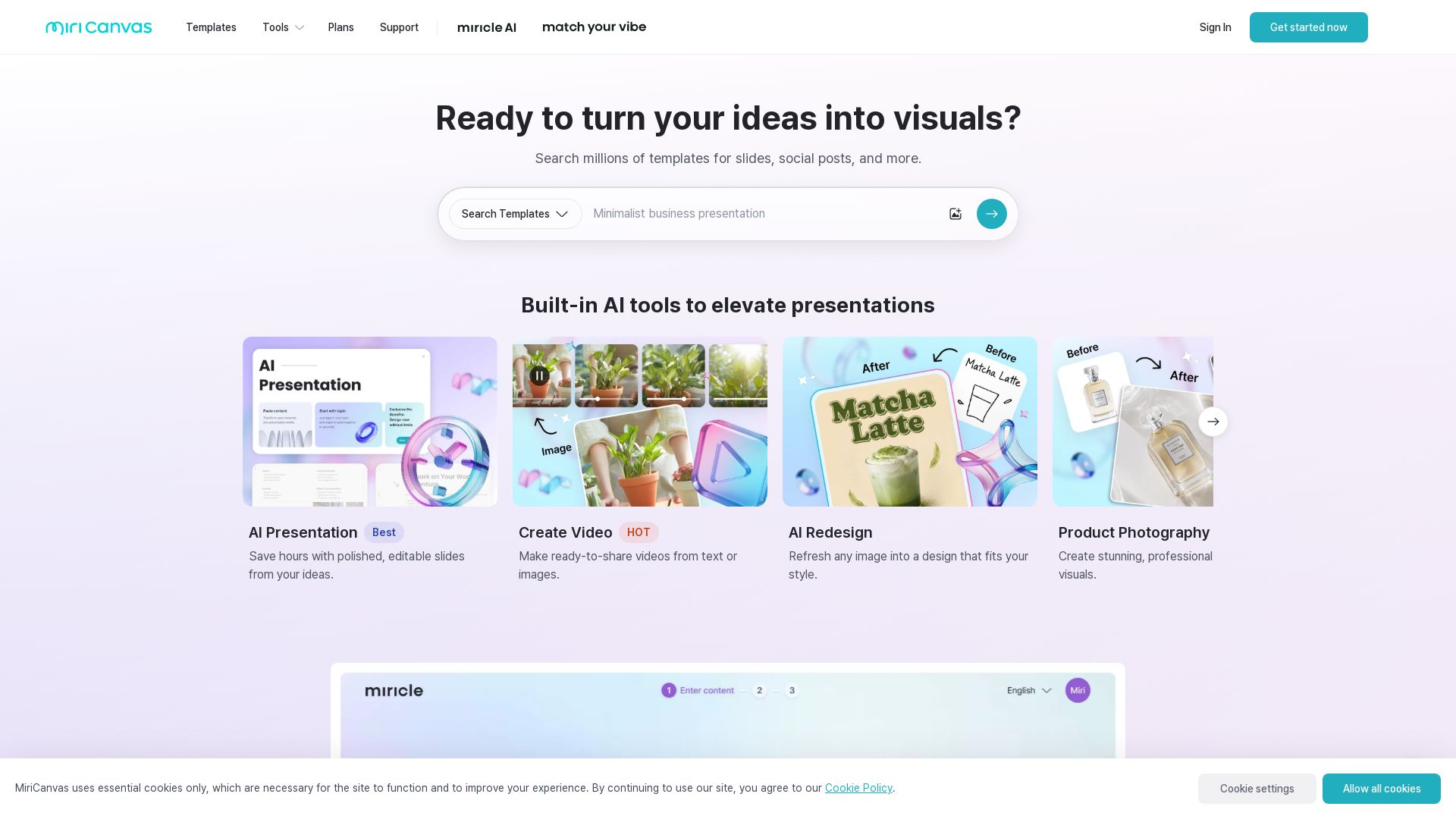
MiriCanvas
Create stunning presentations, videos, and social graphics with MiriCanvas AI. Over 530K templates, 10M+ elements. Try free!


Figma
Figma is the intelligent, AI-native canvas for designing, prototyping, and building products together. Trusted by 95% of Fortune 500. Explore design and dev tools.


SlidesAI
Create beautiful presentations from notes, prompts, or docs with SlidesAI. Works in Google Slides, PowerPoint, ChatGPT & web. Save 85% time.


Superdesign
Create stunning designs with AI. Iterate quickly using natural language. Export production-ready code. Browse design prompts and styles.


Prezi
Prezi AI creates studio-quality presentations from your ideas. Describe or upload, get a polished deck in seconds. Refine via chat, export as PPTX or PDF. No design skills needed.




SlideSpeak
Turn PDFs, Word docs, and ideas into professional PowerPoint slides in minutes. AI-powered editor, video, and branding. Trusted by 1M+ users.


UX Pilot
Ideate, design, and hand-off web apps in seconds with UX Pilot's AI. Generate wireframes, hi-fi designs, and clean code. Trusted by 1M+ users.

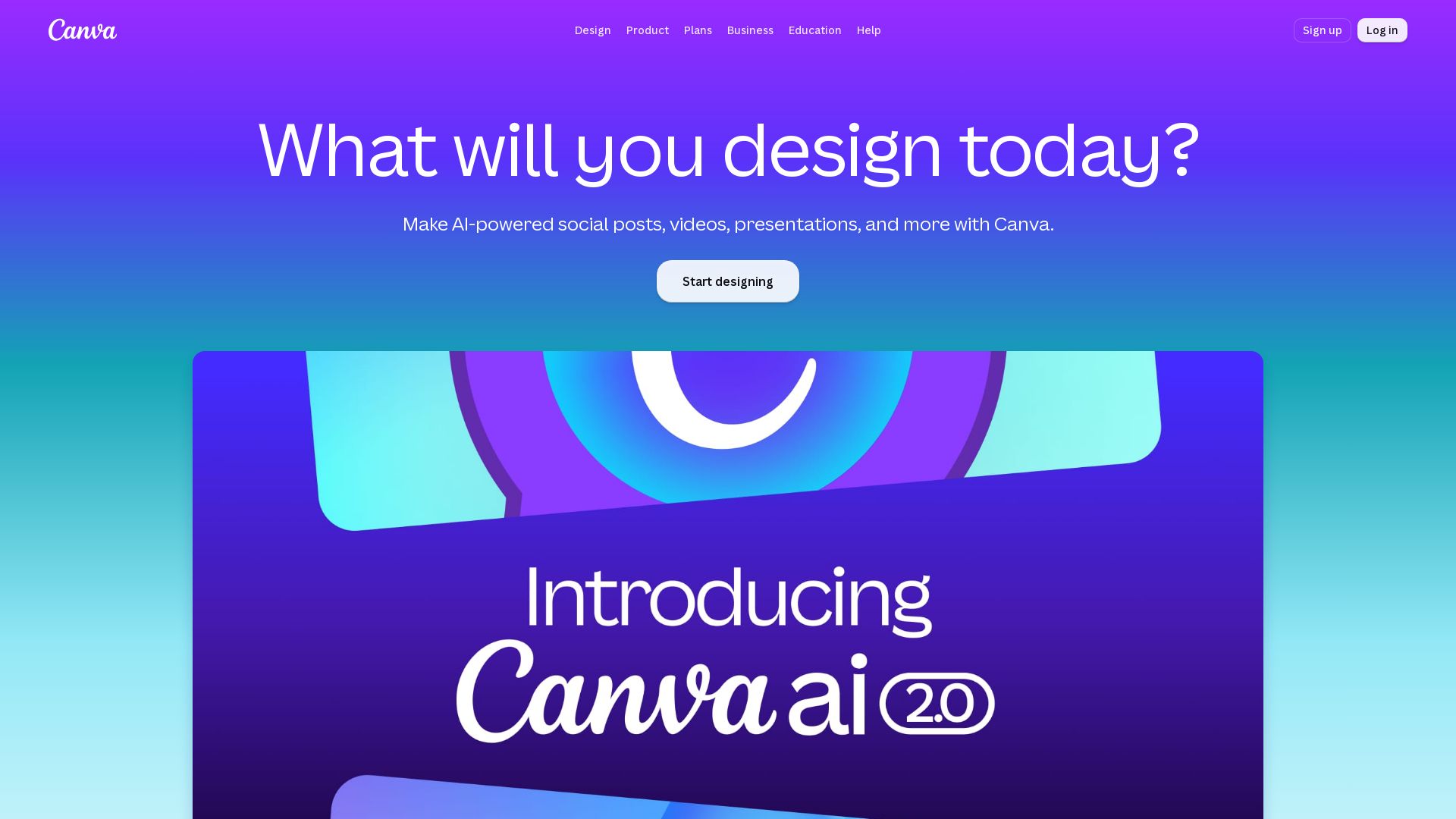
Canva
Create stunning designs, presentations, videos, and more with Canva's AI tools. Start for free.

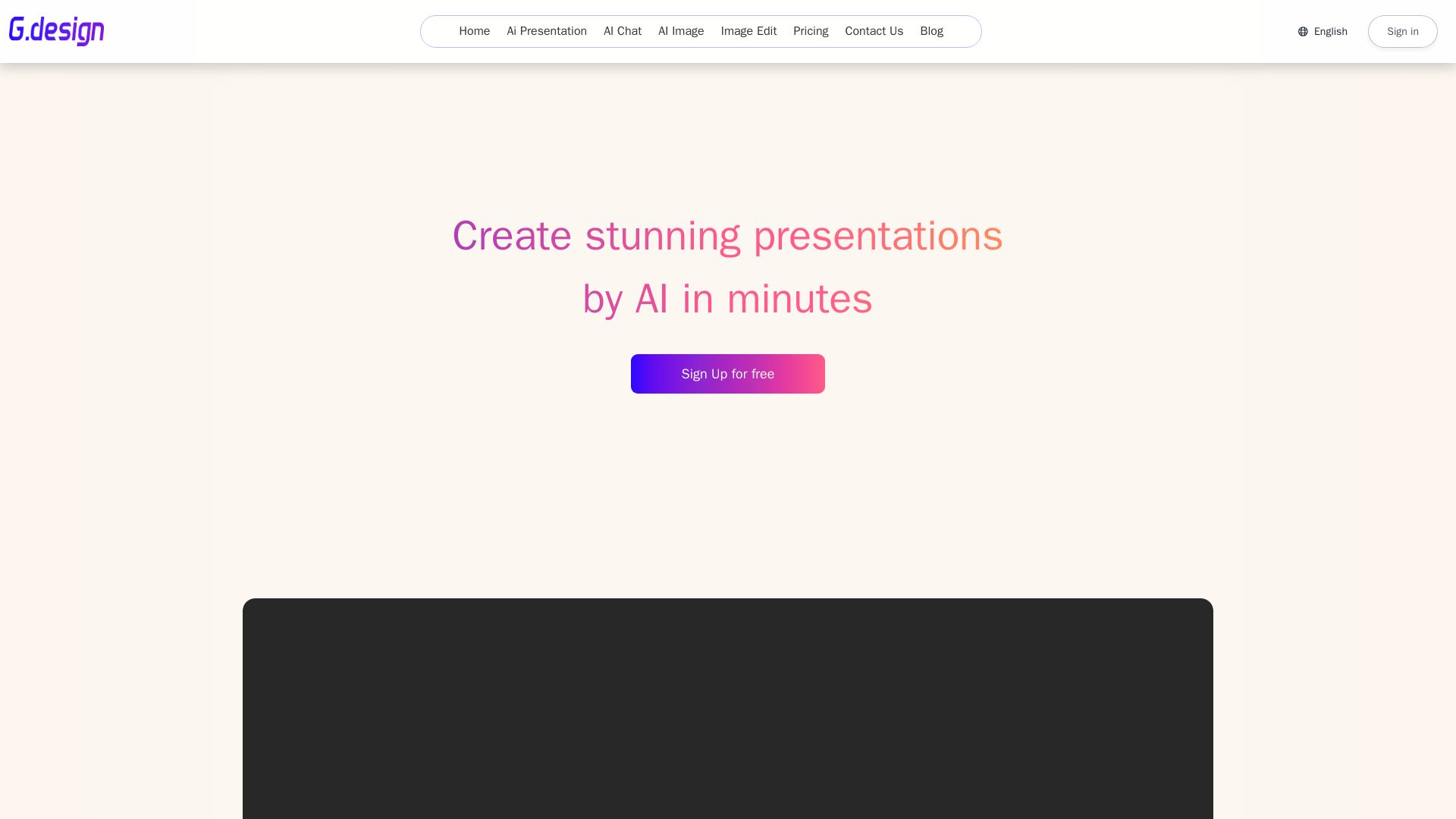
Gamma
Create stunning presentations by AI in 3 minutes. Upload files, convert to PPT, access 1000+ templates. Free trial available.

ℹ️ Curation Disclosure: The overview and features of AiPPT were synthesized using AI and fact-checked by our curation team to ensure accuracy.
