Bylo AI
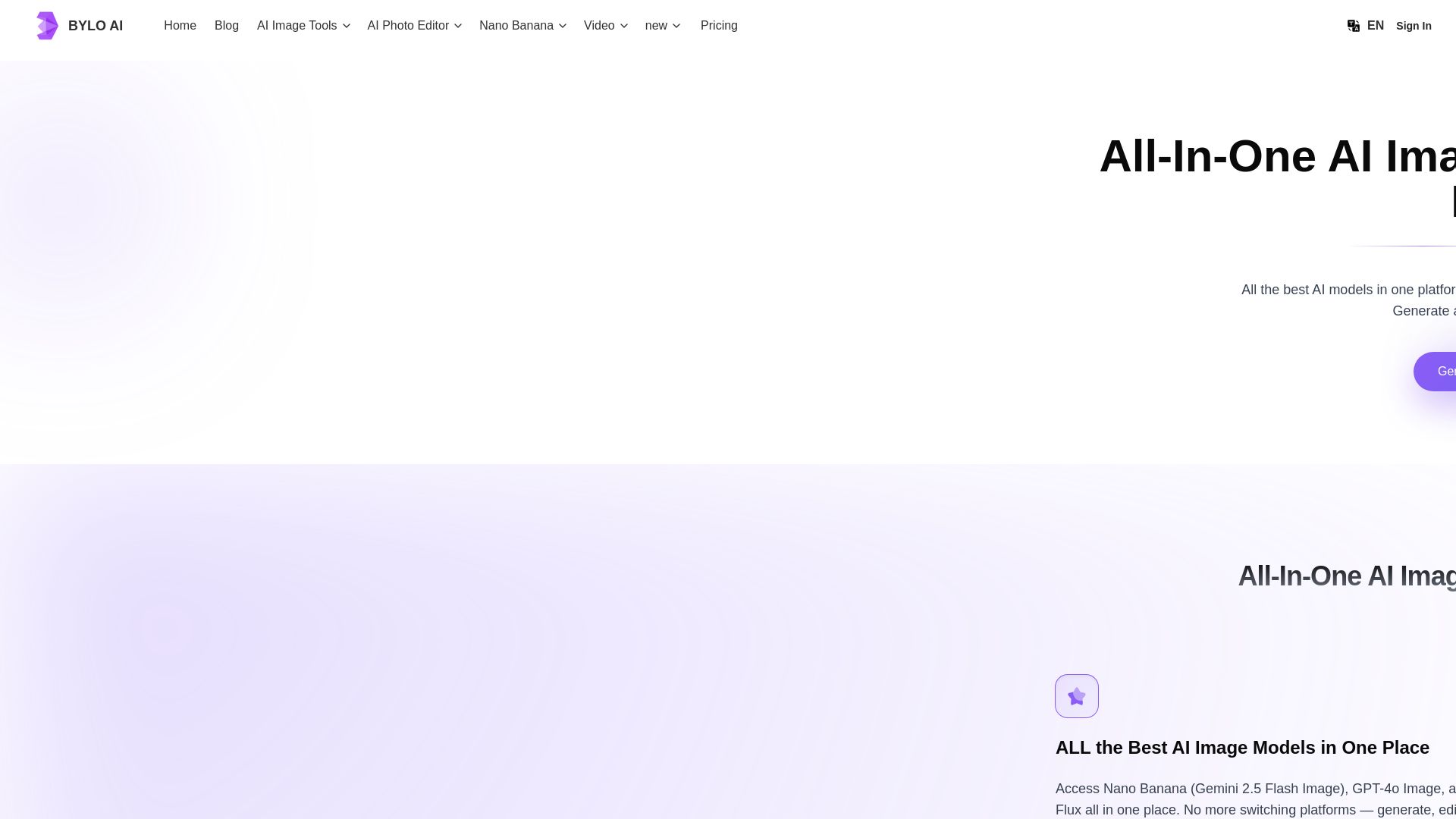
Generate stunning images with GPT-4o, Gemini Nano Banana, Flux AI. Edit photos, apply Ghibli style, remove backgrounds. Free online tool.
Editor's Verdict
Key Takeaways
- All-In-One AI Image Generator & Photo Editor
- One-Click AI Effects & Filters
- Photo Editing with AI
- Nano Banana AI Editing
In-Depth Review: What is Bylo AI?
Bylo AI is the ultimate all-in-one platform for AI-powered image generation and photo editing. It brings together the best AI models—GPT-4o, Gemini Nano Banana, Flux AI, and more—in one seamless tool. Users can generate images from text, apply artistic effects like Ghibli or Pixar, edit photos with precision (remove backgrounds, retouch, restore), and maintain character consistency. Ideal for designers, marketers, and content creators, Bylo AI offers a free, easy-to-use interface for creating professional visuals without switching platforms.
Core Features
All-In-One AI Image Generator & Photo Editor
Access multiple top AI models (GPT-4o, Gemini Nano Banana, Flux AI) in one platform to generate and edit images seamlessly.
One-Click AI Effects & Filters
Apply AI-powered styles like Ghibli, Pixar, Chibi, and more with a single click to transform photos instantly.
Photo Editing with AI
Remove backgrounds, retouch portraits, restore old photos, swap outfits, or merge images using simple prompts or one-click tools.
Nano Banana AI Editing
Use Gemini 2.5 Flash to turn photos into 3D characters, blend up to three images, add/remove objects, and transfer styles between images.
Consistent Character Generation
Keep characters consistent across edits—change outfits, poses, lighting, or scenes while preserving identity with a single prompt.
GPT-4o Image Generation
Generate images from text, edit existing photos, create multiple artistic styles, combine images, and render precise text inside visuals.
Creative Character Transformations
Turn photos into dolls, action figures, comics, emojis, or coloring pages with AI-powered tools.
Advanced Editing Tools
Access 20+ professional tools including background remover, watermark remover, photo restoration, face editor, and more.
AI Art Effects & Filters
Choose from 40+ effects like cartoon, sketch, pixel art, claymation, Lego, and seasonal filters for creative transformations.
Multi-Model Platform
Switch between models like GPT-4o, Gemini Nano Banana, and Flux AI within one interface without needing multiple subscriptions.
Pricing
Free Plan
- 5 credits/day
- Text-to-image generation
- Image-to-image generation
- 20+ Advanced AI editing tools
- 40+ AI art effects and filters
- High-quality PNG downloads
- Private image generation
- 7-days storage
- Priority processing
- Commercial use rights
- Ad-free experience
- Email support
Pro Plan
- 300 Credits/month (60 generations)
- Text-to-image generation
- Image-to-image generation
- 20+ Advanced AI editing tools
- 40+ AI art effects and filters
- Watermark-free downloads
- Private image generation
- Unlimited storage
- Priority processing
- Commercial use rights
- Ad-free experience
- Priority email support
Ultra Plan
- 1500 Credits/month (300 generations)
- Text-to-image generation
- Image-to-image generation
- 20+ Advanced AI editing tools
- 40+ AI art effects and filters
- Watermark-free downloads
- Private image generation
- Unlimited storage
- Faster processing
- Commercial use rights
- Ad-free experience
- Dedicated customer support
Pros and Cons
Pros
- All-in-One PlatformCombines multiple top AI models (GPT-4o, Gemini Nano Banana, Flux) in one place, eliminating the need to switch between tools.
- Free Tier AvailableOffers a generous free plan with daily credits, allowing users to test features without upfront cost.
- Easy to UseSimple prompt-based generation and one-click filters make AI image editing accessible to everyone, regardless of skill level.
- Wide Range of Creative ToolsIncludes over 20 editing tools and 40+ artistic styles and filters, covering everything from background removal to style transfer.
- Commercial Use RightsAll plans grant commercial use rights, enabling users to create images for business, marketing, and monetization.
Cons
- Limited Free CreditsThe free plan offers only 5 credits per day, which may be insufficient for heavy users or multiple projects.
- Watermark on Free PlanFree plan downloads include watermarks; removing them requires upgrading to a paid plan.
- Storage Limit on FreeFree users have only 7 days of image storage, which may be inconvenient for long-term projects.
- Paid Plans Needed for Full SpeedPriority and faster processing are only available on Pro and Ultra plans; free users may experience slower generation.
- No Offline ModeBylo AI is a web-based tool; users need internet access to generate and edit images.
Use Cases & Recommended Professions
Graphic Designer→ View Toolkit
Quickly generate unique visuals, apply artistic styles, and edit images without manual artwork, saving hours on design projects.
Social Media Manager→ View Toolkit
Create consistent character-based content, apply trending filters, and produce engaging visuals for campaigns across platforms.
Content Creator→ View Toolkit
Transform ideas into high-quality images, generate custom avatars, and produce shareable content like memes and emojis.
E-commerce Entrepreneur→ View Toolkit
Generate product mockups, remove backgrounds, and place items in different environments to enhance online store visuals.
Marketing Specialist→ View Toolkit
Edit marketing assets quickly without Photoshop, remove objects, swap backgrounds, and create consistent brand imagery.
UX/UI Designer→ View Toolkit
Generate precise text renderings, apply styles to product mockups, and create visual elements for interfaces and prototypes.
Frequently Asked Questions
Alternative AI Tools
View Detailed Comparison →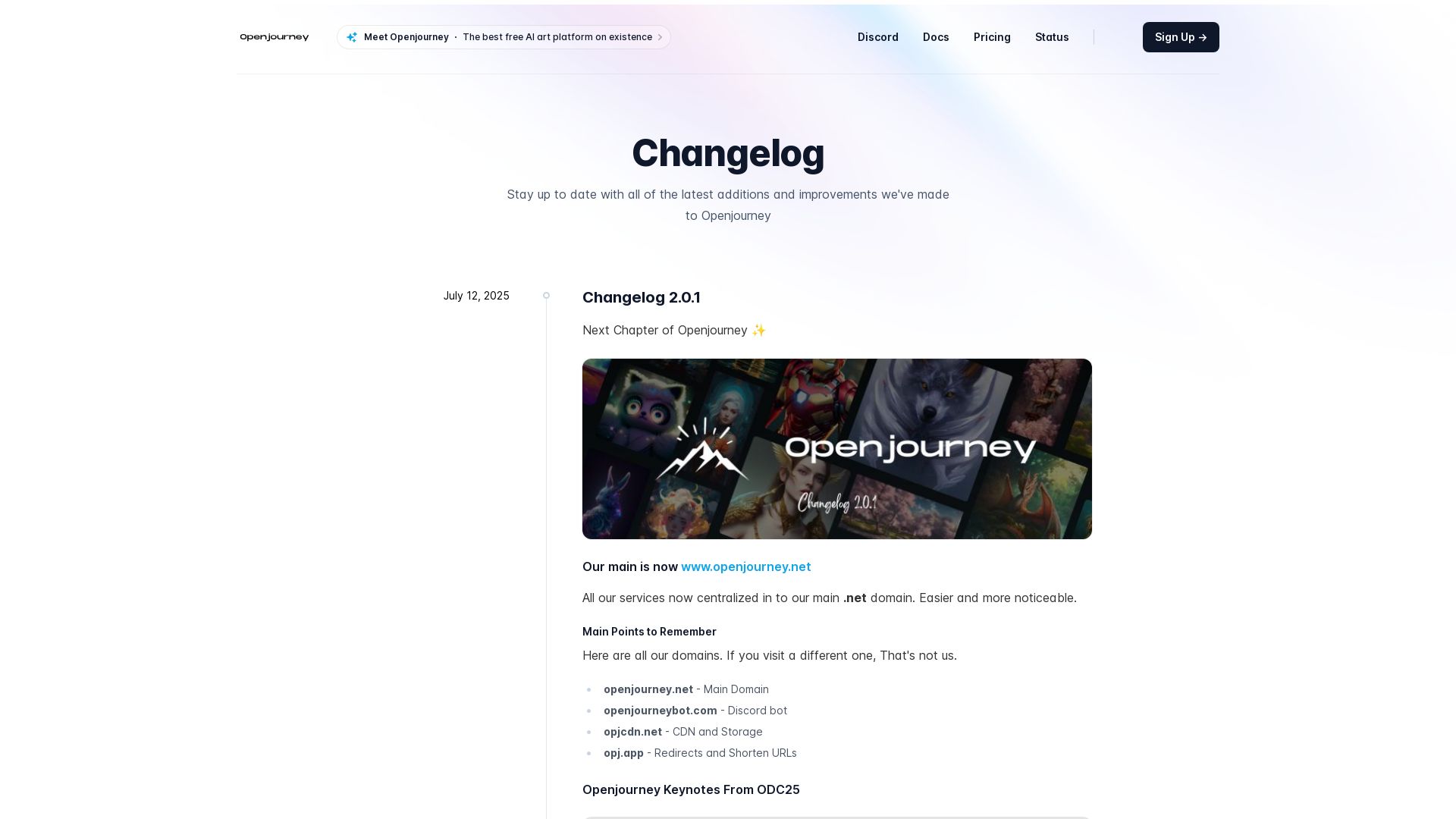
Openjourney bot
Create stunning AI art for free with Openjourney. Generate images, upscale, swap faces, and use developer API. The best free AI art platform.

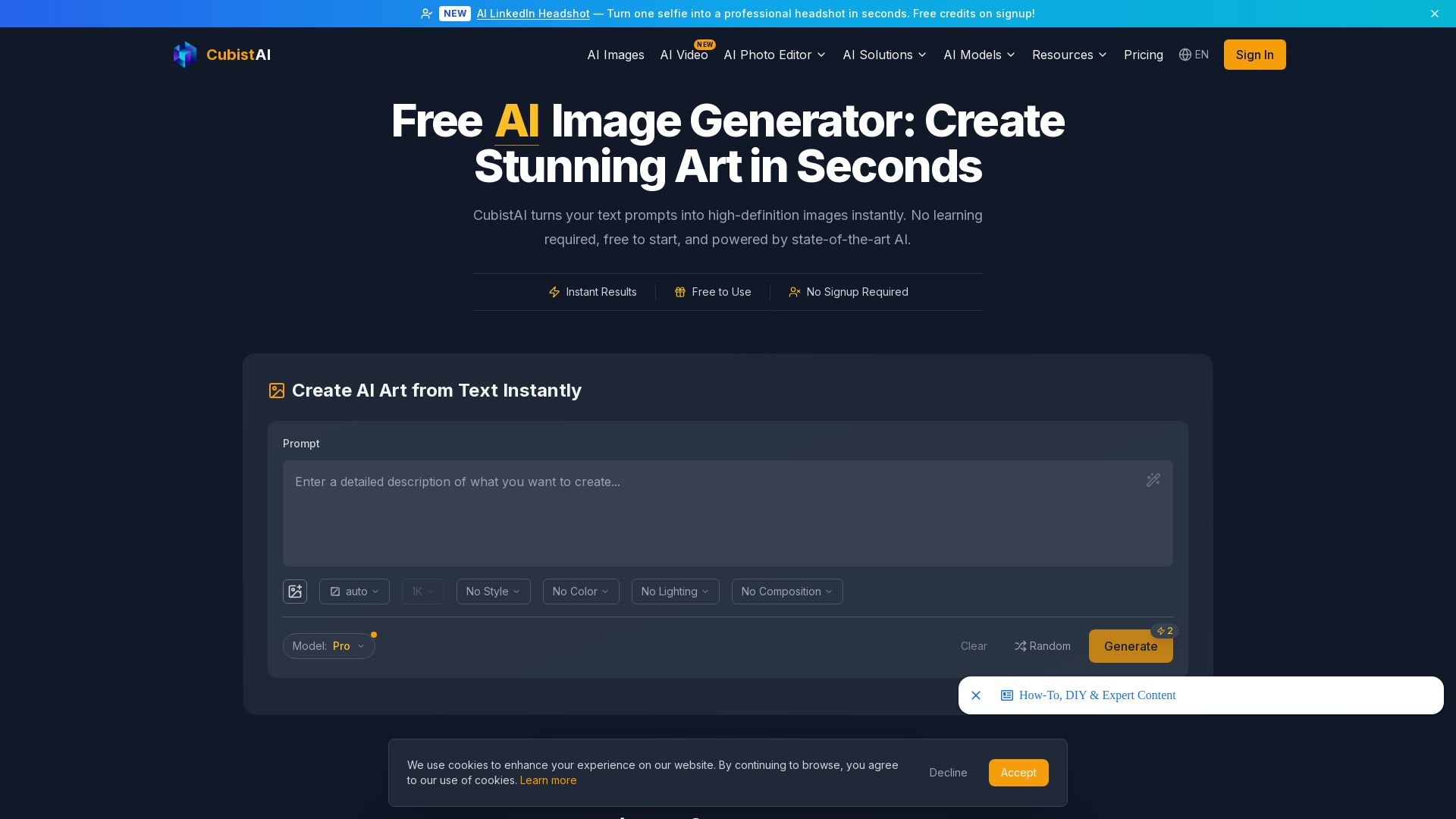
CubistAI
Turn text into high-definition AI images instantly. Free to use, no signup required. Commercial rights included. Generate art, edit photos, and more.
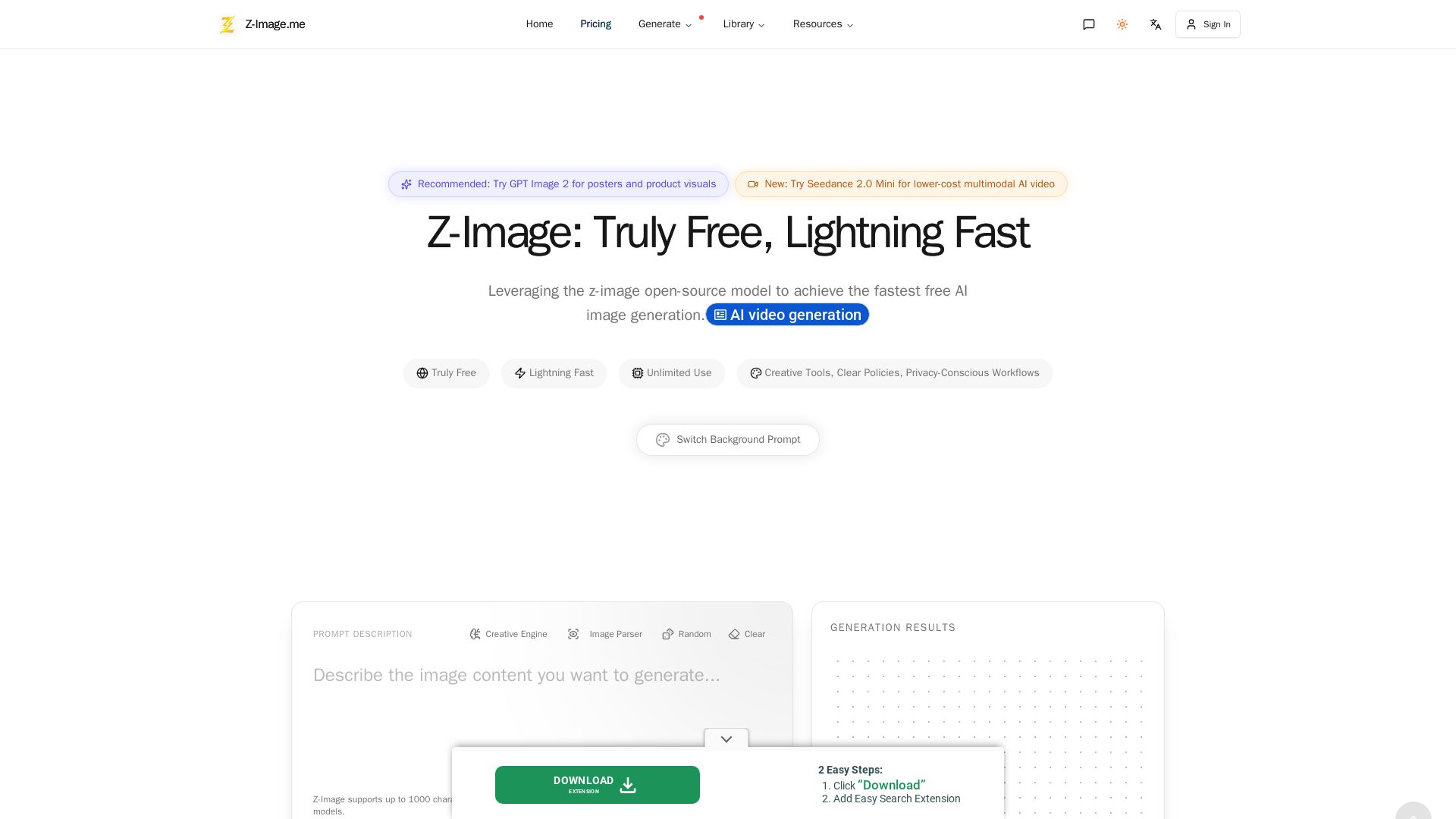
Z-Image
Experience lightning-fast, truly free AI image generation with unlimited use, creative tools, and privacy-focused workflows. Generate stunning visuals instantly.

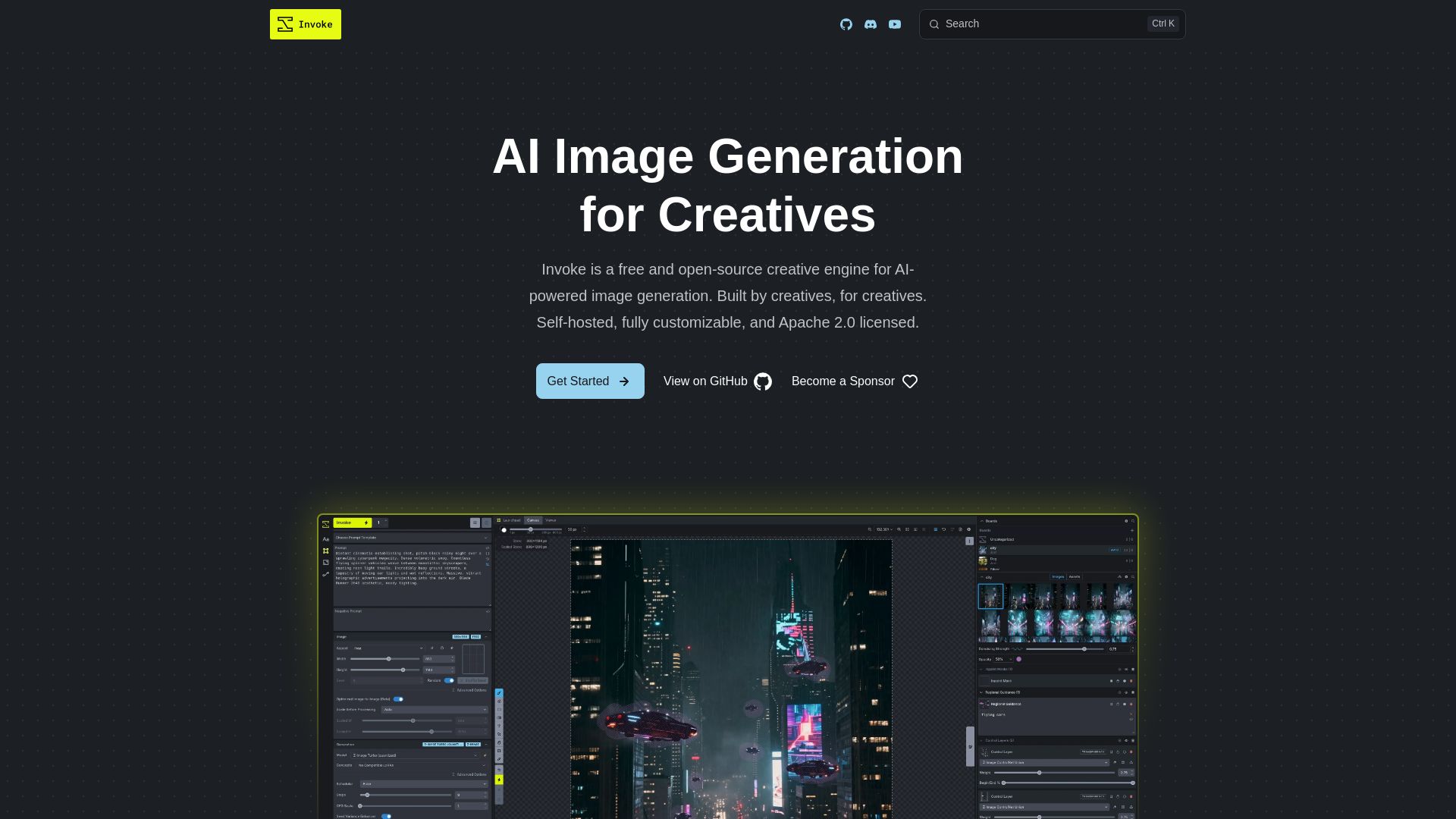
InvokeAI
Free, open-source creative engine for AI-powered image generation. Self-hosted, fully customizable, with Unified Canvas, Node workflows, and leading model support.

Pixlr
Edit, generate, and design with Pixlr's free AI photo editor. Transform photos, create images from text, and more – all in your browser. No download needed.

Leonardo
Create stunning AI-generated art with Leonardo AI. Free to use, powerful image generation, style presets, and model training. Unleash your creativity today.

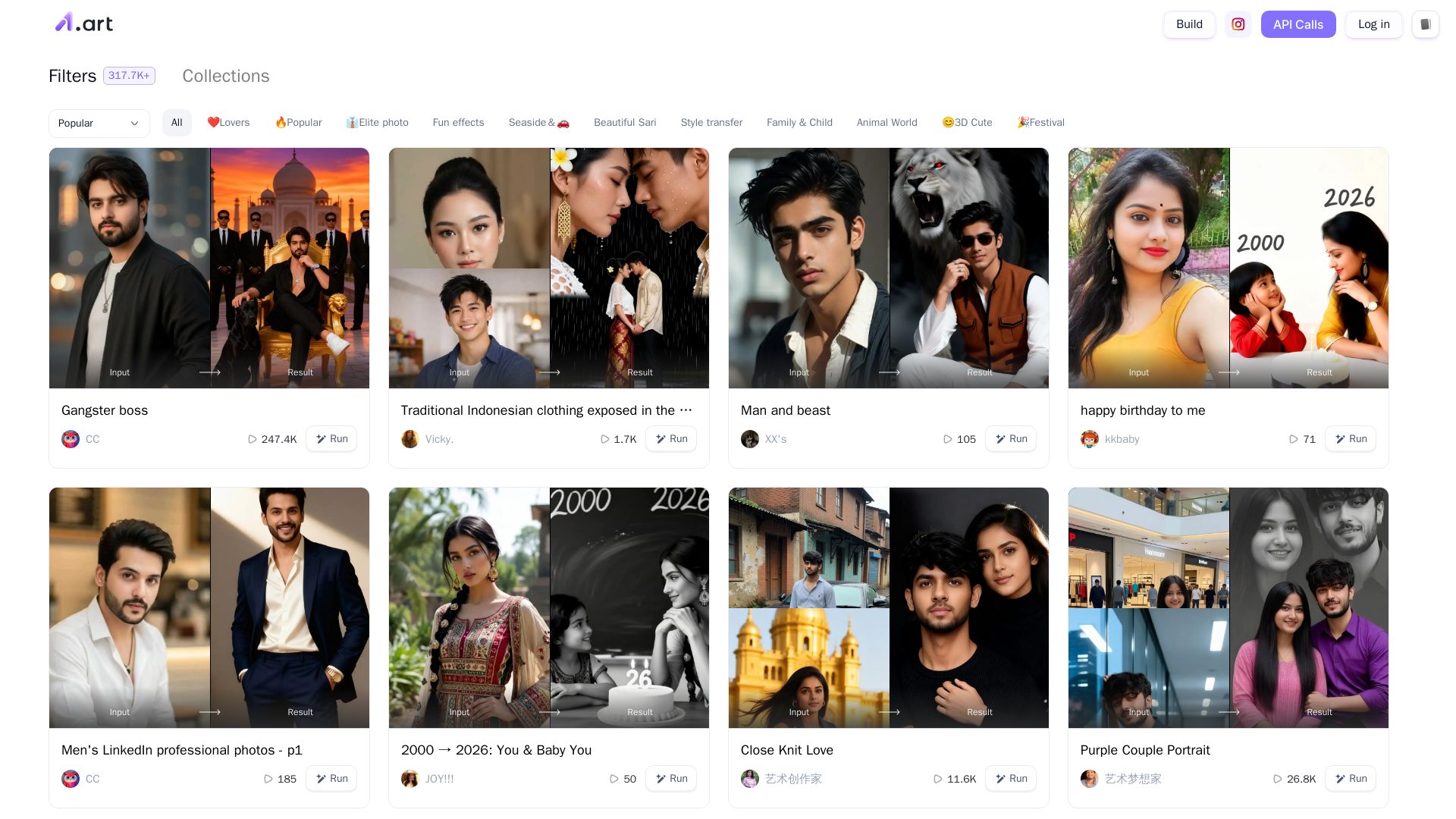
a1.art
Create stunning AI-generated images with 317K+ filters, style transfer, 3D, and more. Fun effects for everyone.
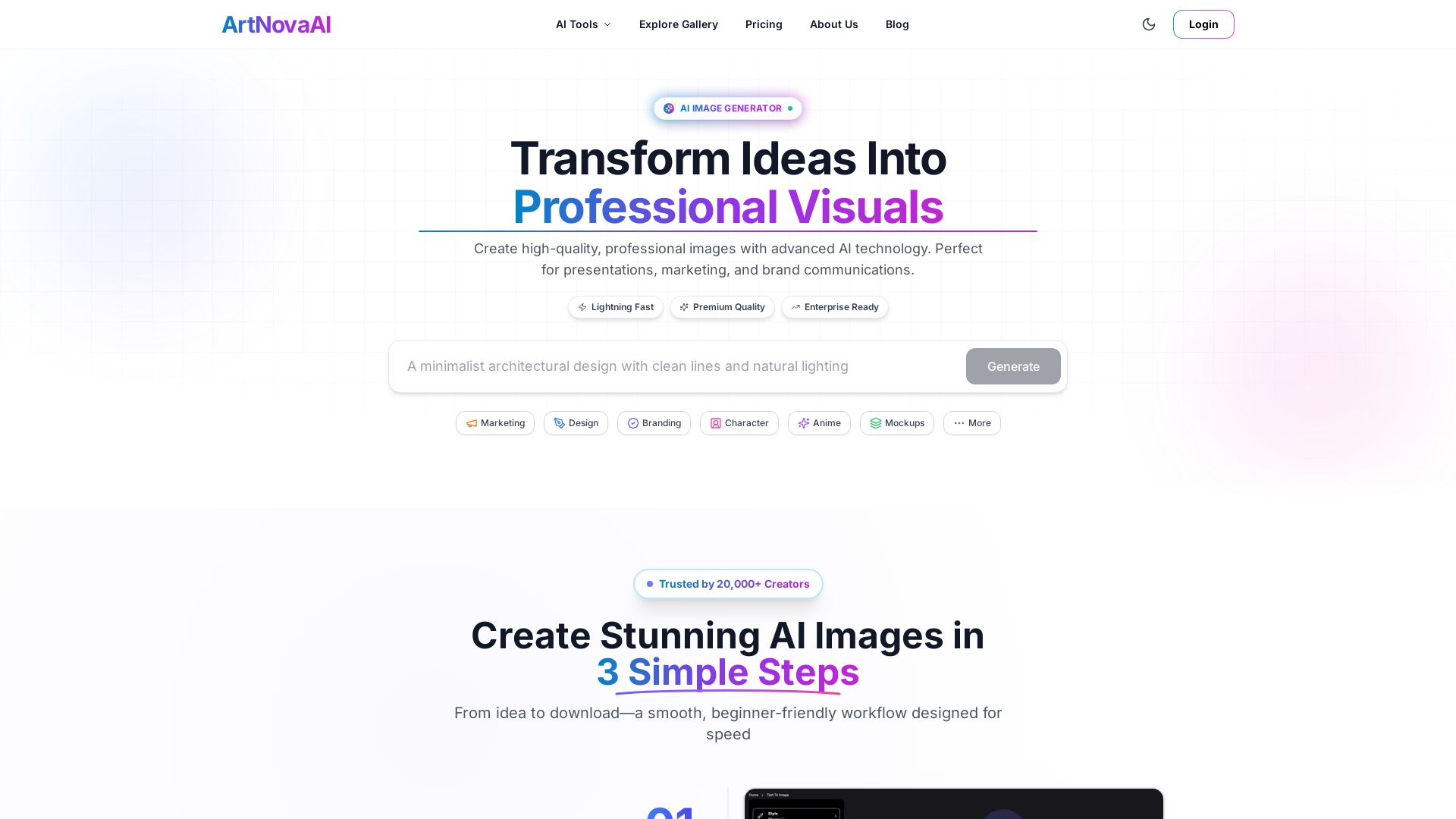
ArtNovaAI
Create high-quality AI images in seconds with full commercial rights. No Discord needed. Text to image, editing, upscaling. Trusted by 20,000+ creators.

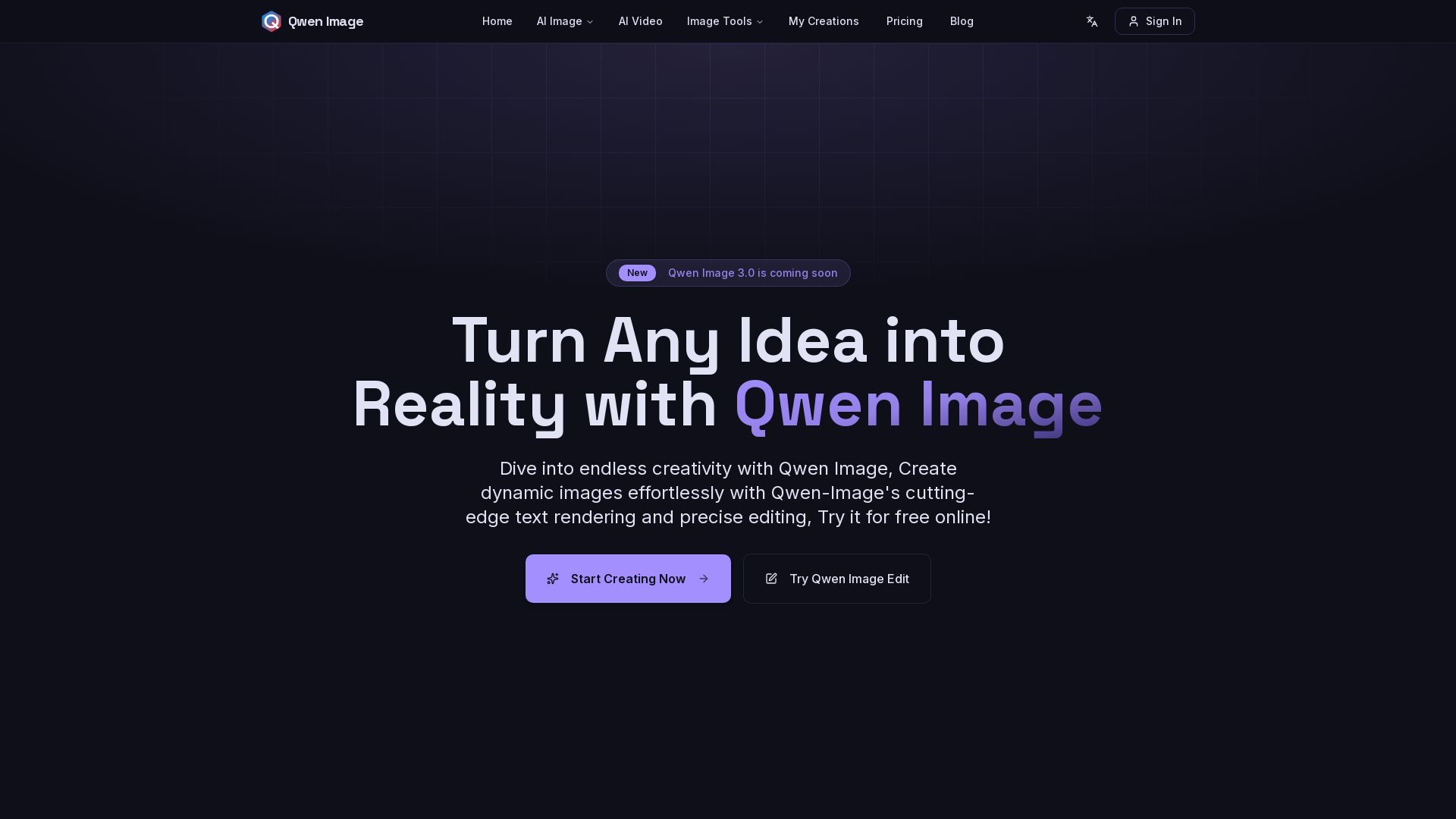
Qwen Image
Free AI image generator with superior text rendering and precise editing. Create commercial-quality images for any project.
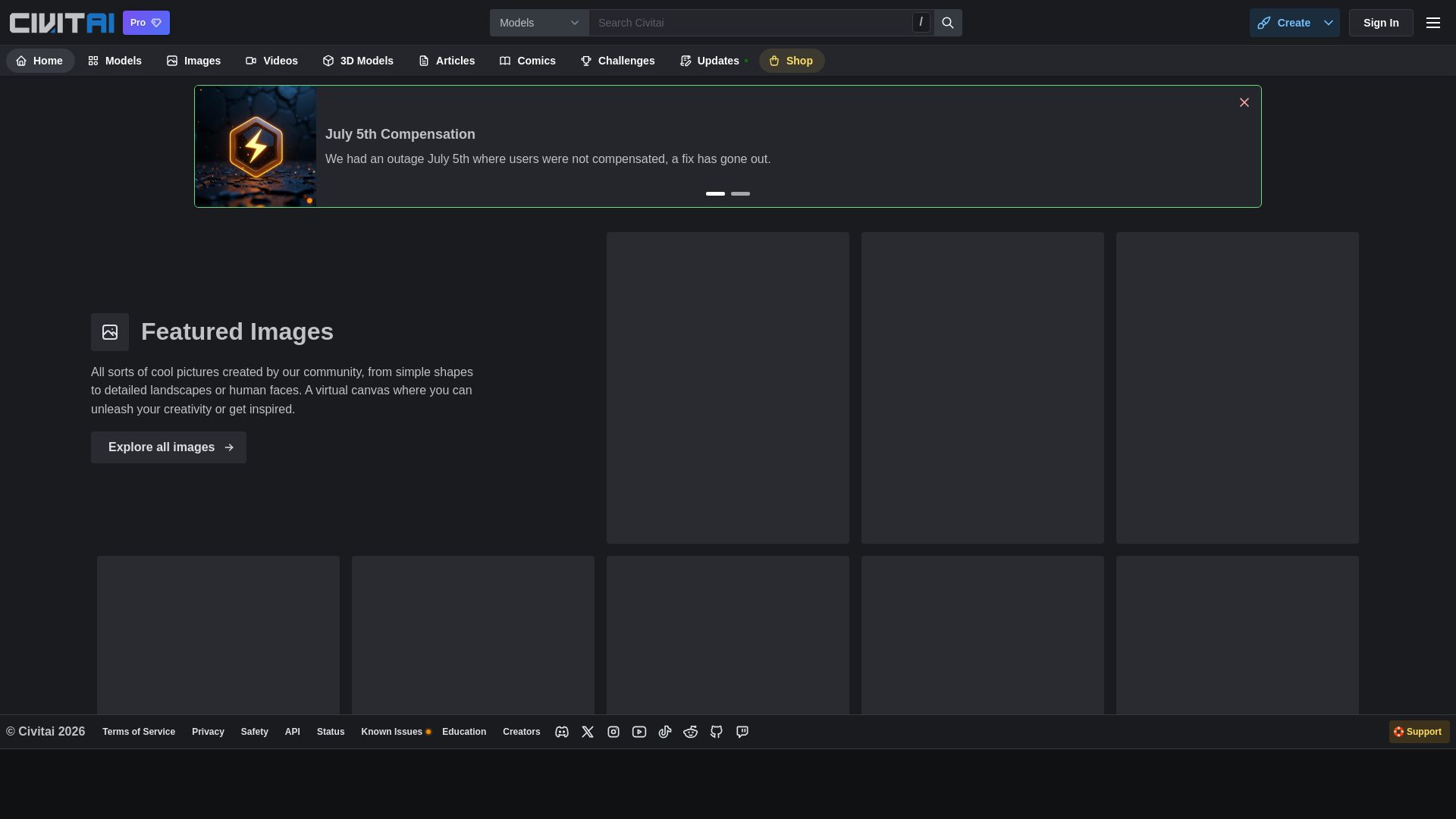
Civitai
Explore thousands of AI-generated images, models, and collections. Join the vibrant community of creators, from beginners to masters. Start creating today!

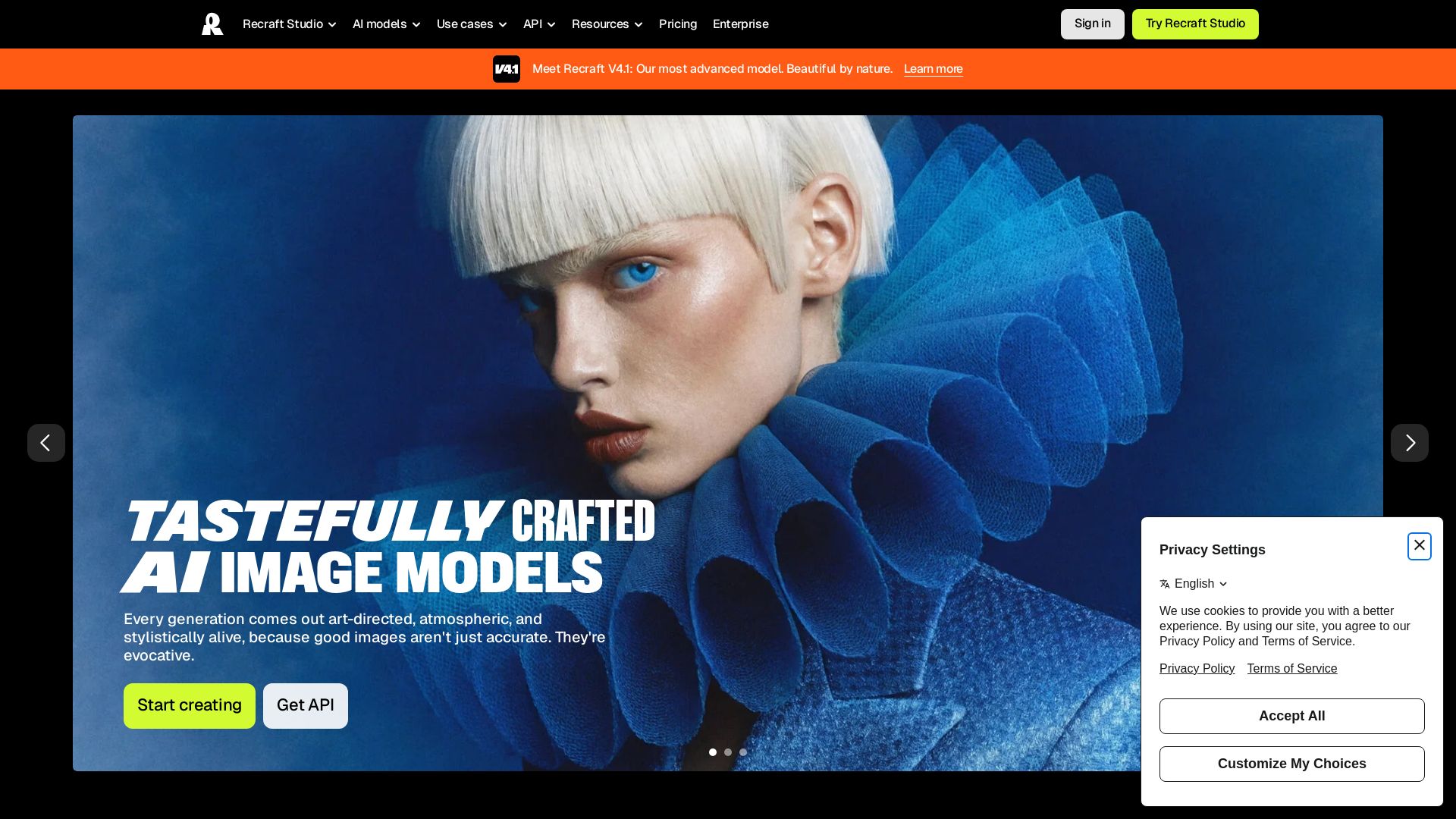
Recraft
Create stunning, art-directed images and vectors with Recraft V4.1. Custom styles, exceptional prompt understanding, and vector generation without training.

FreeForAI
Create stunning AI art for free with FreeForAI. Powered by FLUX.1-Dev, no login, unlimited generations, and full commercial rights.

ℹ️ Curation Disclosure: The overview and features of Bylo AI were synthesized using AI and fact-checked by our curation team to ensure accuracy.
