
Wondershare Filmora
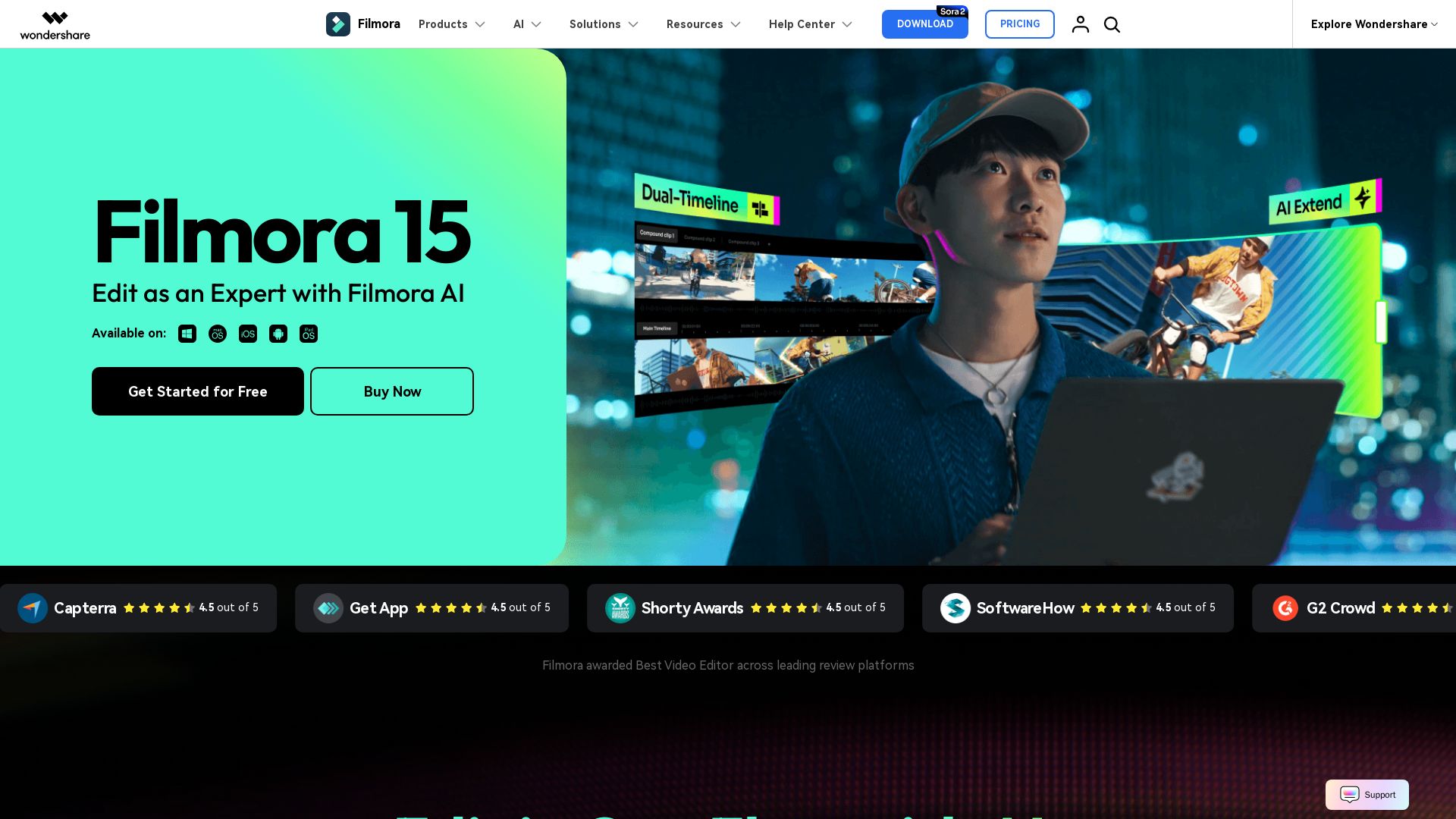
Create stunning videos with Filmora's AI tools, 2.9M+ assets, and intuitive timeline. Perfect for beginners and pros.



Editor's Verdict
Key Takeaways
- AI Text to Video
- AI Video Enhancer
- Pen Tool
- Dynamic Captions
In-Depth Review: What is Wondershare Filmora?
Wondershare Filmora is an AI-powered video editor that combines ease of use with professional-grade features. With over 2.9 million creative assets, AI tools like text-to-video and motion tracking, and a user-friendly interface, it's trusted by millions. Available on desktop, tablet, and mobile, Filmora helps you turn ideas into cinematic stories seamlessly.
Core Features
AI Text to Video
Generate videos from text prompts using advanced AI, bringing ideas to life instantly.
AI Video Enhancer
Improve video clarity, reduce blur, and upscale to 4K with one click.
Pen Tool
Draw custom shapes, masks, and motion paths with precision for creative effects.
Dynamic Captions
Add auto-synced, style-adaptable captions that enhance audience engagement.
Motion Blur
Add natural cinematic blur to fast cuts and zooms without plugins.
AI Audio Denoise
Remove background noise and improve audio quality using AI algorithms.
2.9M+ Creative Assets
Access millions of royalty-free templates, effects, music, and stock media.
Dual-Timeline Editing
Edit on two timelines simultaneously for precise source and sequence comparison.
AI Video Translation
Translate videos into multiple languages with voice cloning and lip-sync.
Screen Recorder
Record screen, webcam, and audio for tutorials, presentations, and gameplay.
Pros and Cons
Pros
- Intuitive InterfaceClean, drag-and-drop UI makes video editing accessible for beginners and professionals alike.
- Rich AI FeaturesOver 30 AI tools automate complex tasks like text-to-video, translation, and enhancement.
- Extensive Asset Library2.9M+ royalty-free assets including templates, effects, music, and stock footage.
- Cross-Platform SupportAvailable on desktop, mobile, tablet, and web for seamless editing anywhere.
- Regular UpdatesFrequent updates add new features like Veo AI integration and advanced tracking.
Cons
- Watermark on Free VersionFree exports include a Filmora watermark unless a paid plan is purchased.
- Advanced Effects Limited in Basic PlanSome premium effects and AI tools require higher-tier subscriptions.
- Resource IntensiveHeavy AI processing and high-resolution editing may require a powerful computer.
Use Cases & Recommended Professions
Content Creator→ View Toolkit
YouTubers, TikTokers, and social media influencers need quick, professional video editing with templates and AI tools.
Marketing Professional→ View Toolkit
Create product videos, ads, and social media content with branded animations and data-driven charts.
Video Editor→ View Toolkit
Professionals requiring advanced timeline editing, motion tracking, and color grading for film and broadcast.
Educator→ View Toolkit
Teachers and trainers can produce instructional videos with screen recording, captions, and interactive elements.
Small Business Owner→ View Toolkit
Create promotional videos, presentations, and internal communications without hiring a dedicated editor.
Freelancer→ View Toolkit
Freelance editors and designers need an affordable, feature-rich tool to deliver client projects.
Frequently Asked Questions
Alternative AI Tools
View Detailed Comparison →
AI Video - AI Video Generator
Create animated videos from text or images with AI. Drag-and-drop editing, lip-sync, HD export. No skills needed. Download free!


Gen AI Video Generator
Create stunning AI videos and images with 90+ models including Google VEO 3, Sora 2, Seedance 2.0. Text-to-video, image-to-video, photo editing on iOS.

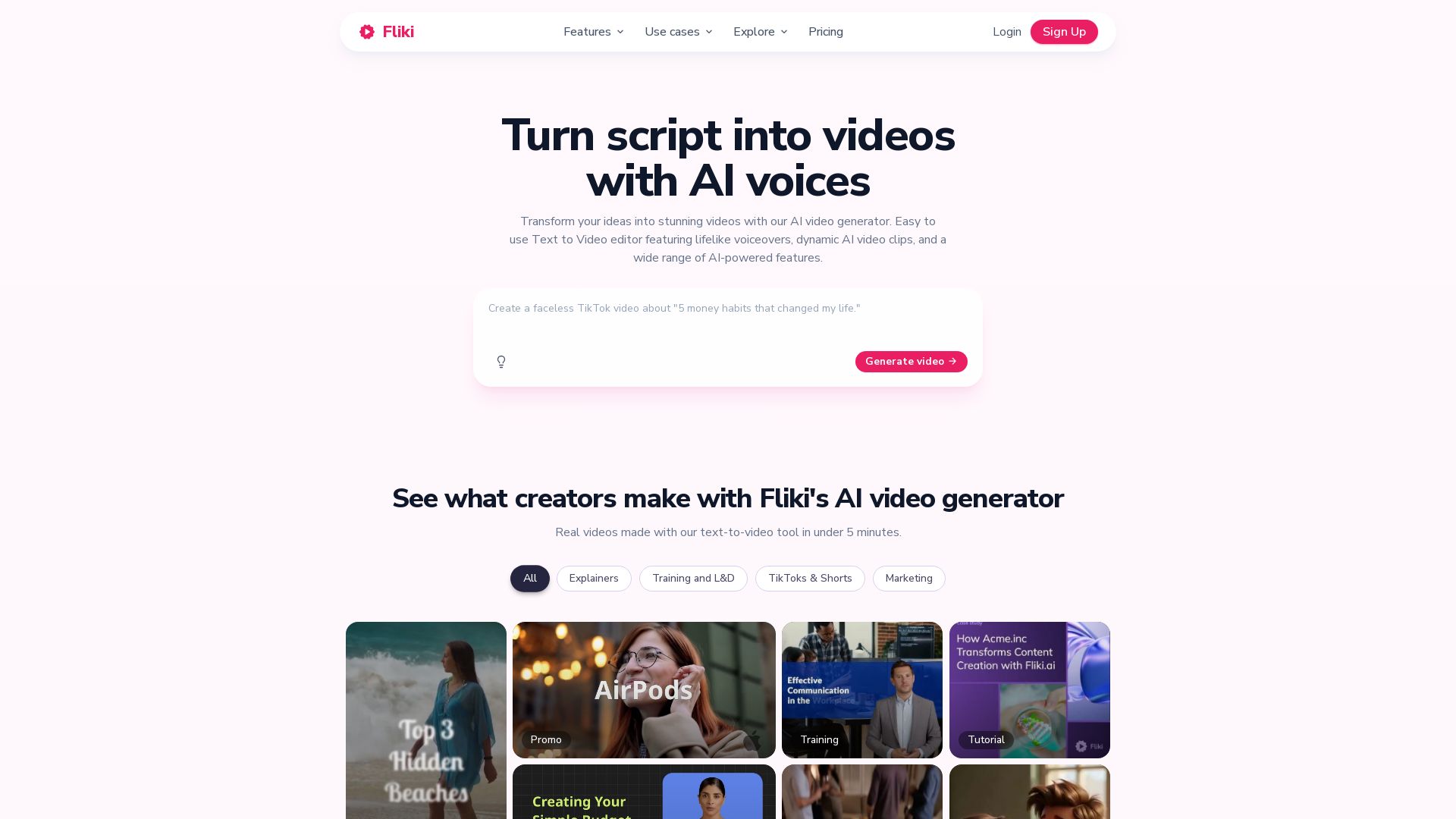
Fliki
Create stunning videos from text in minutes. AI voices, visuals, music, and captions. Trusted by 12M+ creators. Free to start.

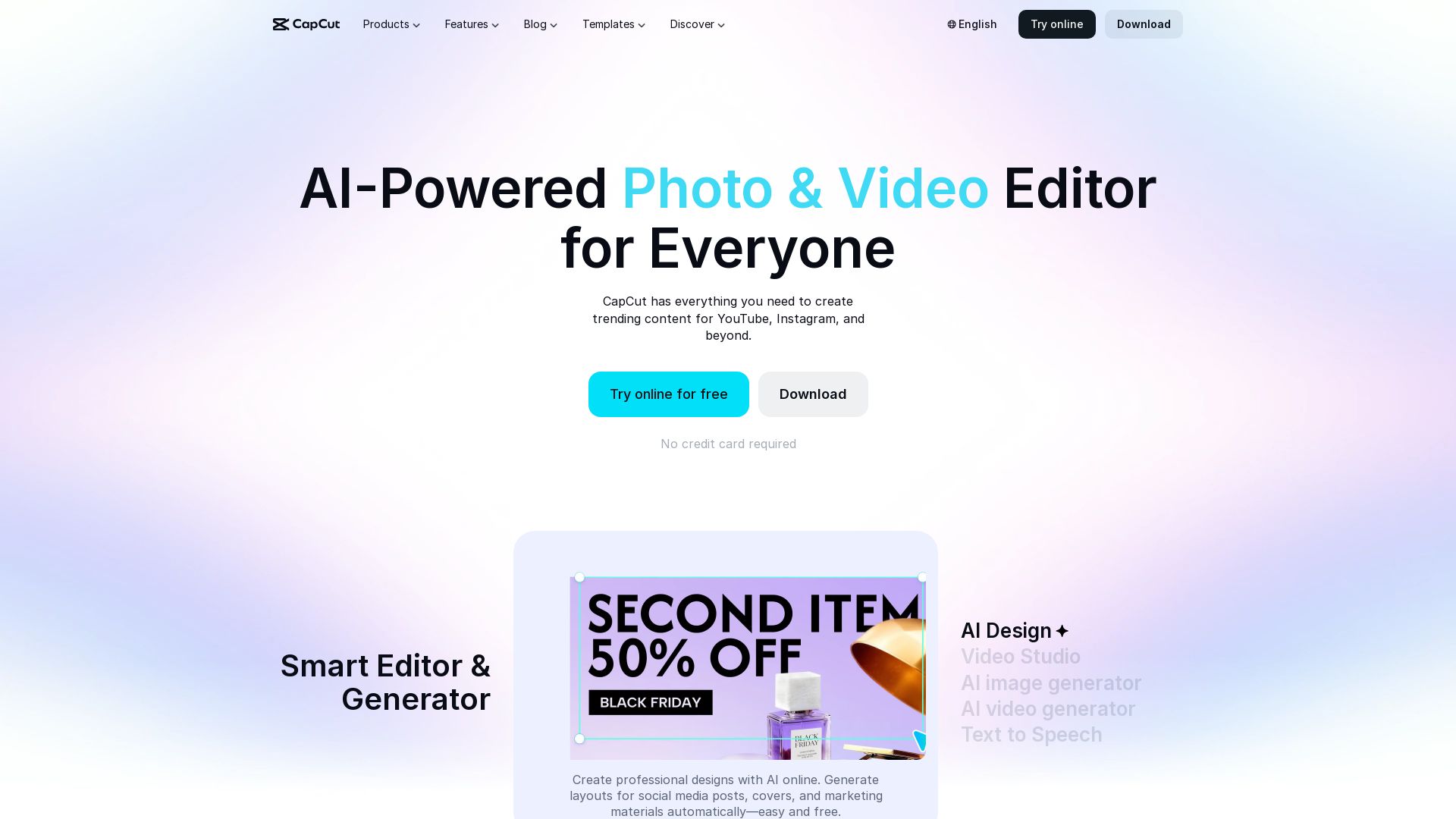
CapCut AI Video Editor
Create stunning videos and photos with CapCut's AI tools. Free online editor, background remover, text to speech, templates. No watermark. Try now!

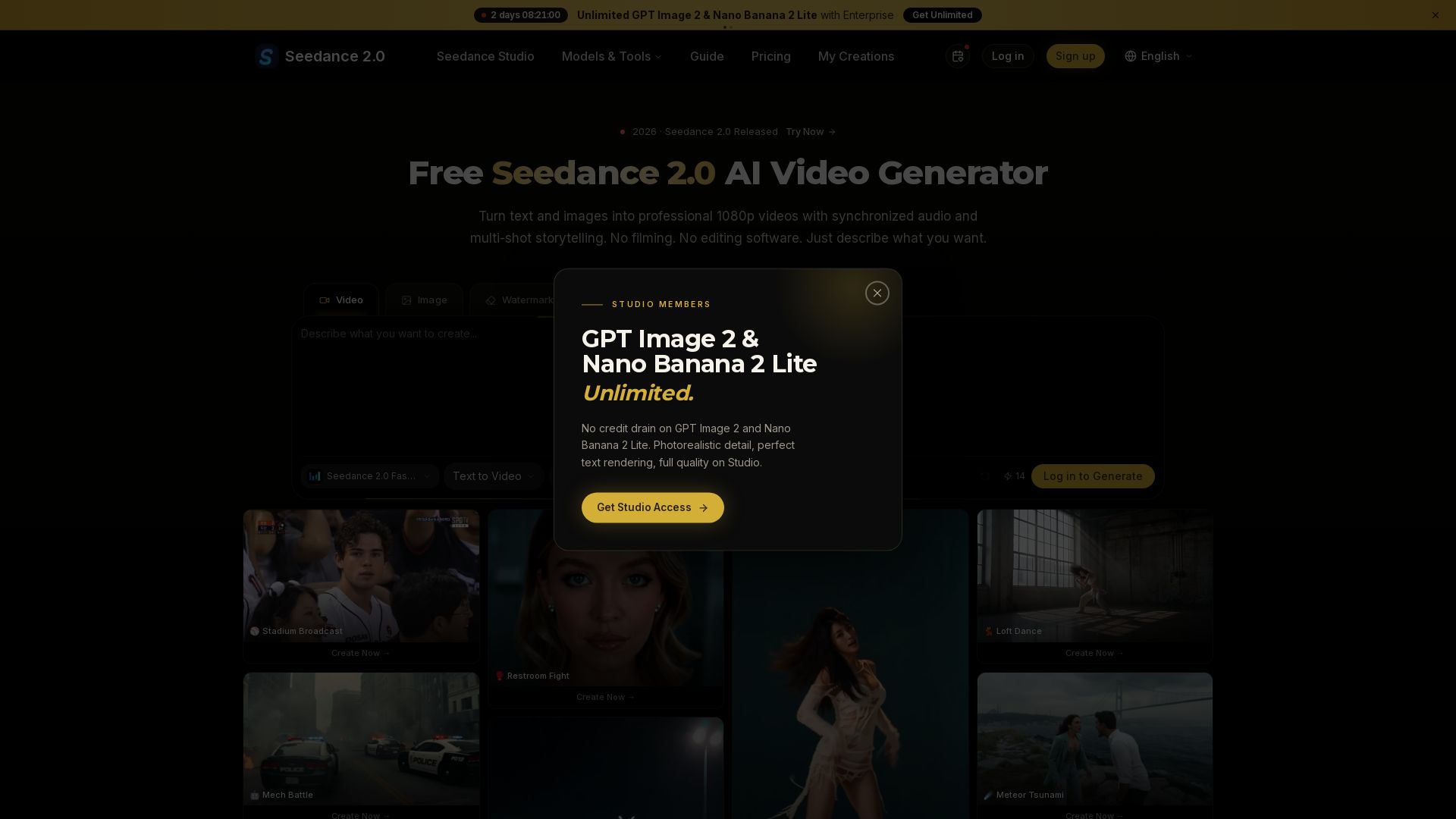
Seedance 2.0
Turn text and images into professional 1080p videos with synchronized audio and multi-shot storytelling. Free to start.

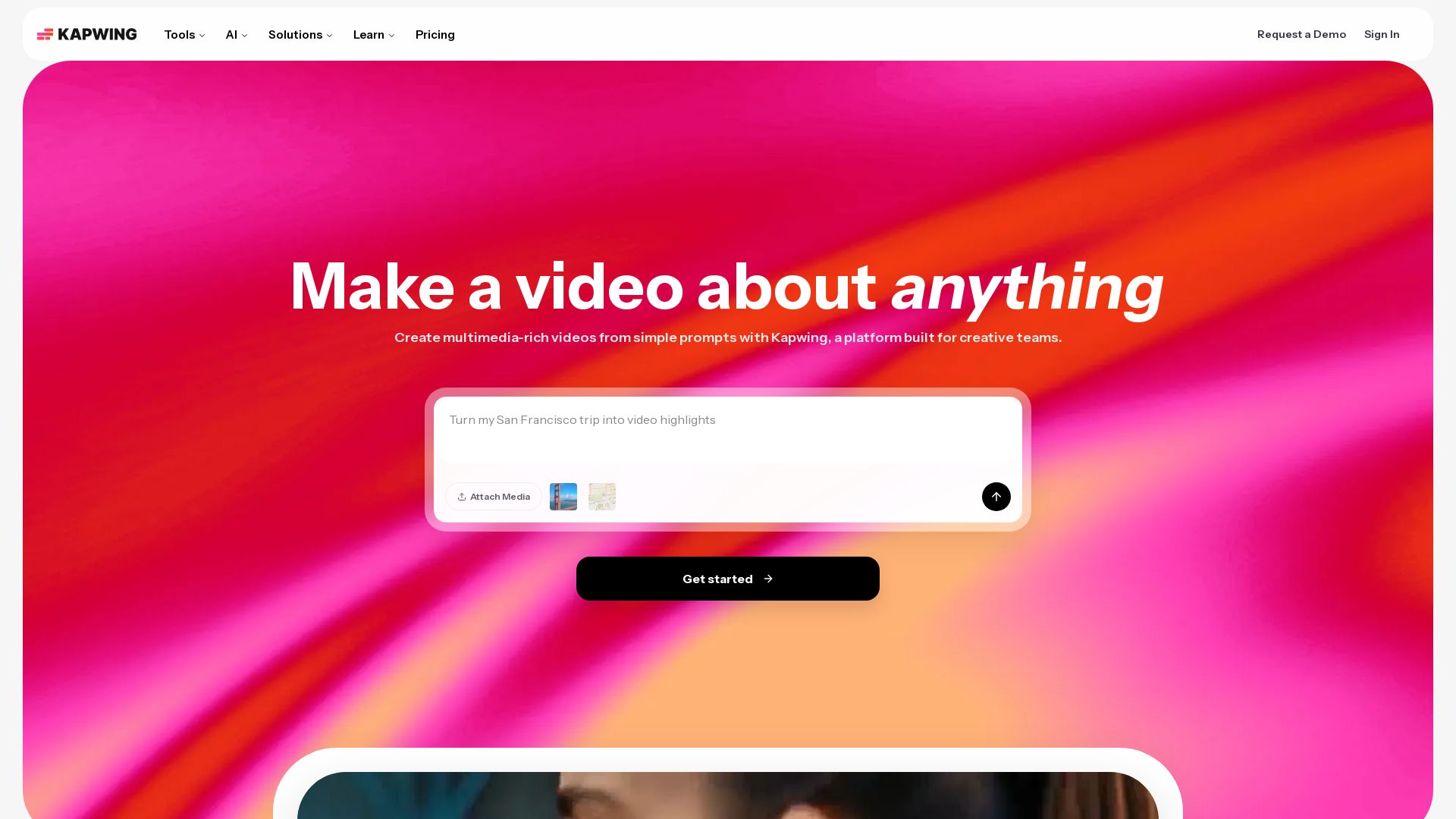
Kapwing
Edit, subtitle, translate, and generate videos with AI. Collaborate in real-time. No downloads needed. Try free.

Hailuo AI MiniMax
Create stunning videos from text prompts or images with Hailuo AI MiniMax. Free, fast, and no login needed. High-quality AI video generation.

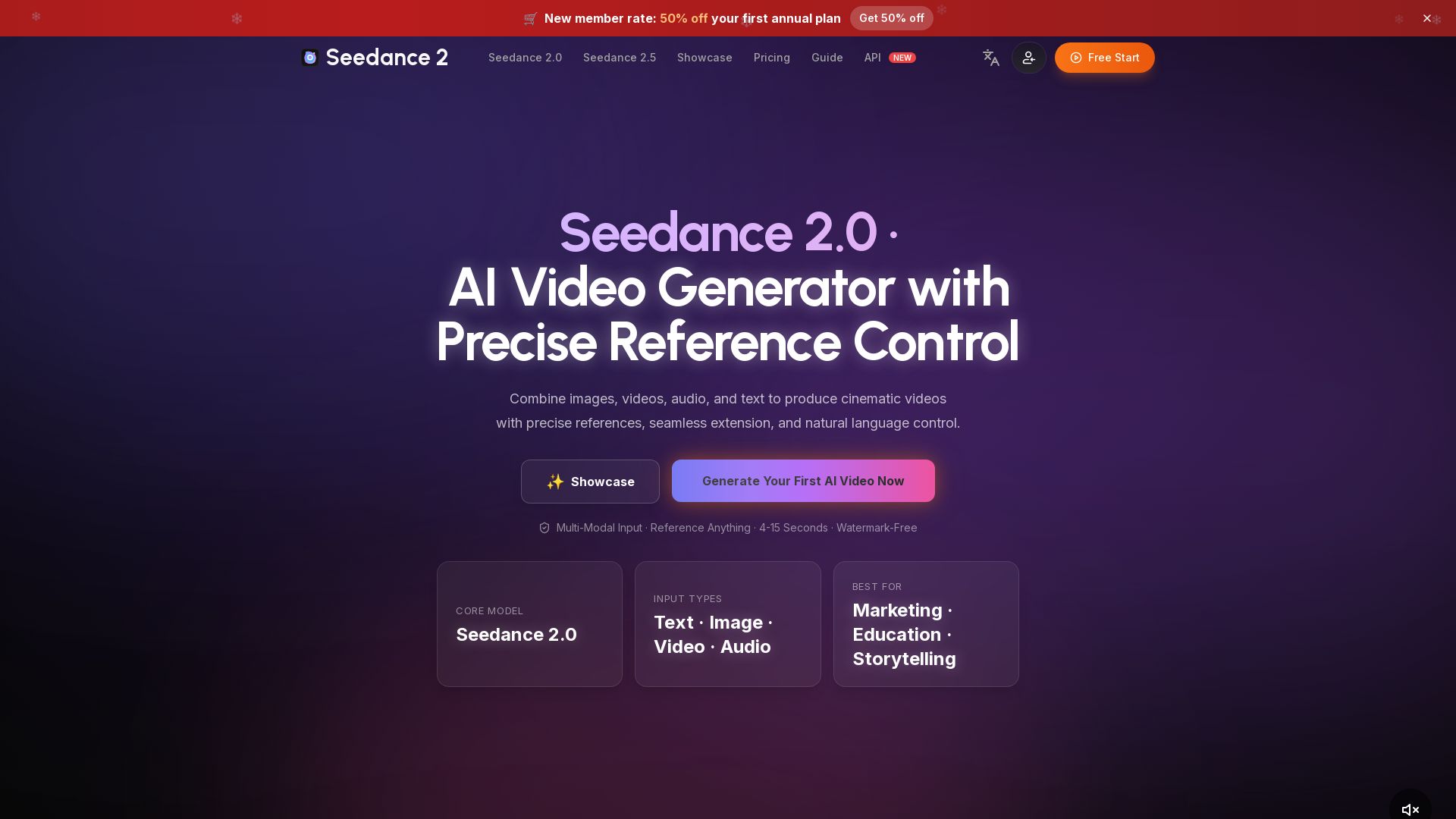
Seedance 2.0
Create cinematic AI videos by combining text, images, video & audio. Precise reference control, seamless extension, watermark-free. Start free!

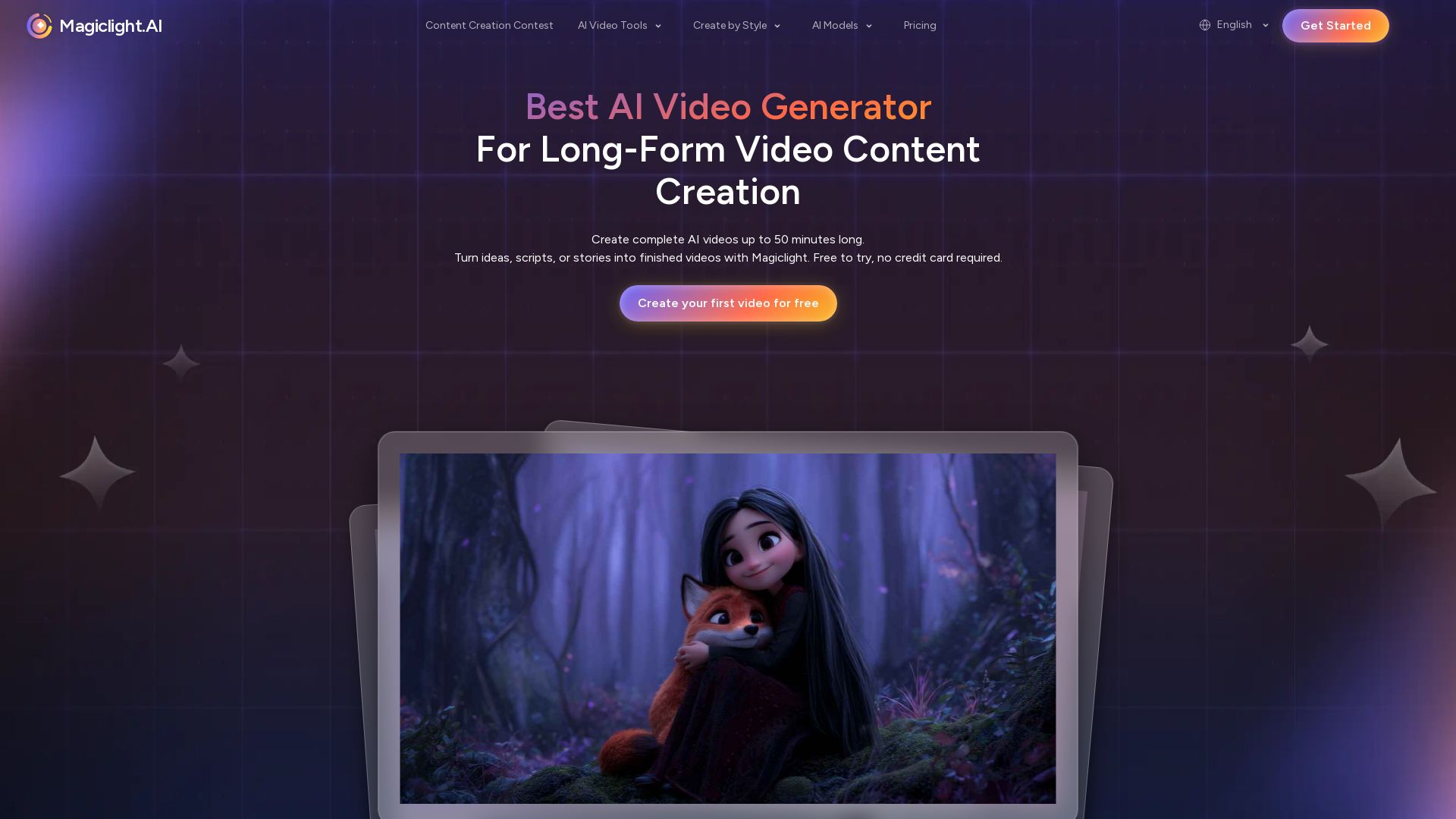
Magiclight.AI
Create complete AI videos up to 50 minutes. Smooth animations, consistent characters, seamless transitions. Free to try, no credit card needed.


Excel For Freelancers
Master Excel with expert Randy Austin. Get free training, templates, and courses to automate work, build apps, and grow your freelance business. Start today!

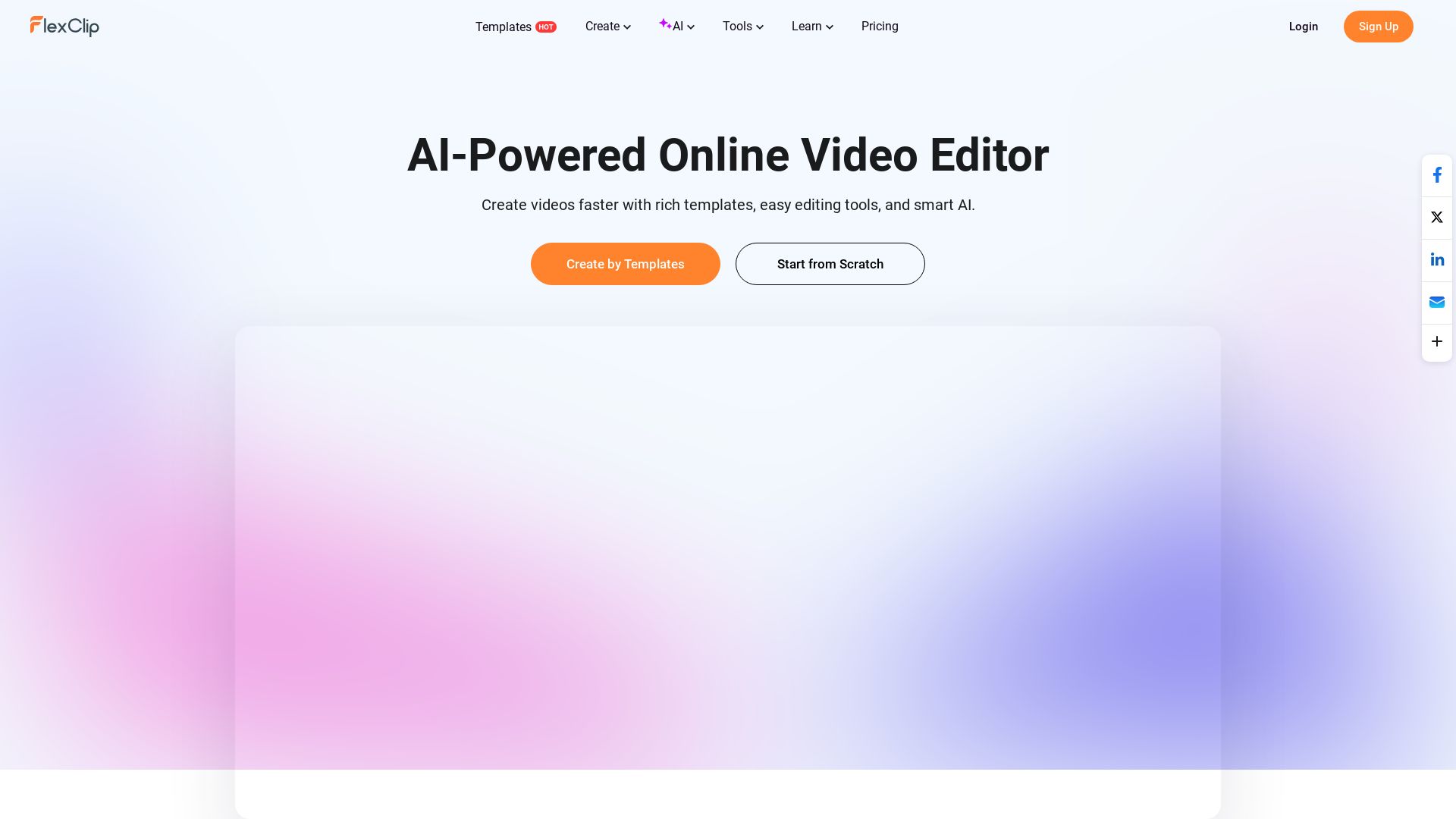
FlexClip
Create stunning videos faster with FlexClip's AI tools, 6000+ templates, and easy editing. Perfect for marketing, social media, and more. Start for free!

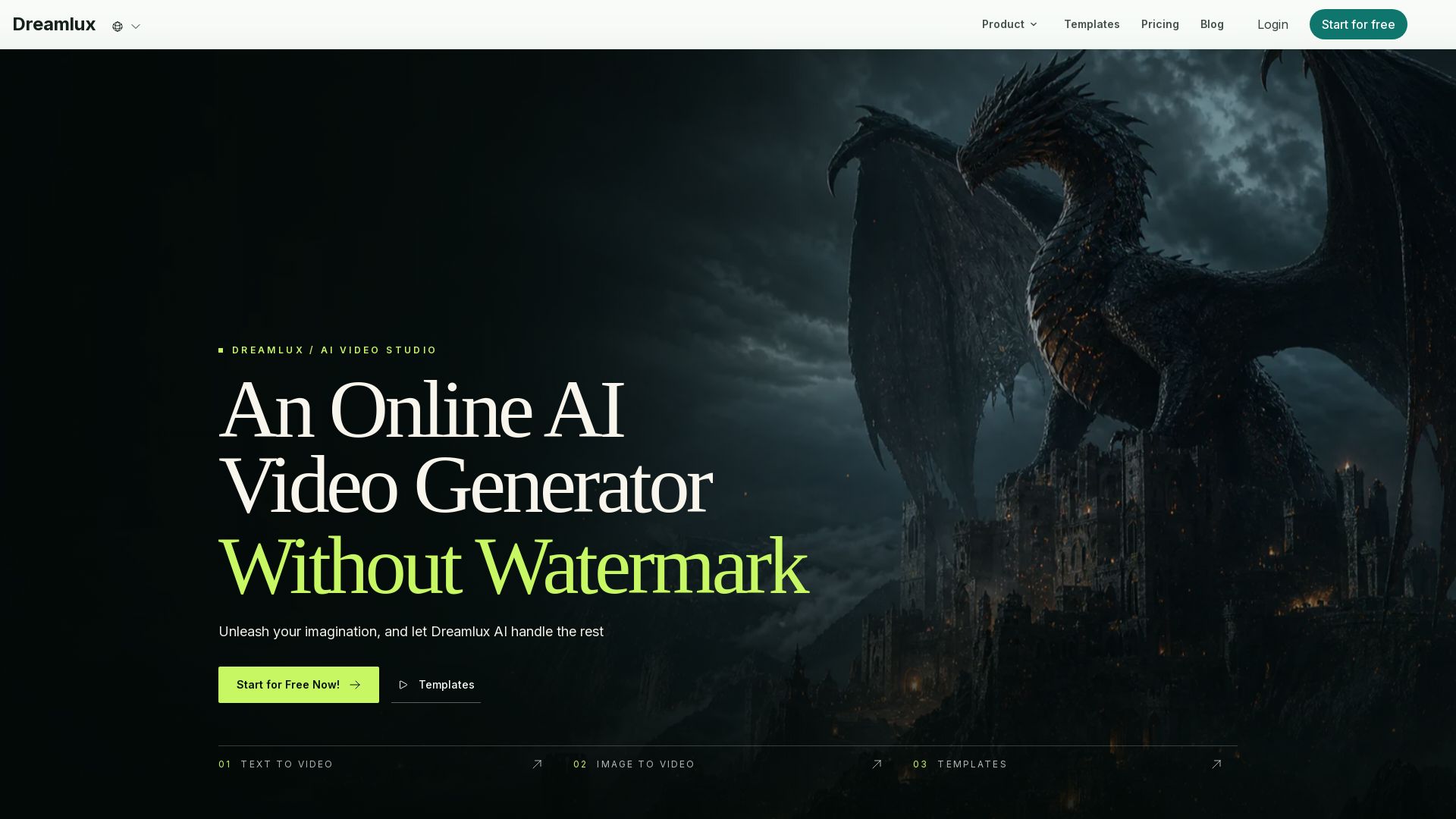
Dreamlux
Unleash imagination with Dreamlux AI. Turn text or images into high-quality videos in minutes. No watermark, easy to use, free to start.

ℹ️ Curation Disclosure: The overview and features of Wondershare Filmora were synthesized using AI and fact-checked by our curation team to ensure accuracy.