
Kapwing
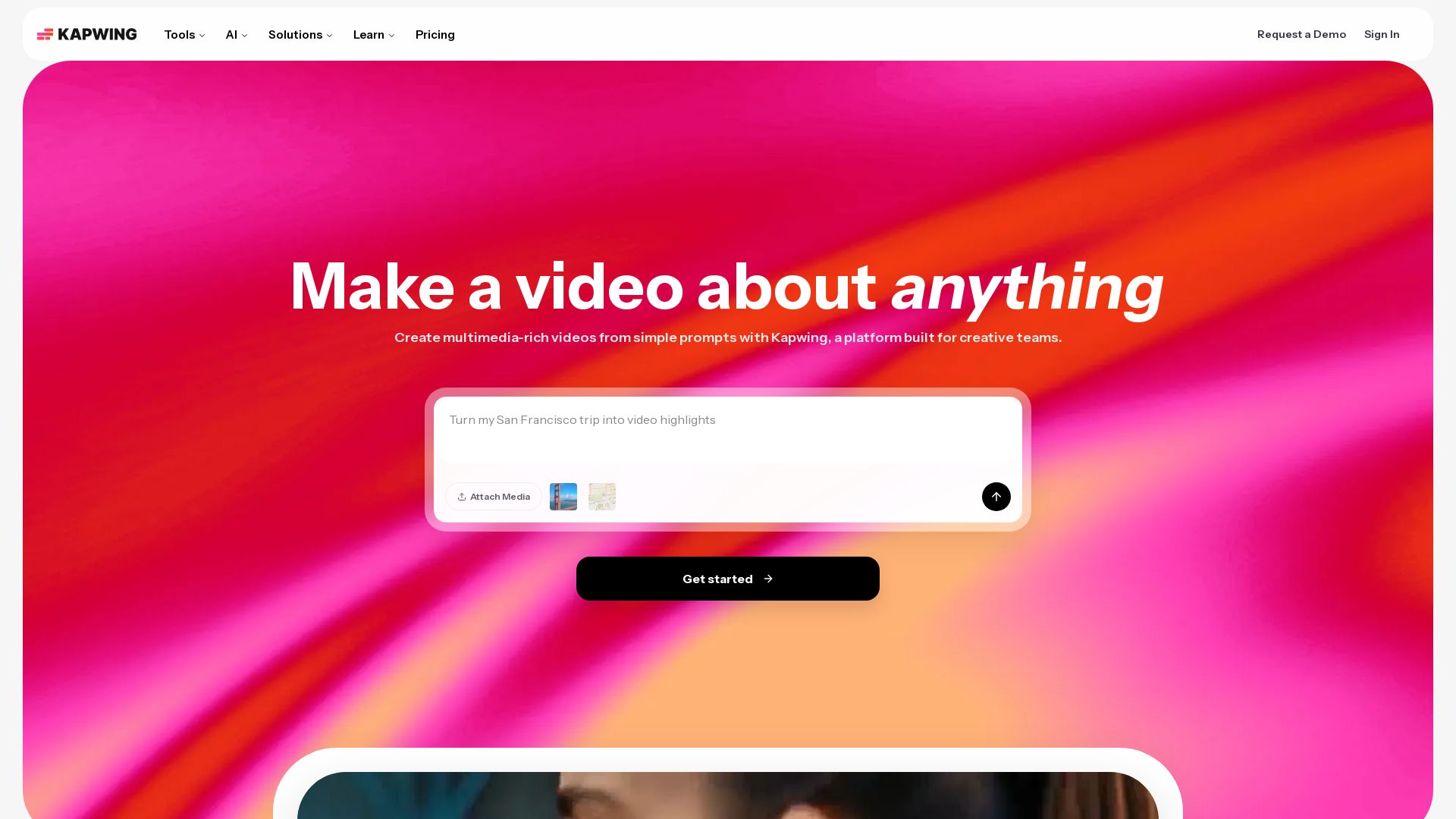
Edit, subtitle, translate, and generate videos with AI. Collaborate in real-time. No downloads needed. Try free.


Editor's Verdict
Key Takeaways
- Video Editor
- Auto Subtitle Generator
- AI Video Generator
- Smart Cut
In-Depth Review: What is Kapwing?
Kapwing is a collaborative video editing platform that combines powerful AI tools—like video generation, smart cut, text-to-speech, and automatic subtitling—with a user-friendly timeline editor. Ideal for marketers, educators, content creators, and teams, it streamlines video production from idea to export, all in the browser.
Core Features
Video Editor
Edit, trim, combine video clips, add overlays, and collaborate in real-time with a drag-and-drop timeline.
Auto Subtitle Generator
Automatically generate captions and subtitles for videos in multiple languages.
AI Video Generator
Turn a text prompt into a complete video with voiceover, visuals, subtitles, and music.
Smart Cut
Automatically remove silences and pauses from videos.
Clean Audio
Enhance audio quality and remove background noise from recordings.
Text to Speech
Convert text into realistic voiceovers with multiple language options.
Dubbing
Translate dialogue into 40+ languages with automated dubbing.
Repurpose Studio
Resize and reformat videos into social-media-ready clips for different platforms.
Speaker Focus
Auto-resize videos to focus on the speaker, ideal for interviews and presentations.
Collaboration
Real-time team collaboration with commenting, shared workspaces, and version history.
Pricing
Free
- 10 credits
- Unlimited exports with watermark
- Export videos up to 1 minute long
- 720p video quality
- Auto-subtitling up to 10 minutes
- Text to speech up to 2 minutes
- Basic stock assets
- 1 folder workspace
- 3 days cloud storage
Pro
- 1,000 credits/month
- No Kapwing watermark
- Upload files up to 6 GB
- 4K video export
- Unlimited projects
- Export up to 2 hours long
- Brand Kit and custom fonts
- Collaborative shared workspace
- 100 GB cloud storage
- Auto-subtitling up to 1,000 mins/month
- Dubbing up to 50 mins/month
- Text to speech up to 50 mins/month
- Clean audio up to 500 mins/month
- Lip sync up to 30 mins/month
- Priority support
Business
- 4,000 credits/month
- Custom voice clones
- Lip sync videos
- Ability to purchase additional credits
- 500 GB cloud storage
- Auto-subtitling up to 4,000 mins/month
- Dubbing up to 200 mins/month
- Text to speech up to 200 mins/month
- Clean audio up to 2,000 mins/month
- All Pro features
Enterprise
- Custom credits
- Dedicated account manager
- Priority customer support
- Onboarding & training
- SAML single sign-on (SSO)
- Custom cloud storage
- Custom auto-subtitling, dubbing, generative AI usage
- All Business features
Pros and Cons
Pros
- Intuitive and Easy to UseMany users can start editing immediately without training, thanks to a clean interface and drag-and-drop functionality.
- No Download RequiredFully browser-based, allowing access from any device without installation.
- AI-Powered ToolsOffers advanced AI features like video generation, auto-subtitling, smart cut, and clean audio to speed up workflows.
- Collaborative FeaturesReal-time collaboration, commenting, and shared workspaces make team projects seamless.
- Wide Range of IntegrationsCompatible with various media formats and social platforms, with templates for quick creation.
Cons
- Free Version LimitationsFree plan includes watermarks, short export length (1 min), 720p resolution, and limited credits.
- Credit System Can Be ConfusingUsage of AI and smart tools consumes credits, which may require careful management.
- No Offline ModeRequires internet connection; no desktop app for offline editing.
- Advanced Features Locked Behind Higher TiersLip sync, custom voice clones, and higher storage are only available in Business and Enterprise plans.
- Pricing May Be Costly for IndividualsPro plan at $24/month may be expensive for casual users, and annual commitment is needed for lower rate.
Use Cases & Recommended Professions
Marketing Manager→ View Toolkit
Create and repurpose video content for campaigns, social media, and ads quickly with AI tools and templates.
Content Creator / YouTuber→ View Toolkit
Edit videos, add subtitles, and generate clips for multiple platforms without professional editing skills.
Teacher / Educator→ View Toolkit
Create instructional videos, add subtitles, and use screen recording to enhance online lessons.
Social Media Specialist→ View Toolkit
Resize and reformat videos for different social channels, add captions, and generate engaging clips.
HR / Internal Communications Manager→ View Toolkit
Produce training videos and company updates with translation and dubbing for global teams.
Video Editor→ View Toolkit
Speed up workflows with AI features like smart cut and auto-subtitling, and collaborate with clients in real-time.
Frequently Asked Questions
Alternative AI Tools
View Detailed Comparison →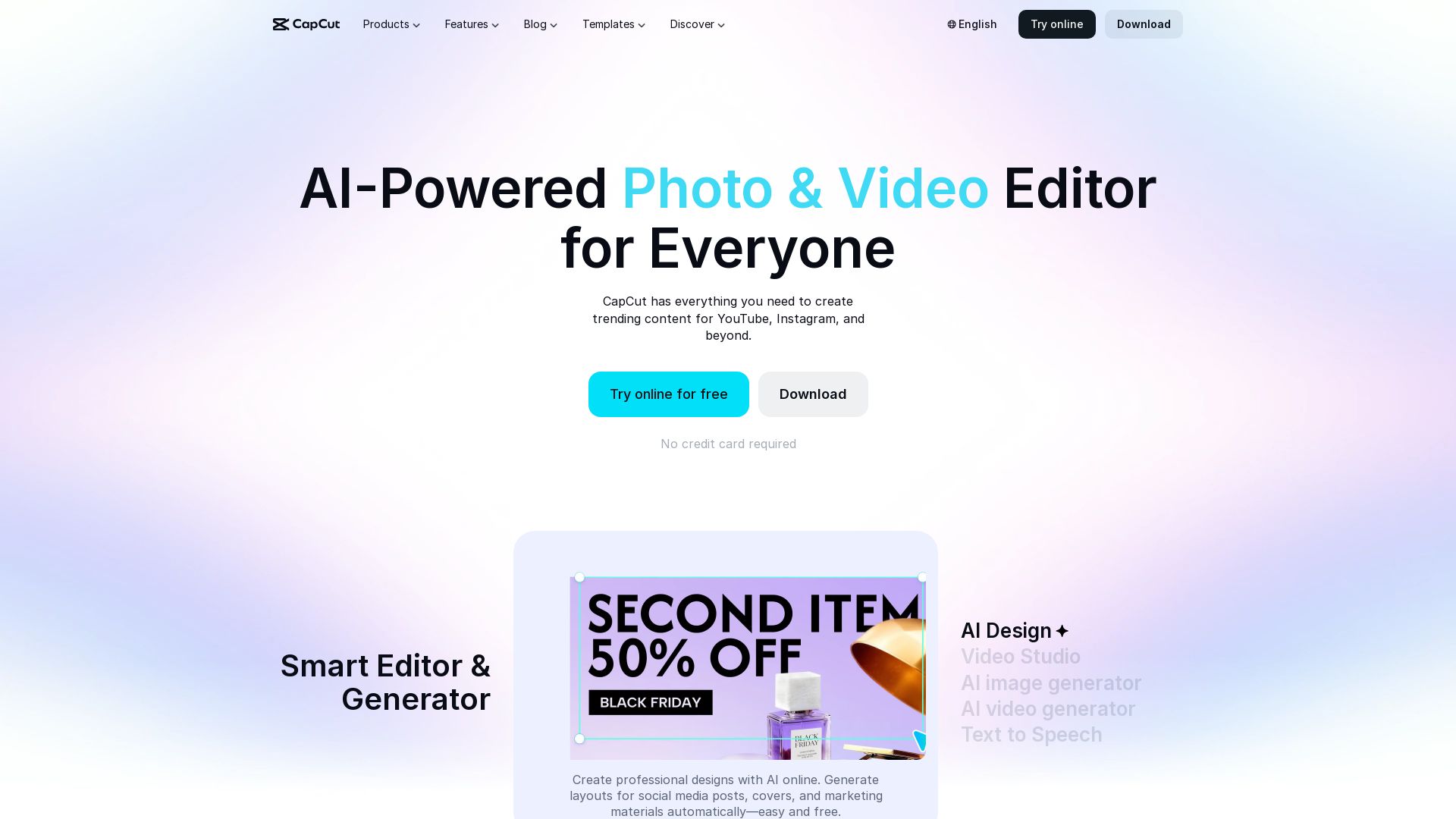
CapCut AI Video Editor
Create stunning videos and photos with CapCut's AI tools. Free online editor, background remover, text to speech, templates. No watermark. Try now!

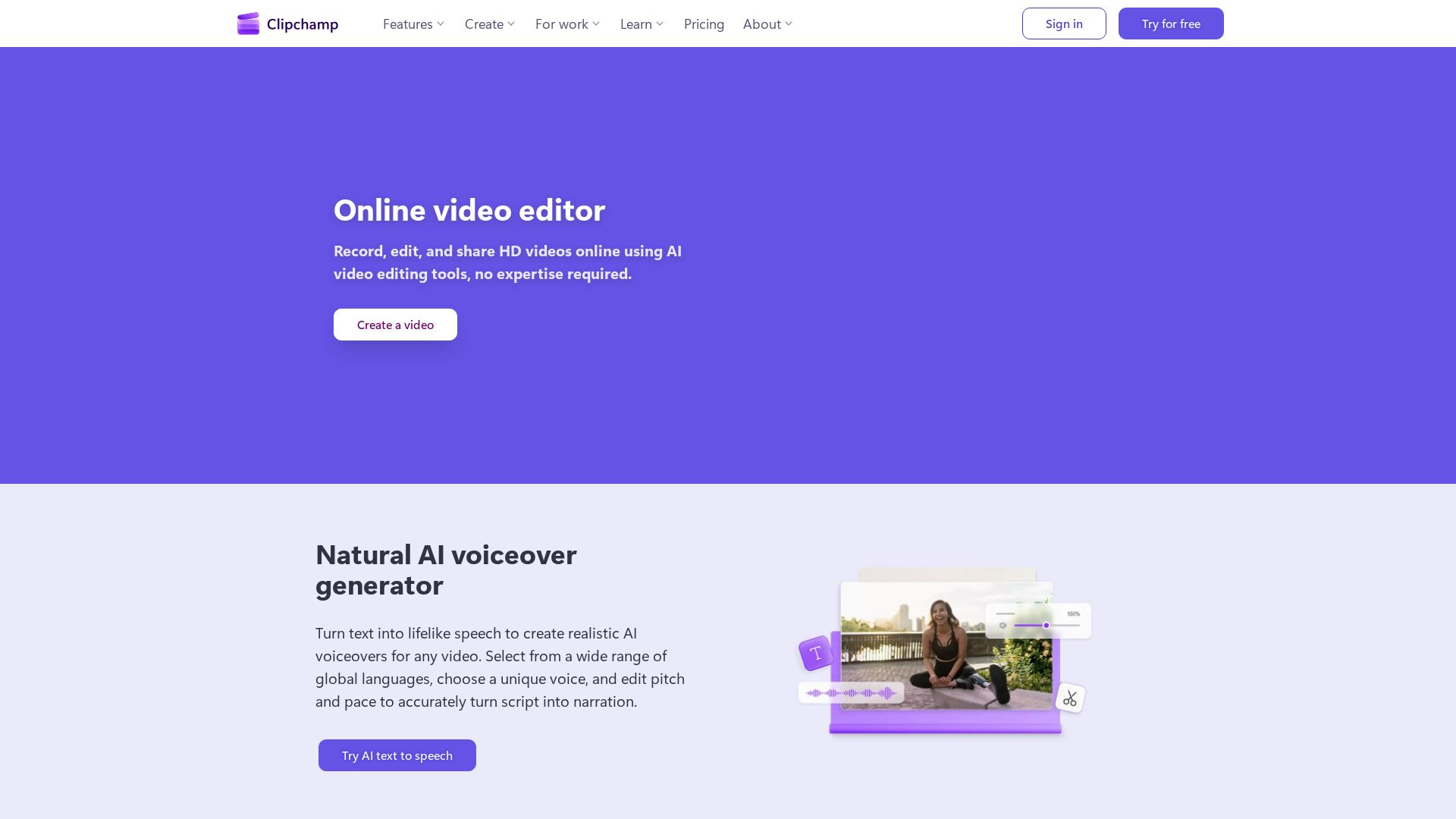
Clipchamp
Clipchamp is a free online video editor with AI tools like voiceover, subtitles, and recording. Create HD videos easily.

VideoGen
Create stunning AI videos fast with VideoGen. AI voiceovers, templates, and team collaboration. Trusted by millions. Start free.


AI Video - AI Video Generator
Create animated videos from text or images with AI. Drag-and-drop editing, lip-sync, HD export. No skills needed. Download free!

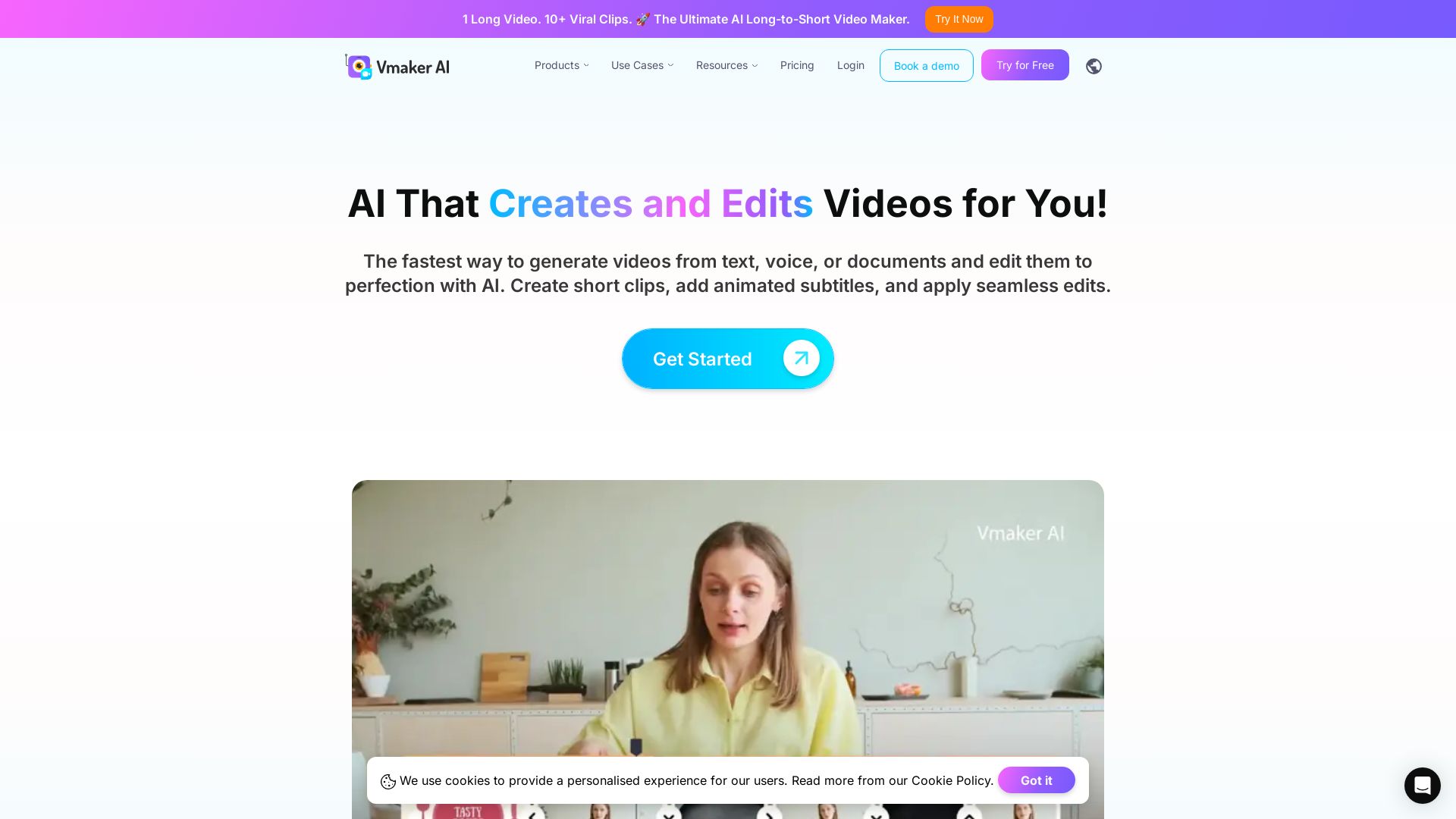
Vmaker AI
AI video editor & long-to-short clip maker. Convert text, audio, or documents to video. Auto subtitles, screen recording. Used by 2M+ creators.

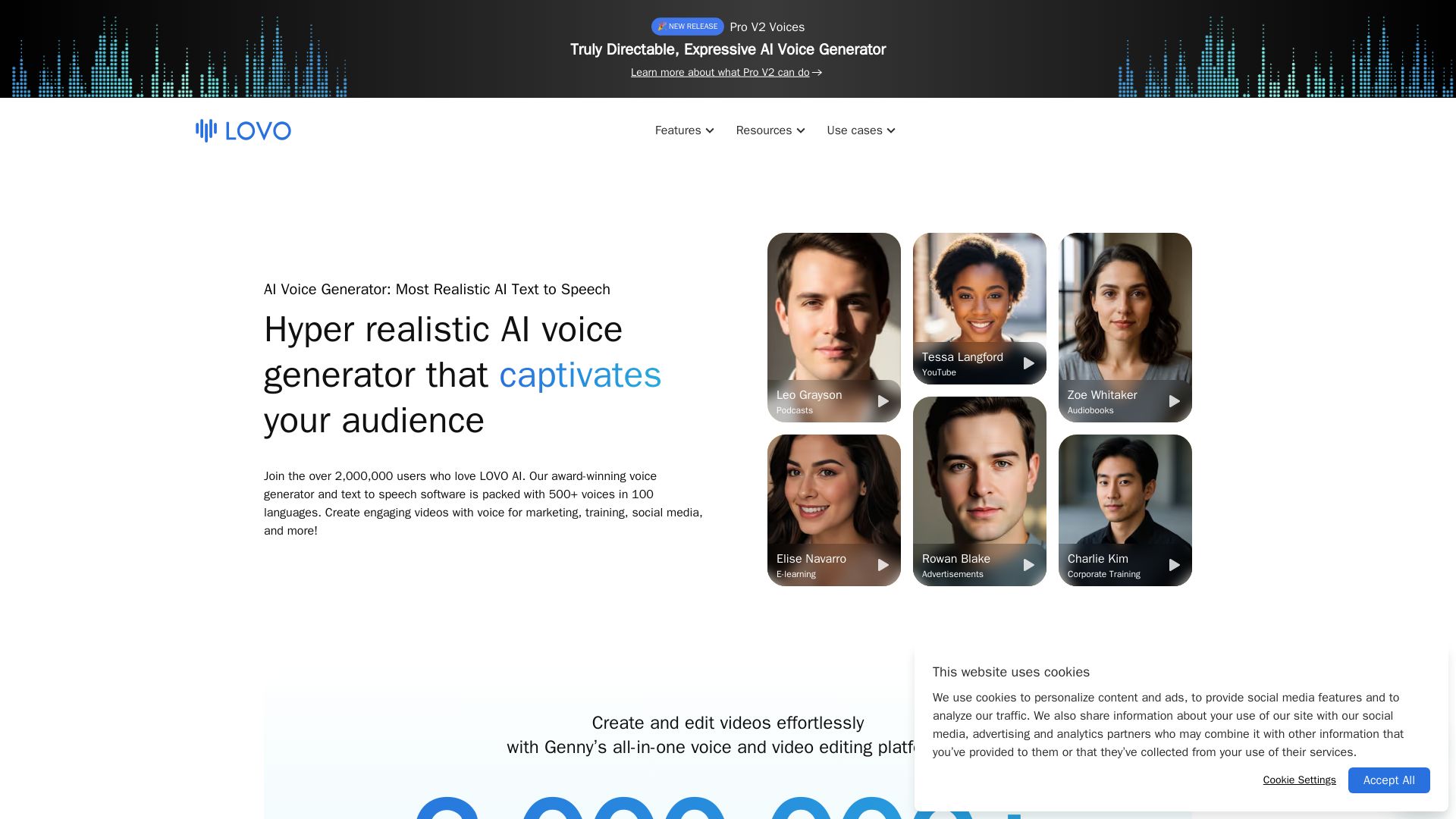
LOVO
Create engaging videos with the most natural AI voices. 500+ voices in 100 languages. Voice cloning, video editor, and more. Trusted by 2M+ users.

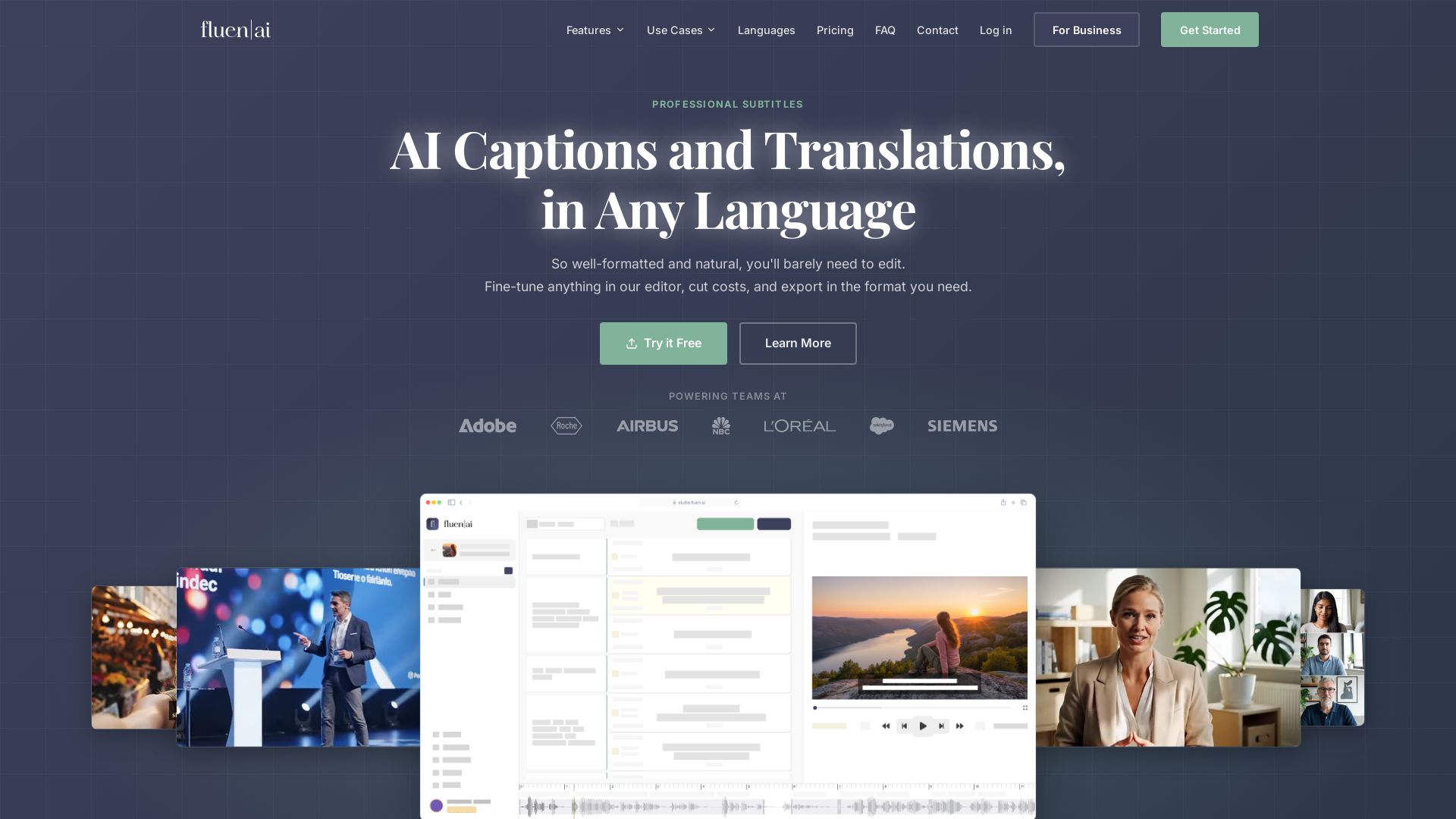
Fluen AI
Generate, edit, and export professional subtitles with AI. Supports 50+ languages, 99.2% accuracy. Perfect for e-learning, marketing, film & more.

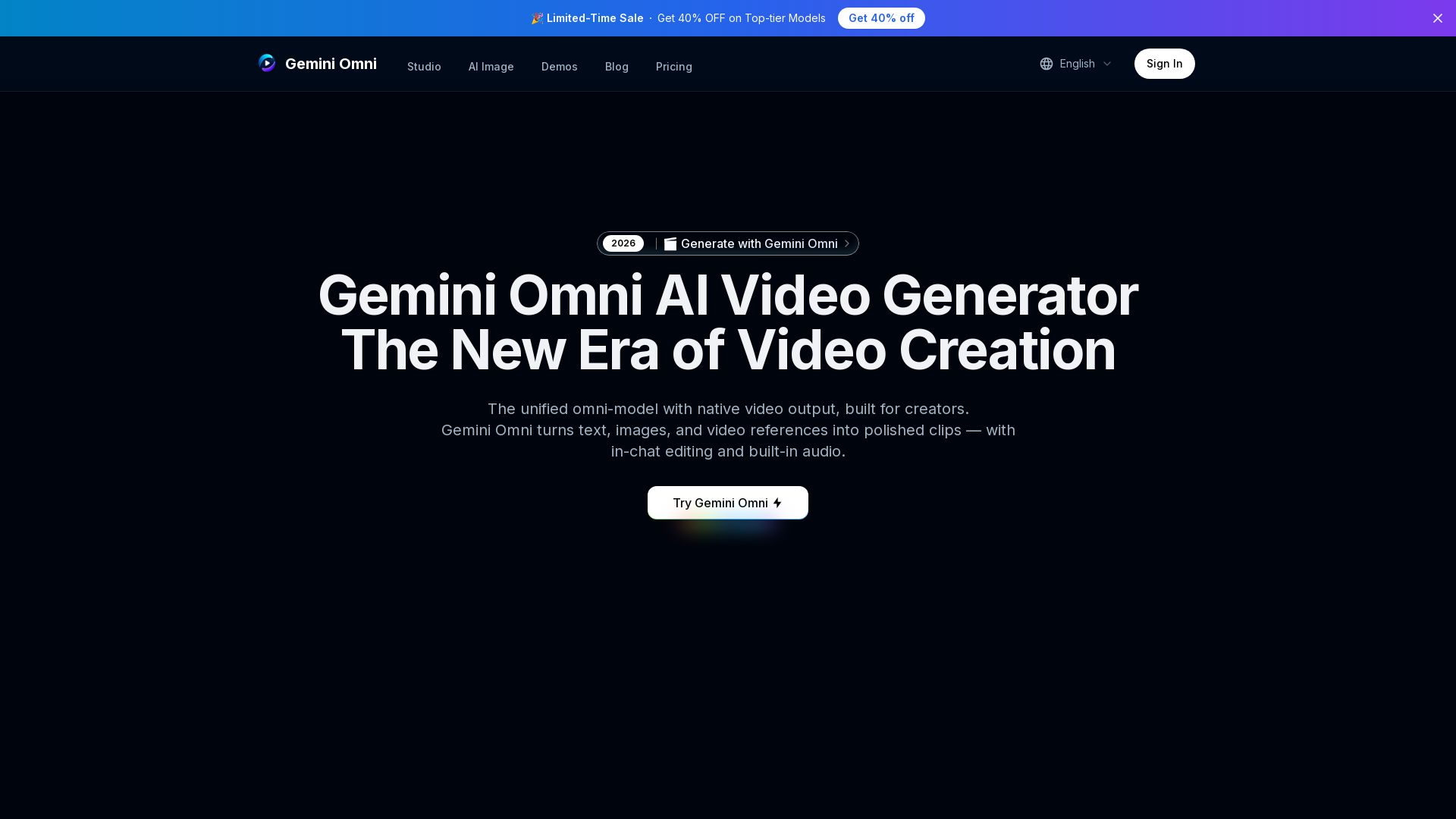
Gemini Omni
Unified omni-model for text, image, and video generation. Create, edit, and remix videos with built-in audio. 4K quality, in-chat editing, and more.

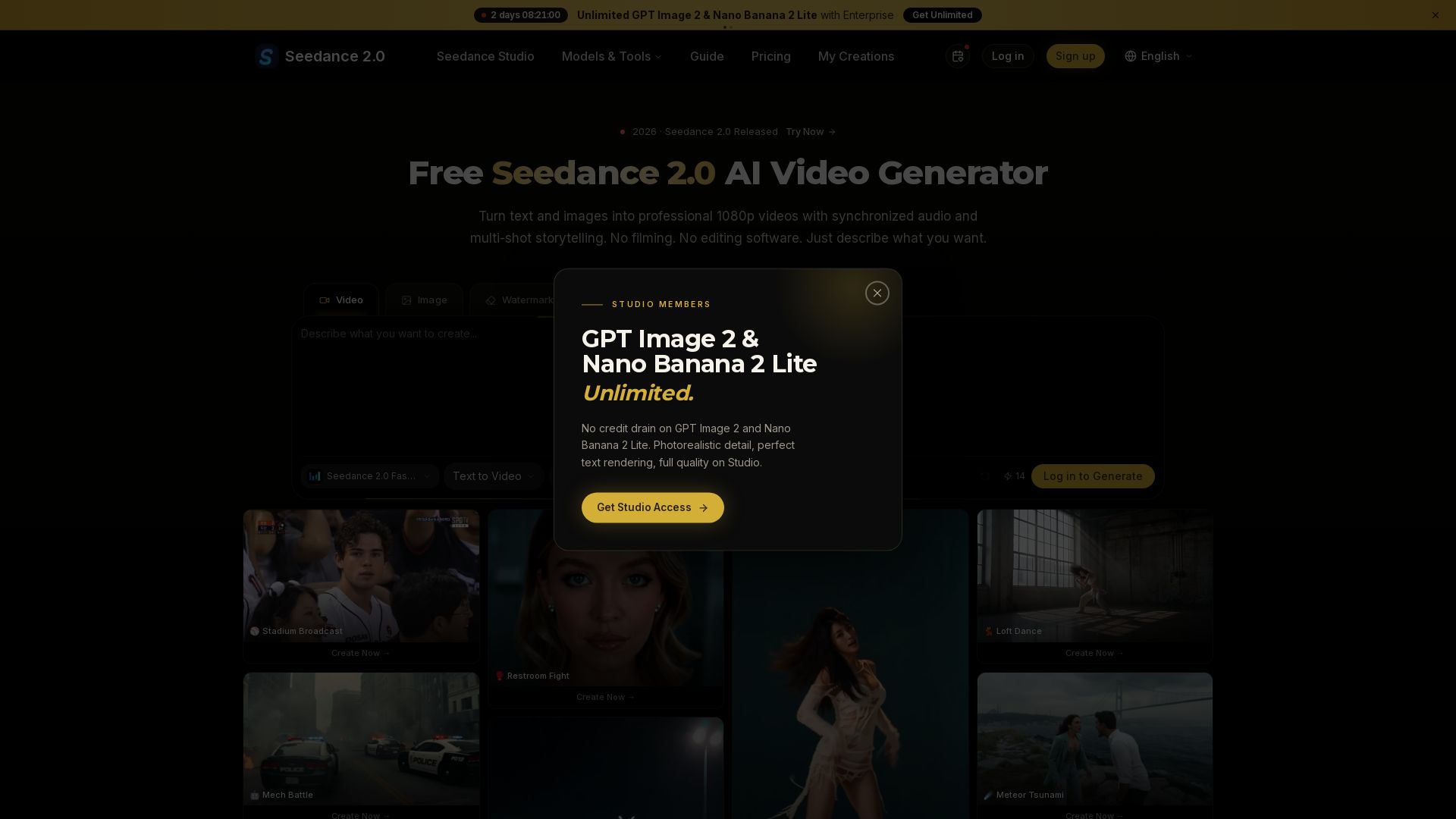
Seedance 2.0
Turn text and images into professional 1080p videos with synchronized audio and multi-shot storytelling. Free to start.

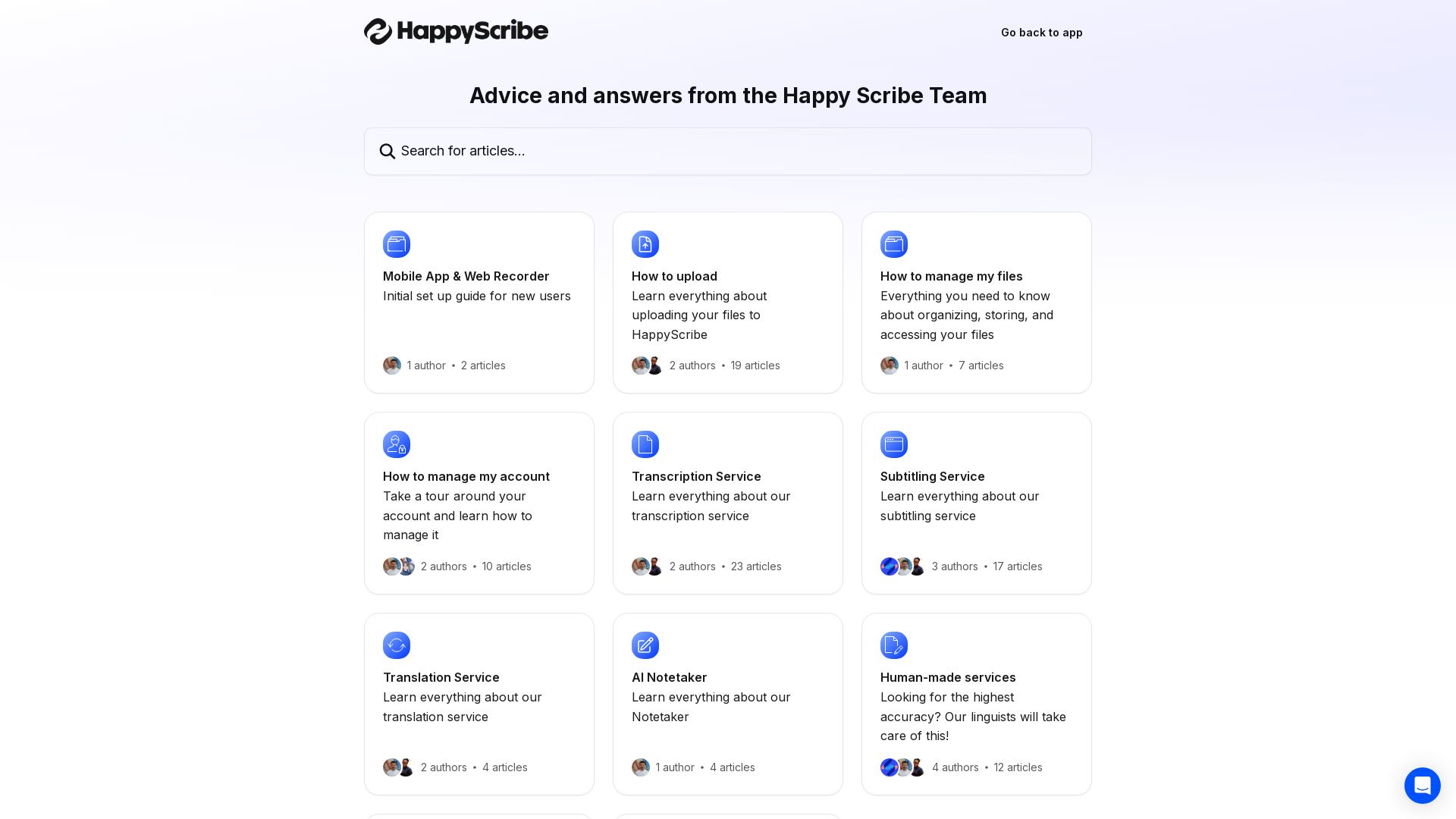
Happy Scribe
AI transcription, subtitling, translation, and note-taking. Upload files, manage your account, and use human services for top accuracy.

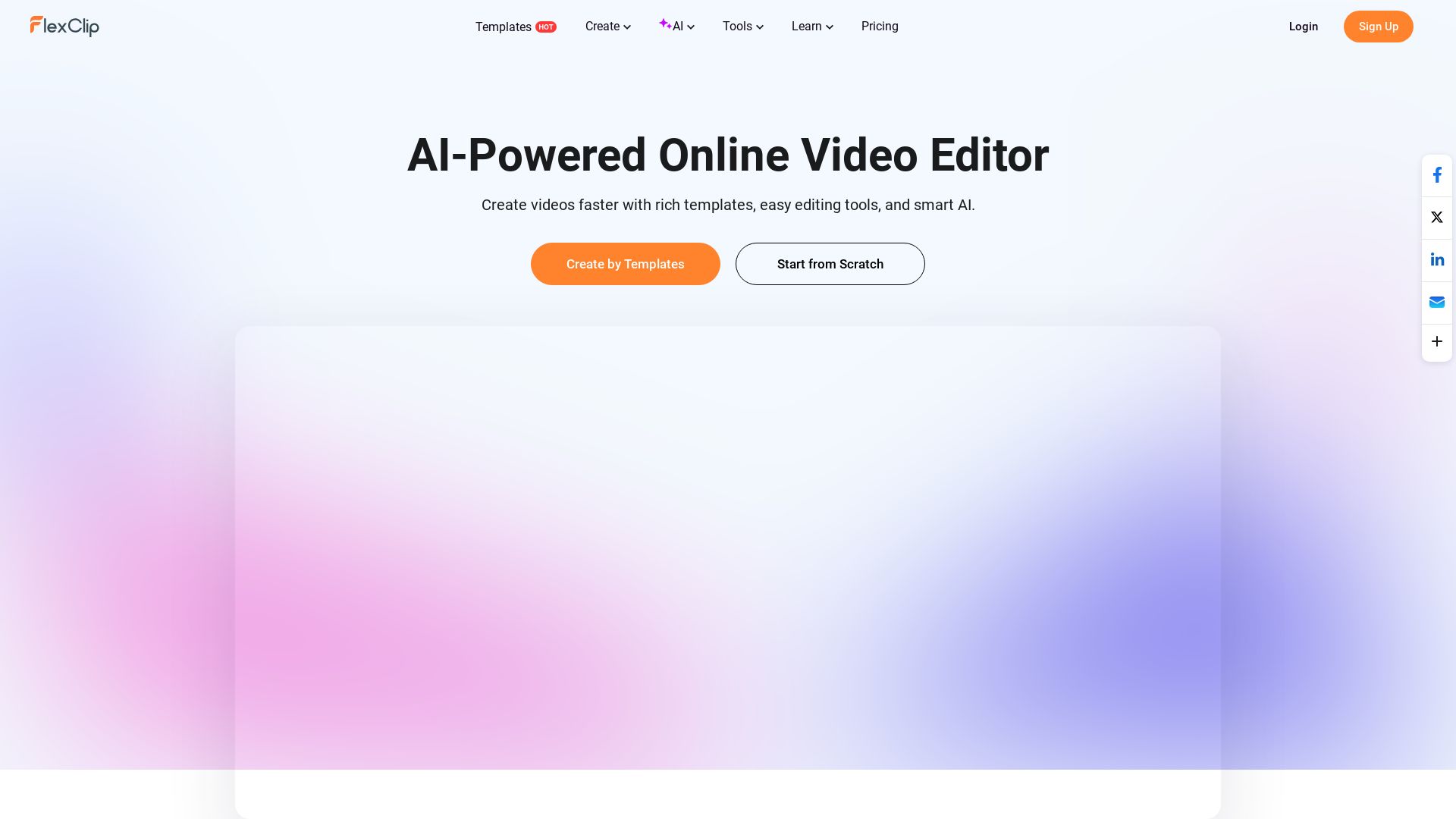
FlexClip
Create stunning videos faster with FlexClip's AI tools, 6000+ templates, and easy editing. Perfect for marketing, social media, and more. Start for free!


SeaArt AI
Turn ideas into stunning images and cinematic videos with SeaArt AI. Free tools, community, and advanced models like Seedance 2.0.

ℹ️ Curation Disclosure: The overview and features of Kapwing were synthesized using AI and fact-checked by our curation team to ensure accuracy.
