
Fluen AI
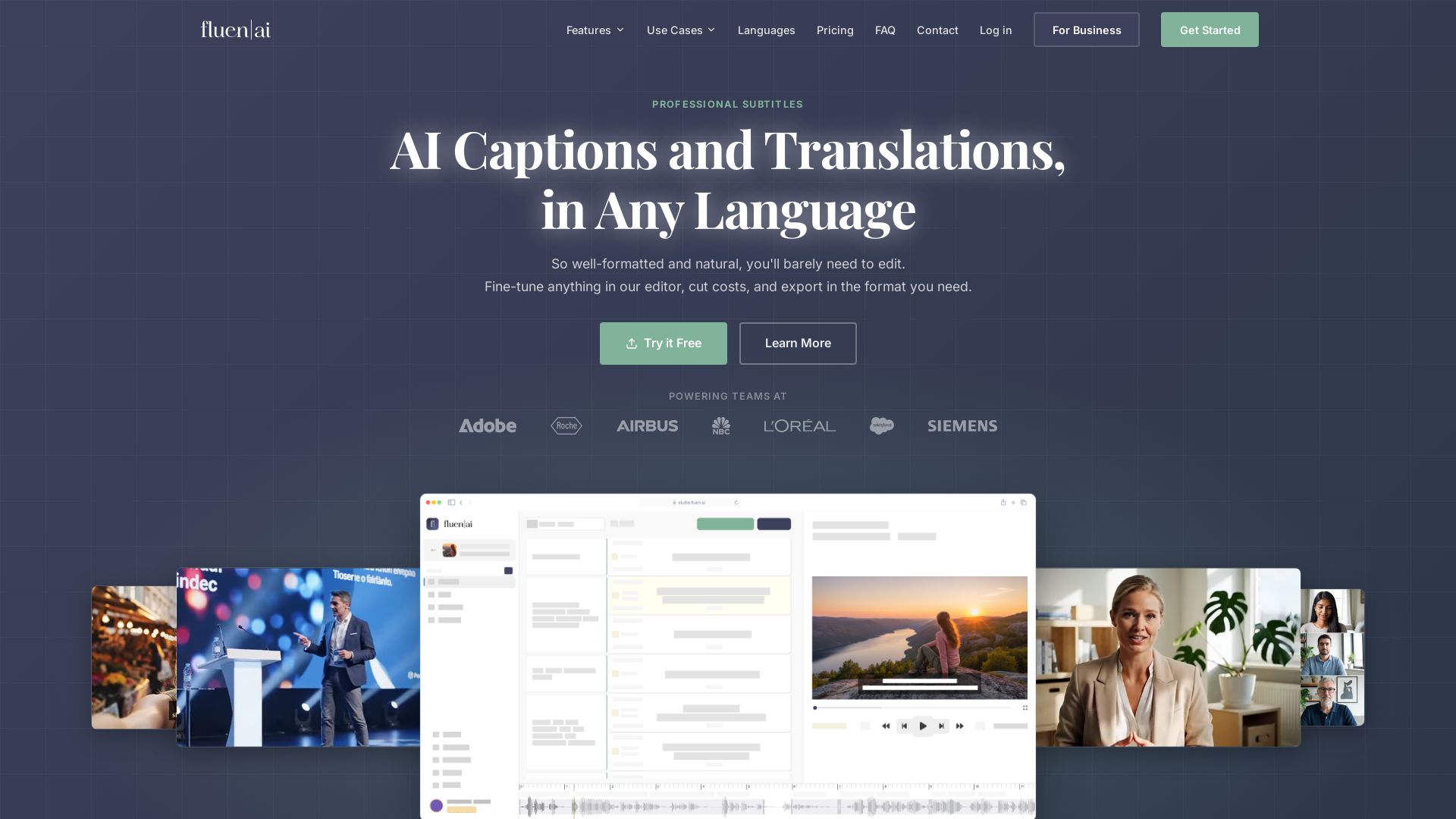
Generate, edit, and export professional subtitles with AI. Supports 50+ languages, 99.2% accuracy. Perfect for e-learning, marketing, film & more.
Editor's Verdict
Key Takeaways
- AI Captions and Translations
- Subtitle Intelligence Stack
- Natural Segmentation
- Styling & Burn-in
In-Depth Review: What is Fluen AI?
Fluen is an AI-powered subtitle and translation platform that delivers natural, well-timed subtitles in over 50 languages. With proprietary segmentation technology, multi-engine AI (OpenAI, Deepgram, AssemblyAI), and a visual editor, it offers 10x faster subtitle creation. Features include styling & burn-in, team collaboration, API, Premiere Pro plugin, and export in SRT, VTT, TTML, MP4, etc. Trusted by teams for e-learning, healthcare, broadcasting, and more.
Core Features
AI Captions and Translations
Generate natural, well-formatted subtitles and translate into 50+ languages with high accuracy.
Subtitle Intelligence Stack
Orchestrates multiple transcription and translation engines (OpenAI, Deepgram, AssemblyAI) for best results.
Natural Segmentation
Proprietary segmentation technology analyzes speech patterns to create well-paced, readable subtitles.
Styling & Burn-in
Customize fonts, colors, positioning, and export hardcoded MP4 subtitles.
AI Translation
Translate subtitles into over 50 languages with re-segmentation for natural reading.
Team Collaboration
Shared workspaces, glossary, roles, permissions, and review links for team workflows.
Precision Editing
Fine-tune timing, line breaks, and reading speed subtitle by subtitle in the visual editor.
Multi-Format Export
Export to SRT, VTT, TTML, SBV, MP4 with hardcoded subtitles, and text transcripts.
Named Speaker Labels
Automatically identify and label different speakers in the subtitles.
Custom Glossary
Add domain-specific terms to improve transcription accuracy for specialized content.
Pricing
Free
- Test up to 3 files
- AI Subtitles Generation
- Human-like Segmentation
- Named Speaker Labels
- Translate in 50+ languages
Premium
- 150 min/month
- 1 seat
- Full Subtitles Editing Tool
- Free Exports in 4K and 1080p
- SRT/VTT and Transcription exports
- AI Rephrasing & de-clutter
- Top-up: $0.24/min
Team
- 300 min/month
- 2 seats
- Everything in Premium
- 1 Owner + 1 Collaborator
- Multi-user Shared Workspaces
- Shared Permissions Management
- Top-up: $0.22/min
- Extra seat: $10/mo
Enterprise
- Handling large-scale projects
- No file size restrictions
- Files up to 10 hours
- 50+ languages supported
Pros and Cons
Pros
- High Accuracy and Natural Subtitles99.2% accuracy rate with smart segmentation that creates well-paced, readable subtitles.
- Multi-Engine AI OrchestrationAutomatically routes to the best engine (OpenAI, Deepgram, AssemblyAI) for optimal results.
- 50+ Language SupportTranslate and caption in over 50 languages with re-segmentation for target languages.
- Comprehensive Editing and StylingFine-tune timing, line breaks, and customize fonts, colors, and positioning.
- Team Collaboration FeaturesShared workspaces, permissions, and review links streamline team workflows.
Cons
- Free Plan Very LimitedFree plan only allows testing up to 3 files, insufficient for regular use.
- Costly for High VolumePricing based on minutes processed; top-up costs can add up for large projects without enterprise plan.
- Advanced Features Require Paid PlansCustom glossary, advanced exports, and team workspaces are only available in Premium and above.
- No Offline or Desktop AppFluen is web-based; no offline mode or dedicated desktop application mentioned.
- Learning Curve for Advanced EditingWhile intuitive, the full editing suite may require time to master for optimal results.
Use Cases & Recommended Professions
Educator→ View Toolkit
Enhance online courses with accurate subtitles for global accessibility and improved student engagement.
Digital Marketer→ View Toolkit
Boost campaign reach with localized subtitles for diverse audiences across video platforms.
Translator / Language Service Provider→ View Toolkit
Streamline subtitle creation and translation for multimedia content in multiple languages.
Filmmaker→ View Toolkit
Support film releases with automated subtitling and translations for international distribution.
Broadcaster→ View Toolkit
Deliver multilingual broadcasts with seamless and precise subtitling for live or recorded content.
Podcaster→ View Toolkit
Add captions to podcast videos to increase accessibility and engagement across platforms.
Frequently Asked Questions
Alternative AI Tools
View Detailed Comparison →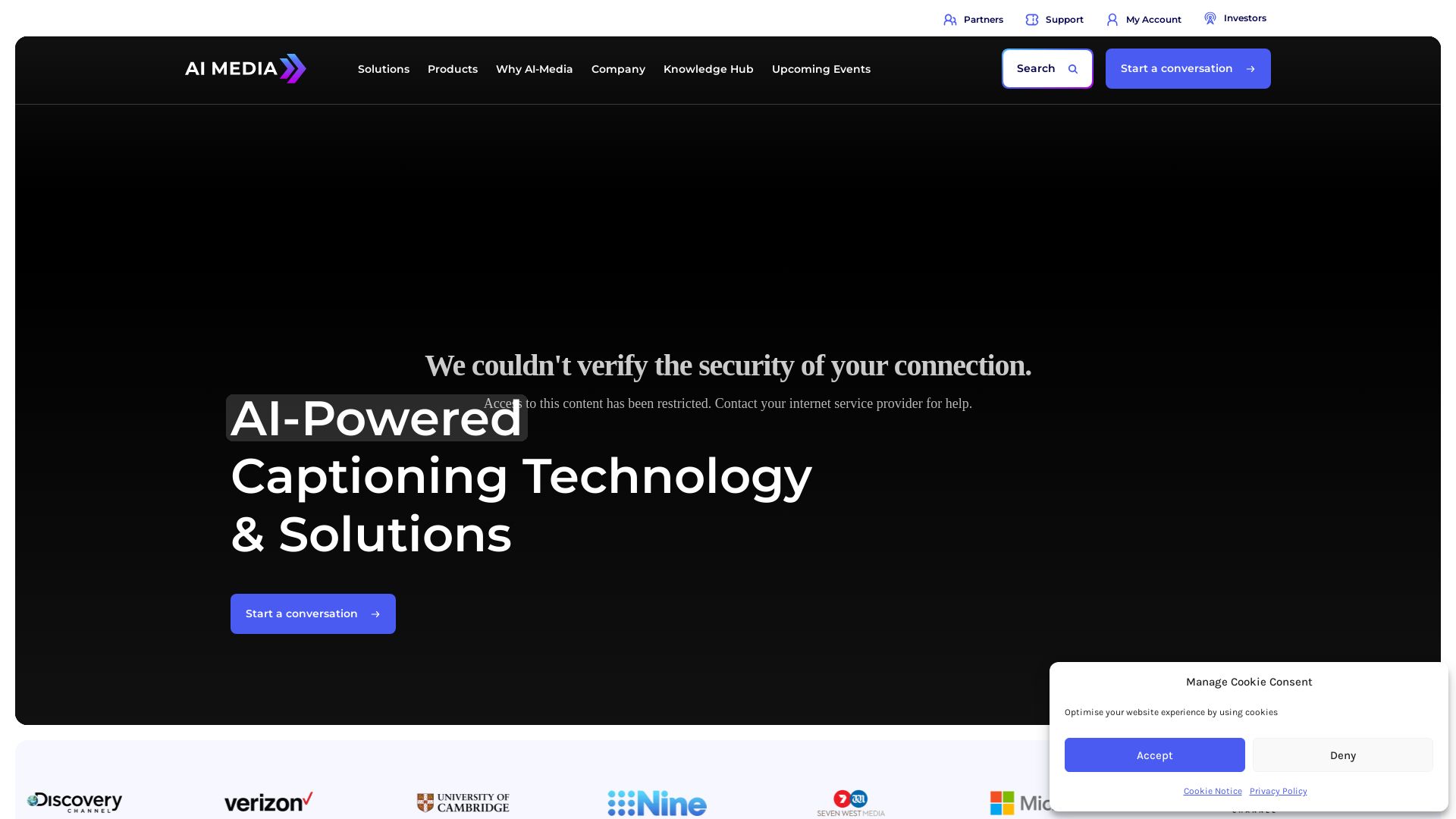
AI-Media
AI-Media offers AI-powered captioning, translation, and accessibility solutions for broadcast, events, education, and more. Trusted by global leaders.

Lara Translate
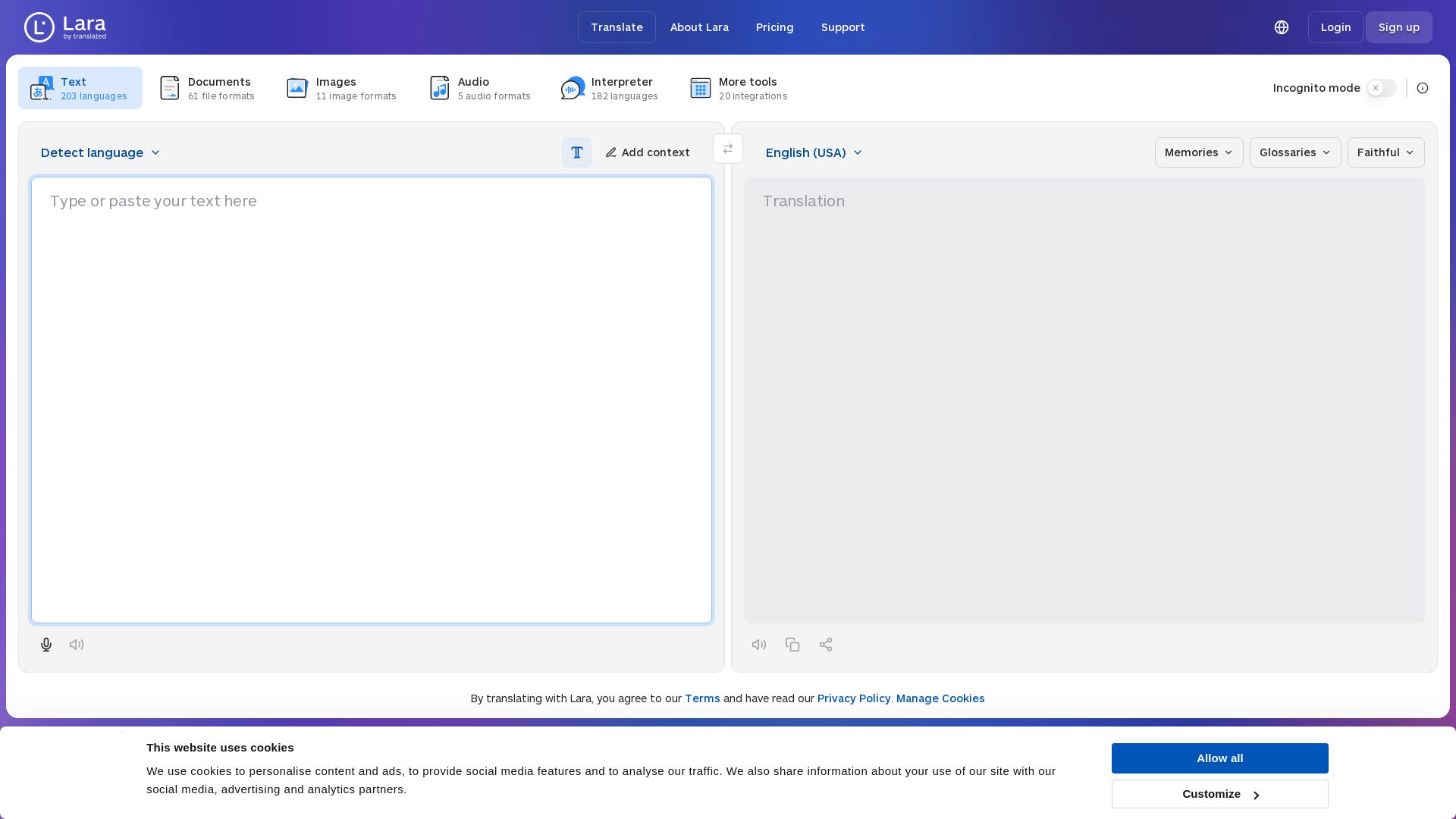
Translate text, documents, images, and audio instantly in 200+ languages. Trusted by 350,000+ professionals. AI-powered by Translated since 1999.

OpenL Translate
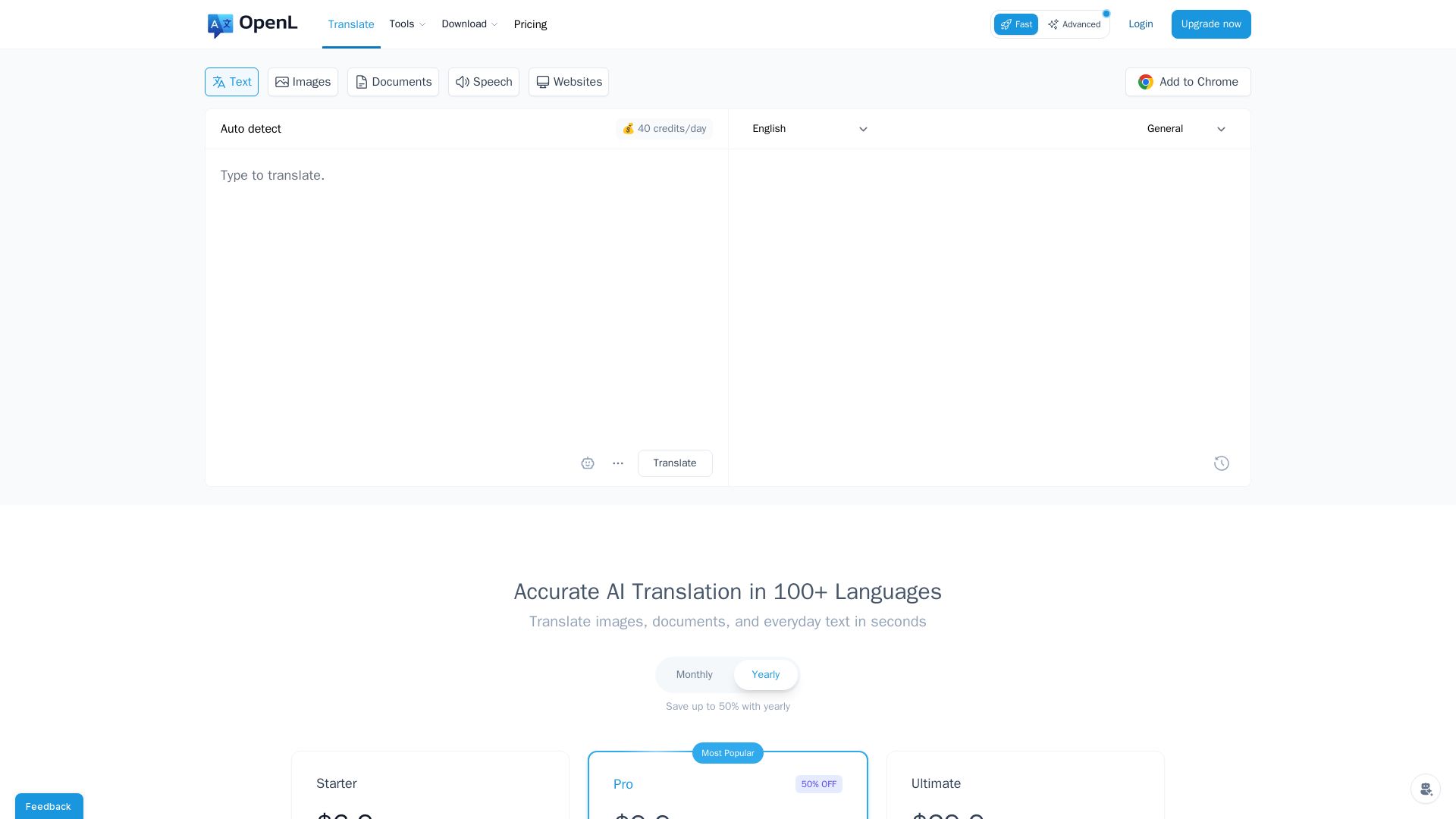
Fast, accurate AI translations for text, images, documents, and websites. Supports 100+ languages. Try free!

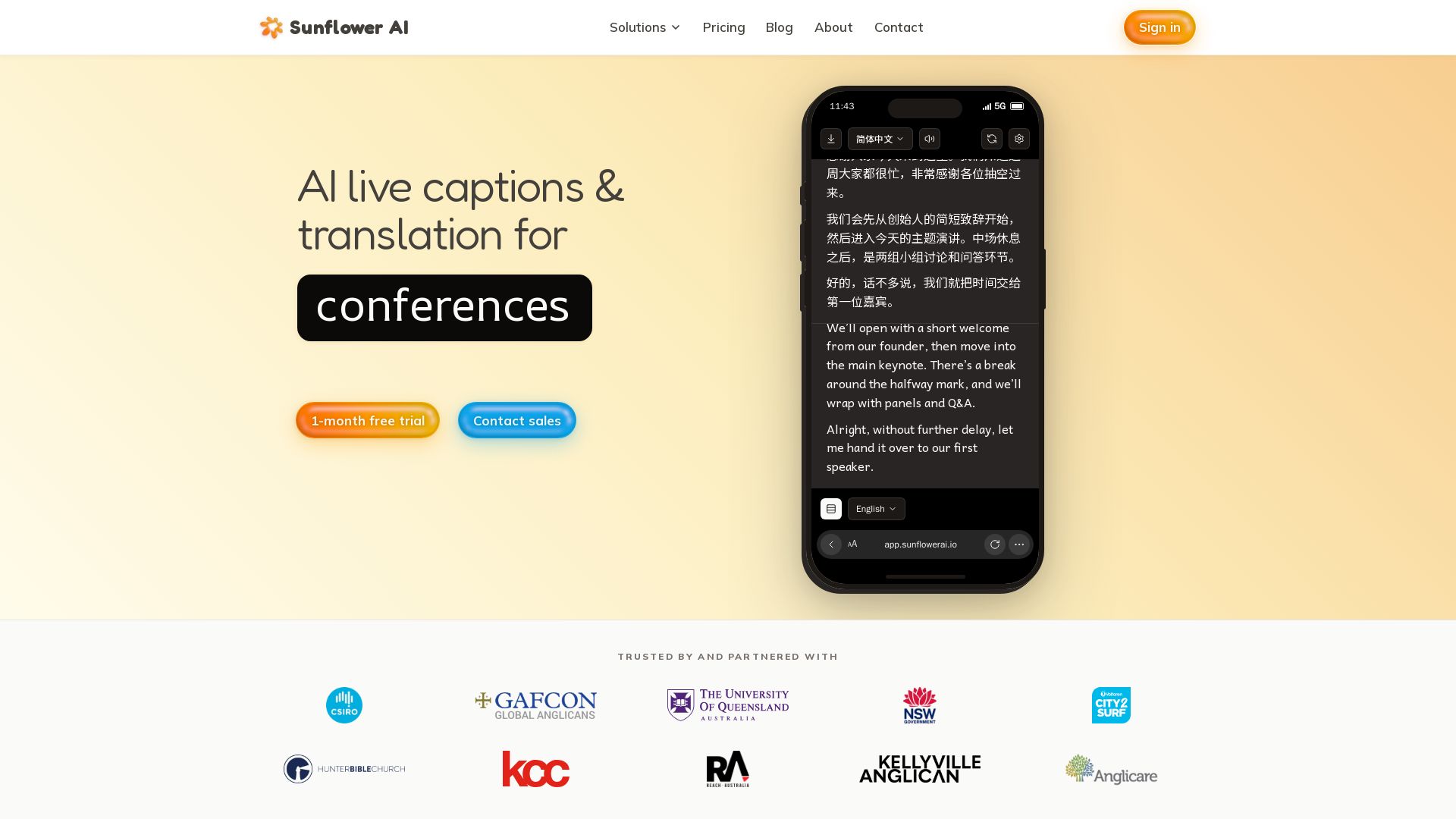
Sunflower AI
AI-powered live captions and real-time translation for multilingual audiences. One QR code, 83 languages. Trusted by churches and events. Start free trial.

Wordly
AI-powered live translation and captions for in-person, virtual, and hybrid events. Trusted by millions, affordable, accurate, and enterprise-ready. Get a demo.

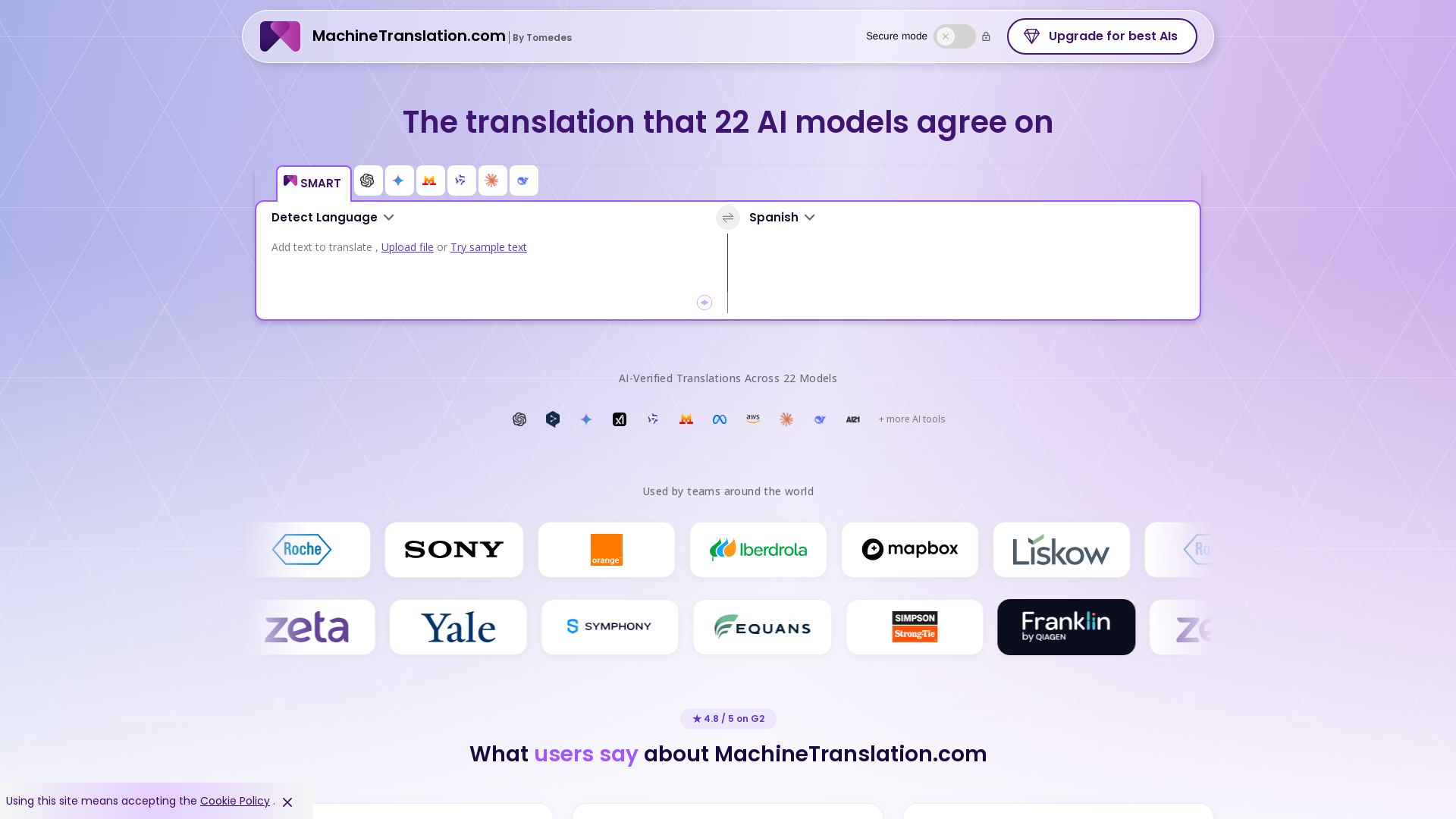
Free AI Translator
Translate with confidence using 22 AI models. SMART picks the most agreed translation, cutting errors by 90%. Human review optional. Secure & affordable.

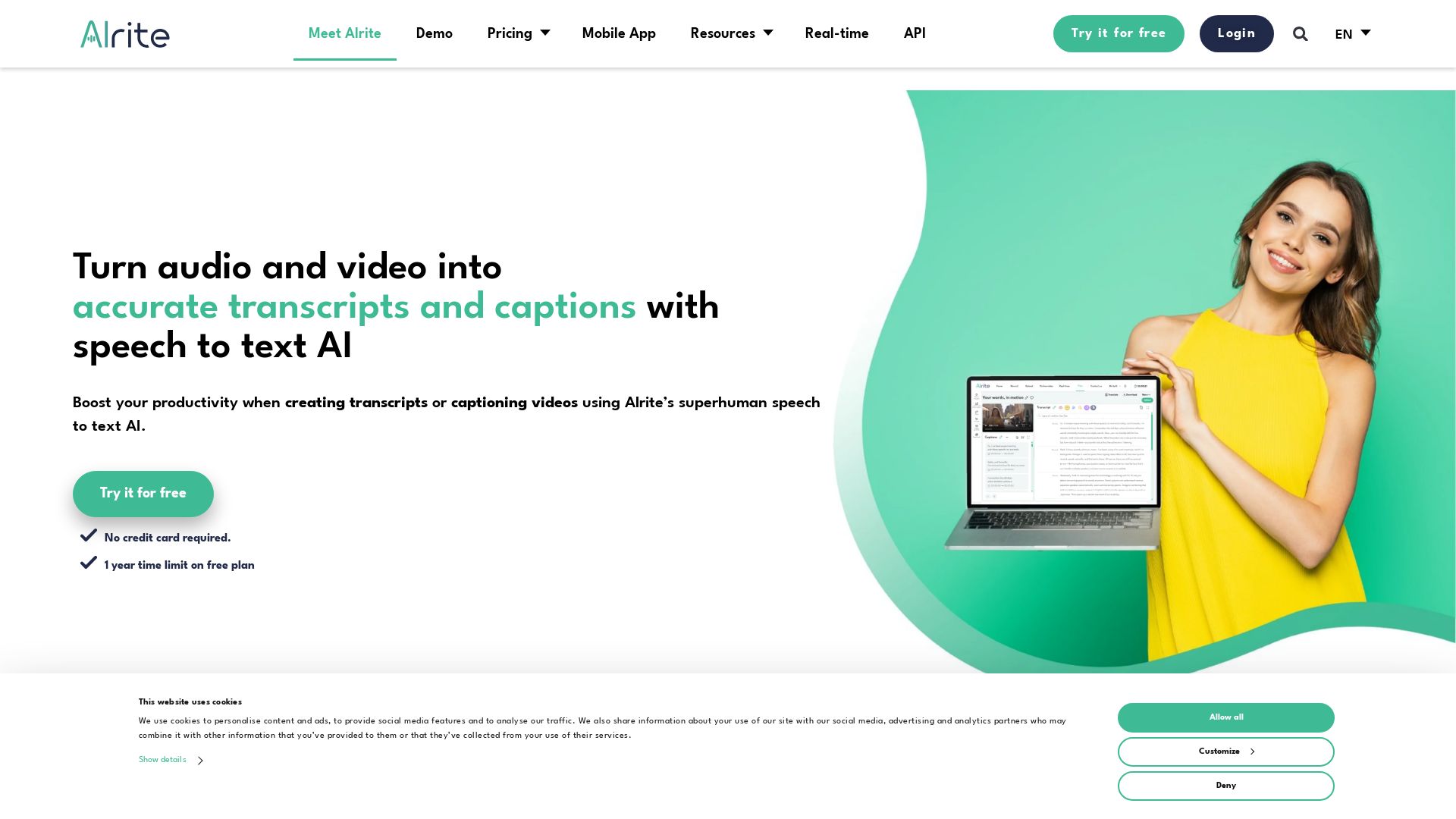
Alrite
Turn audio and video into accurate transcripts and captions with Alrite's AI. Boost productivity with smart tools, summaries, and multi-language support. Try free!

Maestra
Translate, transcribe, subtitle, and dub audio/video in 125+ languages with AI. Live or on demand. Trusted by 5M+ users.

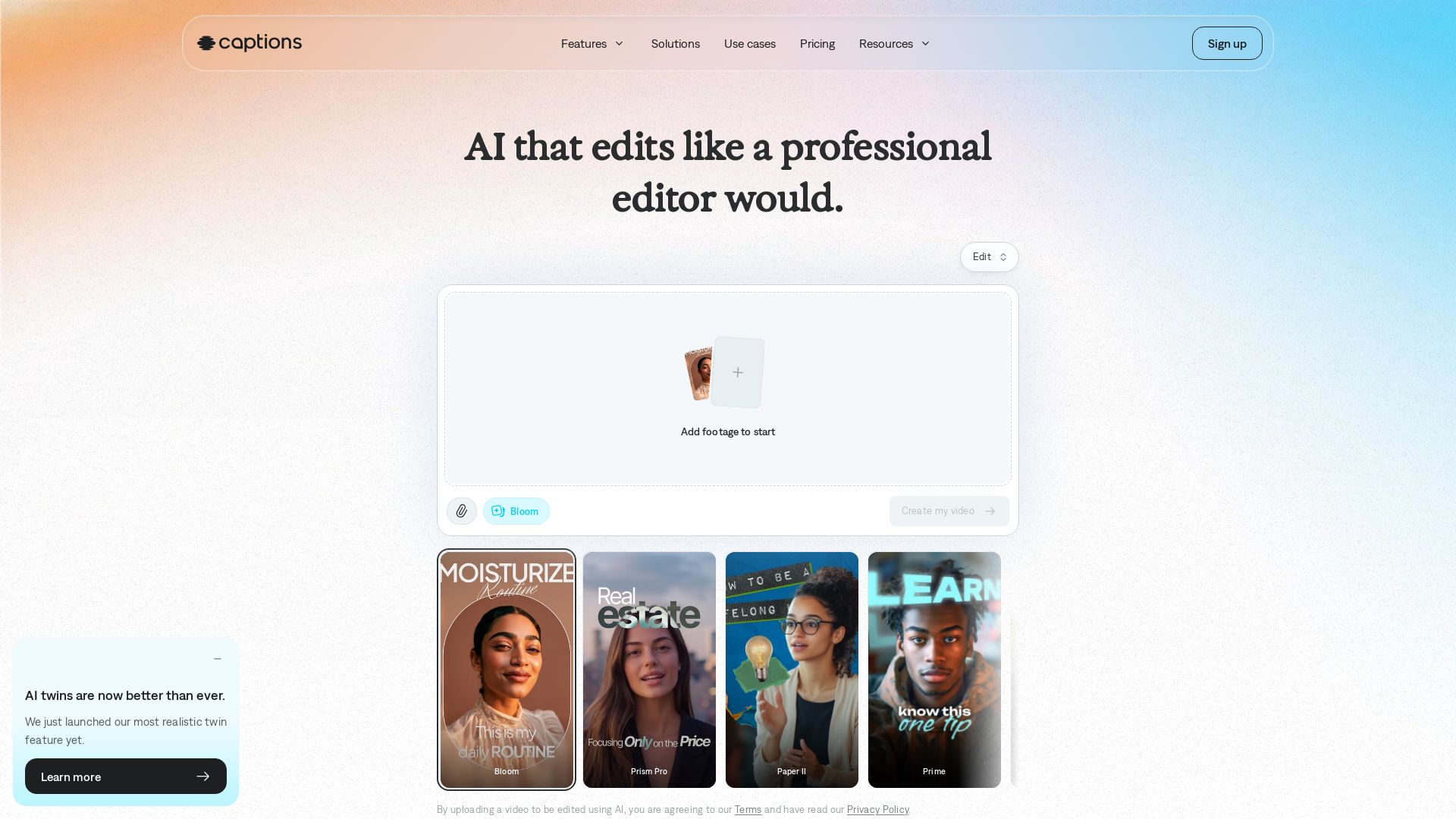
Captions
Transform your footage into polished videos in minutes. AI edits automatically with professional taste. No experience required. Add captions, translate, generate avatars. Try free!

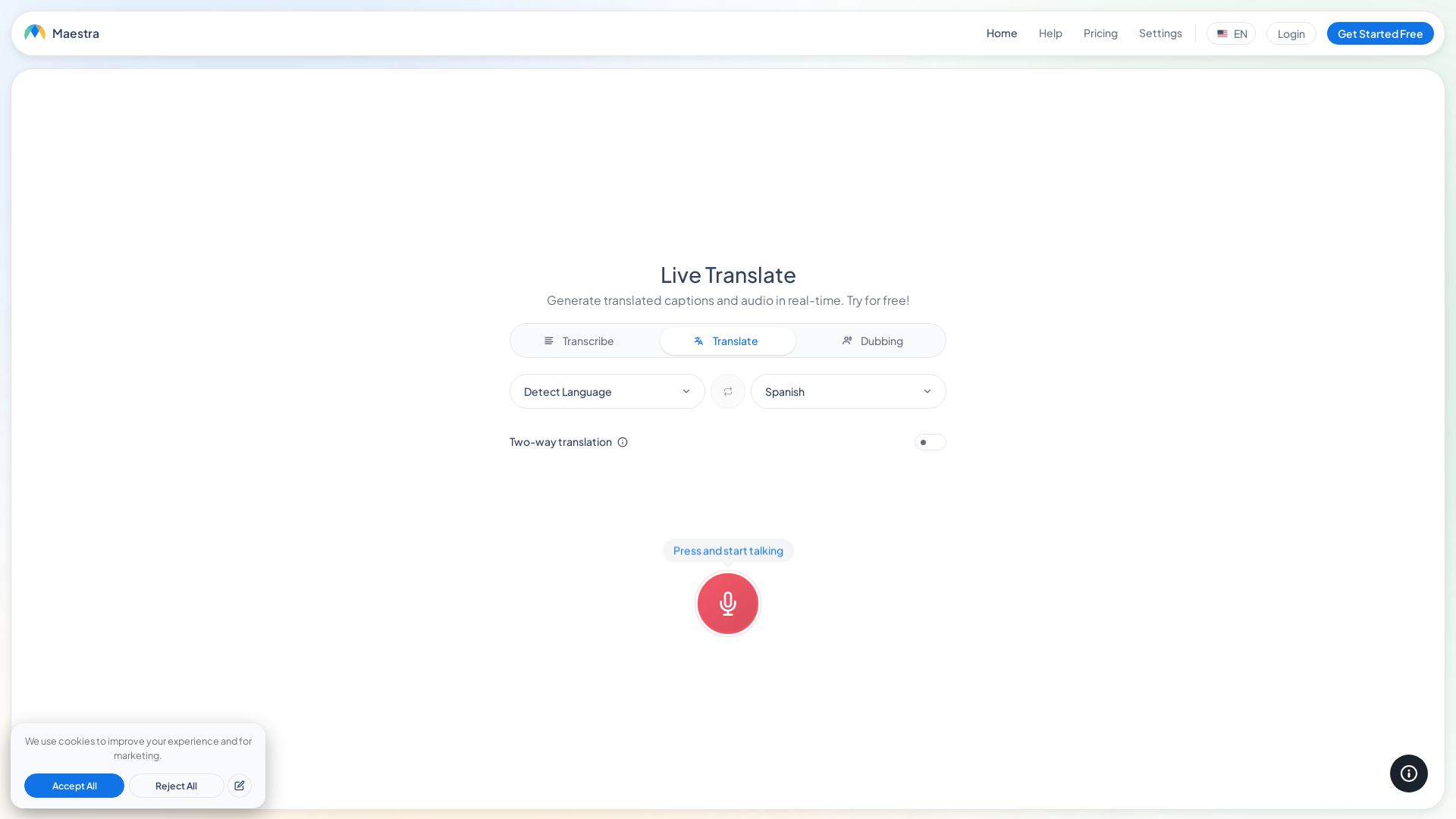
Maestra
Translate speech in real time with live captions, AI dubbing, and 125+ languages. Free, browser-based, no install. Try now!

Interprefy
Interprefy empowers global enterprises with simultaneous interpretation, AI voice translation, and live captions for seamless multilingual events.
ScribeBuddy
Transcribe audio/video to text with 98% accuracy. Supports 100+ languages. Free unlimited files up to 5 min. Pay-as-you-go available.

ℹ️ Curation Disclosure: The overview and features of Fluen AI were synthesized using AI and fact-checked by our curation team to ensure accuracy.
