
Alrite
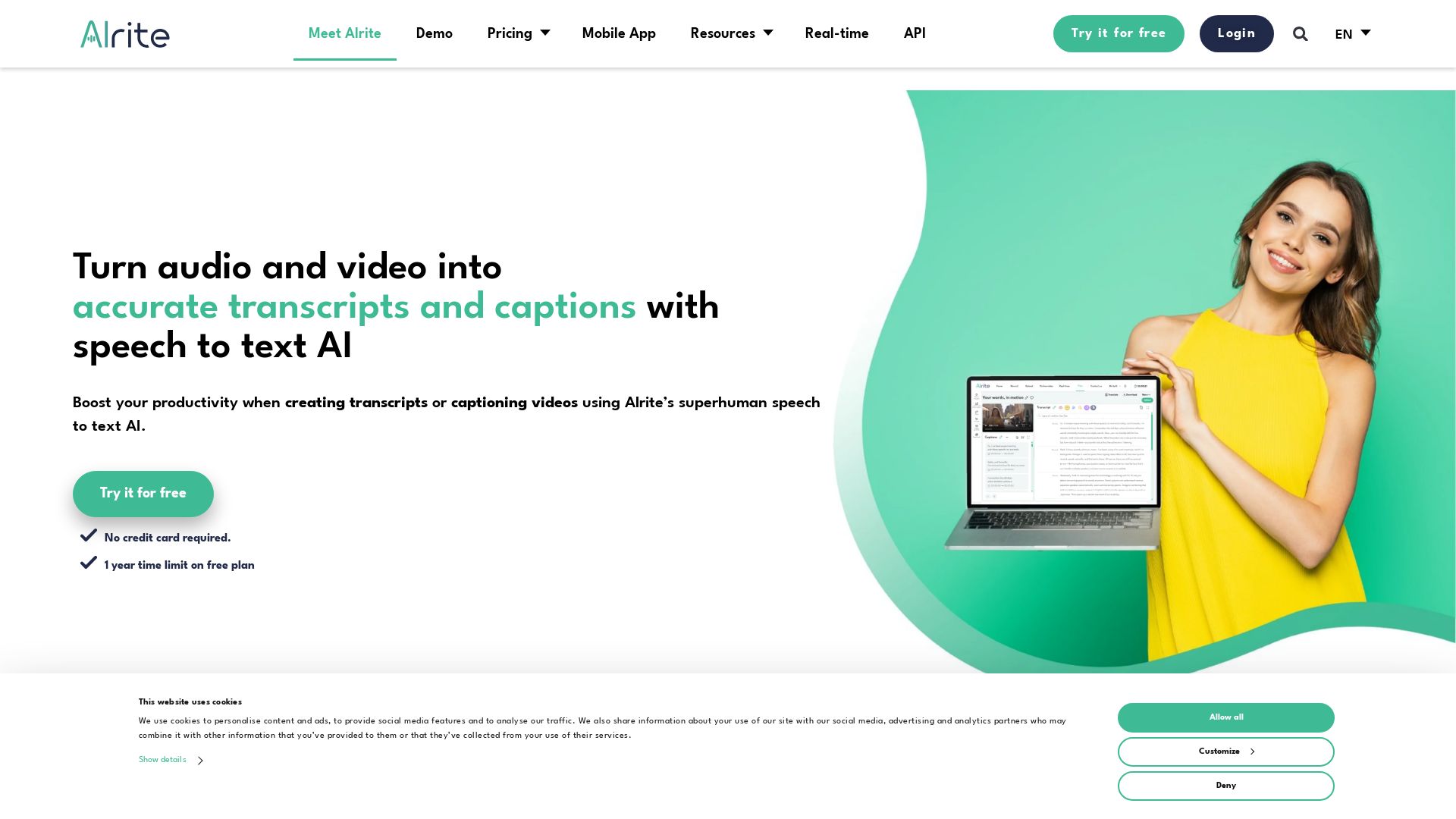
Turn audio and video into accurate transcripts and captions with Alrite's AI. Boost productivity with smart tools, summaries, and multi-language support. Try free!



Editor's Verdict
Key Takeaways
- Speech-to-text transcription
- Caption generation
- AI productivity tools
- Translation
In-Depth Review: What is Alrite?
Alrite is an all-in-one AI transcription and captioning platform that transforms audio and video into accurate text in seconds. Powered by cutting-edge AI, it offers speaker identification, automatic captions, instant translation, summaries, keyword extraction, and an AI chatbot for searching transcripts. Trusted by over 300,000 professionals, Alrite supports multiple languages and integrates seamlessly with web and mobile apps. Whether for business, education, or content creation, Alrite streamlines workflows and enhances accessibility. Try it for free—no credit card required.
Core Features
Speech-to-text transcription
Automatically transcribe audio and video files with high accuracy, supporting multiple languages and speaker identification.
Caption generation
Generate perfectly timed, animated captions for videos, with support for burned-in captions and multi-language subtitles.
AI productivity tools
Includes smart correction, automated summaries, keyword extraction, chapter generation, and an AI chat assistant for content queries.
Translation
Translate transcripts automatically between multiple languages for global reach.
Speaker identification
Distinguish and label different speakers in transcriptions using voice profiles and diarization.
Collaboration and sharing
Unlimited users with access controls, file sharing via links, and bulk export/download in multiple formats.
Real-time transcription
Provide live captions and transcripts for events, conferences, and streaming to boost accessibility.
Secure cloud storage
Store files and transcripts for up to one year with advanced search across all content, with enterprise options for on-premises deployment.
Pricing
Starter
- Transcription via file upload, dictation, and online videos
- Workspace for editing transcripts and captions
- 7-day storage for files and text versions
Prime
- All Starter features
- Translation
- Speaker diarization
- Non-speech sound detection
- Voice profiles for speaker identification
- Smart correction, chapter generation, AI Transcript assistant
- Download with timestamps
- Storage for 6 months
- Helpdesk response within 12 hours
Premium
- All Prime features
- Video captioning (burned-in and animated)
- Transcribing and captioning online videos
- Storage for 1 year
- Priority helpdesk response within 6 hours
Professional
- All Premium features
- Real-time transcription and captioning for live events
- Priority helpdesk response within 2 hours
Pros and Cons
Pros
- High accuracy and multi-language supportSupports 18 languages and provides accurate transcription, even in Hungarian and Spanish as noted by customers.
- Comprehensive AI toolsIncludes summaries, keyword extraction, chapter generation, and AI chat, reducing manual work.
- Speaker identificationAutomatically detects and labels multiple speakers, improving transcript clarity.
- Collaboration featuresUnlimited users, sharing links, bulk actions, and multiple export formats (DOCX, SRT, MP4).
- Flexible deploymentAvailable as cloud or on-premises for enterprises, with secure storage and advanced search.
Cons
- Limited free tierFree plan only offers 30 minutes initially and 30 minutes monthly, with only 7-day storage.
- Per-minute costs can accumulatePricing is based on minutes transcribed, which may be costly for large volumes, especially without a subscription cap.
- No offline functionalityRequires internet connection for transcription and captioning, limiting use in remote areas.
- Advanced features locked behind higher tiersReal-time captioning and some AI tools are only available on Premium or Professional plans.
- Language limitationsWhile 18 languages are supported, less common languages are not available.
Use Cases & Recommended Professions
Researcher→ View Toolkit
Transcribes interviews and focus groups quickly, with speaker identification and multi-language support for academic studies.
Educator→ View Toolkit
Generates accessible captions for educational videos, helping hearing-impaired students and improving comprehension.
Journalist→ View Toolkit
Converts interviews and press conferences into text instantly, with AI tools for summarization and keyword extraction.
Content Creator→ View Toolkit
Captions videos for social media, translates subtitles, and adds animated captions to increase engagement.
Legal Professional→ View Toolkit
Transcribes court proceedings and client meetings with high accuracy, timestamps, and secure storage for records.
Event Organizer→ View Toolkit
Provides real-time captions for live events or conferences, enhancing accessibility for attendees.
Frequently Asked Questions
Alternative AI Tools
View Detailed Comparison →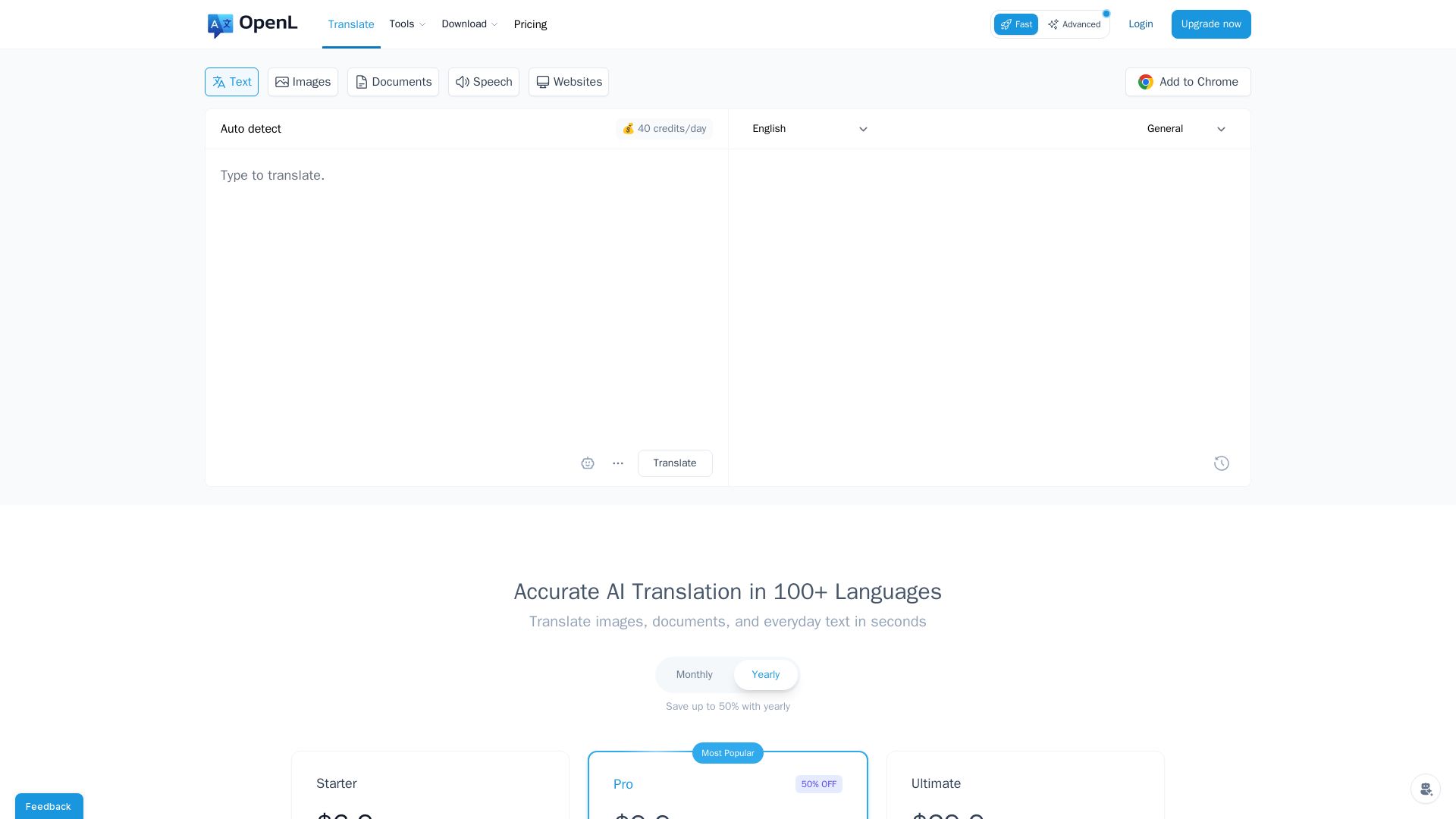
OpenL Translate
Fast, accurate AI translations for text, images, documents, and websites. Supports 100+ languages. Try free!

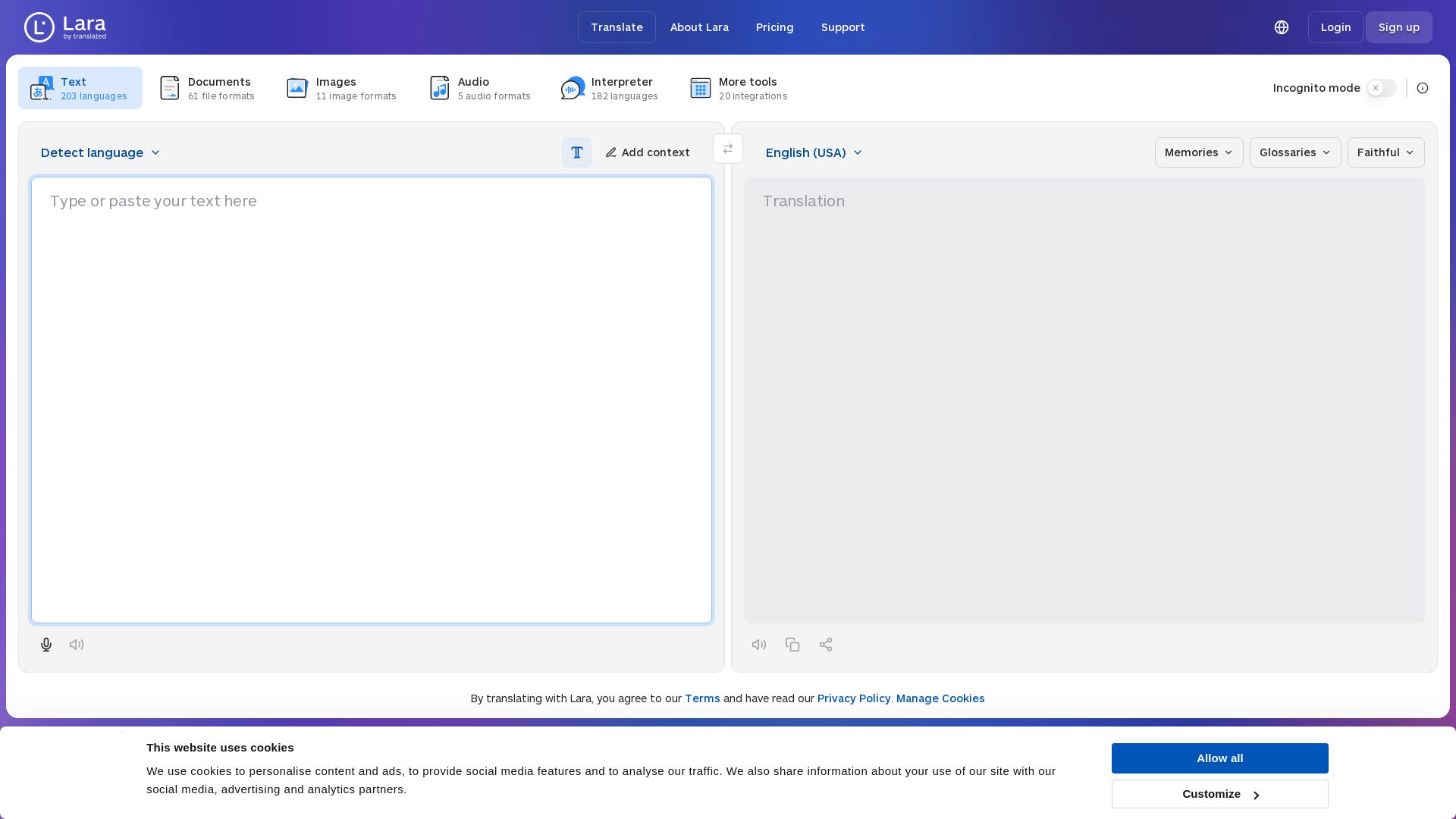
Lara Translate
Translate text, documents, images, and audio instantly in 200+ languages. Trusted by 350,000+ professionals. AI-powered by Translated since 1999.

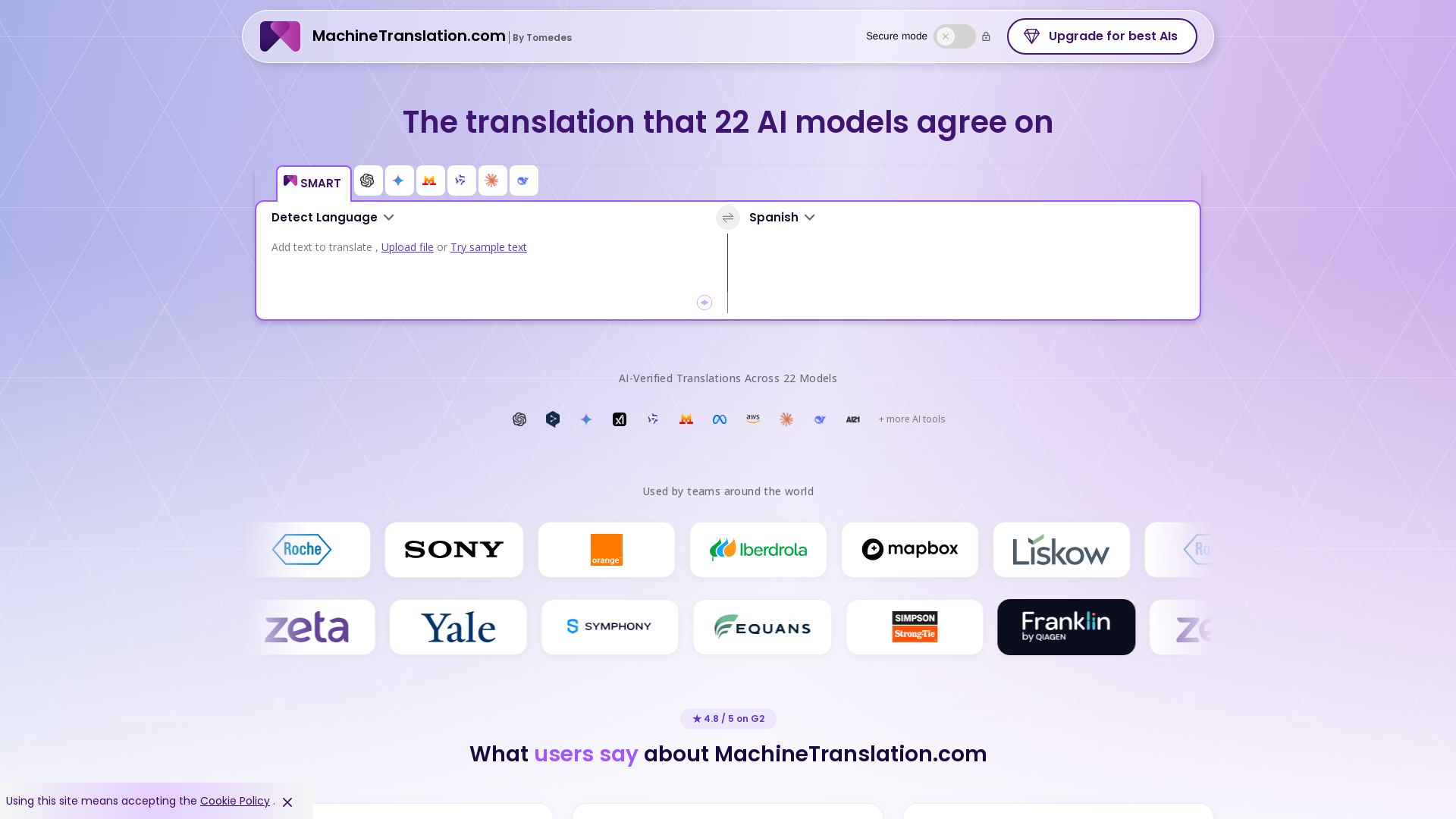
Free AI Translator
Translate with confidence using 22 AI models. SMART picks the most agreed translation, cutting errors by 90%. Human review optional. Secure & affordable.

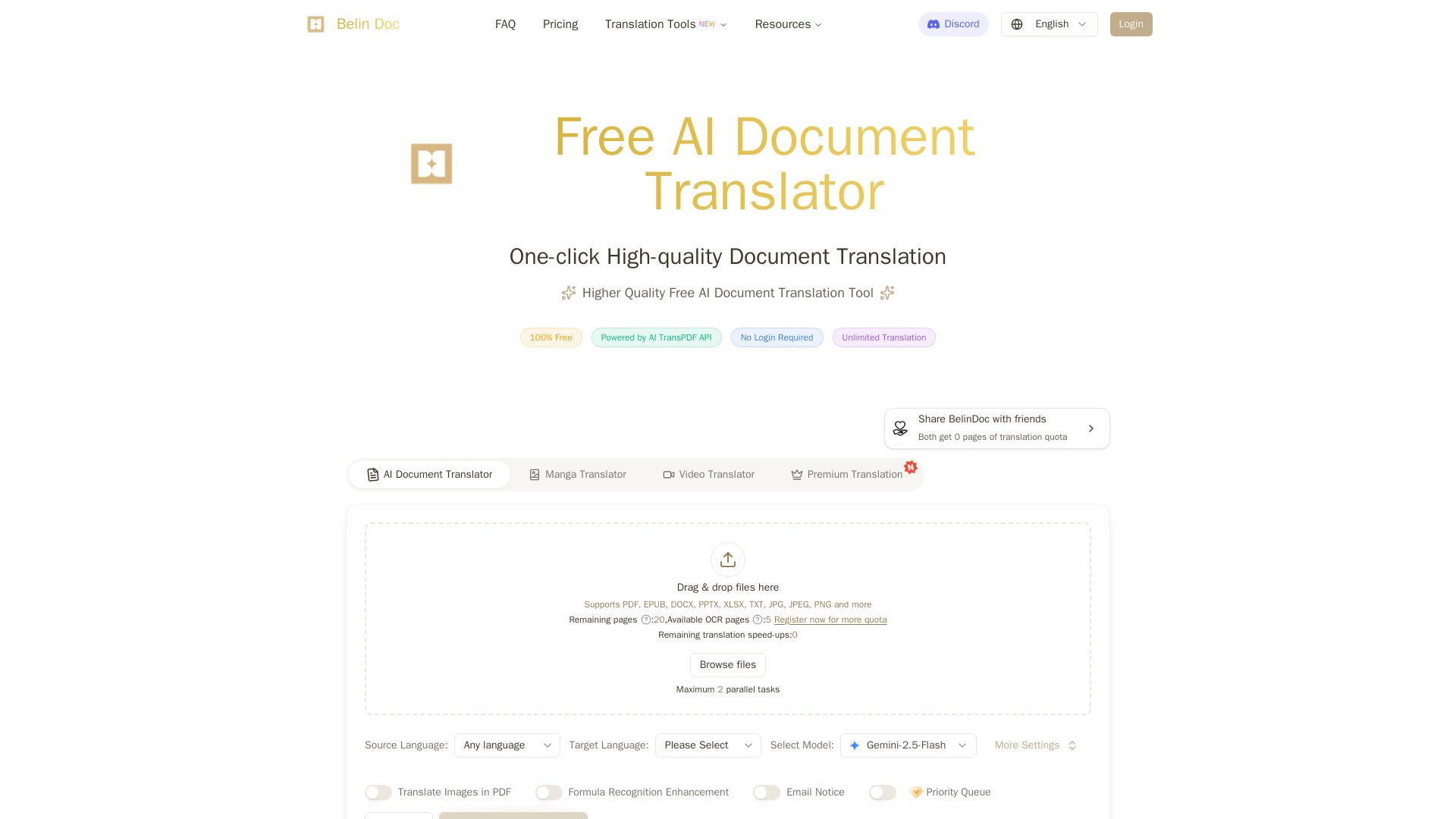
Belindoc
Translate documents online for free! AI-powered PDF, Word, Excel, PPT translation with original layout preserved. No login, unlimited pages.

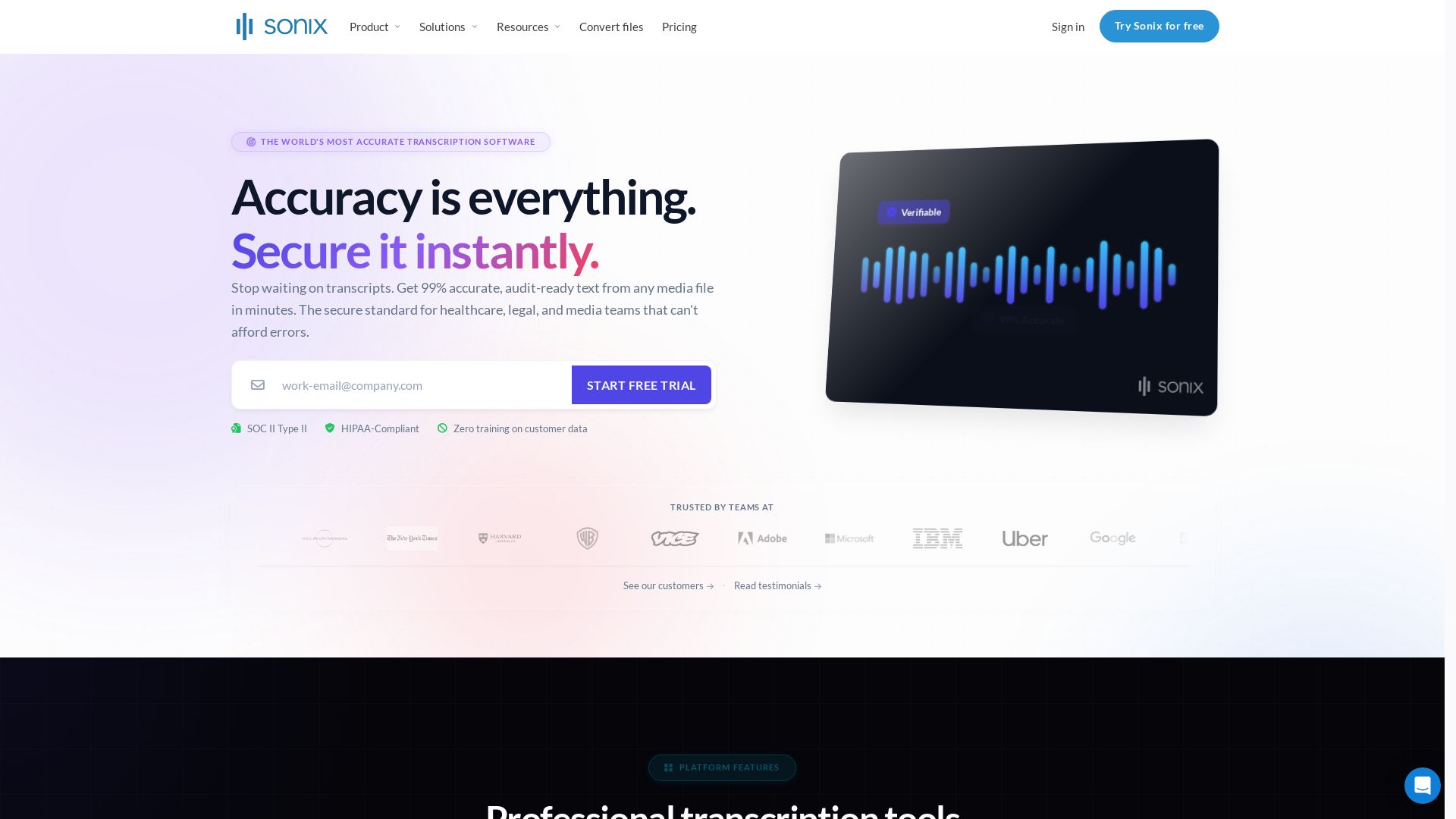
Sonix
Get 99% accurate transcripts from audio/video in minutes. Trusted by 6.2M+ users. HIPAA & SOC 2 compliant. Start free trial.

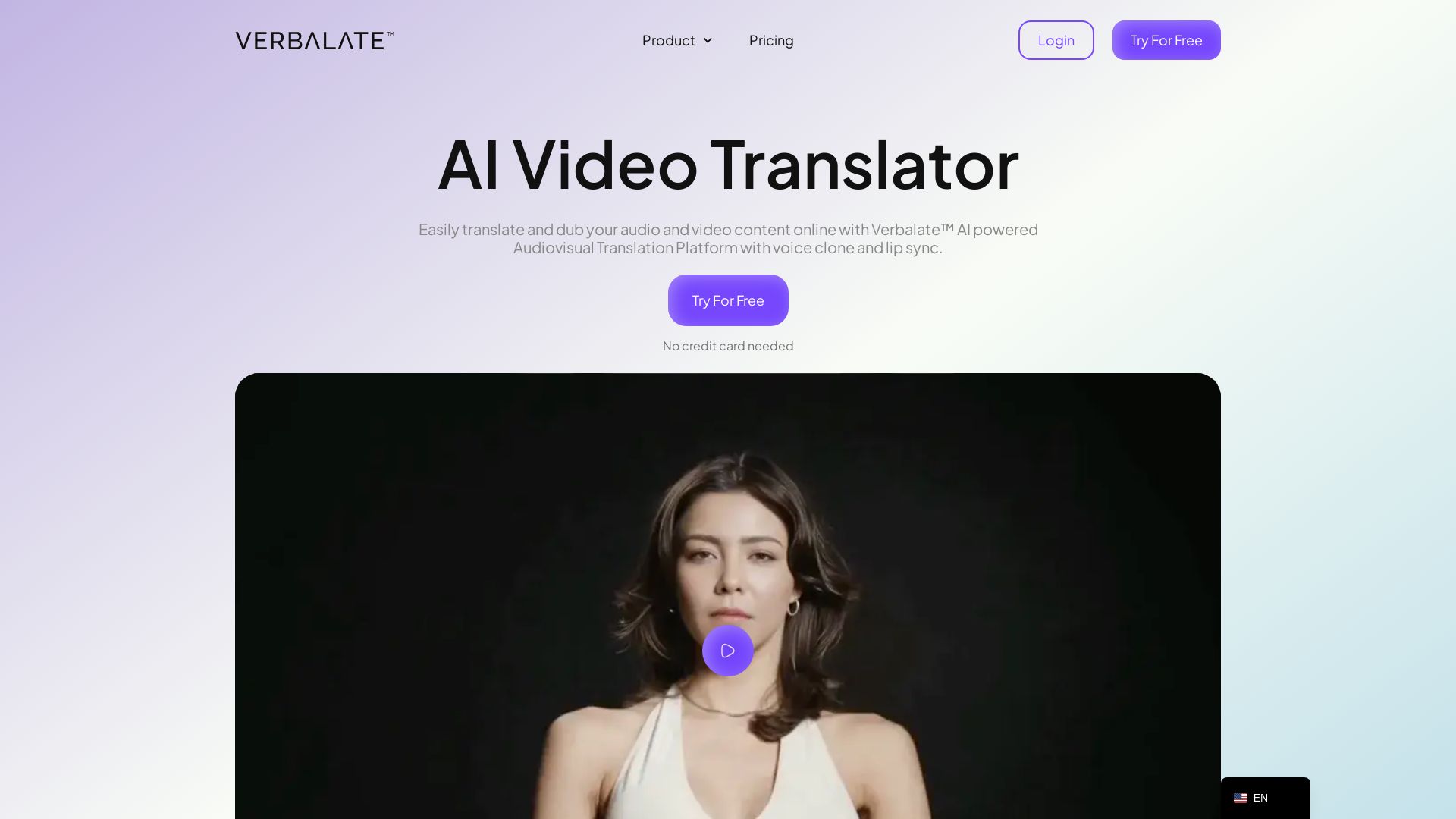
Verbalate
Translate and dub videos into 230+ languages with AI voice cloning and lip sync. Perfect for e-learning, YouTube, marketing. Globalize your content effortlessly.

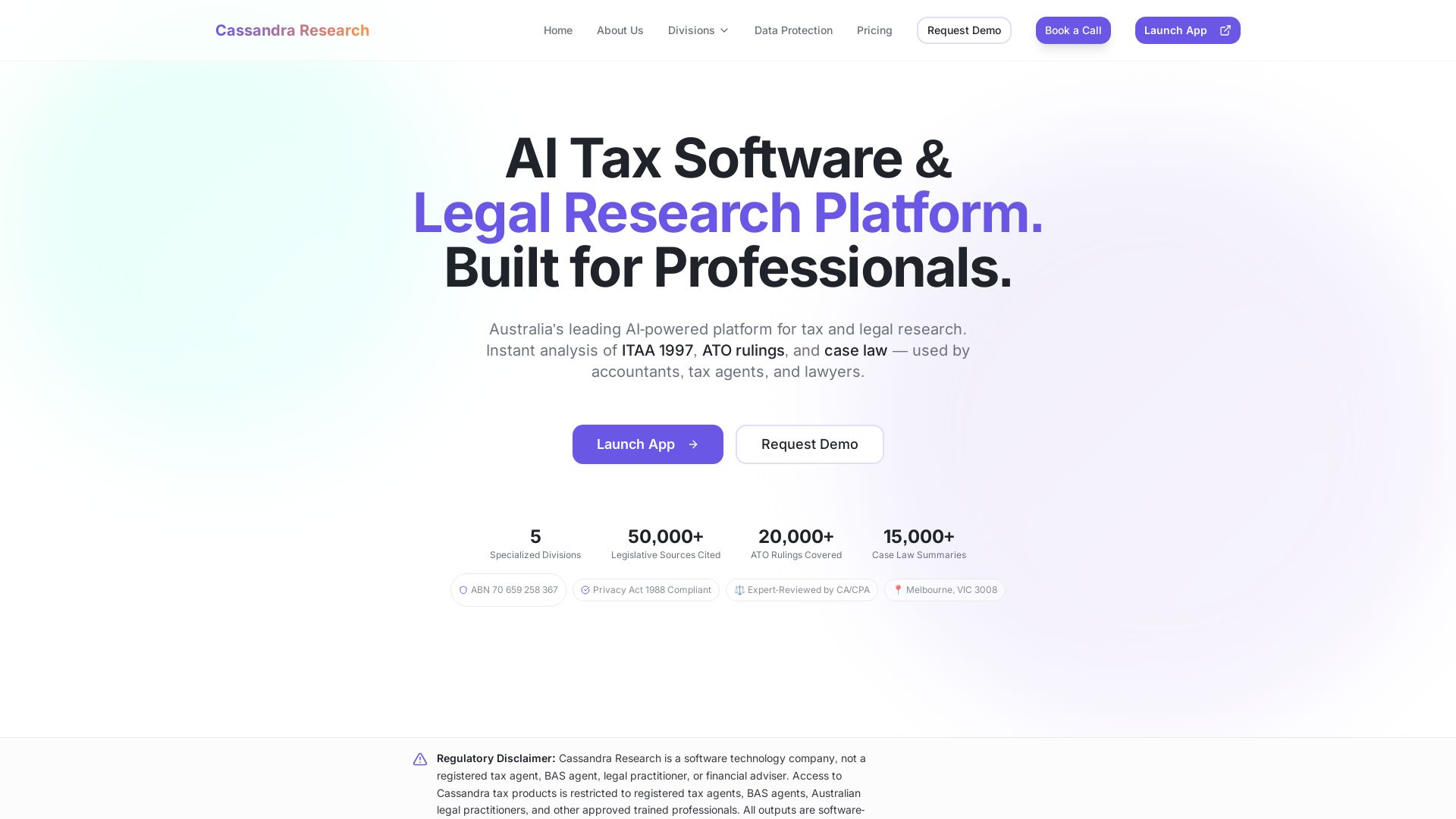
Cassandra Research
Australia's leading AI-powered tax and legal research platform. Instant analysis of ITAA 1997, ATO rulings, and case law for professionals.

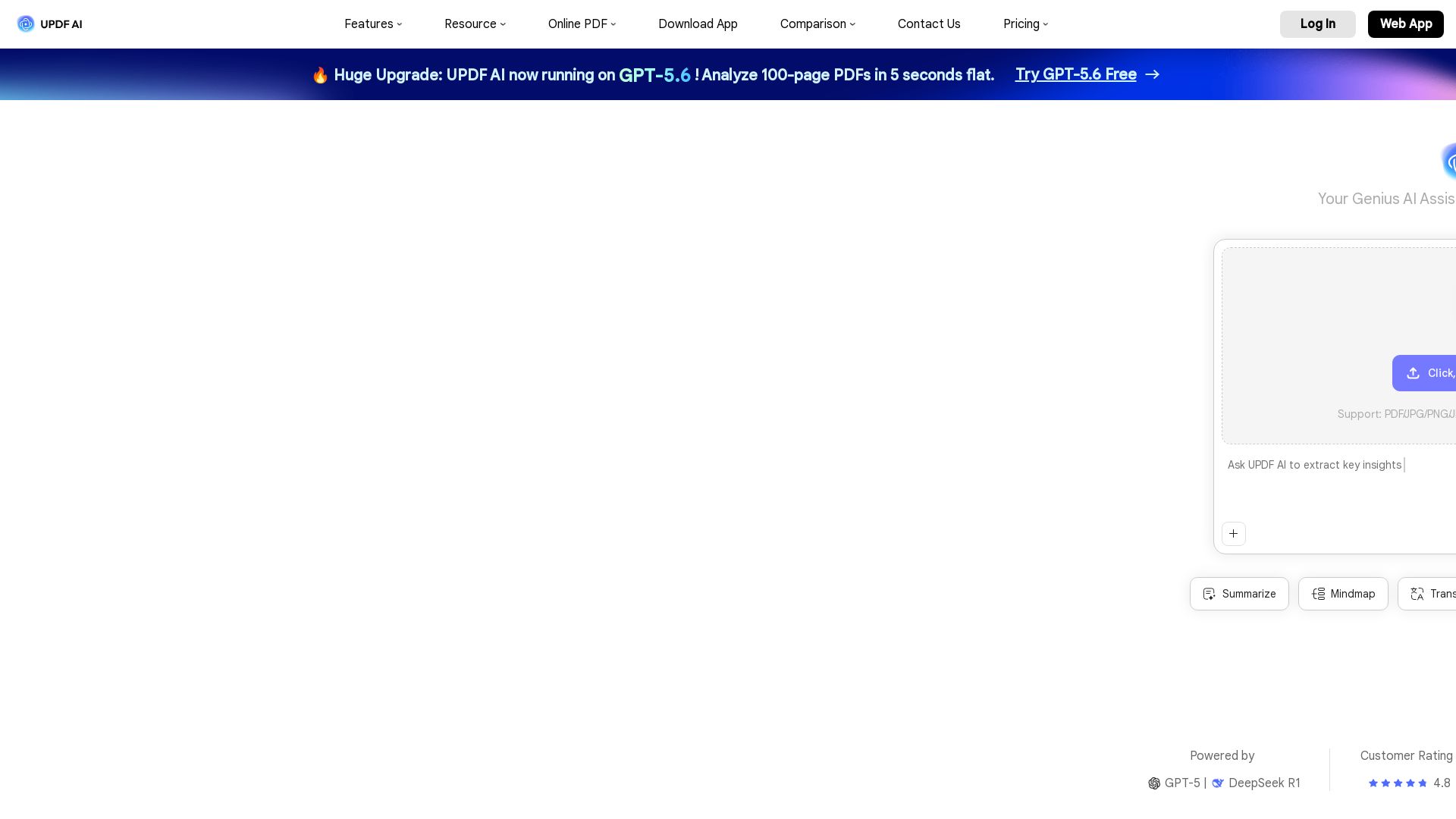
UPDF AI
Boost productivity with UPDF AI. Chat, summarize, translate PDFs, and create mind maps. Powered by GPT-5 & DeepSeek R1. Try free!

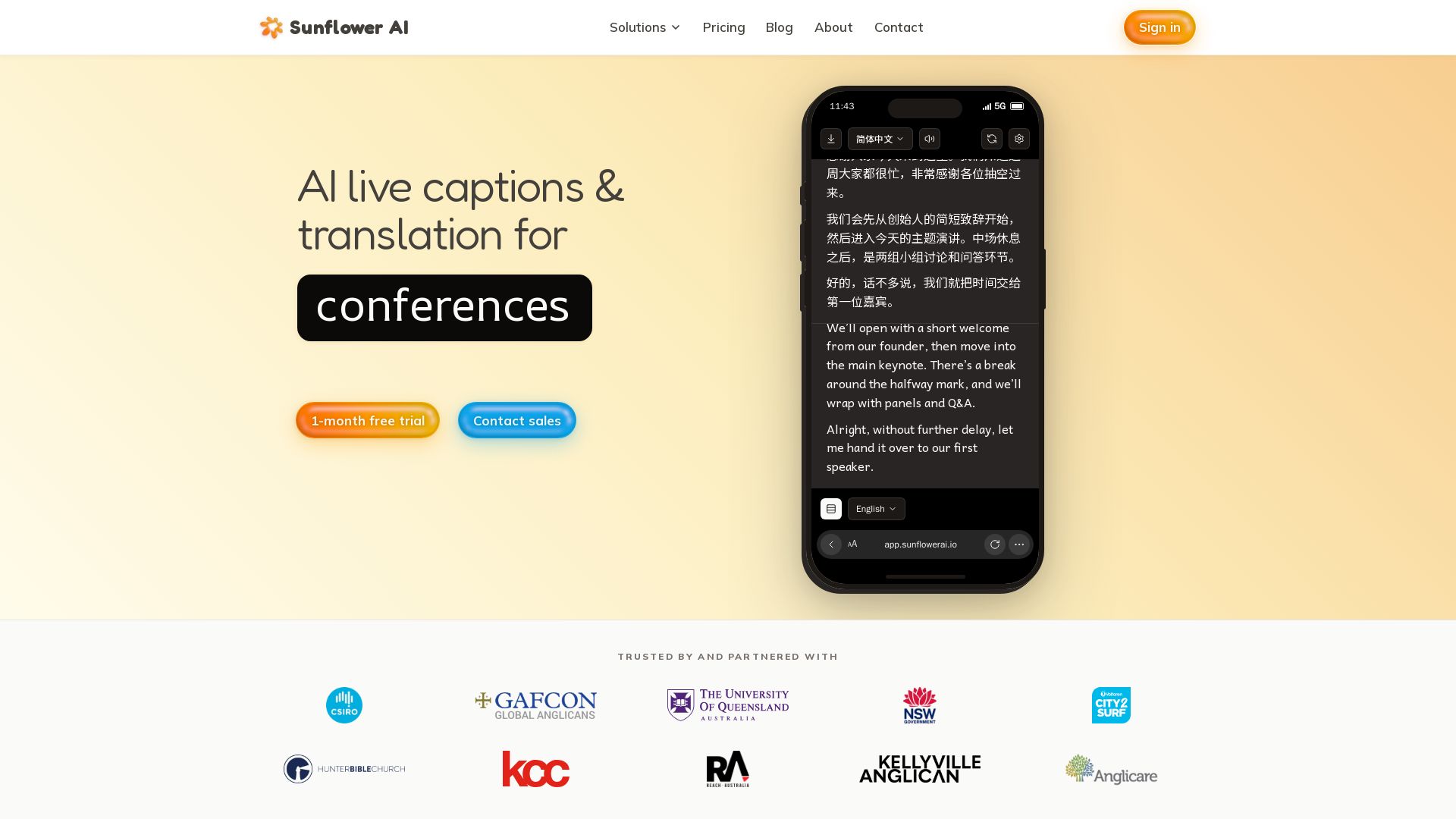
Sunflower AI
AI-powered live captions and real-time translation for multilingual audiences. One QR code, 83 languages. Trusted by churches and events. Start free trial.

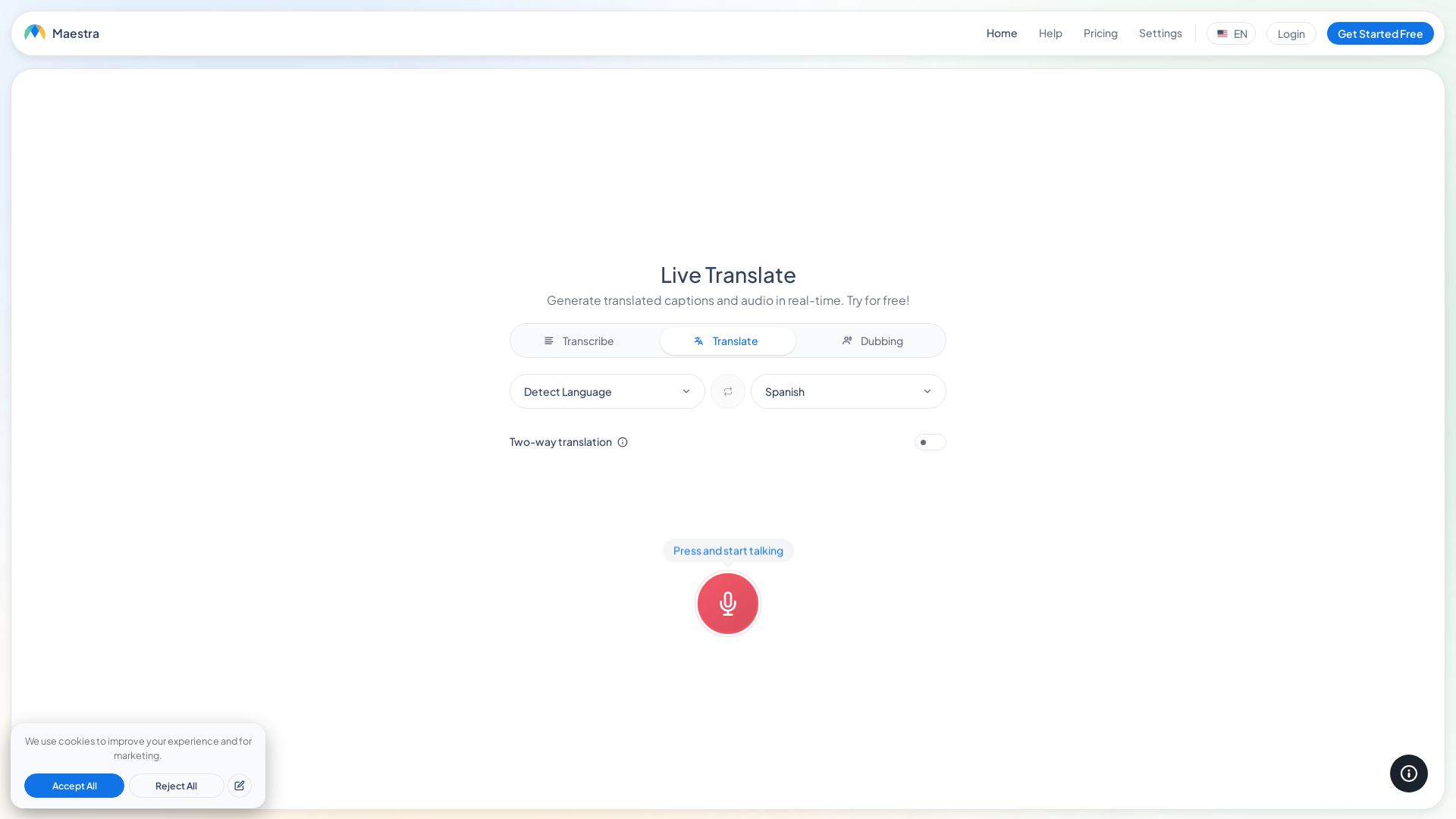
Maestra
Translate speech in real time with live captions, AI dubbing, and 125+ languages. Free, browser-based, no install. Try now!

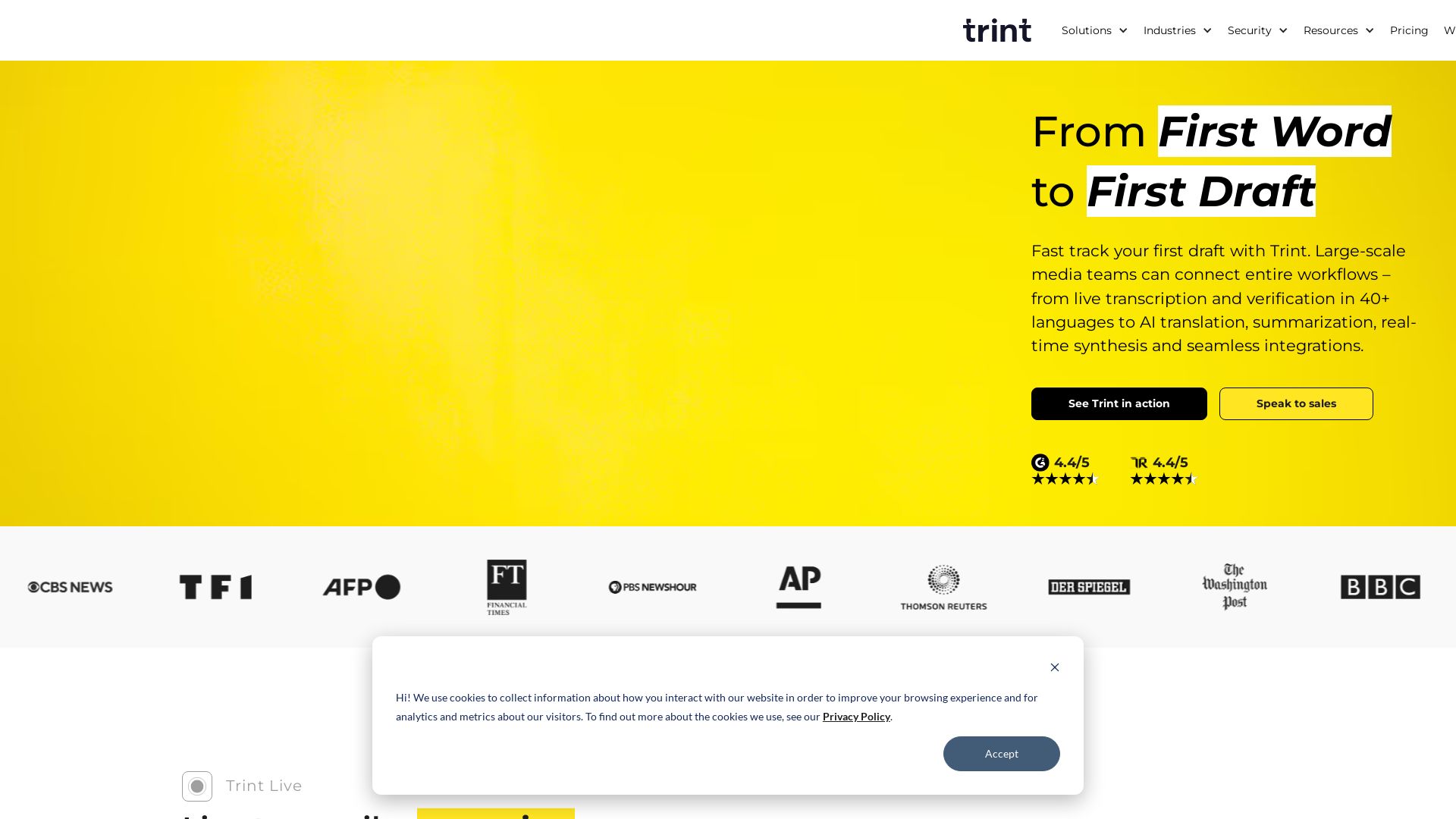
Trint
Fast-track your first draft with live transcription, AI summaries, and real-time collaboration in 40+ languages. Trusted by leading newsrooms.


ℹ️ Curation Disclosure: The overview and features of Alrite were synthesized using AI and fact-checked by our curation team to ensure accuracy.