
UPDF AI
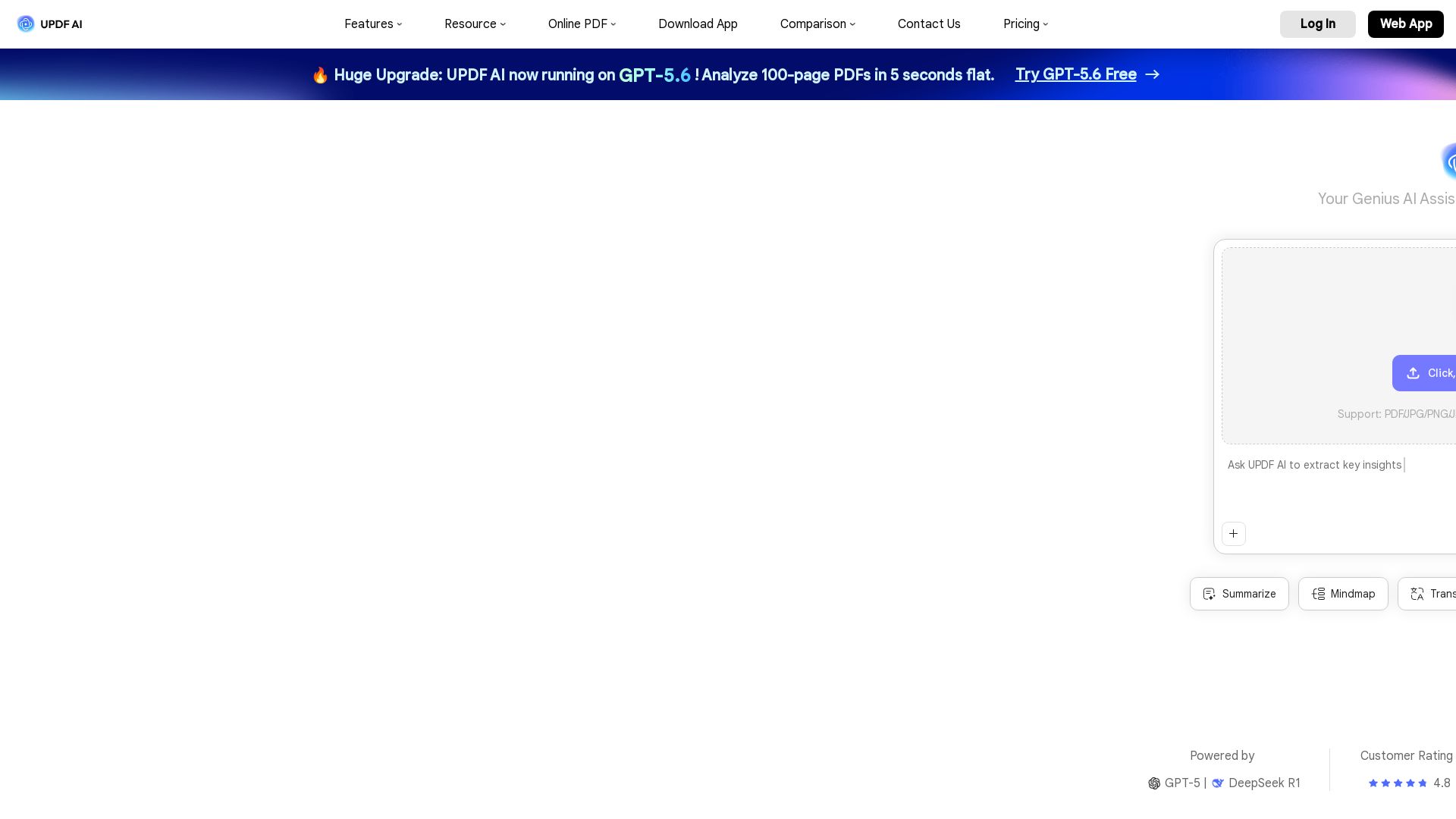
Boost productivity with UPDF AI. Chat, summarize, translate PDFs, and create mind maps. Powered by GPT-5 & DeepSeek R1. Try free!


Editor's Verdict
Key Takeaways
- Chat with PDF
- Summarize PDF
- Translate PDF
- PDF to Mind Map
In-Depth Review: What is UPDF AI?
UPDF AI is an all-in-one AI assistant for PDFs, enabling you to chat with documents, summarize, translate, and convert PDFs to mind maps. It integrates GPT-5 and DeepSeek R1 for accurate and fast responses. Ideal for students, professionals, researchers, and enterprises. Available on Windows, Mac, iOS, Android, and web. Free plan includes up to 5 PDFs and 100 questions; paid plan offers unlimited usage and 100GB cloud storage.
Core Features
Chat with PDF
Interact with single or multiple PDF files, ask questions, and get instant answers based on document content.
Summarize PDF
Automatically generate concise summaries of lengthy PDF documents, extracting key points quickly.
Translate PDF
Translate entire PDFs while preserving original formatting, or translate selected text and pages into preferred languages.
PDF to Mind Map
Convert dense PDF content into visual mind maps, shareable via link or directly saved within the PDF.
Multi-Modal Chat with Images
Perform object recognition, visual question answering, and extract text from images within PDFs.
Chat with AI
24/7 instant responses in multiple languages, leveraging a vast knowledge base for any query.
Multi-Language Support
Easily translate full PDFs while preserving format and interact with AI chatbot in your preferred language.
Cross-Platforms
Available on Windows, Mac, iOS, Android, and web (ai.updf.com) for seamless access across devices.
Unlimited Usage
Paid plan offers unlimited PDF uploads, questions, and cloud storage, allowing unrestricted use.
Quick Information Retrieval
Instantly find answers or sections within complex PDF documents without manual searching.
Pricing
Free Plan
- 5 PDF uploads
- 10MB per PDF
- 100 pages per PDF
- 5 PDFs per project (online)
- 100 questions
- Chat with PDF
- Chat with Images
- PDF to Mind Map
- Chat with AI
Paid Plan
- Unlimited PDF uploads
- 2GB per PDF (app) / 100MB (online)
- Unlimited pages per PDF
- 100 PDFs per project (online)
- Unlimited questions
- Chat with PDF
- Chat with Images
- PDF to Mind Map
- Chat with AI
- 100GB cloud storage
UPDF Enterprise (Education)
- Full access to all PDF tools
- Unlimited AI features
- License management dashboard
- MS Azure/CyberArk SSO login
- Customized MSI installation package
- 20GB cloud storage
- 24/7 technical support
Pros and Cons
Pros
- AI-Powered EfficiencyLeverage GPT-5 and DeepSeek R1 to quickly summarize, translate, and analyze PDFs, saving hours of manual work.
- Multi-Language SupportTranslate entire PDFs while preserving original formatting and interact with AI in your preferred language.
- Cross-Platform AvailabilityAvailable on Windows, Mac, iOS, Android, and web, allowing seamless access across devices.
- Unlimited Usage on Paid PlanPaid plan offers unlimited PDF uploads, questions, and 100GB cloud storage, ideal for heavy users.
- User-Friendly InterfaceClean and intuitive design makes it easy for anyone to edit, annotate, and manage PDFs without prior experience.
Cons
- Free Plan LimitationsFree version restricts uploads to 5 PDFs of 10MB each and only 100 questions, which is insufficient for heavy users.
- Cost for Full FeaturesAdvanced AI features require a paid subscription, which may be expensive for occasional users.
- Dependency on UPDF AppAI features are integrated only within UPDF, not available as a standalone AI tool.
- Data Privacy ConcernsAlthough the company claims safety, some users may be wary of uploading sensitive documents to a cloud AI service.
- Limited Offline FunctionalityAI features require an internet connection, limiting use in offline environments.
Use Cases & Recommended Professions
Government Employees→ View Toolkit
Summarize large PDFs, translate official documents, and explain complex legal or policy texts to streamline administrative workflows.
Professionals (Legal, Financial, Healthcare)→ View Toolkit
Process dense reports, gain data-driven insights, and analyze contracts faster with AI assistance for better decision-making.
Students & Educators→ View Toolkit
Extract key information from textbooks, summarize articles, and translate research papers to enhance learning and teaching.
Writers→ View Toolkit
Generate fresh ideas, assist in draft writing, and use editing and proofreading tools to improve clarity and accuracy.
Researchers→ View Toolkit
Quickly find, summarize, and understand research papers, streamlining complex information for greater productivity and informed decisions.
Employees→ View Toolkit
Analyze business challenges, identify key information to generate strategic solutions, assist with email writing, and summarize contracts and reports.
Frequently Asked Questions
Alternative AI Tools
View Detailed Comparison →
Making AI think and act: my approach to the Hugging Face AI ...
Experienced AI engineer specializing in medical imaging and LLM-powered agents. Built globally deployed radiology AI at AZmed. Now building AI agents at Matrix One.

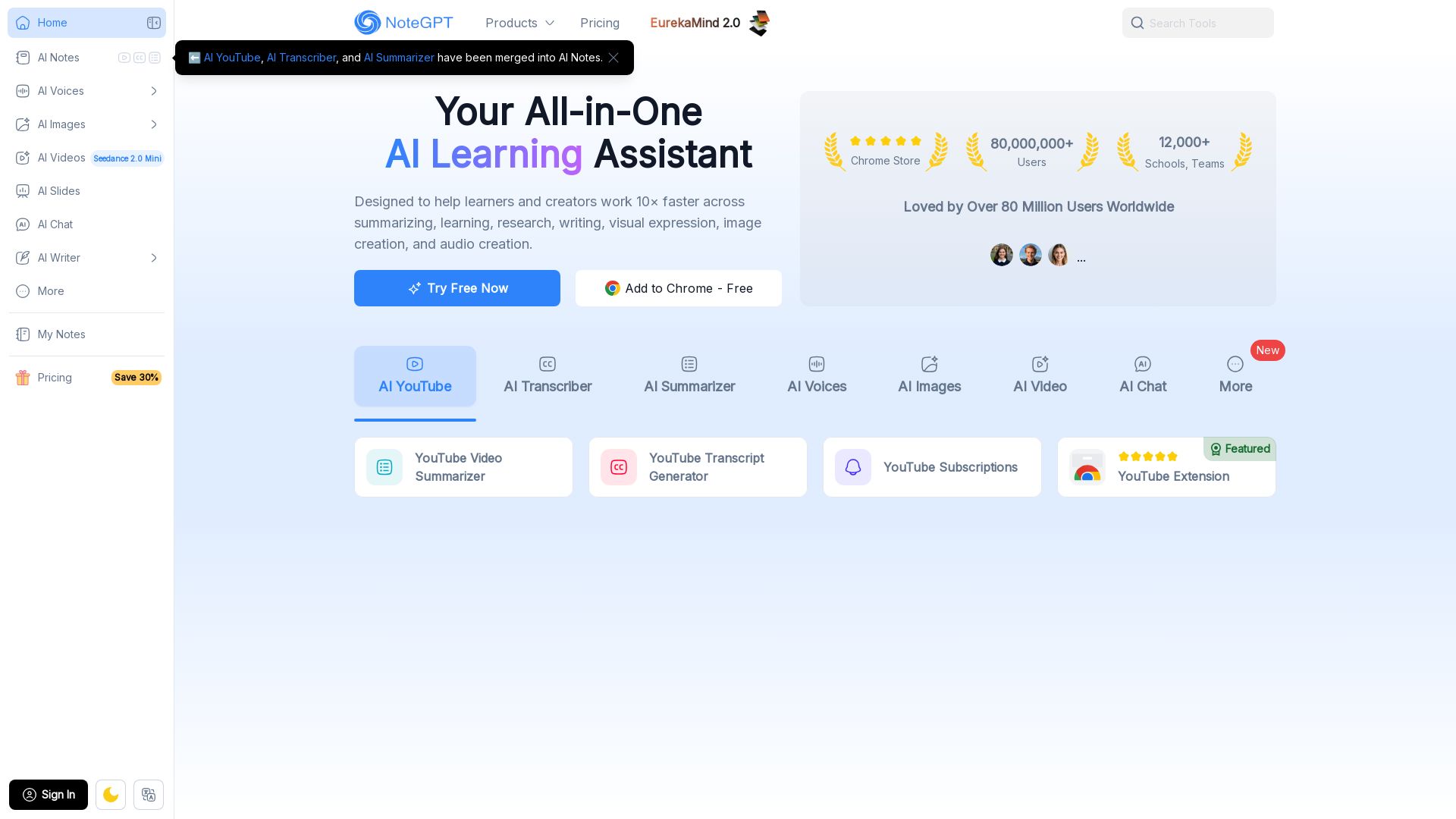
NoteGPT
Supercharge your learning with NoteGPT. Summarize videos, transcribe audio, generate images, voices, and slides. Used by 80M+ users. Try free.

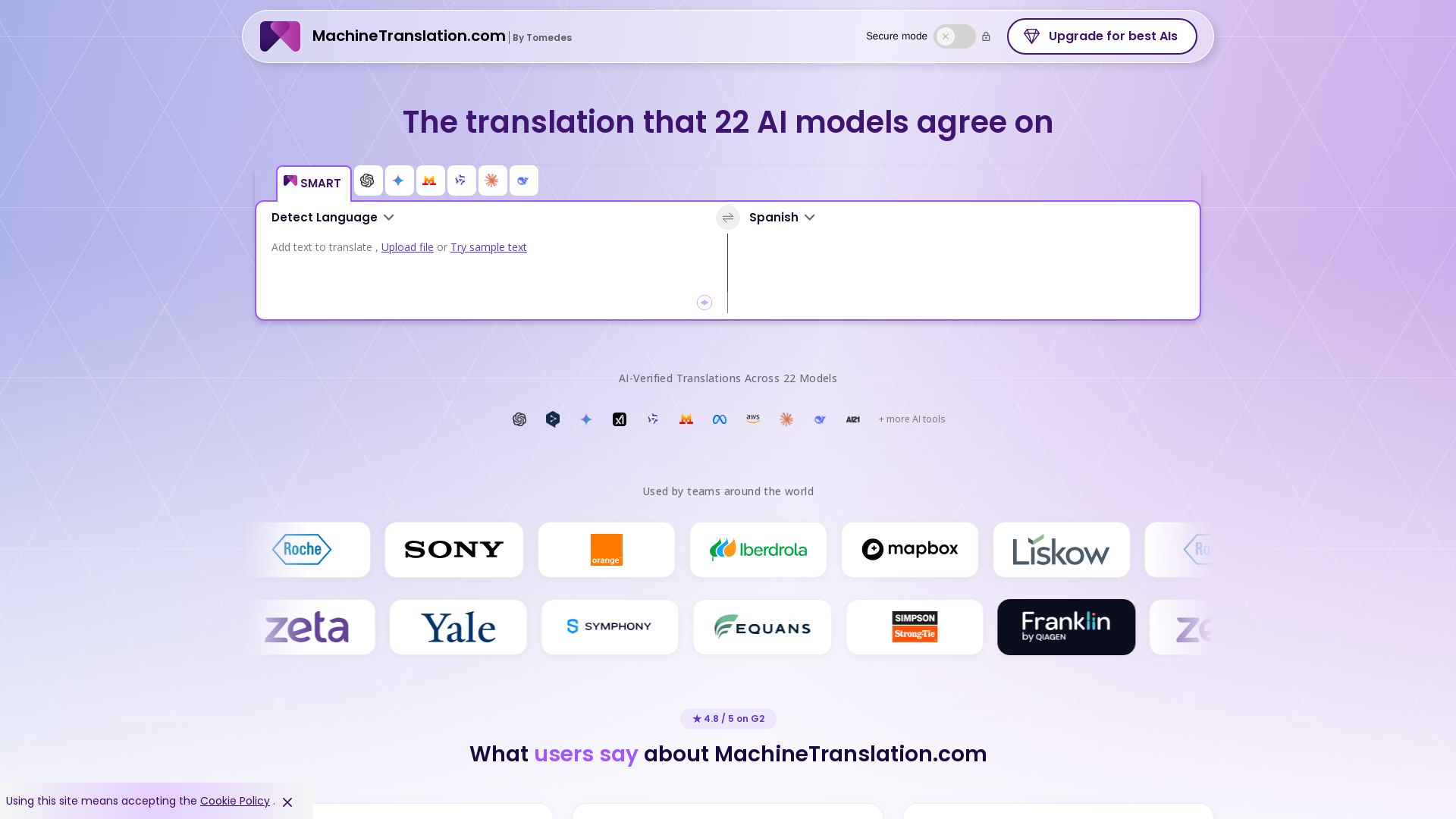
Free AI Translator
Translate with confidence using 22 AI models. SMART picks the most agreed translation, cutting errors by 90%. Human review optional. Secure & affordable.

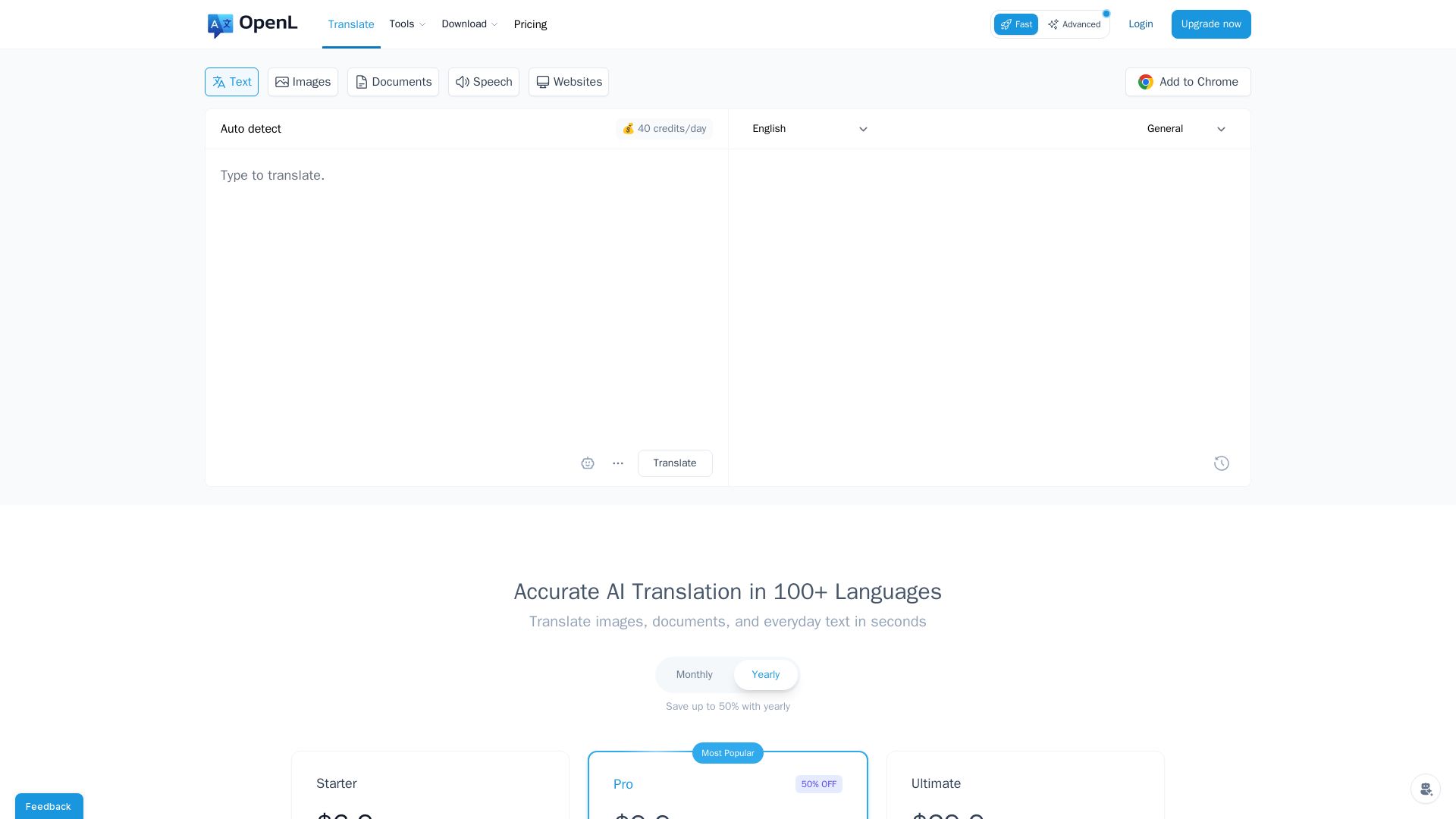
OpenL Translate
Fast, accurate AI translations for text, images, documents, and websites. Supports 100+ languages. Try free!


Section AI
Turn AI investment into workforce transformation with Section. Command center, coaching, and strategic support to drive measurable ROI.

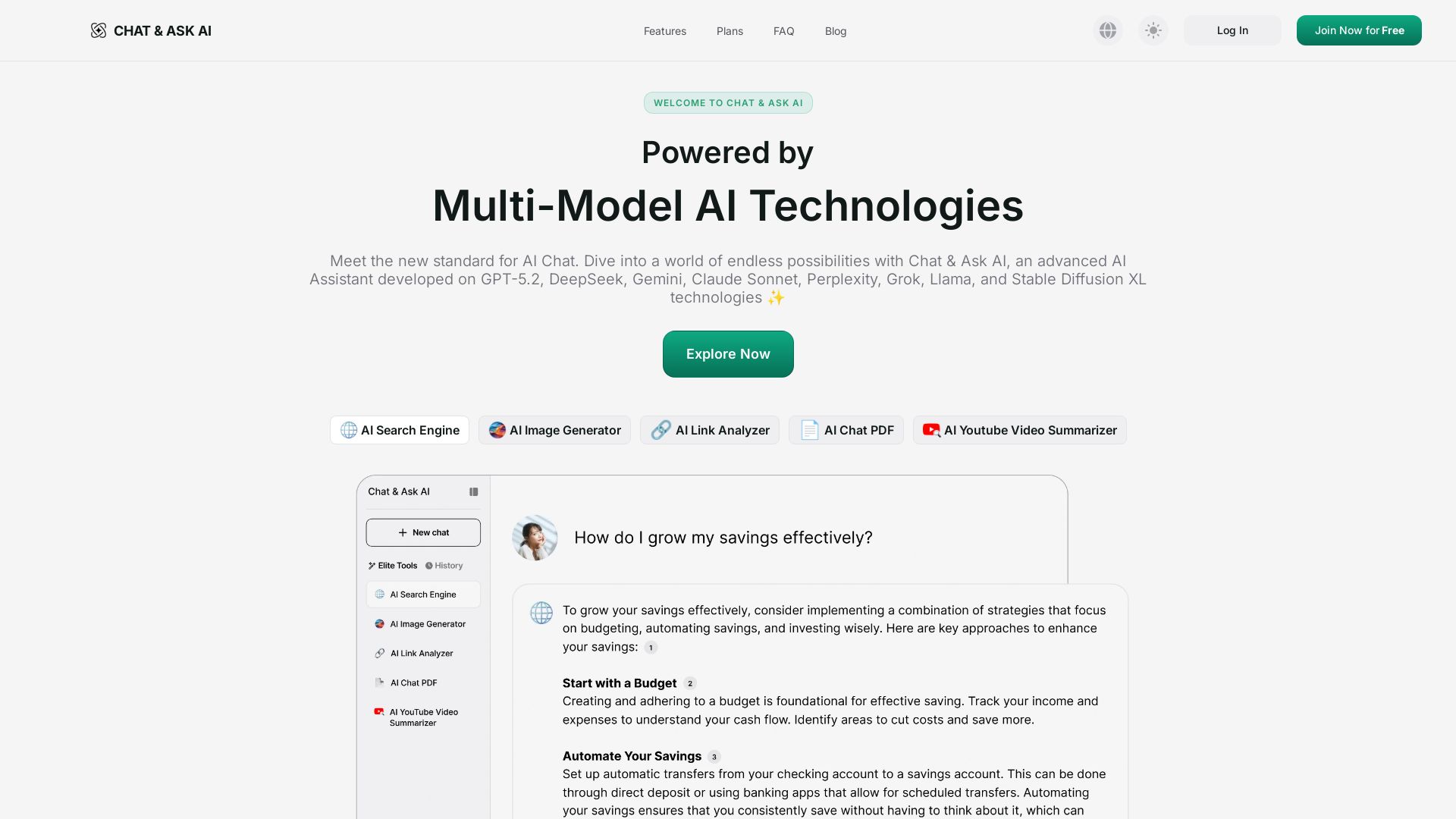
Ask AI
Experience advanced AI with GPT-5.2, Gemini, Claude, and more. Chat, search, analyze links/PDFs, summarize videos, and generate images. Free tier available.


HIX AI
HIX AI is an AI agent workspace that lets you research, create slides, videos, images, and more with one tool. Boost productivity with deep research and automated content creation.

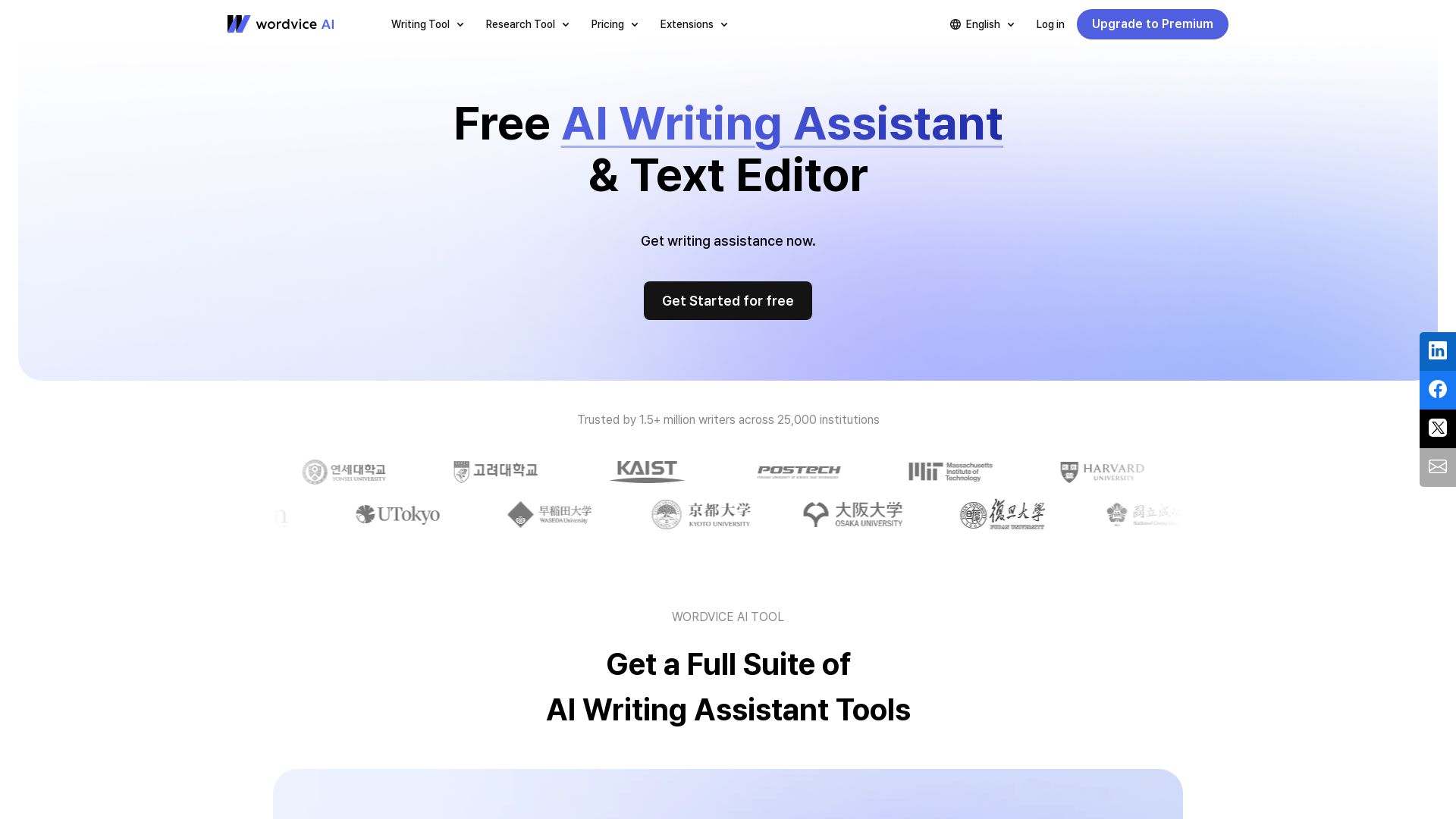
Wordvice AI
Get a full suite of AI writing tools: proofreader, paraphraser, translator, summarizer, plagiarism checker, and AI detector. Trusted by 1.5M+ writers.

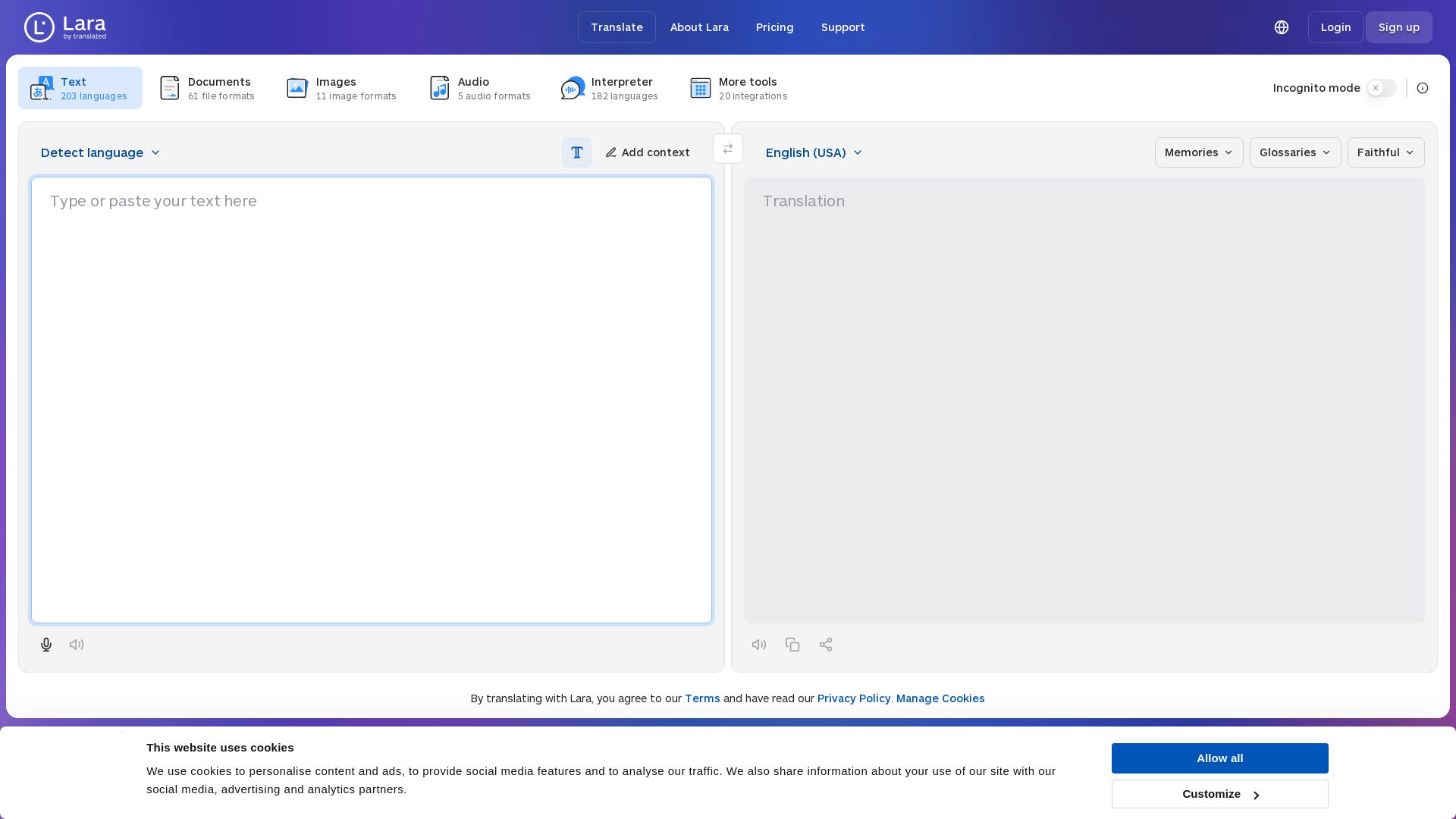
Lara Translate
Translate text, documents, images, and audio instantly in 200+ languages. Trusted by 350,000+ professionals. AI-powered by Translated since 1999.

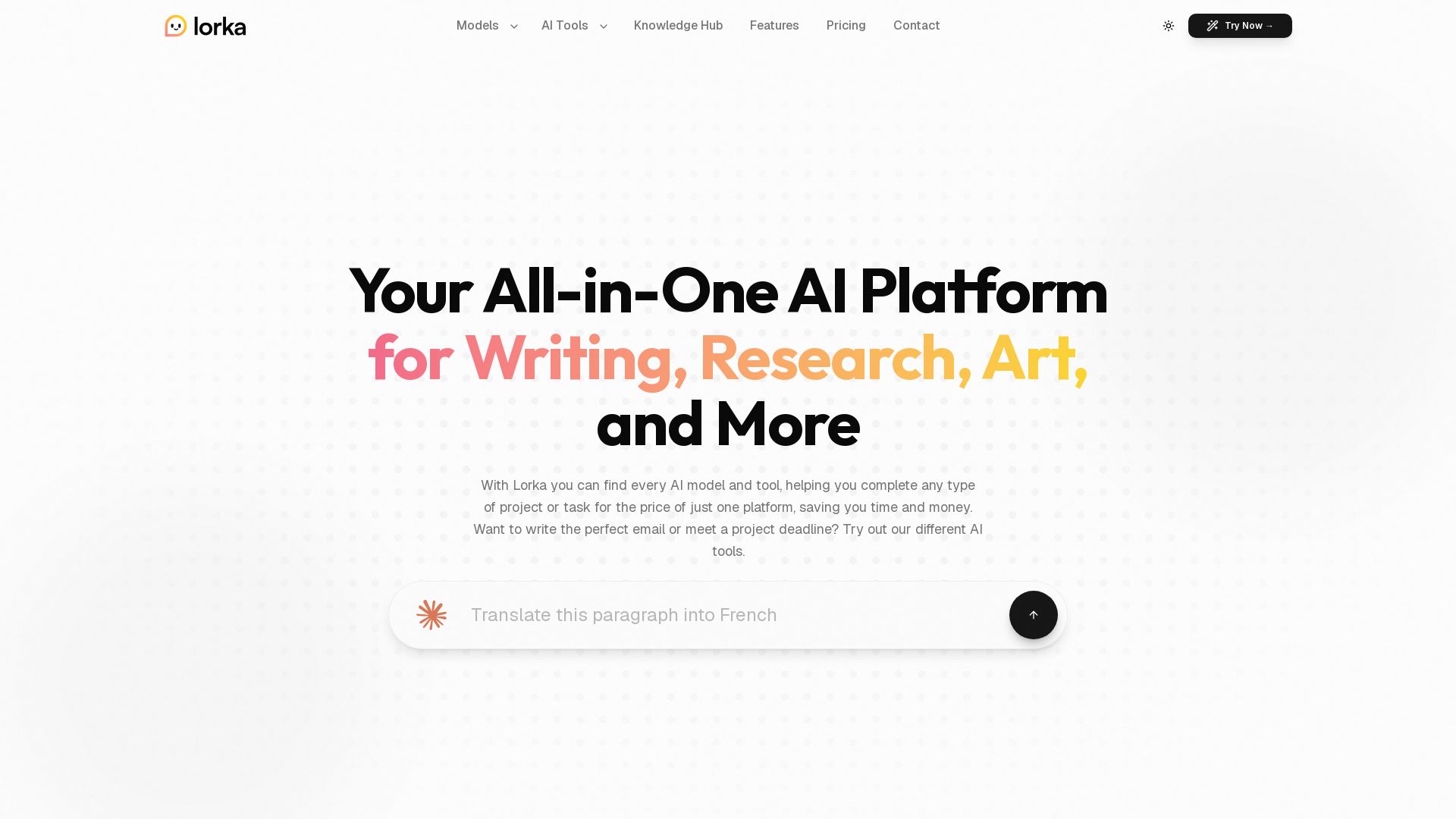
Lorka AI
Access ChatGPT, Claude, Gemini, and more in one platform. Save $123/mo. Write, research, create art, analyze data, and chat with PDFs. Try Lorka AI today.

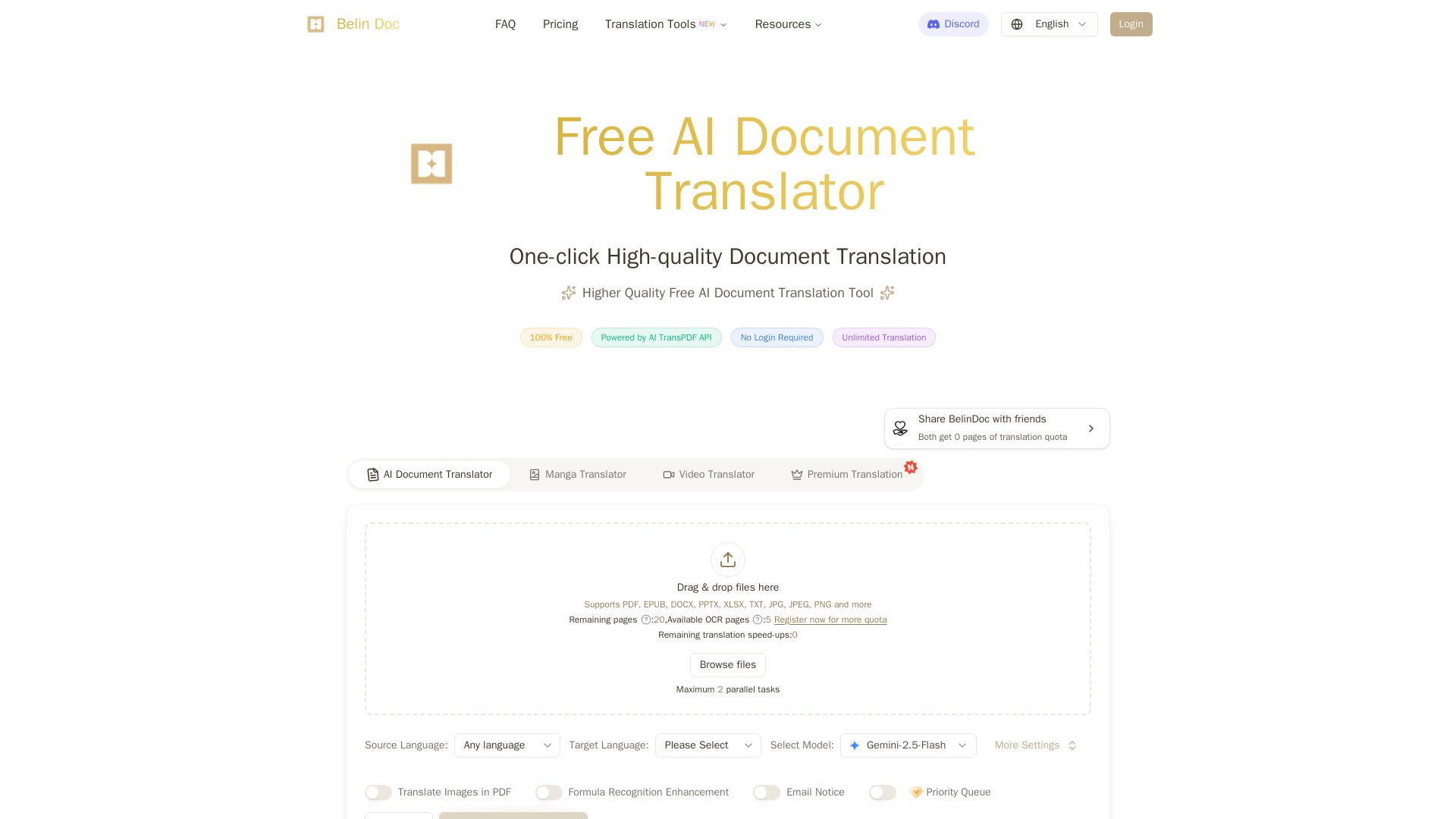
Belindoc
Translate documents online for free! AI-powered PDF, Word, Excel, PPT translation with original layout preserved. No login, unlimited pages.


ℹ️ Curation Disclosure: The overview and features of UPDF AI were synthesized using AI and fact-checked by our curation team to ensure accuracy.
