
Vmaker AI
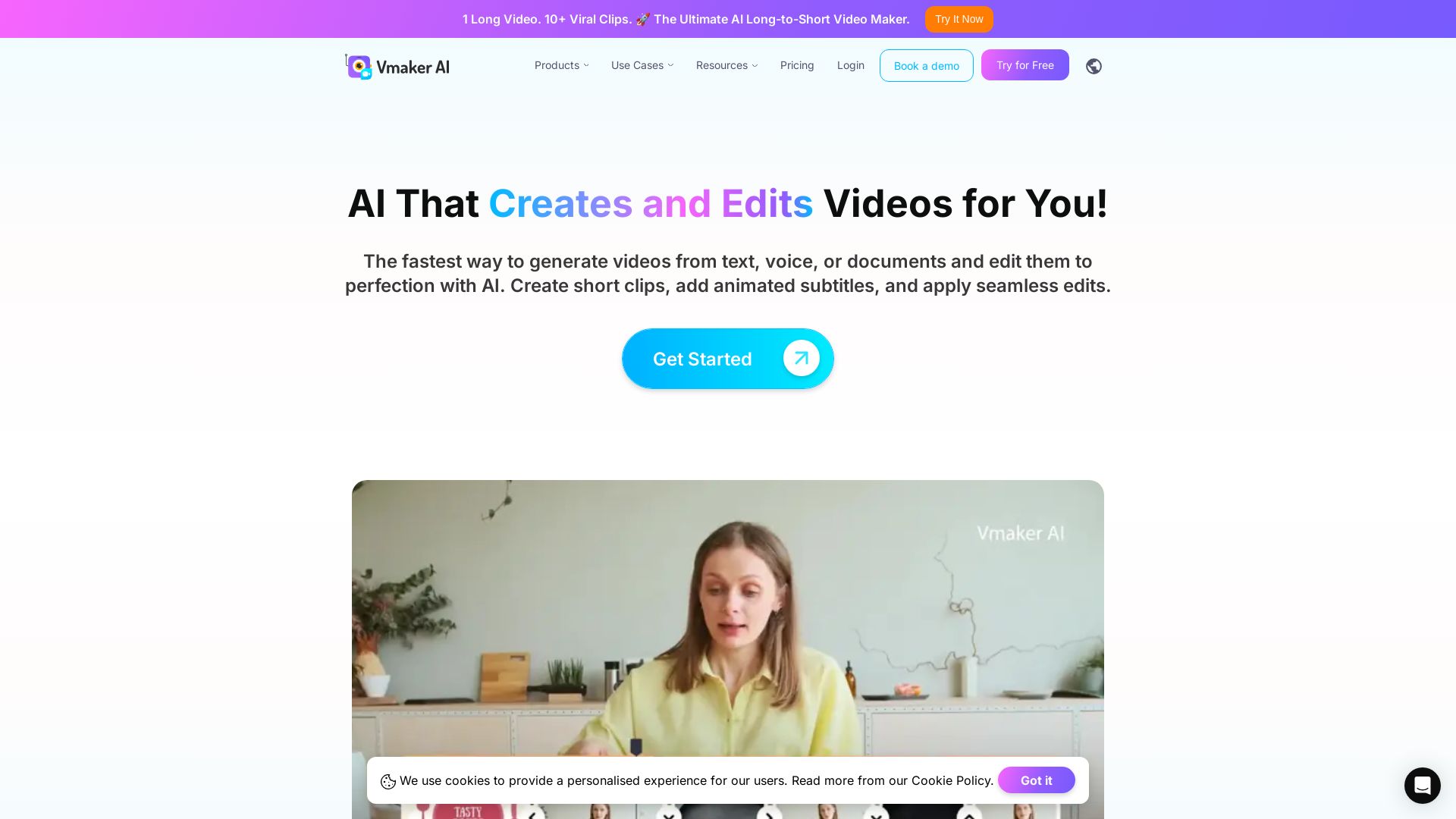
AI video editor & long-to-short clip maker. Convert text, audio, or documents to video. Auto subtitles, screen recording. Used by 2M+ creators.


Editor's Verdict
Key Takeaways
- AI Long to Short Clip Maker
- AI Video Generator
- Screen Recorder
- AI Subtitle Generator
In-Depth Review: What is Vmaker AI?
Vmaker AI is an all-in-one AI video creation and editing platform. It transforms long videos into multiple short clips for social media, generates videos from text, audio, or documents, and offers AI-powered editing tools like auto-subtitles in 35+ languages, background removal, and screen recording. Designed for YouTubers, marketers, and teams, it accelerates content production while maintaining high quality.
Core Features
AI Long to Short Clip Maker
Convert long videos like podcasts, webinars, and tutorials into multiple short clips with AI reframing, animated subtitles, and B-rolls for platforms like YouTube, TikTok, and Instagram.
AI Video Generator
Generate videos from text, voice, or documents using AI avatars and realistic narration, turning scripts into engaging videos quickly.
Screen Recorder
Record screen and webcam in 4K resolution with features like virtual backgrounds, noise cancellation, and smart focus for professional videos.
AI Subtitle Generator
Automatically generate subtitles in 35+ languages with 10+ animation styles and translation into 100+ languages.
Highlight Video Maker
Create highlight reels from long videos using AI that identifies key moments and compiles them into shareable clips.
AI Video Background Remover
Remove video backgrounds with AI, allowing for easy replacement or transparency without a green screen.
Pricing
Free
- 3 video downloads/month
- 3 social publish/month
- 600 Long to Short Form AI Credits
- 720p export quality
- 5 mins export length
- 5 GB or 120 mins max upload length
- 20 mins auto subtitle/month
- 4 AI Avatars
- 60 sec generative credits
- 1 min screen recording
Starter
- 10 video downloads/month
- 10 social publish/month
- 2000 Long to Short Form AI Credits
- 1080p export quality
- 30 mins export length
- 10 GB or 120 mins max upload length
- 29 premium assets/month
- $15 per additional download
- 60 mins auto subtitle/month
- 40 min subtitle translation/month
- 80 AI Avatars
- 36 mins generative credits/year
- 30 mins screen recording
Teams
- 30 video downloads/month
- 30 social publish/month
- 3500 Long to Short Form AI Credits
- 2k export quality
- 45 mins export length
- 10 GB or 120 mins max upload length (multi-project included)
- 60 premium assets/month
- $10 per additional download
- 15 mins video BG removal
- Green screen removal
- 120 mins auto subtitle/month
- 60 min subtitle translation/month
- 99 AI Avatars
- 144 mins generative credits/year
- 200+ Premium voices
- 4 hours screen recording
- Branded video player page
Enterprise
- Tailored plan
- Enhanced Security & Compliance
- Dedicated Account Support
- Comprehensive Training & Onboarding
- Custom number of exports
- 4K export quality
- 3 hours video export length
- 50 GB or 3 hours upload
- 50+ GB storage
- Custom premium assets
- Unlimited AI editing credits
- Unlimited screen recording
- 2000 mins auto subtitle/year
- 2000 mins subtitle translation/year
- Custom generative credits
- Single sign-on
- 2 Factor Authentication
- SSL Encryption
- Custom sub-domain and CNAME
- Advanced Analytics
Pros and Cons
Pros
- AI-Powered EfficiencyAutomates video creation and editing tasks, saving time with features like long-to-short clip generation, subtitle generation, and background removal.
- User-Friendly InterfaceDesigned for non-professionals; easy to record, edit, and publish videos without needing powerful hardware or advanced skills.
- VersatilitySupports multiple input formats (text, audio, documents, videos) and outputs optimized for platforms like YouTube, TikTok, and Instagram.
- High Quality OutputSupports up to 4K export quality, AI avatars, and professional-grade subtitles and effects for polished results.
- Comprehensive ToolsetIncludes screen recorder, video editor, AI generator, subtitle tool, and more in a single platform, reducing the need for multiple apps.
Cons
- Free Plan LimitationsFree plan includes watermarks, limited exports (3/month), low resolution (720p), and short recording/export times.
- Credit System for AI FeaturesAI features like long-to-short clip generation and generative credits are capped per plan, which may hinder heavy usage without upgrading.
- Storage ConstraintsStorage is limited even on paid plans (e.g., 10GB for Starter and Teams), potentially requiring frequent management of assets.
- Pricing in INR OnlyPrices are listed in Indian Rupees, which may be inconvenient or unclear for international users without currency conversion.
- No Offline ModeThe tool appears to be cloud-based, requiring an internet connection for all features, including screen recording and editing.
Use Cases & Recommended Professions
YouTubers→ View Toolkit
Grow your channel by editing videos 3x faster, repurposing long content into shorts, and engaging audiences with AI-powered storytelling.
Marketers→ View Toolkit
Create product videos, social media ads, and promotional content quickly with AI avatars and templates, boosting campaign efficiency.
Learning & Development Teams→ View Toolkit
Produce training and tutorial videos from documents or slides, with AI subtitles and dubbing for multilingual teams.
Content Creators→ View Toolkit
Turn ideas into publish-ready videos using text-to-video, audio-to-video, and repurposing tools to maintain a consistent output.
Small Business Owners→ View Toolkit
Easily create professional videos for marketing, customer communication, and brand building without hiring expensive editors.
Customer Support Agents→ View Toolkit
Record and edit explainer videos, tutorial walkthroughs, and video responses to enhance customer service and reduce support tickets.
Frequently Asked Questions
Alternative AI Tools
View Detailed Comparison →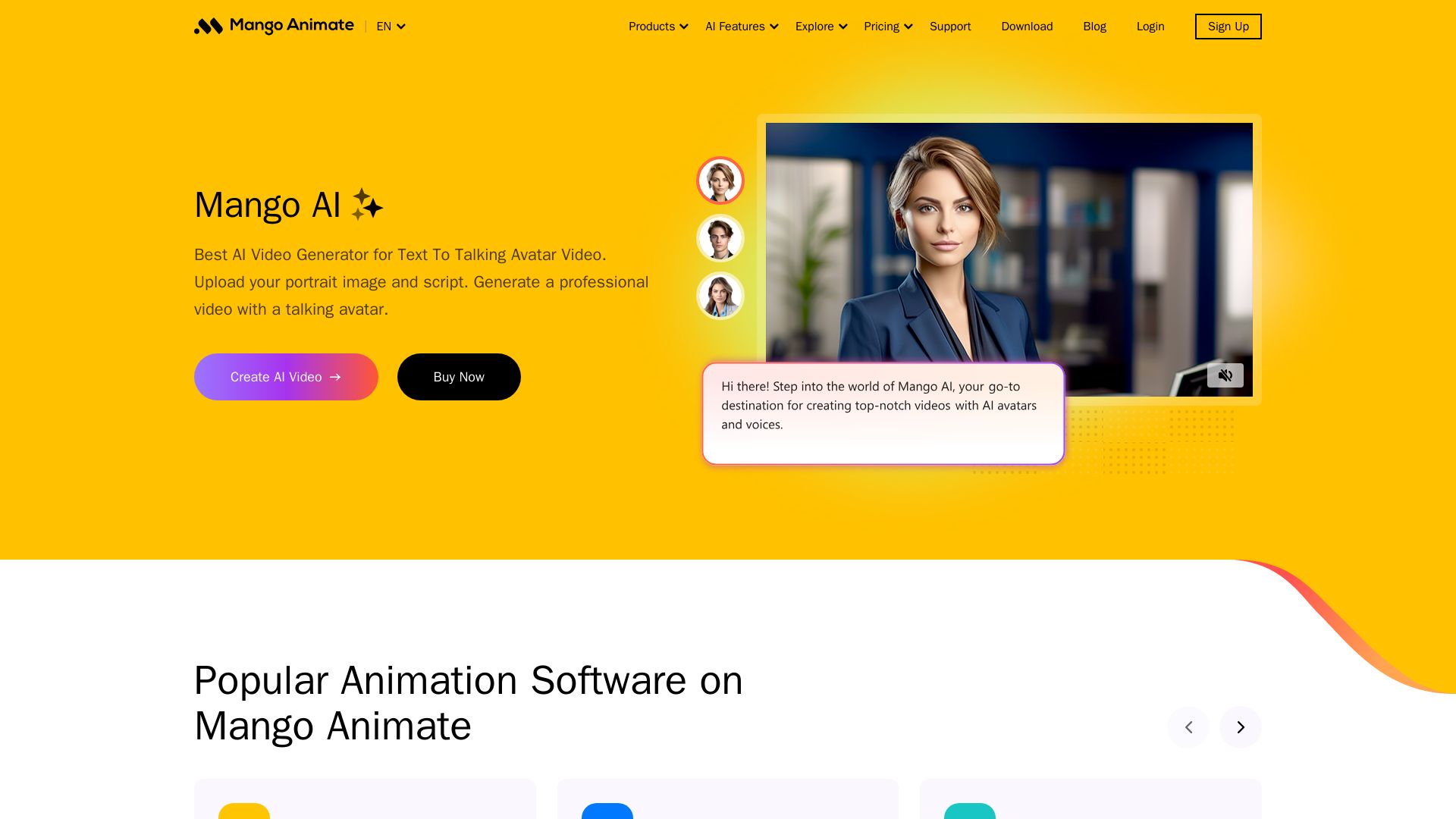
Mango AI
Create professional AI talking avatar videos from text and portrait. Perfect for business, education, personal use. Easy, fast, and affordable.

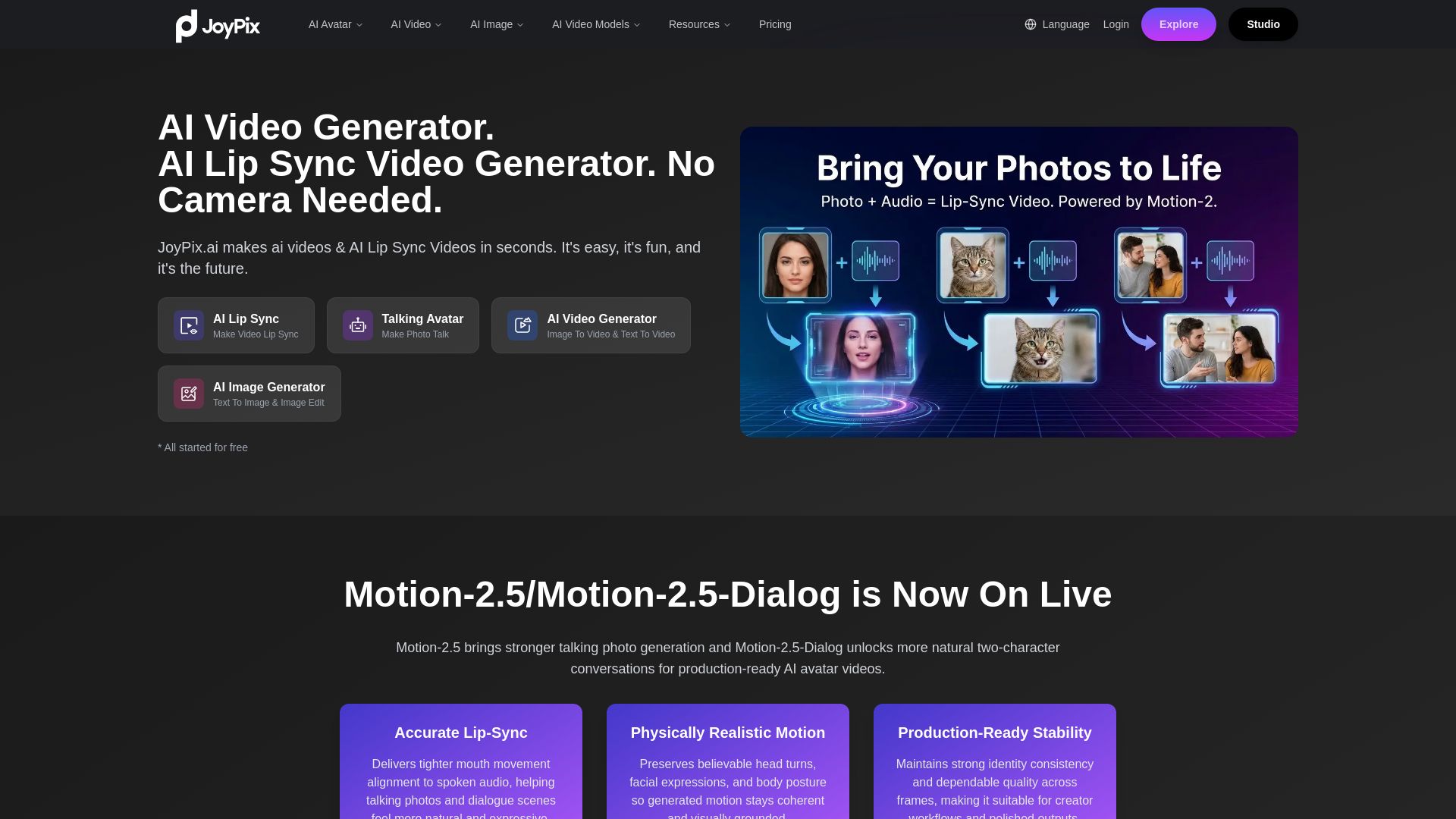
JoyPix
Create realistic AI lip-sync videos and talking avatars from photos. Free voice cloning, 40+ languages, and multiple video models. Try for free!

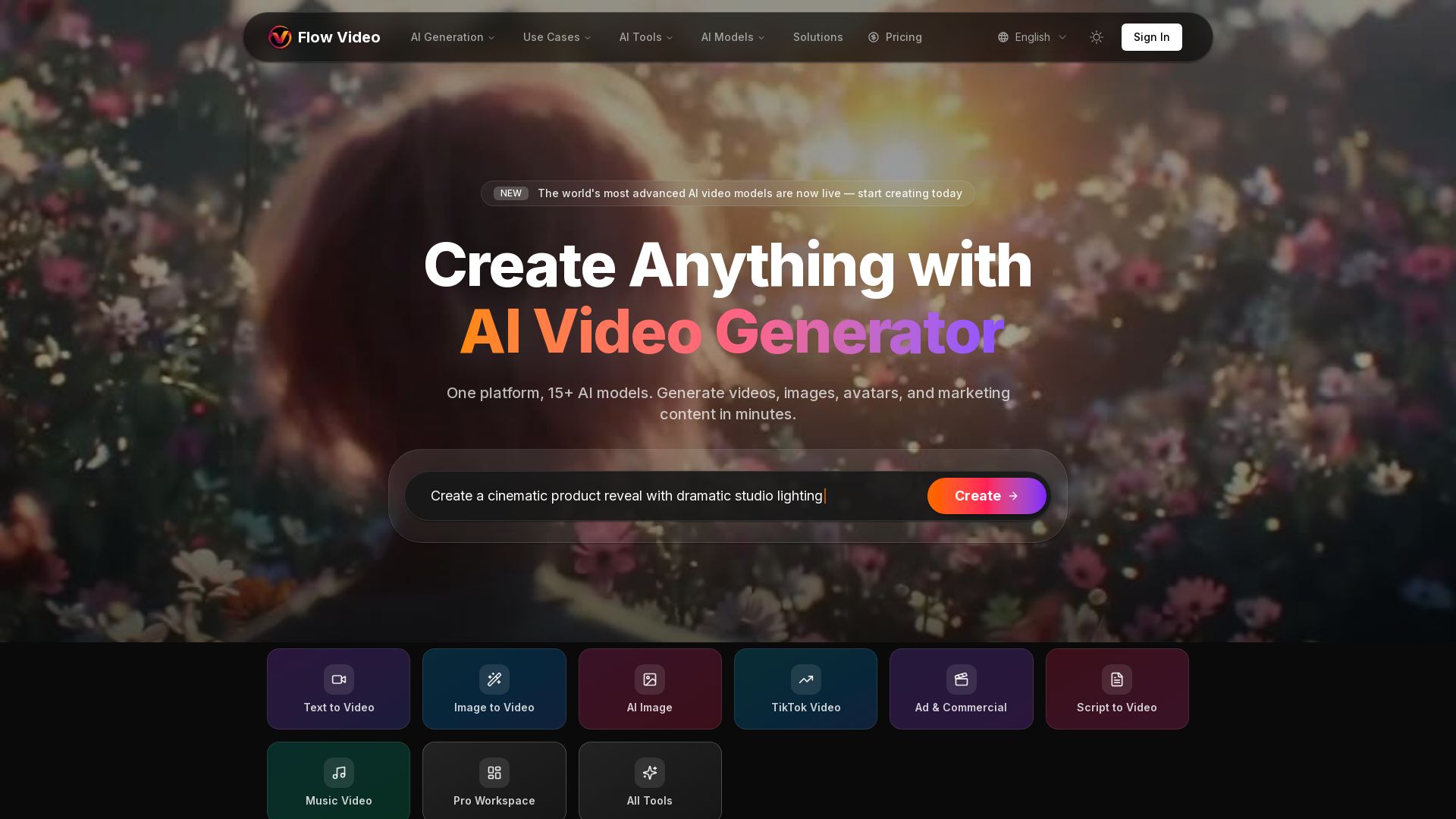
Flow Video AI
Create stunning AI videos, images, and marketing content with 15+ models. Text to video, image to video, and more. Start free!


Flow AI Video Generator
Create stunning 4K AI videos with Flow AI Video. Text-to-video, image-to-video, multi-shot storytelling. Get 50% OFF now!

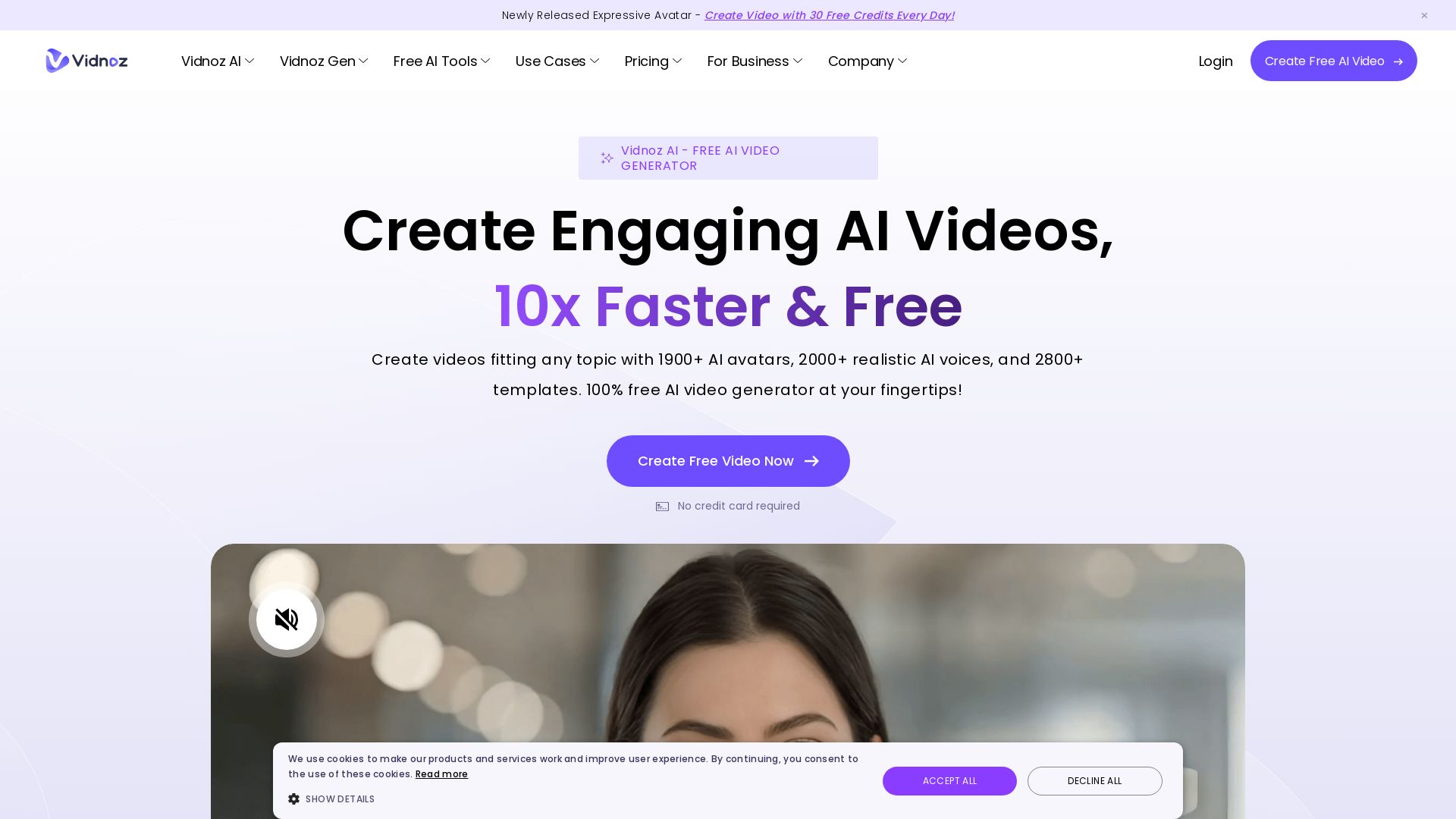
Vidnoz AI
Create free AI videos with Vidnoz AI. 1900+ avatars, 2000+ voices, 2800+ templates. 30 free credits daily. Ideal for marketing, training, and more.


Gen AI Video Generator
Create stunning AI videos and images with 90+ models including Google VEO 3, Sora 2, Seedance 2.0. Text-to-video, image-to-video, photo editing on iOS.

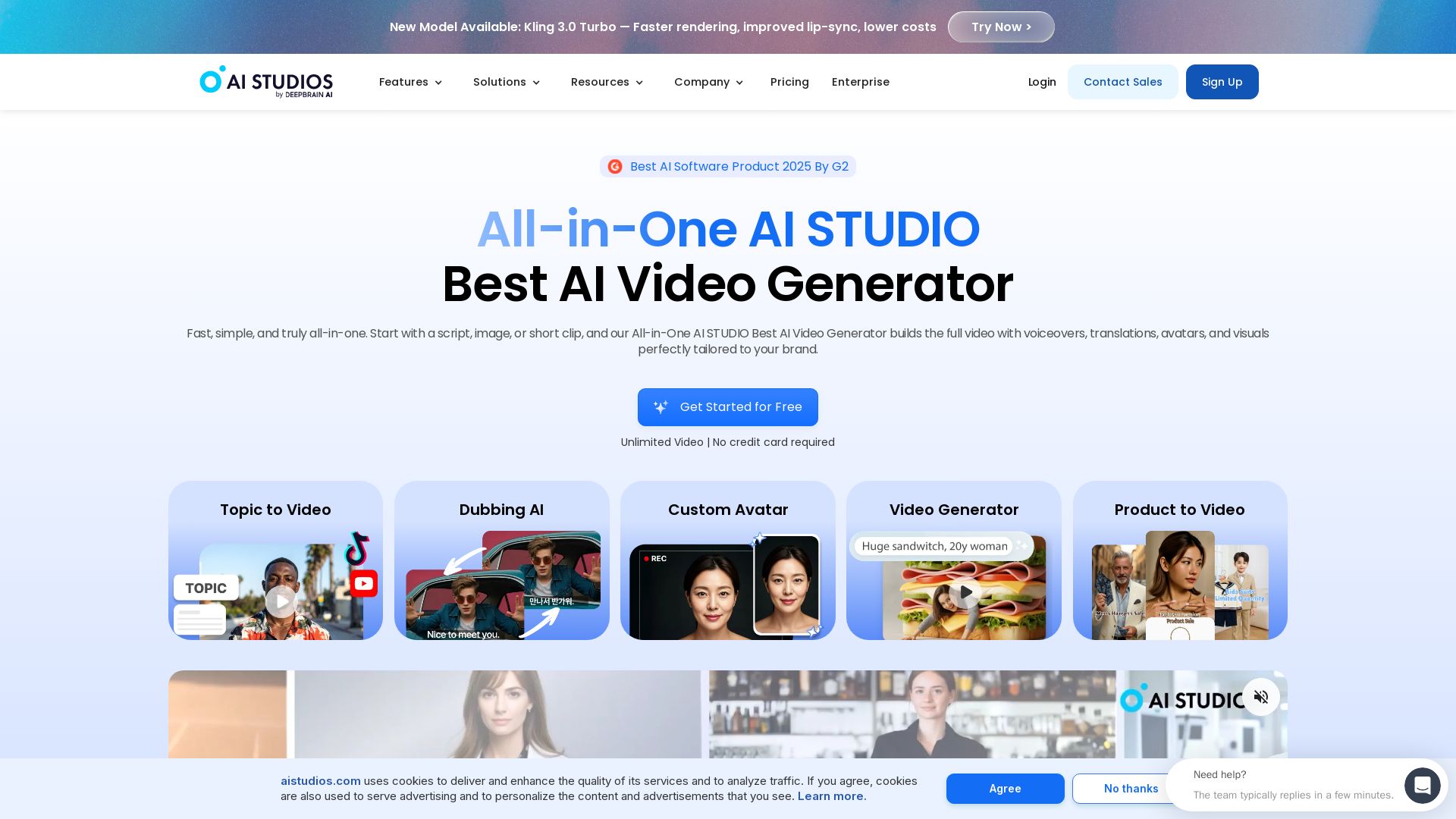
AI STUDIO
Create professional AI videos in minutes with 2000+ avatars, 150+ languages, and lifelike lip-sync. Free plan available. Trusted by 2M+ users.


AI Video - AI Video Generator
Create animated videos from text or images with AI. Drag-and-drop editing, lip-sync, HD export. No skills needed. Download free!

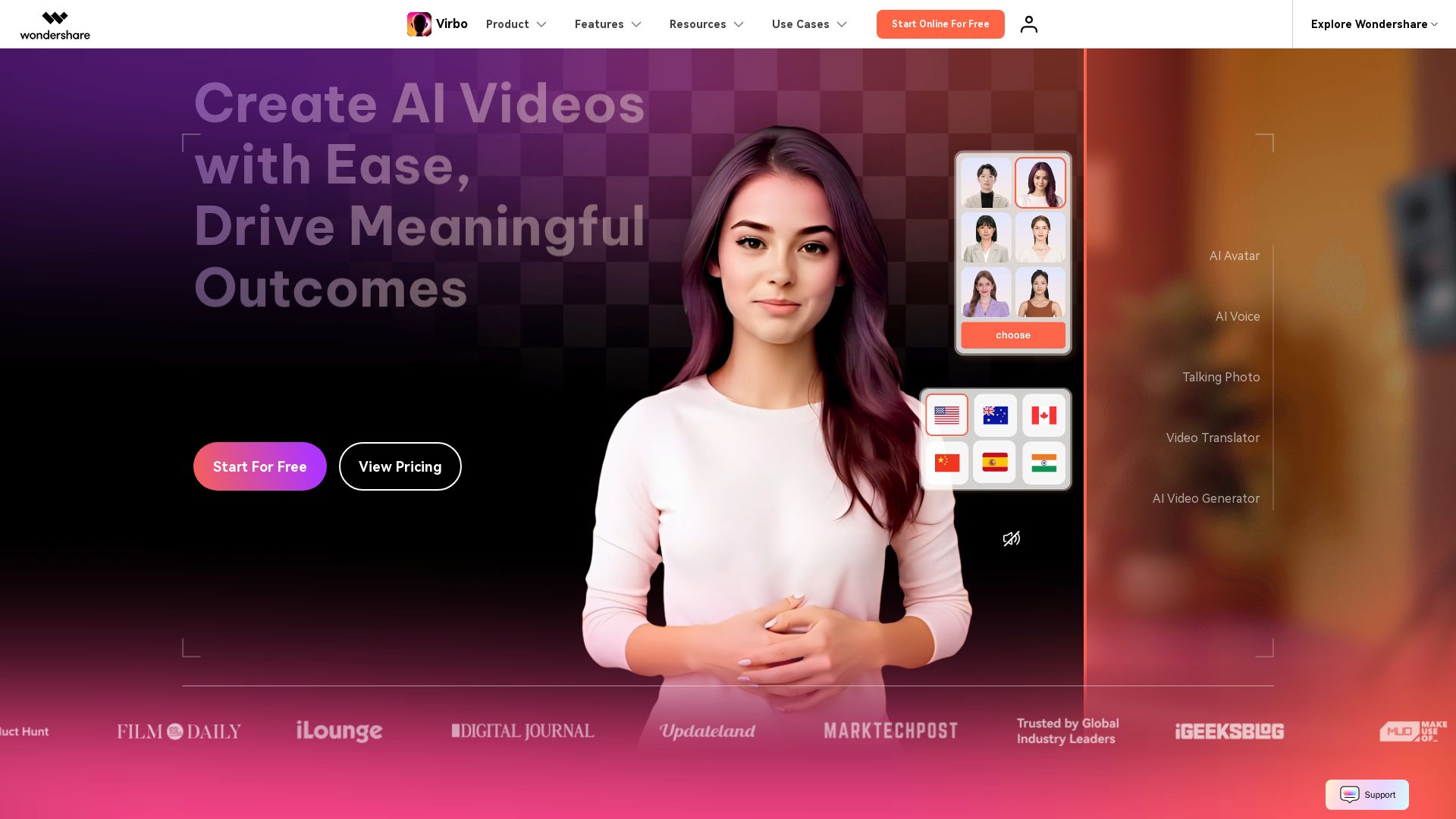
Wondershare Virbo
Create stunning AI videos with 350+ avatars, 400+ voices, and 80+ languages. Effortlessly produce professional content for marketing, education, and more.

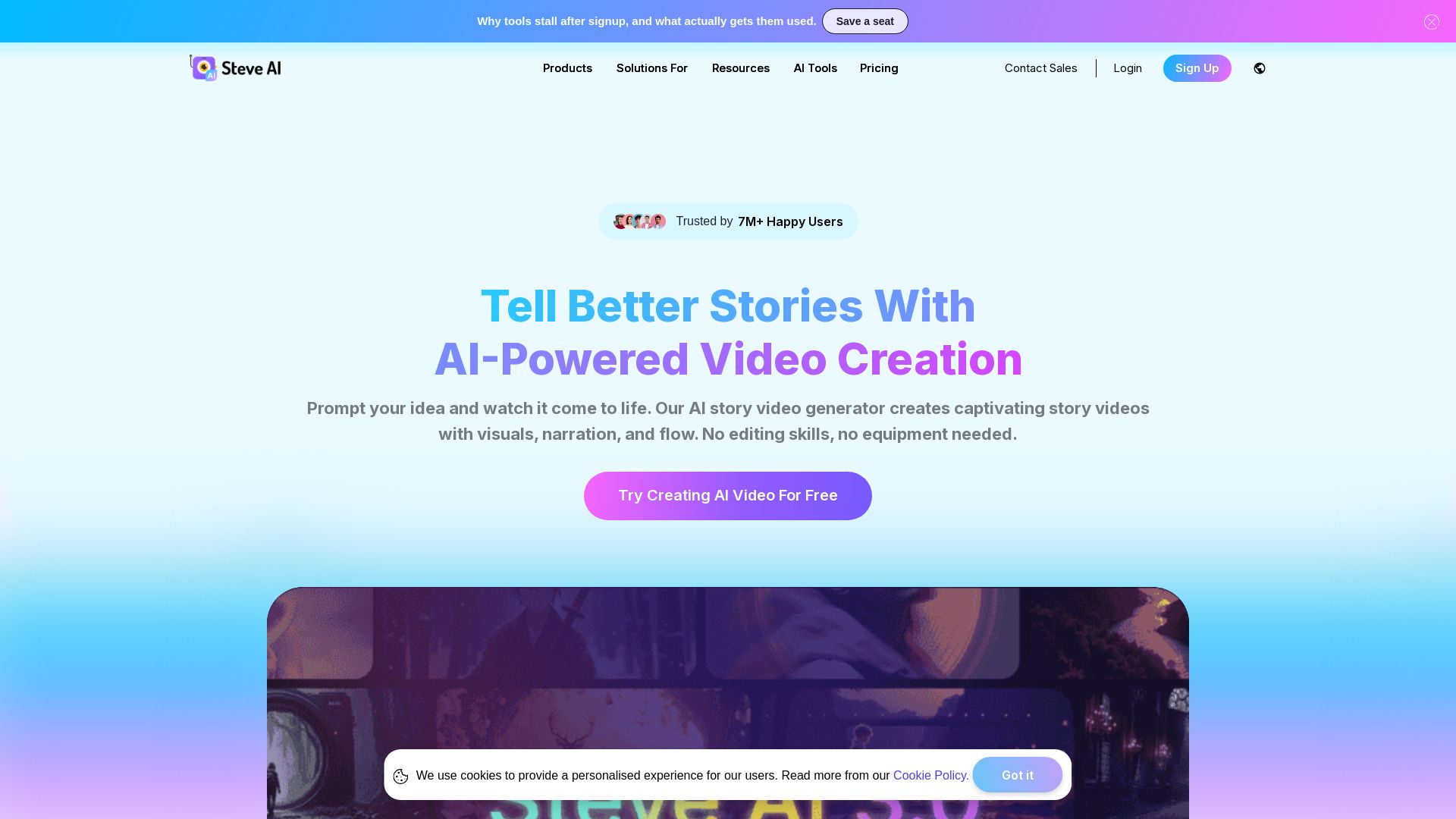
Steve AI
Turn ideas into captivating AI videos. No editing skills needed. Try free AI video maker with text, prompt, and multi-voice support.

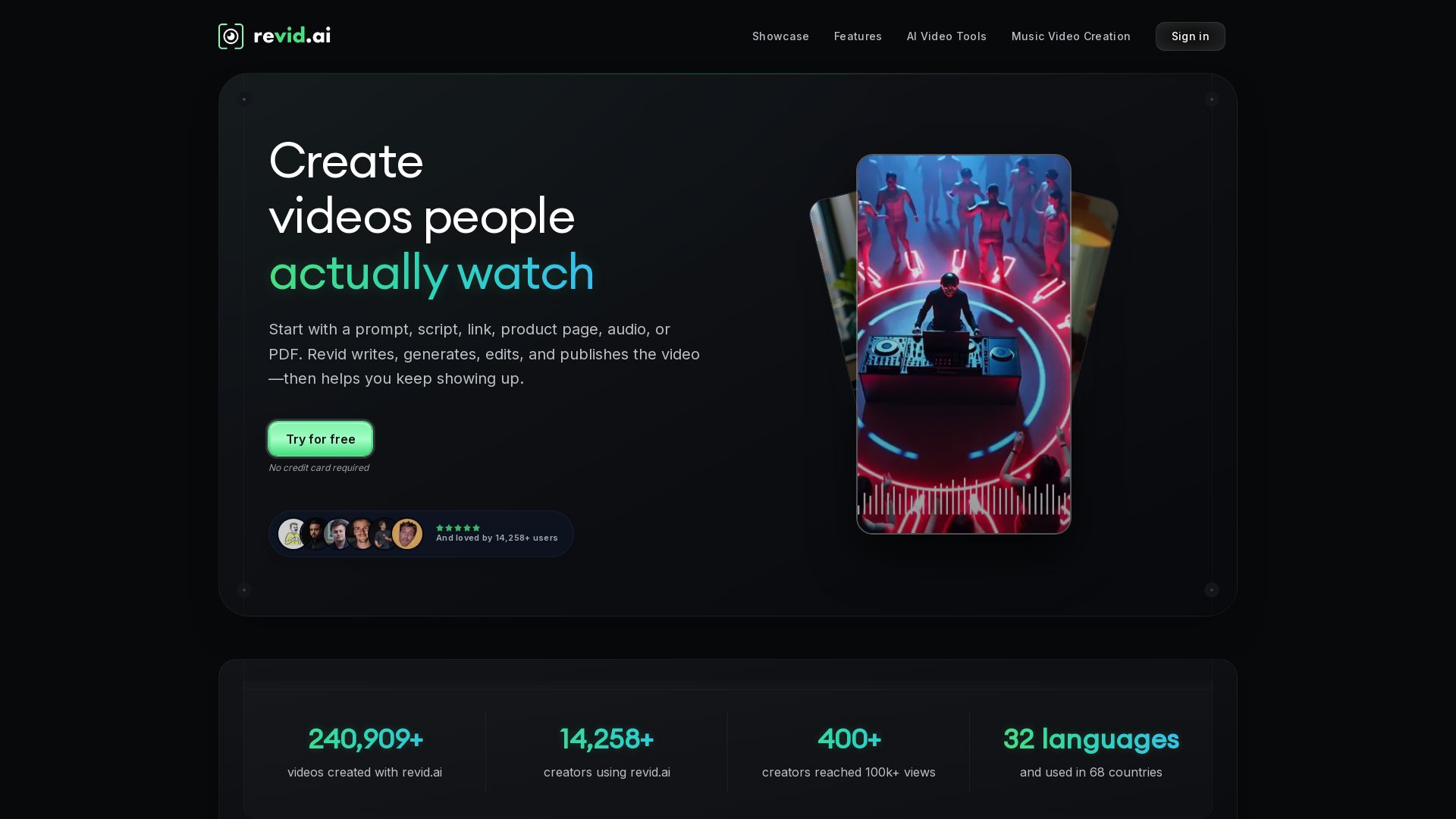
Revid
Create viral short videos with AI. Start with a prompt, script, or link. Revid writes, generates, edits, and publishes. Used by 14,000+ creators in 32 languages.

Digen AI
Create stunning AI videos in seconds. Generate from text, images, lip sync, and more. Explore tools like video upscaler, watermark remover, and FPS booster.

ℹ️ Curation Disclosure: The overview and features of Vmaker AI were synthesized using AI and fact-checked by our curation team to ensure accuracy.