
Excel For Freelancers
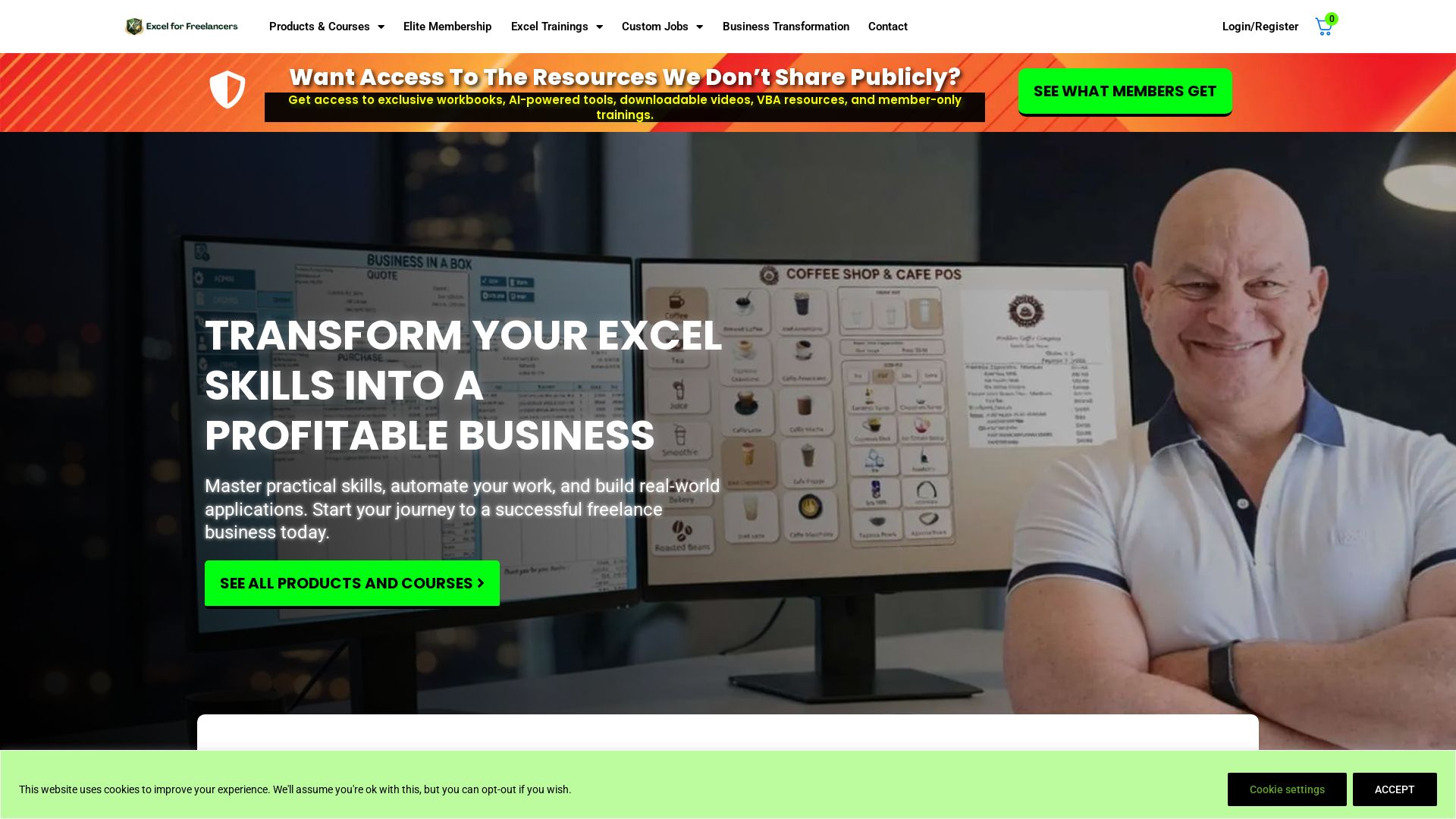
Master Excel with expert Randy Austin. Get free training, templates, and courses to automate work, build apps, and grow your freelance business. Start today!


Editor's Verdict
Key Takeaways
- Practical Skills Training
- Ready-To-Use Templates
- Smarter Workflows
- Mentorship Program
In-Depth Review: What is Excel For Freelancers?
Excel for Freelancers, founded by 7-time Microsoft MVP Randy Austin, is the ultimate resource for transforming your Excel skills into a profitable freelance business. The website offers free trainings, ready-to-use templates, and comprehensive courses like the Mentorship Program and Advanced Dashboard Masterclass. With a focus on practical, real-world applications, users learn to automate workflows, build powerful Excel applications, and generate income. Join the community and access exclusive resources to accelerate your success.
Core Features
Practical Skills Training
Master practical, real-world Excel skills to automate work and build real-world applications.
Ready-To-Use Templates
Get ready-to-use templates built for productivity, saving time and effort.
Smarter Workflows
Automate workflows with confidence, reducing manual tasks and errors.
Mentorship Program
Unlock the potential to create and sell Excel-based applications with structured guidance from concept to launch.
Advanced Dashboard Masterclass
Master dynamic, single-click dashboards with 15+ hours of training, VBA code, and custom report features.
Freelancer's Academy
Comprehensive course with 100+ lessons and 30 exercises to elevate your freelance career and land high-paying clients.
Free Resources
Get exclusive workbooks, AI-powered tools, downloadable videos, VBA resources, and member-only trainings delivered twice a week.
Pricing
Free Resources
- Access to workbooks, AI tools, downloadable videos, VBA resources, member-only trainings (twice a week)
Elite Membership
- Exclusive workbooks
- AI-powered tools
- Downloadable videos
- VBA resources
- Member-only trainings
Mentorship Program
- Lifetime access to lessons
- Extensive Excel Accounting Application
- Structured phases in development, marketing, and licensing
- License & Version Control Manager
Advanced Dashboard & Reports Masterclass
- 15+ hours of in-depth training
- Full Excel Reports Application
- Comprehensive VBA code with comments
- Powerful custom report features
Freelancer's Academy Masterclass
- 100+ lessons
- 30 hands-on exercises
- Lifetime access
- Strategies for finding niche, managing projects, and converting clients
Pros and Cons
Pros
- Practical, Real-World SkillsFocuses on real-world applications and automation, not just theory.
- Structured MentorshipMentorship program provides step-by-step guidance from concept to product launch.
- Positive User TestimonialsMany users report significant income increase and successful project completions.
- Free Resources AvailableTwice-weekly free resources help beginners get started without upfront cost.
- Expert InstructorRandy Austin is a 7-time Microsoft MVP with over 30 years of experience.
Cons
- No Detailed Pricing InformationPrices for paid plans are not disclosed on the homepage, requiring contact for details.
- May Require Basic Excel KnowledgeAdvanced courses may assume foundational Excel skills, not suitable for absolute beginners.
- Limited Free ContentFree resources are limited to twice-weekly emails; full access requires membership.
Use Cases & Recommended Professions
Freelancer→ View Toolkit
Freelancers can turn Excel skills into profitable services and automate client work.
Data Analyst→ View Toolkit
Data analysts can build advanced dashboards and reports to impress clients and streamline workflows.
Small Business Owner→ View Toolkit
Business owners can automate tasks, manage finances, and create applications to grow their business.
Consultant→ View Toolkit
Consultants can develop Excel-based solutions for clients and generate recurring revenue.
Entrepreneur→ View Toolkit
Entrepreneurs can create and sell Excel applications, building a passive income stream.
Excel Trainer→ View Toolkit
Excel trainers can enhance their curriculum with real-world templates and advanced techniques.
Frequently Asked Questions
Alternative AI Tools
View Detailed Comparison →
Agentic Workers
Automate tasks with 100+ pre-built AI workflows. Connect 800+ tools, save 10+ hours/week. No coding needed. Join 13,000+ professionals.


PrometAI
Generate investor-ready business plans in minutes with PrometAI's AI. Trusted by 100,000+ founders. Start for free, no guesswork.

n8n
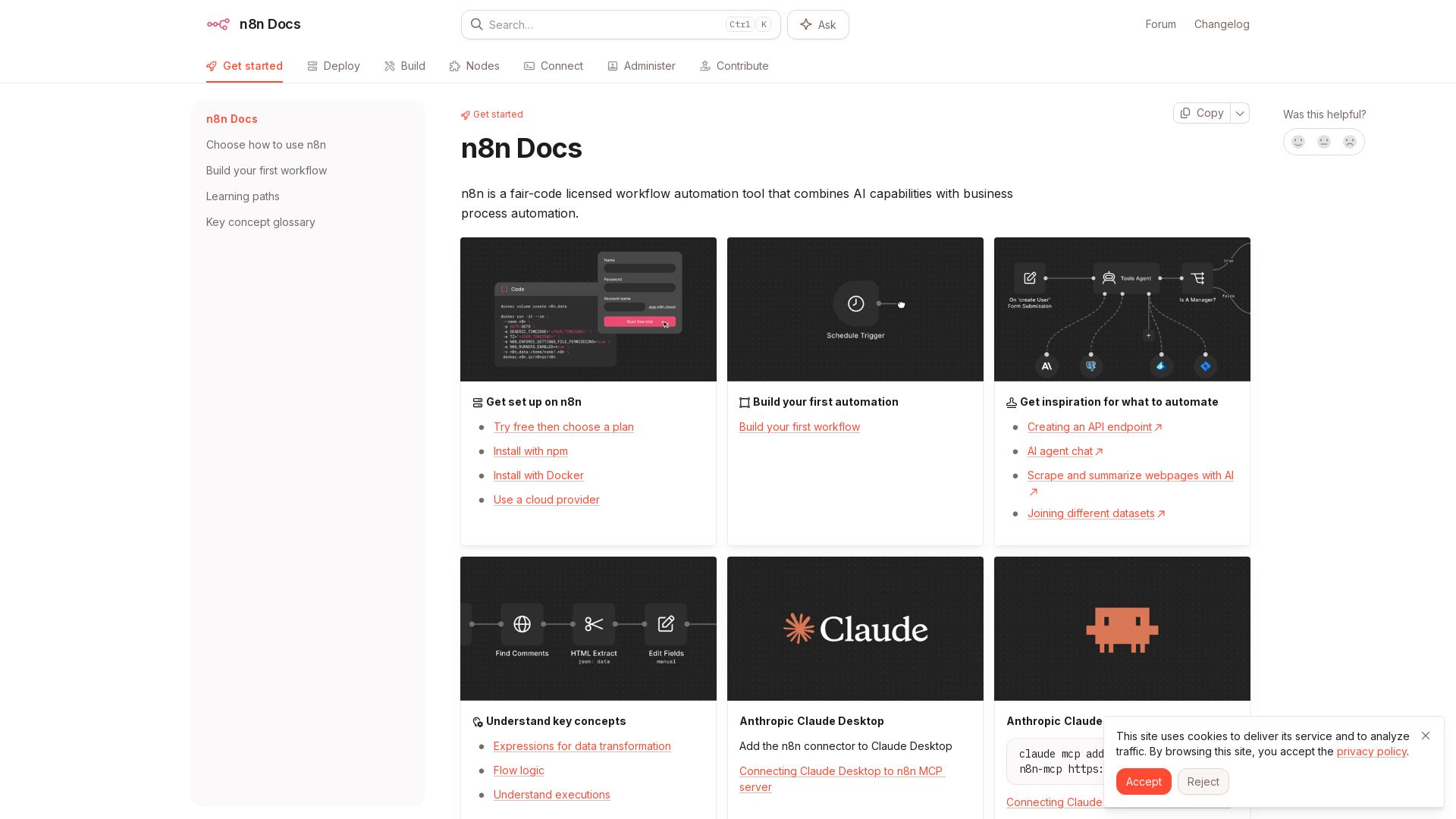
n8n is a fair-code licensed workflow automation tool that combines AI capabilities with business process automation. Get started with npm, Docker, or cloud.

Automation Anywhere
Automate mission-critical processes with agentic AI. Trusted by global leaders. Boost efficiency, ensure compliance. Request a demo.

AY Automate
AI automation agency embedding engineers to build custom AI agents. Automate workflows with n8n, Claude Code. Month one refundable. Free strategy call.

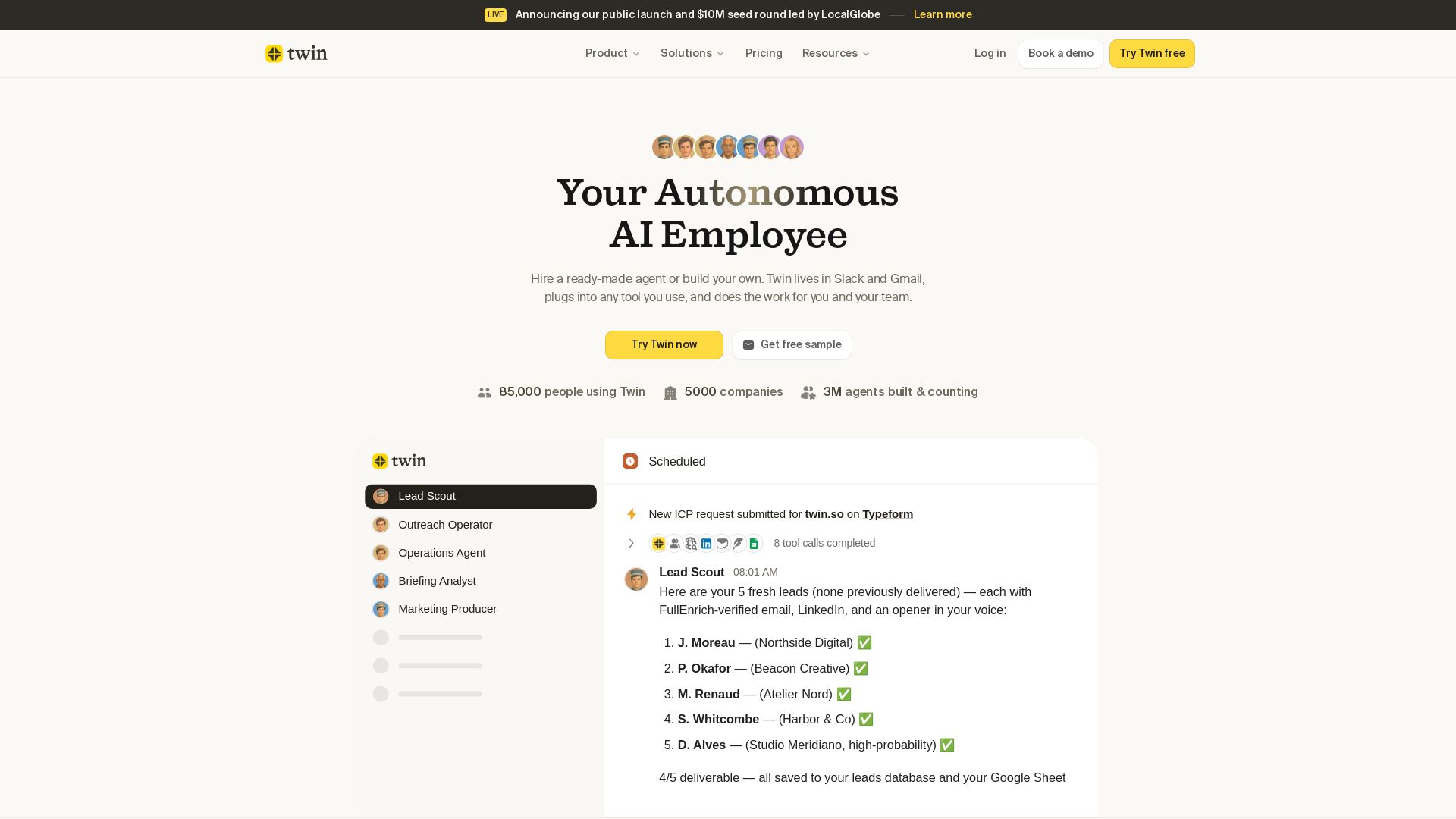
Twin
Twin: ready-made AI agents that work in Slack & Gmail. Automate prospecting, outreach, and more. Trusted by 85,000 users. Start free.

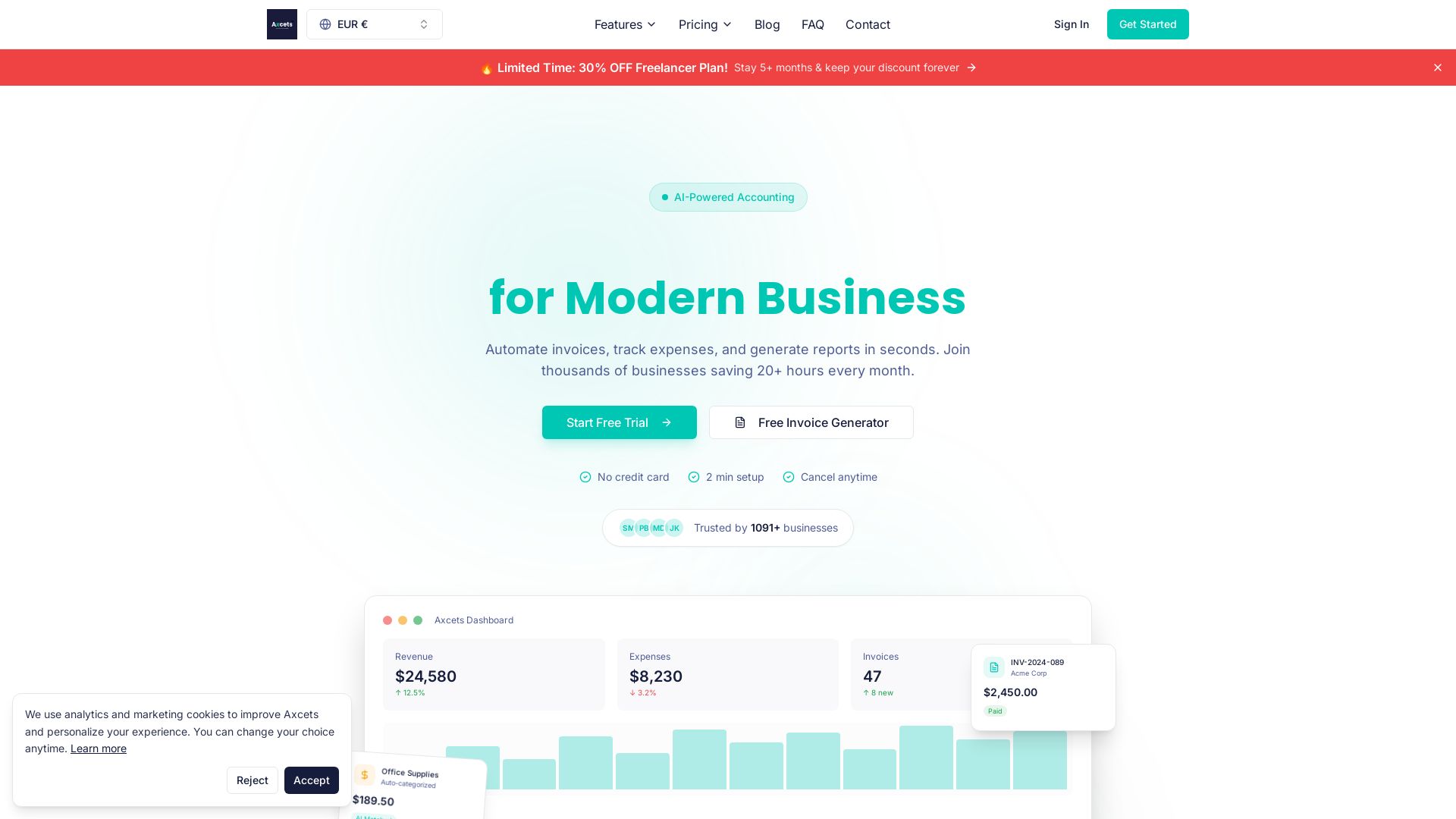
Axcets
Axcets automates invoicing, expense tracking, and financial reports with AI. Trusted by 960+ businesses. Try free — no credit card needed.

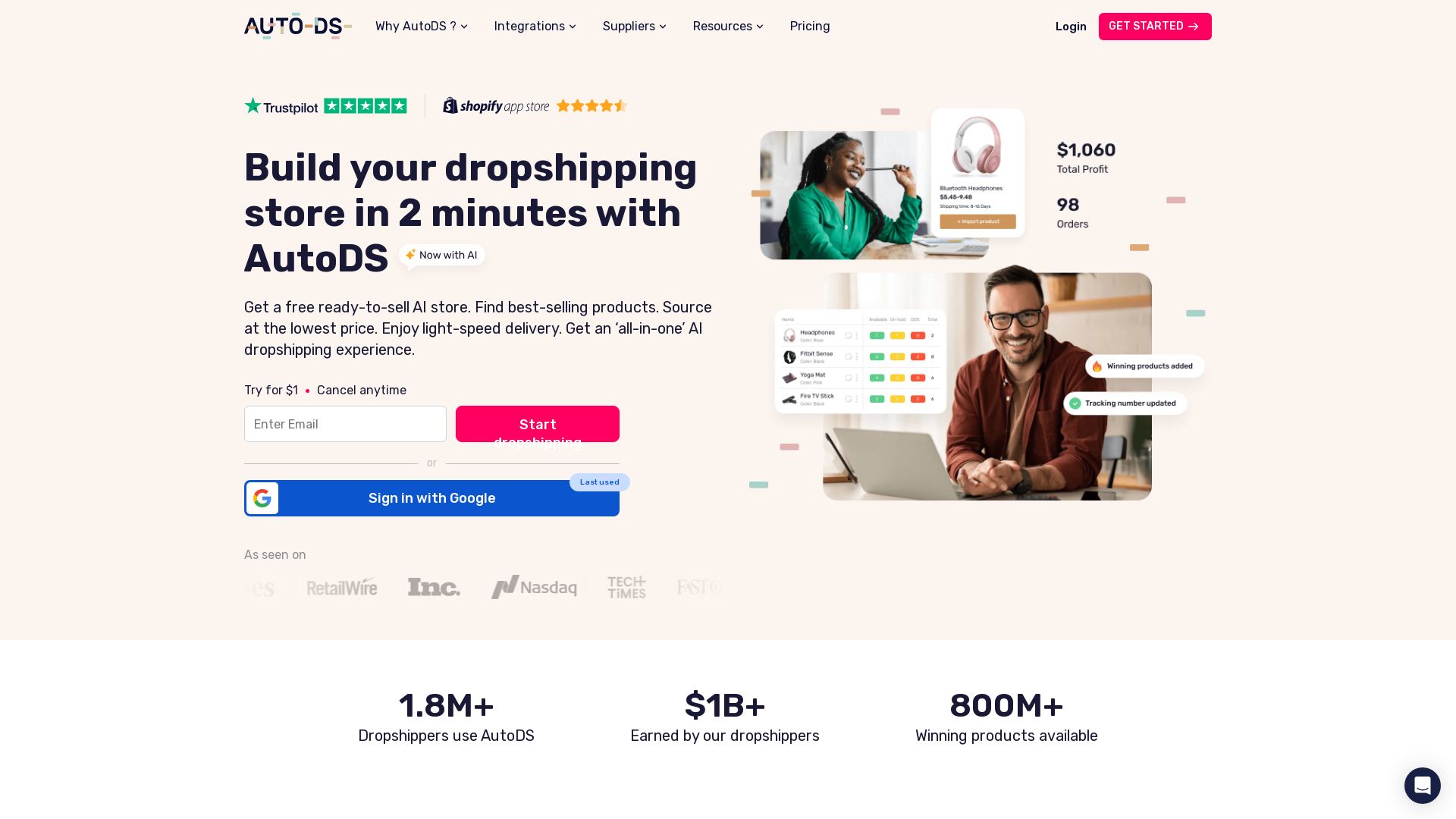
AutoDS
Build your dropshipping store in minutes. Access 800M+ products, automate fulfillment, and scale with AI. Start your trial for $1.


Zapier
Connect AI to 9,000+ apps. Build AI agents, chatbots, and workflows without code. Trusted by Fortune 500. Start free.


AIGenerator
Plan, launch, and grow your business with AI. Generate business plans, ads, and content in minutes. Free to start.

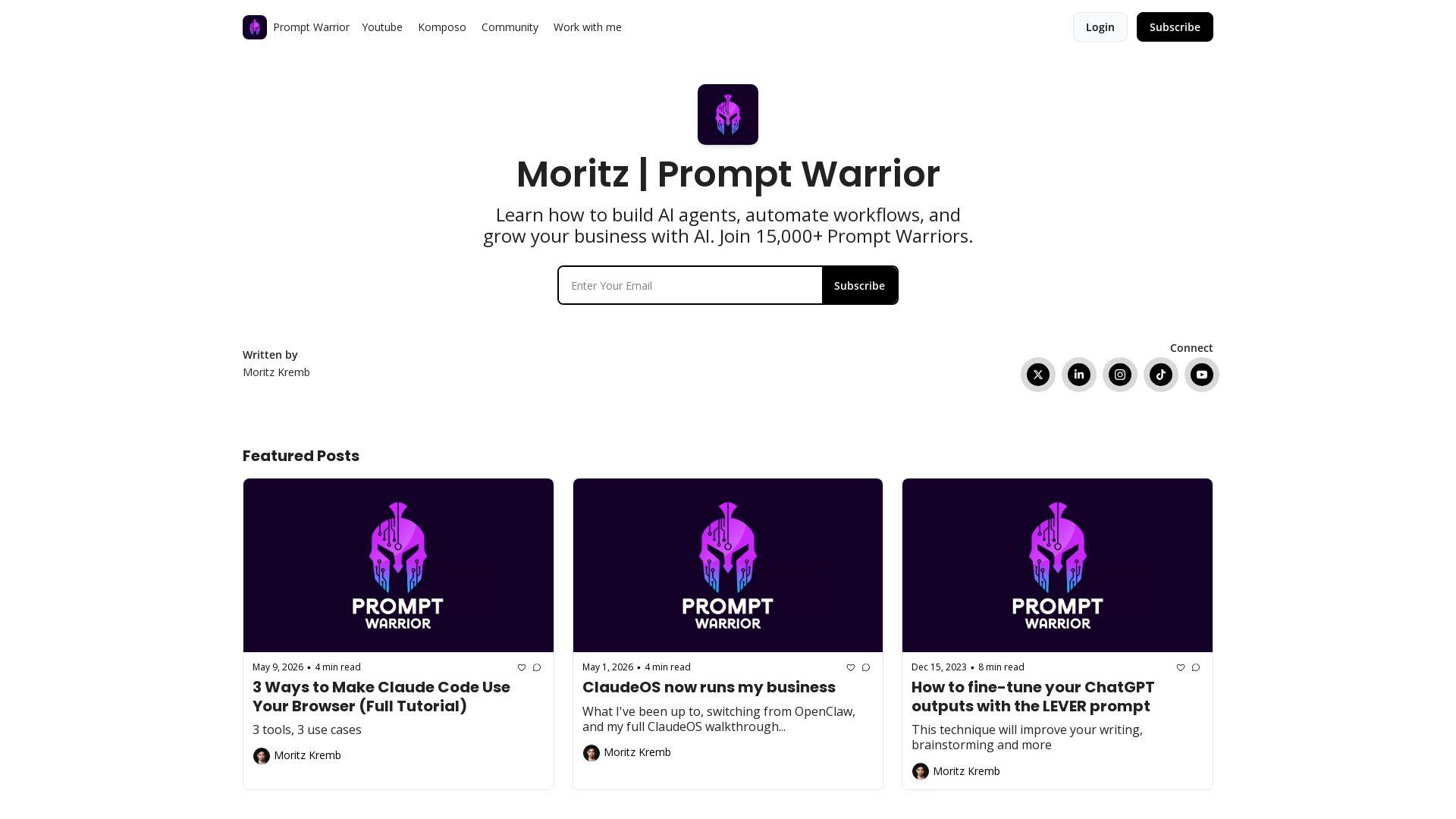
Prompt Warrior
Learn to build AI agents, automate workflows, and grow your business with AI. Join 20,000+ Prompt Warriors for tutorials on Claude Code, content agents, and more.


ℹ️ Curation Disclosure: The overview and features of Excel For Freelancers were synthesized using AI and fact-checked by our curation team to ensure accuracy.
