
reap
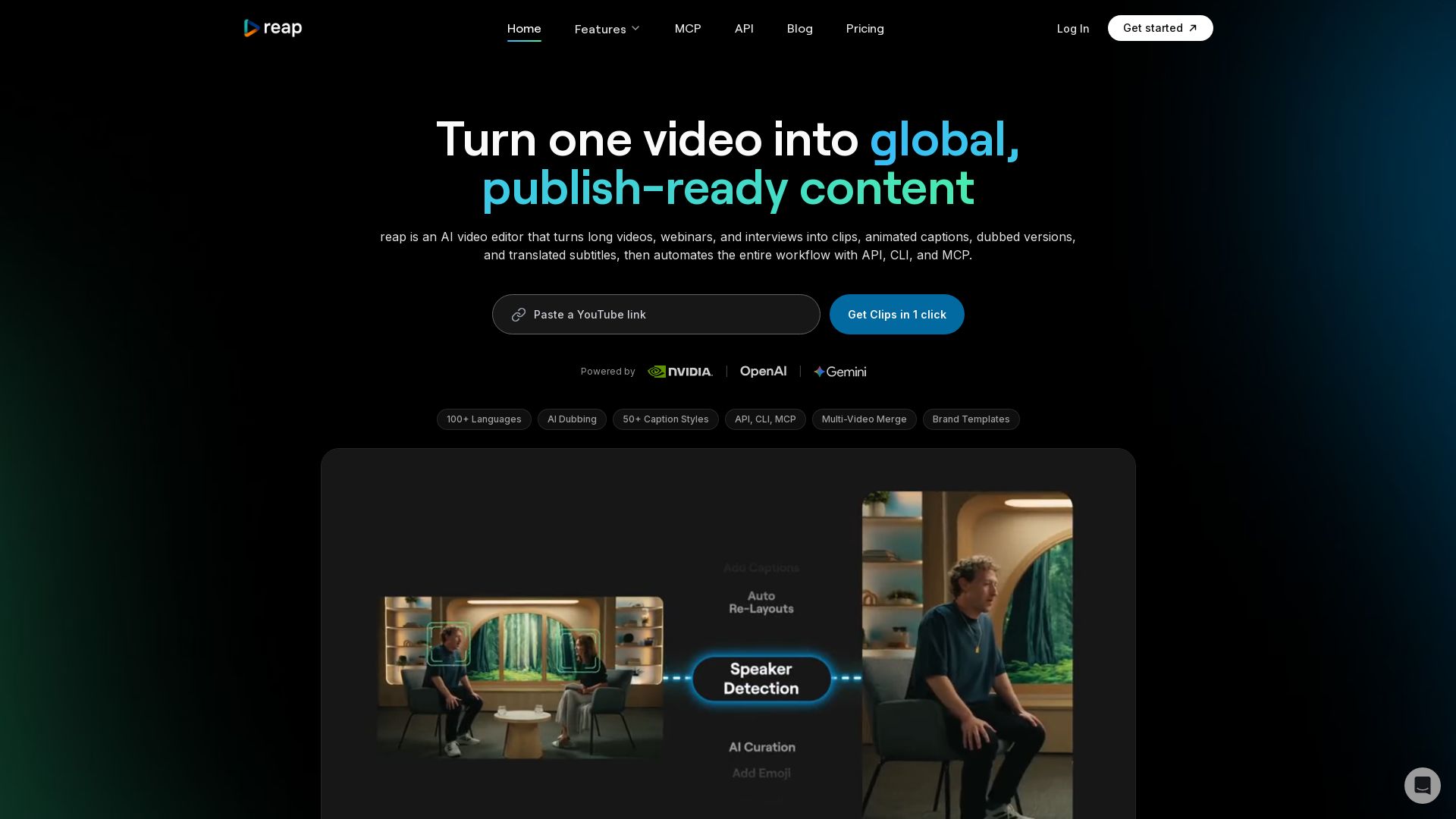
Turn long videos into clips, captions, and dubbed versions in 100+ languages. Automate with API, CLI, MCP. Start free.


Editor's Verdict
Key Takeaways
- Prompt-First Clipping
- 50+ Animated Caption Presets
- Speaker Detection & Auto Reframing
- Multi-Video Merge
In-Depth Review: What is reap?
reap is an AI-powered video editor that simplifies content repurposing and localization. It transforms long-form videos, webinars, and interviews into viral-ready clips with animated captions, AI dubbing in 80+ languages, and subtitle translation in 100+ languages, including romanized scripts like Hinglish. Its multi-signal AI analyzes faces, tone, and pacing to extract the best moments. With prompt-first clipping, brand templates, and multi-video merging, you can create polished assets from multiple sources. reap also offers full automation via REST API, CLI, and MCP, integrating with n8n, ChatGPT, and Zapier. Trusted by creators in 50+ countries, it supports one-click publishing to TikTok, YouTube, LinkedIn, and more. Plans start at $9.99/month with API access included.
Core Features
Prompt-First Clipping
Tell the AI what you want: extract clips by intent, topic, hook, or audience angle, not random highlights.
50+ Animated Caption Presets
Scroll-stopping caption styles with one-click apply, fully customizable, accurate in 100+ languages including Hinglish and Romanized Urdu.
Speaker Detection & Auto Reframing
AI tracks every speaker in real-time and keeps them centered in vertical format for multi-speaker content.
Multi-Video Merge
Combine clips from different sources into a single finished video, stitching interviews, highlights, and B-roll.
AI Dubbing in 80+ Languages
Clone your voice with natural intonation and pacing in 80+ languages without re-recording.
Subtitles in 100+ Languages
Auto-translate captions into any language including Thai, Swahili, Mongolian, and every major world language.
Romanized Script Support
Supports Hinglish, Romanized Urdu, Arabizi, Tagalog-English, and more, the way billions of people actually type.
API, CLI & MCP Access
Programmatic access to all features for automation; works with n8n, Claude, ChatGPT, Zapier, and Make.
One-Click Publishing
Post clips to TikTok, Instagram Reels, YouTube Shorts, LinkedIn, etc., with automatic aspect ratio and caption formatting.
Edit by Text
Transcribe video and edit by deleting or rearranging text; the video cuts follow.
AI B-Roll
AI finds and inserts contextually relevant footage to enhance talking-head videos.
Brand Templates
Lock in fonts, colors, intros, outros, and caption styles into reusable templates for consistent branding.
Team Studio Workspace
Invite team members, assign roles, collaborate on projects with shared brand templates and publishing queues.
Pricing
Free
- AI Clipping: Up to 1 hour/month (watermarked)
- AI Captions: Up to 1 hour/month (watermarked)
- Exports in 720p (watermarked)
- Basic Subtitle Styles
- AI Emoji & Keyword Highlighter
- Projects Expire in: 7 days
Creator
- AI Clipping: Up to 10 hours/month
- AI Captions: Up to 10 hours/month
- Exports in 1080p (watermark-free)
- Up to 2 hours/month of dubbing and translation
- Premium subtitle styles + Auto-Reframed clipping
- Social Media Schedule and Publisher
- Custom Brand Templates (3)
- 100+ languages
- API Access and integrations
- Access to unlimited stock media library
Studio
- AI Clipping: Up to 20 hours/month
- AI Captions: Up to 20 hours/month
- Exports in 4K (watermark-free)
- Up to 5 hours/month of dubbing and translation
- Team collaboration features (up to 3 users)
- Advanced AI tools
- 100+ languages
- API Access and integrations
- Priority support and faster processing times
Enterprise
- Unlimited team members
- Custom clipping & captioning hours
- Dedicated account manager & priority support
- Export in 4K (watermark-free)
- Custom dubbing & translation volumes
- SSO, API access & custom integrations
Pros and Cons
Pros
- Comprehensive Language SupportSupports 100+ languages for captions and 80+ for dubbing, including romanized scripts like Hinglish, which few competitors offer.
- API Access at Low CostAPI, CLI, and MCP access included from $9.99/month, unlike many tools that gate automation features for enterprise plans.
- AI-Powered RepurposingMulti-signal AI finds viral moments, auto-clips, adds captions, reframes, and prepares content for multiple platforms automatically.
- Fast ProcessingA 40-minute video can be processed into clips within 10 minutes, saving hours compared to manual editing.
- Brand Consistency ToolsBrand templates, custom fonts, intros/outros, and logo overlays ensure all output stays on-brand across manual and automated workflows.
Cons
- Free Plan LimitationsFree plan has only 1 hour of clipping/captioning per month, watermarked exports, and 720p resolution, limiting professional use.
- No Mobile App YetCurrently optimized only for desktop web browsers; a mobile version is not yet available.
- Hourly Caps on Paid PlansCreator (10hrs) and Studio (20hrs) plans may be insufficient for heavy users, requiring additional purchase or upgrade.
- Processing Time for Long VideosWhile fast, processing a 60-minute video still takes 5-10 minutes, which might be slower for real-time needs.
- Dubbing and Translation LimitedEven on paid plans, dubbing and translation hours are capped (e.g., 2hrs on Creator), and voice cloning is not yet available.
Use Cases & Recommended Professions
Content Creator / YouTuber→ View Toolkit
Turn long-form videos into multiple short clips for TikTok, Reels, Shorts with auto-captions and trending styles.
Social Media Manager→ View Toolkit
Automate repurposing, localization, and scheduling of videos across multiple platforms and languages.
Podcaster / Interviewer→ View Toolkit
Extract highlights from long interviews or podcasts, add animated captions, and publish to social channels.
Marketing Agency→ View Toolkit
Process client videos at scale using API, manage brand templates, and collaborate with team workspace.
Solopreneur / Coach→ View Toolkit
Save time by automatically creating promotional clips from webinars or courses, with multilingual reach.
Developer / Product Builder→ View Toolkit
Integrate video clipping, captioning, and dubbing into their own products using REST API, CLI, or MCP.
Frequently Asked Questions
Alternative AI Tools
View Detailed Comparison →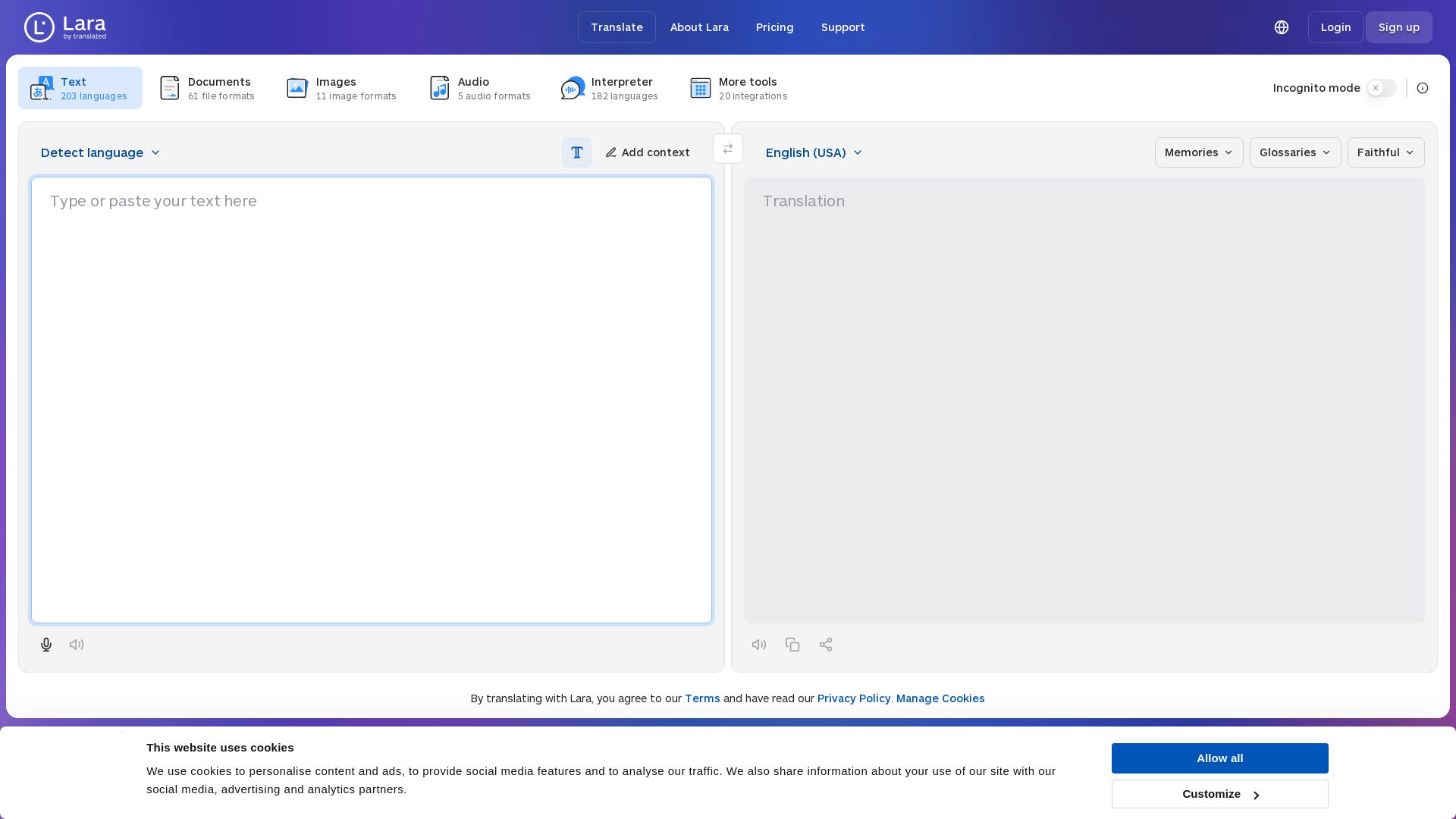
Lara Translate
Translate text, documents, images, and audio instantly in 200+ languages. Trusted by 350,000+ professionals. AI-powered by Translated since 1999.

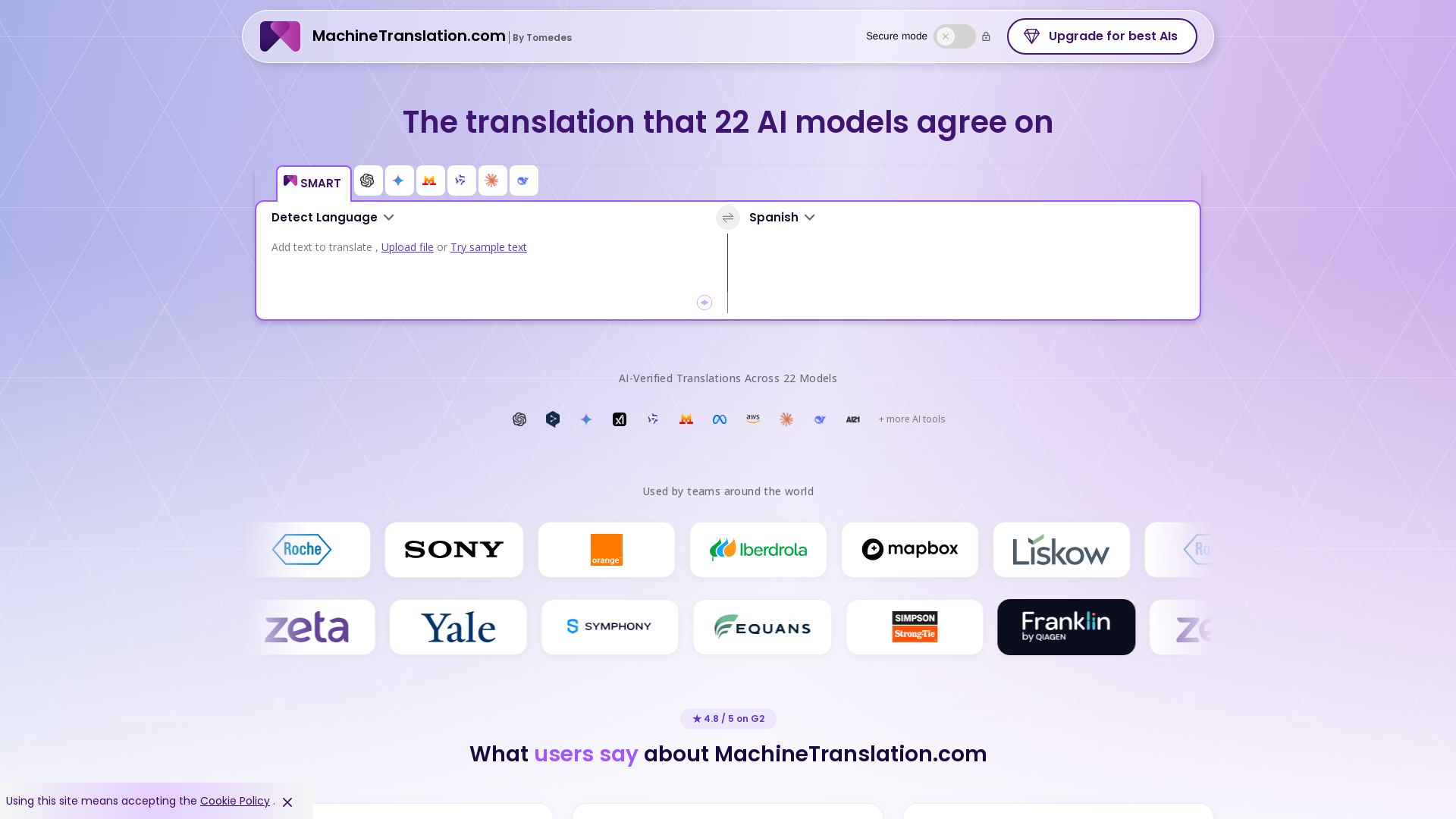
Free AI Translator
Translate with confidence using 22 AI models. SMART picks the most agreed translation, cutting errors by 90%. Human review optional. Secure & affordable.

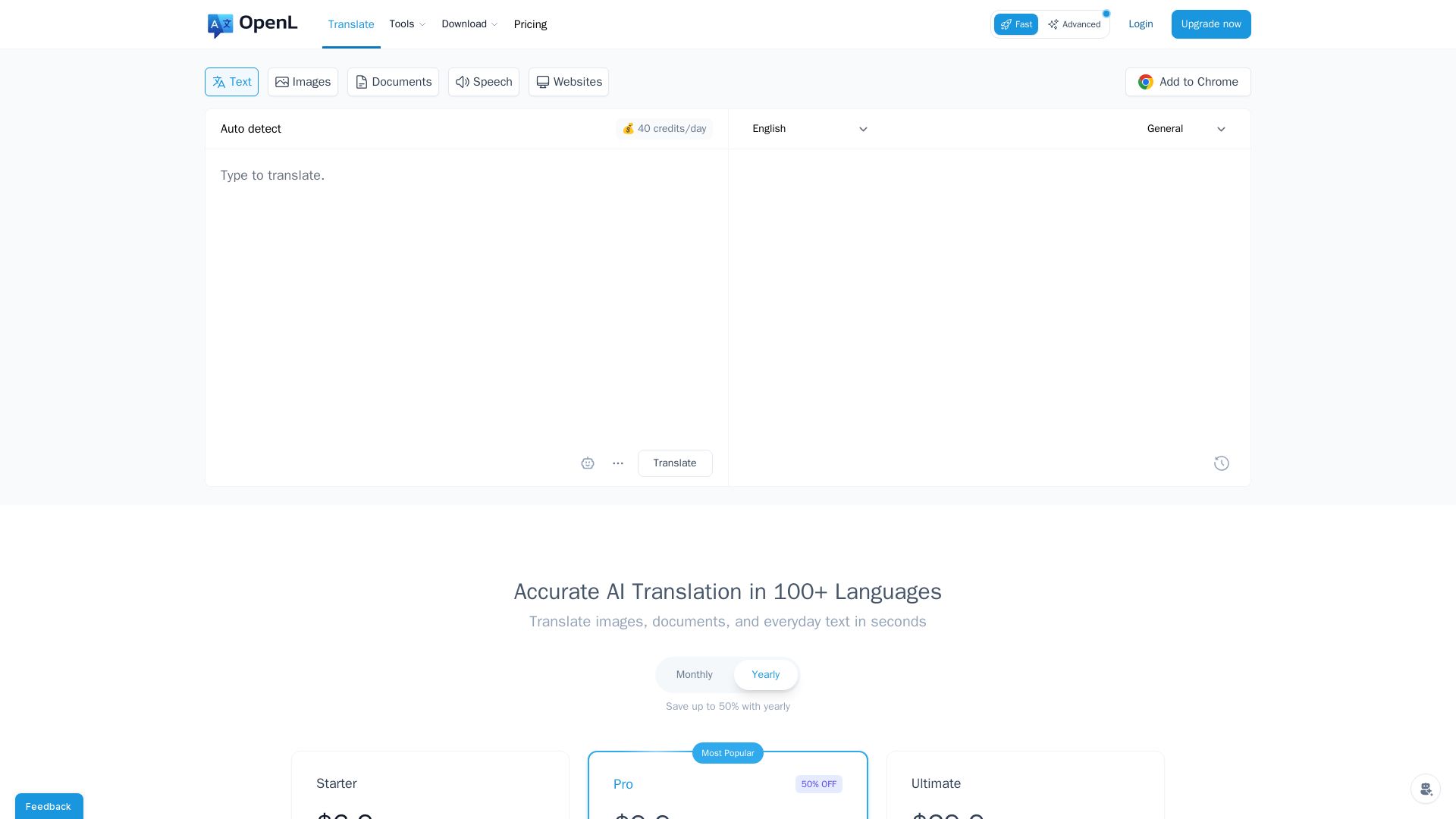
OpenL Translate
Fast, accurate AI translations for text, images, documents, and websites. Supports 100+ languages. Try free!

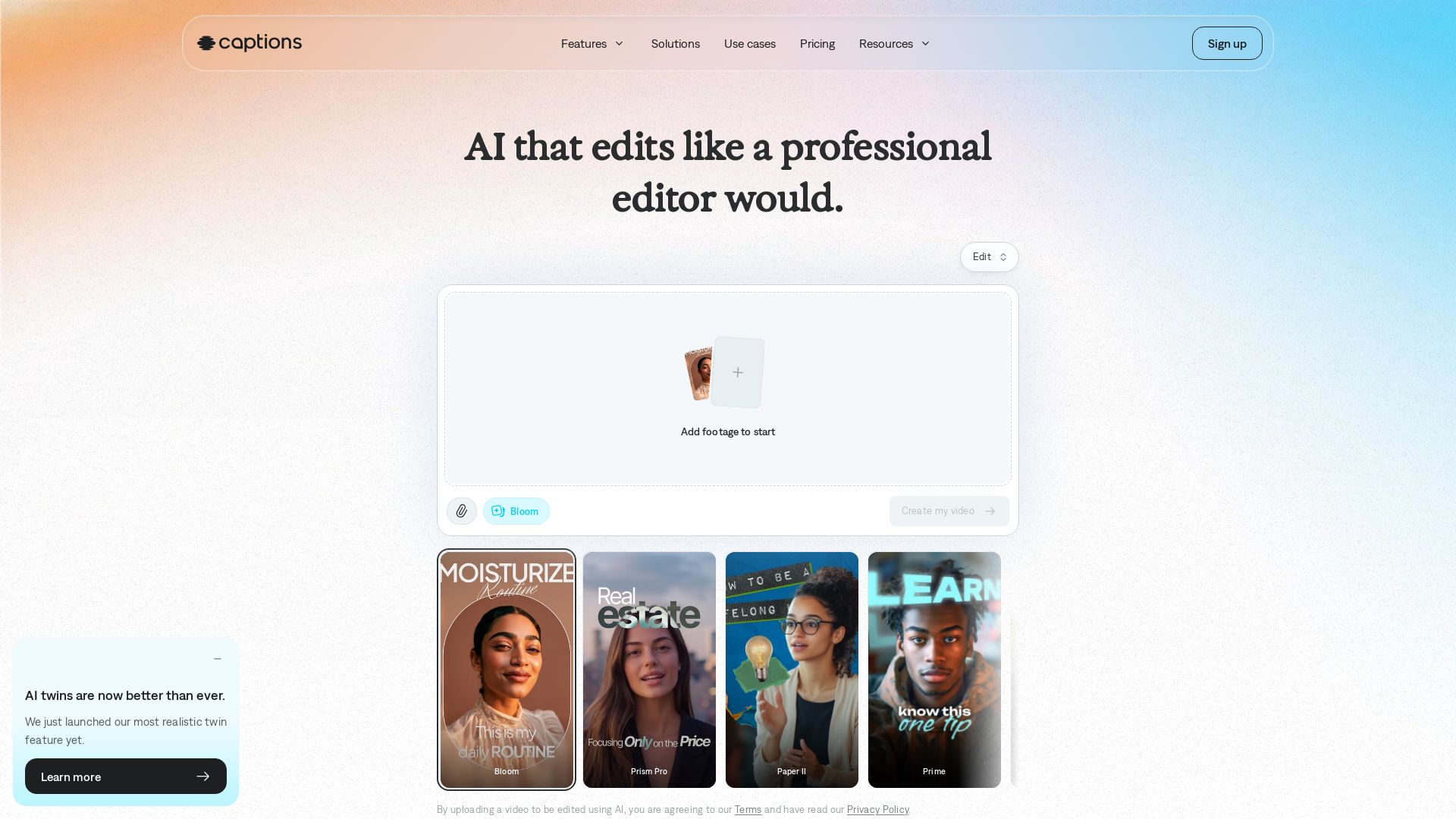
Captions
Transform your footage into polished videos in minutes. AI edits automatically with professional taste. No experience required. Add captions, translate, generate avatars. Try free!

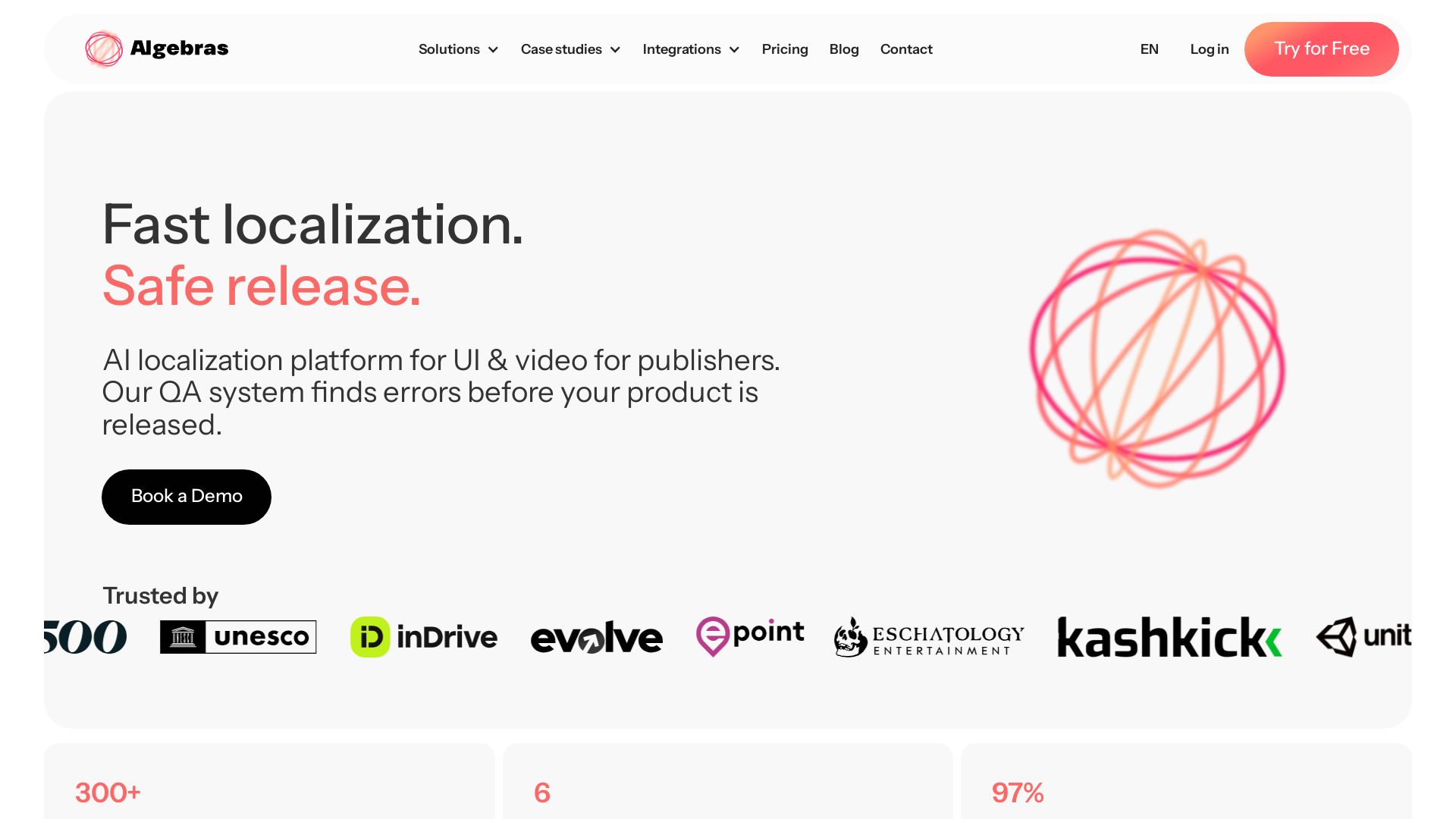
Algebras AI
Translate UI into 300+ languages, video into 100+ with AI. 6x faster, 97% less proofreading, culturally accurate.

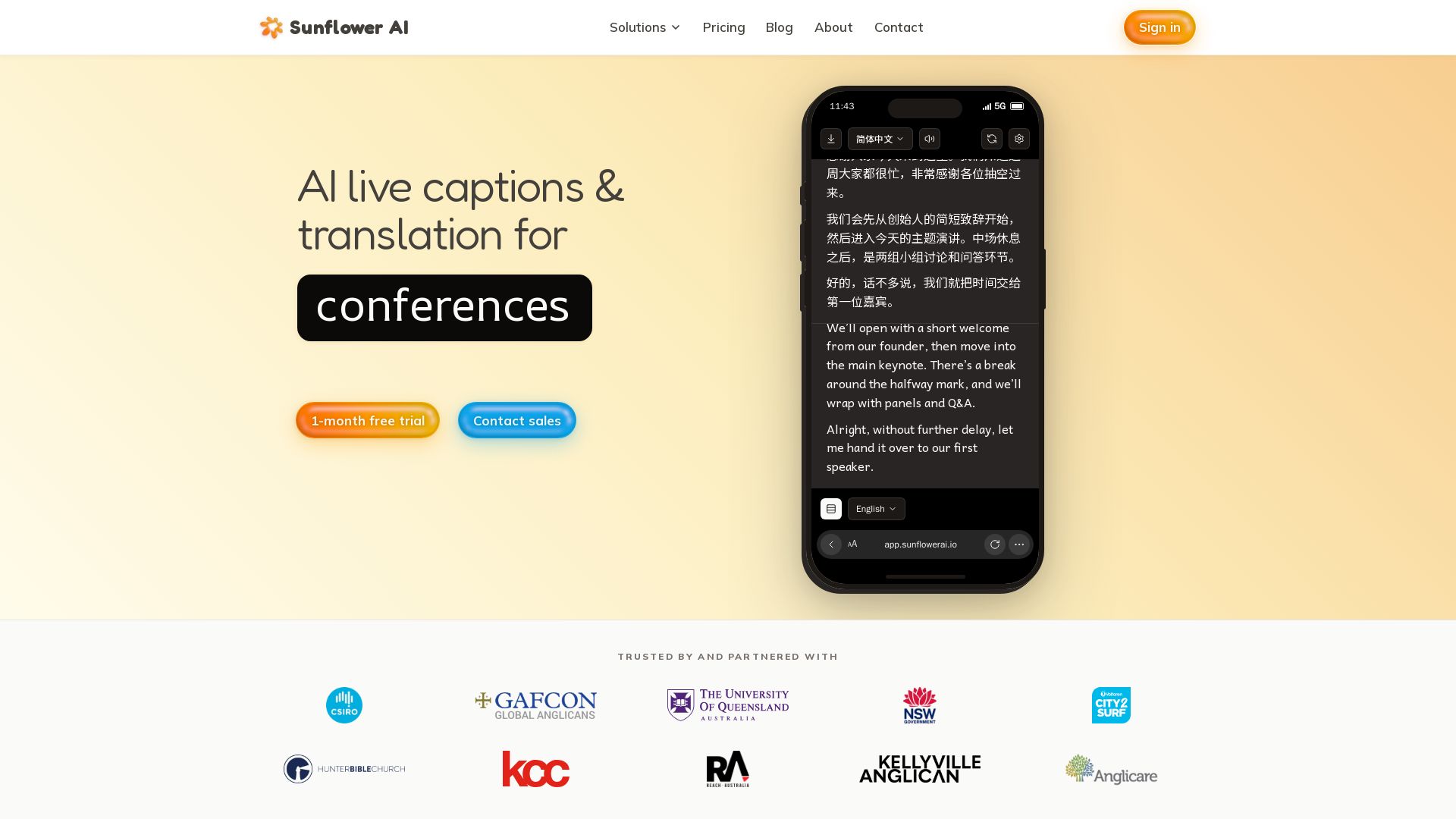
Sunflower AI
AI-powered live captions and real-time translation for multilingual audiences. One QR code, 83 languages. Trusted by churches and events. Start free trial.

Wordly
AI-powered live translation and captions for in-person, virtual, and hybrid events. Trusted by millions, affordable, accurate, and enterprise-ready. Get a demo.

AI-Media
AI-Media offers AI-powered captioning, translation, and accessibility solutions for broadcast, events, education, and more. Trusted by global leaders.

Lokalise
Localize faster with AI. Lokalise connects your content ecosystem, translates in your brand voice, and deploys to all markets continuously. Trusted by 1M+ users.

Maestra
Translate, transcribe, subtitle, and dub audio/video in 125+ languages with AI. Live or on demand. Trusted by 5M+ users.

Fluen AI
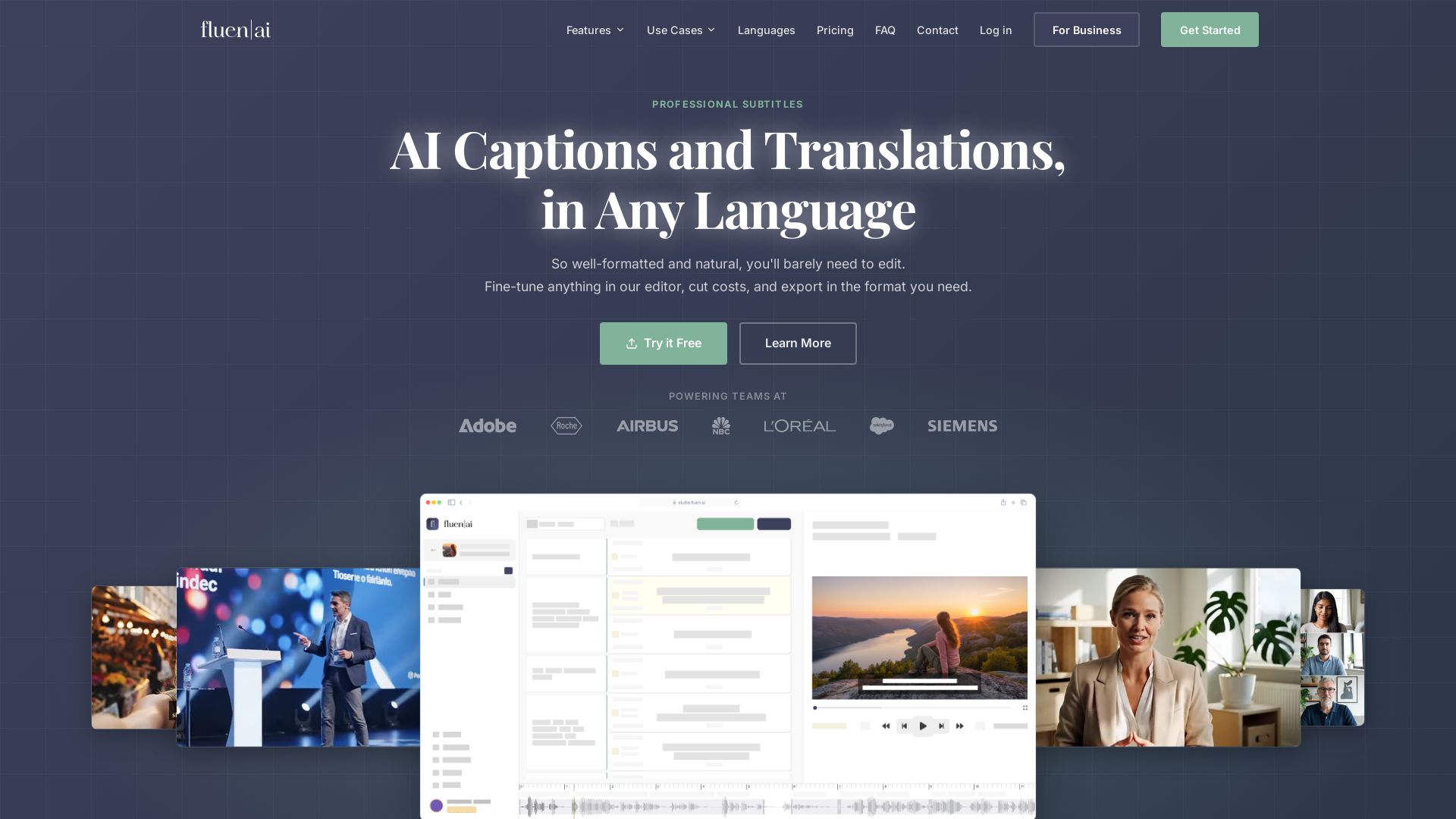
Generate, edit, and export professional subtitles with AI. Supports 50+ languages, 99.2% accuracy. Perfect for e-learning, marketing, film & more.

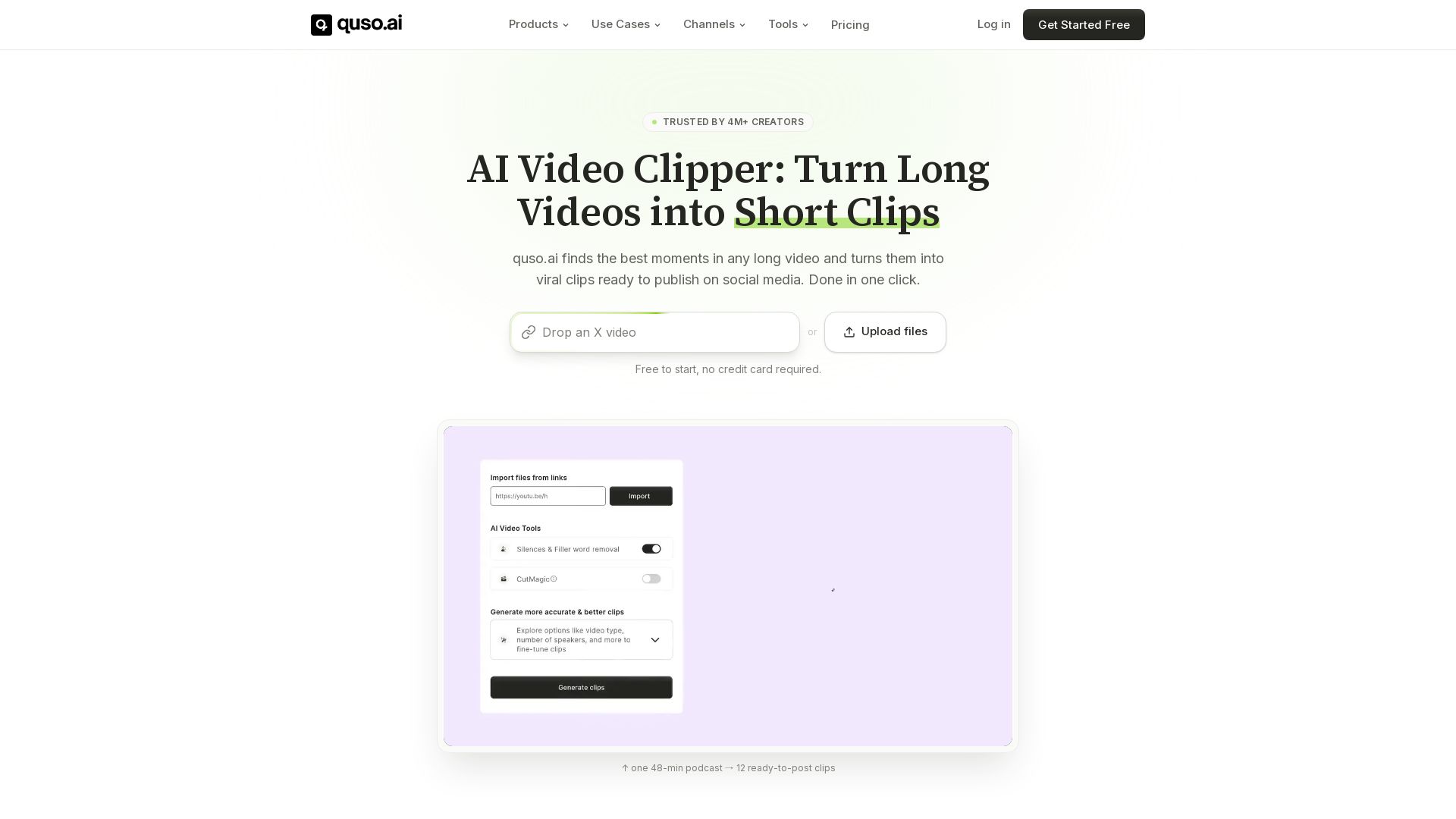
quso
Quso.ai automatically finds viral moments in any video, creates clips with captions, and schedules posts. One click, no editing needed.

ℹ️ Curation Disclosure: The overview and features of reap were synthesized using AI and fact-checked by our curation team to ensure accuracy.
