
Lokalise
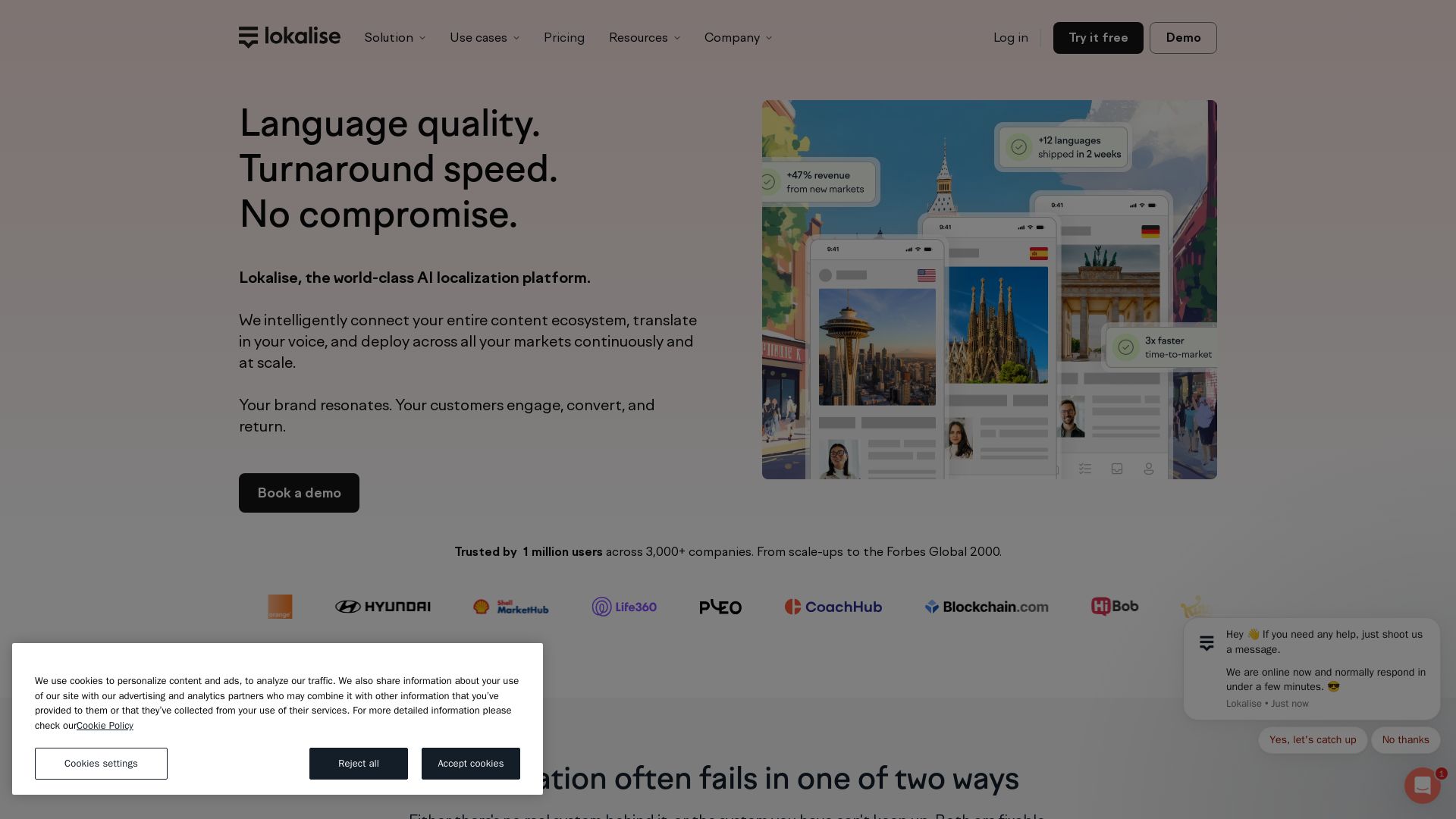
Localize faster with AI. Lokalise connects your content ecosystem, translates in your brand voice, and deploys to all markets continuously. Trusted by 1M+ users.


Editor's Verdict
Key Takeaways
- AI Translation
- Automated Workflows
- Context Management
- Translation QA
In-Depth Review: What is Lokalise?
Lokalise is a world-class AI localization platform that intelligently connects your entire content ecosystem, translates in your voice, and deploys across all markets continuously at scale. It solves the common pitfalls of localization—whether you're using spreadsheets and ad-hoc AI or a platform that can't keep up. Lokalise aligns product and marketing teams so every launch performs across markets, with seamless integrations, automated workflows, and AI-powered translation. Trusted by over 1 million users and 3,000+ companies, from scale-ups to the Forbes Global 2000.
Core Features
AI Translation
Translate content with AI that maintains your brand voice and context.
Automated Workflows
Automate localization processes to reduce manual work and speed up releases.
Context Management
Keep track of translation context to ensure accuracy and consistency.
Translation QA
Built-in quality assurance tools to catch errors before deployment.
Integrations
Seamlessly integrate with tools like GitHub, GitLab, Jira, Figma, and more.
AI Orchestration
Orchestrate multiple AI models for optimal translation quality and cost.
Custom AI Profiles (RAG)
Create AI profiles using your own data to personalize translations.
Reporting & Analytics
Track translation quality, usage, and tasks with detailed dashboards.
Pricing
Explorer
- Hosted words
- Standard AI/MT translated words
- Projects
- Languages
- Standard seats
- Processed words
- Context-aware
- Spelling/Grammar
- Glossary
- Translation memory
- Translation history
- Collaborative web-based editor
- Tasks
- Custom translation statuses
- Workflow triggers
- Permissions management
- 24/7 support
Growth
- Everything in Explorer
- Pro AI translated words
- Advanced seats
- Scoring
- Multi-LLM Smart Routing
- Paged documents (Microsoft, HTML)
- In-context editors (web, mobile)
- Screenshots
- Shared Glossary
- Translation memory management
- Styleguide
- Auto snapshots
- Task locks
- Chained tasks
- Branching
- Workflow templates
- Usage dashboard
- Tasks insights
- Audit logs
- Vendor rate profiles
- User groups
- 2FA
Advanced
- Everything in Growth
- Custom AI profiles (RAG)
- Paged documents (Adobe Formats)
- Versioning of documents
- Custom workflows
- Translation quality dashboard
- Ability to download granular tasks data
- Additional filters by project and contributors
- AI scoring (Coming soon)
- Single Sign-On (SAML)
- Digital success services
- Priority support
- Dedicated CSM manager
- Regular business reviews
- Private communication channel
Enterprise
- Everything in Advanced
- Solutions engineer
- Premium success
- Workflow audits
- Bespoke security and support
Pros and Cons
Pros
- AI-Powered QualityUses advanced AI to maintain brand voice and context, reducing manual review.
- Scalable AutomationAutomates workflows and integrates with CI/CD pipelines for fast releases.
- Comprehensive IntegrationsConnects with popular tools like Figma, GitHub, and Jira for seamless collaboration.
- Real-Time CollaborationEnables teams to work together in a web-based editor with task management.
- Transparent PricingClear plans with no hidden fees, plus a free trial available.
Cons
- Learning CurveNew users may need time to set up workflows and understand all features.
- Cost for Advanced PlansHigher-tier plans can be expensive for small teams or startups.
- Limited Offline CapabilityPrimarily cloud-based, which may be a concern for some organizations.
- Complex ConfigurationCustom AI profiles and orchestration require technical expertise to set up.
- Dependence on AI QualityTranslation quality depends on AI models; human review may still be needed.
Use Cases & Recommended Professions
Product Manager→ View Toolkit
Needs to ship multilingual products fast without manual localization delays.
Localization Manager→ View Toolkit
Requires a centralized system to manage translations, vendors, and quality.
Developer→ View Toolkit
Wants to integrate localization into CI/CD pipelines with minimal overhead.
Designer→ View Toolkit
Needs to ensure design assets are properly localized in tools like Figma.
Marketer→ View Toolkit
Must launch campaigns in multiple languages with consistent brand messaging.
Content Creator→ View Toolkit
Benefits from automated translation and QA to produce localized content efficiently.
Frequently Asked Questions
Alternative AI Tools
View Detailed Comparison →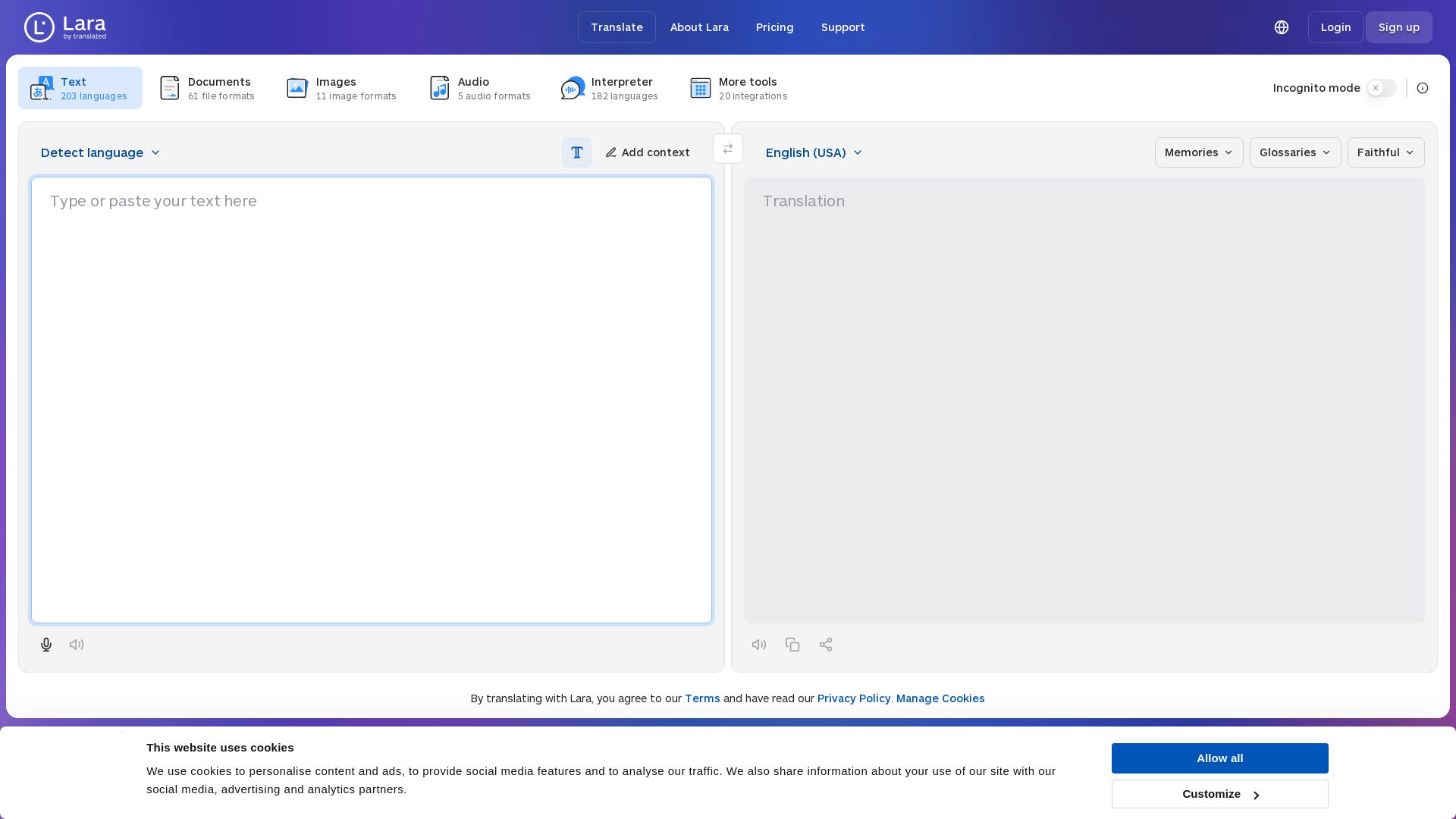
Lara Translate
Translate text, documents, images, and audio instantly in 200+ languages. Trusted by 350,000+ professionals. AI-powered by Translated since 1999.

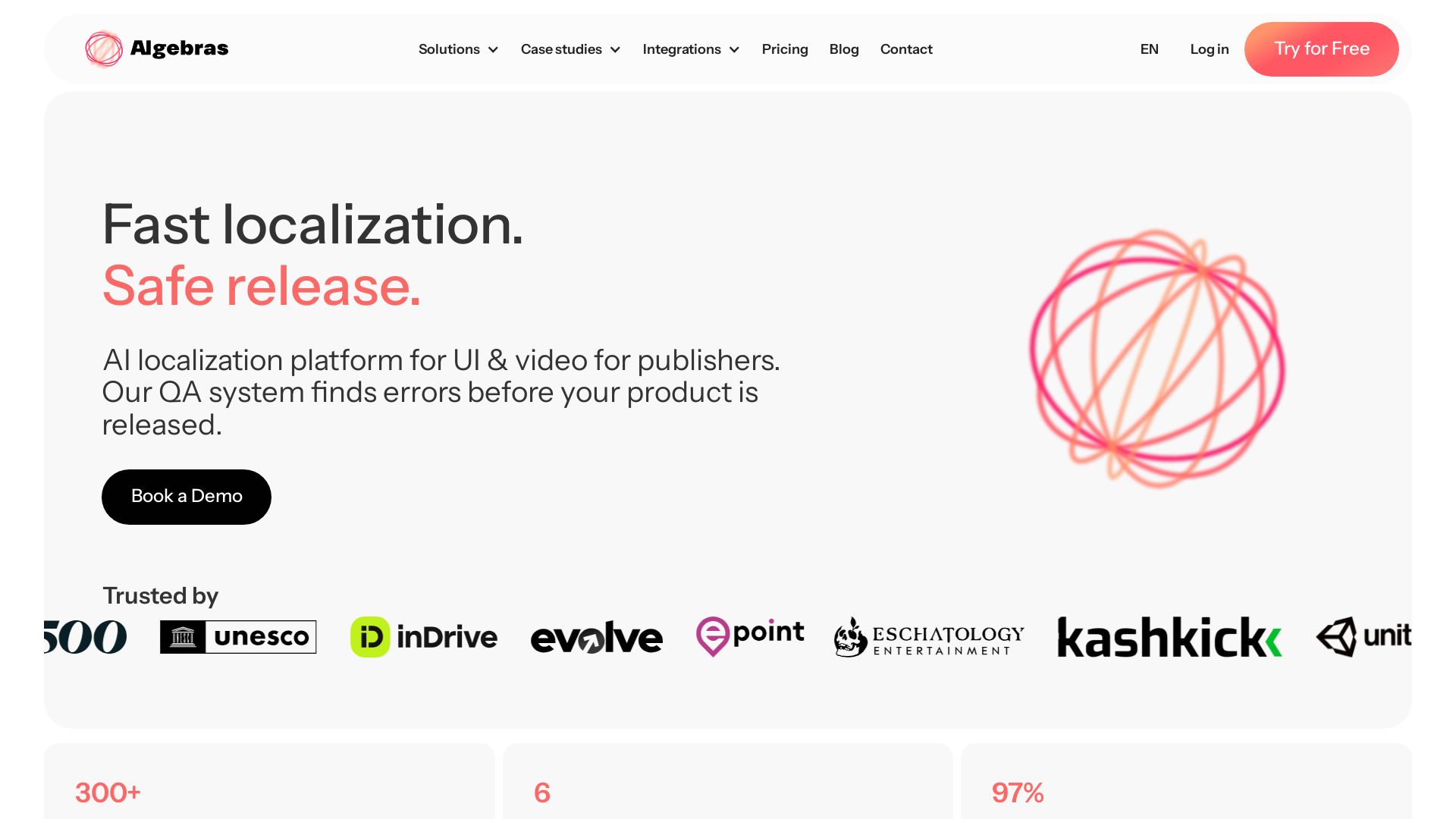
Algebras AI
Translate UI into 300+ languages, video into 100+ with AI. 6x faster, 97% less proofreading, culturally accurate.


Anima
Convert Figma designs, images, and code into live HTML/React apps. AI with design context for developers and agents.


Figma
Figma is the intelligent, AI-native canvas for designing, prototyping, and building products together. Trusted by 95% of Fortune 500. Explore design and dev tools.


Figma Console MCP
Connect AI to Figma for design extraction, token sync, and component creation. Turn your design system into a programmable API.


AIDesigner
Create premium UI, logos, brand kits, and more with AIDesigner. No design experience needed. Free to try, no credit card required. Join 15,000+ users.

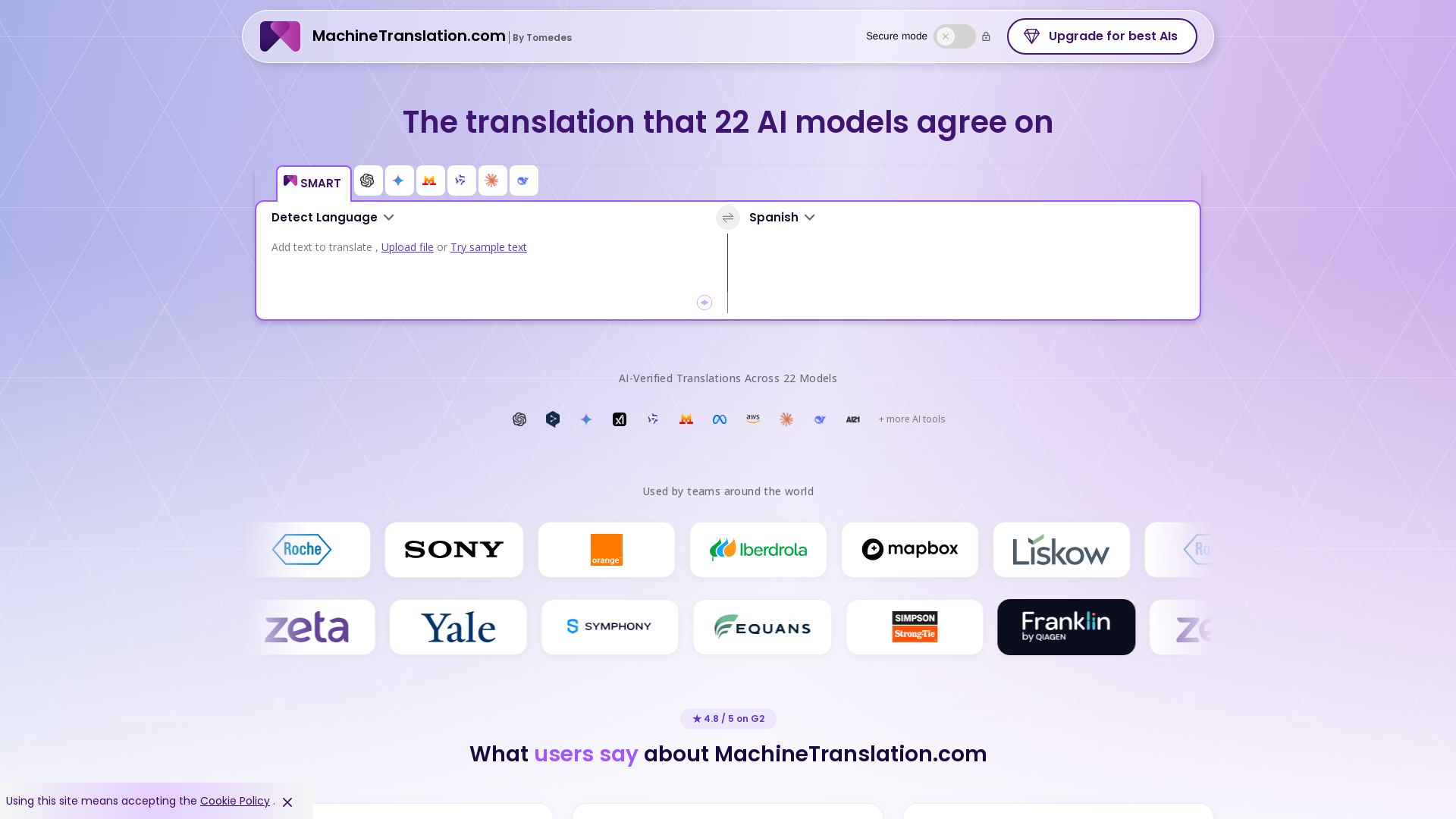
Free AI Translator
Translate with confidence using 22 AI models. SMART picks the most agreed translation, cutting errors by 90%. Human review optional. Secure & affordable.

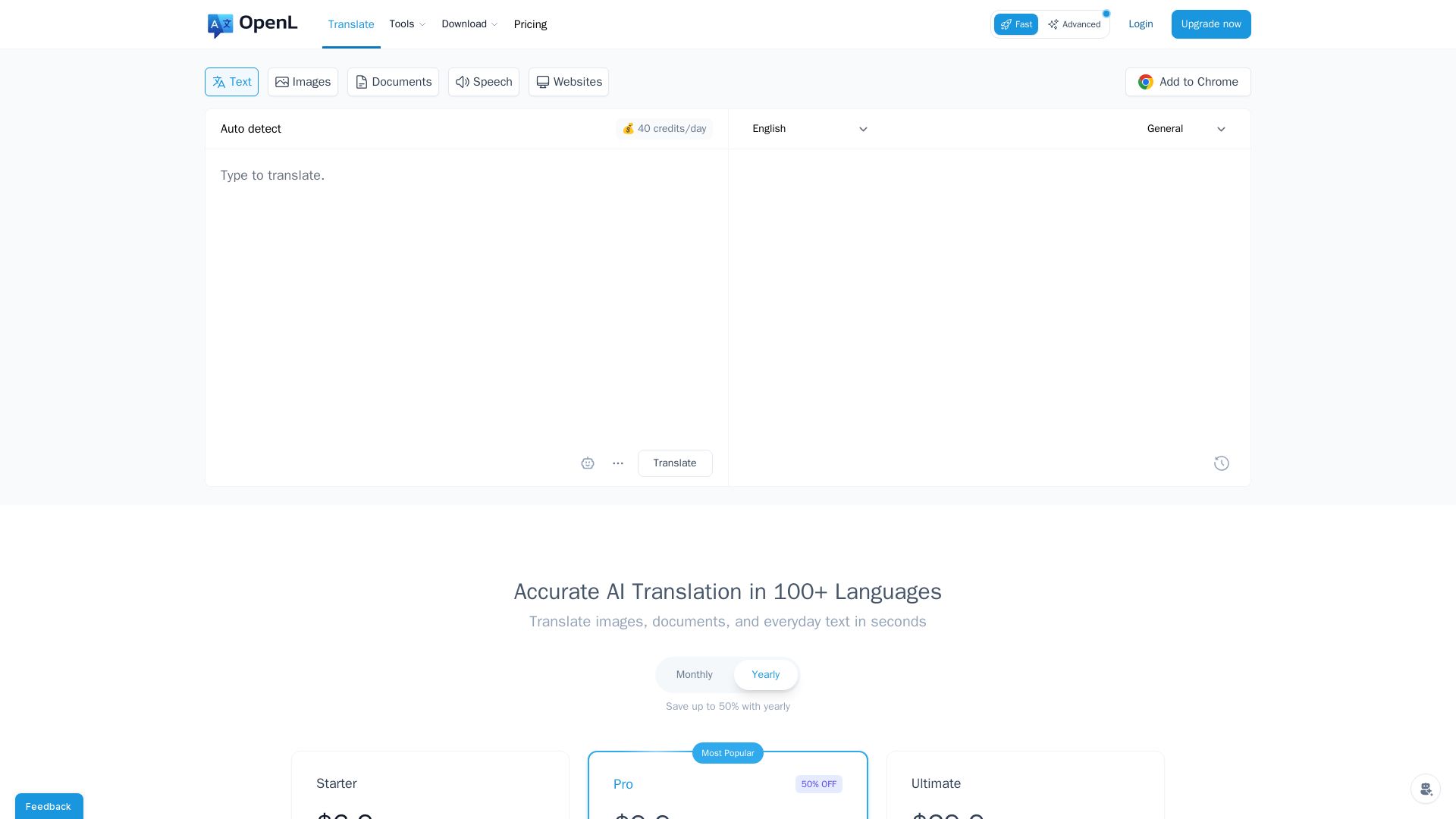
OpenL Translate
Fast, accurate AI translations for text, images, documents, and websites. Supports 100+ languages. Try free!

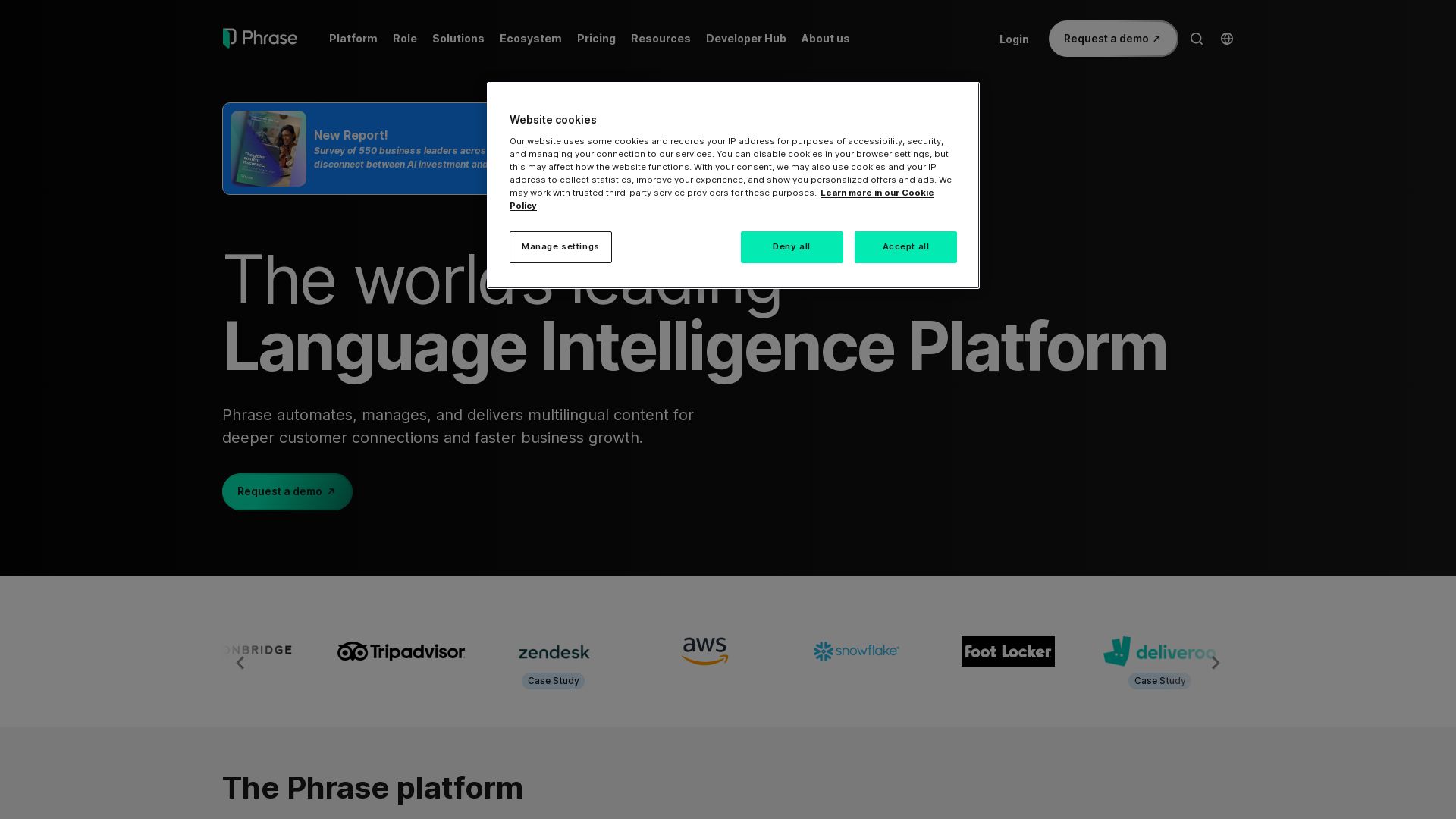
Phrase
Automate, manage, and deliver multilingual content with AI-driven orchestration. Connect any tool, govern at scale, and build deeper global connections.


Superdesign
Create stunning designs with AI. Iterate quickly using natural language. Export production-ready code. Browse design prompts and styles.

XTM AI
Manage translation, software localization, video creation, and business operations in one AI-native platform. Trusted by 1,300+ brands. Start free trial.

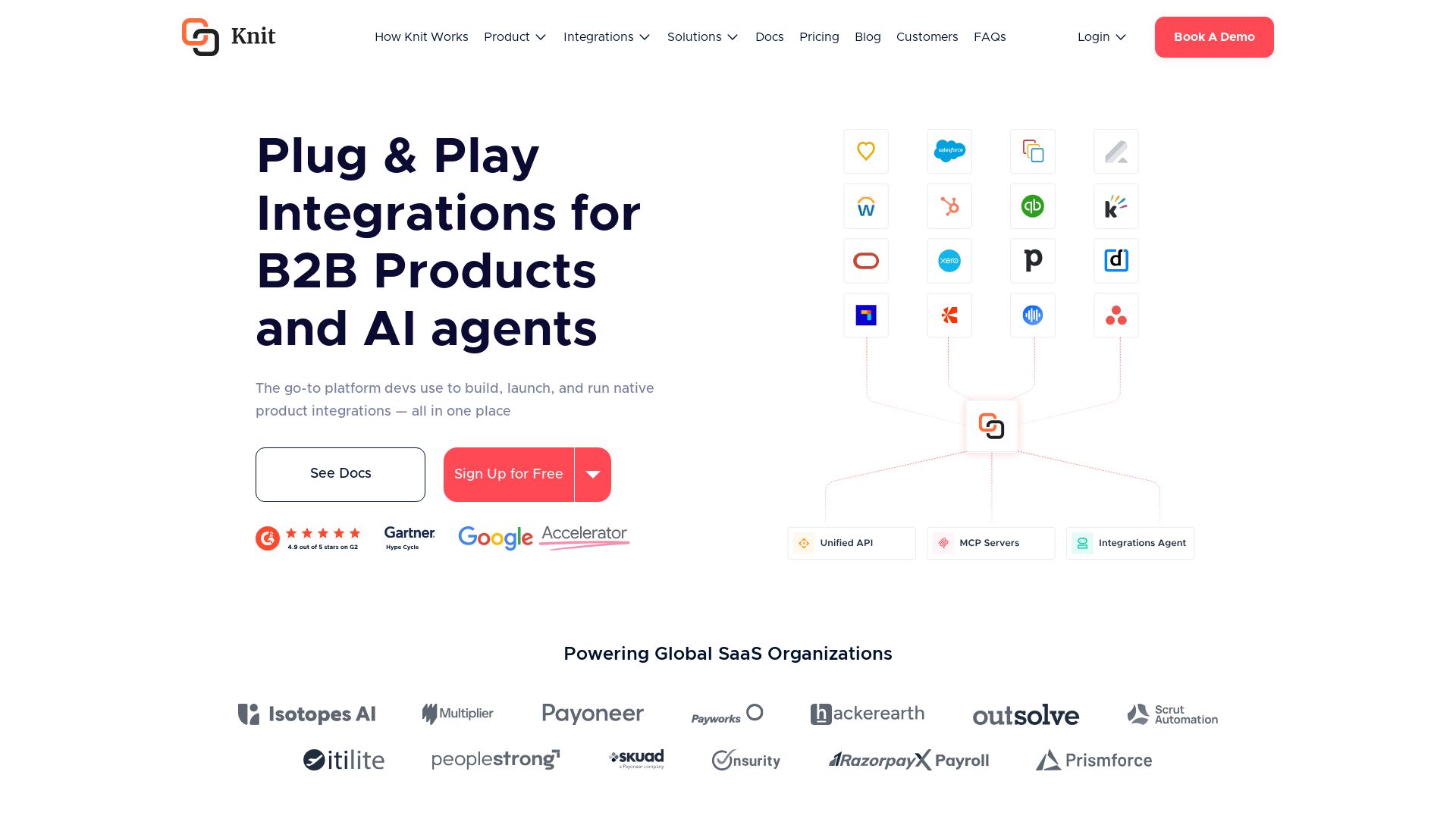
Knit
Build, launch, and run native product integrations with Unified APIs, MCP Servers, and AI Integrations Agent. Powering global SaaS organizations.

ℹ️ Curation Disclosure: The overview and features of Lokalise were synthesized using AI and fact-checked by our curation team to ensure accuracy.
