
Kling AI
Experience Kling 3.0 – advanced AI video and image generation with native audio, multi-scene consistency, and precise storyboard control. Create now!

Editor's Verdict
Key Takeaways
- AI Video Generator
- Image to Video
- Motion Control
- Omni Model
In-Depth Review: What is Kling AI?
Kling AI is a cutting-edge creative studio offering the all-new Kling 3.0 series, including Video 3.0 and Video 3.0 Omni. Built on a fully upgraded architecture, it supports deep multimodal instruction parsing, cross-task integration, and native audio-powered feature decoupling. Users can generate videos from images, control motion, add sound, and more. Perfect for creators seeking high creative freedom with exceptional consistency across complex multi-scene transitions. Available on iOS, Android, macOS, and Windows.
Core Features
AI Video Generator
Generate high-quality videos from text prompts with advanced narrative logic and consistent storytelling.
Image to Video
Transform static images into dynamic video sequences with seamless motion and transitions.
Motion Control
Precise control over camera movements and object motion, including in-car POV and handheld shots.
Omni Model
Unified multimodal generation for video, image, sound, and effects with deep cross-task integration.
Native Audio
Dual binding of visual identity and vocal tone with decoupled audio features for cohesive storytelling.
Creative Studio
All-in-one platform for video generation, image generation, sound generation, and effects with high creative freedom.
Pros and Cons
Pros
- Advanced ArchitectureBuilt on fully upgraded architecture supporting deep multimodal instruction parsing for high-quality outputs.
- Multimodal GenerationNatively supports video, image, sound, and effects generation in one platform, reducing workflow complexity.
- Consistent StorytellingExceptional consistency across complex multi-scene transitions with precise long-form storyboard control.
- Audio-Visual BindingDual binding of visual identity and vocal tone allows synchronized audio and video generation.
- Creative FreedomHigh creative freedom with tools like motion control and effects for professional-grade results.
Cons
- Pricing UnclearThe pricing details are not publicly listed on the homepage, making it difficult to assess cost.
- ComplexityAdvanced features may require a learning curve for new users unfamiliar with AI video tools.
- Platform DependenceAvailable on multiple platforms (iOS, Android, macOS, Windows) but may require high system resources.
Use Cases & Recommended Professions
Video Editor→ View Toolkit
Streamline video production with AI-generated clips, transitions, and effects from text or images.
Content Creator→ View Toolkit
Quickly produce engaging video content for social media with consistent style and audio.
Filmmaker→ View Toolkit
Use motion control and storyboard features to pre-visualize scenes and generate storyboards.
Marketing Professional→ View Toolkit
Generate promotional videos and ads with brand-aligned visuals and voiceovers.
Game Developer→ View Toolkit
Create in-game cinematics and cutscenes using AI video generation and sound effects.
Educator→ View Toolkit
Produce educational videos with visual aids and narration generated from text prompts.
Frequently Asked Questions
Alternative AI Tools
View Detailed Comparison →
Kling AI
Generate professional videos and images with KlingAI 3.0. Native multimodal support, motion control, sound effects, and cross-platform tools. Create now!

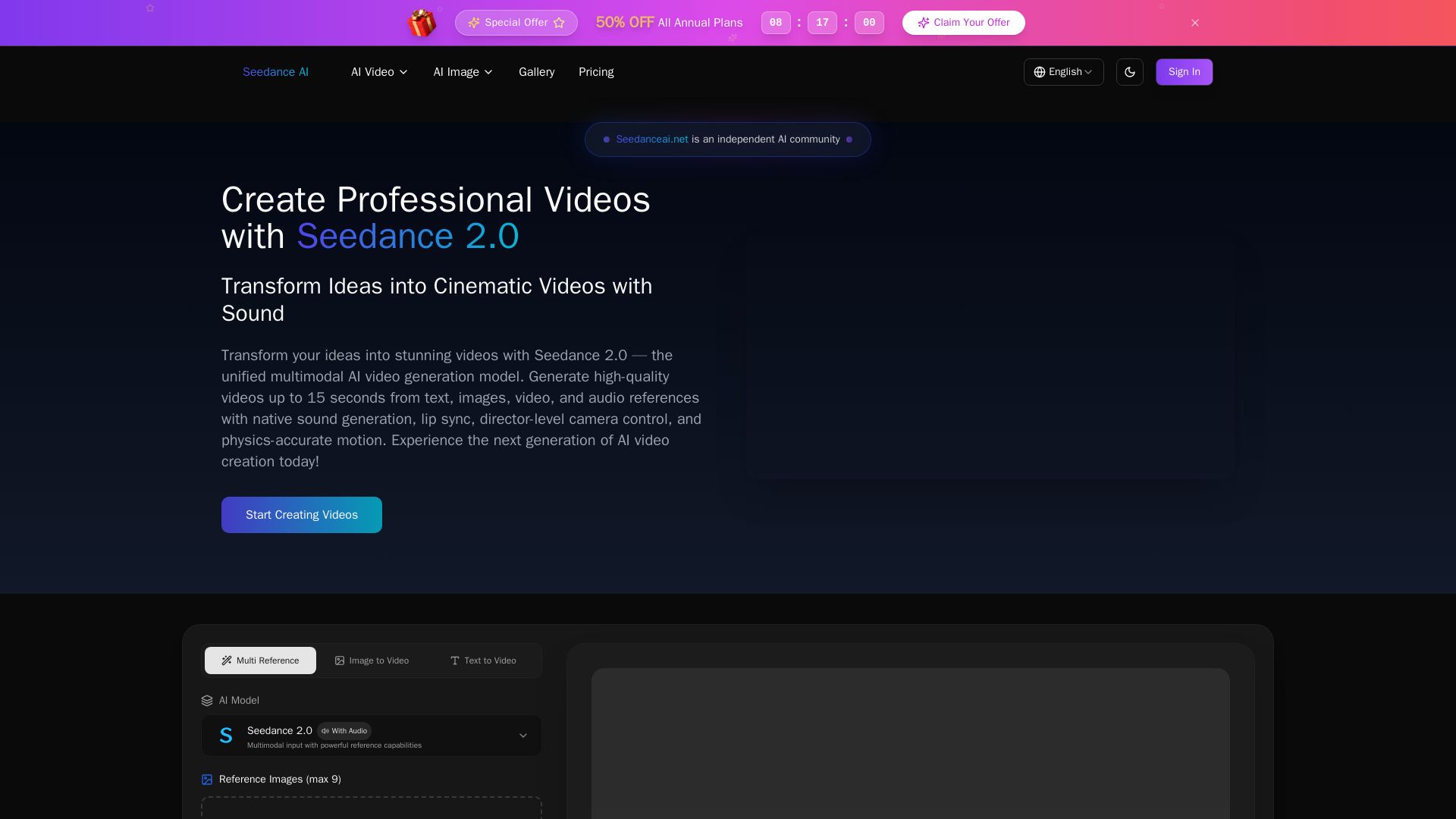
Seedance AI
Transform ideas into cinematic videos with Seedance 2.0 AI. Generate from text, images, video & audio with native sound, lip sync, and camera control. Try now!


Flow AI Video Generator
Create stunning 4K AI videos with Flow AI Video. Text-to-video, image-to-video, multi-shot storytelling. Get 50% OFF now!


AI Video - AI Video Generator
Create animated videos from text or images with AI. Drag-and-drop editing, lip-sync, HD export. No skills needed. Download free!


Gen AI Video Generator
Create stunning AI videos and images with 90+ models including Google VEO 3, Sora 2, Seedance 2.0. Text-to-video, image-to-video, photo editing on iOS.

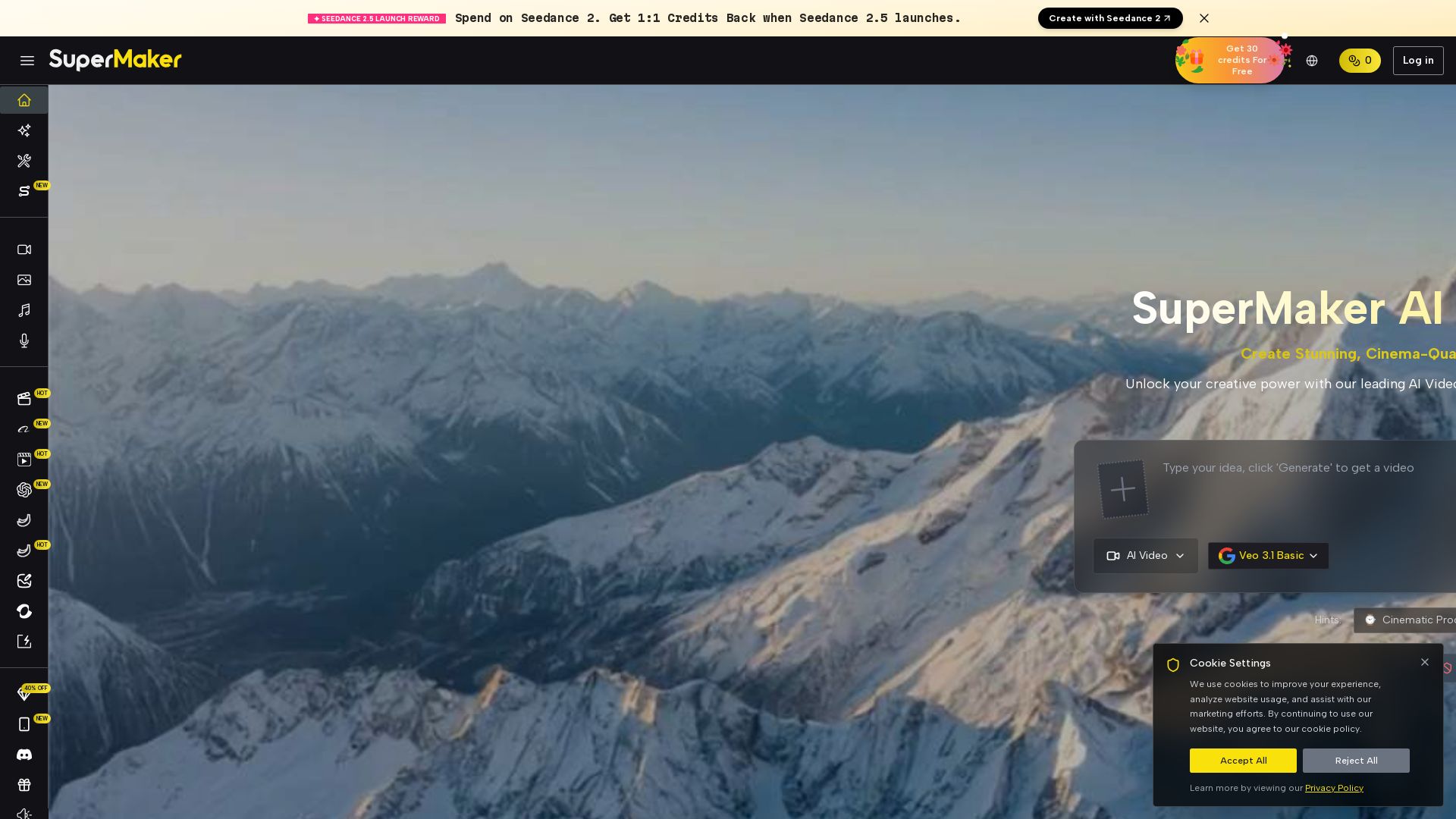
SuperMaker AI
Create stunning cinema-quality videos with SuperMaker's AI Video Generator. All-in-one suite for video, image, music, and voice. Start free.

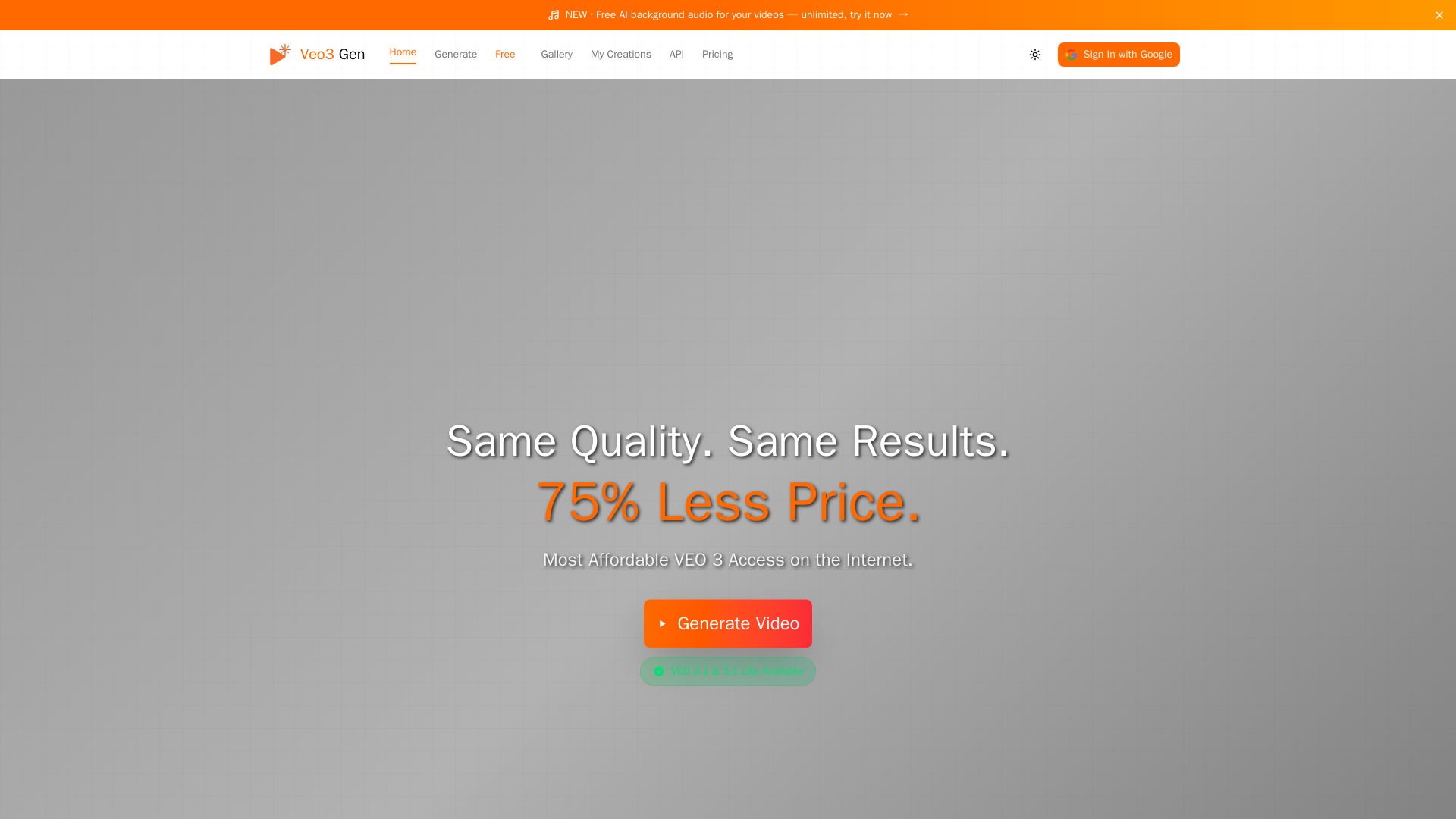
VEO3 Gen
Create stunning AI videos with synchronized audio at 75% less cost than Google VEO. VEO3 Fast from $0.08/sec. Try it free!

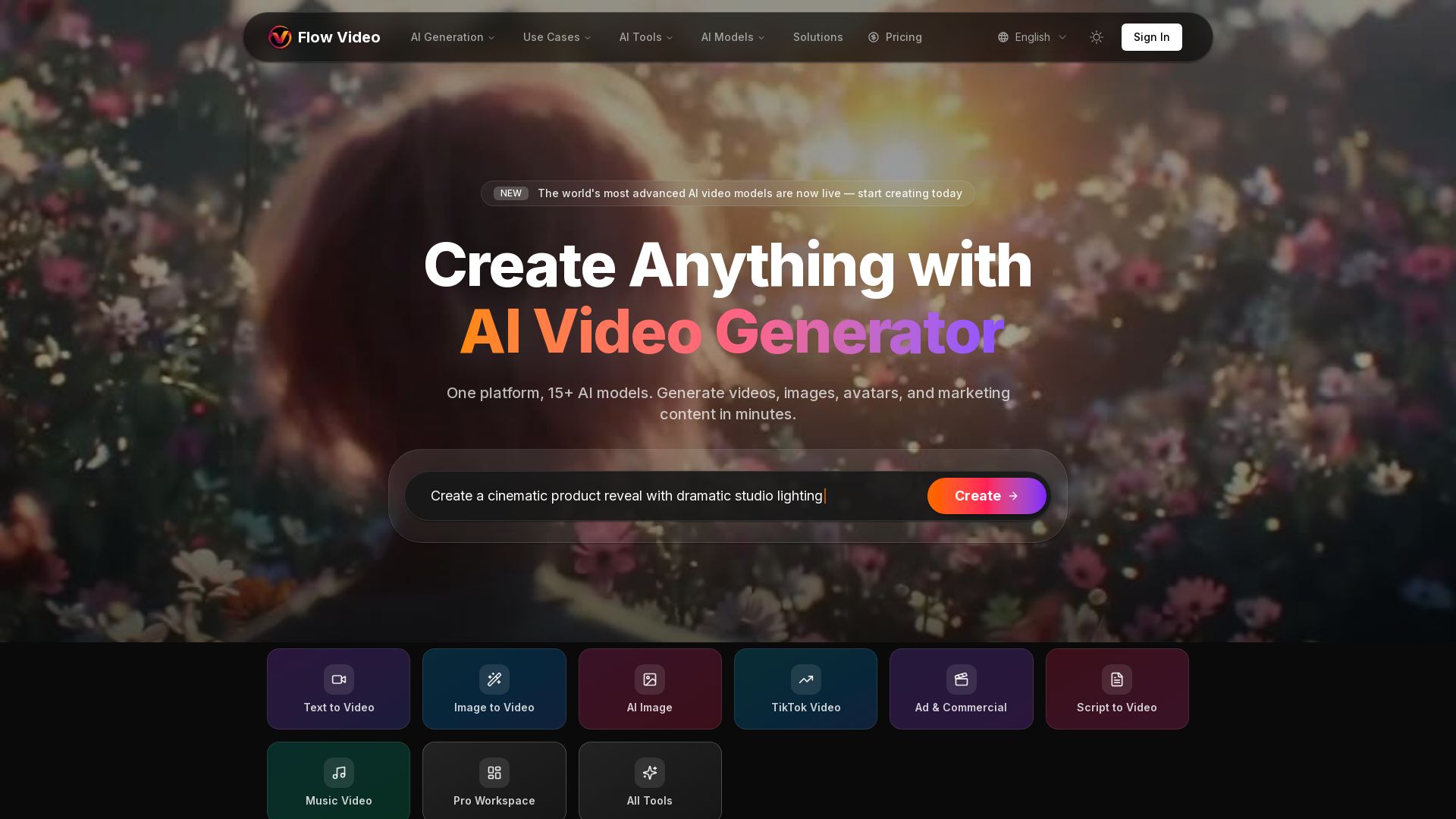
Flow Video AI
Create stunning AI videos, images, and marketing content with 15+ models. Text to video, image to video, and more. Start free!

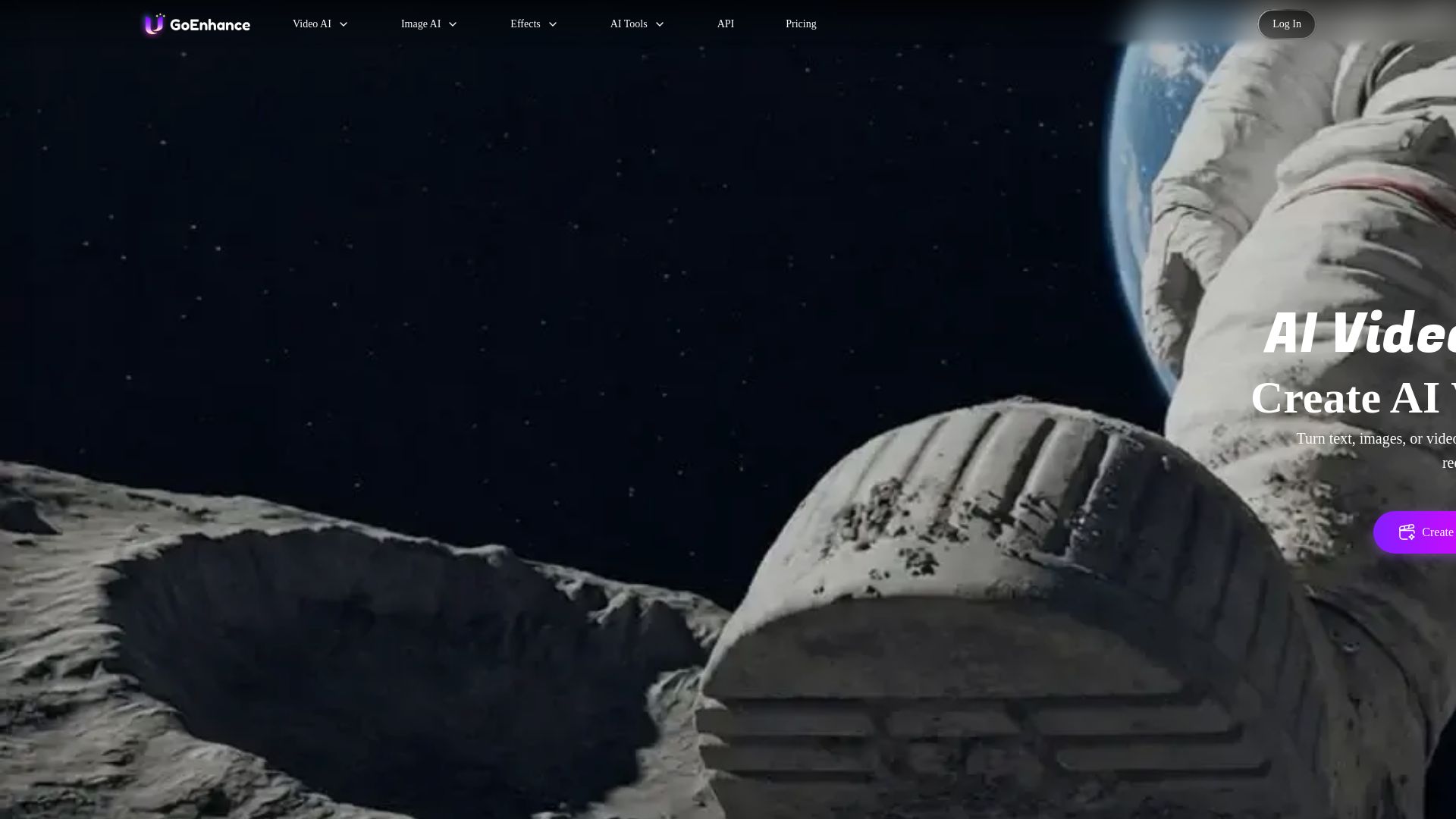
GoEnhance AI
Turn text, images, or videos into stunning AI videos and images. Access 50+ models like Sora, Runway, and Flux. Free to start!

Hailuo AI MiniMax
Create stunning videos from text prompts or images with Hailuo AI MiniMax. Free, fast, and no login needed. High-quality AI video generation.

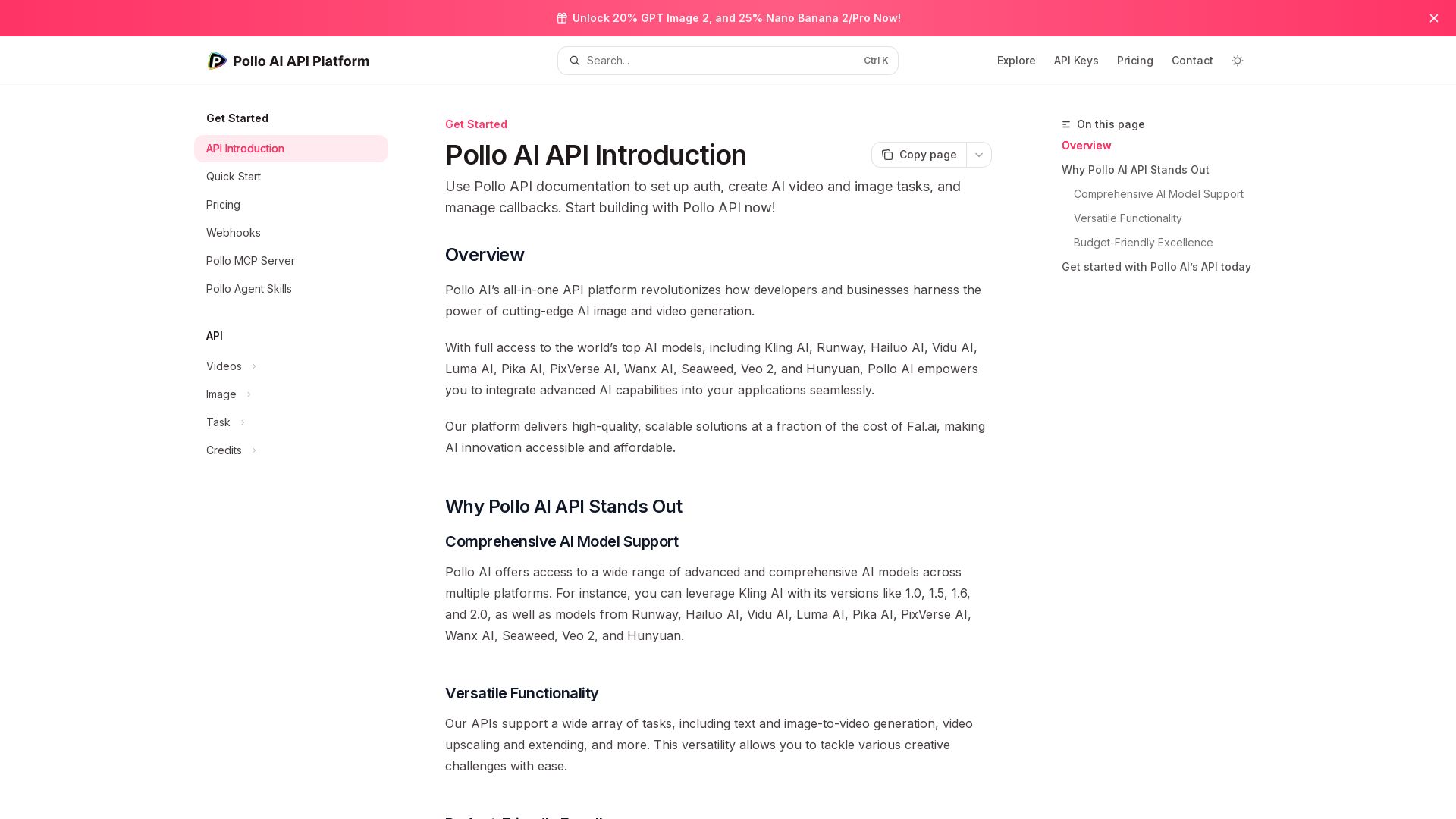
Pollo API
Integrate cutting-edge AI video and image generation with Pollo AI API. Access Kling, Runway, Hailuo, and more. Budget-friendly, high quality.

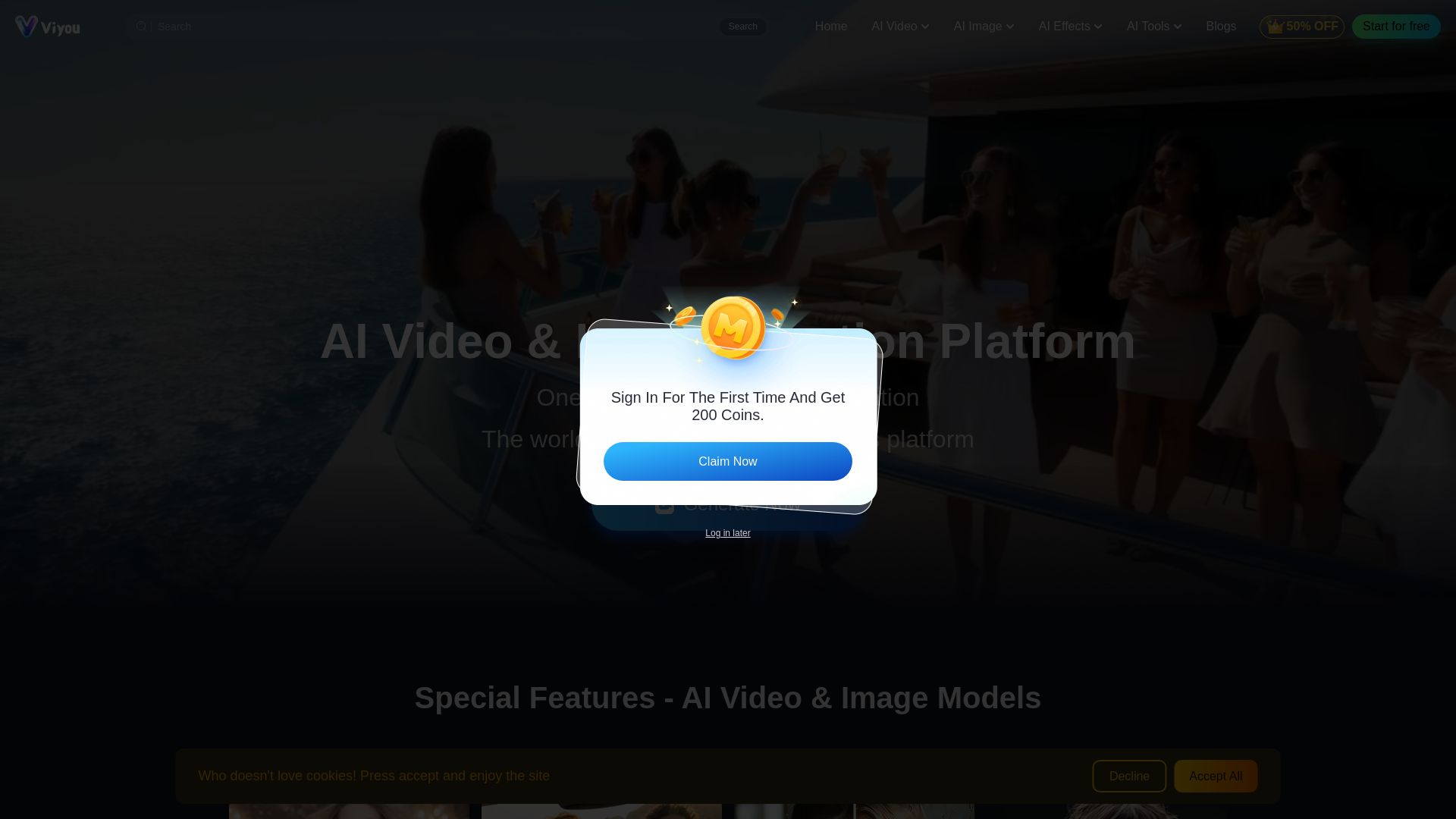
Viyou
Create stunning AI videos and images for free. Generate avatars, romantic kisses, dance videos, and more - all on one platform with full access.

ℹ️ Curation Disclosure: The overview and features of Kling AI were synthesized using AI and fact-checked by our curation team to ensure accuracy.
