
Kling AI
Generate professional videos and images with KlingAI 3.0. Native multimodal support, motion control, sound effects, and cross-platform tools. Create now!

Editor's Verdict
Key Takeaways
- All-in-One Creative Suite
- Deep Multimodal Instruction Parsing
- Native Audio-Visual Decoupling
- Long-Form Storyboard Control
In-Depth Review: What is Kling AI?
KlingAI 3.0 is a cutting-edge AI creative studio that combines video, image, sound, and effects generation into one seamless platform. With deep multimodal instruction parsing, motion control, and Native Audio, it offers unprecedented creative freedom and consistency. Available on iOS, Android, macOS, and Windows, KlingAI empowers creators to produce professional-grade content effortlessly.
Core Features
All-in-One Creative Suite
Integrates video generation, image generation, sound generation, and effects in a single platform.
Deep Multimodal Instruction Parsing
VIDEO 3.0 and VIDEO 3.0 Omni natively understand complex prompts combining text, image, and audio inputs.
Native Audio-Visual Decoupling
Allows independent control and binding of visual identity and vocal tone for precise audio-visual sync.
Long-Form Storyboard Control
Enables accurate control over narrative sequences with consistent character and scene continuity.
Cross-Task Integration
Seamlessly transitions between video, image, and sound tasks within the same workflow.
High Creative Freedom
Provides exceptional consistency across complex multi-scene transitions while maintaining creative flexibility.
Image to Video
Converts static images into dynamic video clips with motion and effects.
Motion Control
Offers precise camera and motion control for in-car POV, handheld shots, etc.
Pricing
Developer
- Access to Kling AI APIs
- Video Generation
- Image Generation
- Sound Generation
- Multimodal Support
Pros and Cons
Pros
- All-in-One PlatformCombines video, image, and sound generation in a single tool, reducing the need for multiple software.
- Advanced Multimodal UnderstandingNatively parses complex prompts across text, image, and audio for highly accurate outputs.
- Consistent Long-Form StorytellingMaintains character and scene consistency across multiple shots and transitions.
- Flexible Motion ControlSupports various camera movements like POV and handheld shots for realistic video creation.
- Cross-Platform AccessibilityAvailable on iOS, Android, macOS, and Windows, with API access for developers.
Cons
- Learning CurveAdvanced features like multimodal parsing and storyboard control may require time to master.
- Scalability LimitationsHigh-quality output for long videos may be resource-intensive and time-consuming.
- Dependency on CloudRequires stable internet connection for API usage and online features.
- Pricing TransparencyExact pricing for developer plans is not publicly displayed, requiring contact for quotes.
- Integration ComplexityIntegrating with existing workflows may need technical expertise for API customization.
Use Cases & Recommended Professions
Video Editor→ View Toolkit
Needs to quickly generate high-quality video clips and effects without manual filming.
Content Creator→ View Toolkit
Produces engaging multimedia content for social media and needs efficient AI tools.
Digital Marketer→ View Toolkit
Creates promotional videos and ads with consistent branding across different media.
Filmmaker→ View Toolkit
Uses AI for pre-visualization and storyboarding to save time and costs.
Game Developer→ View Toolkit
Generates in-game cutscenes and cinematic sequences with controlled motion.
AI Researcher→ View Toolkit
Explores multimodal AI capabilities for academic or commercial projects.
Frequently Asked Questions
Alternative AI Tools
View Detailed Comparison →
Kling AI
Experience Kling 3.0 – advanced AI video and image generation with native audio, multi-scene consistency, and precise storyboard control. Create now!


SeaArt AI
Turn ideas into stunning images and cinematic videos with SeaArt AI. Free tools, community, and advanced models like Seedance 2.0.

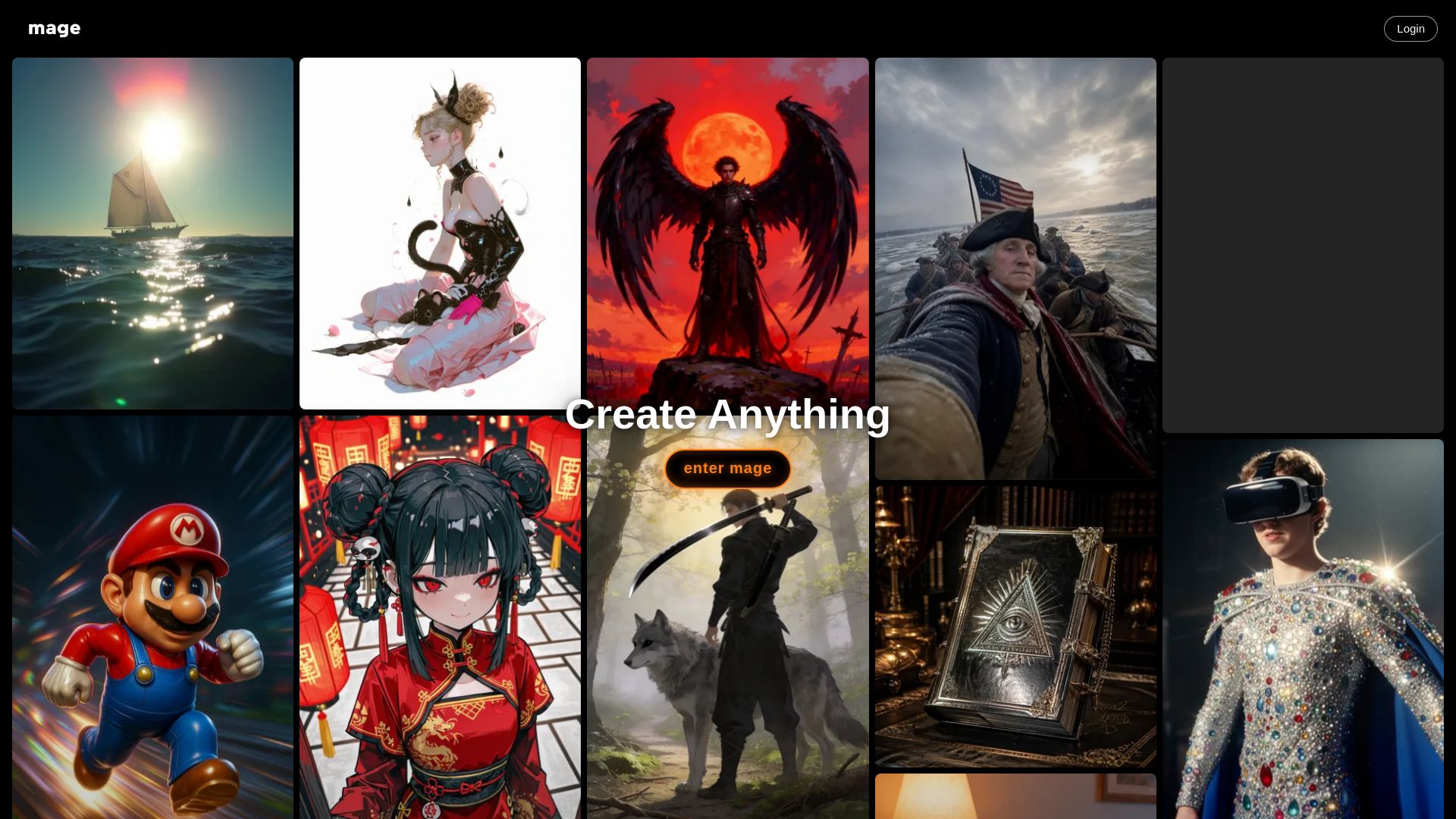
Mage
Create anything with Mage. Free AI image and video generator. Unlimited, private, NSFW allowed. Use Stable Diffusion, Flux, Wan, and more.

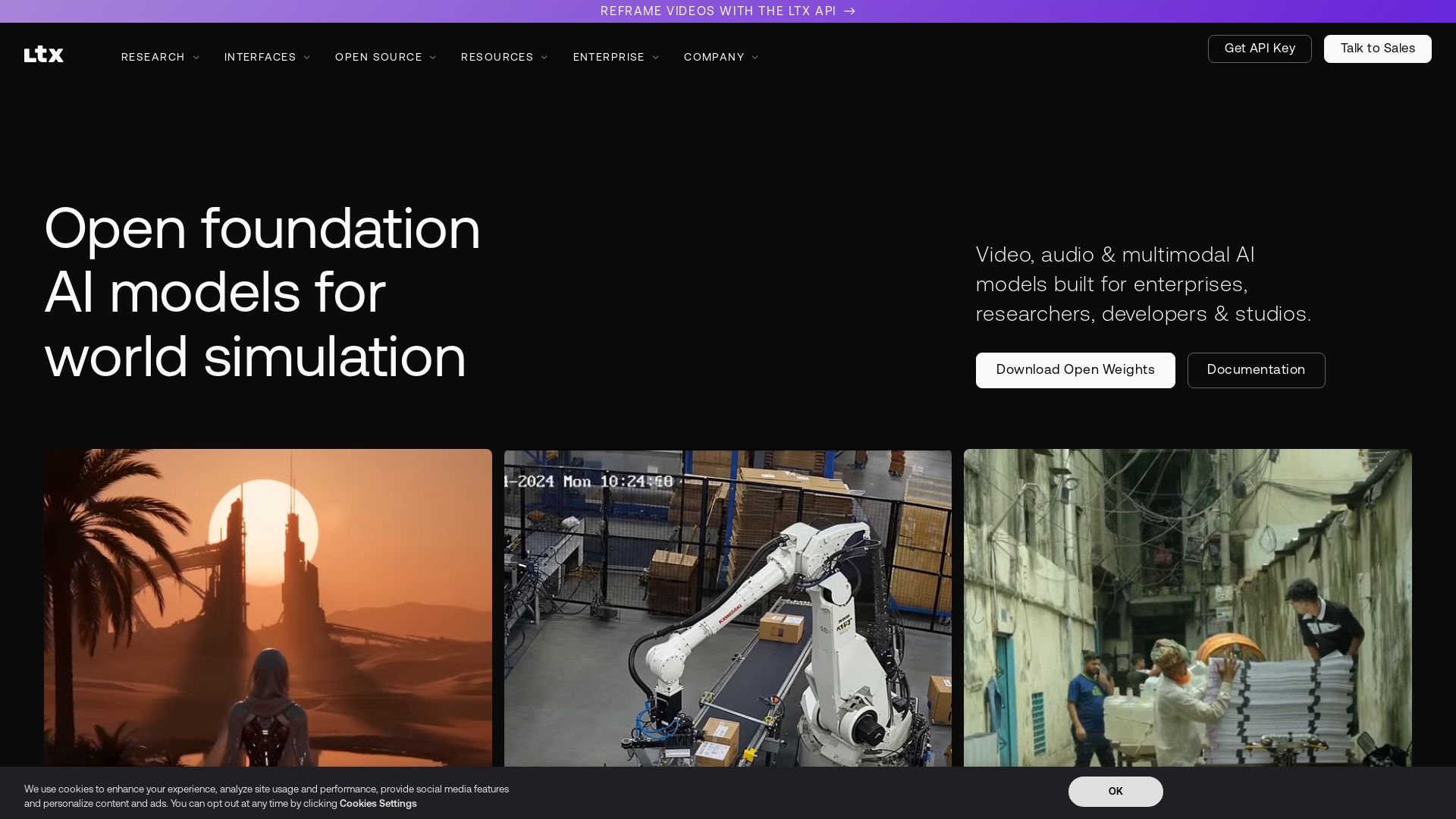
LTX
Generate and reframe videos with LTX's 22B-parameter open-source AI. Outpainting, audio-driven video, and multimodal models for enterprises and creators.

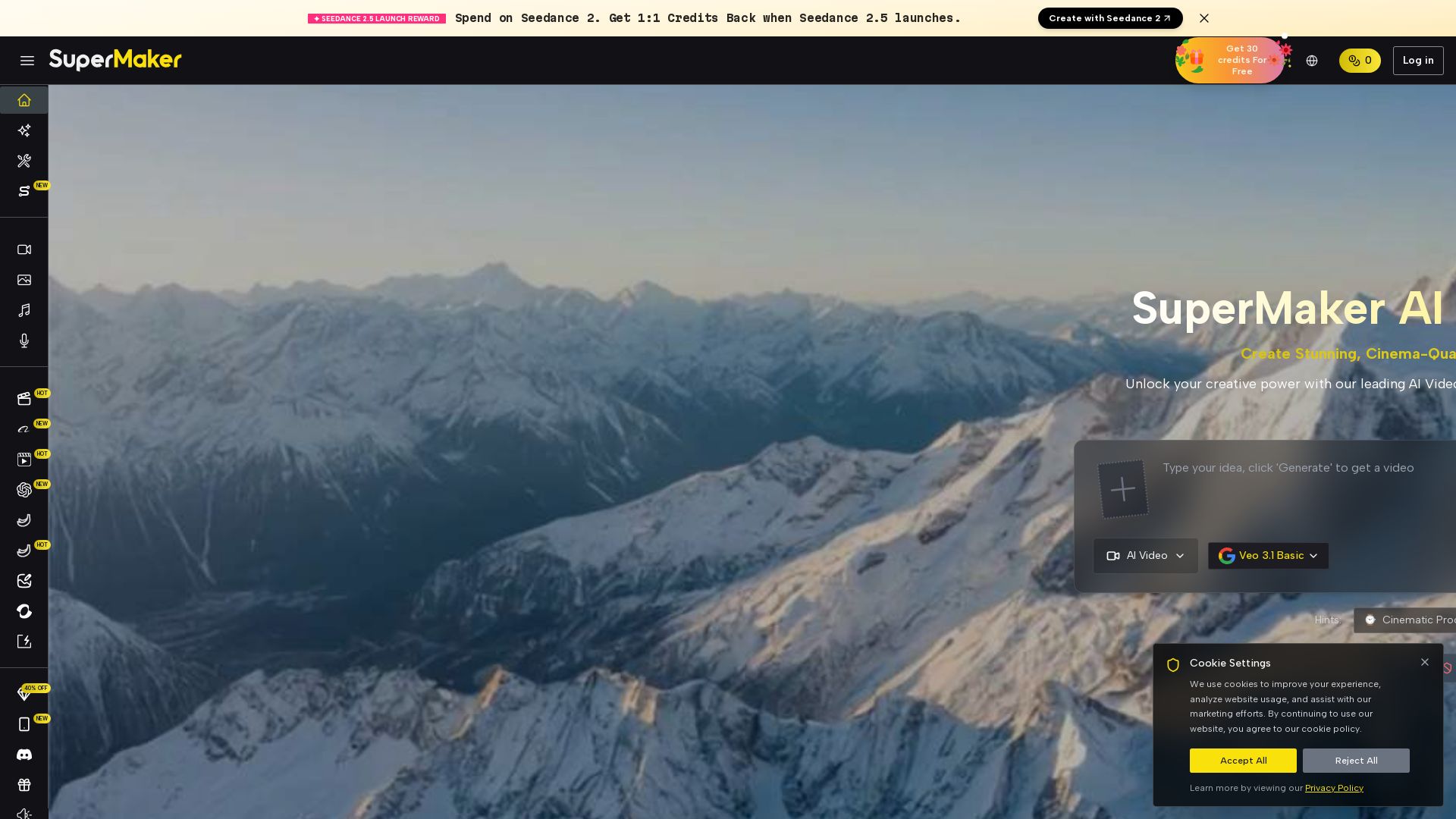
SuperMaker AI
Create stunning cinema-quality videos with SuperMaker's AI Video Generator. All-in-one suite for video, image, music, and voice. Start free.

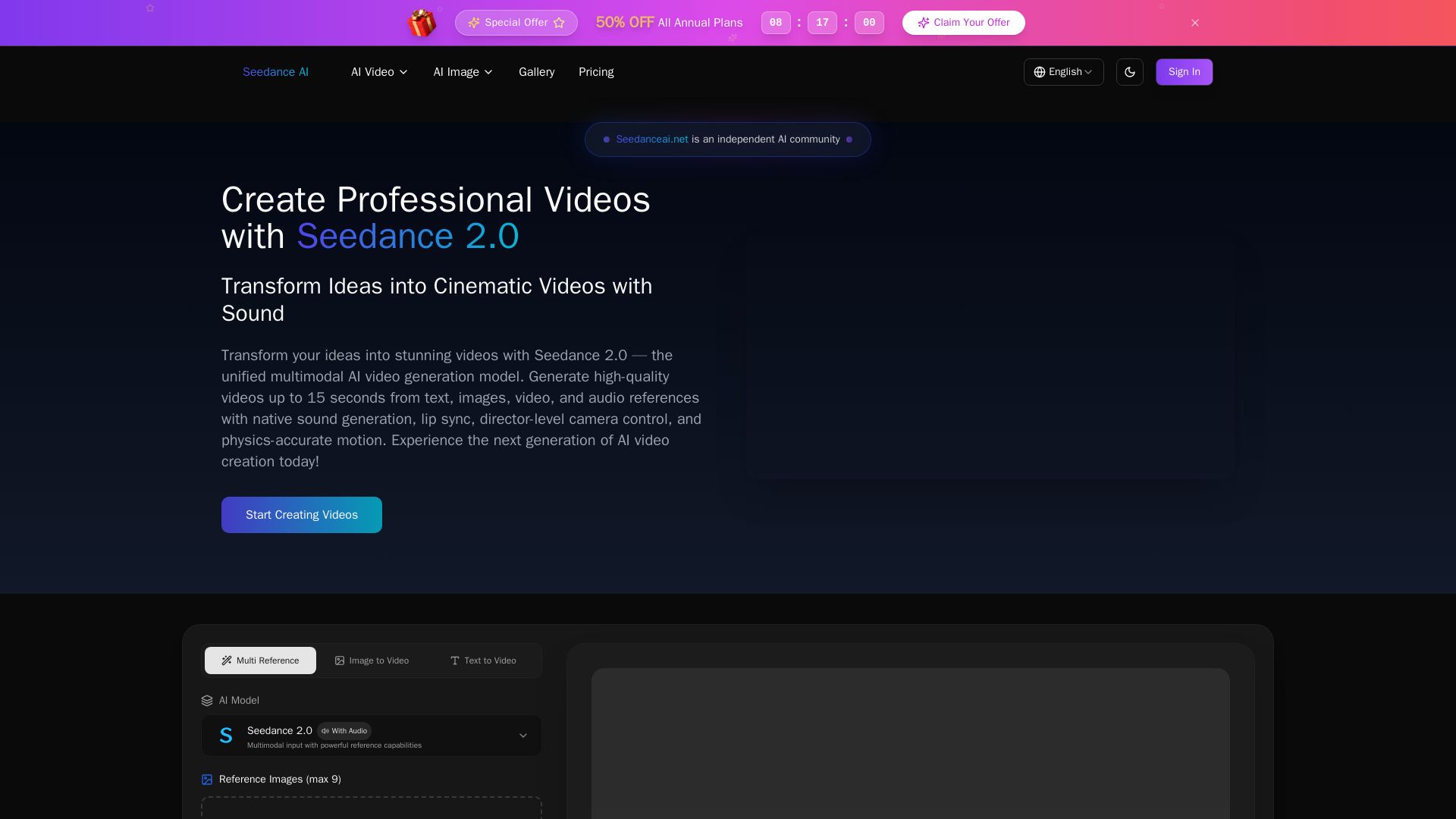
Seedance AI
Transform ideas into cinematic videos with Seedance 2.0 AI. Generate from text, images, video & audio with native sound, lip sync, and camera control. Try now!

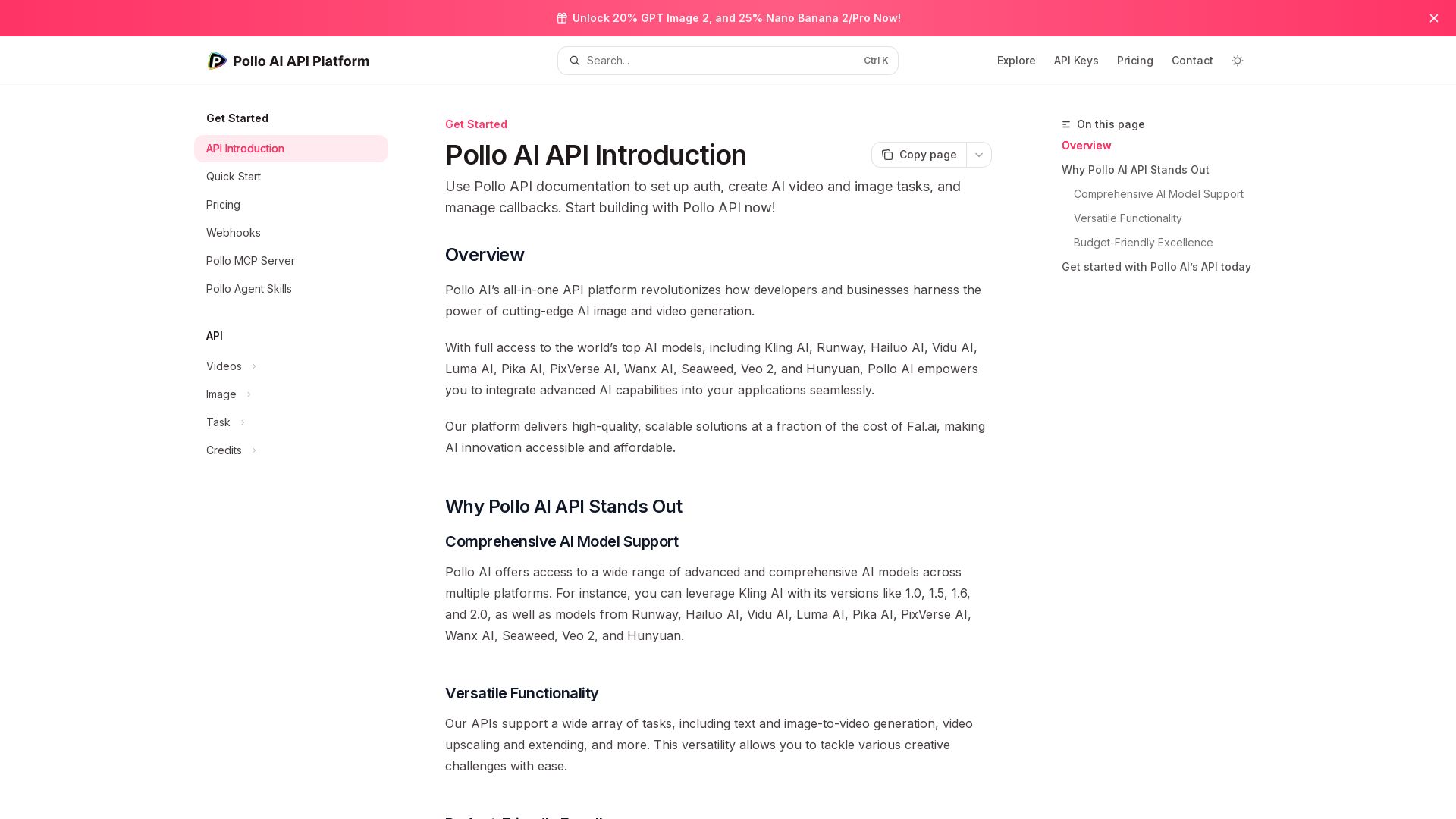
Pollo API
Integrate cutting-edge AI video and image generation with Pollo AI API. Access Kling, Runway, Hailuo, and more. Budget-friendly, high quality.

Viyou
Create stunning AI videos and images for free. Generate avatars, romantic kisses, dance videos, and more - all on one platform with full access.

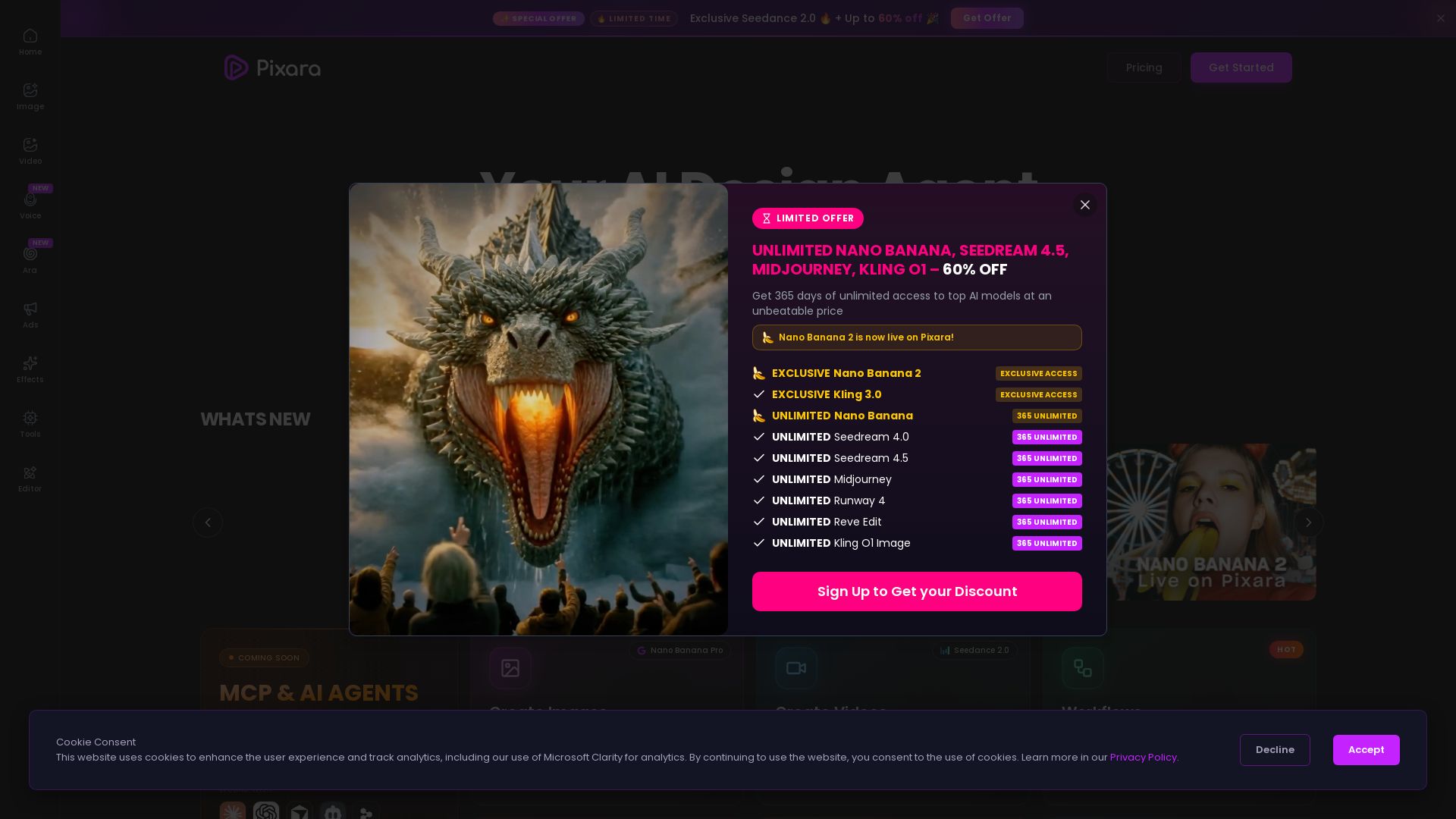
Pixara AI
Generate AI images, videos, and voiceovers with models like Nano Banana Pro, Midjourney, Kling. Up to 60% off unlimited access. Start creating now!

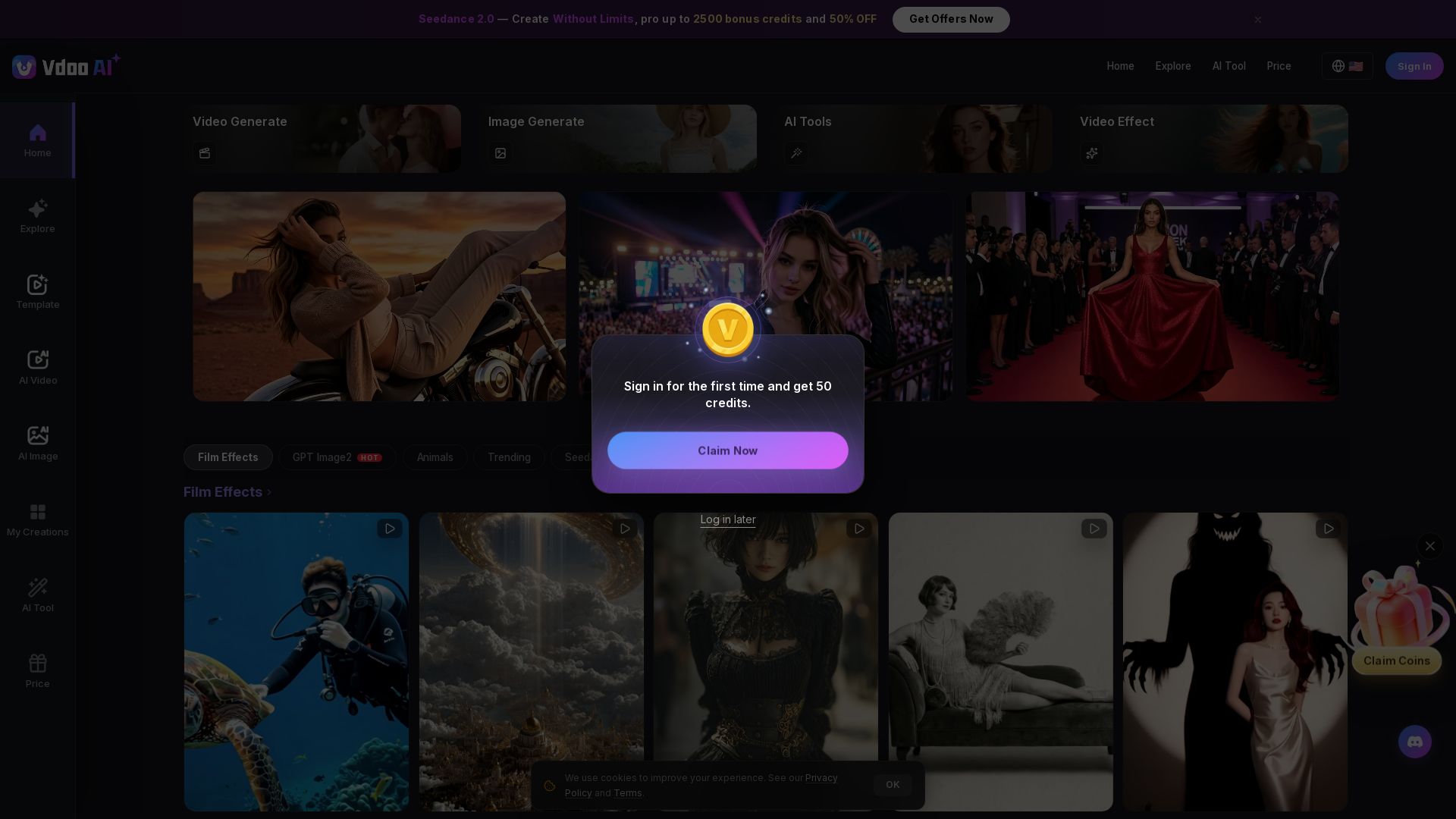
Vdoo AI
Create stunning AI videos and images with cutting-edge models. Easy-to-use platform for professional-quality content. Try free tools today!

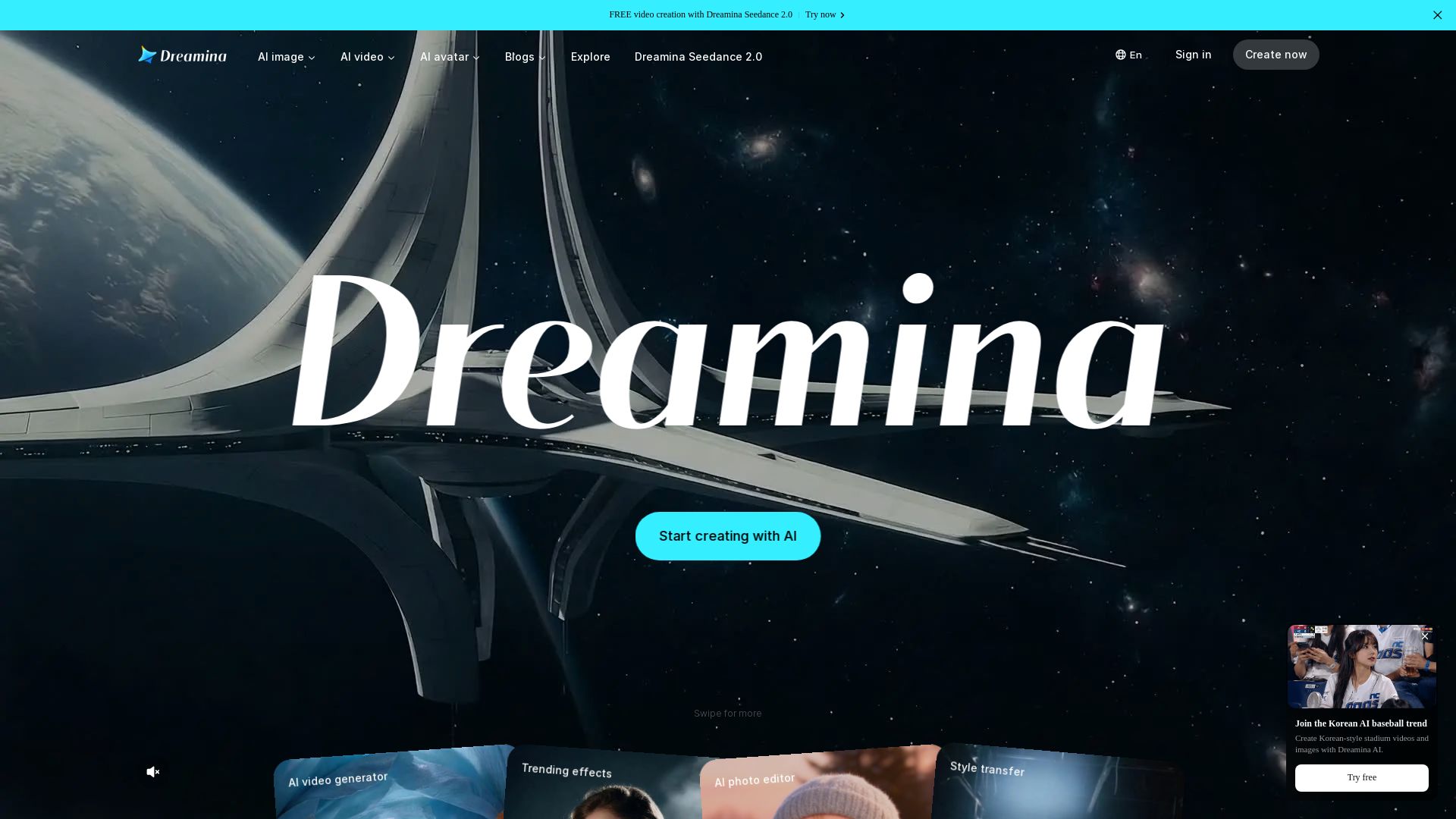
Dreamina
Generate stunning AI images, cinematic videos, and realistic avatars for free. Dreamina's advanced models (Seedance 2.0, Seedream 5.0) bring your ideas to life.

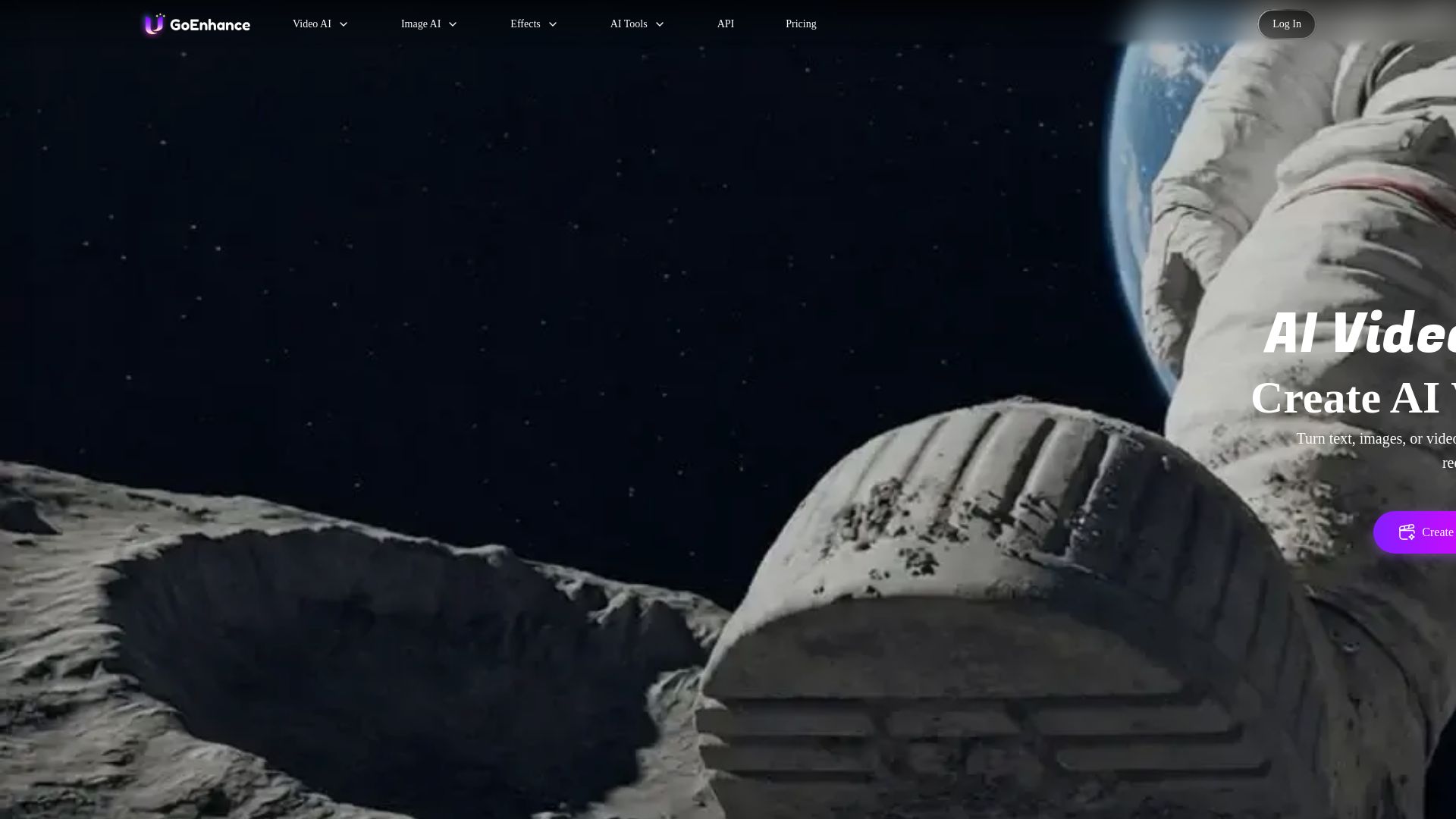
GoEnhance AI
Turn text, images, or videos into stunning AI videos and images. Access 50+ models like Sora, Runway, and Flux. Free to start!

ℹ️ Curation Disclosure: The overview and features of Kling AI were synthesized using AI and fact-checked by our curation team to ensure accuracy.
