
Pixara AI
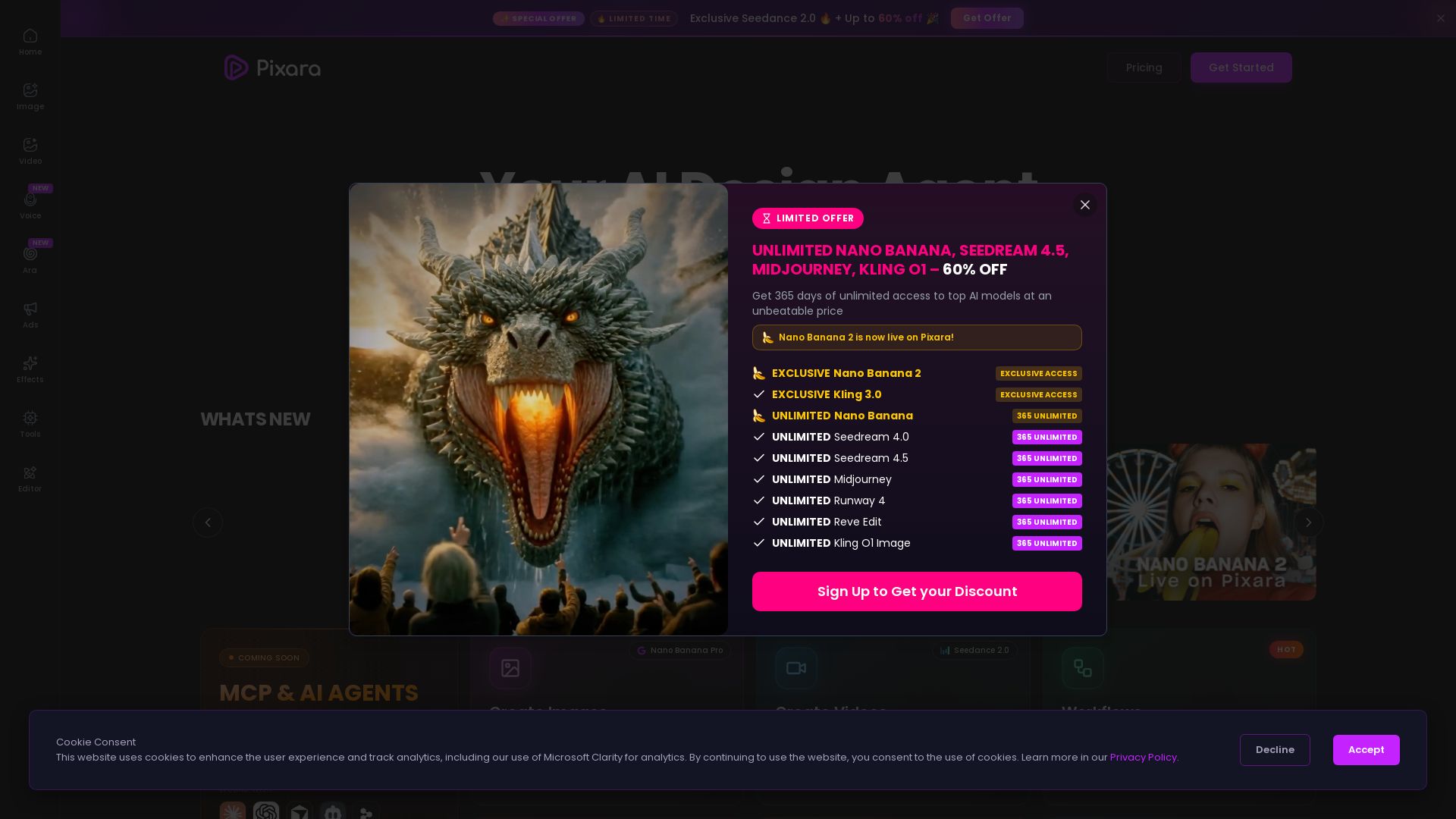
Generate AI images, videos, and voiceovers with models like Nano Banana Pro, Midjourney, Kling. Up to 60% off unlimited access. Start creating now!


Editor's Verdict
Key Takeaways
- AI Image Generation
- AI Video Generation
- Image Editing & Enhancement
- Professional Headshots
In-Depth Review: What is Pixara AI?
Pixara is a one-stop AI content creation platform that lets you generate, edit, and upscale images and videos using cutting-edge models like Google Nano Banana Pro, Midjourney, FLUX, Seedream, and more. Features include AI voice studio, ad creation, workflow automation, and professional headshots. With exclusive access to models like Seedance 2.0 and Kling 3.0, and a limited-time offer of 60% off unlimited usage, Pixara empowers creators to bring their vision to life in seconds.
Core Features
AI Image Generation
Generate stunning images from text prompts using cutting-edge models like Google Nano Banana Pro, Midjourney, and FLUX 2 Pro.
AI Video Generation
Create cinematic videos in seconds with models like Seedance 2.0, Kling 3.0, and Minimax Hailuo 2.3.
Image Editing & Enhancement
Enhance and edit images with Nano Banana Pro, upscale resolution, remove text, apply AI filters, and resize with outpainting.
Professional Headshots
Generate AI-powered studio-quality headshots for professional use.
AI Voiceovers & Music
Generate voiceovers, clones, and music with Voice Studio for multimedia projects.
Ad Studio
Create high-converting product ads instantly with AI-driven tools.
Workflow Automation
Chain AI image, video, and audio tools visually with a drag-and-drop no-code workflow builder.
MCP & AI Agents
Integrate Pixara with Claude, Cursor, and other AI clients via MCP connectors for automated creative workflows.
Pricing
STARTER
- 4,000 credits/month
- Seedance 2.0 exclusive access
- 1,000 AI Image Generations/month
- 222 seconds of Generative AI Videos/month
- 666 minutes of AI Voiceovers/month
- 33 minutes of Video Rendering/month
- 3M+ Stock Photos and Videos
- 2 GB storage
- 2 Concurrent Generations
- Watermark Free
HOBBY
- 15,000 credits/month
- Seedance 2.0 exclusive access
- 365 UNLIMITED Nano Banana
- 365 UNLIMITED Seedream 4.0
- 3,750 AI Image Generations/month
- 833 seconds of Generative AI Videos/month
- 2,500 minutes of AI Voiceovers/month
- 125 minutes of Video Rendering/month
- 3M+ Stock Photos and Videos
- 25 GB storage
- 4 Concurrent Generations
- Watermark Free
PRO
- 36,000 credits/month
- Seedance 2.0 exclusive access
- 365 UNLIMITED Nano Banana
- 365 UNLIMITED Seedream 4.0
- 365 UNLIMITED Seedream 4.5
- 365 UNLIMITED Midjourney
- 365 UNLIMITED Runway 4
- 365 UNLIMITED Reve Edit
- 365 UNLIMITED Kling O1 Image
- 9,000 AI Image Generations/month
- 2,000 seconds of Generative AI Videos/month
- 6,000 minutes of AI Voiceovers/month
- 300 minutes of Video Rendering/month
- 3M+ Stock Photos and Videos
- 50 GB storage
- 8 Concurrent Generations
- Watermark Free
ULTIMATE
- 150,000 credits/month
- Seedance 2.0 exclusive access
- 365 UNLIMITED Nano Banana 2
- 365 UNLIMITED Nano Banana
- 365 UNLIMITED Seedream 4.0
- 365 UNLIMITED Seedream 4.5
- 365 UNLIMITED Midjourney
- 365 UNLIMITED Runway 4
- 365 UNLIMITED Reve Edit
- 365 UNLIMITED Kling O1 Image
- 37,500 AI Image Generations/month
- 4,400 seconds of Generative AI Videos/month
- 25,000 minutes of AI Voiceovers/month
- 1,250 minutes of Video Rendering/month
- 3M+ Stock Photos and Videos
- 100 GB storage
- 12 Concurrent Generations
- Watermark Free
Pros and Cons
Pros
- All-in-One PlatformCombines top AI image, video, voice, and editing tools in one place, reducing the need for multiple subscriptions.
- High-Quality ModelsAccess to premium models like Google Nano Banana Pro, Midjourney, Seedance 2.0, and FLUX 2 Pro for professional-grade output.
- Unlimited Access OptionsHigher-tier plans offer unlimited access to several models (365 UNLIMITED), ideal for heavy users.
- Workflow AutomationVisual drag-and-drop workflow builder enables complex AI pipelines without coding, boosting productivity.
- Generous Free Tier & OffersLimited-time 60% off discounts and exclusive early access to new models like Seedance 2.0.
Cons
- Learning CurveWith many models and features, new users may need time to navigate and understand which tools suit their needs.
- Internet DependentAs a cloud-based platform, reliable internet is required for all operations; no offline mode.
- Credit System ComplexityCredits are consumed across different tasks (image, video, voice), which may be confusing for users trying to budget usage.
- Limited Storage on Lower PlansStarter plan has only 2 GB storage, which may be insufficient for users working with high-resolution media.
- Lack of Transparent Refund PolicyFAQ mentions a refund policy but does not specify details; potential users may hesitate due to lack of clarity.
Use Cases & Recommended Professions
Content Creator→ View Toolkit
Streamline content production with AI-generated images, videos, and voiceovers; quickly create engaging posts for social media and blogs.
Digital Marketer→ View Toolkit
Use Ad Studio to generate high-converting ads, automate creative workflows, and leverage multiple AI models for A/B testing visuals.
Video Editor→ View Toolkit
Enhance projects with AI video generation (e.g., Seedance 2.0), image upscaling, and integrated online editor for seamless editing.
Graphic Designer→ View Toolkit
Generate unique images from text, apply artistic filters, and remove text precisely; speed up design iterations with AI assistance.
E-commerce Business Owner→ View Toolkit
Create product ads, generate professional headshots for team pages, and produce high-quality images for listings without hiring photographers.
Voiceover Artist→ View Toolkit
Utilize Voice Studio to generate voice clones and music, expanding creative possibilities and saving time on recording sessions.
Frequently Asked Questions
Alternative AI Tools
View Detailed Comparison →
SeaArt AI
Turn ideas into stunning images and cinematic videos with SeaArt AI. Free tools, community, and advanced models like Seedance 2.0.

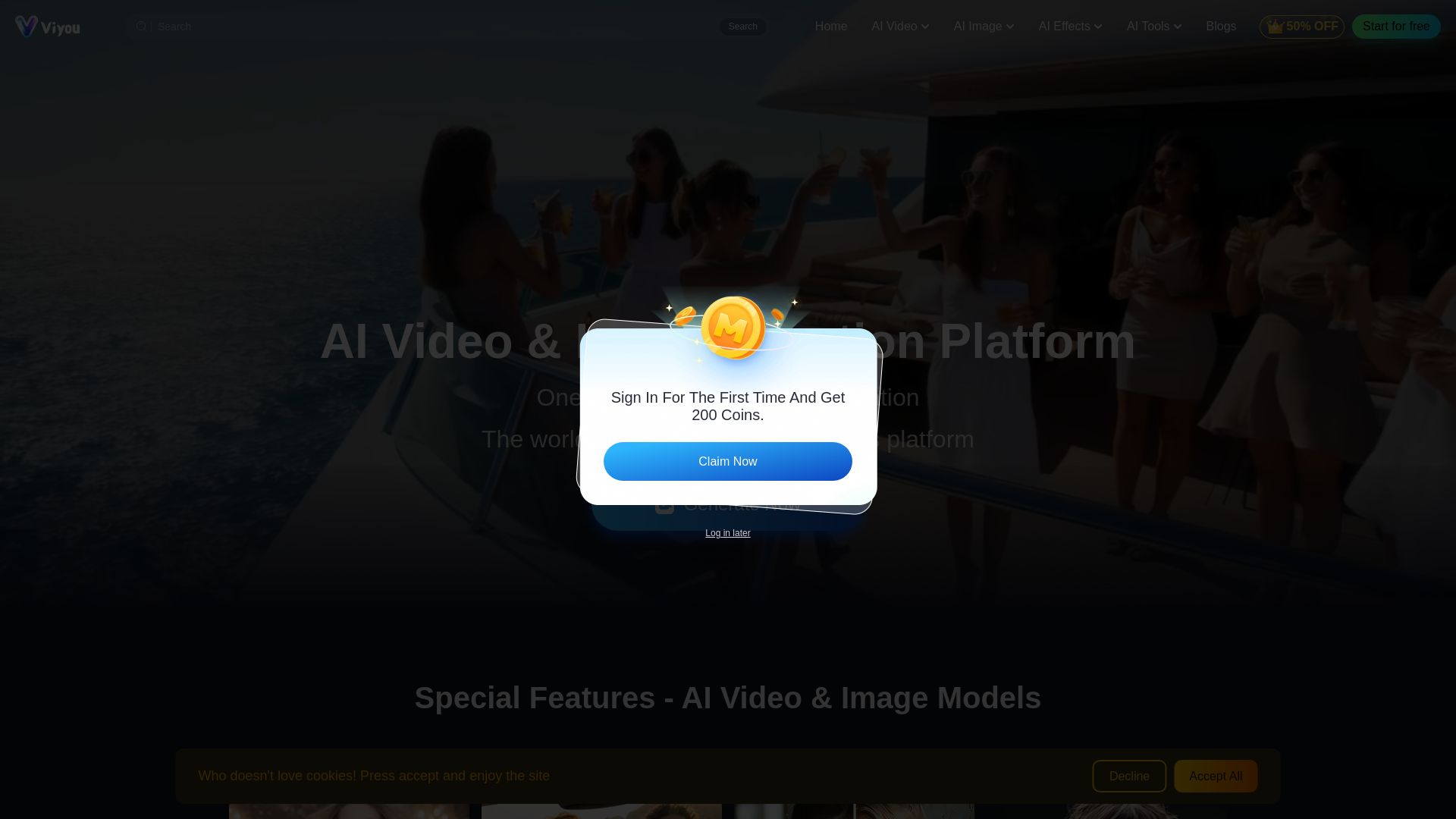
Viyou
Create stunning AI videos and images for free. Generate avatars, romantic kisses, dance videos, and more - all on one platform with full access.

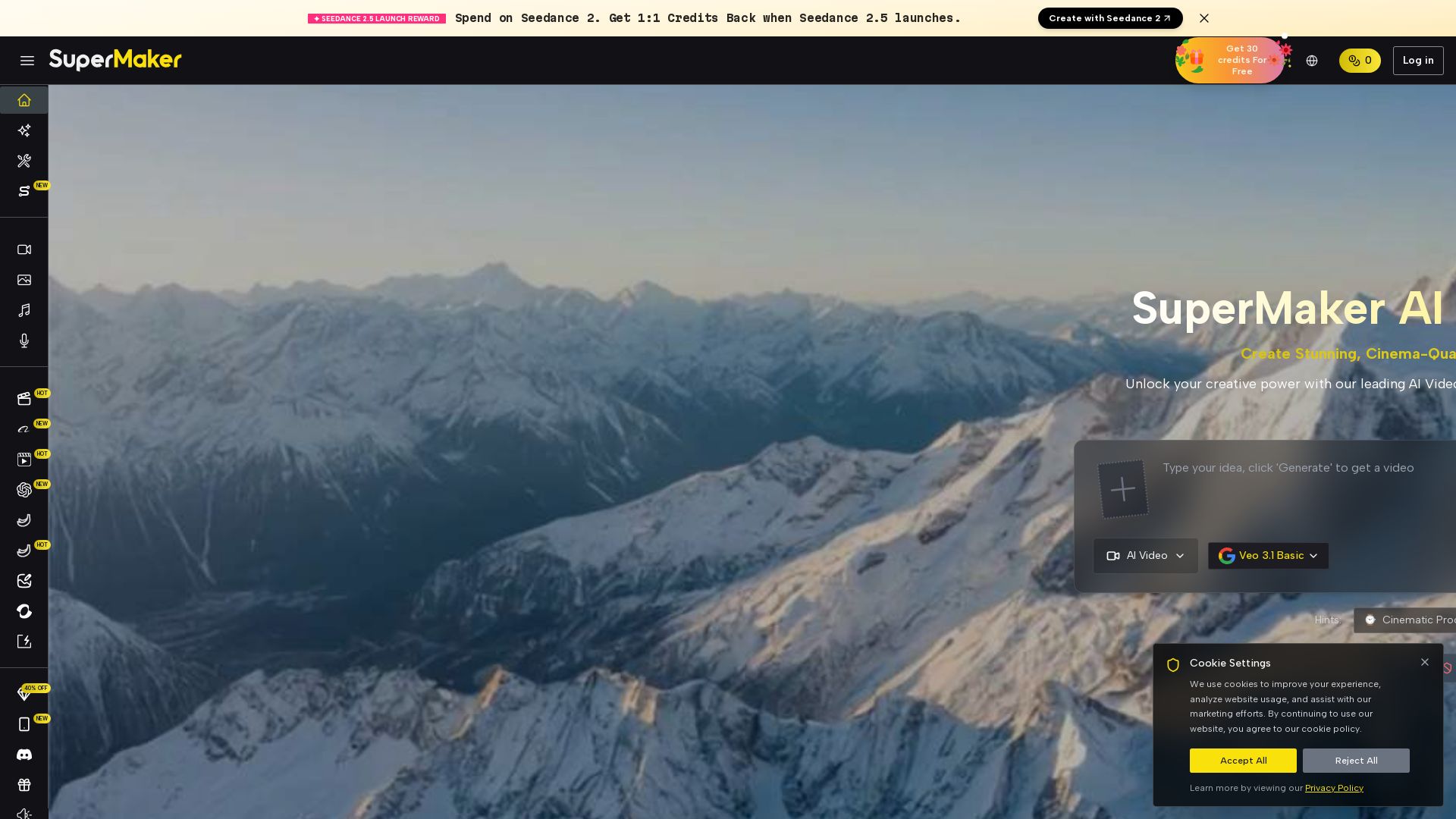
SuperMaker AI
Create stunning cinema-quality videos with SuperMaker's AI Video Generator. All-in-one suite for video, image, music, and voice. Start free.

Kling AI
Generate professional videos and images with KlingAI 3.0. Native multimodal support, motion control, sound effects, and cross-platform tools. Create now!


Pixlr
Edit, generate, and design with Pixlr's free AI photo editor. Transform photos, create images from text, and more – all in your browser. No download needed.

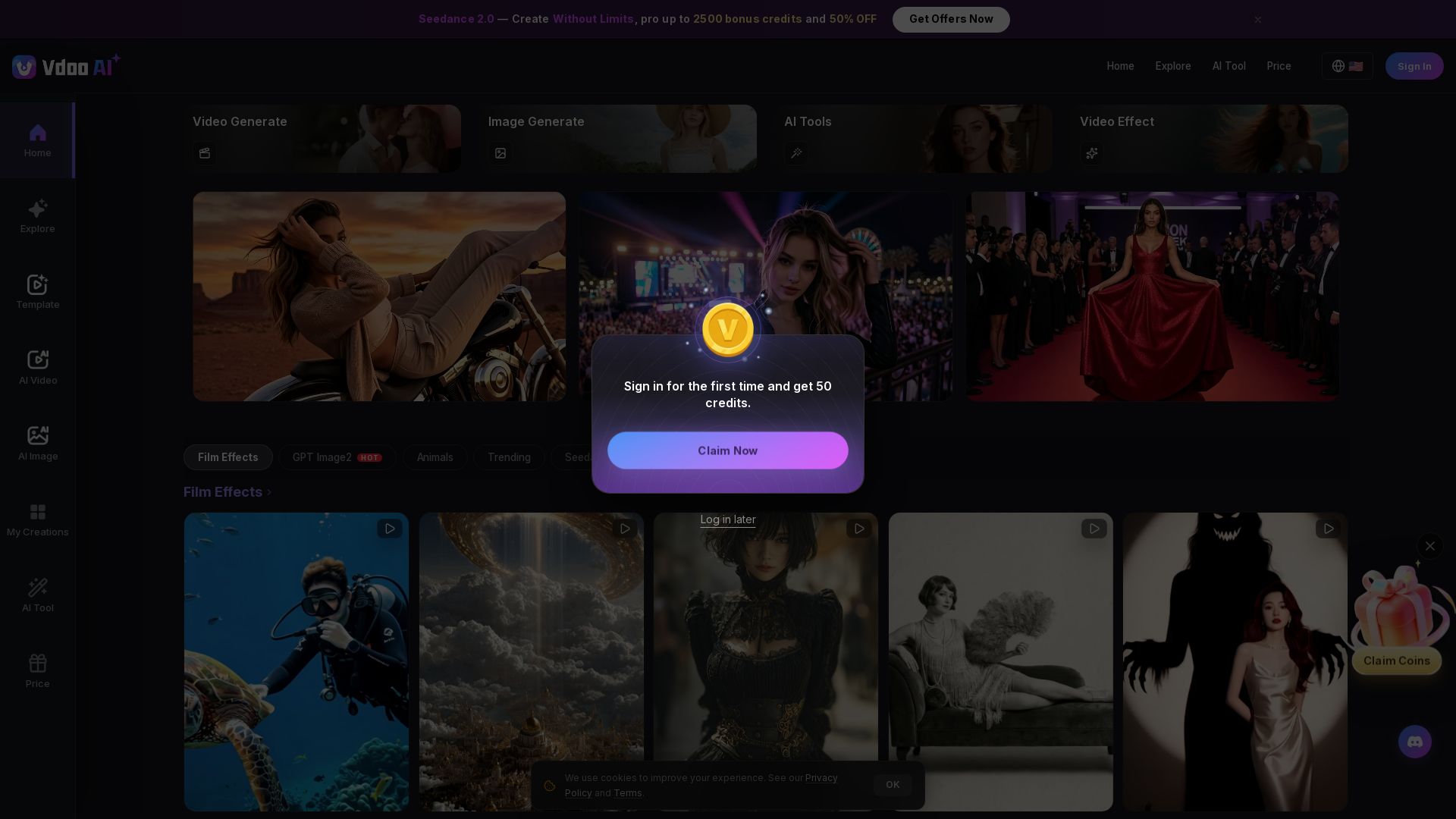
Vdoo AI
Create stunning AI videos and images with cutting-edge models. Easy-to-use platform for professional-quality content. Try free tools today!


Gen AI Video Generator
Create stunning AI videos and images with 90+ models including Google VEO 3, Sora 2, Seedance 2.0. Text-to-video, image-to-video, photo editing on iOS.

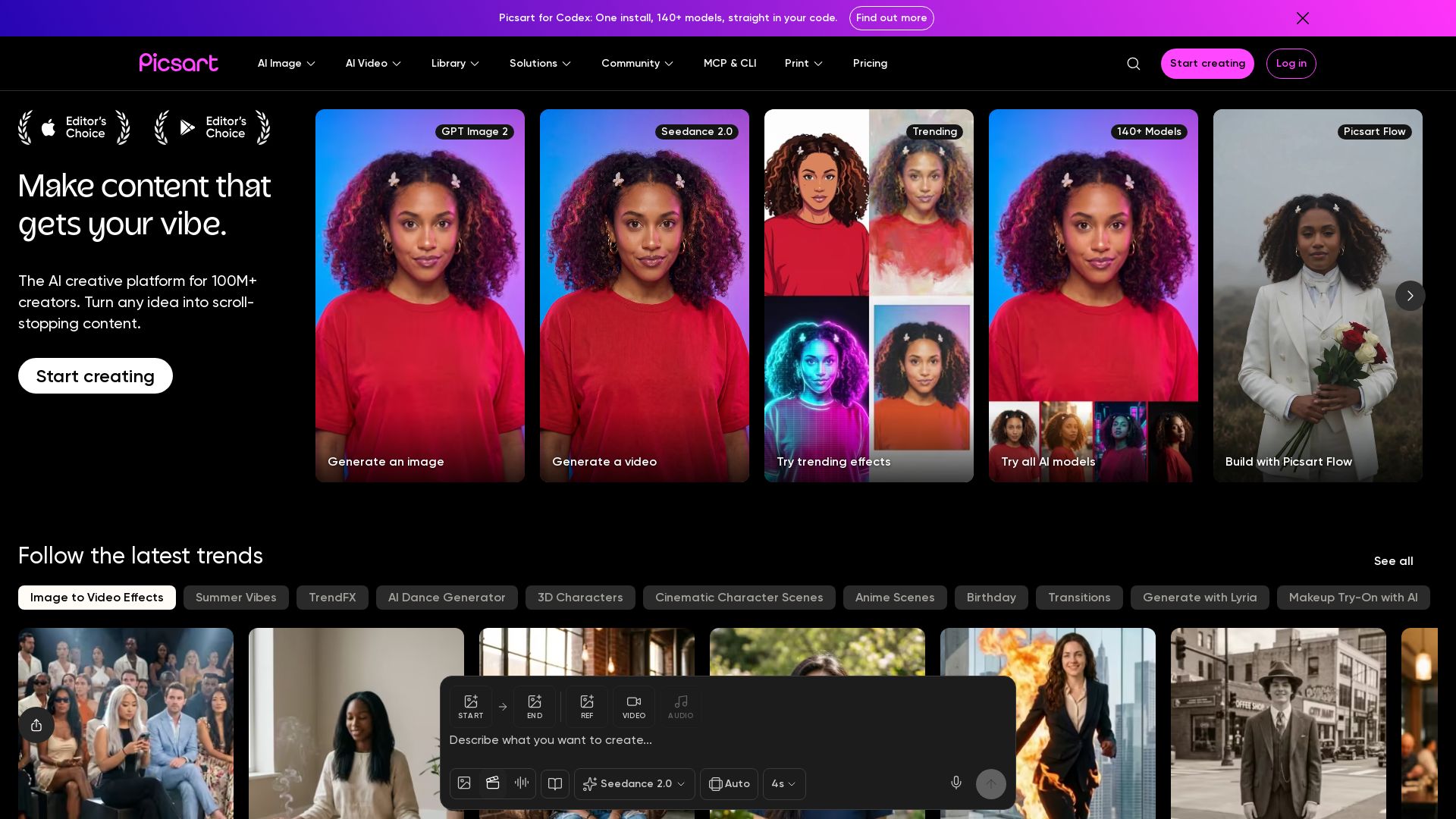
Picsart
Generate AI images & videos, edit photos, and access 140+ models. Picsart's AI creative platform for 100M+ creators. Start for free!

Kling AI
Experience Kling 3.0 – advanced AI video and image generation with native audio, multi-scene consistency, and precise storyboard control. Create now!

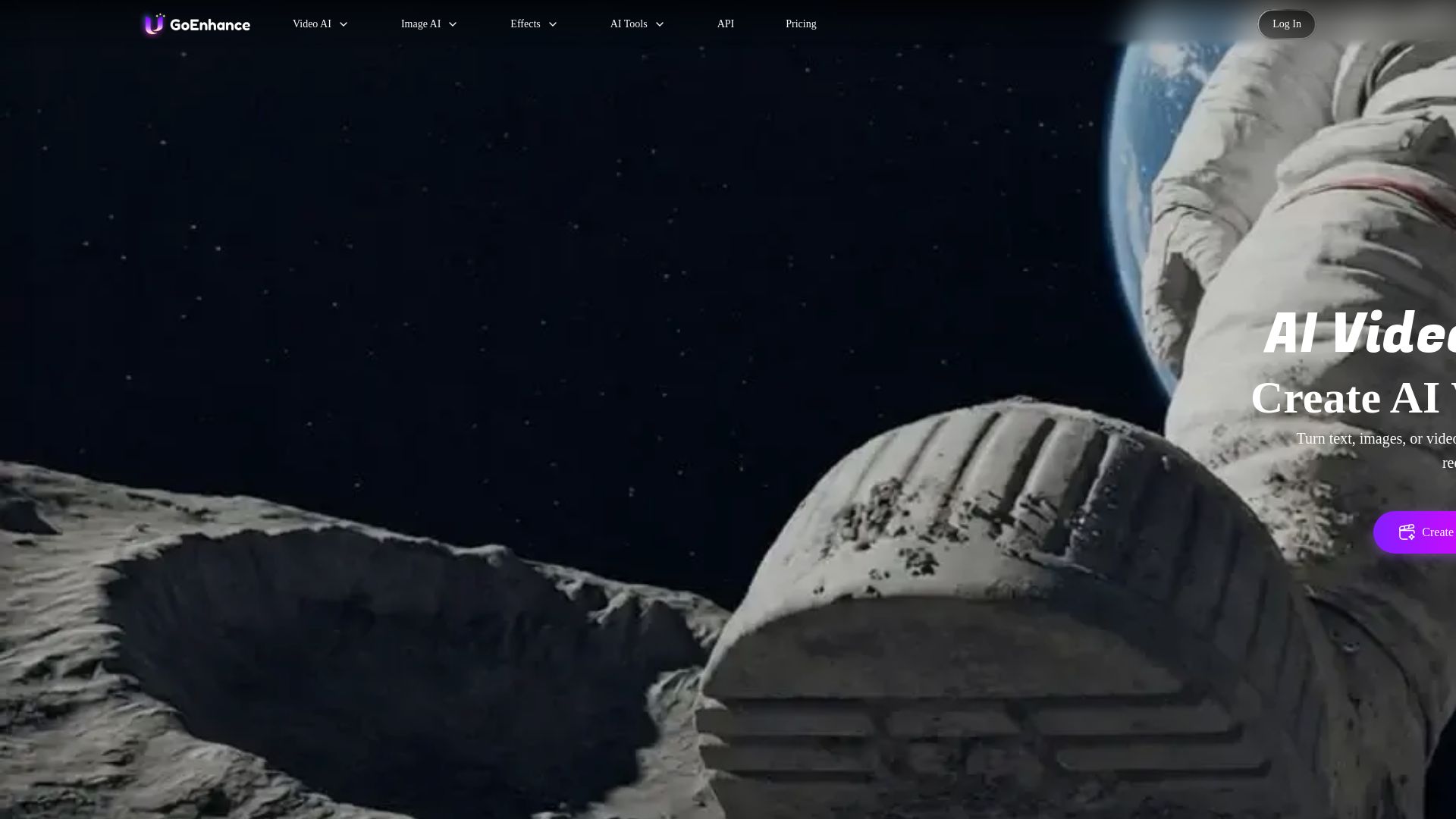
GoEnhance AI
Turn text, images, or videos into stunning AI videos and images. Access 50+ models like Sora, Runway, and Flux. Free to start!

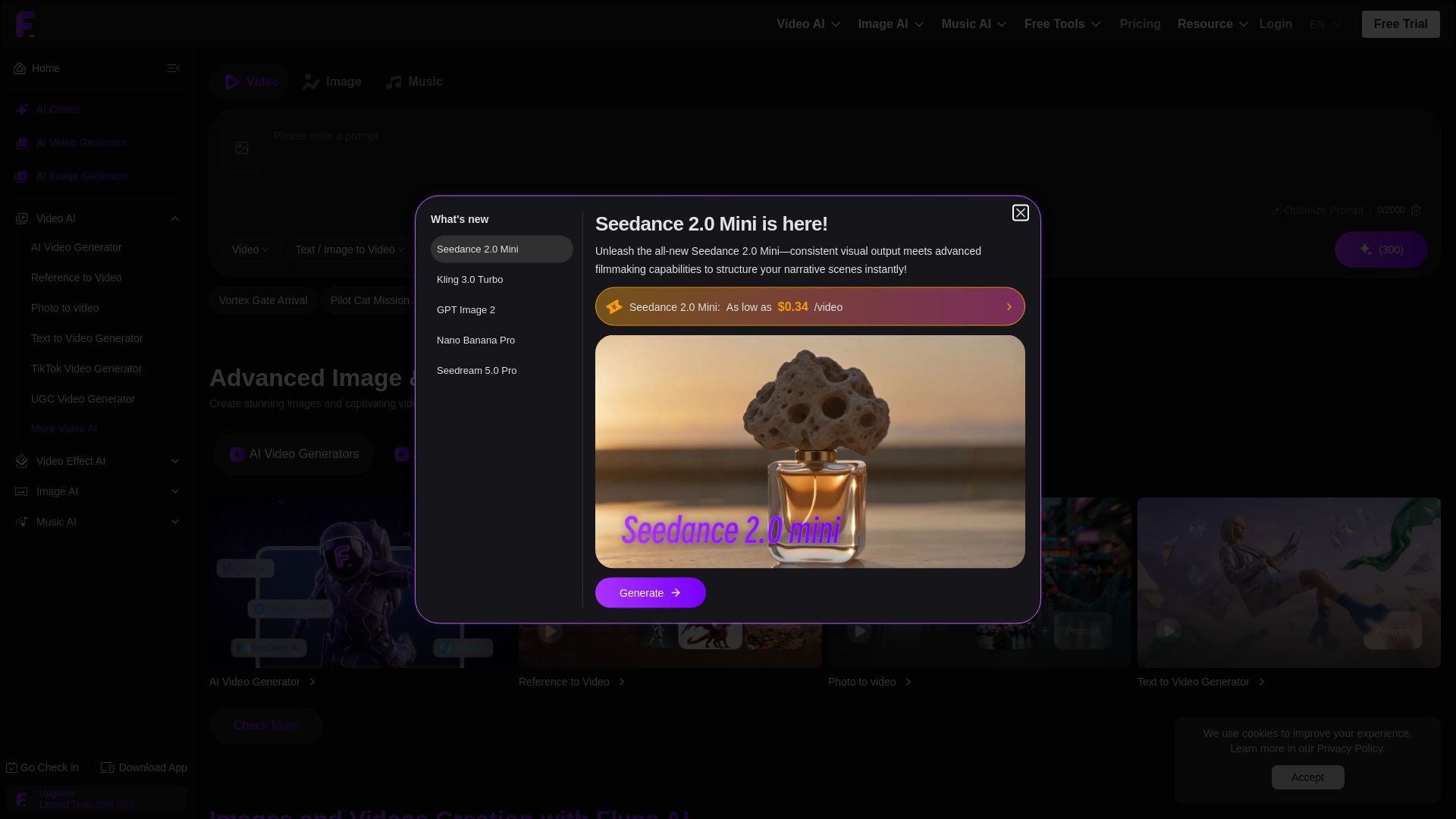
Flyne AI
Create stunning AI images and videos with Flyne AI. Free tools, cutting-edge models like Veo 3.1, Kling 3.0, and Seedance 2.0. Start free!

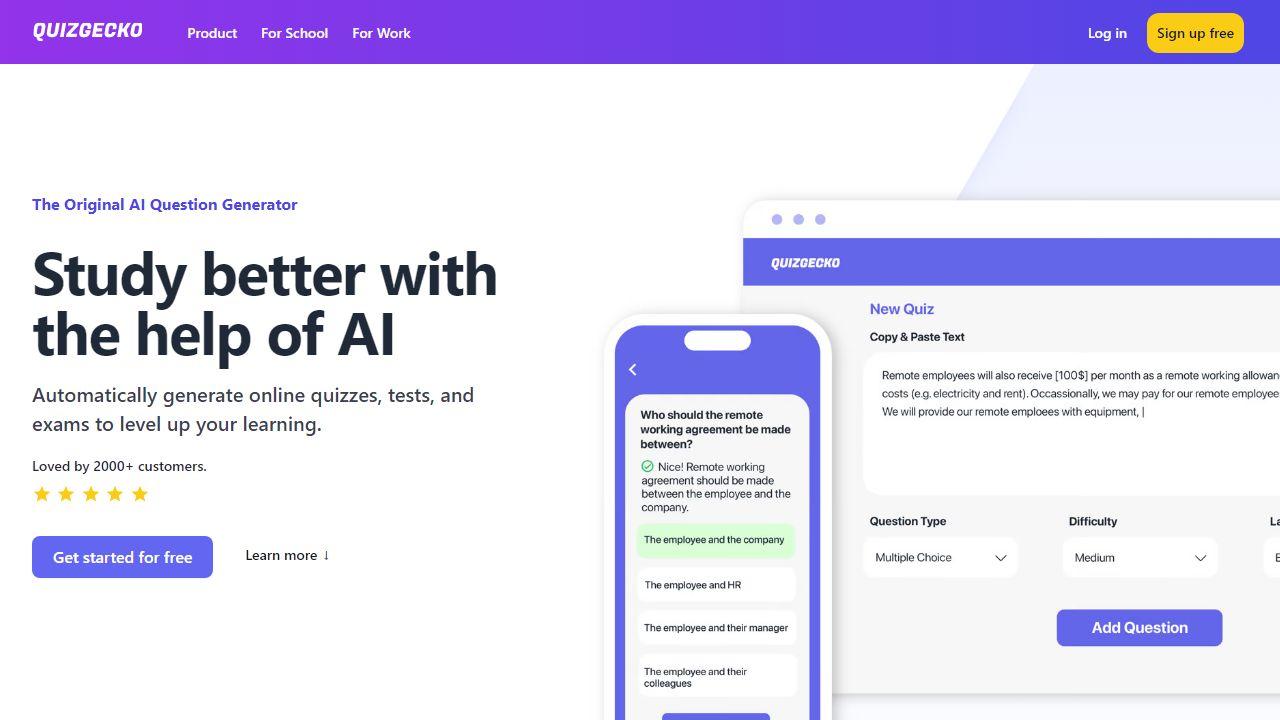
ZSky AI
Create stunning AI images and HD videos for free. Unlimited generation, no credit card. 1080p video, 4K images, commercial use. Try ZSky AI now.

ℹ️ Curation Disclosure: The overview and features of Pixara AI were synthesized using AI and fact-checked by our curation team to ensure accuracy.
