
Picsart
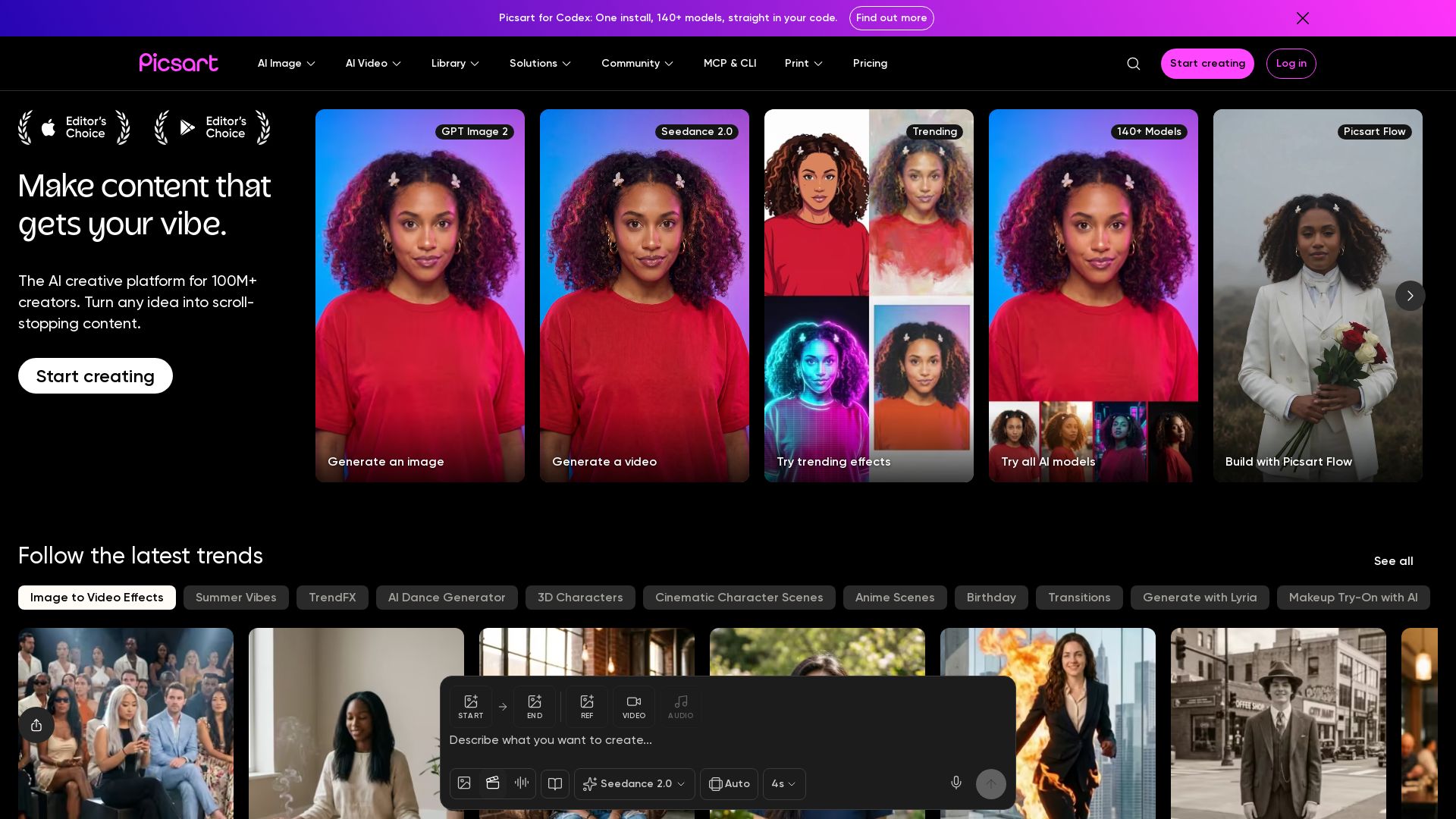
Generate AI images & videos, edit photos, and access 140+ models. Picsart's AI creative platform for 100M+ creators. Start for free!


Editor's Verdict
Key Takeaways
- AI Image Generator
- AI Video Generator
- AI Agents
- MCP & CLI Integration
In-Depth Review: What is Picsart?
Picsart is a leading AI creative platform that empowers over 100 million creators to turn ideas into stunning content. With tools for AI image and video generation, photo editing, and access to 140+ models, you can create scroll-stopping visuals. Explore trending effects, AI agents, and a vast asset library to bring your vision to life.
Core Features
AI Image Generator
Turn text into stunning images with over 50 AI models including Flux, Ideogram, and GPT Image 2.
AI Video Generator
Create scroll-stopping videos from text or images using models like Seedance 2.0, Kling 3.0, and Sora 2.
AI Agents
Hire 15+ specialized creative agents for video production, brand design, content strategy, and more.
MCP & CLI Integration
Use Picsart directly in Claude Code, Cursor, and ChatGPT via MCP, or automate content from the terminal.
Background Removal
Instantly remove backgrounds from photos and videos with one click.
Bulk Edit
Edit up to 100 images at once, saving time on repetitive tasks.
Brand Kits
Maintain consistent branding with support for multiple brand kits, custom fonts, and colors.
Cloud Storage
Store designs and assets securely with 100GB (Pro) or 300GB (Ultra) per seat.
Stock Content Library
Access millions of stock photos, Getty video clips, and premium templates.
AI Editing Tools
Enhance images with face retouching, AI filters, style transfer, and object replacement.
Pricing
Pro Monthly
- Access to all photo & video editing features
- Advanced background & object removal
- Parallel video generations with AI models
- Unlimited image generations with Flex.2 Klein
- 1-tap image enhancer
- Millions of stock photos & Getty video clips
- Selection of trendy fonts, text styles & stickers
- Thousands of premium templates
- Support for 3+ brand kits
- Bulk edit up to 50 images at once
- 100 GB of cloud storage
- 15+ creative AI agents
- Auto-generate content from terminal or agent with CLI
- Use Picsart inside Claude Code, Cursor, and ChatGPT via MCP
Pro Yearly
- Access to all photo & video editing features
- Advanced background & object removal
- Parallel video generations with AI models
- Unlimited image generations with Flex.2 Klein
- 1-tap image enhancer
- Millions of stock photos & Getty video clips
- Selection of trendy fonts, text styles & stickers
- Thousands of premium templates
- Support for 3+ brand kits
- Bulk edit up to 50 images at once
- 100 GB of cloud storage
- 15+ creative AI agents
- Auto-generate content from terminal or agent with CLI
- Use Picsart inside Claude Code, Cursor, and ChatGPT via MCP
Ultra Monthly
- 5x more usage than Pro
- 140+ leading AI video, image, and audio models
- Parallel video generations with AI models
- Early access to advanced AI features
- Unlimited image generations with Flex.2 Klein
- Option to buy add-on credits that never expire
- Up to 6.5 million Getty stock videos
- Bulk edit up to 100 images at once
- Support for 10+ brand kits
- Create ad variations & localize
- Track ads performance
- Add team seats
- 300 GB of cloud storage per seat
- 15+ creative AI agents
- Auto-generate content from terminal or agent with CLI
- Use Picsart inside Claude Code, Cursor, and ChatGPT via MCP
Ultra Yearly
- 5x more usage than Pro
- 140+ leading AI video, image, and audio models
- Parallel video generations with AI models
- Early access to advanced AI features
- Unlimited image generations with Flex.2 Klein
- Option to buy add-on credits that never expire
- Up to 6.5 million Getty stock videos
- Bulk edit up to 100 images at once
- Support for 10+ brand kits
- Create ad variations & localize
- Track ads performance
- Add team seats
- 300 GB of cloud storage per seat
- 15+ creative AI agents
- Auto-generate content from terminal or agent with CLI
- Use Picsart inside Claude Code, Cursor, and ChatGPT via MCP
Enterprise
- Custom credit volume
- Volume discounts on credit rate
- On-demand top-ups
- Access to photo & video editor SDKs
- Mobile web SDK support
- Prepaid or pay-as-you-go creative APIs
- Embed professional-grade editing into your product
- Fully configurable editing experience
- White-label to match your brand
- Bring your own assets: images, templates & fonts
- Enterprise-grade security, SLAs & support
- Dedicated account manager
Pros and Cons
Pros
- User-FriendlyExtremely intuitive and easy to use, even for beginners.
- Powerful AI ToolsWide range of generative AI models for images, video, and audio.
- Versatile EditingComprehensive photo and video editing capabilities in one platform.
- Always ImprovingRegular updates with new features, designs, and solutions.
- Community & InspirationAccess to a large creative community and millions of templates.
Cons
- Credits ExpireMonthly subscription credits expire at the end of each billing cycle.
- Limited Free FeaturesFree version has limited tools and watermarks on exports.
- Cost for Heavy UseHigh usage may require Ultra plan or add-on credits, increasing cost.
- Learning Curve for Advanced ToolsSome advanced AI features and agents require time to learn.
- Internet RequiredMost features require an internet connection; offline use is limited.
Use Cases & Recommended Professions
Social Media Manager→ View Toolkit
Quickly create engaging posts, reels, and branded content for multiple platforms.
Graphic Designer→ View Toolkit
Leverage AI tools for rapid prototyping, background removal, and design variations.
Small Business Owner→ View Toolkit
Easily produce professional marketing materials, logos, and product photos.
Content Creator→ View Toolkit
Generate scroll-stopping videos and images for YouTube, TikTok, and Instagram.
Digital Marketer→ View Toolkit
Use AI agents for ad creation, localization, and performance tracking.
Photographer→ View Toolkit
Enhance photos with AI filters, retouching, and creative effects.
Frequently Asked Questions
Alternative AI Tools
View Detailed Comparison →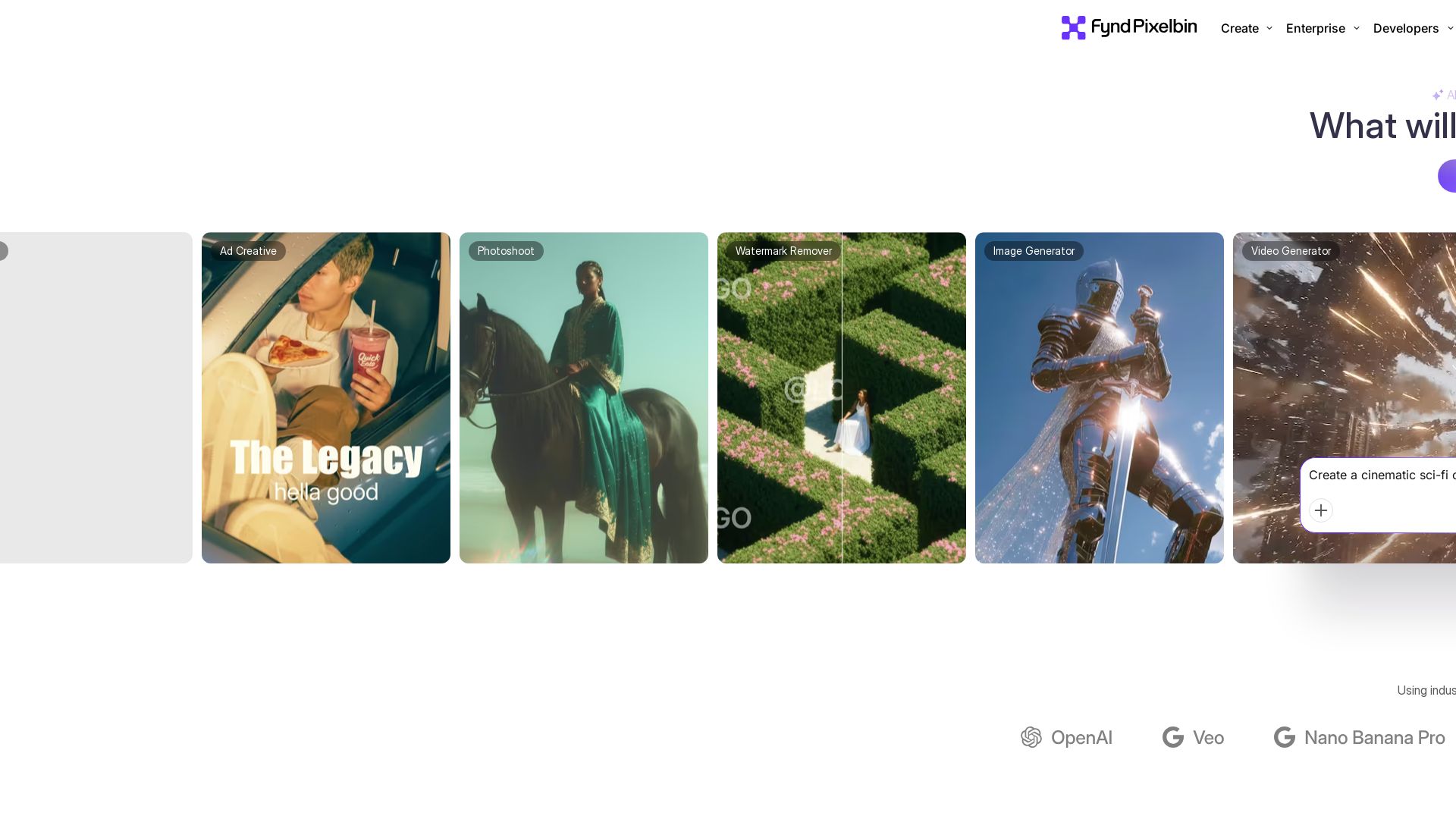
Pixelbin AI Studio
Create stunning visuals with Pixelbin's AI tools: image editing, video generation, upscaling, batch processing. Trusted by 58M+ users. Free to start.


Pixlr
Edit, generate, and design with Pixlr's free AI photo editor. Transform photos, create images from text, and more – all in your browser. No download needed.

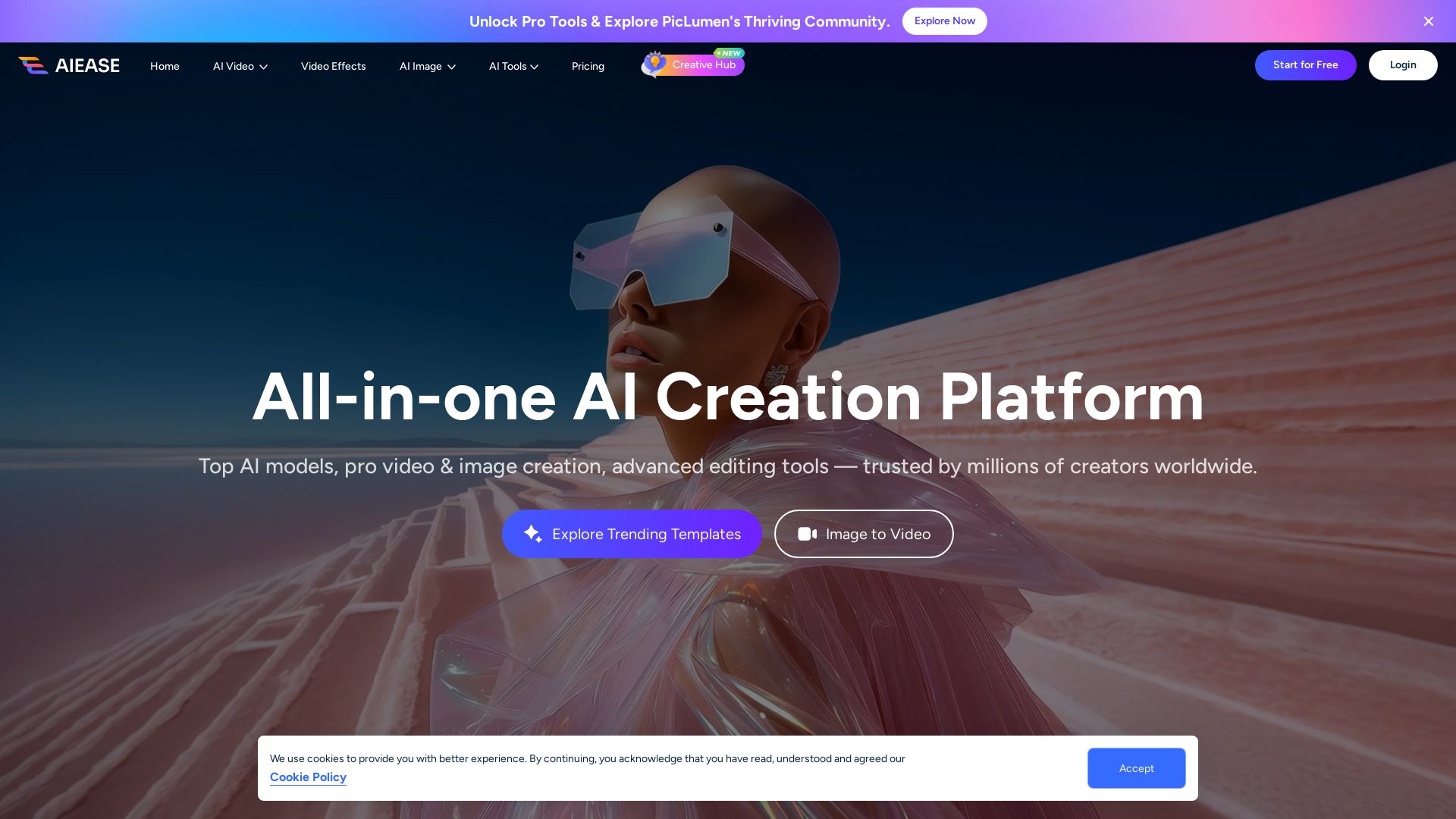
AI Ease
Create stunning AI videos and images with top models. Free tools for text-to-video, image generation, editing, and more. Trusted by millions.

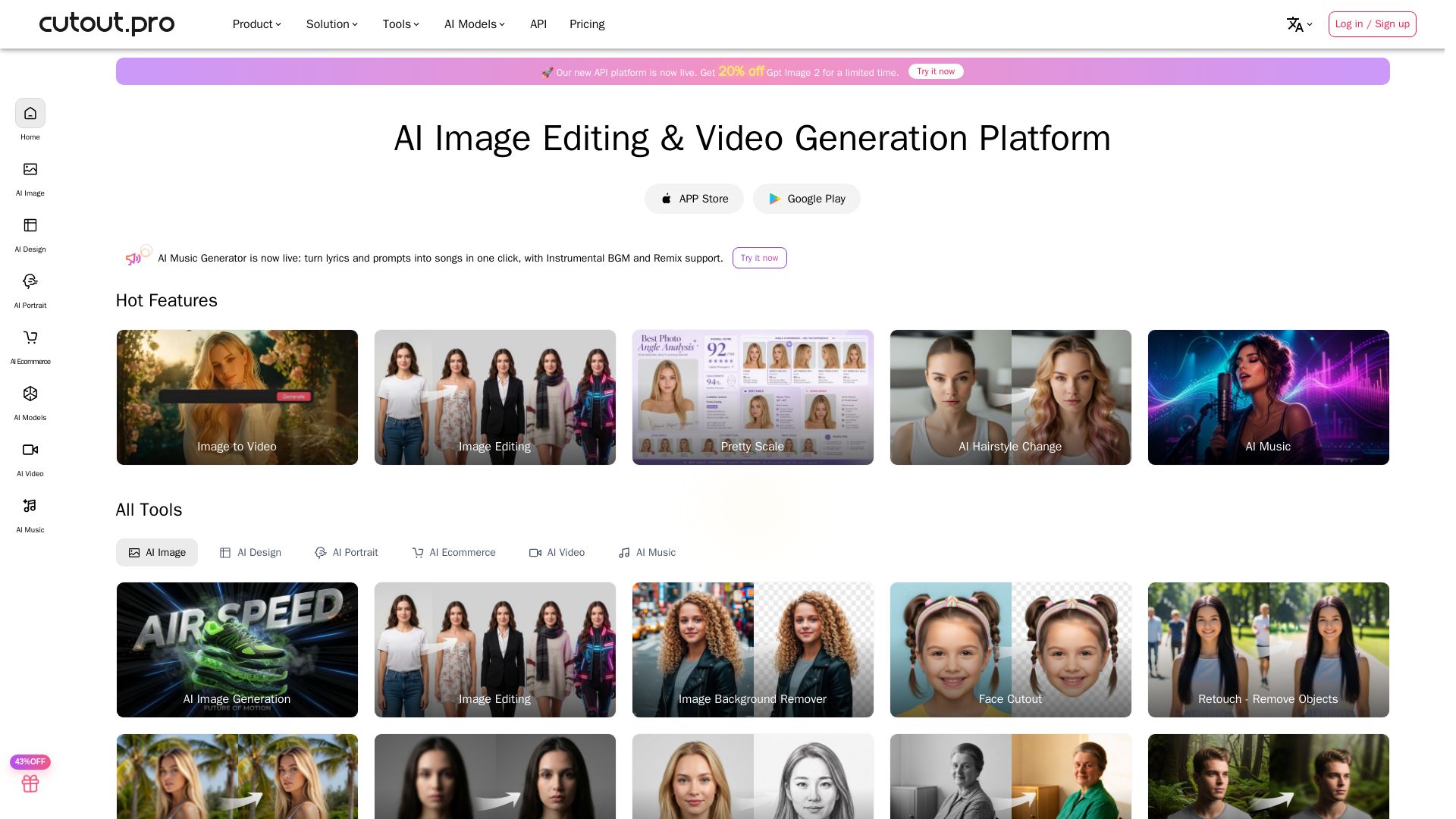
Cutout.Pro
Cutout.Pro offers AI image editing, video generation, background removal, and API integration. Trusted by 25K+ businesses. Get started for free.

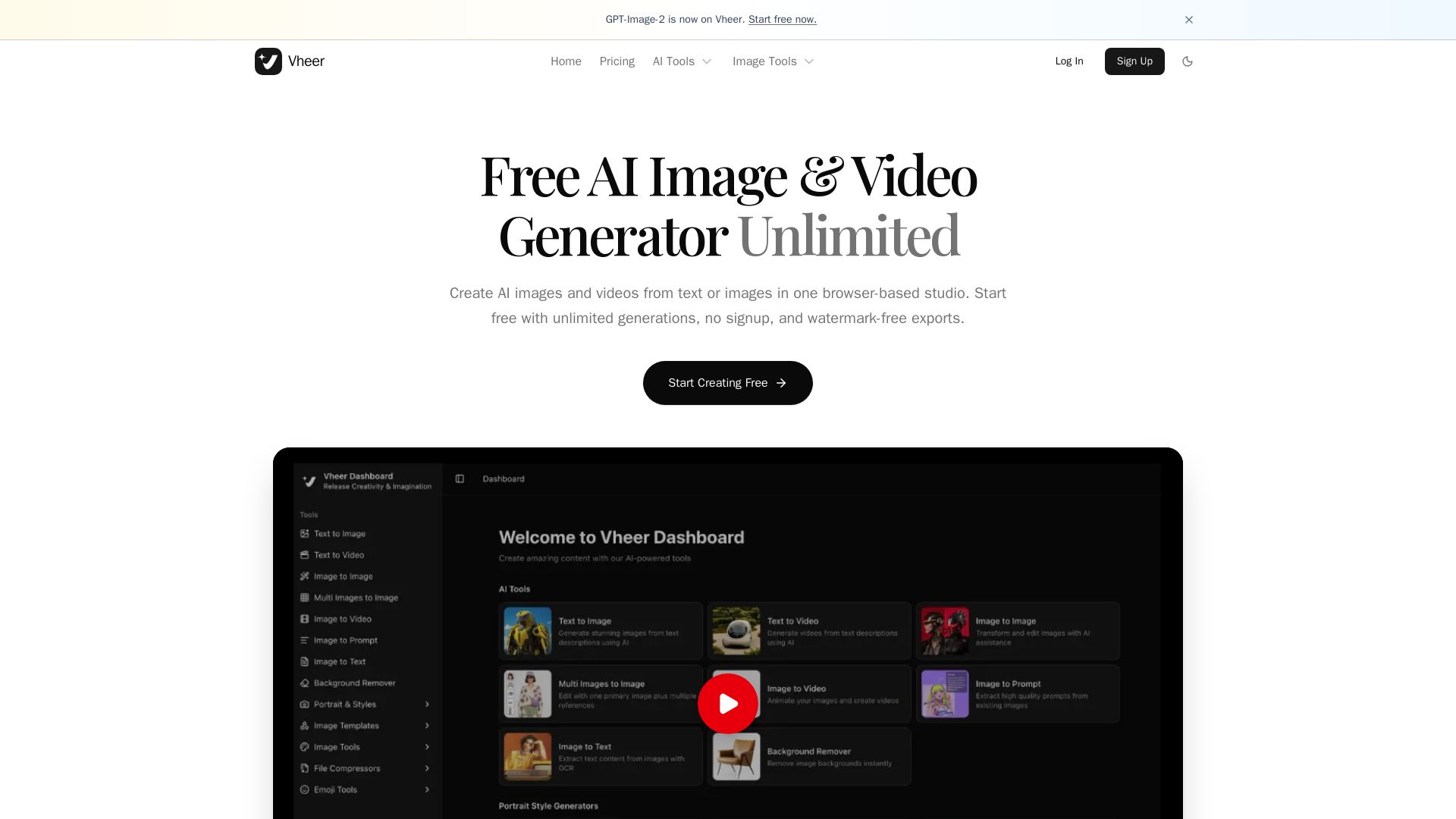
Vheer
Create stunning AI images and videos from text or images. Unlimited generations, no signup, watermark-free. Advanced models in one browser-based studio.


SeaArt AI
Turn ideas into stunning images and cinematic videos with SeaArt AI. Free tools, community, and advanced models like Seedance 2.0.

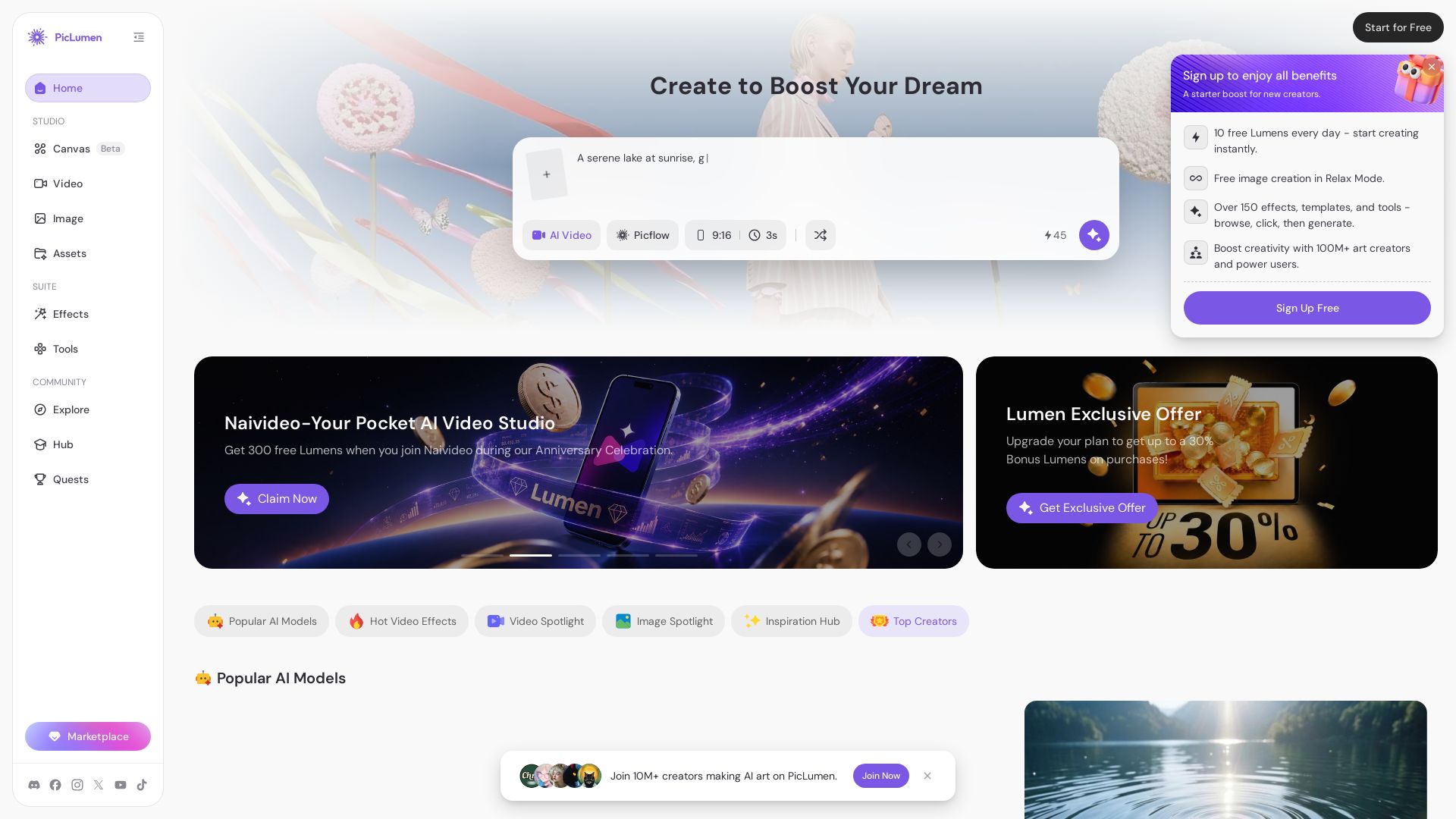
PicLumen
Create stunning AI images and videos with top models. Free to start. Join a vibrant creator community. Try PicLumen today!

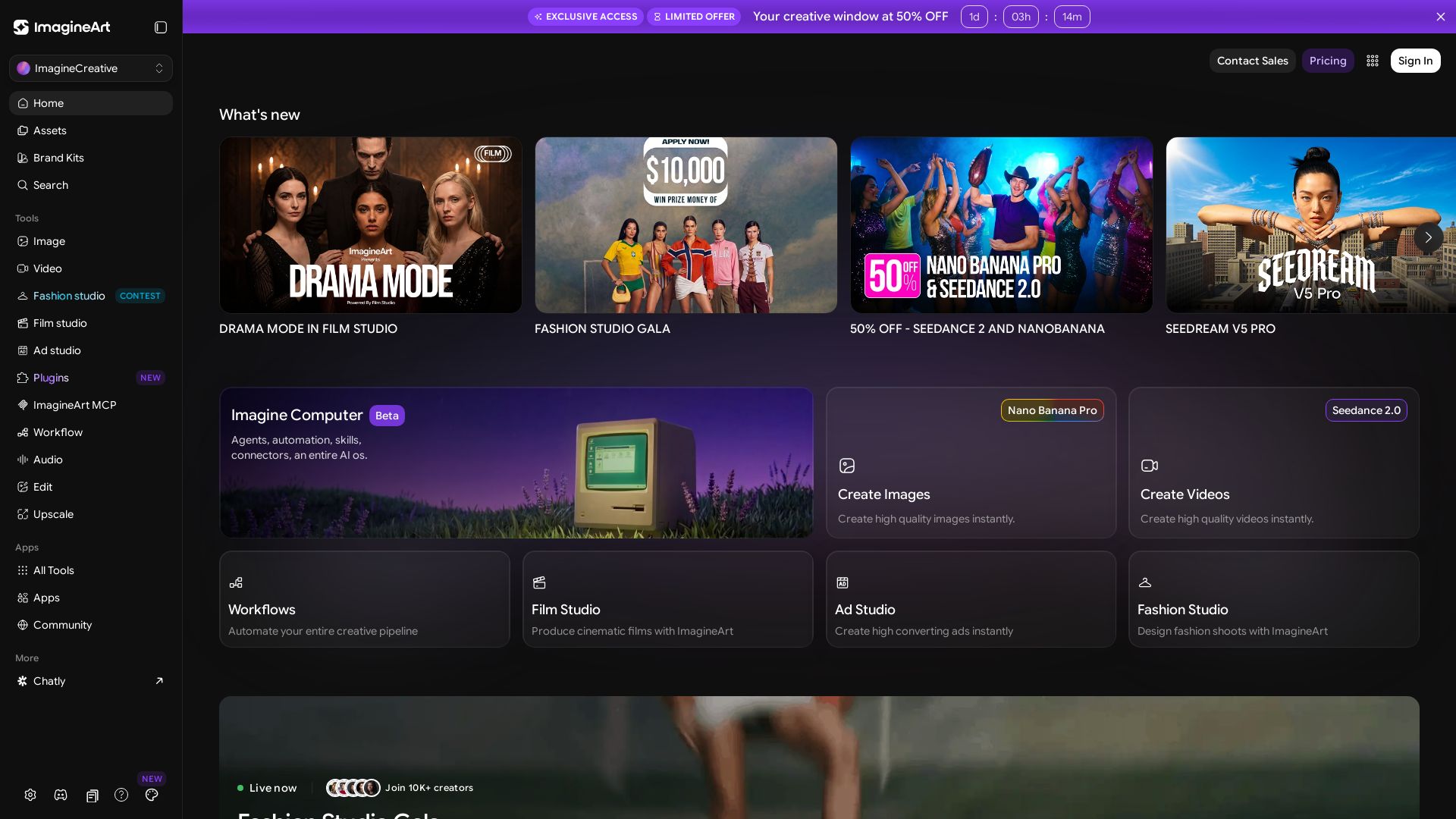
ImagineArt
Create stunning AI images, videos, and ads with ImagineArt. Explore tools like Seedance, Film Studio, and Fashion Studio. Join 10K+ creators.


Gen AI Video Generator
Create stunning AI videos and images with 90+ models including Google VEO 3, Sora 2, Seedance 2.0. Text-to-video, image-to-video, photo editing on iOS.

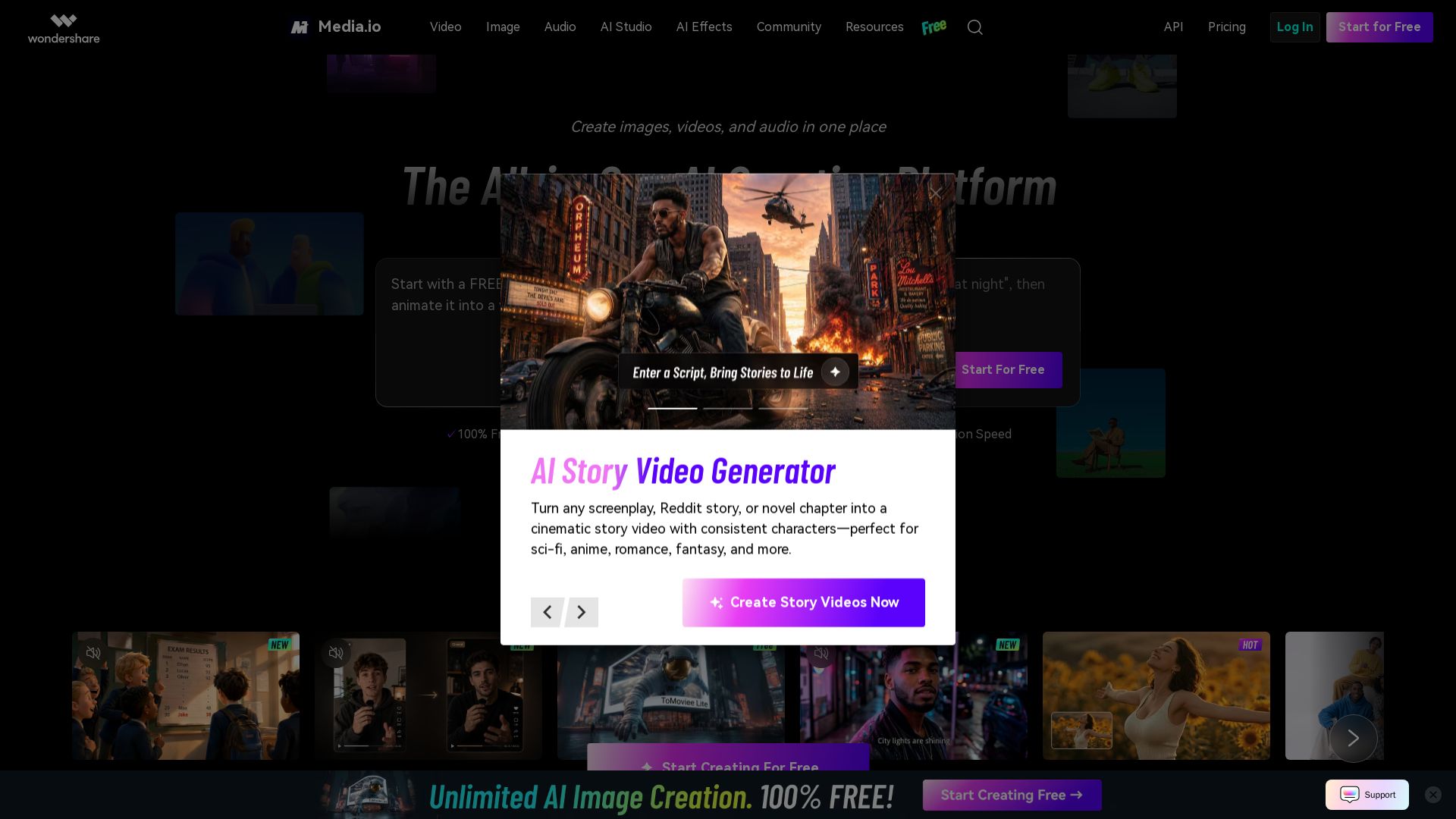
Media.io
Create images, videos, and audio with AI. Free to start, no daily cap. Over 100M users. Generate, edit, and remix media effortlessly.

PhotoGrid
Transform photos and videos with AI. Remove backgrounds, upscale, create collages, and generate AI videos. Free online tool with 20,000+ templates.

Qwen Image
Free AI image generator with superior text rendering and precise editing. Create commercial-quality images for any project.
ℹ️ Curation Disclosure: The overview and features of Picsart were synthesized using AI and fact-checked by our curation team to ensure accuracy.
