
Vheer
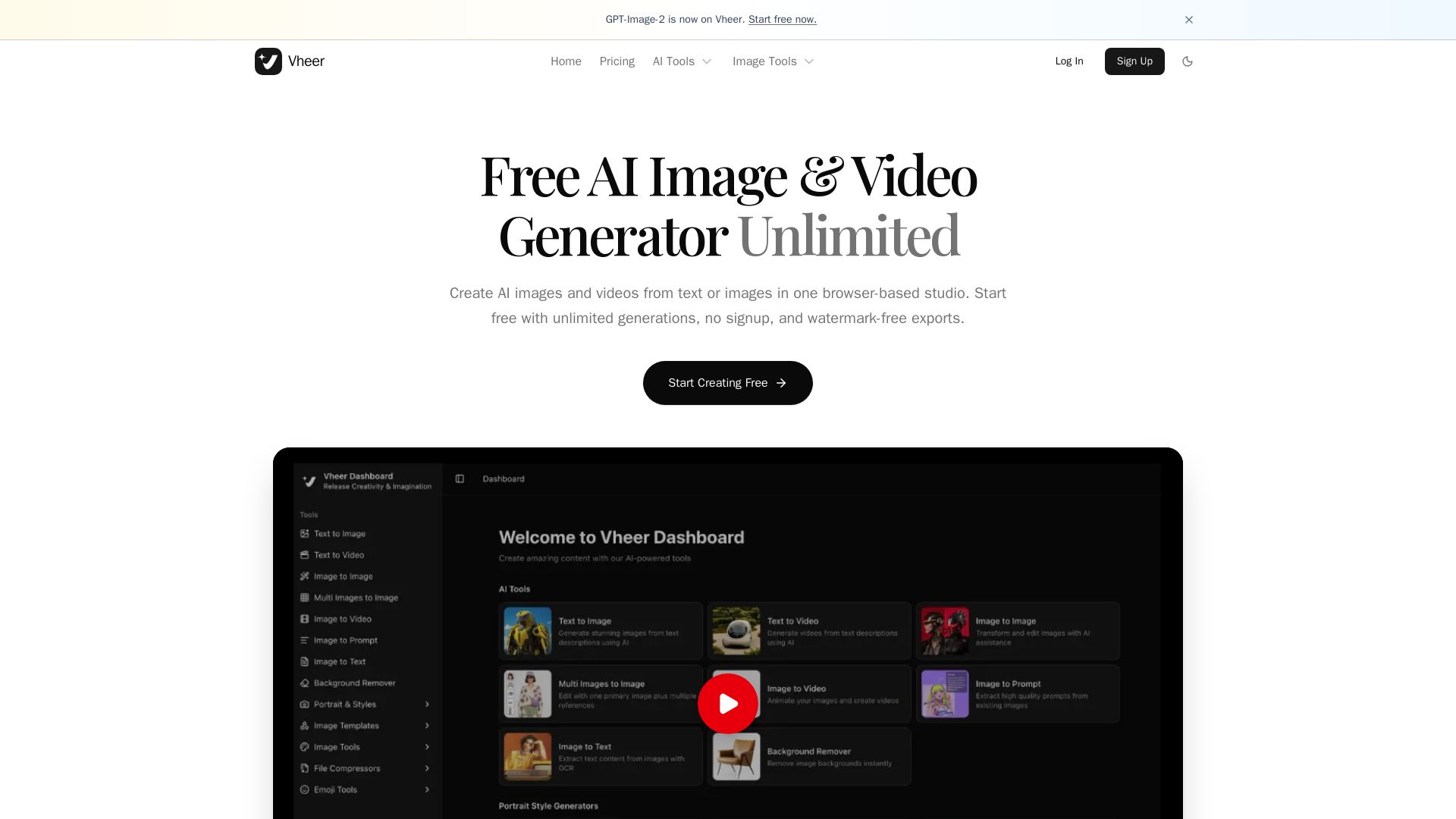
Create stunning AI images and videos from text or images. Unlimited generations, no signup, watermark-free. Advanced models in one browser-based studio.

Editor's Verdict
Key Takeaways
- Text to Image
- Text to Video
- Image to Image
- Multi Images to Image
In-Depth Review: What is Vheer?
Vheer is an all-in-one AI creative dashboard offering free, unlimited image and video generation from text or images. With a wide range of advanced models like SeeDream V4, Flux Klein, and MiniMax, users can generate, edit, and transform visuals seamlessly. No signup required, watermark-free exports, and tools for background removal, resizing, and more. Perfect for creators seeking a powerful, accessible AI studio.
Core Features
Text to Image
Generate stunning images from text descriptions using AI.
Text to Video
Generate videos from text descriptions using AI.
Image to Image
Transform and edit images with AI assistance.
Multi Images to Image
Edit with one primary image plus multiple references.
Image to Video
Animate images and create videos.
Image to Prompt
Extract high quality prompts from existing images.
Image to Text
Extract text content from images with OCR.
Background Remover
Remove image backgrounds instantly.
Image Invert
Invert image colors in browser.
Image Grayscale
Convert images to grayscale.
Image Black White
Threshold image to pure black and white.
Image Flip
Flip image horizontally and vertically.
Image Blur
Apply blur effects to selected images.
Face Blur
Detect and blur selected faces in one image.
Image Resizer
Resize single or batch images with multiple resize strategies.
Image HSL
Adjust hue, saturation, and lightness.
Image Splitter
Split one image into a grid.
Image Outline
Generate edge outlines from images.
Background Blur
Blur background while keeping subject clear.
Color Palette
Extract dominant colors from images.
Image Combiner
Combine multiple images side by side or stacked.
Advanced AI Models
Integrates models like SeeDream V4, Flux Klein, MiniMax for diverse generation styles.
All-in-One Workspace
Instant tool switching, visual generation canvas, precise controls, and trackable history.
Unlimited Generations (Free)
Start free with unlimited generations, no signup, and watermark-free exports.
Pricing
Free
- 50 credits per month
- Basic image generation
- All free tools
- Email support
- Personal use
- No watermark
Premium
- 1000 credits per month
- Commercial use
- All free tools
- All premium models
- Priority support
- No watermarks, No Ads
Business
- 2000 credits per month
- Commercial use
- All premium models
- Bonus on credit packages
- Priority support
- No watermarks, No Ads
Ultra
- 5000 credits per month
- Commercial use
- All premium models
- Max bonus on credit packages
- Priority support
- No watermarks, No Ads
Credit package 400
- Base 400 credits
Credit package 950
- Base 950 credits
Credit package 1,850
- Base 1,850 credits
Credit package 2,700
- Base 2,700 credits
Credit package 3,500
- Base 3,500 credits
Credit package 7,000
- Base 7,000 credits
Pros and Cons
Pros
- Free Tier AvailableStart with 50 credits per month at no cost, no signup required, and no watermark.
- All-in-One PlatformCombines text-to-image, text-to-video, image editing, and more in a single workspace.
- Multiple Advanced AI ModelsAccess to models like SeeDream V4, Flux Klein, MiniMax, and others for diverse outputs.
- Commercial Use on Paid PlansAll paid plans (Premium, Business, Ultra) include commercial usage rights.
- Credit FlexibilityMonthly credits plus ability to purchase one-time credit packages as needed.
Cons
- Free Plan Limited CreditsOnly 50 credits per month; may not be enough for heavy users.
- No Offline ModeAll tools are browser-based and require an internet connection.
- Credit Expiration UnknownFAQ indicates credits may expire, but details are not fully transparent.
- Limited Model Access on Free PlanFree plan only provides basic image generation, not all premium models.
- No Team Collaboration Features MentionedUltra plan is for power users but lacks explicit team management tools.
Use Cases & Recommended Professions
Content Creator→ View Toolkit
Needs to quickly generate images and videos for social media, blogs, and marketing materials.
Graphic Designer→ View Toolkit
Uses AI tools for rapid prototyping, image editing, and creative inspiration.
Video Editor→ View Toolkit
Requires text-to-video and image-to-video capabilities to enhance projects.
Digital Marketer→ View Toolkit
Needs high-quality visuals for ads, campaigns, and SEO-optimized content.
Social Media Manager→ View Toolkit
Uses generation tools to create engaging posts and stories quickly.
Artist / Illustrator→ View Toolkit
Explores AI models for new styles, references, and prompt-based creation.
Frequently Asked Questions
Alternative AI Tools
View Detailed Comparison →
SeaArt AI
Turn ideas into stunning images and cinematic videos with SeaArt AI. Free tools, community, and advanced models like Seedance 2.0.

Veo3 AI
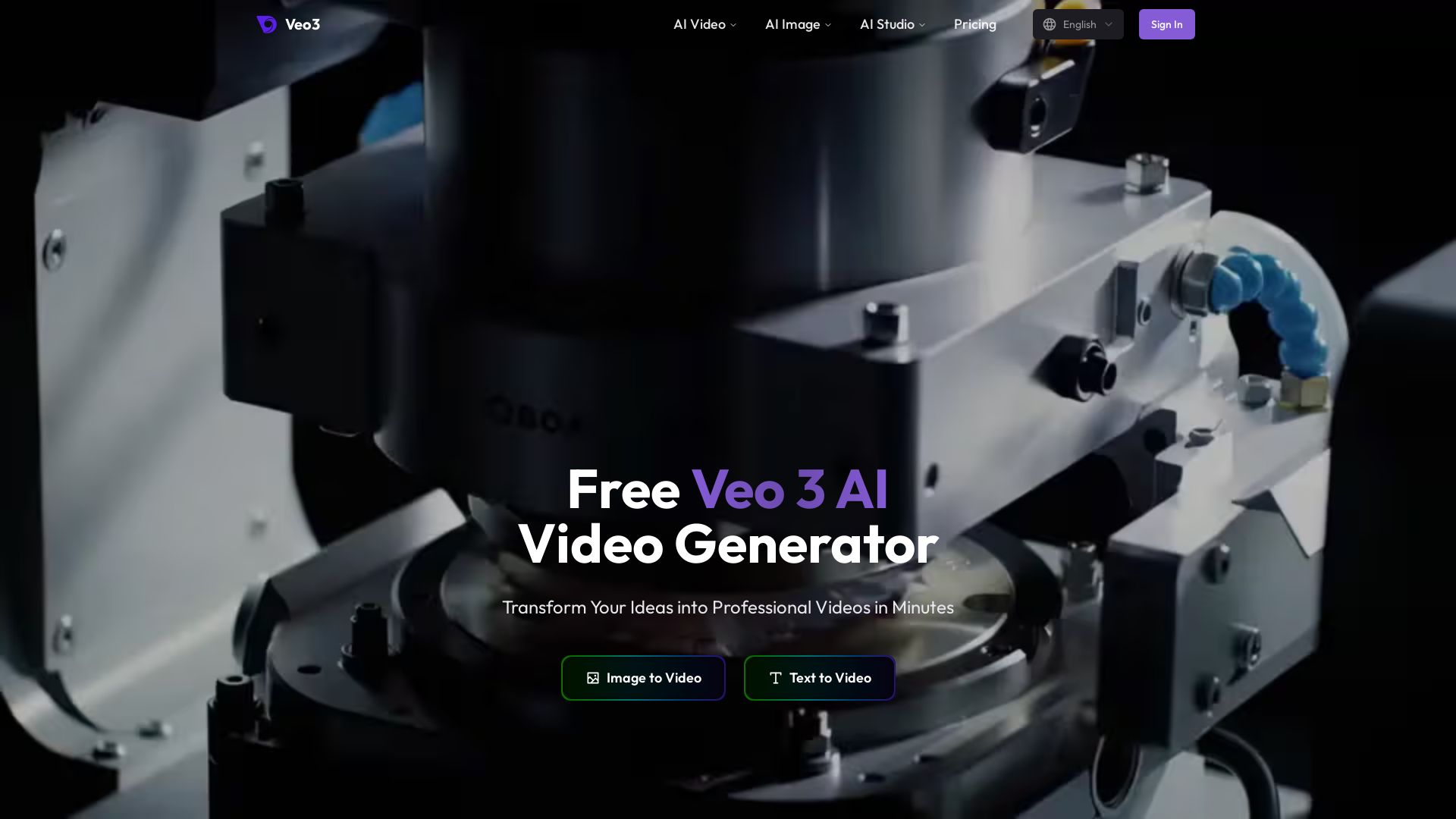
Create stunning videos from text or images using top AI models like Veo3, Sora 2, and Seedance. Free, all-in-one platform. No juggling multiple tools.

WeShop AI
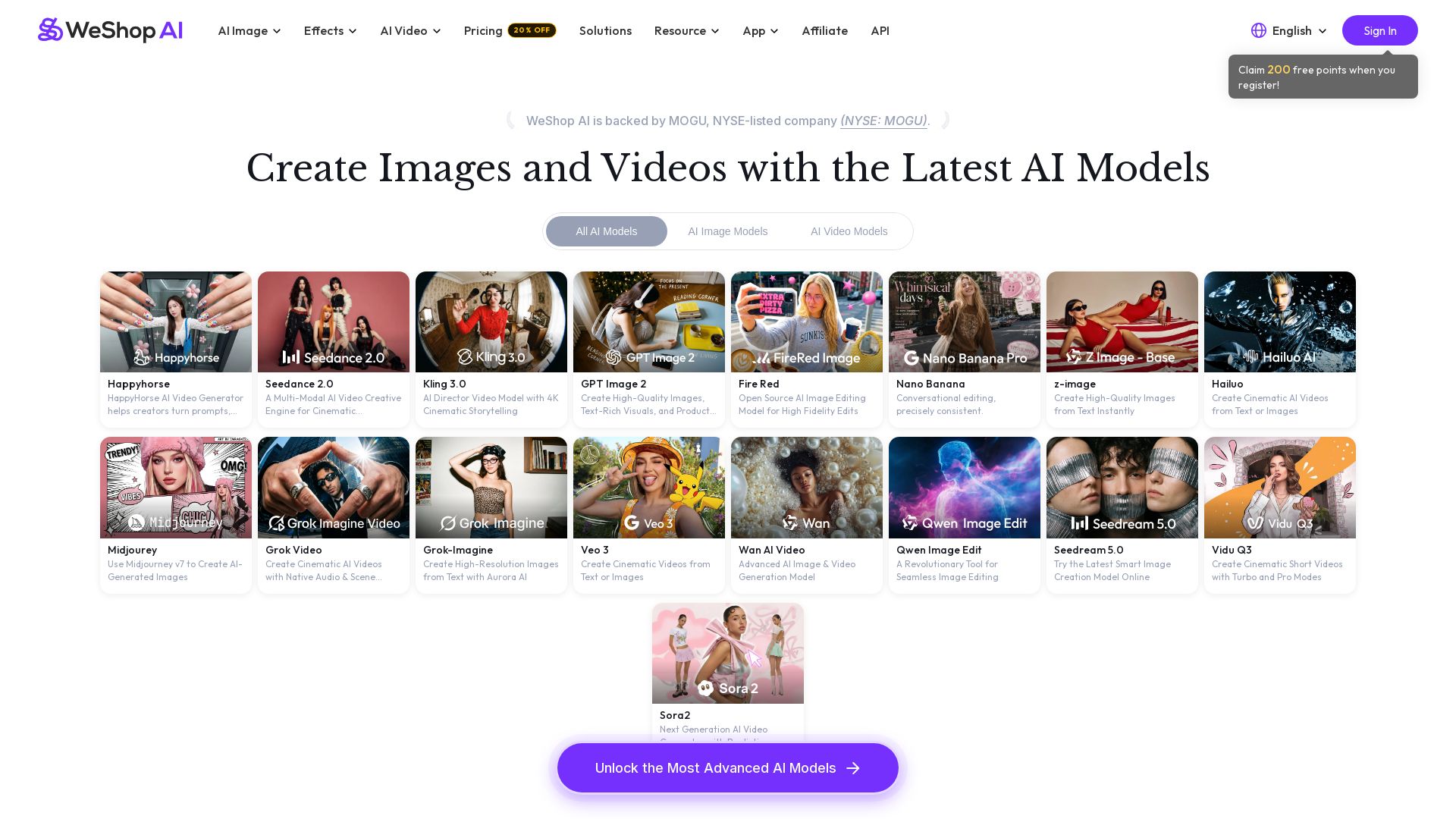
Generate high-quality AI images and videos using top models like Midjourney, Kling, and Seedance. Try virtual try-on, AI fashion models, and more. Trusted by 3M+ users. Start with 200 free points!

Picsart
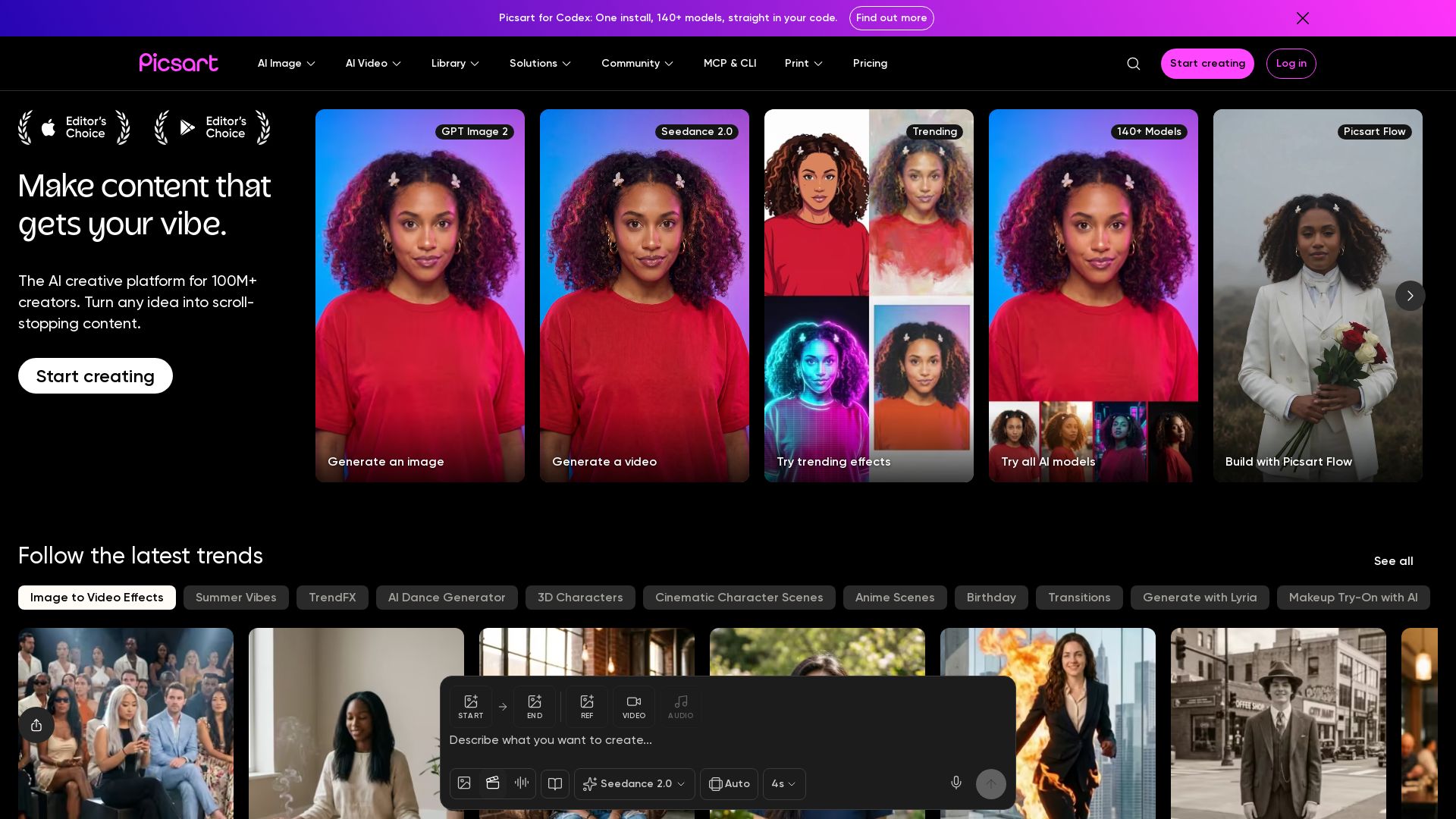
Generate AI images & videos, edit photos, and access 140+ models. Picsart's AI creative platform for 100M+ creators. Start for free!


Pixlr
Edit, generate, and design with Pixlr's free AI photo editor. Transform photos, create images from text, and more – all in your browser. No download needed.

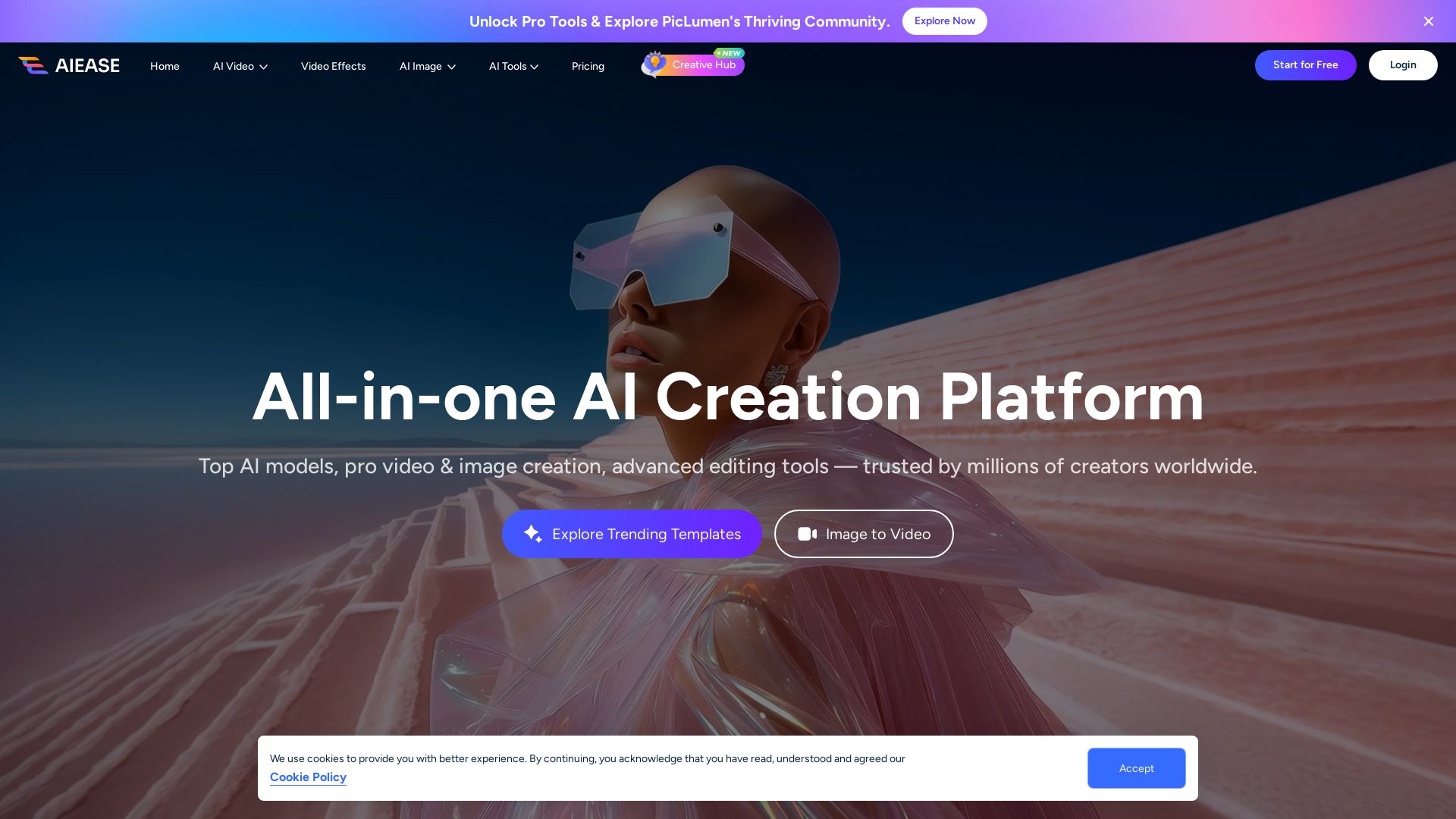
AI Ease
Create stunning AI videos and images with top models. Free tools for text-to-video, image generation, editing, and more. Trusted by millions.


AI Video - AI Video Generator
Create animated videos from text or images with AI. Drag-and-drop editing, lip-sync, HD export. No skills needed. Download free!

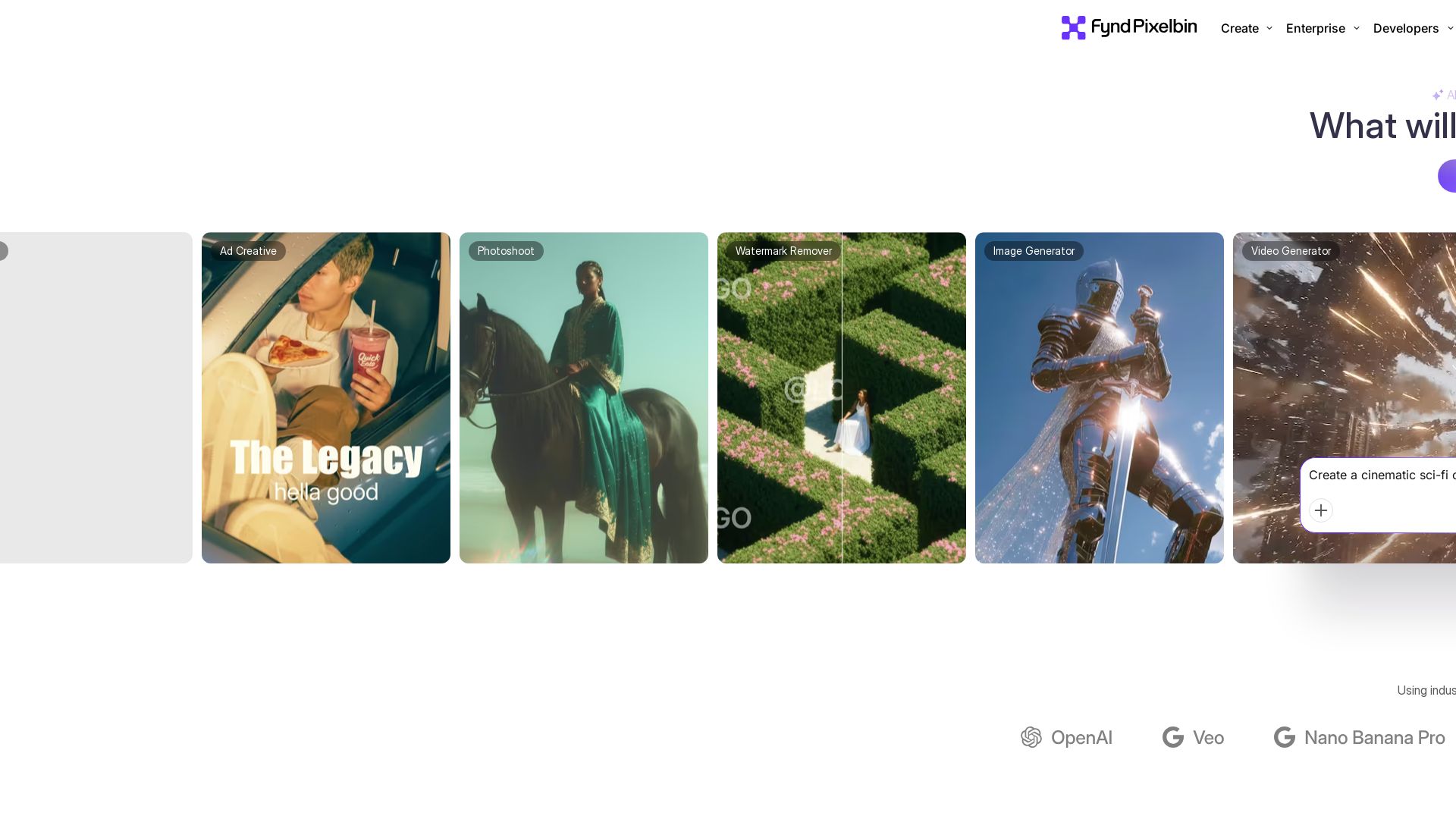
Pixelbin AI Studio
Create stunning visuals with Pixelbin's AI tools: image editing, video generation, upscaling, batch processing. Trusted by 58M+ users. Free to start.

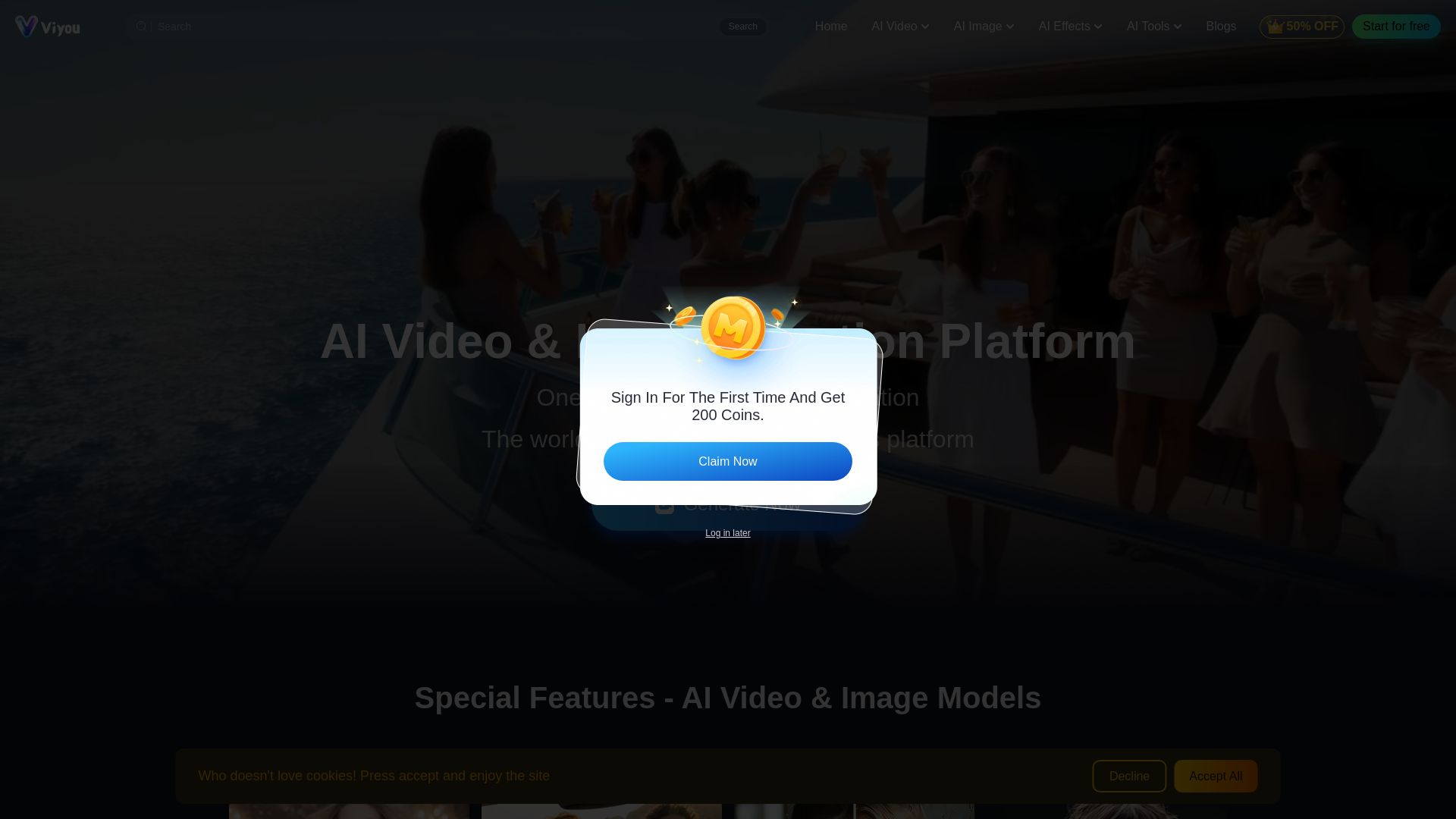
Viyou
Create stunning AI videos and images for free. Generate avatars, romantic kisses, dance videos, and more - all on one platform with full access.

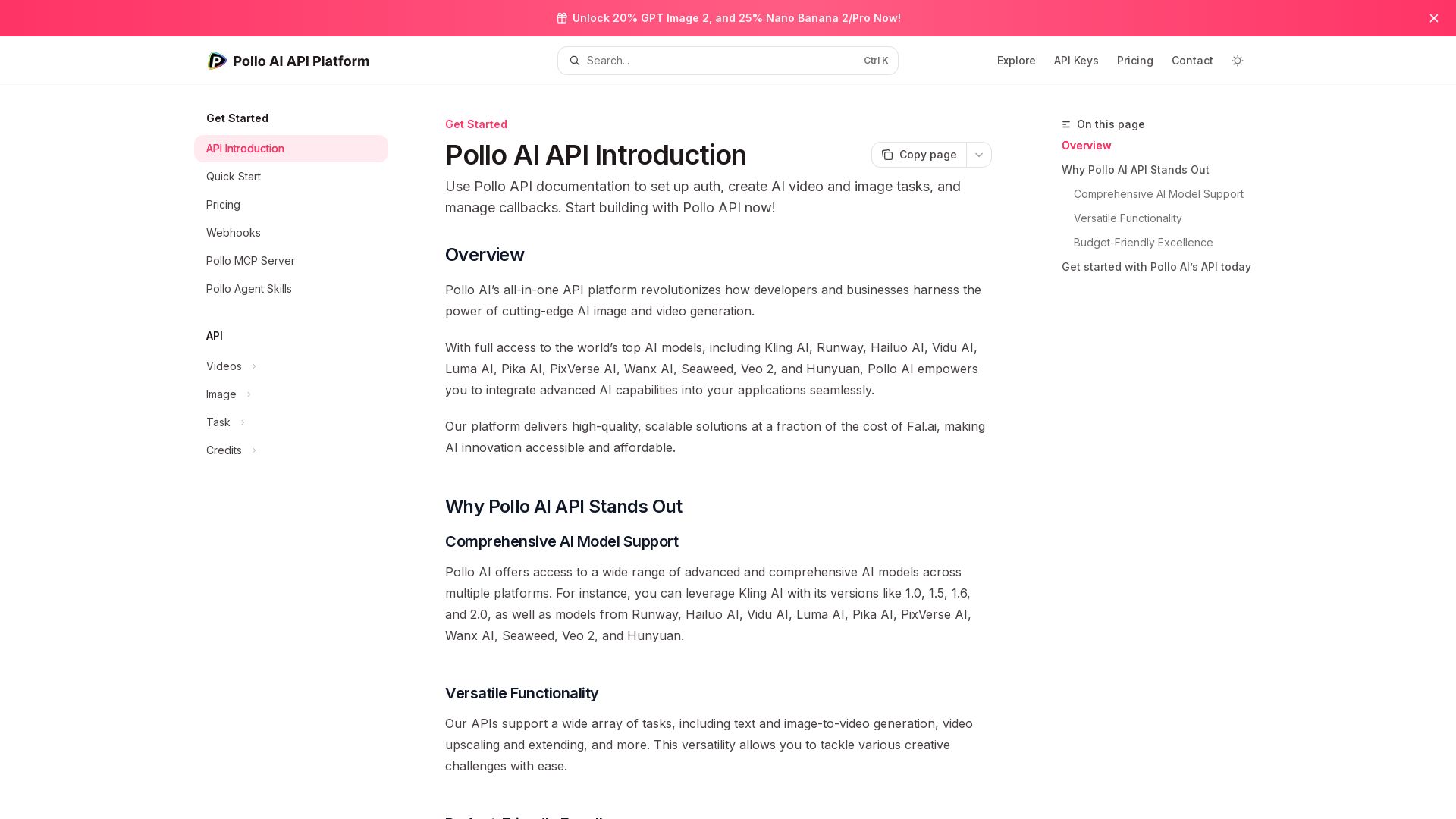
Pollo API
Integrate cutting-edge AI video and image generation with Pollo AI API. Access Kling, Runway, Hailuo, and more. Budget-friendly, high quality.

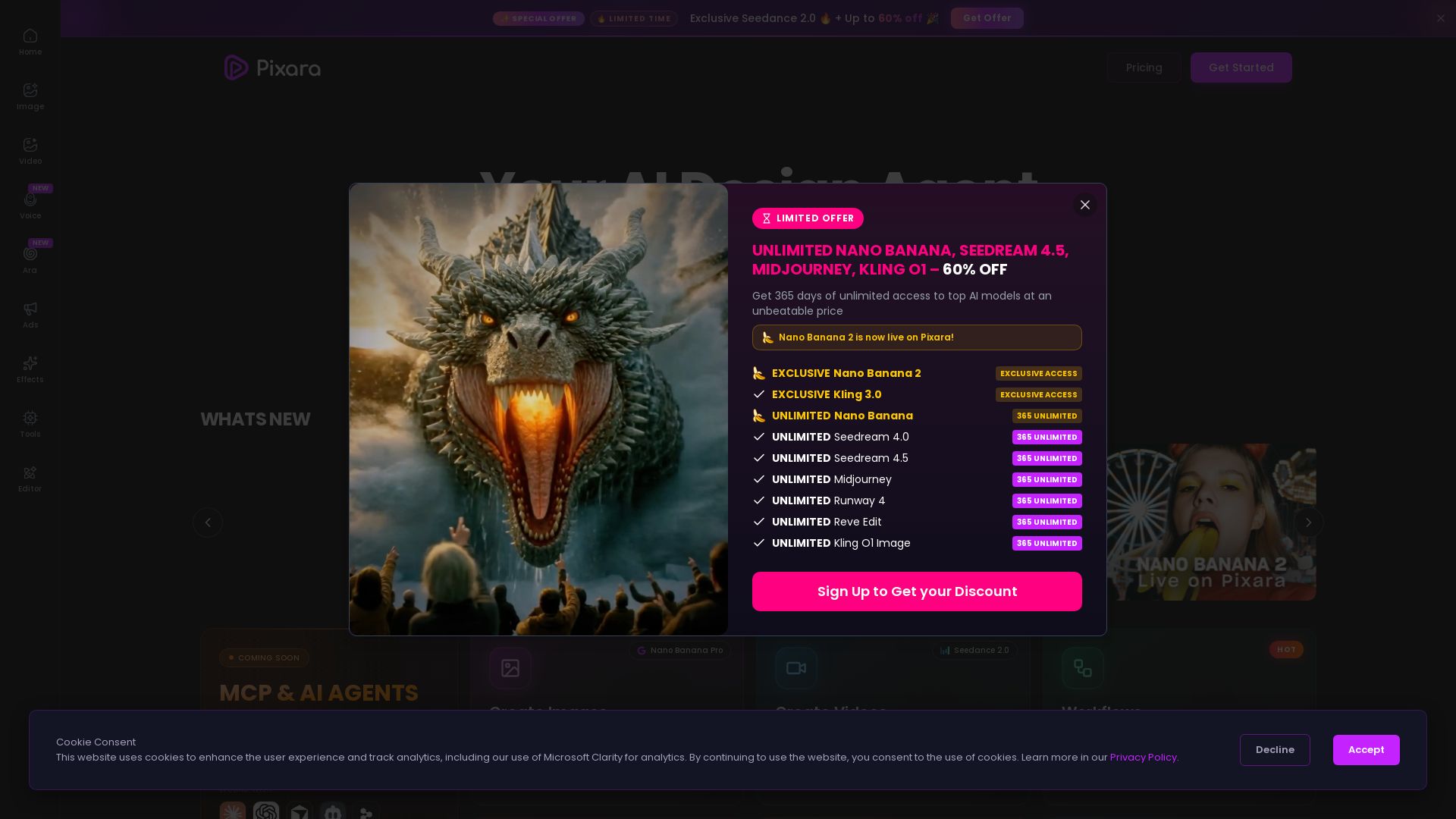
Pixara AI
Generate AI images, videos, and voiceovers with models like Nano Banana Pro, Midjourney, Kling. Up to 60% off unlimited access. Start creating now!

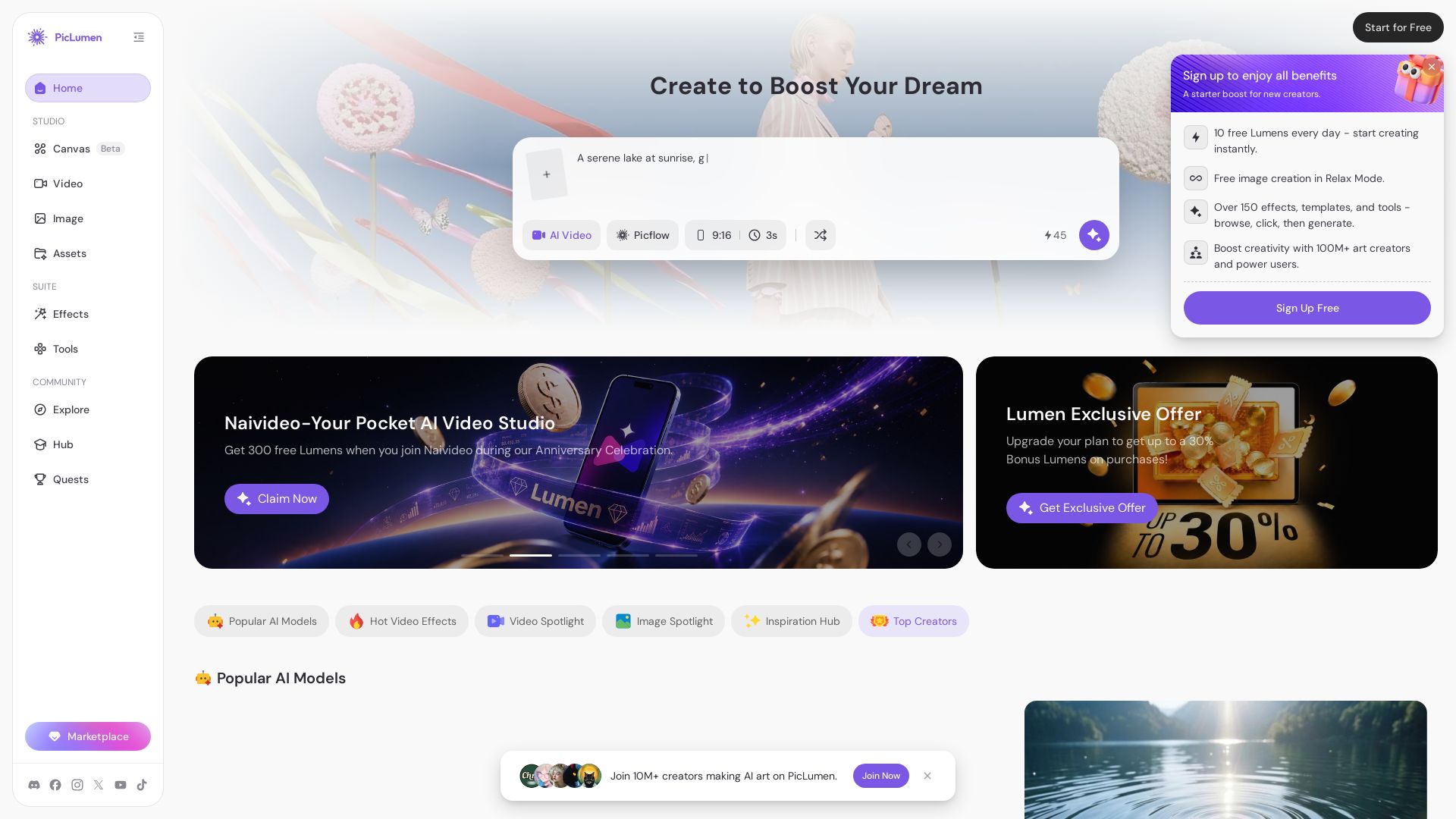
PicLumen
Create stunning AI images and videos with top models. Free to start. Join a vibrant creator community. Try PicLumen today!

ℹ️ Curation Disclosure: The overview and features of Vheer were synthesized using AI and fact-checked by our curation team to ensure accuracy.
