
Veo3 AI
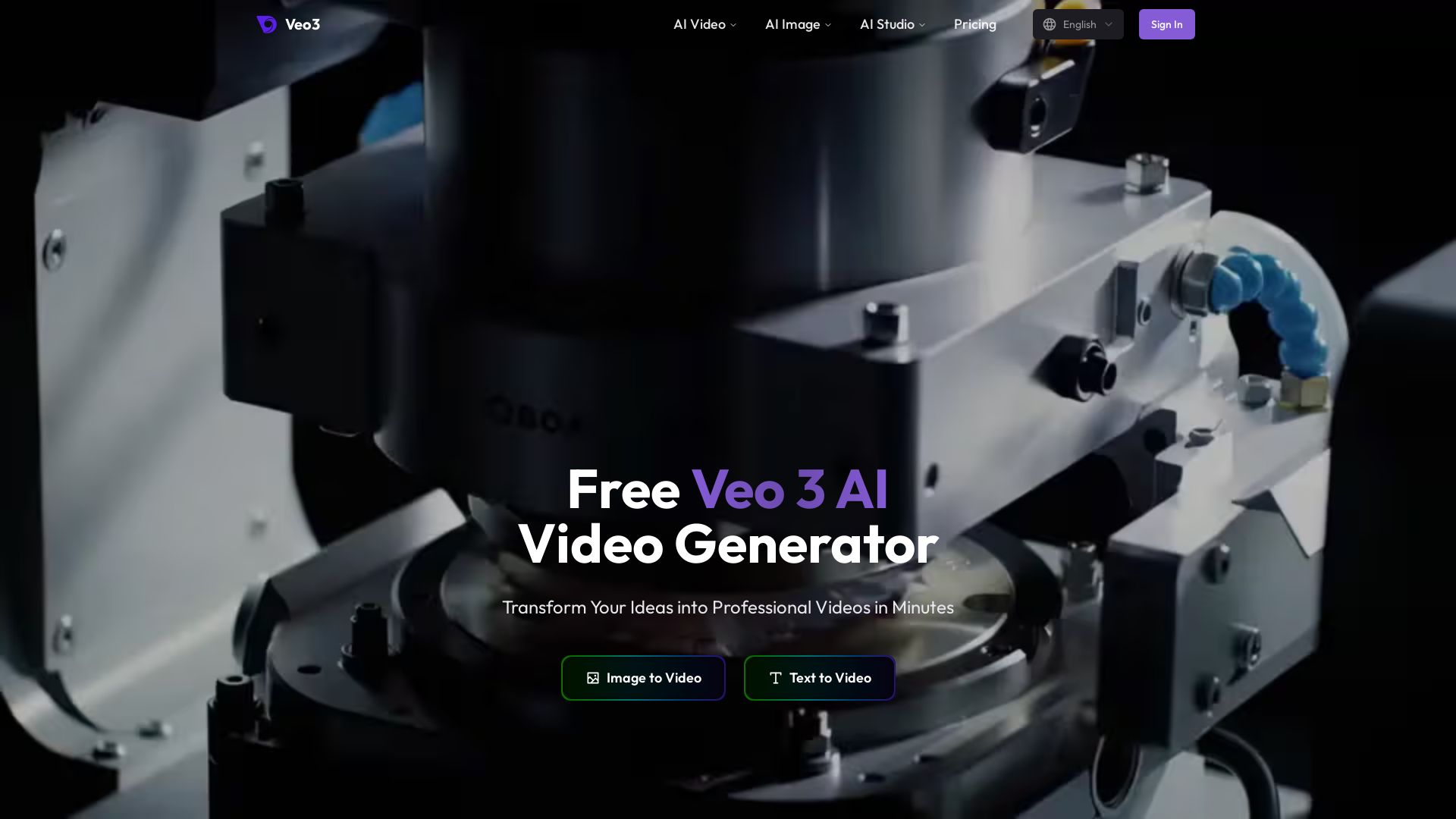
Create stunning videos from text or images using top AI models like Veo3, Sora 2, and Seedance. Free, all-in-one platform. No juggling multiple tools.
Editor's Verdict
Key Takeaways
- Image to Video
- Text to Video
- Multi-Model Access
- Video Tools Suite
In-Depth Review: What is Veo3 AI?
Veo3 AI is an all-in-one AI video generation platform that transforms your ideas into professional videos in minutes. It offers access to industry-leading models including Sora 2, Veo3, Seedance, and more. With features like text-to-video, image-to-video, and reference-to-video, you can animate images, create product ads, logo animations, and social media content. The platform supports various AI models and provides tools for image generation as well. It is free to use and independent, not affiliated with Google. Start creating cinematic masterpieces effortlessly.
Core Features
Image to Video
Animate static images into dynamic videos using AI, bringing your photos to life with motion and effects.
Text to Video
Generate professional videos from text prompts, transforming your ideas into visual stories in minutes.
Multi-Model Access
Access leading AI video models including Sora 2, Veo 3, Seedance, and more, all in one platform.
Video Tools Suite
Comprehensive tools for text-to-video, image-to-video, reference-to-video, product ads, logo animation, YouTube videos, TikTok & Reels, and animate old photos.
Image Tools Suite
Advanced image generation and editing tools including text-to-image and image-to-image.
Pricing
Mini Plan
- 200 monthly credits
- Up to 25 Veo3 videos (8s 1080p)
- Up to 100 NanoBanana Pro images
- 1080p resolution output
- Commercial usage rights
Standard Plan
- 1000 monthly credits
- Up to 125 Veo3 videos (8s 1080p)
- Up to 500 NanoBanana Pro images
- 4K resolution output
- Fast generation queue
- Commercial usage rights
Plus Plan
- 3000 monthly credits
- Up to 375 Veo3 videos (8s 1080p)
- Up to 1500 NanoBanana Pro images
- 4K resolution output
- Fast generation queue
- Commercial usage rights
- Priority Support
- Enterprise account (up to 5 seats)
Pros and Cons
Pros
- All-in-One PlatformCombines multiple top AI video and image models in one place, eliminating the need to juggle separate tools.
- Commercial Usage RightsAll plans include commercial rights, allowing you to use generated content for business purposes.
- High Resolution OutputSupports up to 4K resolution for professional-quality videos and images.
- Fast Generation QueueStandard and Plus plans offer faster processing, reducing wait times for your projects.
- Diverse Model SelectionAccess to a wide array of models like Sora 2, Veo 3, Seedance, and more for varied creative styles.
Cons
- Credit-Based SystemUsage is limited by monthly credits, which may require plan upgrades for heavy users.
- No Free PlanNo permanent free tier; only paid subscriptions after any trial period.
- Third-Party PlatformNot affiliated with Google or the official Veo 3, which may raise trust concerns for some users.
- Limited Information on Data SecurityPrivacy details are not extensively highlighted, which might be a concern for sensitive projects.
- Potential Model Availability ChangesAccess to specific models might change without notice, affecting consistency.
Use Cases & Recommended Professions
Content Creator→ View Toolkit
Quickly generate engaging video content for social media, blogs, and marketing campaigns without advanced editing skills.
Digital Marketer→ View Toolkit
Produce professional product ads, promotional videos, and visual assets to boost conversion and brand awareness.
Social Media Manager→ View Toolkit
Create platform-specific videos (TikTok, Reels, YouTube) efficiently to maintain a consistent posting schedule.
Video Editor→ View Toolkit
Leverage AI to automate tedious tasks like animation and generation, allowing focus on creative storytelling.
Business Owner→ View Toolkit
Generate high-quality commercial videos for product launches, tutorials, and presentations without hiring a production team.
Graphic Designer→ View Toolkit
Expand offerings by adding video capabilities, animating static designs, and creating unique visual elements.
Frequently Asked Questions
Alternative AI Tools
View Detailed Comparison →
Flow AI Video Generator
Create stunning 4K AI videos with Flow AI Video. Text-to-video, image-to-video, multi-shot storytelling. Get 50% OFF now!


AI Video - AI Video Generator
Create animated videos from text or images with AI. Drag-and-drop editing, lip-sync, HD export. No skills needed. Download free!


Gen AI Video Generator
Create stunning AI videos and images with 90+ models including Google VEO 3, Sora 2, Seedance 2.0. Text-to-video, image-to-video, photo editing on iOS.


Viyou
Create stunning AI videos and images for free. Generate avatars, romantic kisses, dance videos, and more - all on one platform with full access.

GoEnhance AI
Turn text, images, or videos into stunning AI videos and images. Access 50+ models like Sora, Runway, and Flux. Free to start!

VideoAny
Generate cinematic AI videos, images, and audio with uncensored models. No filters, full creative freedom. Try Seedance 2.0, Wan 2.7 & more.

Vdoo AI
Create stunning AI videos and images with cutting-edge models. Easy-to-use platform for professional-quality content. Try free tools today!

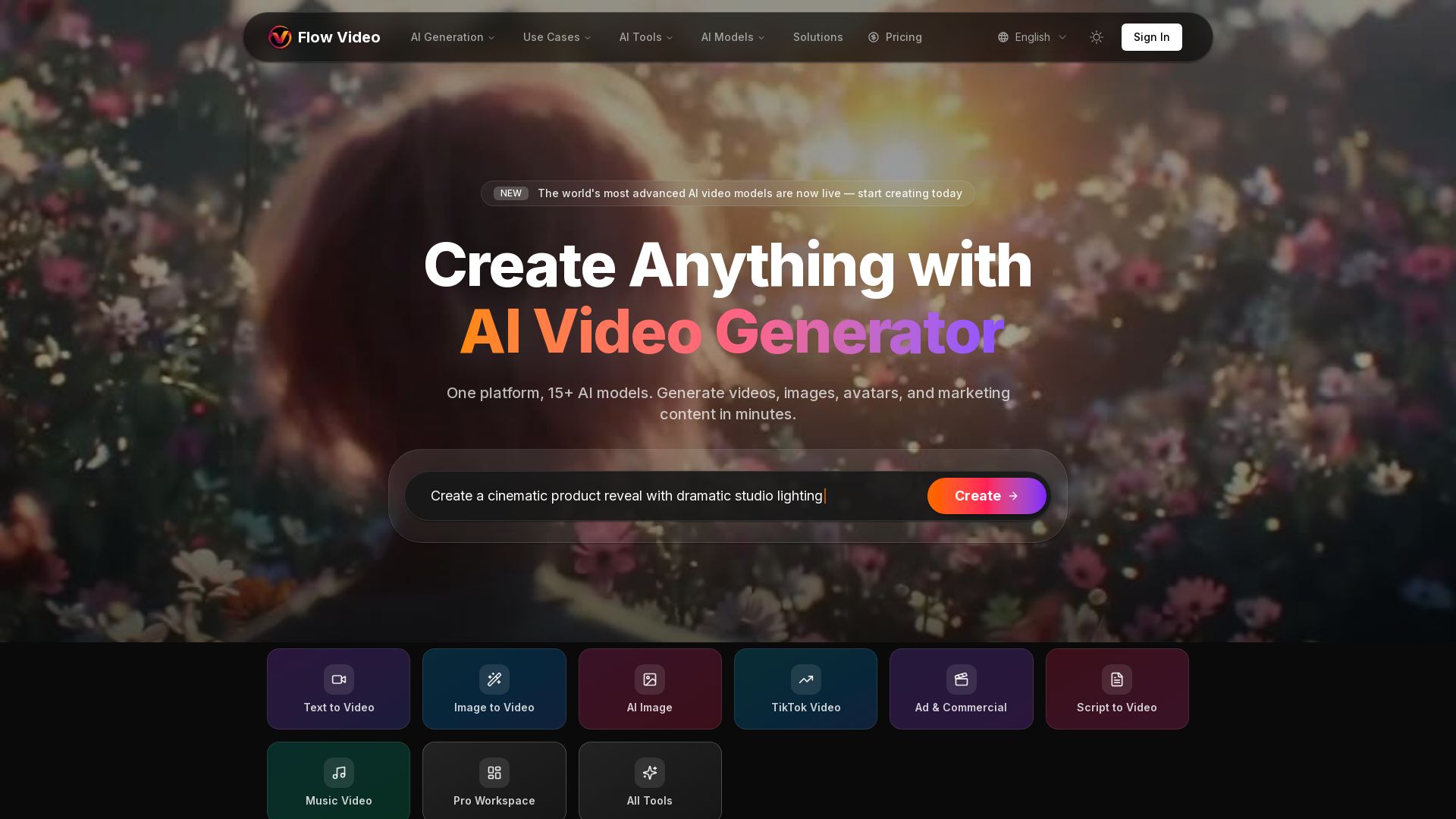
Flow Video AI
Create stunning AI videos, images, and marketing content with 15+ models. Text to video, image to video, and more. Start free!

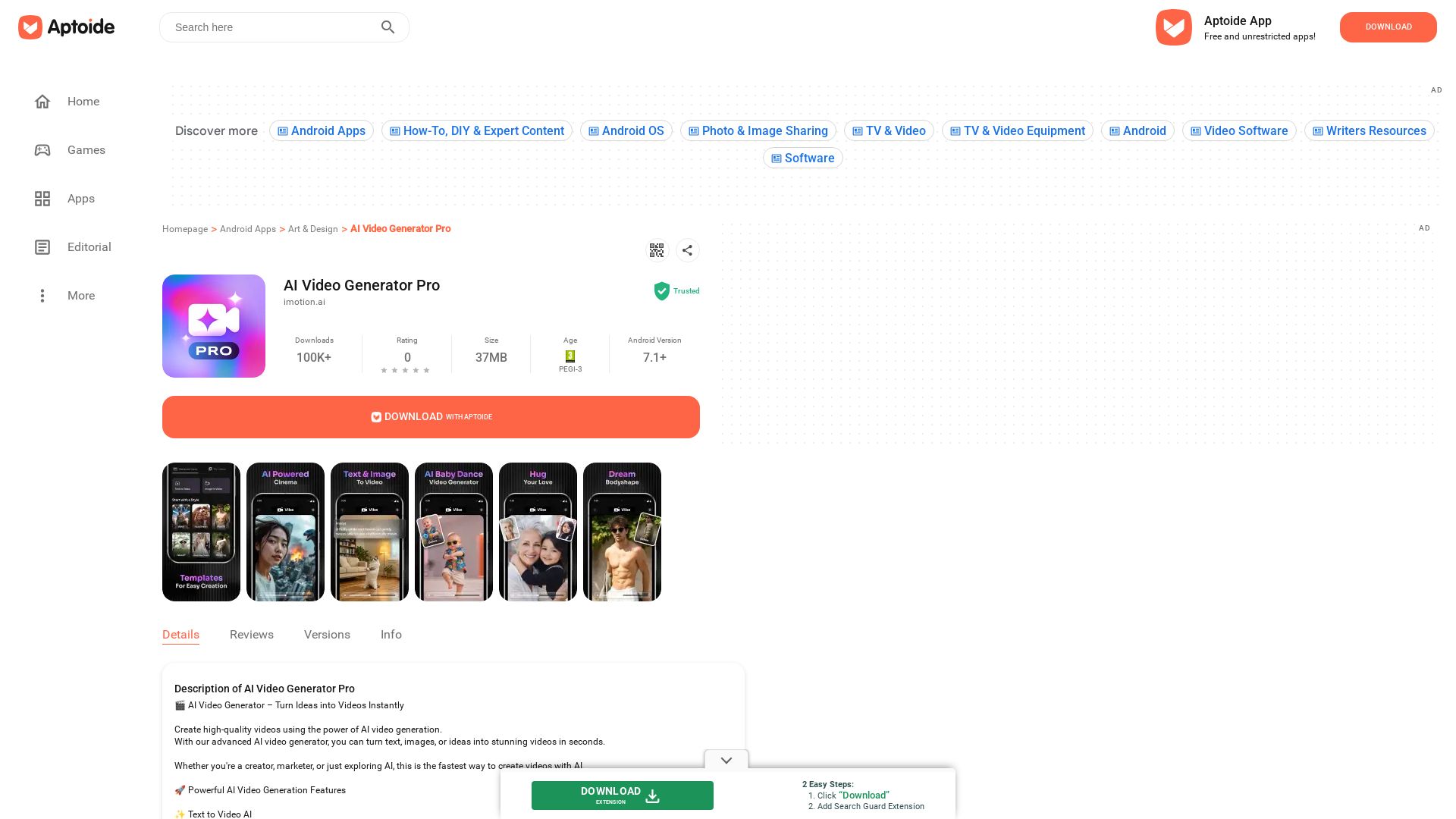
AI Video Generator Pro
Download free Android apps and games with cashback rewards. Discover AI Video Generator Pro and millions of apps. Trusted by 100K+ downloads.
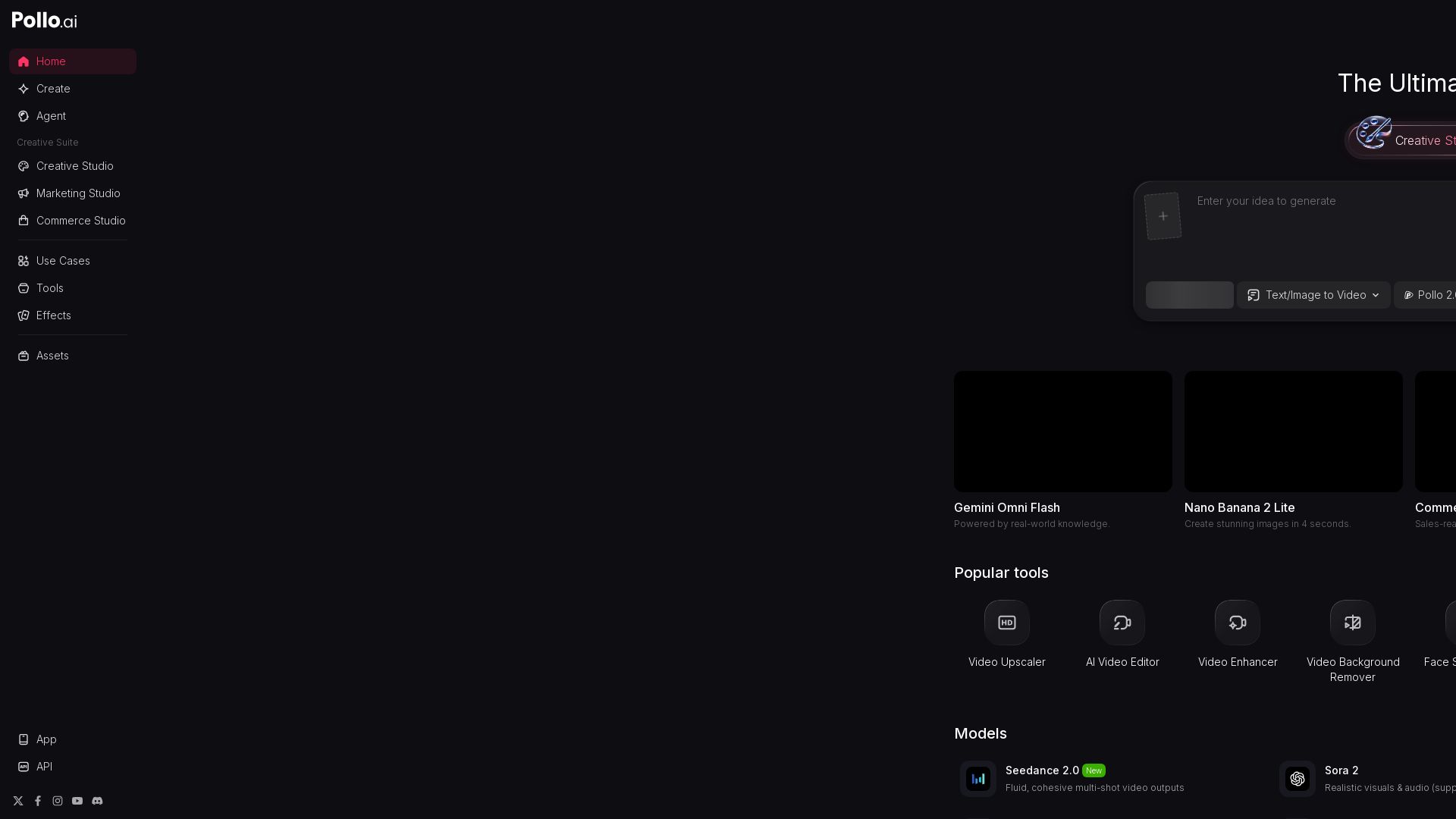
Pollo AI
Create stunning AI videos and images with Pollo.ai. Tools for video generation, editing, upscaling, and marketing. Models like Pollo 2.5, Sora 2, Kling 3.0.

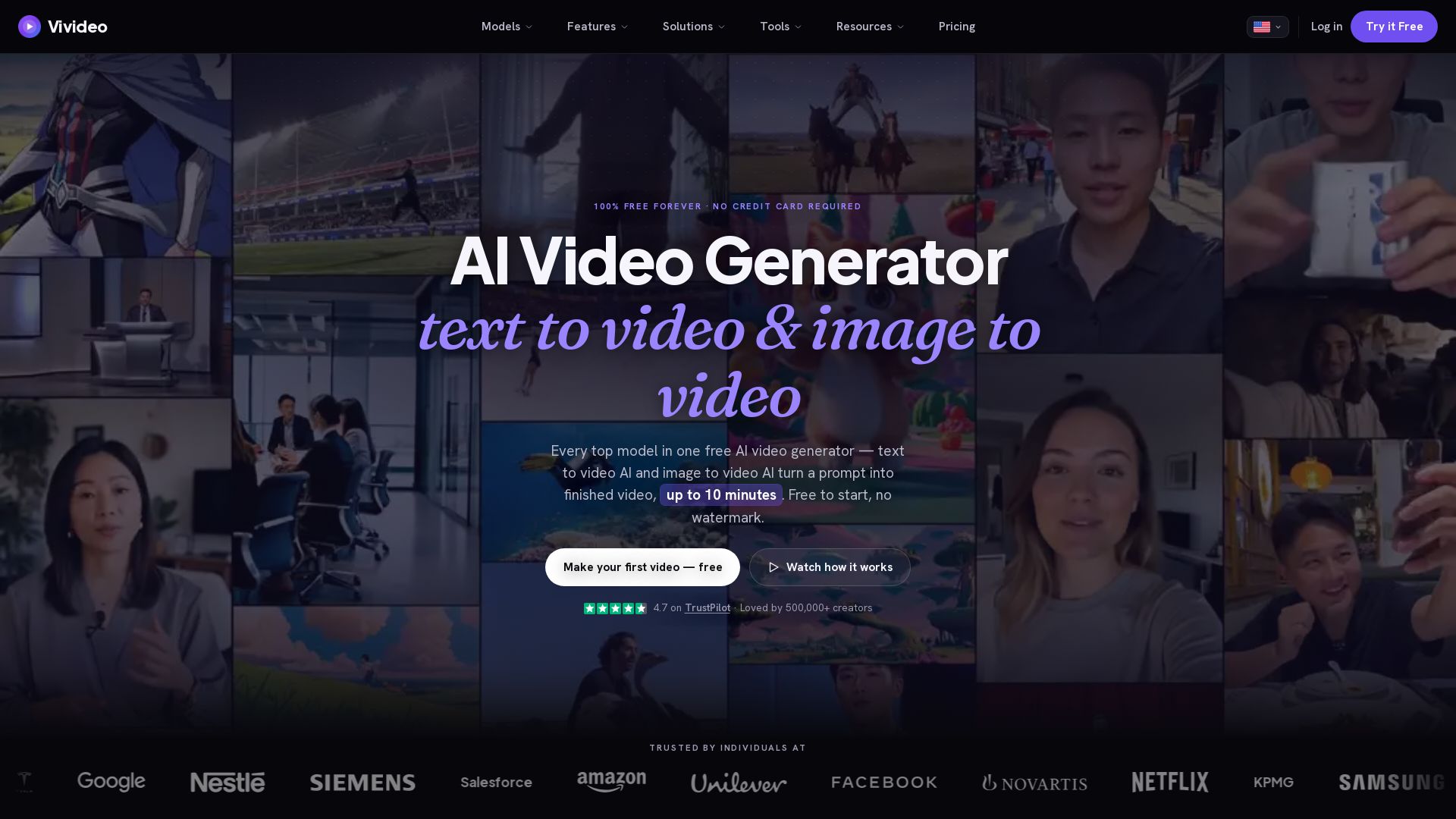
Vivideo
Create stunning AI videos from text or images. 30+ top models, 10 min length, no watermark. Free forever, no credit card needed.

Digen AI
Create stunning AI videos in seconds. Generate from text, images, lip sync, and more. Explore tools like video upscaler, watermark remover, and FPS booster.

ℹ️ Curation Disclosure: The overview and features of Veo3 AI were synthesized using AI and fact-checked by our curation team to ensure accuracy.
