
AI Ease
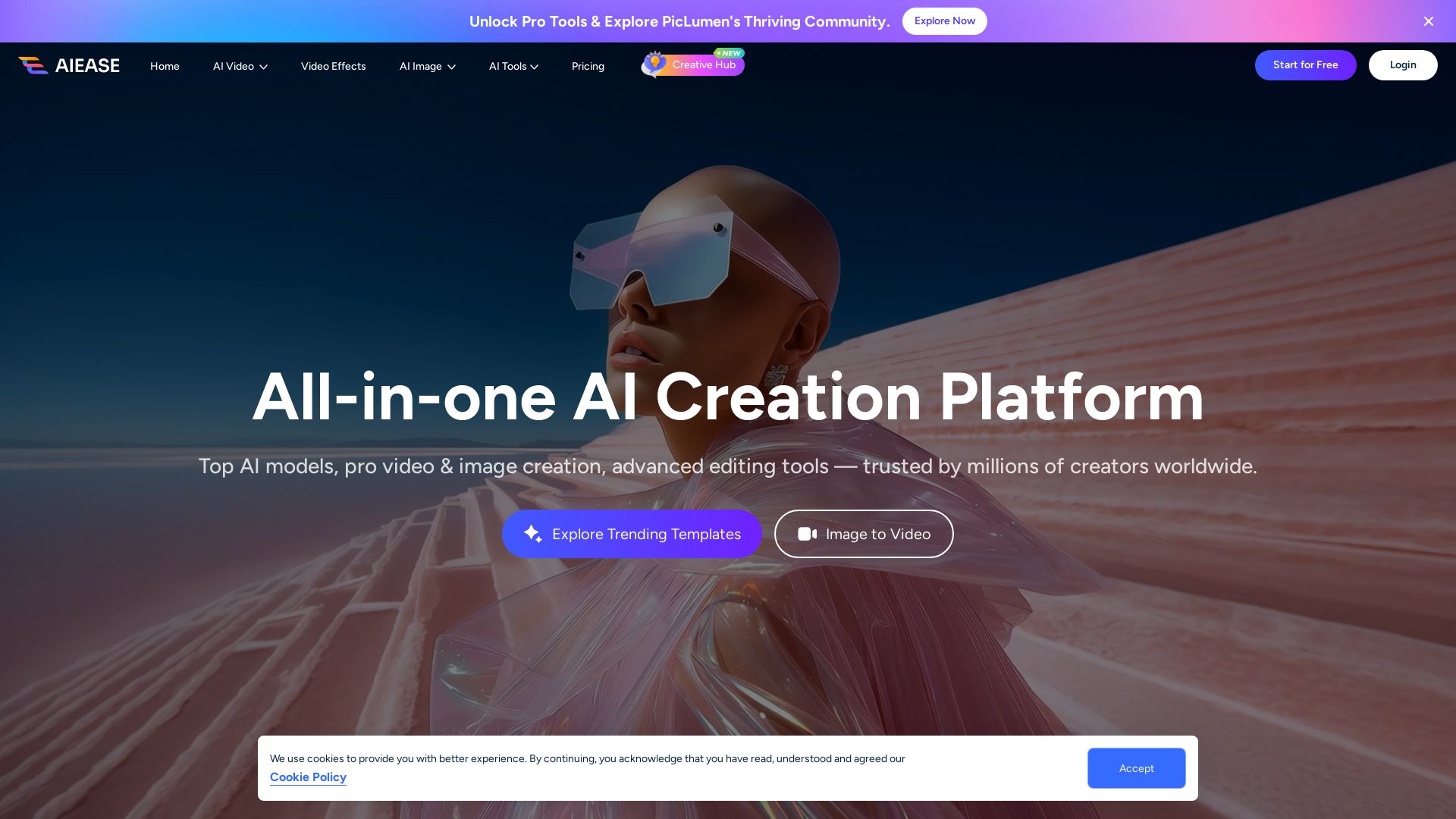
Create stunning AI videos and images with top models. Free tools for text-to-video, image generation, editing, and more. Trusted by millions.


Editor's Verdict
Key Takeaways
- AI Video Generator
- AI Image Generator
- Photo Enhancer
- Object Remover
In-Depth Review: What is AI Ease?
AIEASE is an all-in-one AI creation platform that empowers users to generate high-quality videos and images from text, photos, or effects. With access to top AI models like Nano Banana Pro, Veo 3.1, and Sora 2, plus advanced editing tools (photo enhancer, object remover, watermark remover), it's designed for creators of all skill levels. The platform features a vibrant community for inspiration and offers free credits to start. Trusted by over 10 million users worldwide, AIEASE delivers professional-grade results with easy-to-use interfaces and strong privacy protection.
Core Features
AI Video Generator
Turn ideas into engaging videos in minutes with AI, from text, images, or effects.
AI Image Generator
Generate high-quality images instantly from text prompts, artistic or realistic.
Photo Enhancer
Enhance image quality to 4K by unblurring, sharpening details, and upscaling photos.
Object Remover
Easily remove unwanted people, text, logos, or objects from photos in one click.
Watermark Remover
Erase image watermarks instantly without manual editing, keeping photos clean.
Background Remover
Remove cluttered or unwanted backgrounds from images in seconds, get transparent background.
AI Background
Add creative, AI-generated backgrounds to product or portrait images in one click.
Photo Restoration
Restore old and damaged photos by removing scratches, spots, and imperfections.
Image Extender
Extend images beyond original borders with AI, filling new areas seamlessly.
AI Replacer
Select and replace objects in photos with anything using AI, blending naturally.
Pricing
Free
- Basic AI generation tools
- Limited free credits for trial
- Watermarked exports on some tools
- Access to community gallery
Pro Monthly
- Unlimited image-related features
- No watermarks on exports
- Advanced AI models access
- Priority customer support
- Commercial rights for generated content
Pro Yearly
- All Pro Monthly features
- 50% savings compared to monthly
- Exclusive access to new models
- Higher generation limits
Pros and Cons
Pros
- Excellent Customer SupportUsers consistently praise quick, human support that resolves issues efficiently.
- High-Quality OutputsAI-generated images and videos are noted for realism and accuracy, often surpassing other tools.
- Ease of UseNo technical skills required; intuitive interface makes creation simple for anyone.
- Fast ProcessingAI tools deliver results in seconds or minutes, saving time for creators.
- Free Credits AvailableNew users get free credits to test features before committing to a paid plan.
Cons
- Watermark on Free VersionExported content from free usage may include watermarks, limiting professional use.
- Limited Free CreditsFree credits are limited, requiring subscription for more extensive use.
- Subscription Required for Advanced FeaturesTop AI models and advanced tools are only available with paid plans.
- No RefundsThe company does not offer refunds, though free credits allow trial.
- Privacy Concerns (Unconfirmed)A minority of users raised concerns about data handling, but the company states files are deleted within 7 days.
Use Cases & Recommended Professions
Content Creator→ View Toolkit
Generate quick videos, images, and effects for social media and blogs without needing technical skills.
Digital Marketer→ View Toolkit
Create engaging ads, product visuals, and marketing materials with AI to boost campaign performance.
Graphic Designer→ View Toolkit
Use AI tools for rapid prototyping, image editing, and creative exploration to enhance workflow.
Video Editor→ View Toolkit
Leverage AI video generation and effects to speed up editing and add professional-grade transitions and enhancements.
Social Media Manager→ View Toolkit
Produce on-brand visual content quickly to maintain an active and engaging social media presence.
Photographer→ View Toolkit
Enhance, restore, and edit photos with AI tools for retouching, background changes, and upscaling.
Frequently Asked Questions
Alternative AI Tools
View Detailed Comparison →
SeaArt AI
Turn ideas into stunning images and cinematic videos with SeaArt AI. Free tools, community, and advanced models like Seedance 2.0.

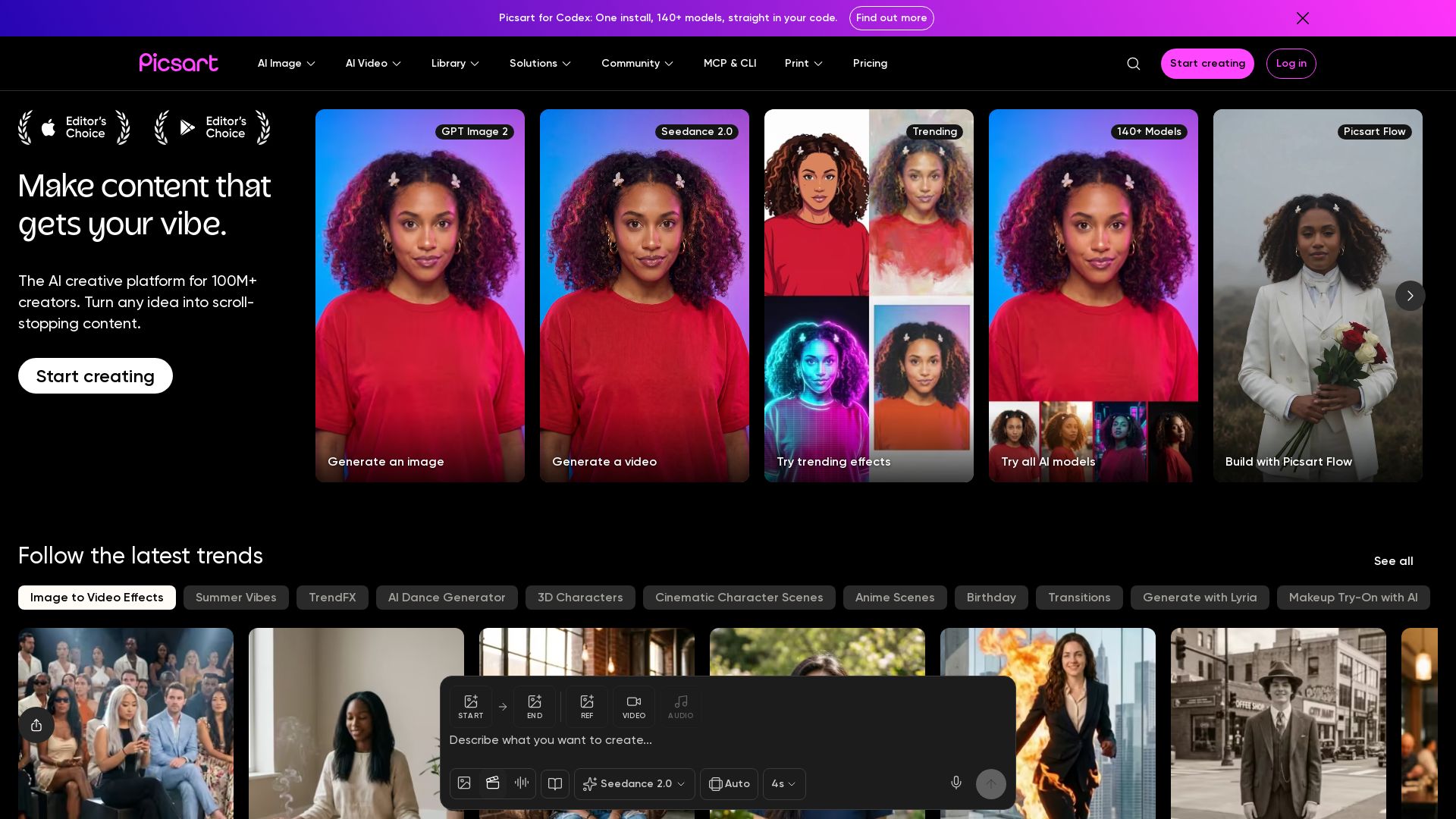
Picsart
Generate AI images & videos, edit photos, and access 140+ models. Picsart's AI creative platform for 100M+ creators. Start for free!


Viyou
Create stunning AI videos and images for free. Generate avatars, romantic kisses, dance videos, and more - all on one platform with full access.


Gen AI Video Generator
Create stunning AI videos and images with 90+ models including Google VEO 3, Sora 2, Seedance 2.0. Text-to-video, image-to-video, photo editing on iOS.


Flow AI Video Generator
Create stunning 4K AI videos with Flow AI Video. Text-to-video, image-to-video, multi-shot storytelling. Get 50% OFF now!

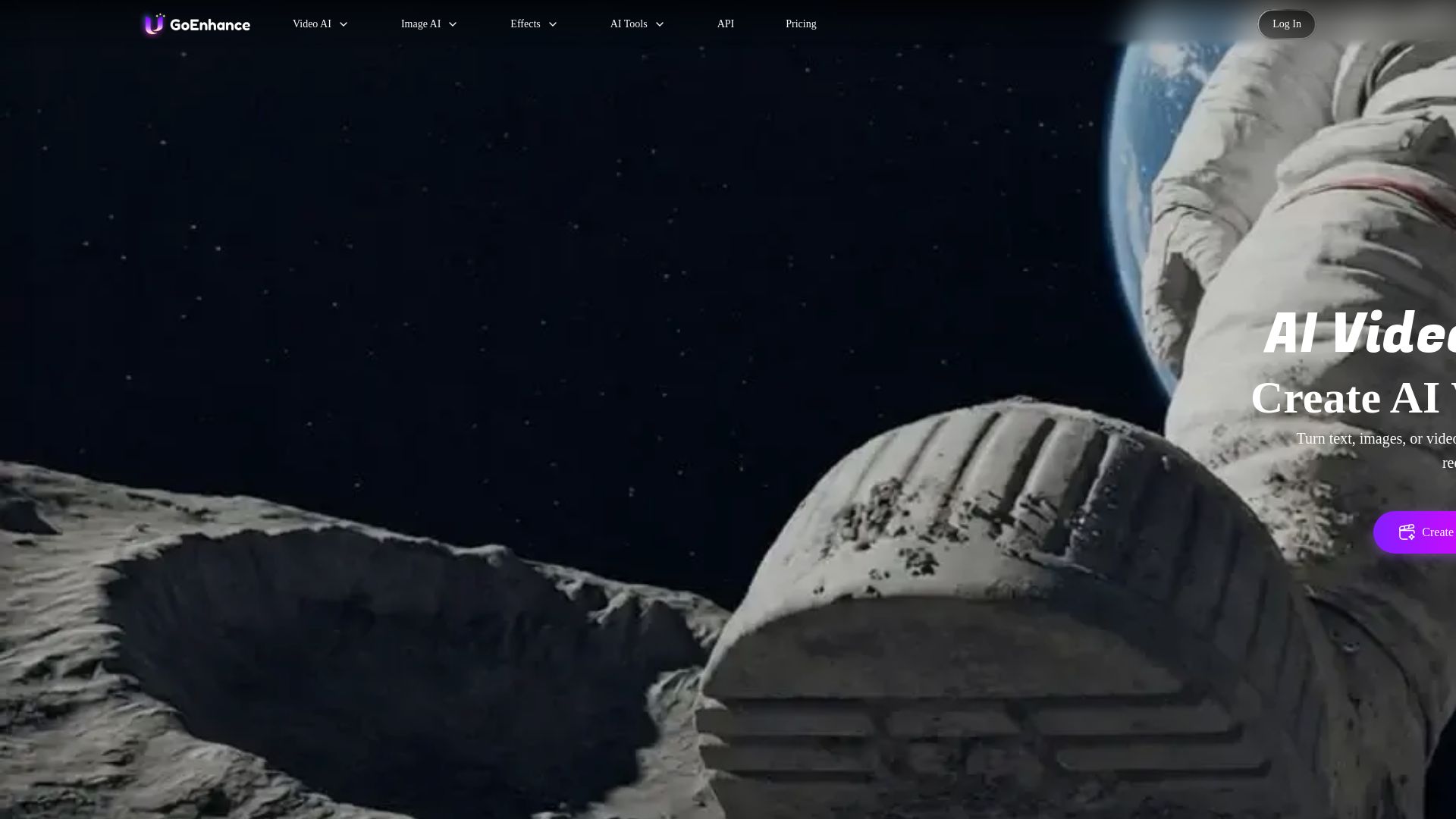
GoEnhance AI
Turn text, images, or videos into stunning AI videos and images. Access 50+ models like Sora, Runway, and Flux. Free to start!

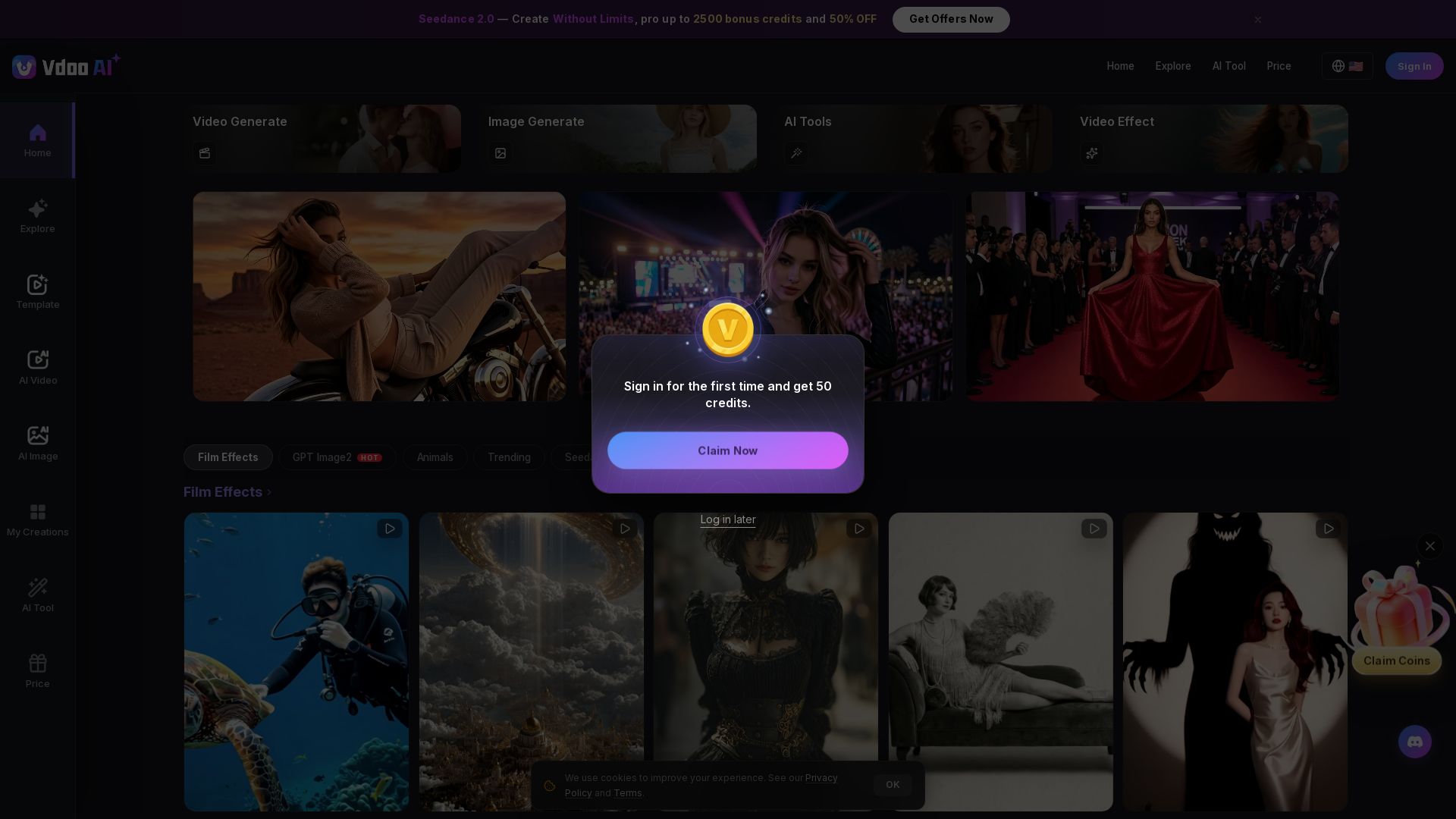
Vdoo AI
Create stunning AI videos and images with cutting-edge models. Easy-to-use platform for professional-quality content. Try free tools today!

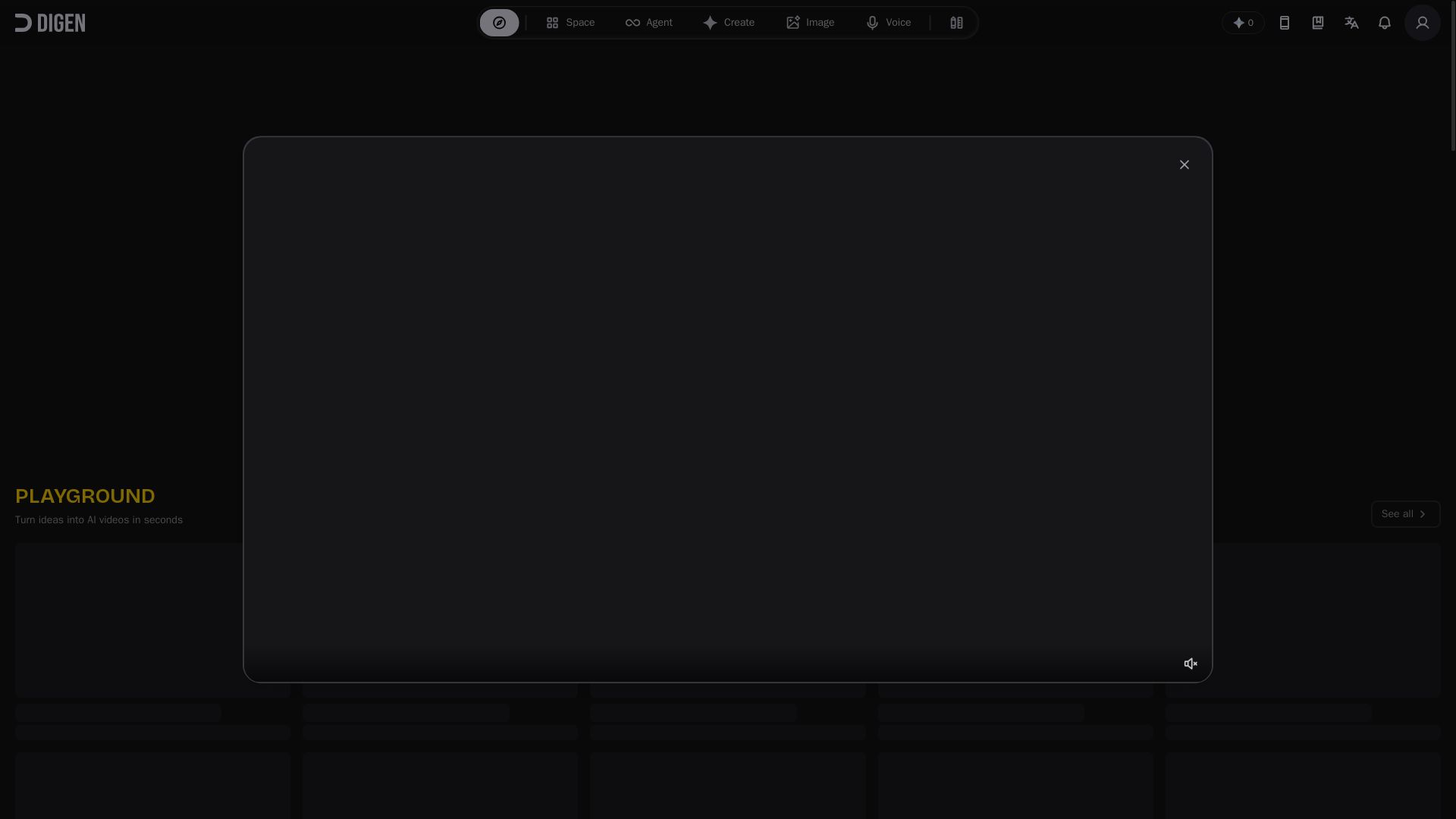
Digen AI
Create stunning AI videos in seconds. Generate from text, images, lip sync, and more. Explore tools like video upscaler, watermark remover, and FPS booster.

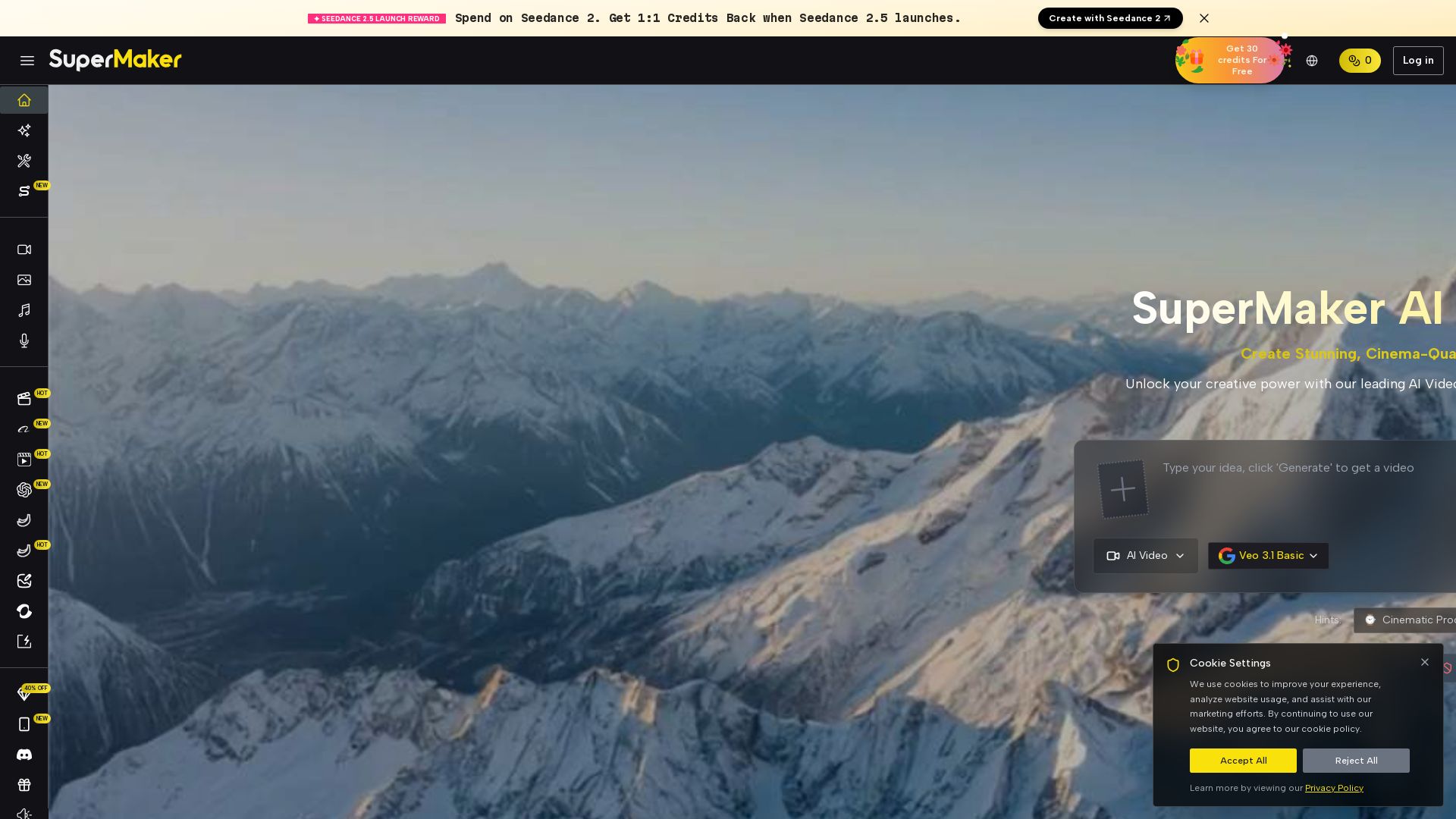
SuperMaker AI
Create stunning cinema-quality videos with SuperMaker's AI Video Generator. All-in-one suite for video, image, music, and voice. Start free.

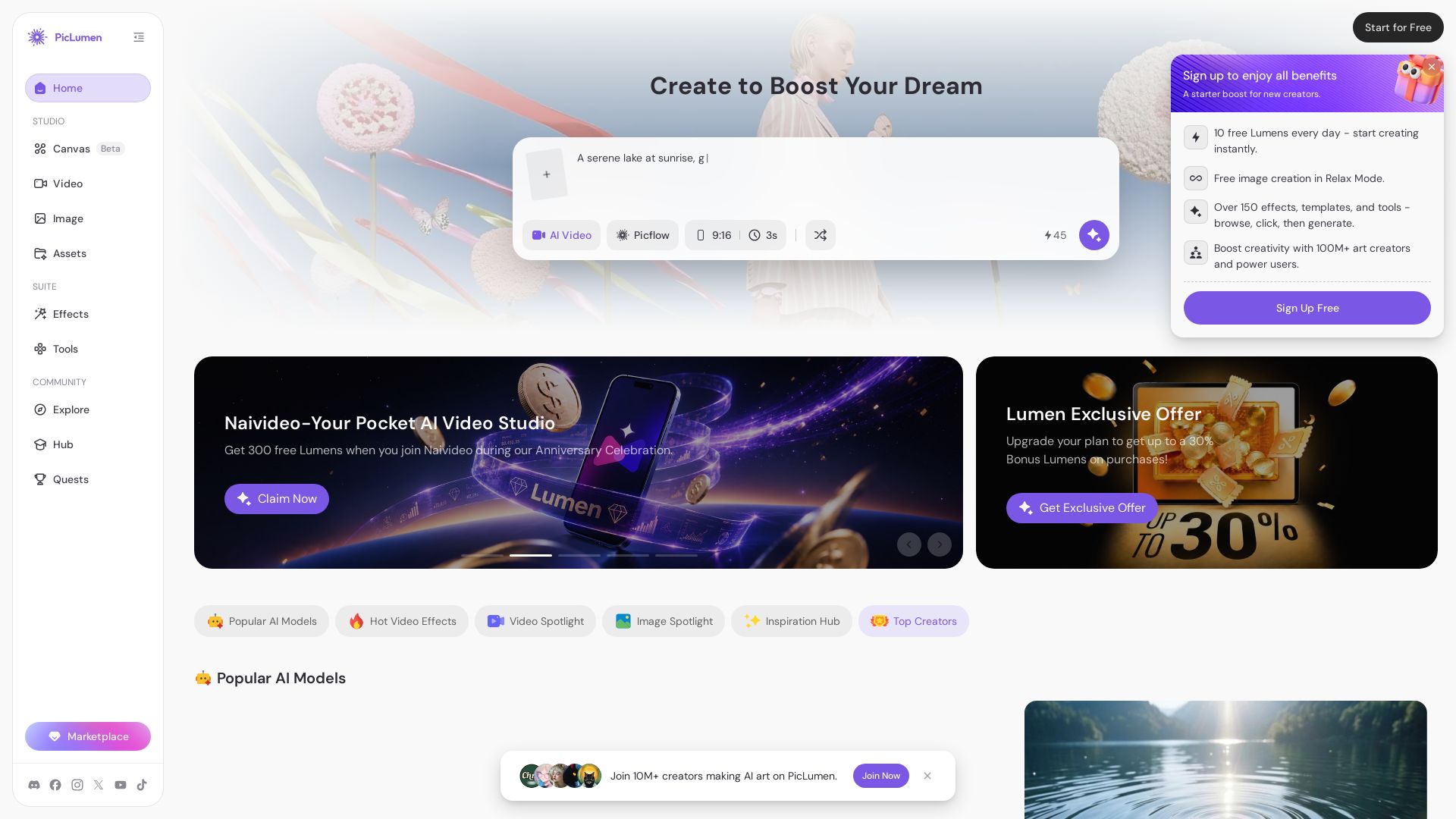
PicLumen
Create stunning AI images and videos with top models. Free to start. Join a vibrant creator community. Try PicLumen today!


AI Video - AI Video Generator
Create animated videos from text or images with AI. Drag-and-drop editing, lip-sync, HD export. No skills needed. Download free!

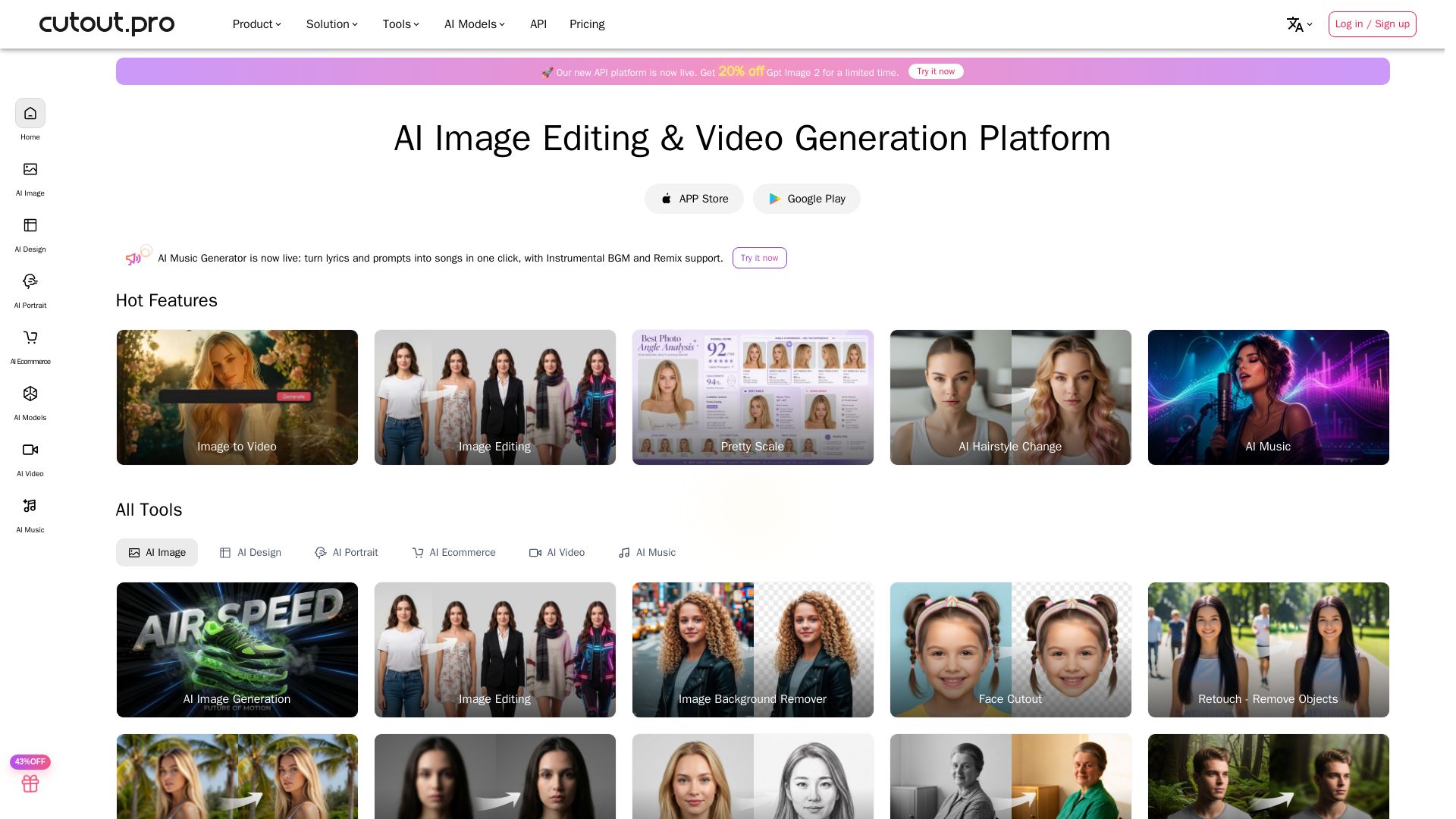
Cutout.Pro
Cutout.Pro offers AI image editing, video generation, background removal, and API integration. Trusted by 25K+ businesses. Get started for free.

ℹ️ Curation Disclosure: The overview and features of AI Ease were synthesized using AI and fact-checked by our curation team to ensure accuracy.
