
Cutout.Pro
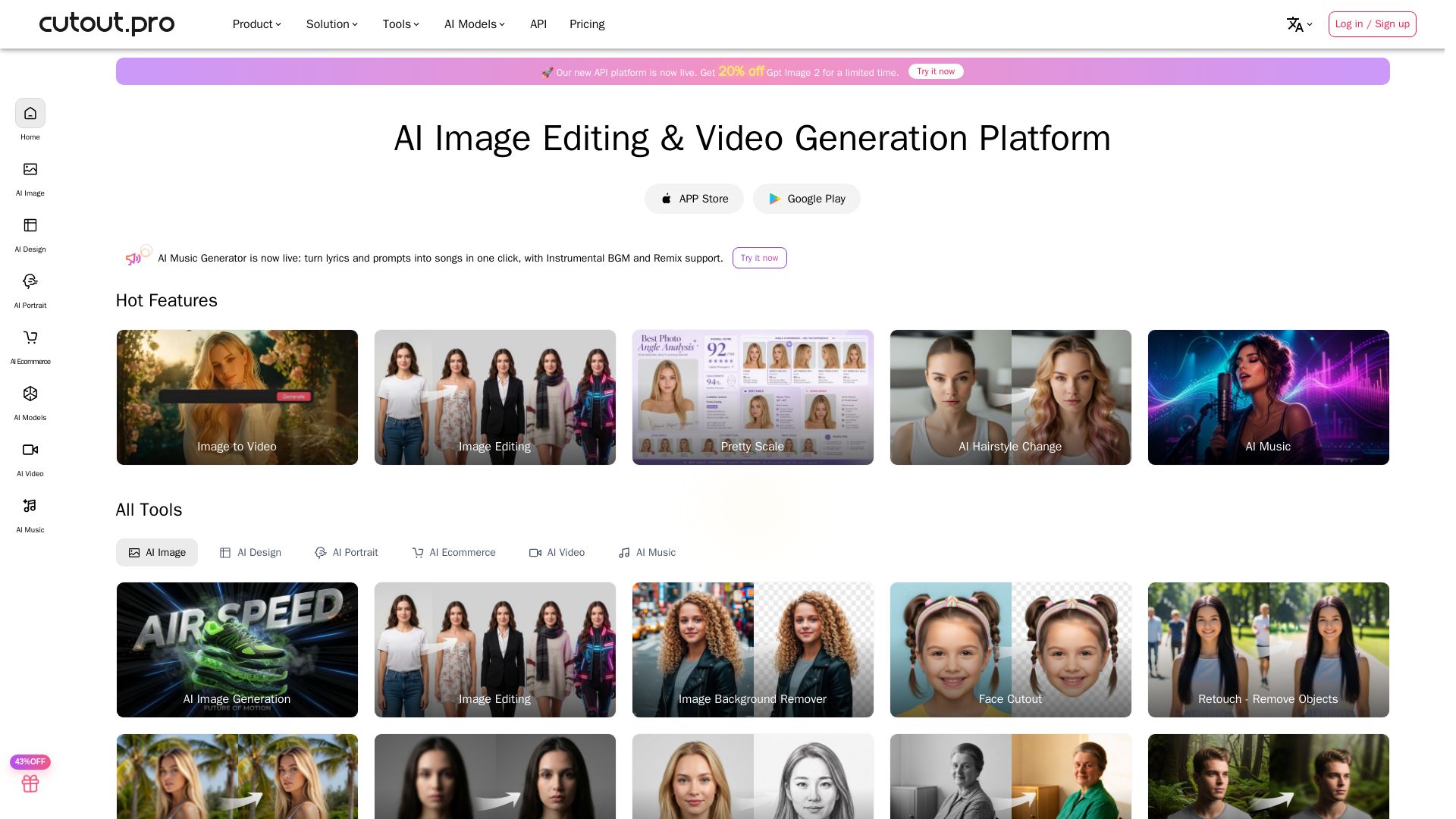
Cutout.Pro offers AI image editing, video generation, background removal, and API integration. Trusted by 25K+ businesses. Get started for free.



Editor's Verdict
Key Takeaways
- AI Background Removal
- AI Image Generation
- Image to Video
- Photo Enhancement & Upscaling
In-Depth Review: What is Cutout.Pro?
Cutout.Pro is a comprehensive AI platform for image and video creation and editing. It provides tools like background removal, image upscaling, video enhancement, and AI music generation. With a wide array of models (Flux Krea, Seedream, etc.) and APIs for developers, it enables businesses and creators to produce high-quality visual content efficiently. The platform is trusted by over 25,000 businesses and offers both web and mobile applications.
Core Features
AI Background Removal
Automatically remove backgrounds from photos and videos with high accuracy, saving hours of manual editing.
AI Image Generation
Generate images from text prompts using advanced models like GPT Image 2, Flux Krea, and Seedream.
Image to Video
Convert static images into dynamic videos with AI-powered animation and motion effects.
Photo Enhancement & Upscaling
Enhance image quality, upscale resolution, and restore old photos with AI-driven tools.
Video Background Removal
Remove or replace video backgrounds in real-time without needing a green screen.
AI Music Generator
Turn lyrics and prompts into songs, instrumental BGM, or remixes with a single click.
Passport Photo Maker
Create professional passport photos compliant with various country specifications automatically.
API Integration
Integrate AI visual capabilities into applications with simple API calls, supporting high-volume processing.
Batch Processing
Process multiple images or videos simultaneously for efficient workflow, especially useful for e-commerce.
AI Hairstyle Change
Try and change hairstyles virtually using AI, ideal for salons and personal styling.
Pricing
Free Account
- 5 free credits
- Free previews forever
- Invite friends to earn 5 free credits
Monthly Subscription
- 170 credits per month
- Unused credits roll over up to 5× monthly budget
- Cancel anytime
- 14-day money back guarantee
Pay as You Go
- 300 credits
- Credits available forever
- No expiration
Pros and Cons
Pros
- Easy to UseSimple interface allows anyone to perform complex edits like background removal and enhancement without technical skills.
- Time-Saving AutomationAI automates tedious tasks like batch background removal and photo retouching, significantly reducing manual effort.
- Versatile Tool SuiteOffers a wide range of features from image generation to video editing, covering diverse creative needs.
- High-Quality OutputAdvanced AI models produce professional-grade results, as praised by photographers and videographers.
- API for DevelopersRobust API integration enables businesses to build scalable visual content solutions with minimal coding.
Cons
- Credit-Based PricingEach operation consumes credits, which can add up for heavy users; may require careful budget management.
- Limited Free CreditsFree account only offers 5 credits, restricting full exploration of all features without payment.
- No Manual Fine-TuningWhile AI is powerful, users seeking pixel-level manual control may find the tools less flexible than professional software like Photoshop.
Use Cases & Recommended Professions
E-commerce Manager→ View Toolkit
Needs to remove backgrounds from product photos and batch edit images for online listings to increase sales speed.
Photographer→ View Toolkit
Uses AI tools for quick background removal, photo enhancement, and retouching to streamline post-processing workflow.
Videographer→ View Toolkit
Relies on video background removal and AI video generation to create professional content without green screens.
Graphic Designer→ View Toolkit
Leverages AI image generation and editing to create marketing materials, posters, and social media visuals efficiently.
Social Media Marketer→ View Toolkit
Needs fast content creation with AI-powered tools for generating images, videos, and music to engage audiences.
Church Media Team→ View Toolkit
Uses video background removal and flyer creation for announcements and promotional videos without professional editing experience.
Frequently Asked Questions
Alternative AI Tools
View Detailed Comparison →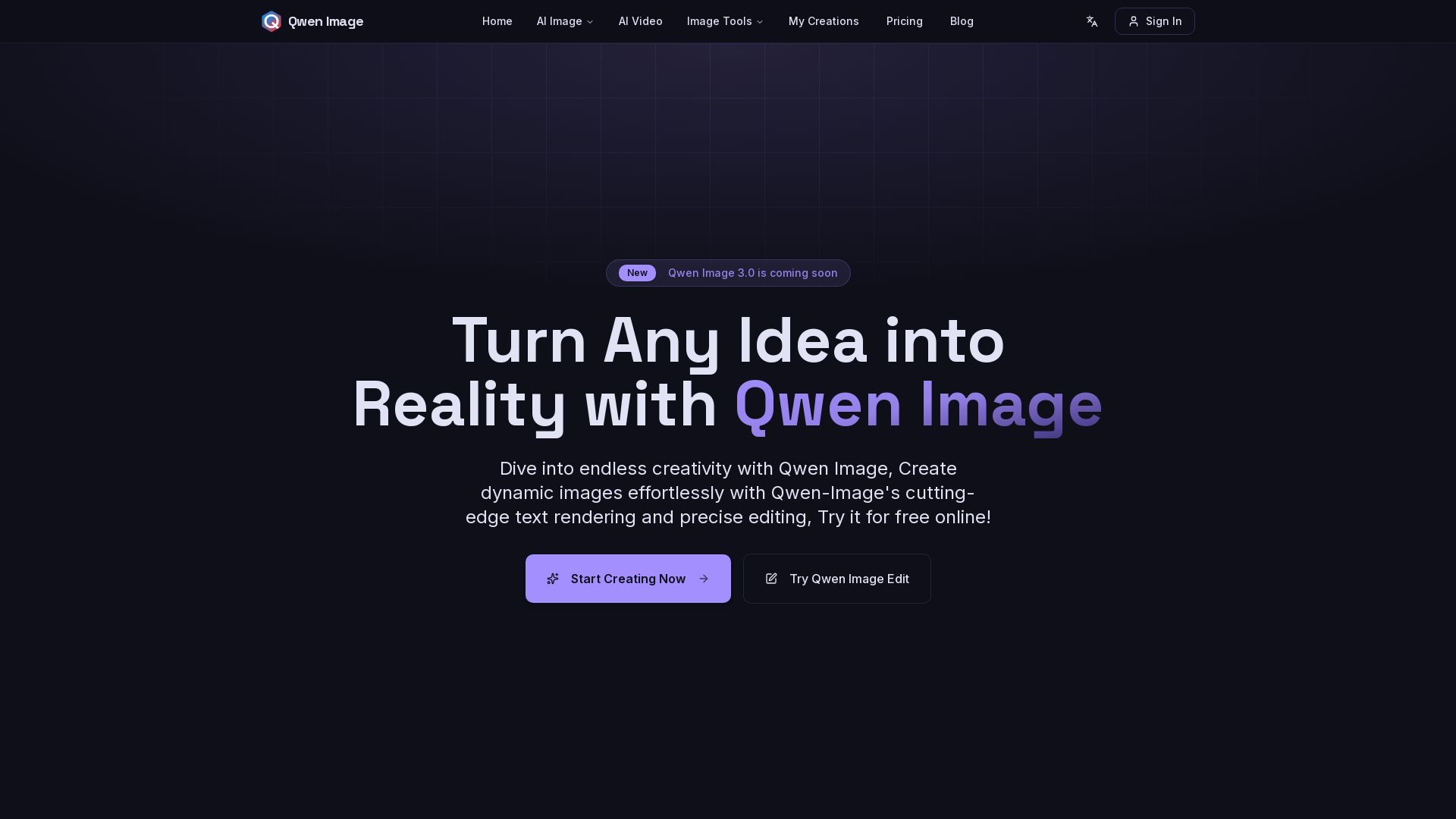
Qwen Image
Free AI image generator with superior text rendering and precise editing. Create commercial-quality images for any project.

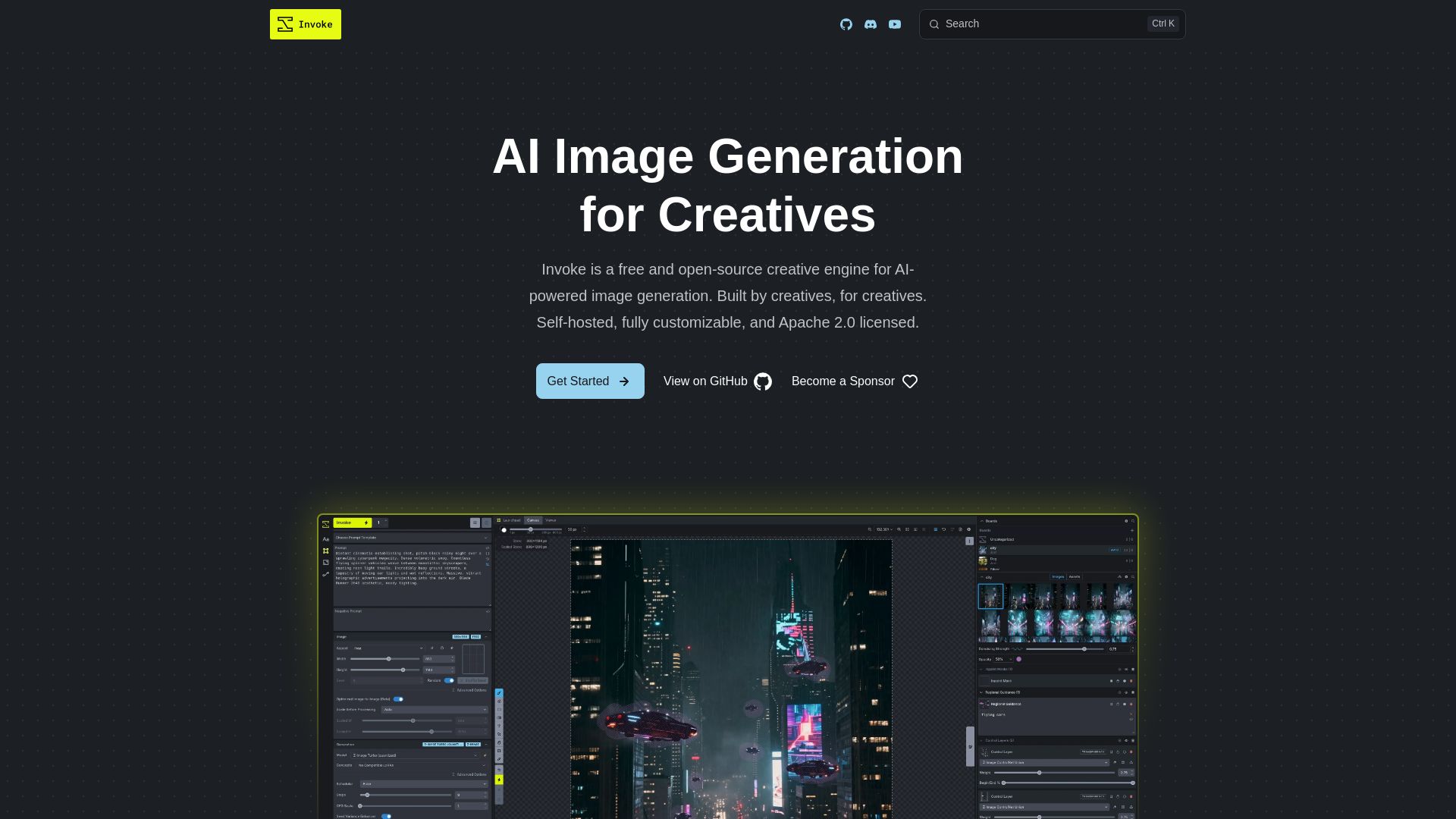
InvokeAI
Free, open-source creative engine for AI-powered image generation. Self-hosted, fully customizable, with Unified Canvas, Node workflows, and leading model support.


Pixlr
Edit, generate, and design with Pixlr's free AI photo editor. Transform photos, create images from text, and more – all in your browser. No download needed.

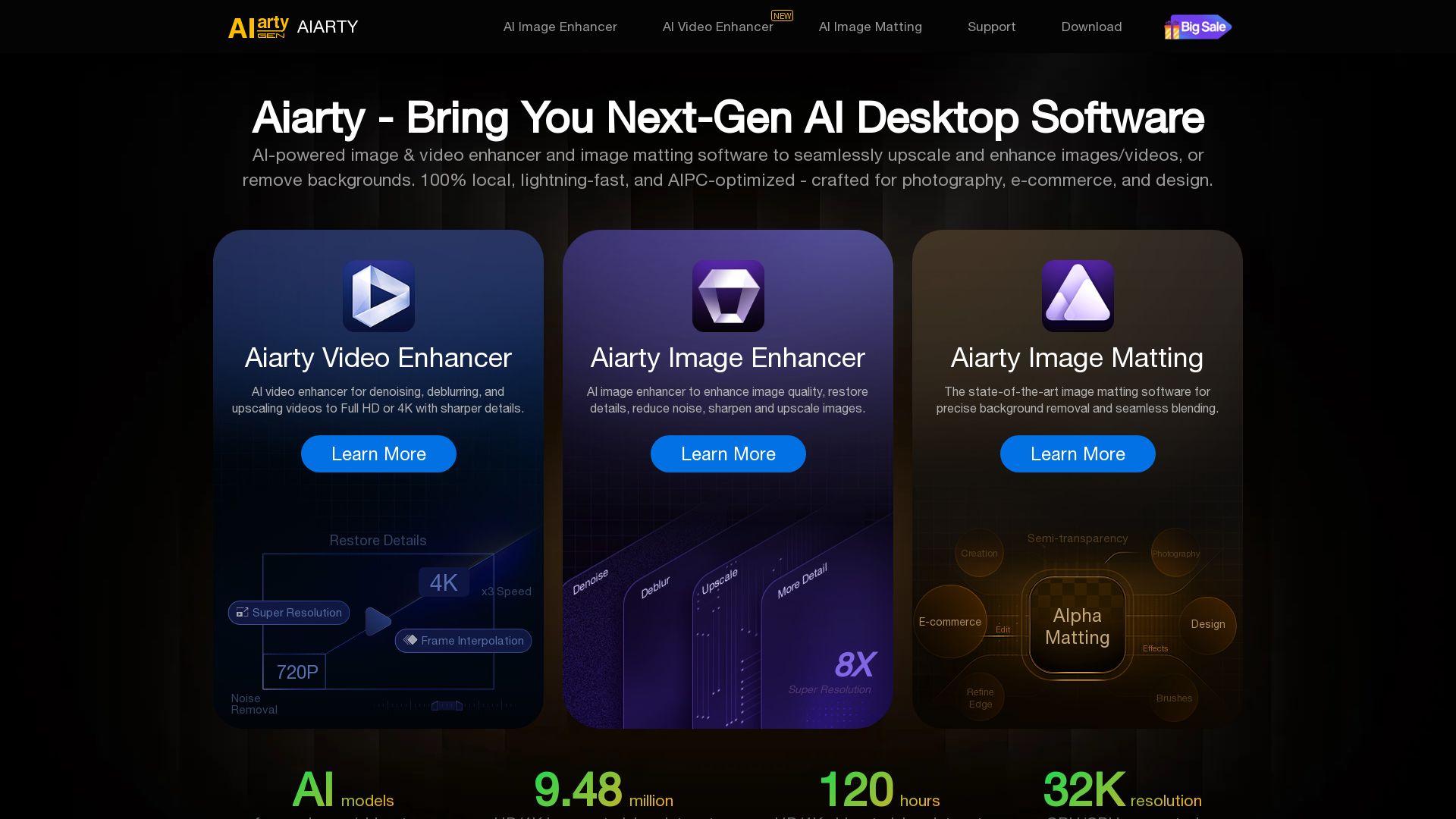
Aiarty
Upscale, enhance, and remove backgrounds with AI. Process images/video locally up to 32K. Denoise, deblur, restore details. Trusted by experts.

Narrative
Narrative's AI-assisted photo culling and editing tools handle repetitive tasks, so you focus on craft. Save hours, work offline, and ship selects to Lightroom.

Z-Image
Experience lightning-fast, truly free AI image generation with unlimited use, creative tools, and privacy-focused workflows. Generate stunning visuals instantly.

Openjourney bot
Create stunning AI art for free with Openjourney. Generate images, upscale, swap faces, and use developer API. The best free AI art platform.

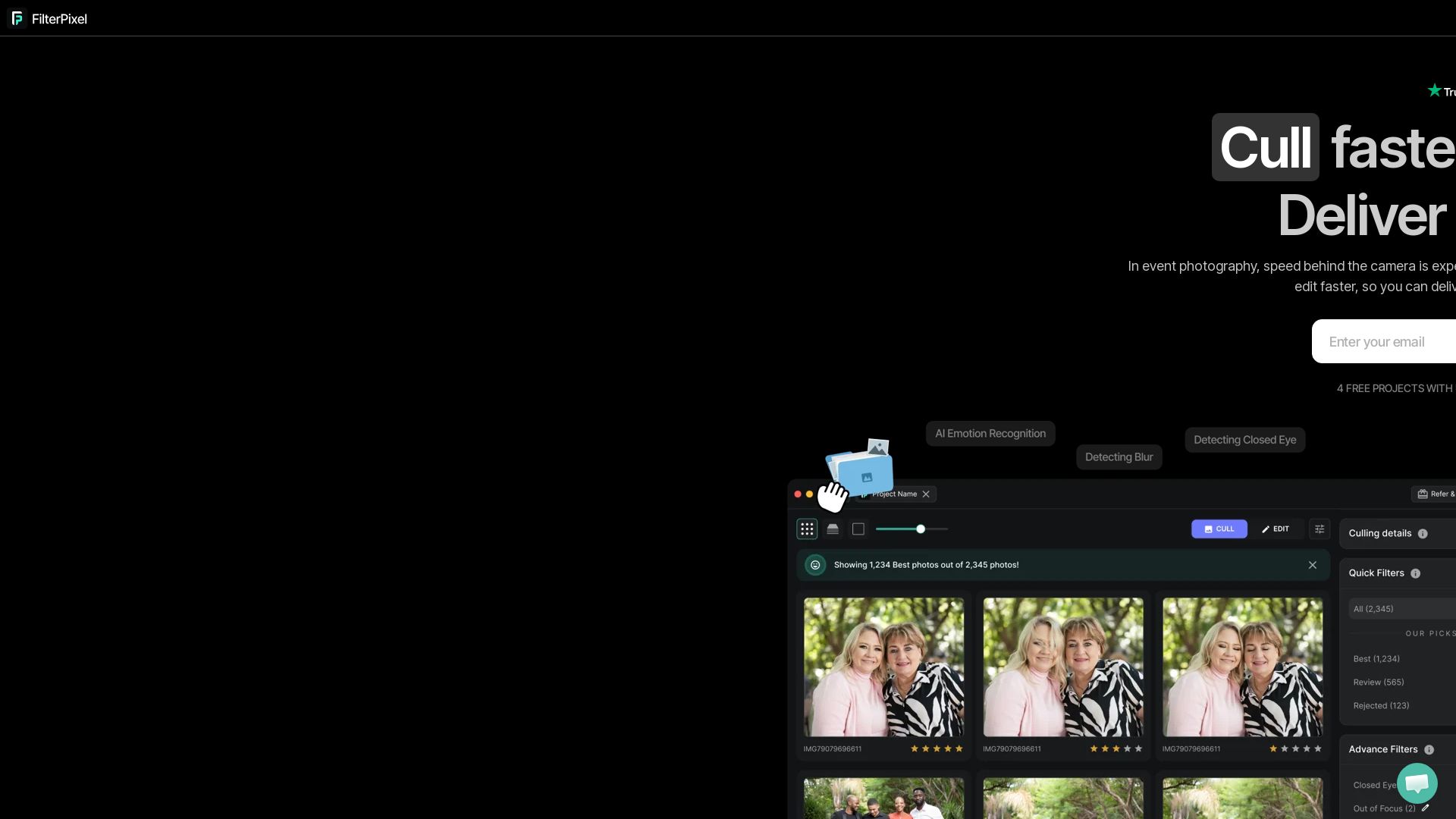
FilterPixel
Speed up photo culling and editing with AI. Deliver event galleries in minutes. Try 4 free projects, no credit card required.

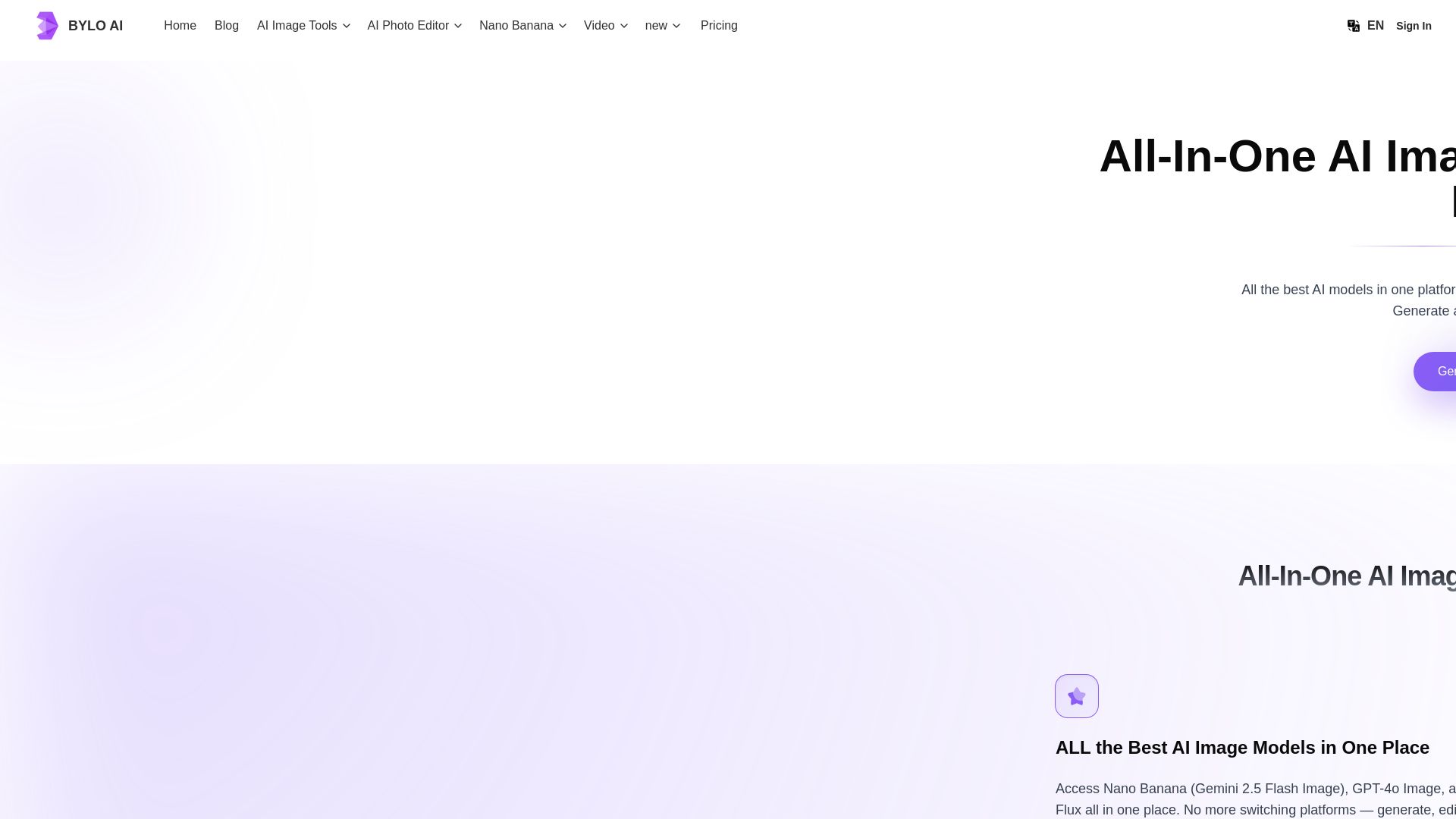
Bylo AI
Generate stunning images with GPT-4o, Gemini Nano Banana, Flux AI. Edit photos, apply Ghibli style, remove backgrounds. Free online tool.

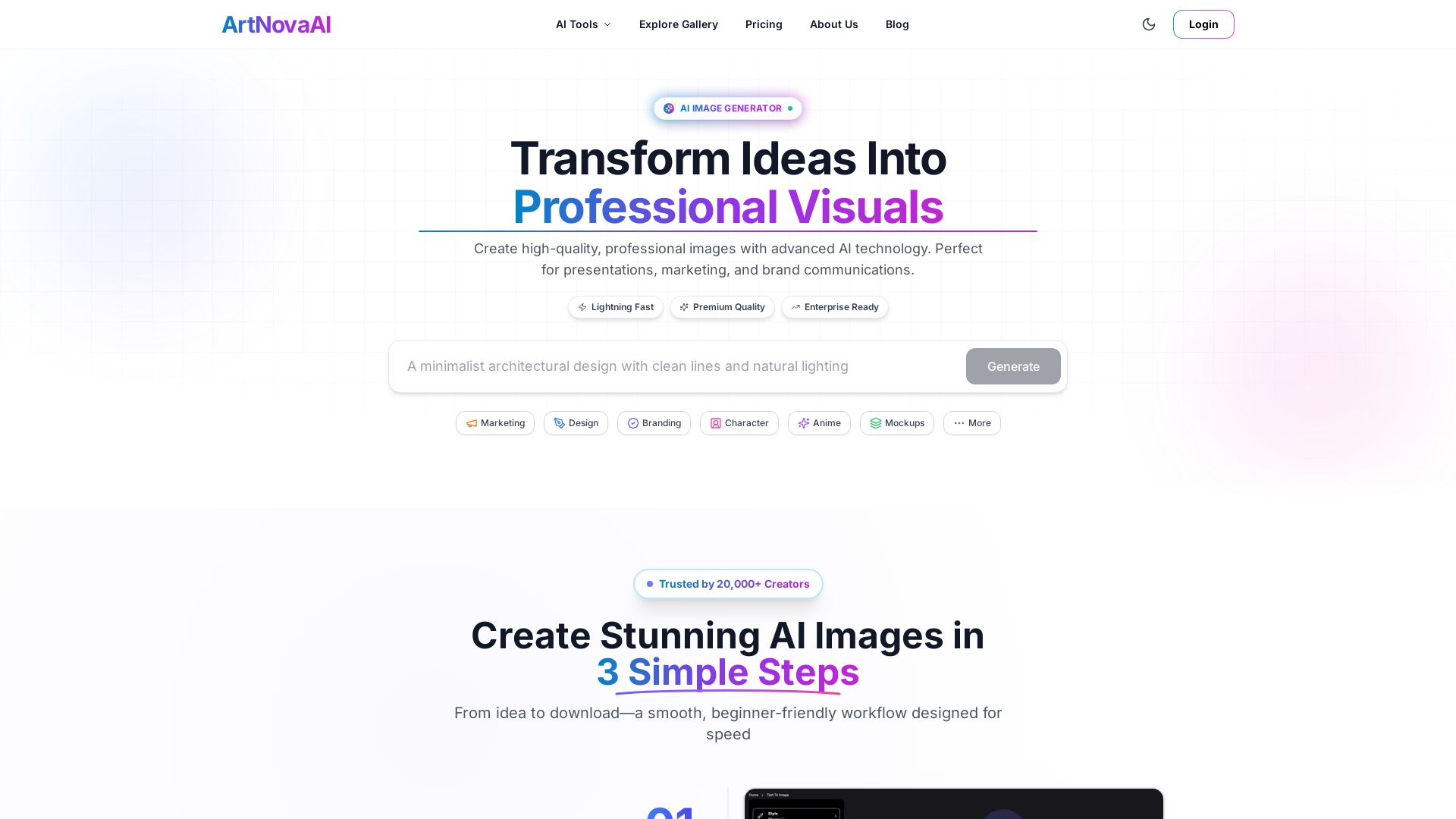
ArtNovaAI
Create high-quality AI images in seconds with full commercial rights. No Discord needed. Text to image, editing, upscaling. Trusted by 20,000+ creators.

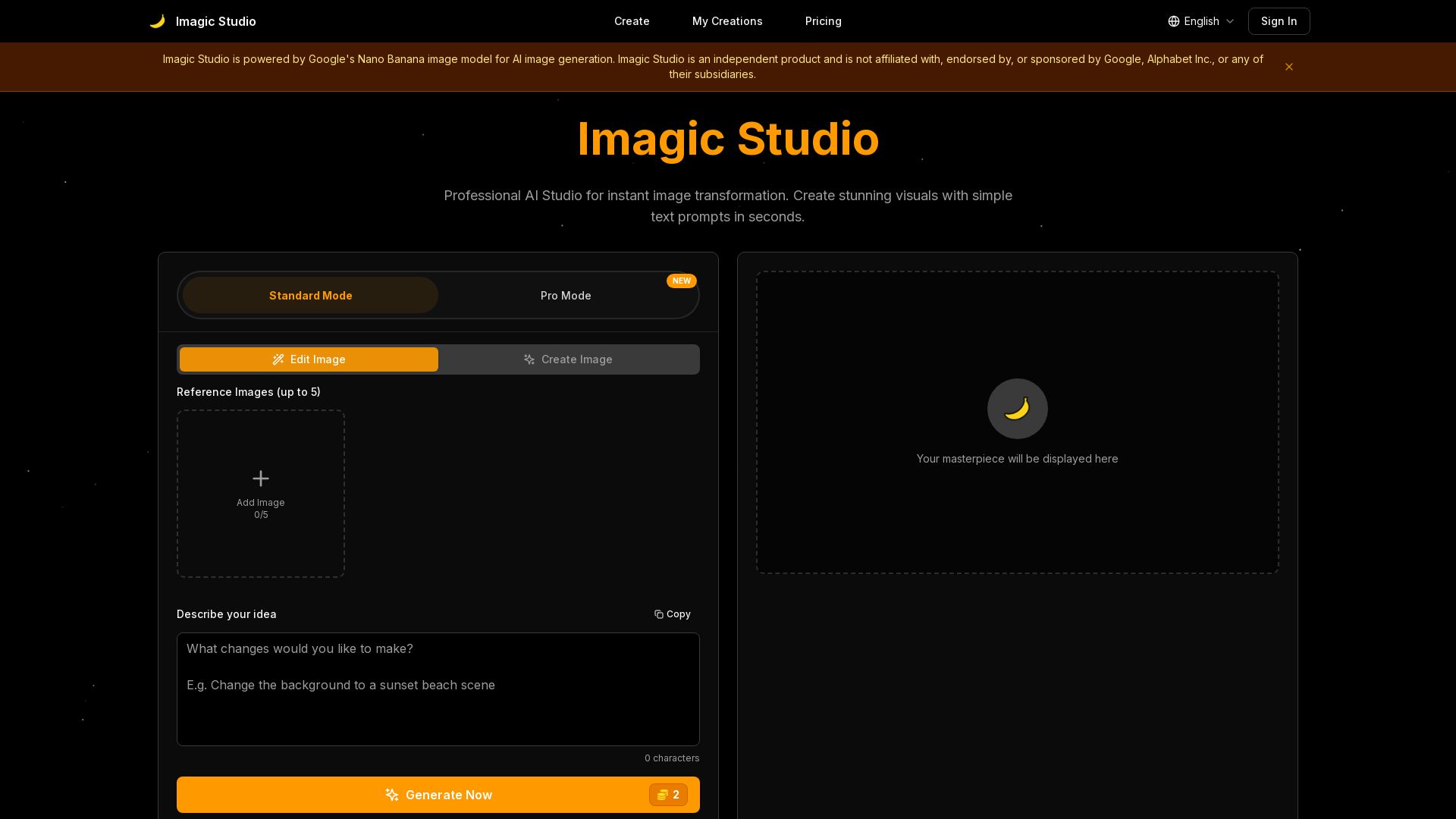
Imagic Studio
Create stunning AI images in seconds. Edit photos with text, keep same face, mix images. Professional quality, no download needed. Start free!

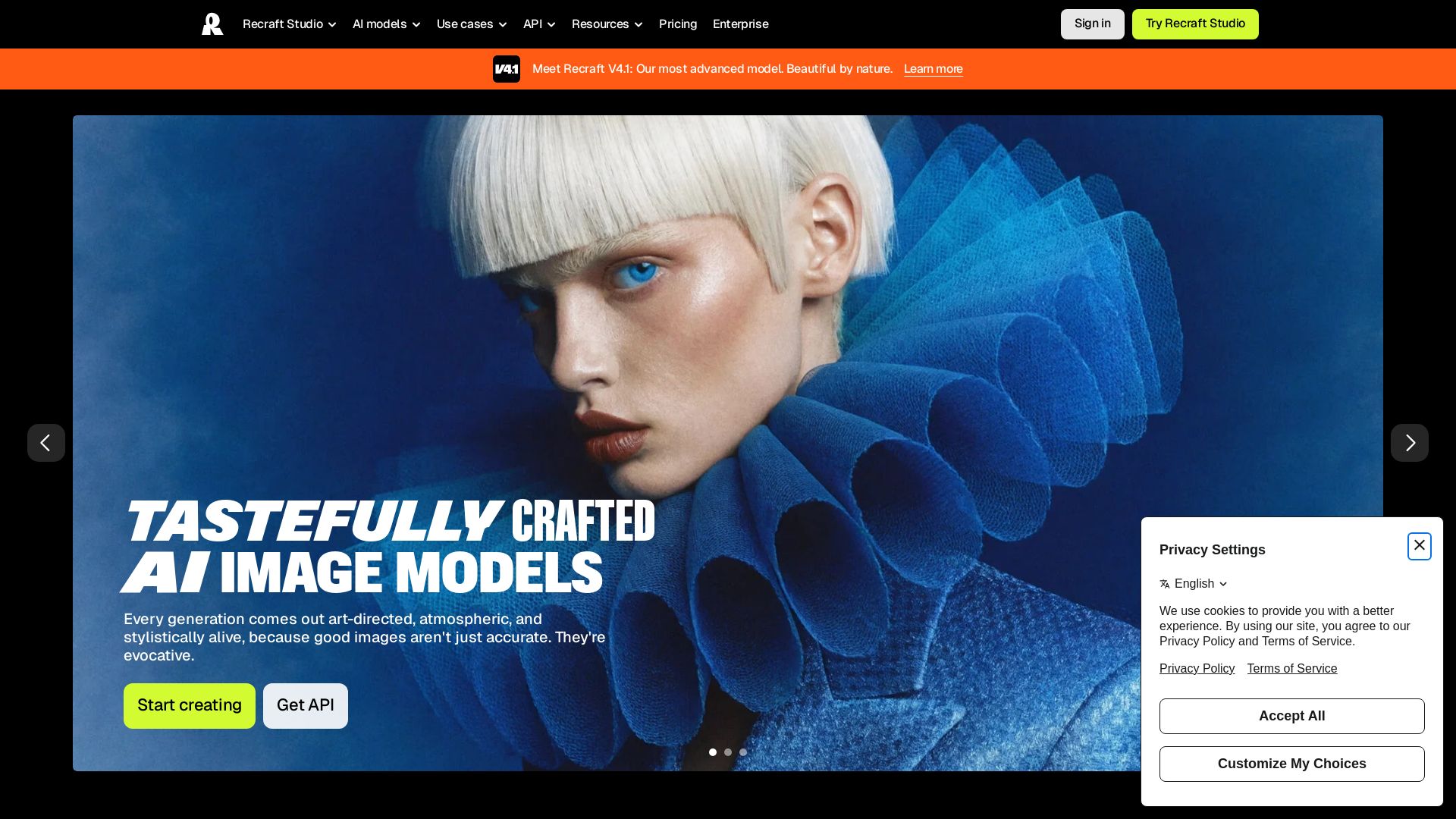
Recraft
Create stunning, art-directed images and vectors with Recraft V4.1. Custom styles, exceptional prompt understanding, and vector generation without training.

ℹ️ Curation Disclosure: The overview and features of Cutout.Pro were synthesized using AI and fact-checked by our curation team to ensure accuracy.