
FilterPixel
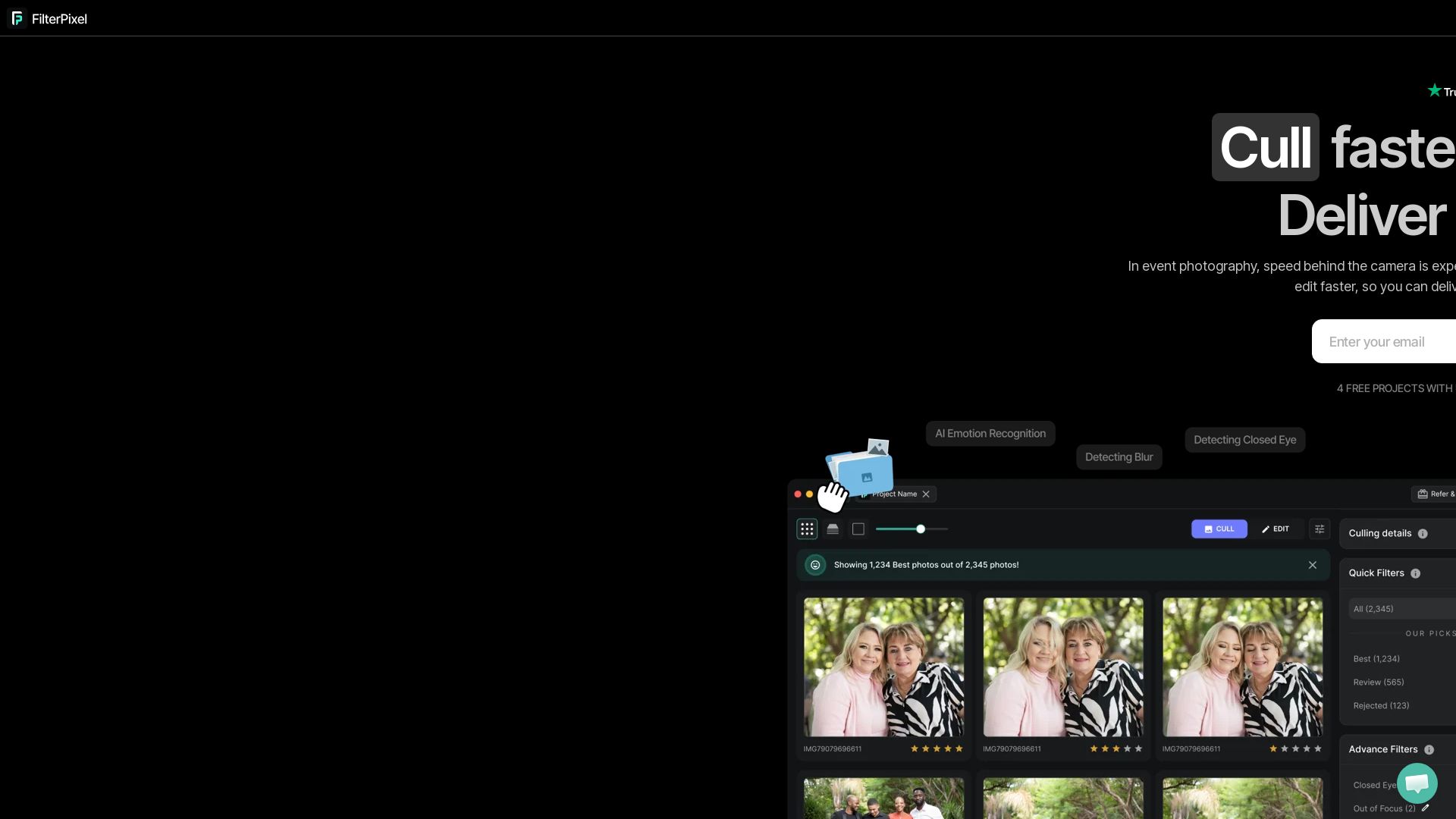
Speed up photo culling and editing with AI. Deliver event galleries in minutes. Try 4 free projects, no credit card required.


Editor's Verdict
Key Takeaways
- DeepCull Mode
- Review Mode
- Survey Mode
- Magic Number
In-Depth Review: What is FilterPixel?
FilterPixel is an AI-powered photo culling and editing platform built for high-volume event photographers. It uses DeepCull, a genre-aware AI that selects the best shots based on editorial relevance, not just technical sharpness. One-click editing applies your style consistently across thousands of photos, and Magic Number turns 3,000 images into a delivery-ready set in minutes. Trusted by 14,000+ professionals, FilterPixel helps you deliver galleries before the moment expires.
Core Features
DeepCull Mode
AI culling that evaluates photos by genre for editorial relevance, providing a score and reason for every selection.
Review Mode
Never deletes a single image; helps organize and keep all shots safe while focusing on the best selects.
Survey Mode
Groups similar images and shows micro-differences so you can compare frame-by-frame and choose with confidence.
Magic Number
Culls thousands of images to delivery-ready selects in about 3 minutes, giving you a competitive edge.
Personalized Workflow
Learns your existing tagging system (stars, colors, flags) and applies it consistently across all photos.
One Click Edits
Applies your preferred white balance, exposure, color tone, and contrast to every photo with a single click.
Style DNA
Trains on your edited Lightroom catalog to replicate your editing style at scale.
Expert Profiles
Built-in AI profiles crafted by expert photographers for instant, consistent, high-quality edits with no setup.
Ingest with Ease
Load directly from memory card with automatic backup, zero lag, and support for RAW, JPEG, or both.
Export Your Way
Send final images to Lightroom, Capture One, or Photo Mechanic and export in JPEG, RAW, or both formats.
Pricing
Free Starter
- 4 free projects with unlimited photos
- No credit card required
- Access to culling and editing features
Pros and Cons
Pros
- Time-Saving AI CullingReduces culling from hours to minutes, processing 3,000+ photos in under 8 minutes.
- Non-Destructive WorkflowNever deletes any image, so you can always go back if needed.
- Genre-Specific IntelligenceDeepCull adapts evaluation logic for weddings, sports, concerts, and events, focusing on moments and editorial relevance.
- Learns Your StyleTrained on your own edited catalogs and tagging system to maintain your unique editing style and preferences.
- Seamless IntegrationImports from memory cards, exports to Lightroom, Capture One, and Photo Mechanic without disrupting your workflow.
Cons
- Limited Free ProjectsOnly 4 free projects are allowed, which may not be enough for high-volume professionals without upgrading.
- Desktop App OnlyRequires downloading a Windows or macOS application; no web or mobile version is mentioned.
- Pricing Not TransparentThe website does not clearly list paid plan prices or features, making it hard to evaluate cost upfront.
- Training Required for Full BenefitsFeatures like Style DNA work best after training on your own edited Lightroom catalog, which takes time to set up.
- Potential Learning CurveCustomizing the workflow, tagging system, and DeepCull settings may require initial effort to get optimal results.
Use Cases & Recommended Professions
Event Photographer→ View Toolkit
Needs to deliver large galleries quickly under deadline pressure, where speed and reputation directly impact revenue.
Wedding Photographer→ View Toolkit
Handles around 20,000 photos per wedding and needs to cull and edit faster to deliver galleries in days, not months.
Sports Photographer→ View Toolkit
Requires selection of peak action moments and quick turnaround for sports events where timing is critical.
Concert Photographer→ View Toolkit
Benefits from genre-specific AI that detects crowd energy, moments, and peak action in fast-moving concert environments.
Portrait Photographer→ View Toolkit
Saves hours of manual culling by using AI to narrow down 500+ photos to the best selects in minutes.
Corporate Photographer→ View Toolkit
Covers conferences, keynotes, and corporate events where editorial relevance and fast delivery are essential.
Frequently Asked Questions
Alternative AI Tools
View Detailed Comparison →
Figr
Ship better UX faster. Figr builds a living understanding of your product, maps flows, finds edge cases, and generates high-fidelity prototypes from your actual design system.


Imagen
Scale your style with AI-powered photo editing, culling, and video color grading. Trusted by top photographers. Start free.


Evoto
AI-powered photo culling, retouching & batch editing. Save hours, get natural results. Trusted by 1M+ photographers.


ProductCrafters
Get a free 2-week trial sprint for your AI product. Working prototype in 30 days, production-ready in 90. No contract, no credit card. Test your dev team risk-free.


SellerPic
Generate professional product photos and shoppable videos instantly with AI. Virtual try-on, background swap, ad clone. Try free.




SKULaunch
Automate supplier data onboarding, AI extracts attributes, enrich product catalogs, and publish ready data. From messy files to filterable search.

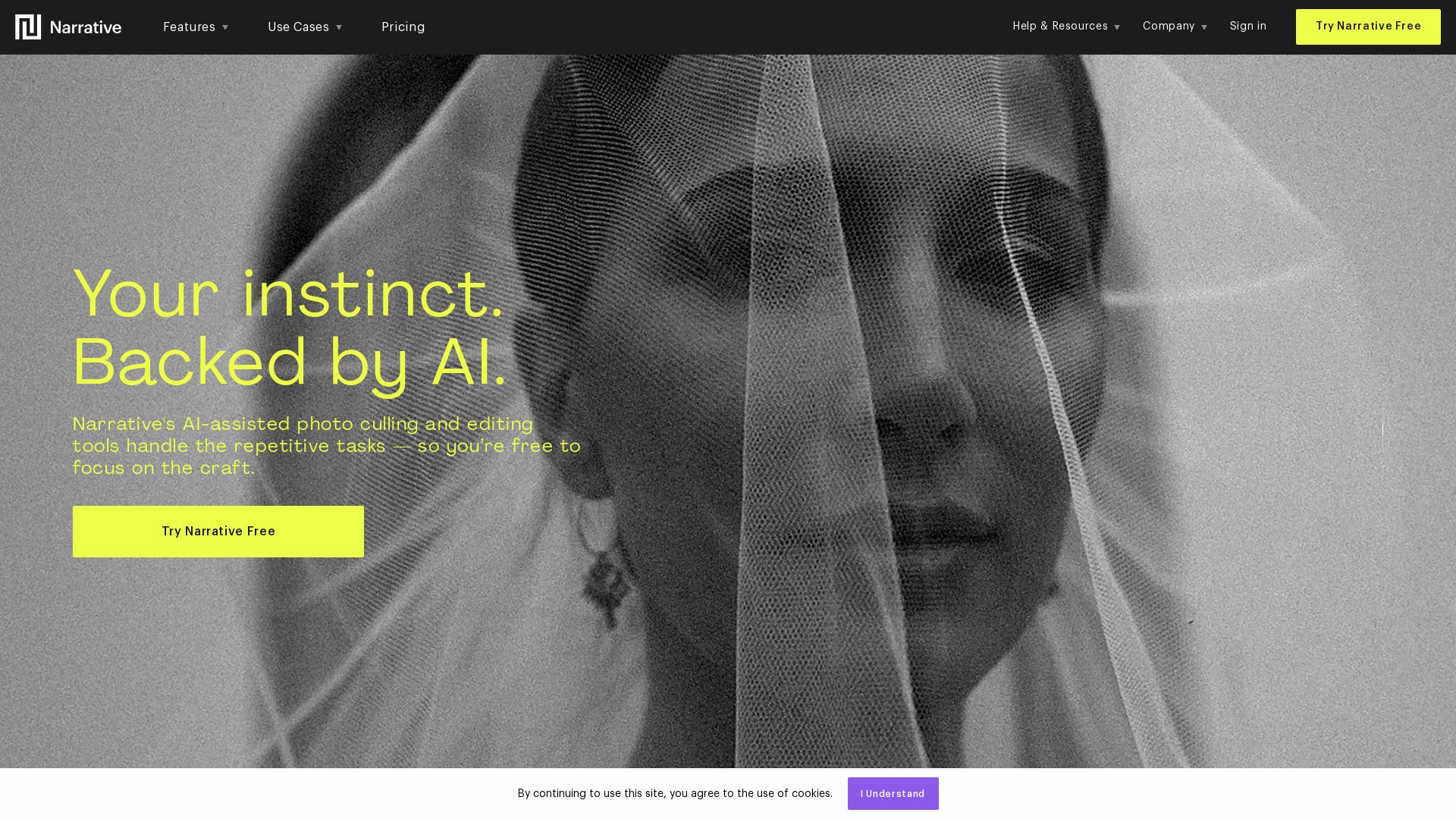
Narrative
Narrative's AI-assisted photo culling and editing tools handle repetitive tasks, so you focus on craft. Save hours, work offline, and ship selects to Lightroom.


Rewarx Studio
Create professional product photos, AI models, and mockups in batches. Save 90% on content costs. Trusted by 5M+ sellers.


Hypotenuse AI
Enhance product data, generate SEO-optimized descriptions, and perfect images with AI. Trusted by global brands. Try free.


Flair.ai
Create stunning AI product content with on-model photography, videos, ads, and 3D scenes. Used by brands of all sizes. Get started free!

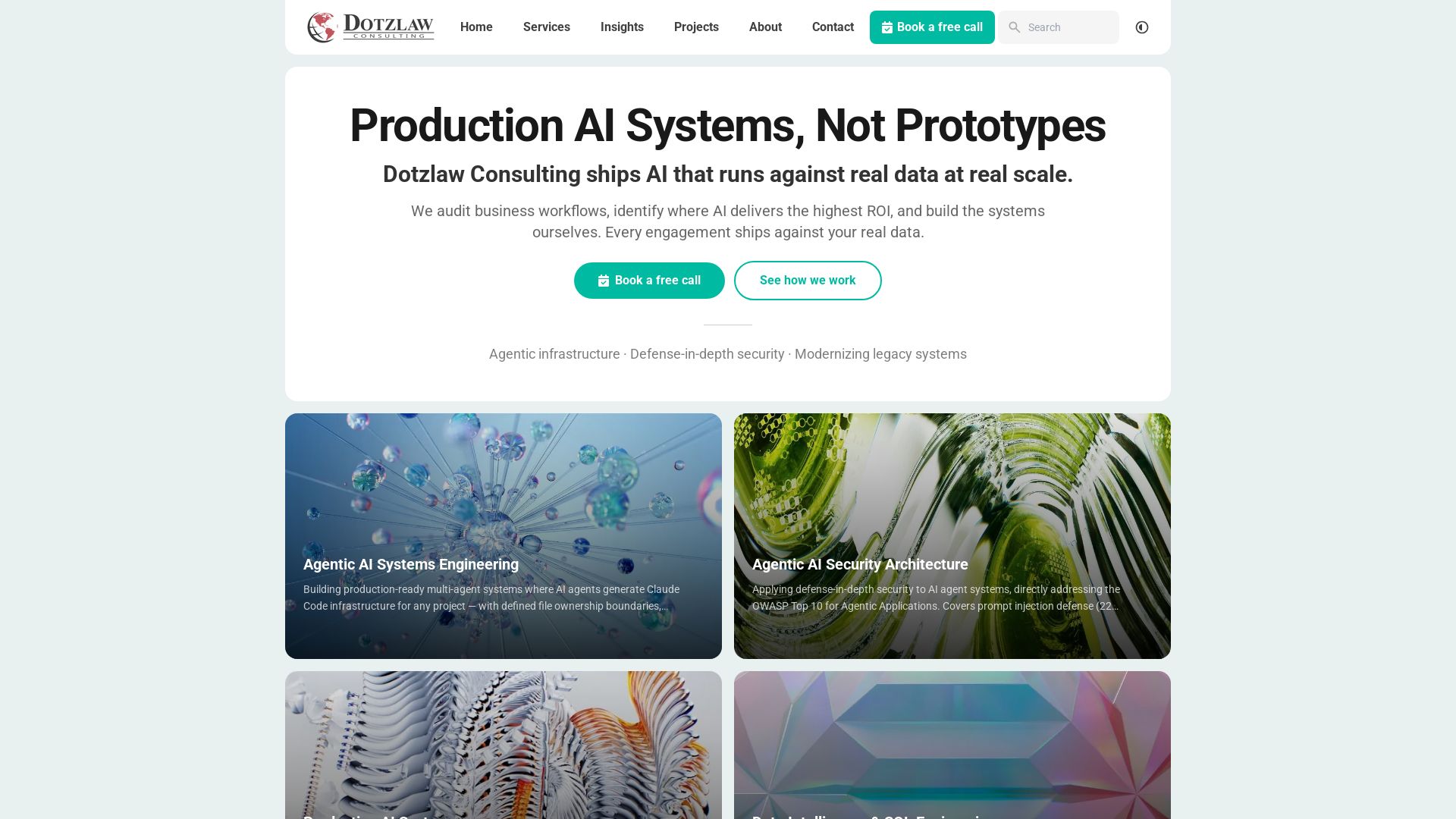
Dotzlaw Consulting
We build production-ready AI systems, multi-agent workflows, and secure architectures. Real data, real scale. Expert SQL & data intelligence.

ℹ️ Curation Disclosure: The overview and features of FilterPixel were synthesized using AI and fact-checked by our curation team to ensure accuracy.
