
Narrative
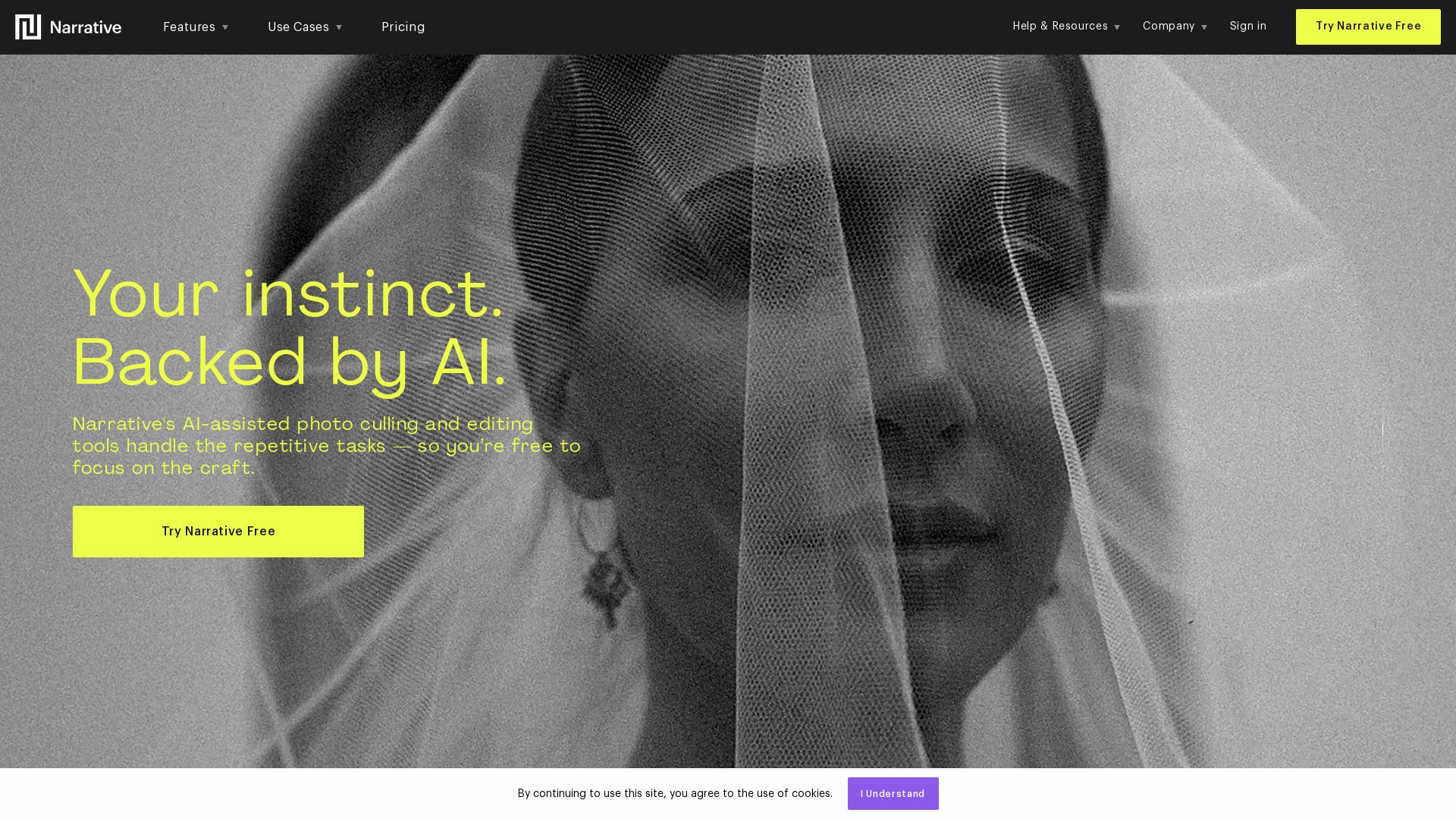
Narrative's AI-assisted photo culling and editing tools handle repetitive tasks, so you focus on craft. Save hours, work offline, and ship selects to Lightroom.


Editor's Verdict
Key Takeaways
- AI-Assisted Culling
- 1-Click AI Editing
- Scenes View
- Close-ups Panel
In-Depth Review: What is Narrative?
Narrative is fast, AI-assisted photo culling and editing software designed for photographers. It helps you sort, assess, and rank thousands of images quickly, then apply your editing style with AI Presets. Import RAWs in seconds, work offline, and seamlessly export to Lightroom or other programs. Trusted by thousands of photographers, Narrative cuts culling time in half and lets you focus on creativity.
Core Features
AI-Assisted Culling
Uses AI to sort, assess, and rank thousands of images, allowing photographers to move faster while maintaining creative control.
1-Click AI Editing
Applies AI Presets learned from your editing style to ship selected images to Lightroom pre-edited, saving hours of manual editing.
Scenes View
Organizes images by scenes to show how a shoot unfolded, making it easy to compare similar shots and select the best ones.
Close-ups Panel
Automatically zooms in on faces in every image, eliminating the need to manually zoom and pan to check expressions and focus.
People Filter
Filters images by specific people detected in the shoot, providing quick access to coverage of each individual.
Fast Import
Imports thousands of RAW images in seconds, supporting formats like CR3, NEF, ARW, and HEIC without waiting.
Image Assessments
Provides focus, eye, and image quality assessments to help identify potential picks and filter out bad shots quickly.
Key Element Detection
When no face is detected, identifies the most important element in the frame and assesses sharpness, useful for objects and animals.
Ship to Lightroom
One-click export of selected images to Lightroom Classic, Lightroom CC, Photoshop, or Capture One, with optional AI pre-editing.
AI Presets
Trained on your own edited images to automatically apply your unique editing style, improving over time with use.
Pricing
Lite
- Fast culling
- Unlimited images and projects
- Ship to Lightroom, Photoshop & Capture One
Standard
- Faster culling with advanced AI
- Immediately find your best shots
- Full control over selections
- Unlimited editing with Core + Marketplace AI Presets
Premium
- Advanced AI culling
- Unlimited editing with 1 Color AI Preset & 1 Black & White AI Preset
- AI image straightening
- Up to 2 users
Ultra
- Advanced AI culling
- Unlimited editing with up to 5 Color AI Presets & 5 Black & White AI Presets
- Dedicated personal onboarding
- Early access to new features
- Up to 4 users
Pros and Cons
Pros
- AI-Assisted WorkflowAI handles repetitive culling and editing tasks while keeping creative decisions in the photographer's hands, reducing mental exhaustion.
- Lightning-Fast PerformanceImport thousands of RAWs in seconds with instant image transitions, no loading bars, and offline capability.
- Seamless IntegrationShips directly to Lightroom Classic, Lightroom CC, Photoshop, and Capture One, fitting into existing workflows effortlessly.
- Personalized AI EditingAI Presets learn from your editing style and improve over time, maintaining consistency across shoots and saving hours.
- Trusted by ProfessionalsEndorsed by thousands of photographers, with 93% of users recommending Narrative after trying it.
Cons
- Subscription CostRequires a monthly or yearly subscription, which may be a barrier for hobbyists or low-volume photographers.
- Learning CurveNew users may need time to understand and optimize AI features like Personal AI Presets and assessment filters.
- Dependence on Internet for TrainingWhile offline culling is possible, training Personal AI Presets requires an internet connection.
- Limited to Photography WorkflowsSpecifically designed for photographers; not suitable for video editors or general image management.
- AI Not InfallibleAI assessments may occasionally miss nuances, requiring users to double-check selections, especially in complex scenes.
Use Cases & Recommended Professions
Wedding Photographer→ View Toolkit
Culls thousands of images per event quickly, ensuring no key moments are missed while saving hours of editing time.
Portrait Photographer→ View Toolkit
Uses face assessments and close-ups to select the best expressions, reducing time spent on repetitive zooming and comparing.
Event Photographer→ View Toolkit
Handles high-volume shoots with fast import and AI ranking, efficiently delivering selects to clients.
Commercial Photographer→ View Toolkit
Manages large product or studio shoots, leveraging AI editing presets to maintain consistent brand style.
Sports Photographer→ View Toolkit
Culls burst sequences using focus assessments and scene view to pick the sharpest action shots.
Real Estate Photographer→ View Toolkit
Quickly sorts and edits property images, benefiting from key element detection for non-human subjects.
Frequently Asked Questions
Alternative AI Tools
View Detailed Comparison →
Figr
Ship better UX faster. Figr builds a living understanding of your product, maps flows, finds edge cases, and generates high-fidelity prototypes from your actual design system.

FilterPixel
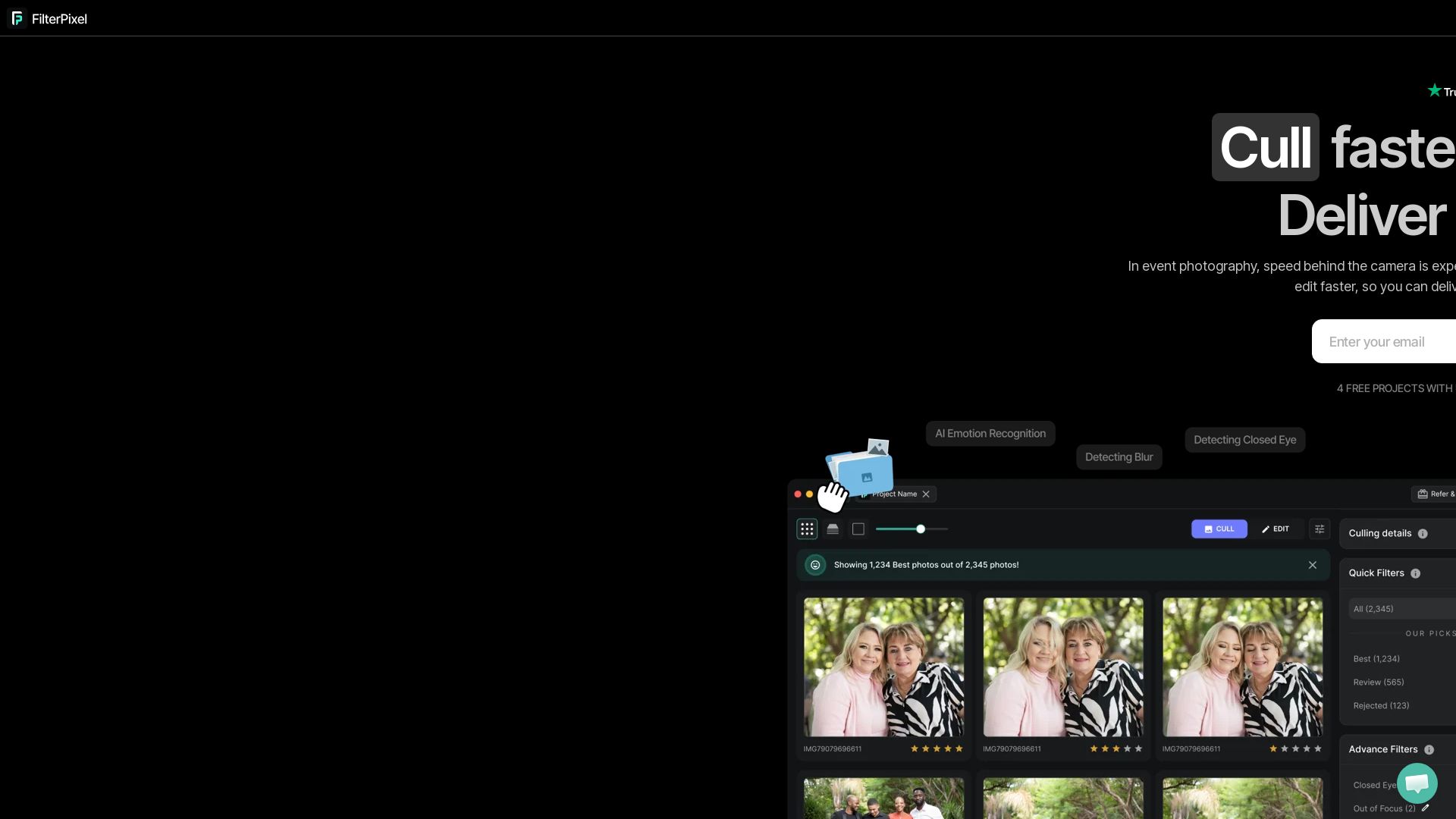
Speed up photo culling and editing with AI. Deliver event galleries in minutes. Try 4 free projects, no credit card required.

Imagen
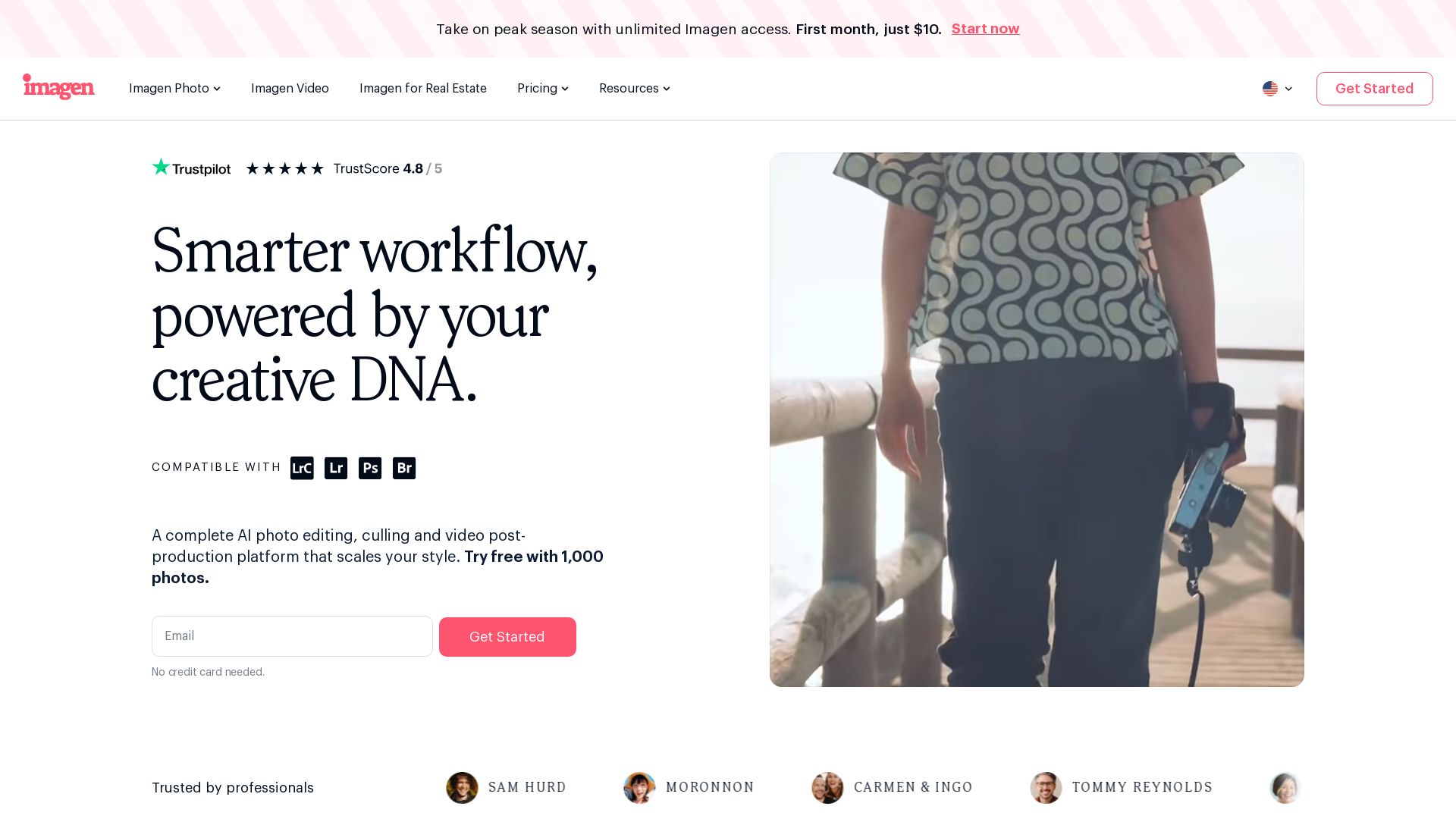
Scale your style with AI-powered photo editing, culling, and video color grading. Trusted by top photographers. Start free.

Rewarx Studio
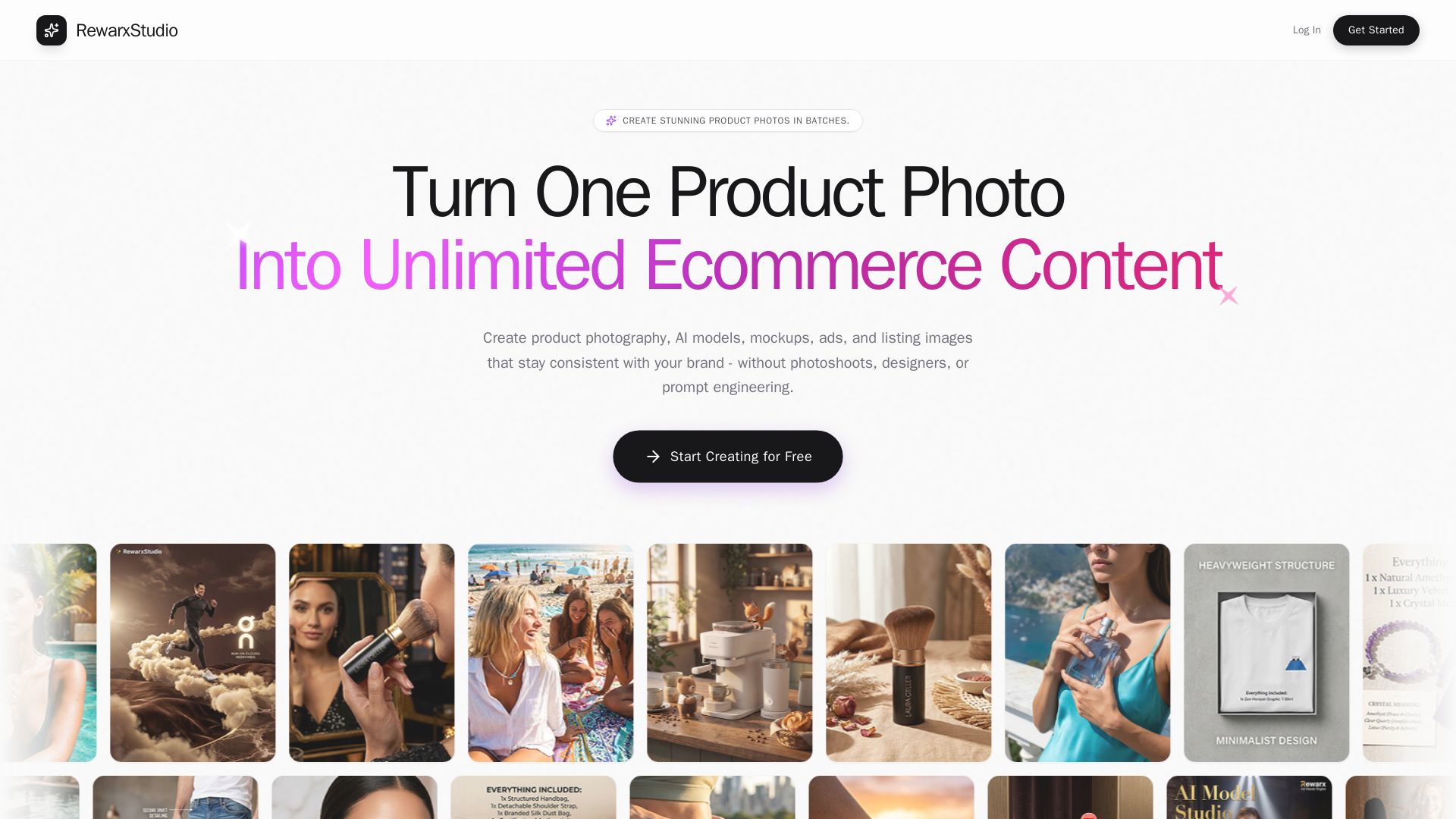
Create professional product photos, AI models, and mockups in batches. Save 90% on content costs. Trusted by 5M+ sellers.

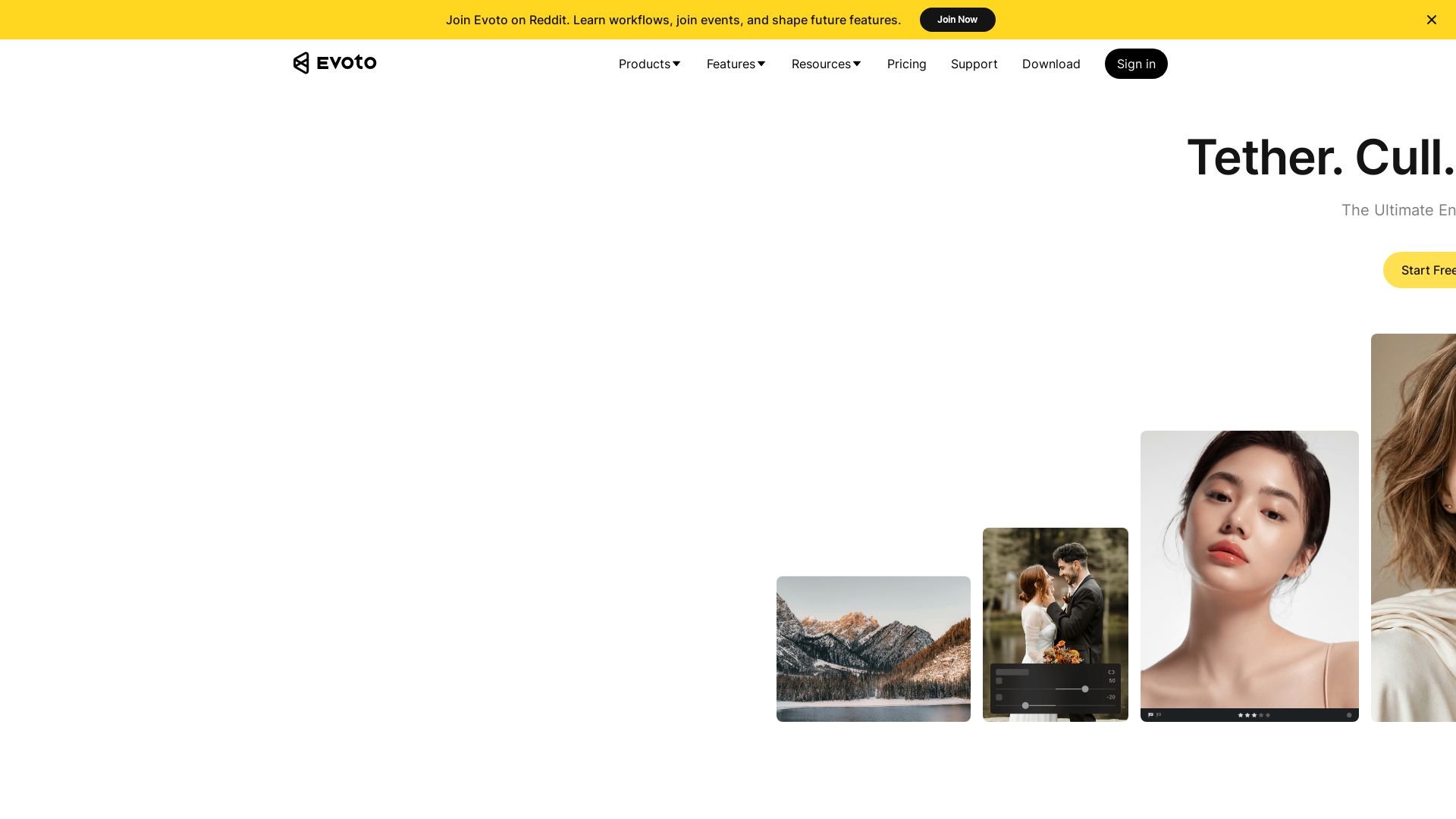
Evoto
AI-powered photo culling, retouching & batch editing. Save hours, get natural results. Trusted by 1M+ photographers.

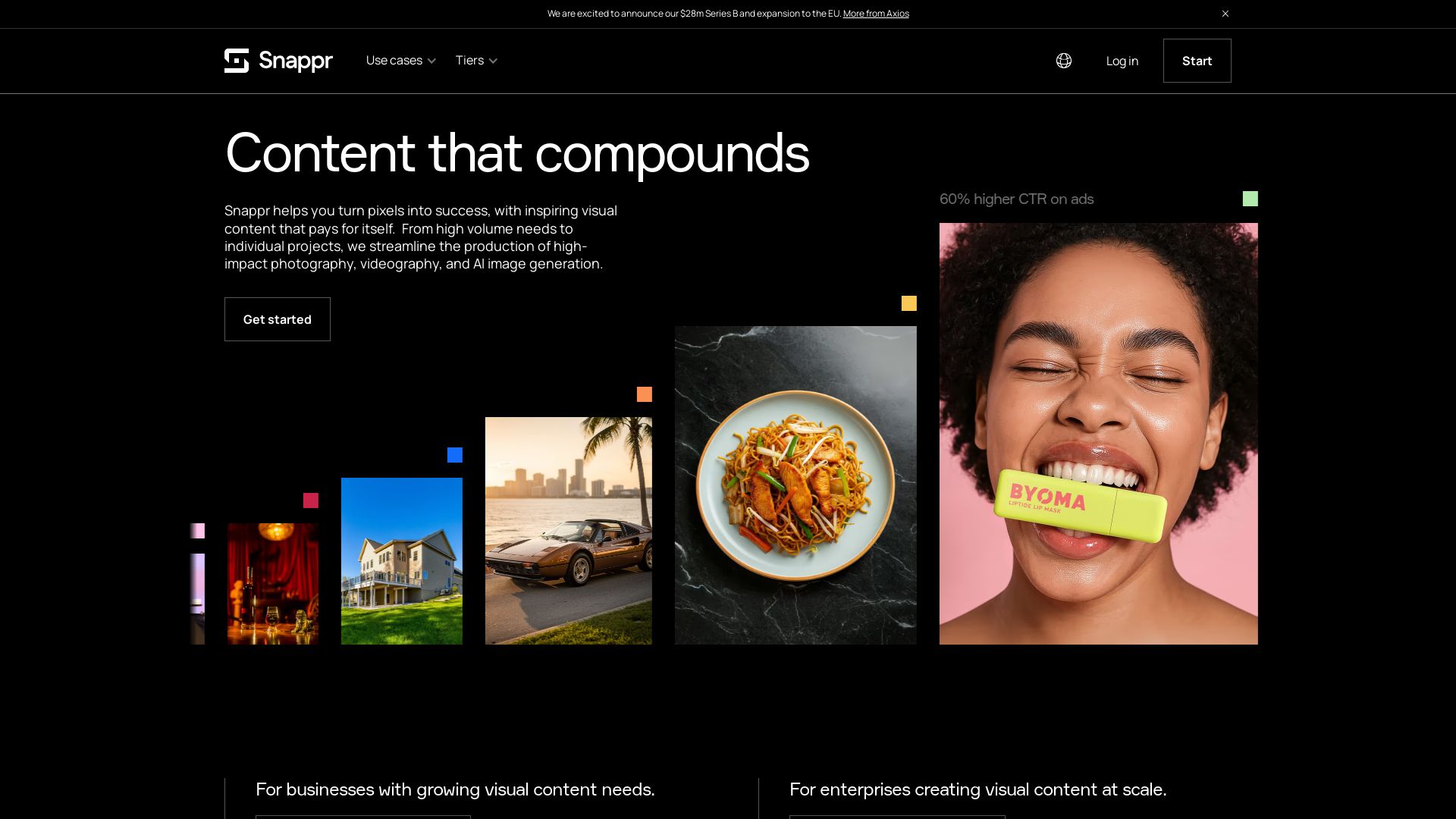
Snappr
Create high-ROI photography, videography, and AI images at scale. Trusted by 73% of Fortune 500. Streamline content production.

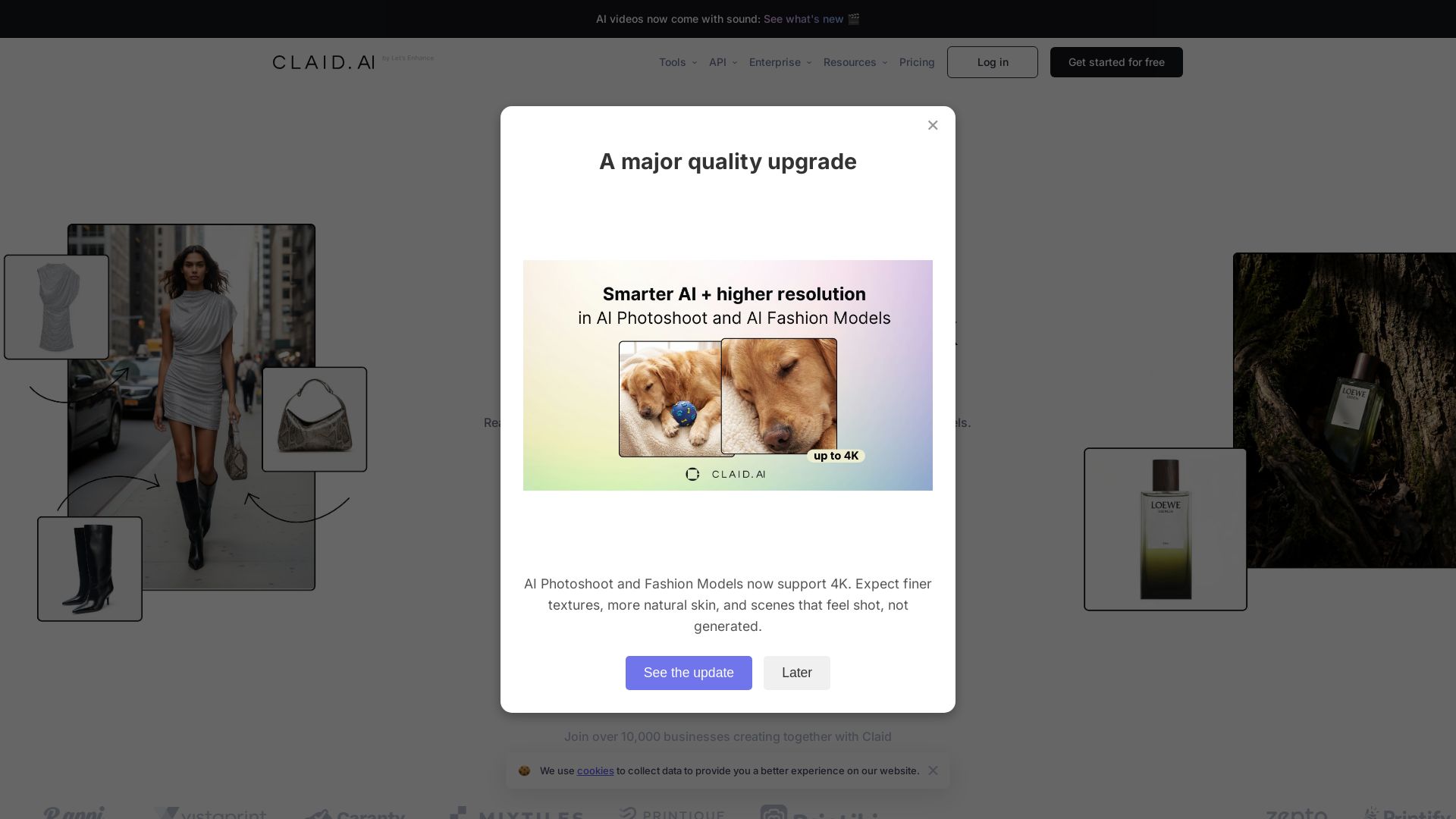
Claid
AI-powered product photos with realistic backgrounds, fashion models, and videos. Preserve details, native 4K. Start free.

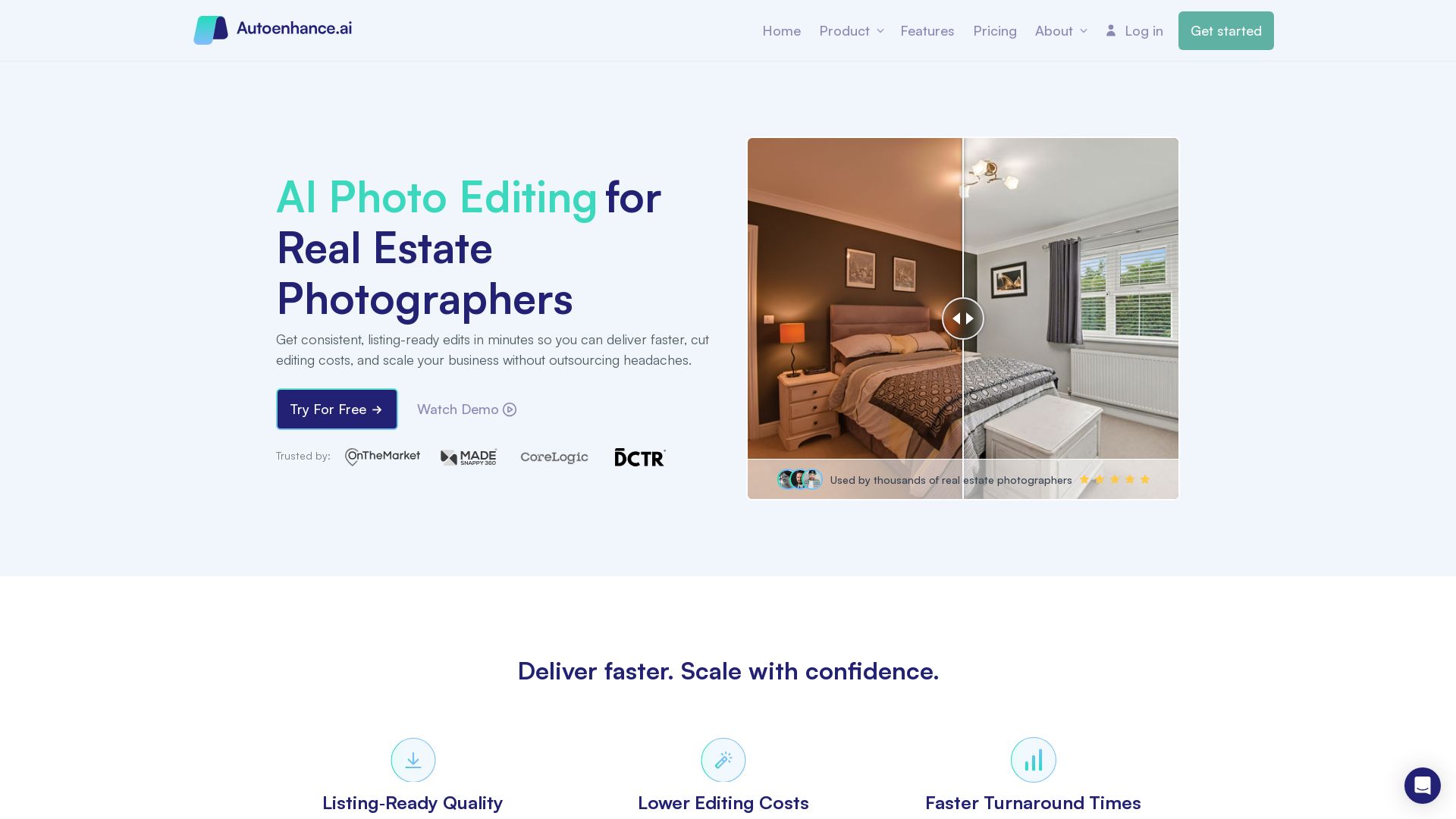
Autoenhance.ai
Get listing-ready edits in minutes. Reduce editing costs, deliver faster, and scale your real estate photography business with AI.

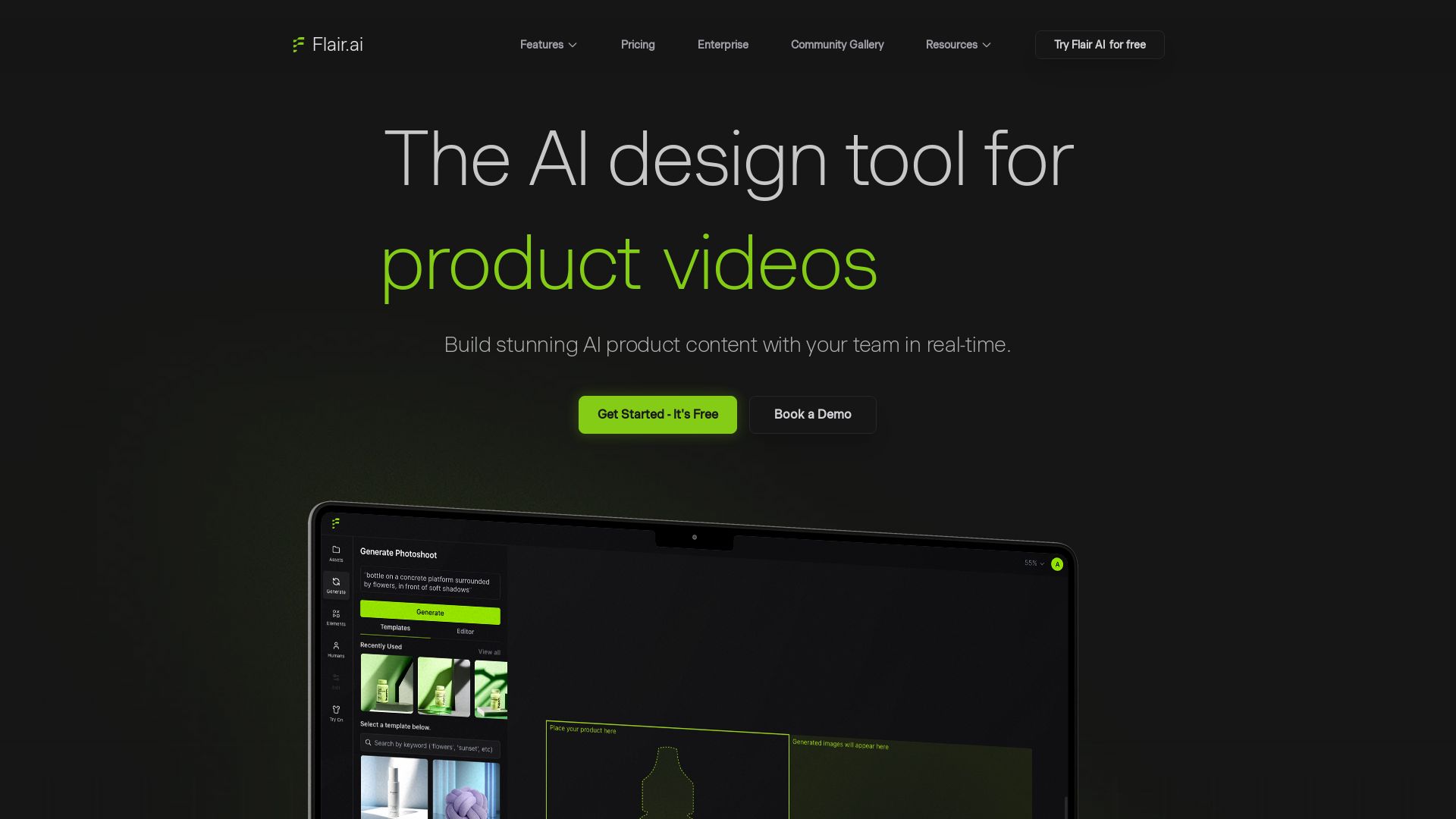
Flair.ai
Create stunning AI product content with on-model photography, videos, ads, and 3D scenes. Used by brands of all sizes. Get started free!

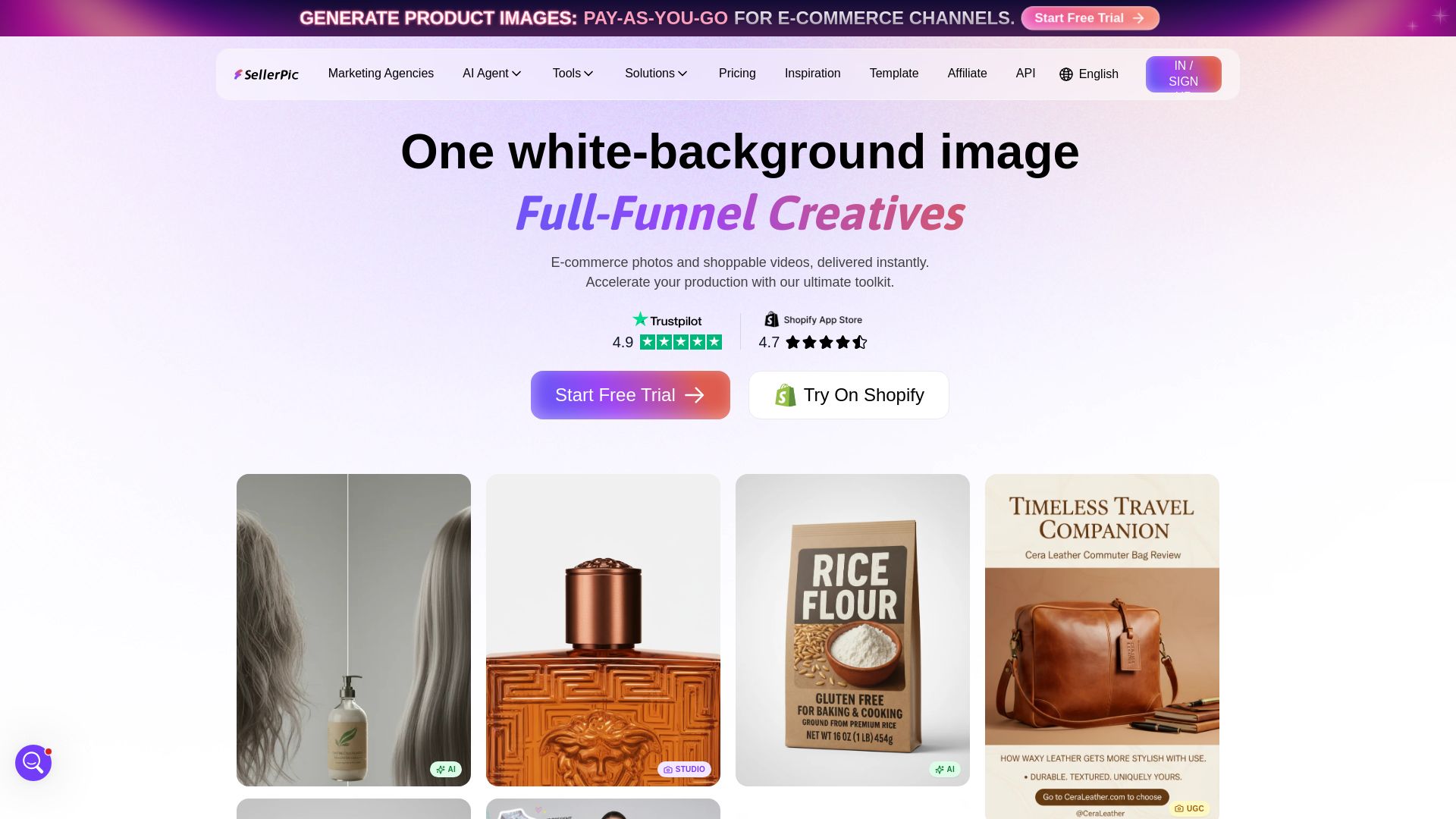
SellerPic
Generate professional product photos and shoppable videos instantly with AI. Virtual try-on, background swap, ad clone. Try free.


ProductCrafters
Get a free 2-week trial sprint for your AI product. Working prototype in 30 days, production-ready in 90. No contract, no credit card. Test your dev team risk-free.



ℹ️ Curation Disclosure: The overview and features of Narrative were synthesized using AI and fact-checked by our curation team to ensure accuracy.
