
Imagen
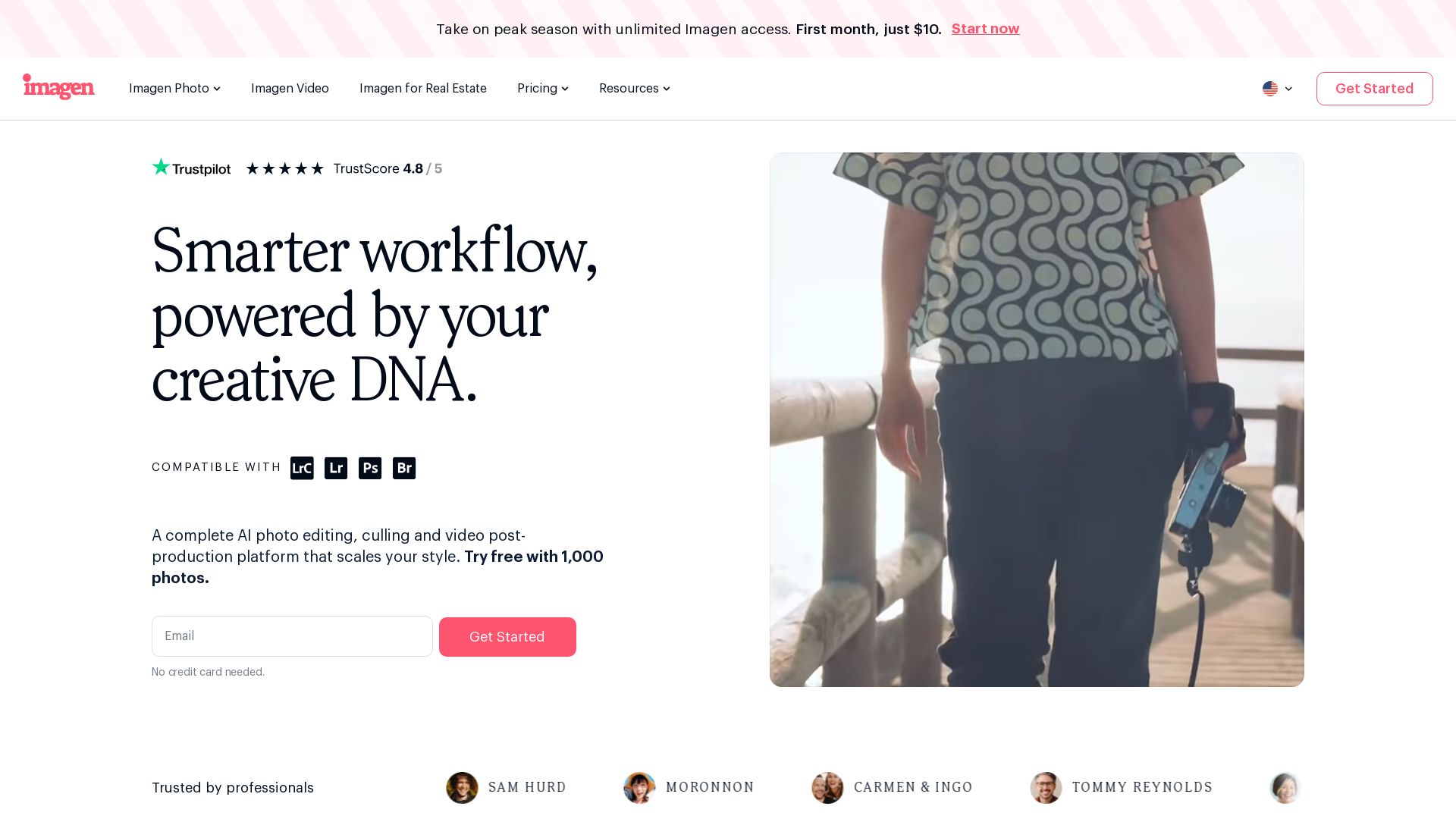
Scale your style with AI-powered photo editing, culling, and video color grading. Trusted by top photographers. Start free.


Editor's Verdict
Key Takeaways
- AI Color Correction
- Smart Photo Culling
- Automatic Masking
- HDR Merge
In-Depth Review: What is Imagen?
Imagen is a comprehensive AI-driven platform for photo editing, culling, and video post-production. It learns your unique editing style through a Personal AI Profile, automating repetitive tasks while maintaining consistency across projects. Compatible with weddings, portraits, real estate, and more. Trusted by professionals like Vanessa Joy and Fer Juaristi, Imagen saves up to 50% editing time. Try free with 1,000 photos—no credit card needed.
Core Features
AI Color Correction
Automatically corrects colors based on your personal style, ensuring consistent and professional results across all photos.
Smart Photo Culling
Intelligently selects the best shots from large batches, saving hours of manual sorting.
Automatic Masking
AI-powered masking for precise selections, enabling efficient edits like sky replacement or background adjustments.
HDR Merge
Blends multiple exposures into one balanced image, ideal for real estate interiors with bright windows and detailed shadows.
Window Pull
Recovers blown-out window detail while maintaining balanced interior lighting, perfect for listing photos.
Sky Replacement
Replaces dull or overcast skies with vibrant, natural-looking backgrounds in one click.
Object Removal
Erases unwanted elements like clutter, cords, or camera reflections using the AI Assistant.
AI Assistant
A conversational tool that applies custom edits like virtual staging, twilight conversion, or relighting through text commands.
Personal AI Profile
Learns your unique editing style from your history and applies it consistently, evolving with your preferences.
Batch Processing
Edits hundreds of photos simultaneously with consistent results, reducing per-image turnaround time.
Pricing
Free Trial
- 1,000 photos free
- AI color correction
- Smart culling
- Automatic masking
- Basic composition tools
Pay-As-You-Go (Real Estate)
- Full AI editing suite for property images
- One-click AI fixes
- 3 human revisions per listing
- Up to 6K resolution output
- RAW and JPEG support
- Privacy blur for faces and license plates
- Property lines and branded watermark
For Teams (Real Estate)
- Everything in Pay-As-You-Go
- Volume discounts
- Dedicated account manager
- Priority processing
- Tailored workflow
Pros and Cons
Pros
- Time SavingsAutomates repetitive editing tasks, cutting post-production time by at least 50% according to users.
- Consistent StyleLearns and replicates your unique editing style across all projects, ensuring brand or personal consistency.
- Scalable WorkflowHandles high-volume batches efficiently, making it ideal for teams and busy professionals.
- Easy to UseNo installation required, browser-based interface, and simple upload-process-deliver workflow.
- Professional ResultsDelivers listing-ready images with advanced features like HDR, sky replacement, and object removal.
Cons
- Requires Internet ConnectionThe web-based platform needs a stable internet connection for uploading and processing photos.
- May Need Human ReviewWhile AI handles most edits, complex or highly artistic requests may require human revision for optimal results.
- Limited to Cloud ProcessingAll editing is done on Imagen servers, which may raise concerns about data security for some users.
- Learning Curve for AI ProfileThe Personal AI Profile requires initial training with your edits, which may take time to refine.
- No Offline ModeUnable to use the software without internet access, limiting use in remote locations.
Use Cases & Recommended Professions
Real Estate Photographer→ View Toolkit
Needs to deliver consistent, high-quality listing photos quickly across multiple properties, with features like HDR merge, window pull, and sky replacement.
Wedding Photographer→ View Toolkit
Requires efficient culling and color correction for large galleries while maintaining a consistent style across different lighting conditions.
Portrait Photographer→ View Toolkit
Benefits from AI-powered retouching and style replication to speed up client delivery without sacrificing quality.
Commercial Photographer→ View Toolkit
Handles high-volume product shoots needing uniform edits and fast turnaround, aided by batch processing and AI color correction.
Sports Photographer→ View Toolkit
Manages thousands of images from events, requiring smart culling and batch editing to meet tight deadlines.
Event Photographer→ View Toolkit
Juggles multiple clients and varying styles; needs a tool that adapts to each client's preferences and accelerates delivery.
Frequently Asked Questions
Alternative AI Tools
View Detailed Comparison →
Narrative
Narrative's AI-assisted photo culling and editing tools handle repetitive tasks, so you focus on craft. Save hours, work offline, and ship selects to Lightroom.


Autoenhance.ai
Get listing-ready edits in minutes. Reduce editing costs, deliver faster, and scale your real estate photography business with AI.

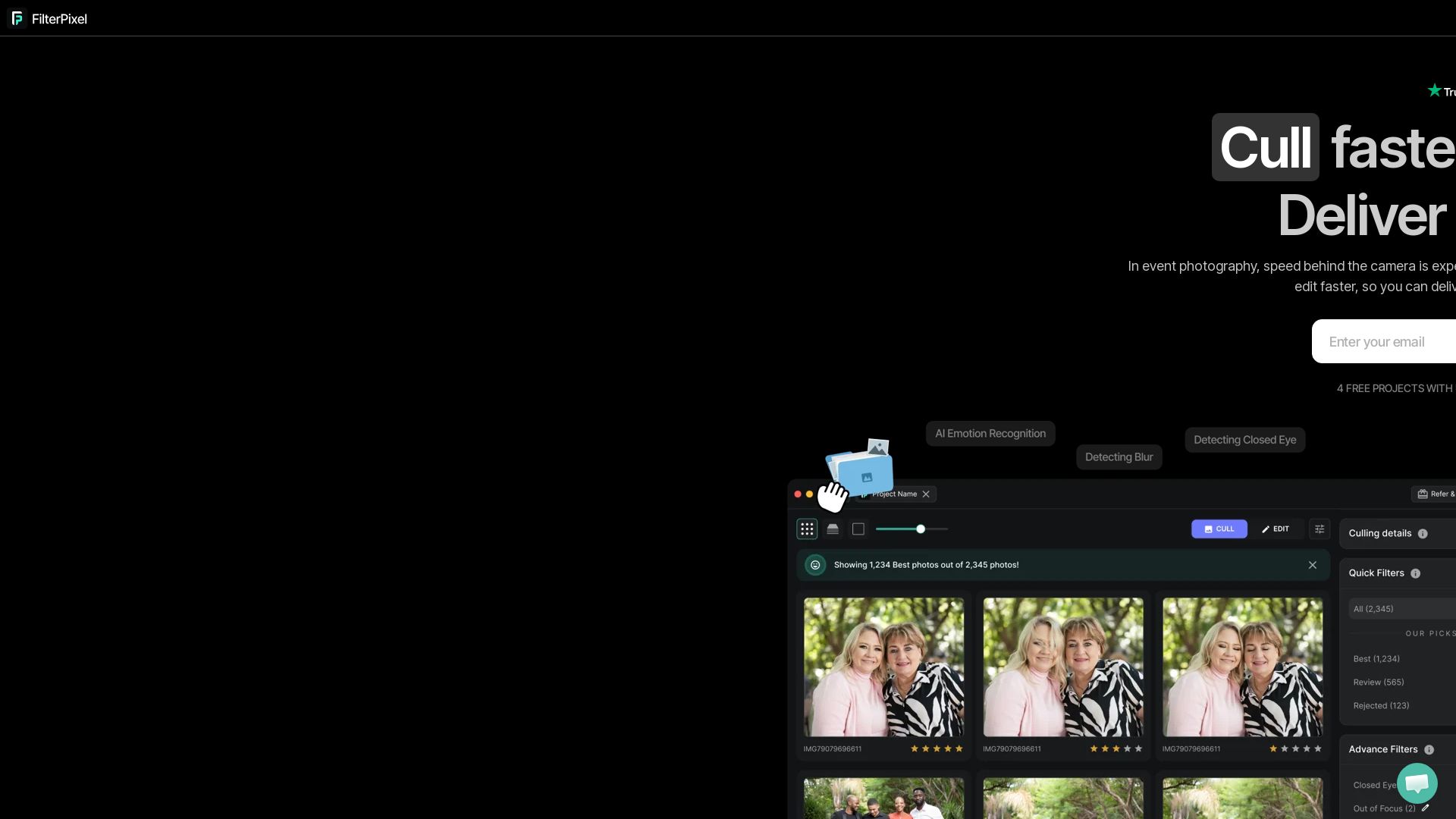
FilterPixel
Speed up photo culling and editing with AI. Deliver event galleries in minutes. Try 4 free projects, no credit card required.


Evoto
AI-powered photo culling, retouching & batch editing. Save hours, get natural results. Trusted by 1M+ photographers.

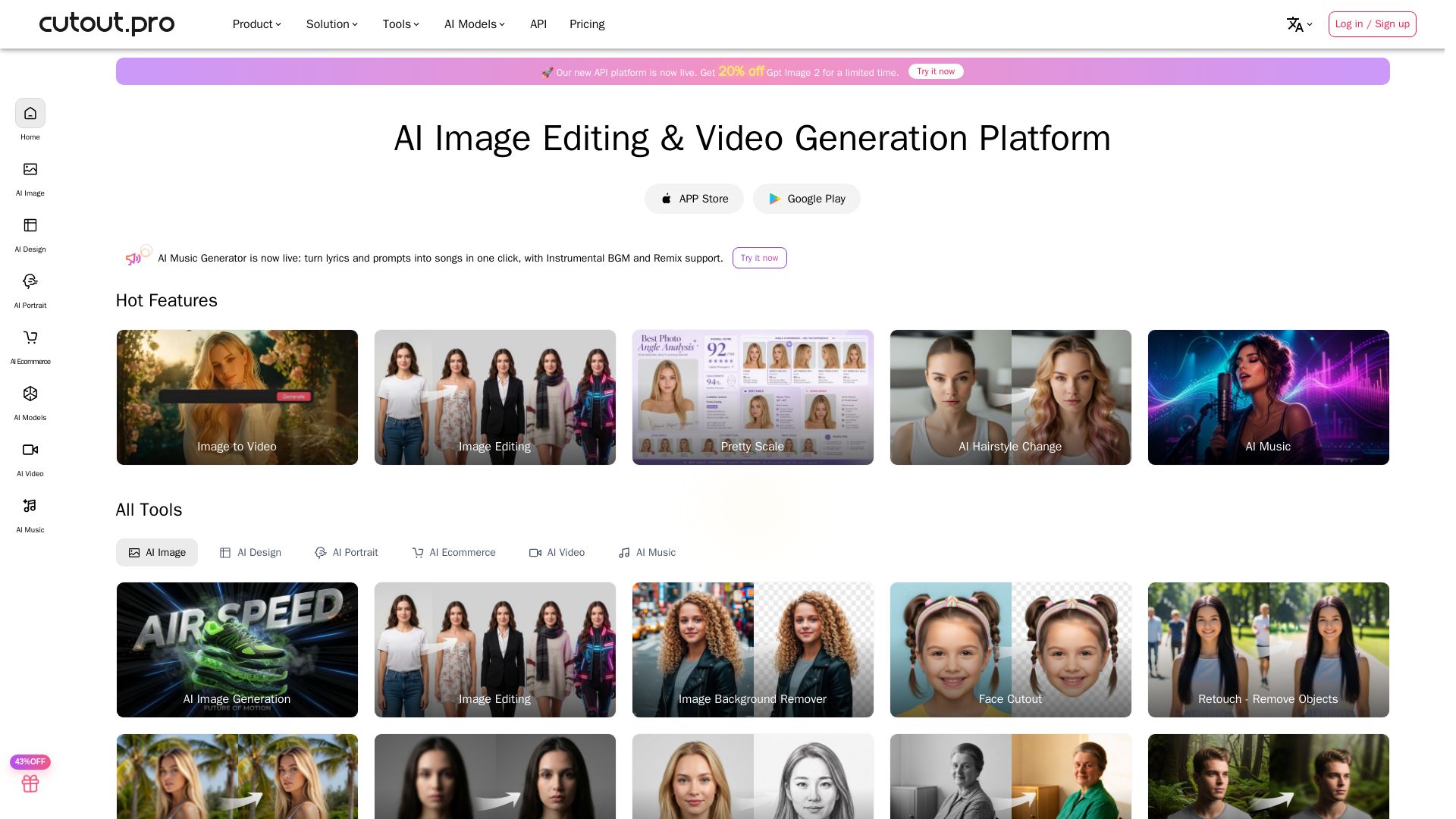
Cutout.Pro
Cutout.Pro offers AI image editing, video generation, background removal, and API integration. Trusted by 25K+ businesses. Get started for free.

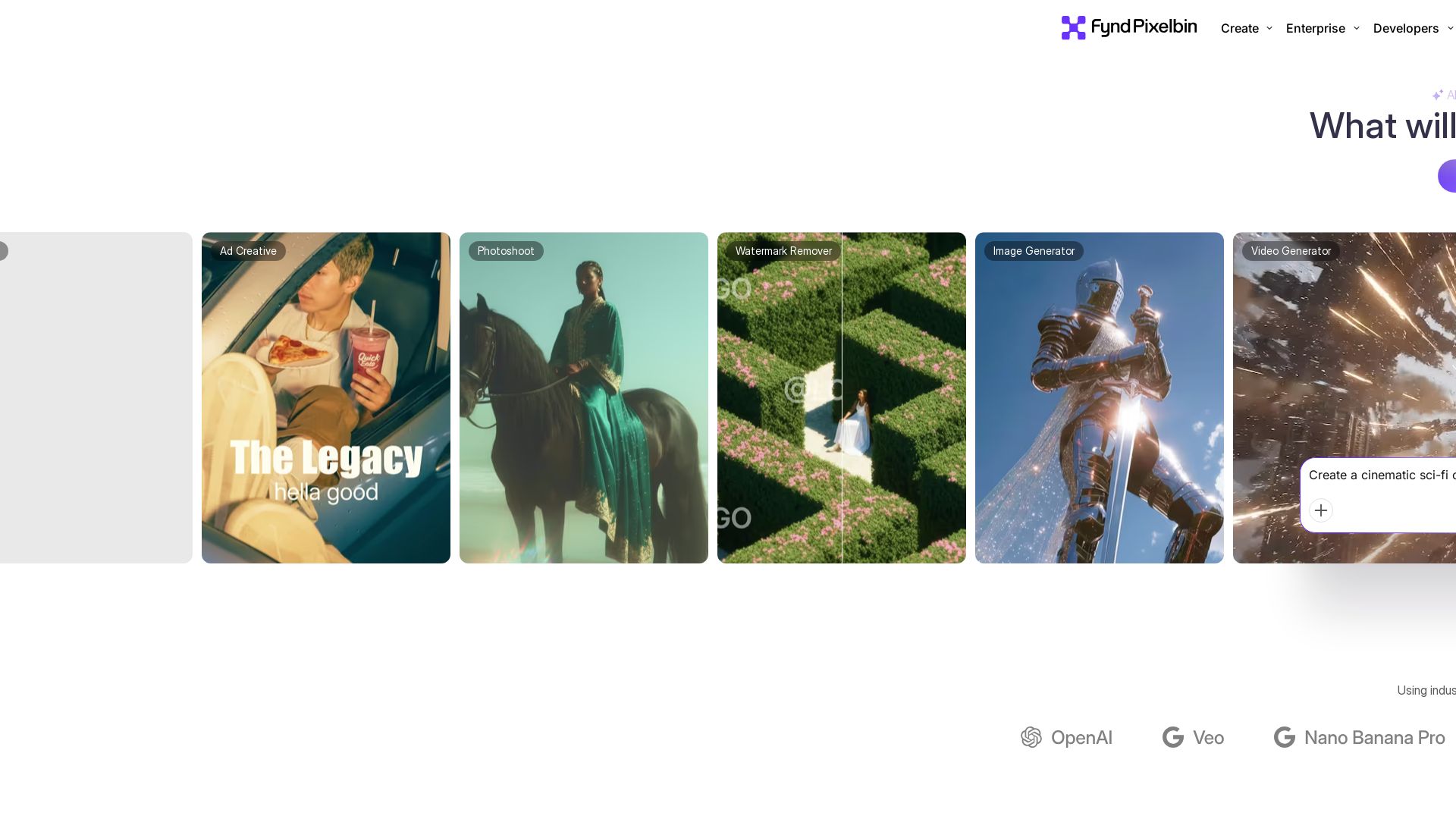
Pixelbin AI Studio
Create stunning visuals with Pixelbin's AI tools: image editing, video generation, upscaling, batch processing. Trusted by 58M+ users. Free to start.

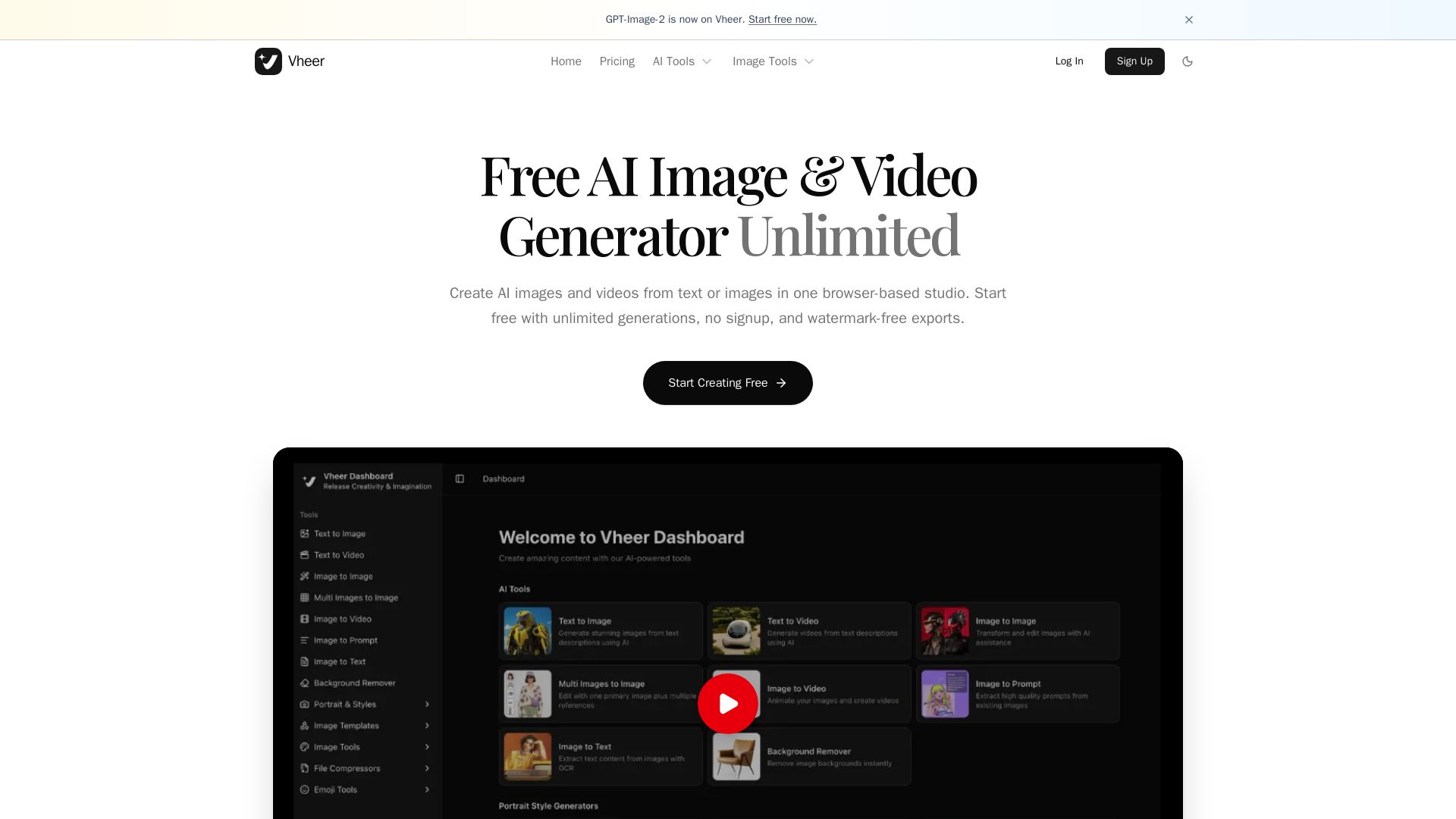
Vheer
Create stunning AI images and videos from text or images. Unlimited generations, no signup, watermark-free. Advanced models in one browser-based studio.

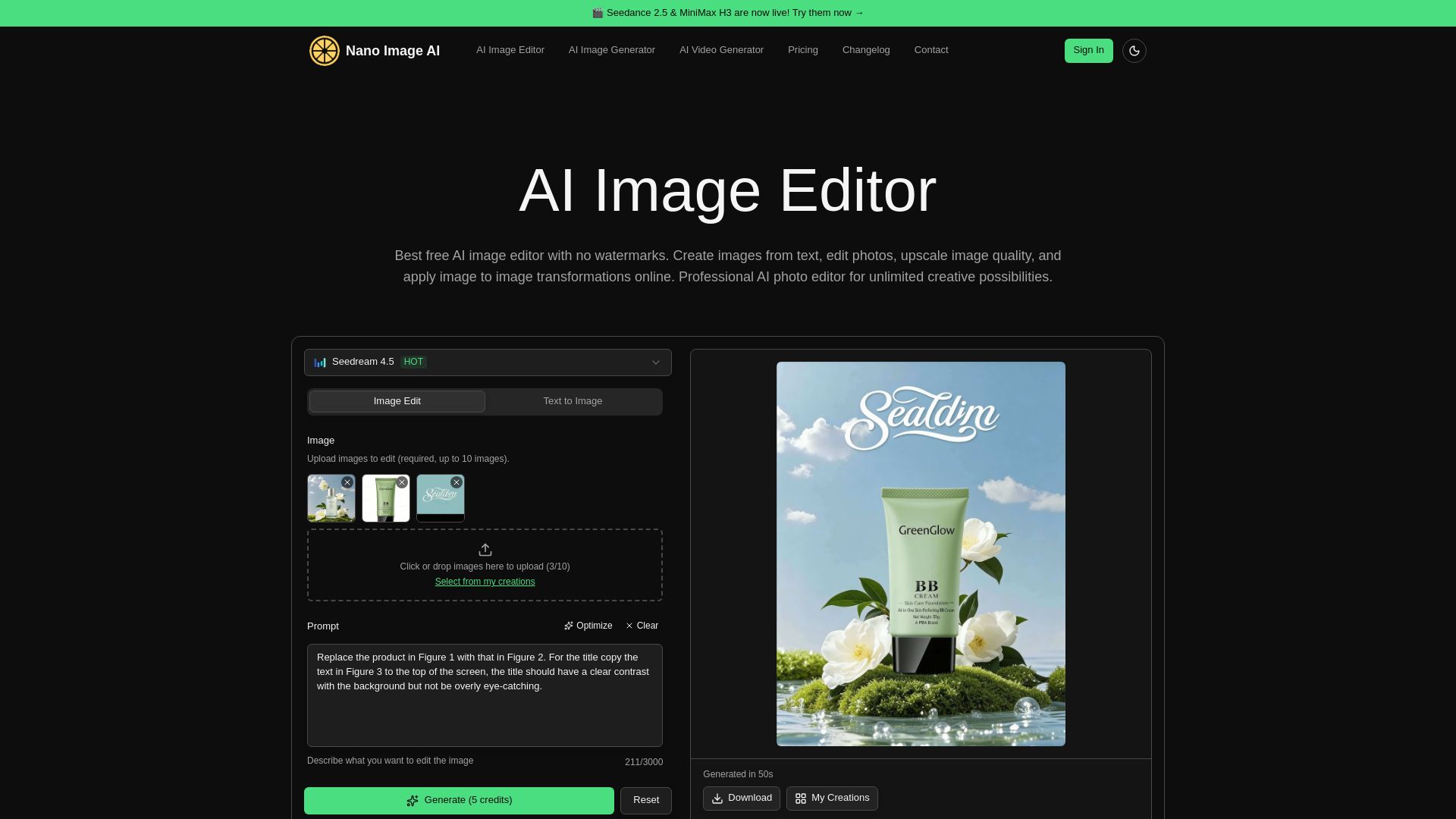
NanoImage.ai
Edit, create, and upscale images with Nano Image AI. Free AI editor, no watermarks, instant processing, and full privacy. Try now!


ArtSpace.ai
311+ one-click AI tools for instant image creation, editing, and restoration. Change clothing, restore old photos, and more. Try free for 7 days.

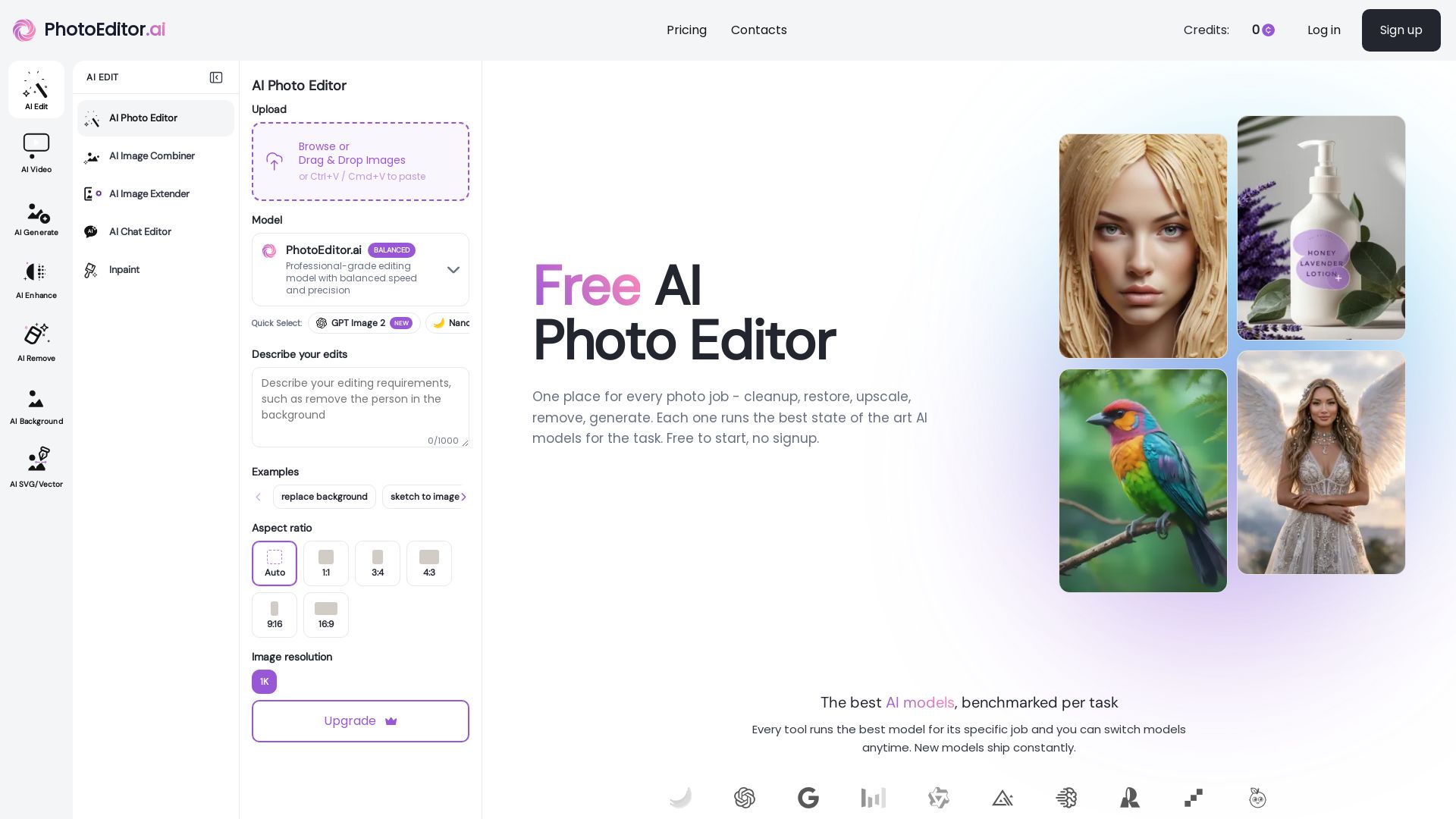
PhotoEditor.ai
Edit, enhance, and generate images with 30+ AI tools. Remove backgrounds, objects, upscale, restore old photos. Free to start, no signup needed.


AI Ease
Create stunning AI videos and images with top models. Free tools for text-to-video, image generation, editing, and more. Trusted by millions.


PhotoGrid
Transform photos and videos with AI. Remove backgrounds, upscale, create collages, and generate AI videos. Free online tool with 20,000+ templates.

ℹ️ Curation Disclosure: The overview and features of Imagen were synthesized using AI and fact-checked by our curation team to ensure accuracy.
