
ArtSpace.ai
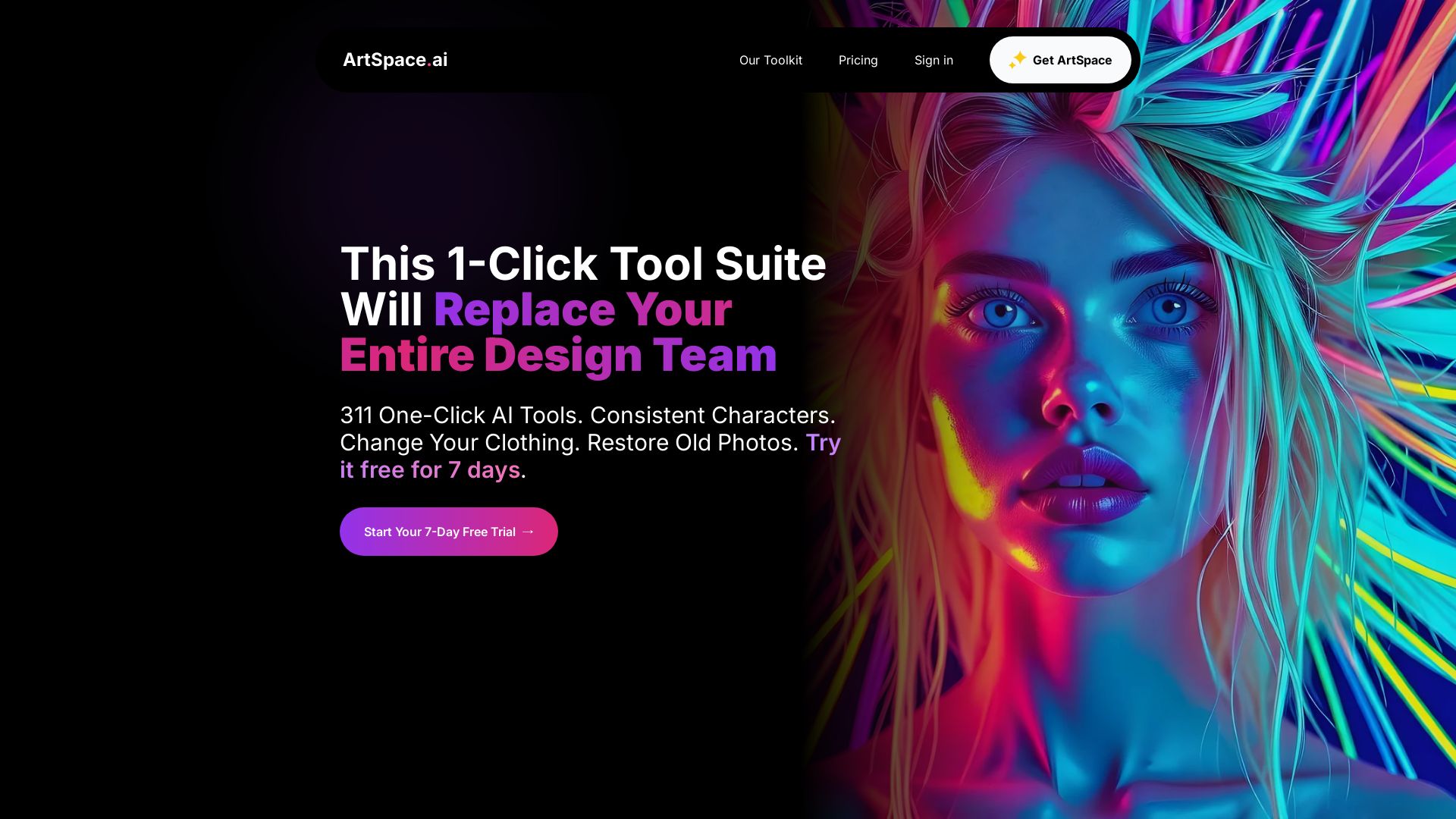
311+ one-click AI tools for instant image creation, editing, and restoration. Change clothing, restore old photos, and more. Try free for 7 days.
Editor's Verdict
Key Takeaways
- 311 One-Click AI Tools
- Change Clothing
- Change Pose
- Combine 3 People
In-Depth Review: What is ArtSpace.ai?
ArtSpace.ai is a comprehensive AI-powered image toolkit with over 311 one-click tools for generating and editing images. Features include text-to-image, upscaling, clothing changes, pose alteration, photo restoration, and more. With consistent characters, intuitive interface, and lifetime pricing, it eliminates the need for a design team. Trusted by thousands with a 4.9/5 rating. Start your free trial today.
Core Features
311 One-Click AI Tools
Access over 311 one-click tools for instant image transformations without complex prompts or masking.
Change Clothing
Instantly transform outfits in your photos with a single click.
Change Pose
Alter body positions and adjust poses easily.
Combine 3 People
Merge three people into one photo seamlessly.
Expression Transfer
Copy a facial expression from one person to another.
Restore Old Photos
Restore and colorize old, damaged photographs with AI.
Text to Image
Create stunning images from text prompts in seconds.
Inpainting
Remove unwanted objects and perfect your images with precise inpainting.
Outpainting
Extend image boundaries beyond original borders for expanded compositions.
4K Upscaling
Enhance resolution up to 4096x4096px for professional-quality images.
Background Removal
Instantly isolate subjects with AI-powered background removal.
Advanced Canvas Mode
Professional infinite canvas with precise editing controls for power users.
Pricing
Free Trial
- Access to all 311 one-click tools
- Generate images from text
- Basic editing capabilities
Basic
- Limited monthly usage
- Core one-click tools
- Standard resolution
Pro
- Advanced Canvas Mode
- Unlimited one-click tools
- 4K upscaling
- Inpainting & Outpainting
Unlimited
- All Pro features with no usage limits
- Priority support
- Commercial license
Lifetime
- All features from Unlimited plan
- Free updates forever
- Unlimited use
Pros and Cons
Pros
- Exceptional Customer ServiceFounder Nico is highly responsive and helpful, often resolving issues within minutes and providing refunds without hassle.
- One-Time Payment OptionLifetime plan offers a one-time payment with free updates, providing great long-term value compared to monthly subscriptions.
- Easy-to-Use InterfaceSimple and intuitive design allows beginners to quickly achieve professional results without complex workflows.
- Powerful One-Click ToolsOver 311 tools enable instant edits like changing clothing, poses, backgrounds, and restoring old photos with minimal effort.
- Regular Updates and ImprovementsThe app continuously evolves with new features and tools included at no extra cost for lifetime users.
Cons
- Initial Editing LimitationsSome users found the tools somewhat limiting at first, requiring practice to achieve desired results.
- No Built-In Image LibraryUsers have expressed a desire for an automatic library to store and organize all generated images.
- Learning Curve for Advanced FeaturesWhile basic tools are easy, advanced canvas mode and precise edits may require additional time to master.
- Pricing TransparencyExact prices for plans are not clearly displayed on the homepage, requiring users to sign up or contact support.
- Dependence on Internet ConnectionAs a browser-based tool, it requires a stable internet connection and may not work offline.
Use Cases & Recommended Professions
Photographer→ View Toolkit
Enhance and retouch photos, restore old images, and create stunning visuals without expensive software.
Graphic Designer→ View Toolkit
Quickly generate and edit images for client projects, saving time on complex tasks like background removal and upscaling.
Social Media Manager→ View Toolkit
Create engaging visual content rapidly with one-click tools, ideal for high-volume posting needs.
E-commerce Business Owner→ View Toolkit
Generate product images, change backgrounds, and try outfits on models to improve online listings.
Artist / Illustrator→ View Toolkit
Use AI as a creative assistant to generate ideas, manipulate compositions, and refine artwork.
Marketer→ View Toolkit
Produce ad creatives and visual assets quickly without needing a full design team.
Frequently Asked Questions
Alternative AI Tools
View Detailed Comparison →
Marketing Titan
Replace HubSpot, ZoomInfo, Hootsuite & Jasper with 180+ AI agents & Darwin AI. Save $50K+/yr. Start free trial.

Pollo AI
Create stunning AI videos and images with Pollo.ai. Tools for video generation, editing, upscaling, and marketing. Models like Pollo 2.5, Sora 2, Kling 3.0.

WeShop AI
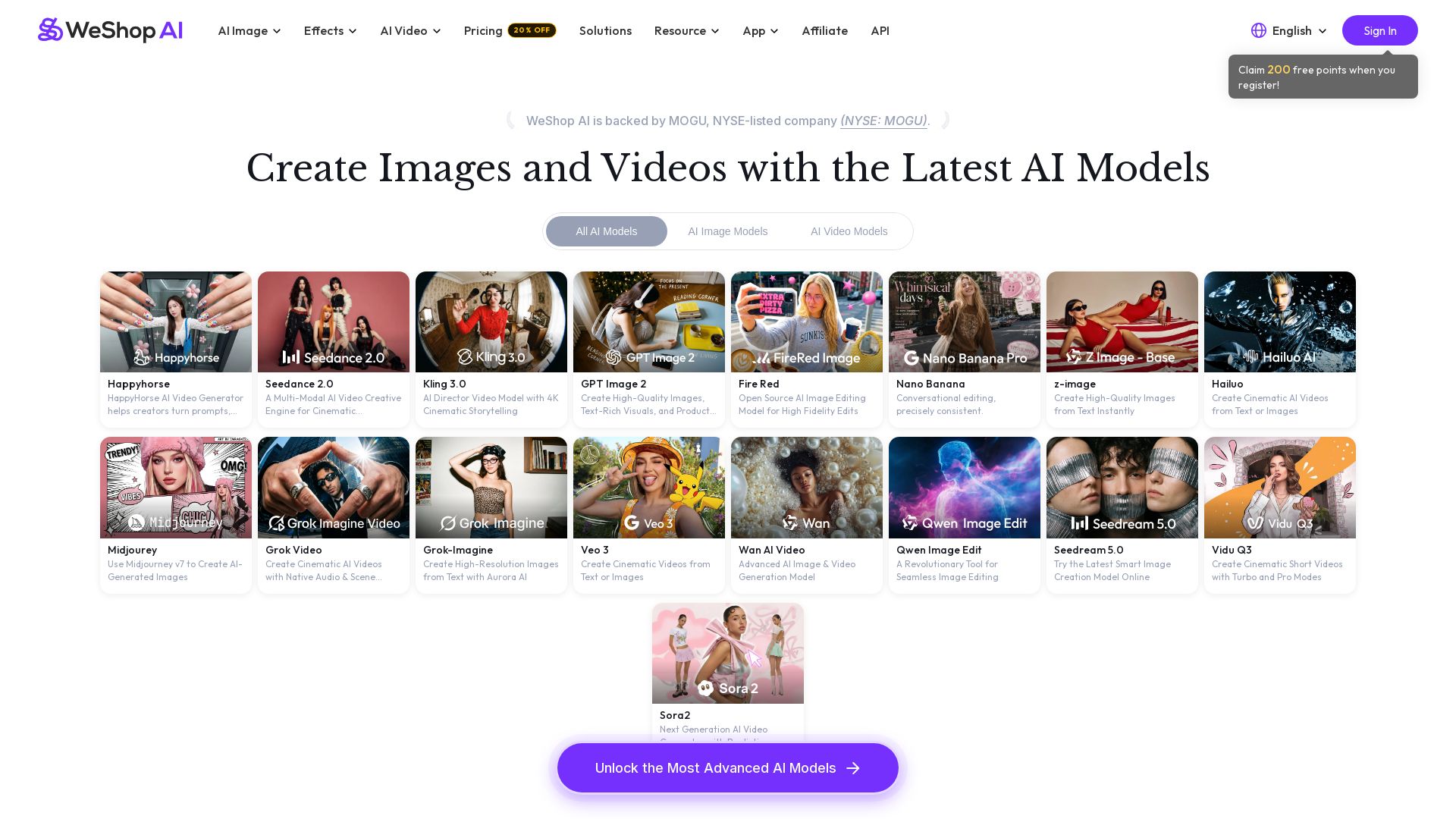
Generate high-quality AI images and videos using top models like Midjourney, Kling, and Seedance. Try virtual try-on, AI fashion models, and more. Trusted by 3M+ users. Start with 200 free points!

Nero AI
Upload photos, restore old images, upscale videos, generate AI effects. Free AI tools for designers, e-commerce, and more. Try now!


AI Ease
Create stunning AI videos and images with top models. Free tools for text-to-video, image generation, editing, and more. Trusted by millions.

FounderPal
Trusted by 2250+ founders. Get a personal AI marketing assistant to define strategy, delegate tasks, boost conversions. Save 100+ hours/month. Try free.

Pollo API
Integrate cutting-edge AI video and image generation with Pollo AI API. Access Kling, Runway, Hailuo, and more. Budget-friendly, high quality.


Marketing Mary
Unify research, creation, publishing & optimization with one AI Co-Pilot. Works in your existing stack. Join 500+ leaders on the waitlist.

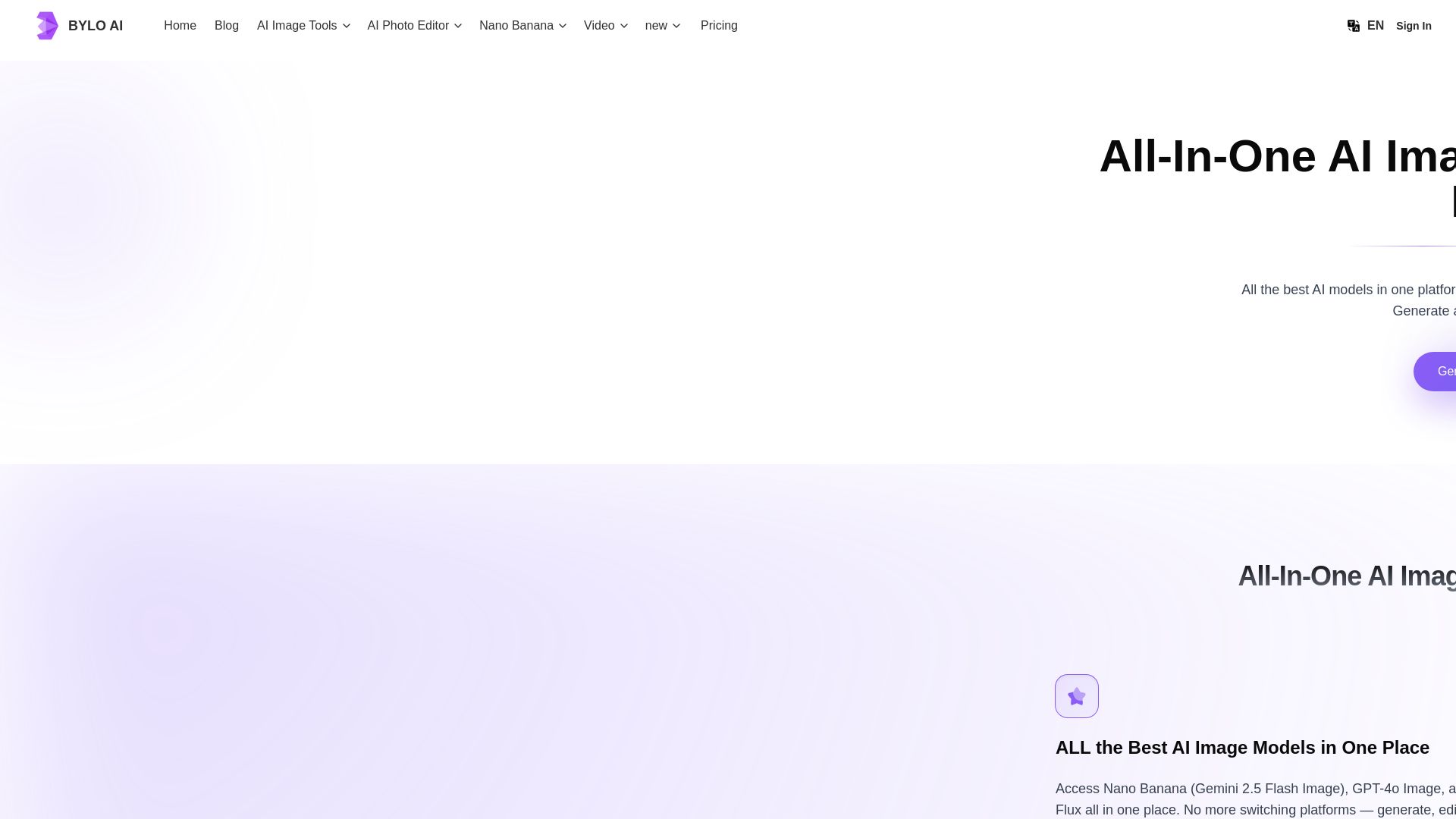
Bylo AI
Generate stunning images with GPT-4o, Gemini Nano Banana, Flux AI. Edit photos, apply Ghibli style, remove backgrounds. Free online tool.

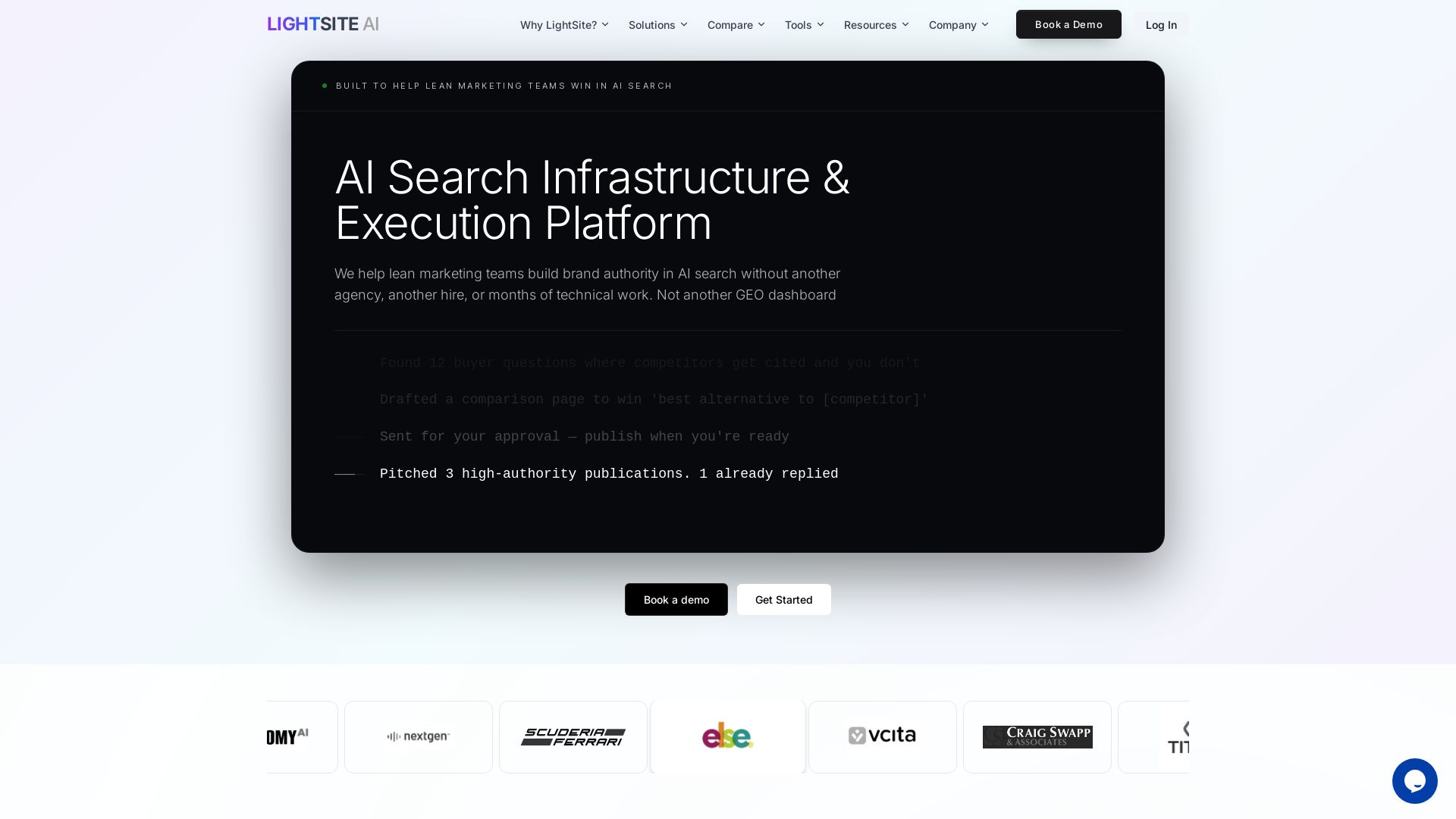
LightSite AI
Boost brand authority in AI search without extra hires. Fix technical SEO, execute GEO tasks, and measure AI bot behavior. #1 GEO Platform 2025.

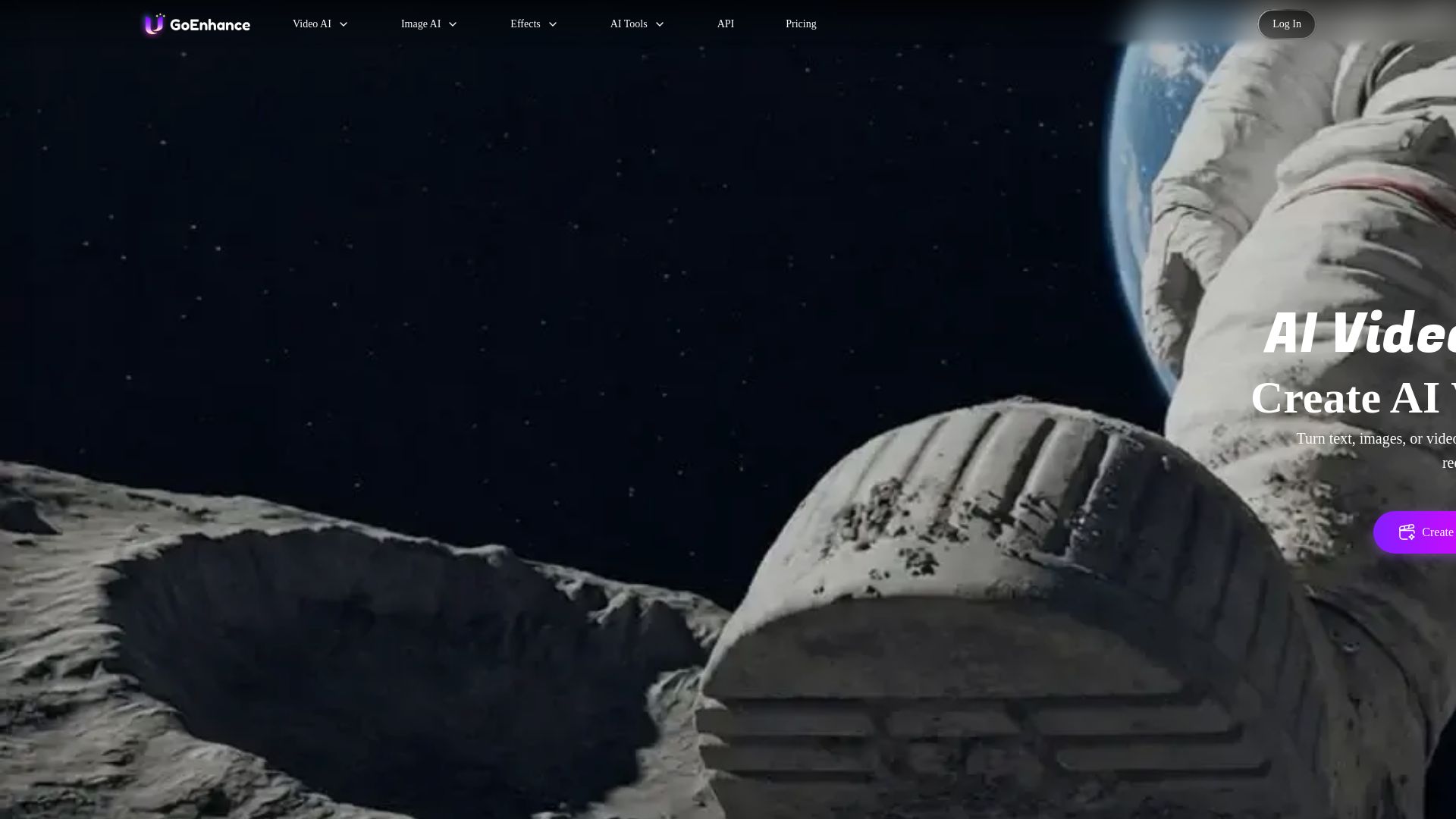
GoEnhance AI
Turn text, images, or videos into stunning AI videos and images. Access 50+ models like Sora, Runway, and Flux. Free to start!

ℹ️ Curation Disclosure: The overview and features of ArtSpace.ai were synthesized using AI and fact-checked by our curation team to ensure accuracy.
