
Nero AI
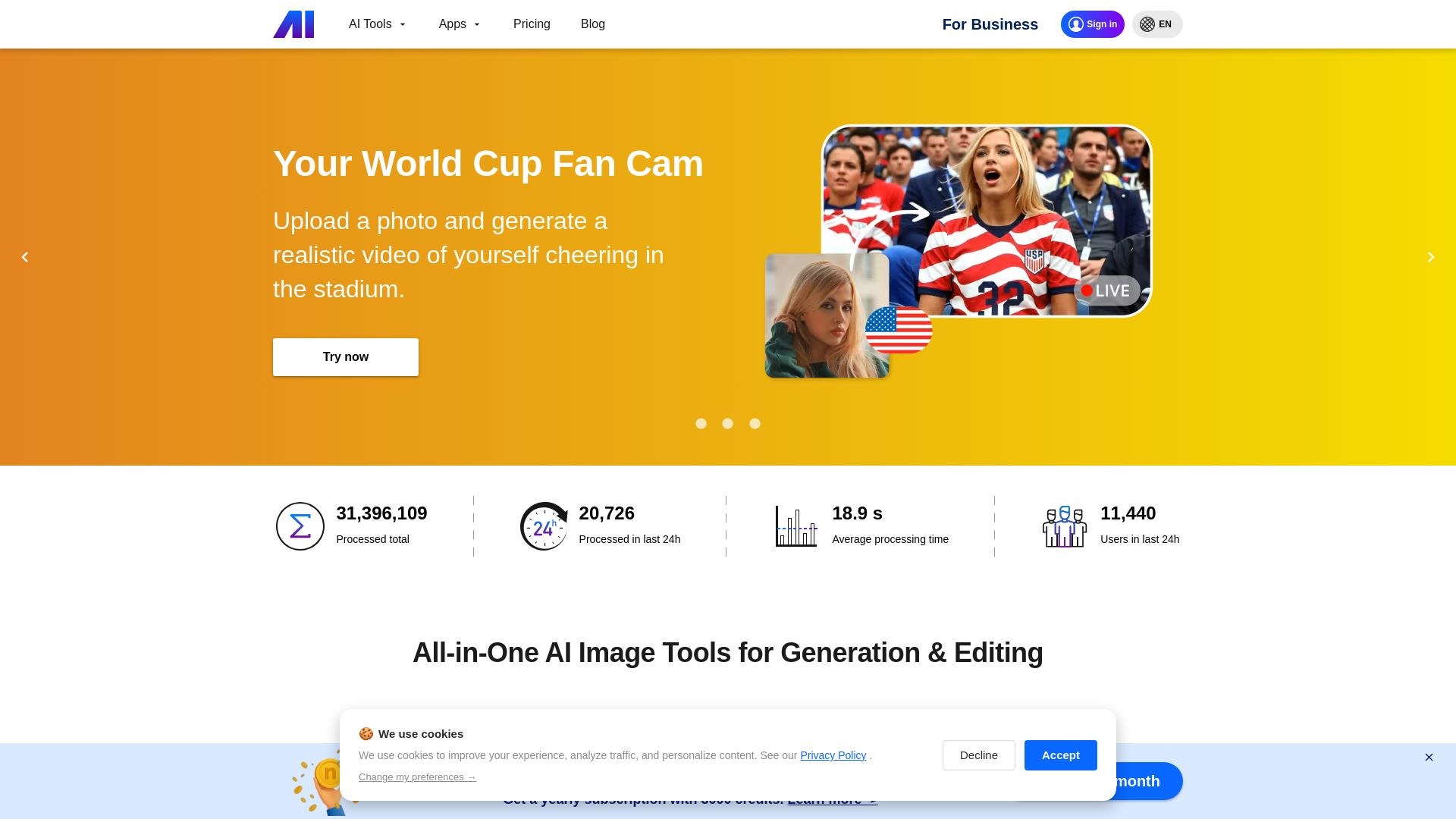
Upload photos, restore old images, upscale videos, generate AI effects. Free AI tools for designers, e-commerce, and more. Try now!

Editor's Verdict
Key Takeaways
- World Cup Fan Cam
- Photo Restoration
- Colorize Photo
- Image Compressor
In-Depth Review: What is Nero AI?
Nero AI offers a comprehensive suite of AI-powered image and video tools for creation, editing, and enhancement. Features include photo restoration, colorization, cartoonization, background removal, AI video upscaling up to 4x, and a unique multi-step workflow builder. Perfect for designers, marketers, and anyone looking to transform media with ease. With over 0 connected AI tasks completed, it's a flexible and powerful platform.
Core Features
World Cup Fan Cam
Upload a photo and generate a realistic video of yourself cheering in the stadium.
Photo Restoration
Fix scratches, add colors, and enhance faces on old photos in minutes.
Colorize Photo
Add colors to black and white photos using AI.
Image Compressor
Compress images for faster sharing without losing quality.
Image Denoiser
Remove noise from images to improve clarity.
Cartoonize Photo
Change picture style into cartoon, PS2, CG game, watercolor, and more.
Object Remover
Remove unwanted objects from photos seamlessly.
Background Remover
Remove backgrounds from images with AI precision.
Background Generator
Generate new backgrounds for your images.
Face Animation
Animate faces in photos for realistic effects.
AI Video Upscaler
Upscale video quality up to 4x, smooth footage, and restore old videos.
AI Image Upscaler
Upscale images to higher resolution for sharper quality.
AI Blur Face
Blur faces in images for privacy protection.
All-in-One Workflow
Combine multiple AI services (upload, remove background, generate scene, upscale, compress) in one smooth flow.
Pricing
Free Trial
- Limited usage
- Basic quality
- Access to AI Video Upscaler
Pay-As-You-Go
- All online tools
- Leading image quality
- Directly in browser
- 30 days money back guarantee
- Priority processing
- Credits Pack purchasable
- API processing
- Dedicated server
- Local processing on your PC
- Plus model
Subscription
- Unlimited credits (subject to plan)
- Cancel anytime
- 30 days money back guarantee
- Priority support
Pros and Cons
Pros
- Wide Range of AI ToolsNero AI offers numerous image and video editing tools all in one platform, from restoration to upscaling.
- High-Quality OutputUses leading AI models (Plus model) to deliver superior image and video quality.
- Easy to UseBrowser-based tools require no installation; simply upload and process.
- Flexible PricingPay-as-you-go credit system allows you to buy only what you need, with no long-term commitment.
- Free Trial AvailableTry the AI Video Upscaler and other tools for free with limited usage.
Cons
- Credit Costs VaryEach image or video processing consumes credits, and the cost per credit is not transparently listed.
- Subscription Pricing Not ClearThe subscription plan details and pricing are not fully disclosed on the site.
- Limited Free TierFree trial is restricted to video upscaling and offers only basic quality and limited usage.
- No Offline Processing for Online ToolsMost tools require an internet connection; only desktop apps offer local processing.
- Credit ExpirationPurchased credits have an expiration date, which may lead to unused credits.
Use Cases & Recommended Professions
Graphic Designer→ View Toolkit
Designers can use Nero AI to upscale images, remove backgrounds, and apply creative styles like cartoon effects for their projects.
E-commerce Manager→ View Toolkit
E-commerce professionals can enhance product images with restoration, background removal, and compression to improve conversion rates.
Printing Professional→ View Toolkit
Printing experts need high-resolution images; Nero AI's upscaling and denoising ensure print-ready quality.
Social Media Content Creator→ View Toolkit
Creators can quickly edit and enhance images and videos for social media posts using AI tools.
Photographer→ View Toolkit
Photographers can restore old photos, colorize black-and-white images, and upscale low-resolution shots.
Video Editor→ View Toolkit
Video editors benefit from AI Video Upscaler to enhance video quality and restore old footage.
Frequently Asked Questions
Alternative AI Tools
View Detailed Comparison →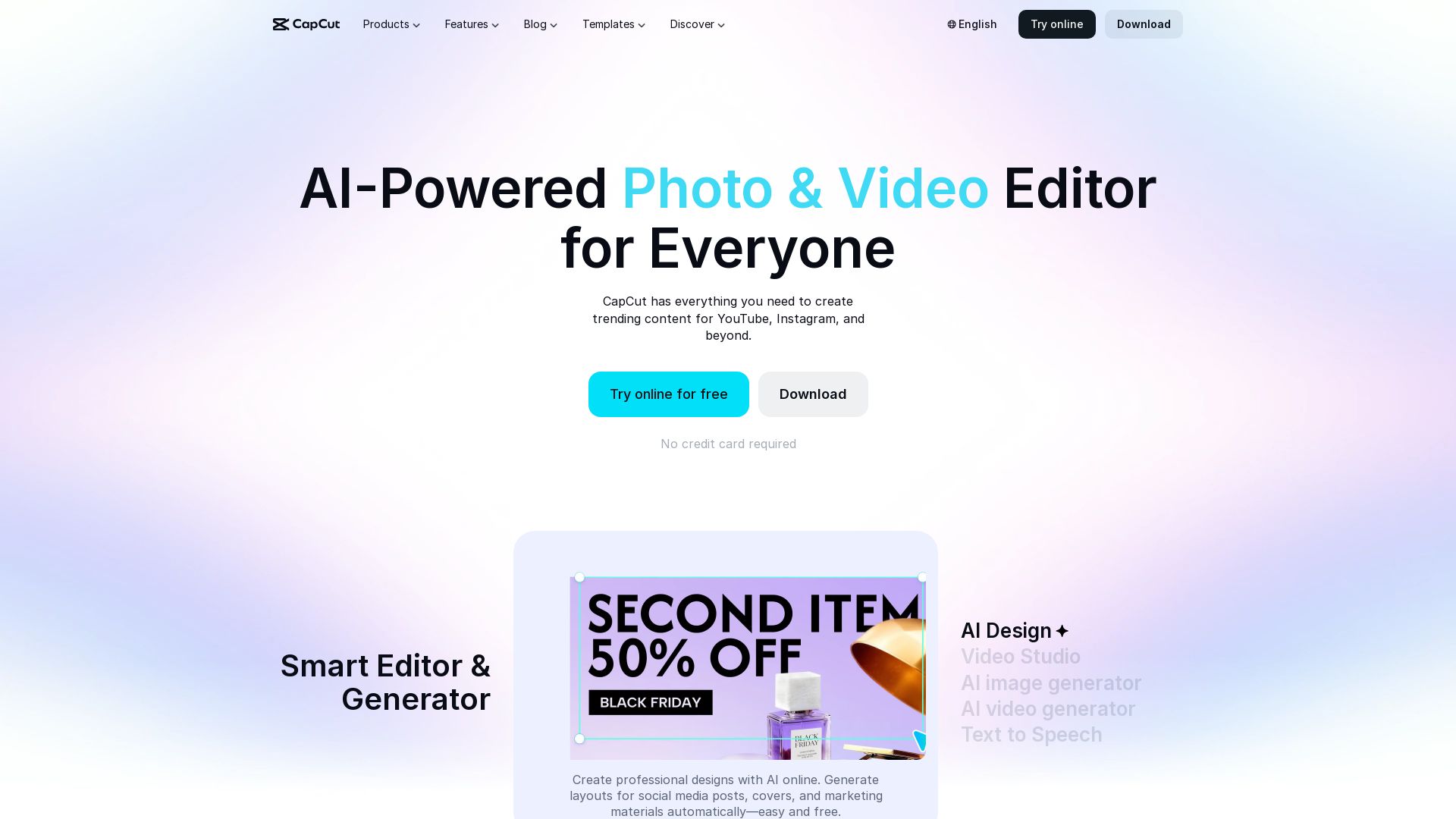
CapCut AI Video Editor
Create stunning videos and photos with CapCut's AI tools. Free online editor, background remover, text to speech, templates. No watermark. Try now!

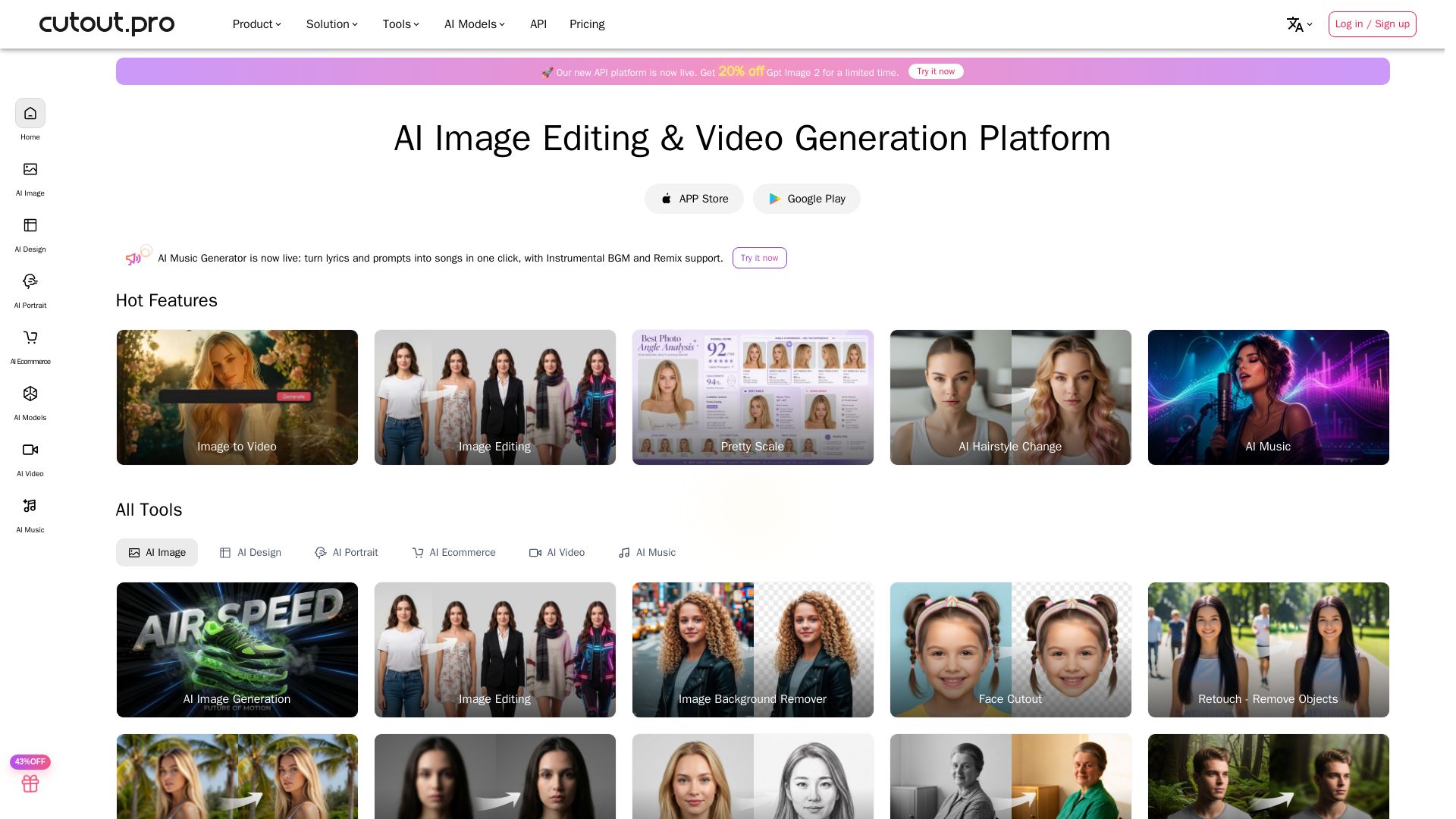
Cutout.Pro
Cutout.Pro offers AI image editing, video generation, background removal, and API integration. Trusted by 25K+ businesses. Get started for free.

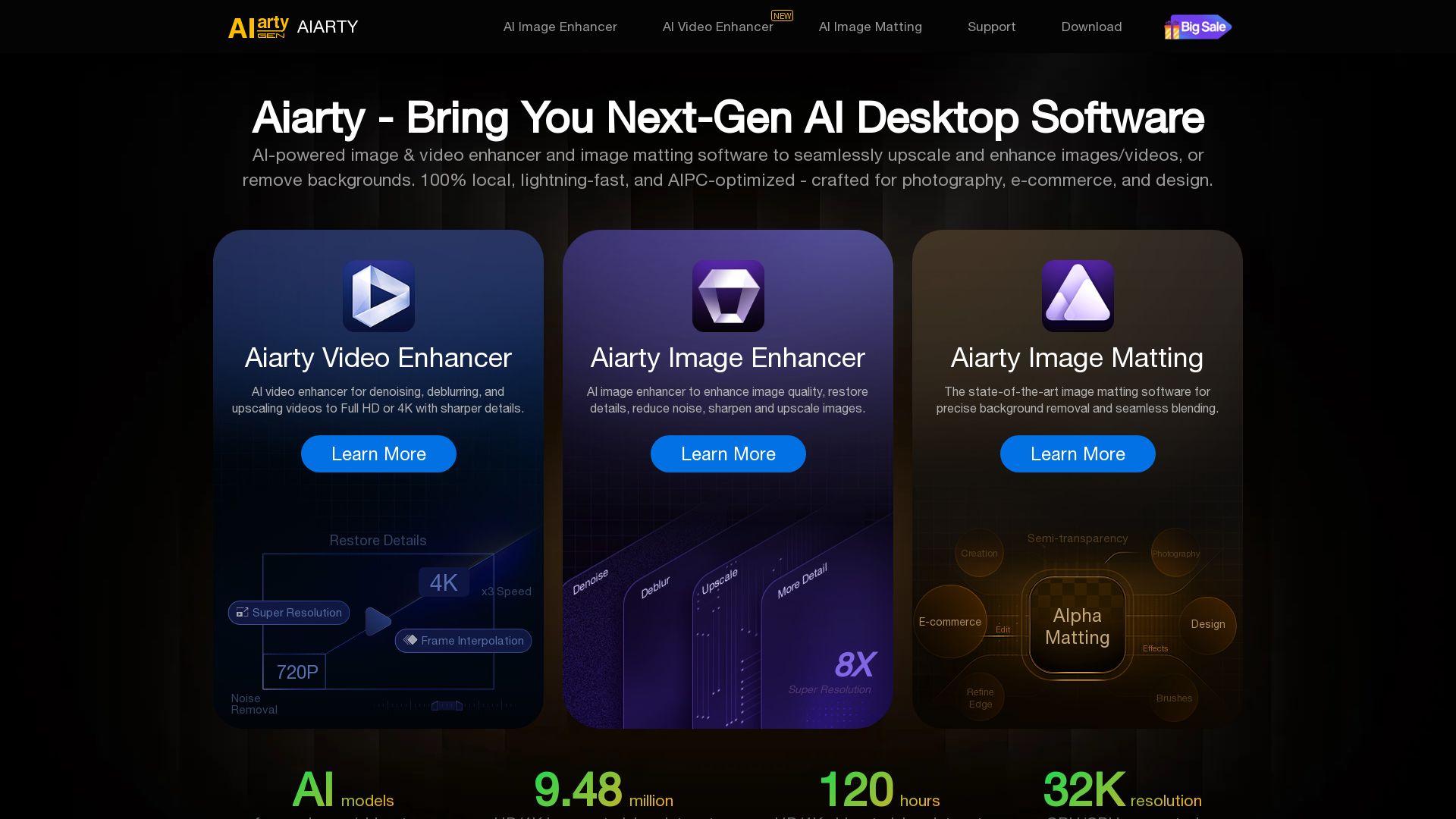
Aiarty
Upscale, enhance, and remove backgrounds with AI. Process images/video locally up to 32K. Denoise, deblur, restore details. Trusted by experts.

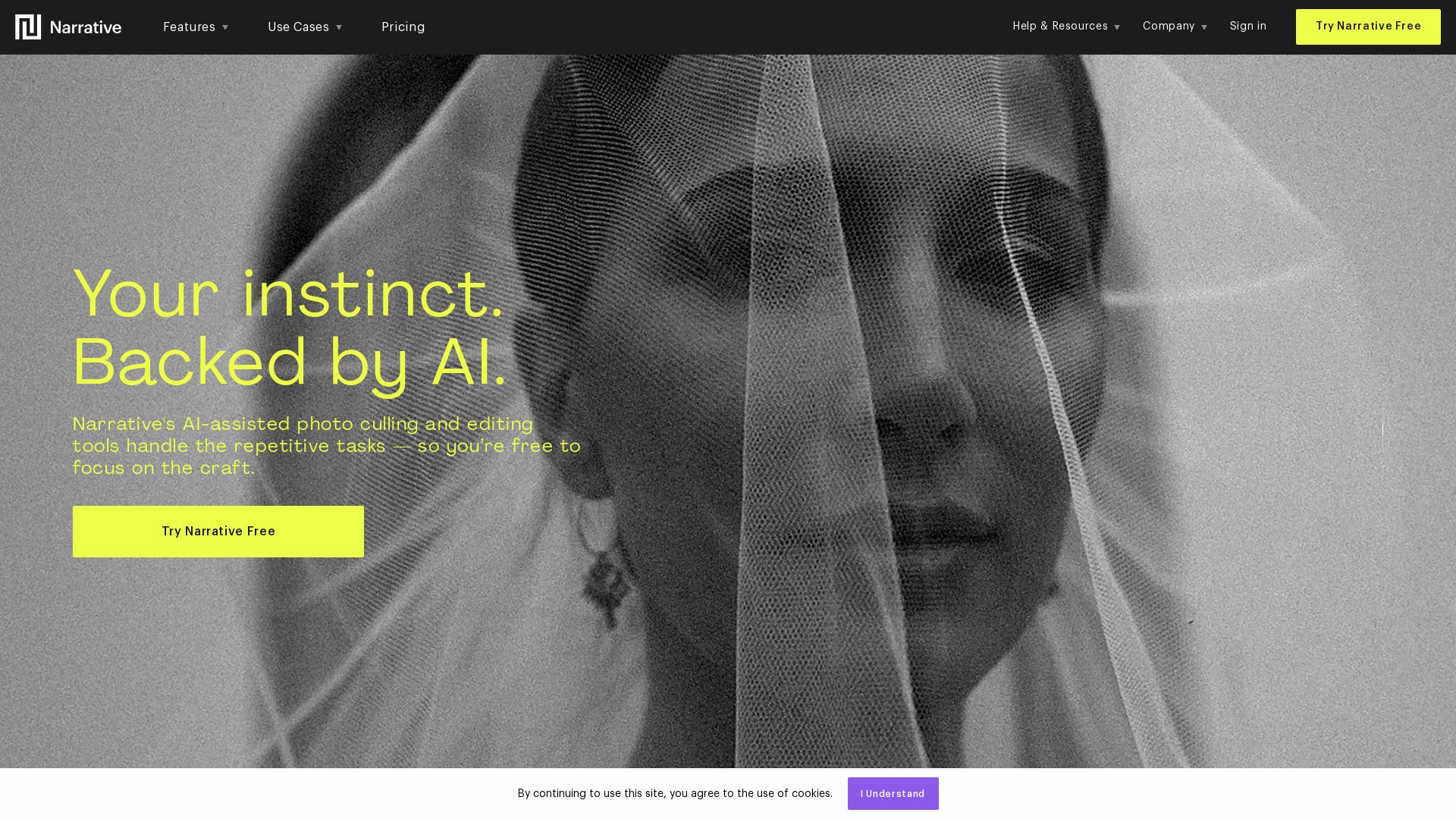
Narrative
Narrative's AI-assisted photo culling and editing tools handle repetitive tasks, so you focus on craft. Save hours, work offline, and ship selects to Lightroom.

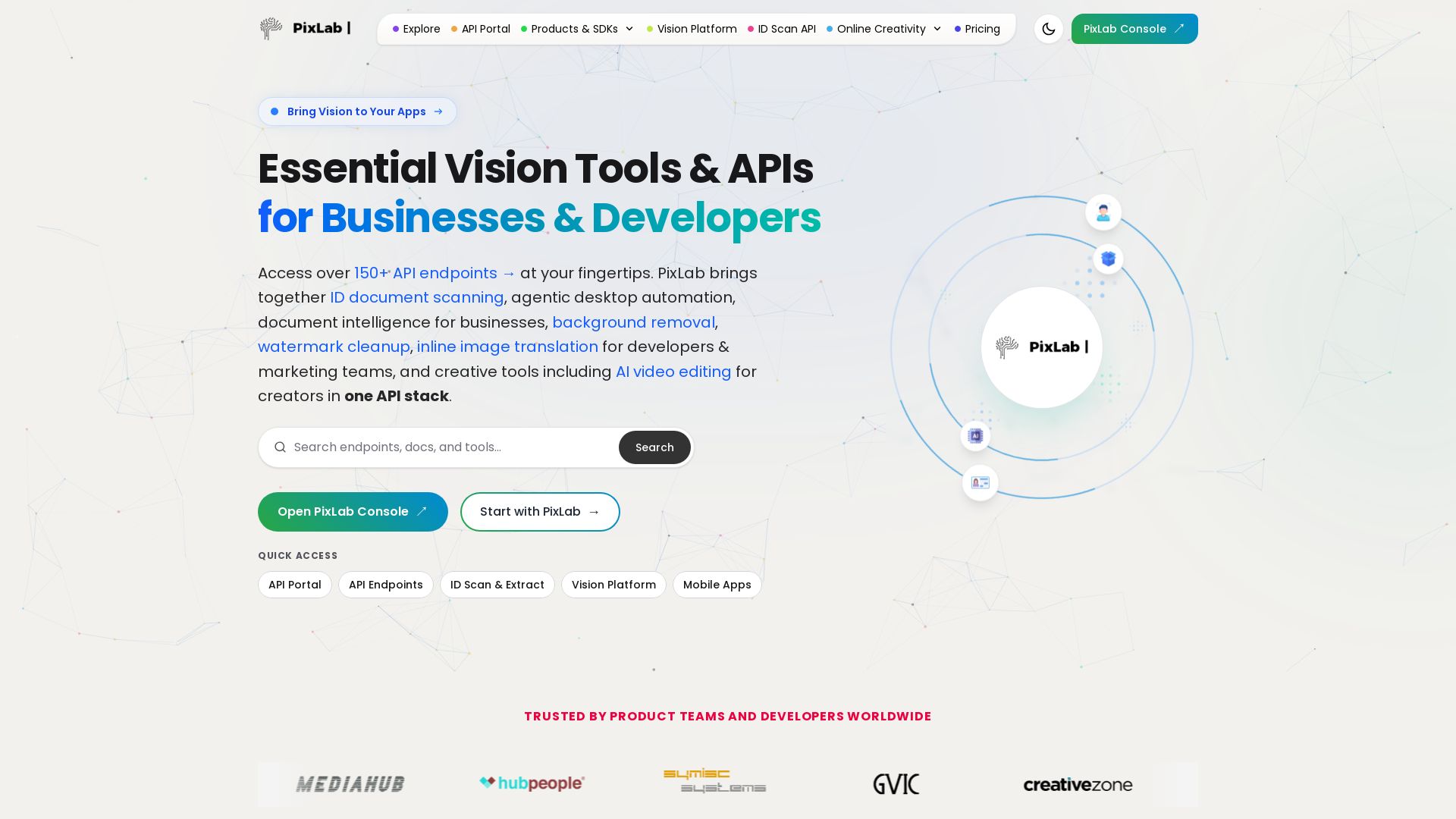
PixLab
Access 150+ API endpoints for ID scanning, document intelligence, background removal, AI video editing & more. Trusted by developers worldwide. Start with PixLab.

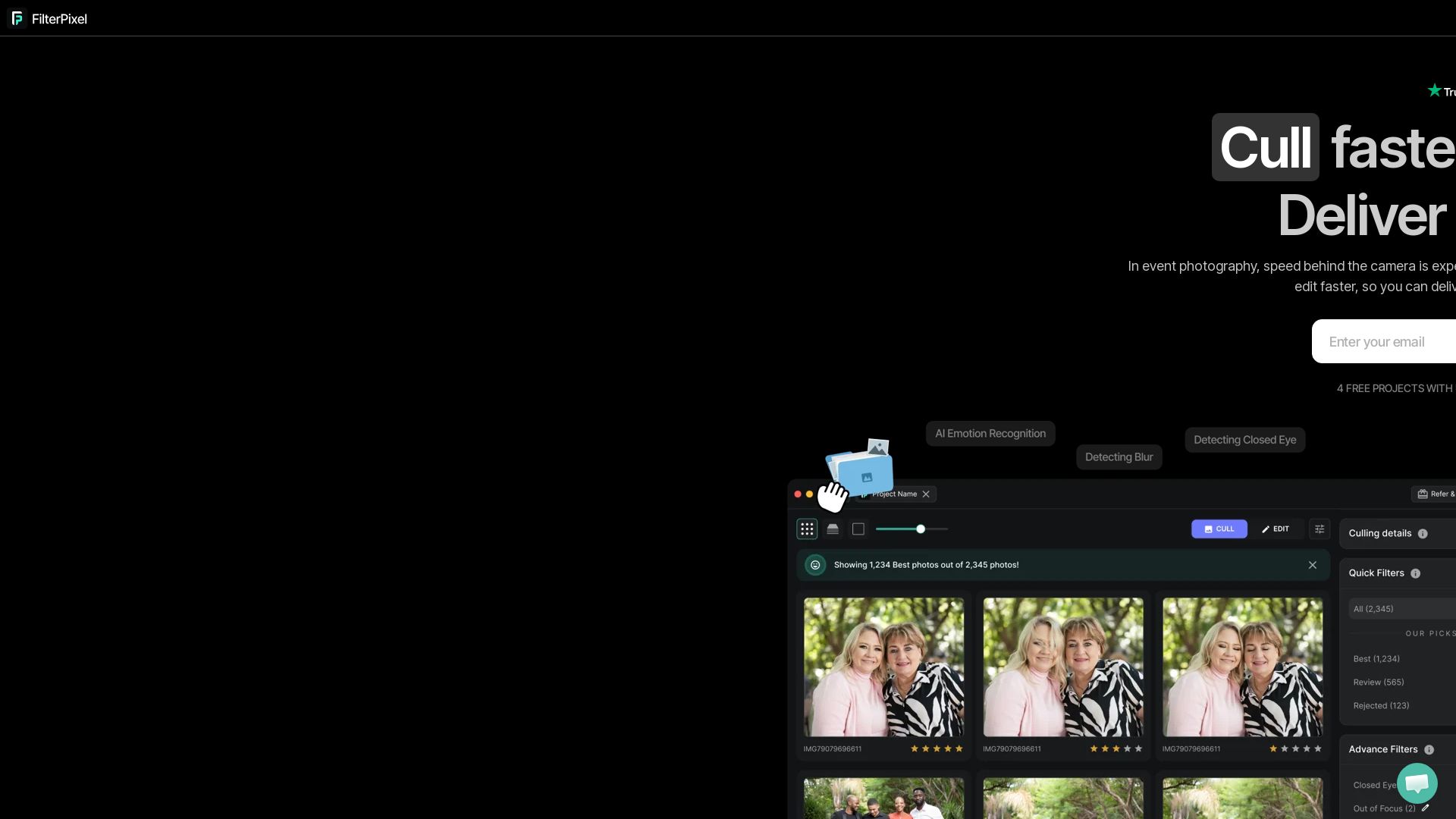
FilterPixel
Speed up photo culling and editing with AI. Deliver event galleries in minutes. Try 4 free projects, no credit card required.

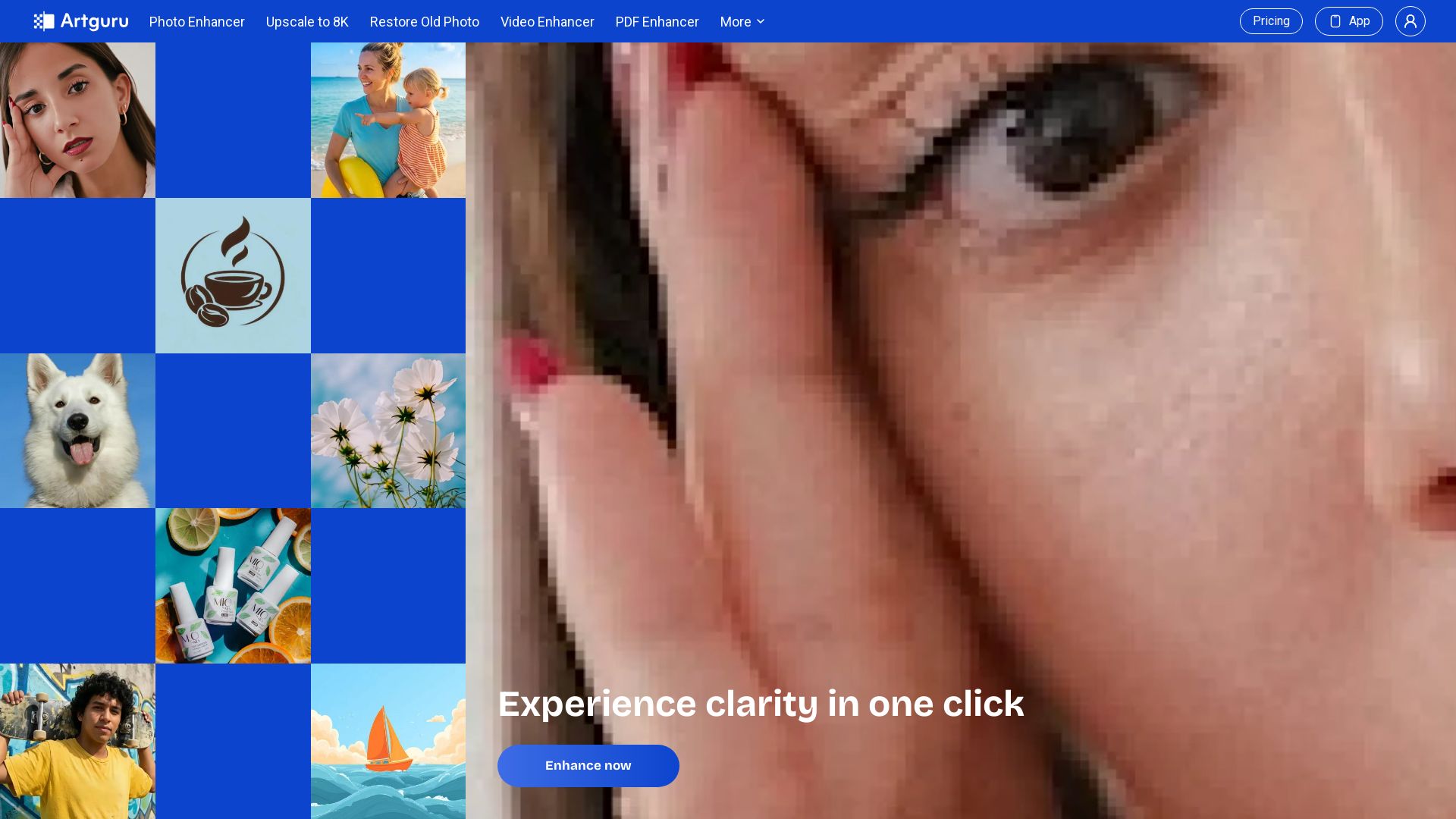
Artguru
Enhance photos, upscale to 8K, restore old images, sharpen videos & documents. One-click AI clarity for professionals.

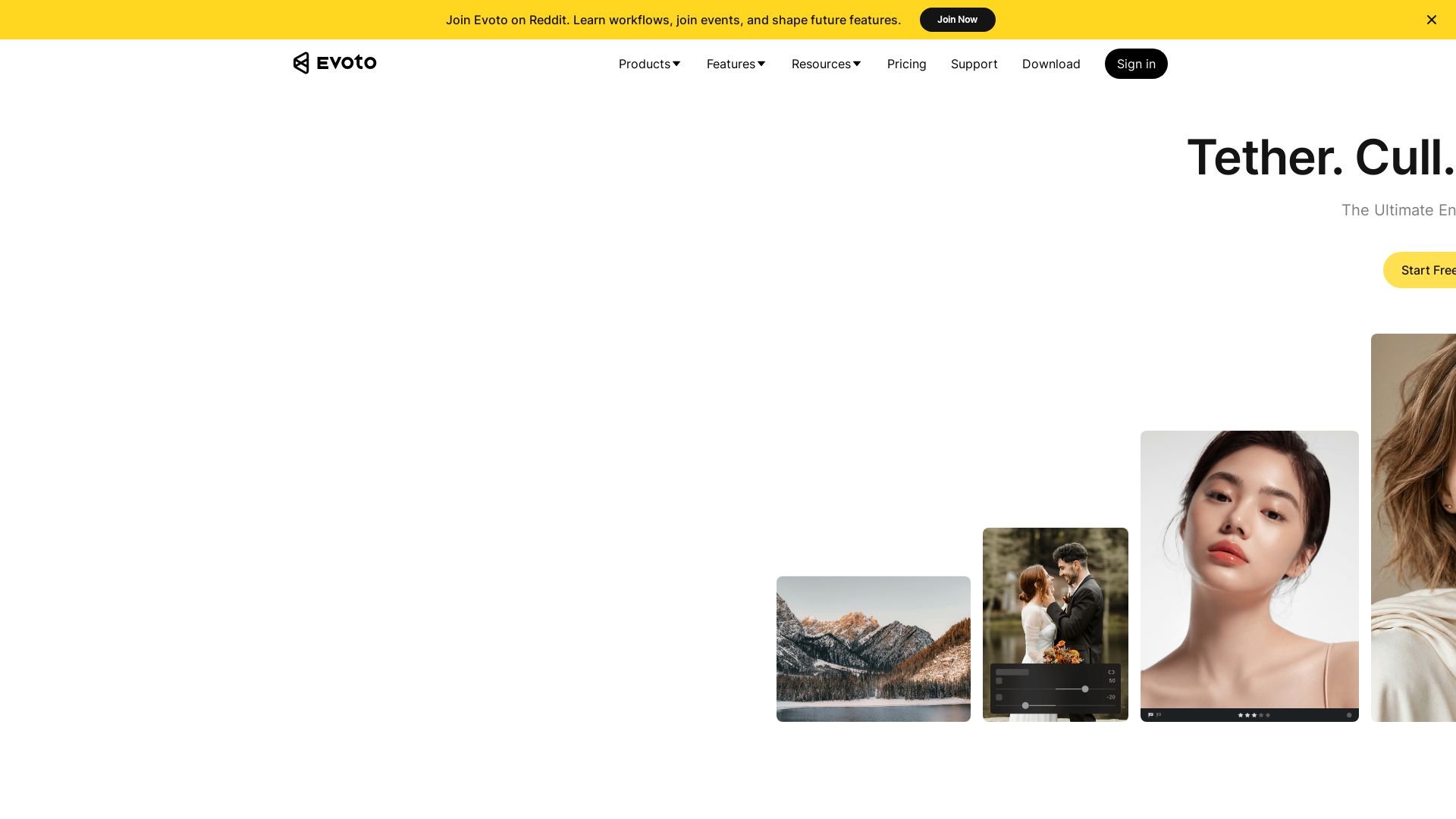
Evoto
AI-powered photo culling, retouching & batch editing. Save hours, get natural results. Trusted by 1M+ photographers.

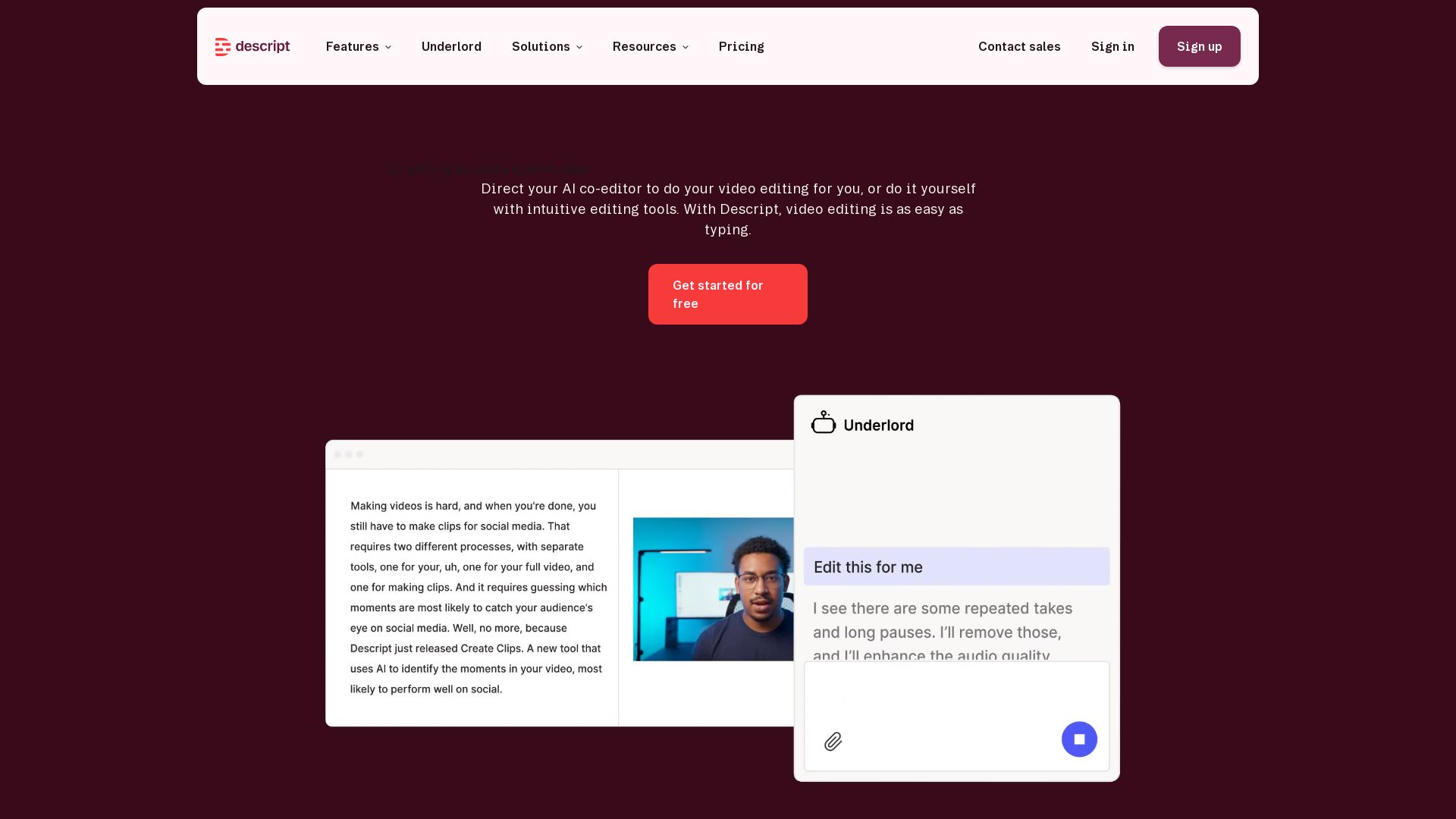
Descript
Descript is the AI video editor that lets you edit video by editing text. Transcribe, remove filler words, add captions, and more. Get started free.


Imagen
Scale your style with AI-powered photo editing, culling, and video color grading. Trusted by top photographers. Start free.


Pixelcut
Create studio-quality images and videos with AI. Remove backgrounds, upscale, retouch, and generate consistent brand visuals. Join 70M+ creators.

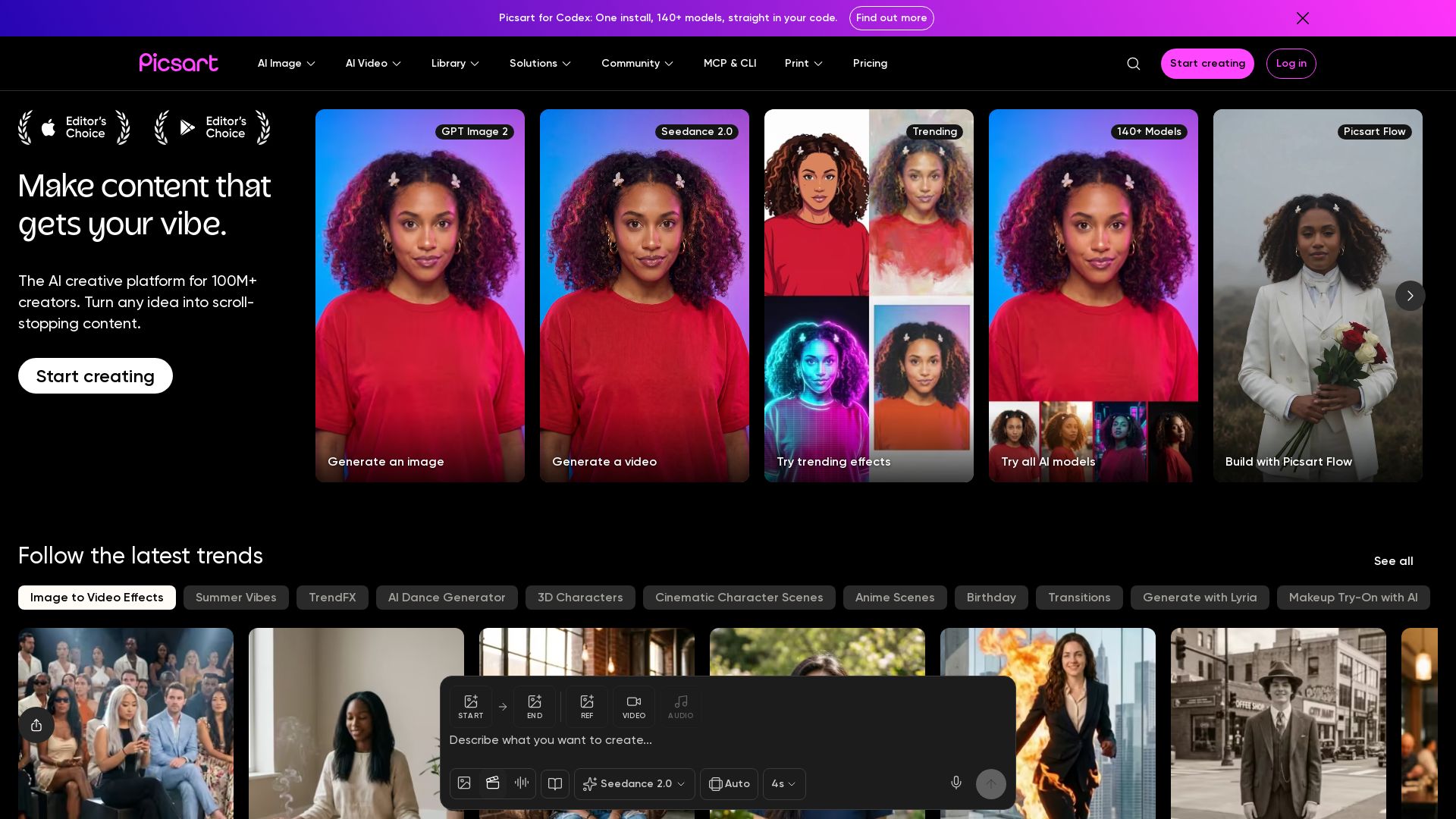
Picsart
Generate AI images & videos, edit photos, and access 140+ models. Picsart's AI creative platform for 100M+ creators. Start for free!

ℹ️ Curation Disclosure: The overview and features of Nero AI were synthesized using AI and fact-checked by our curation team to ensure accuracy.