
Aiarty
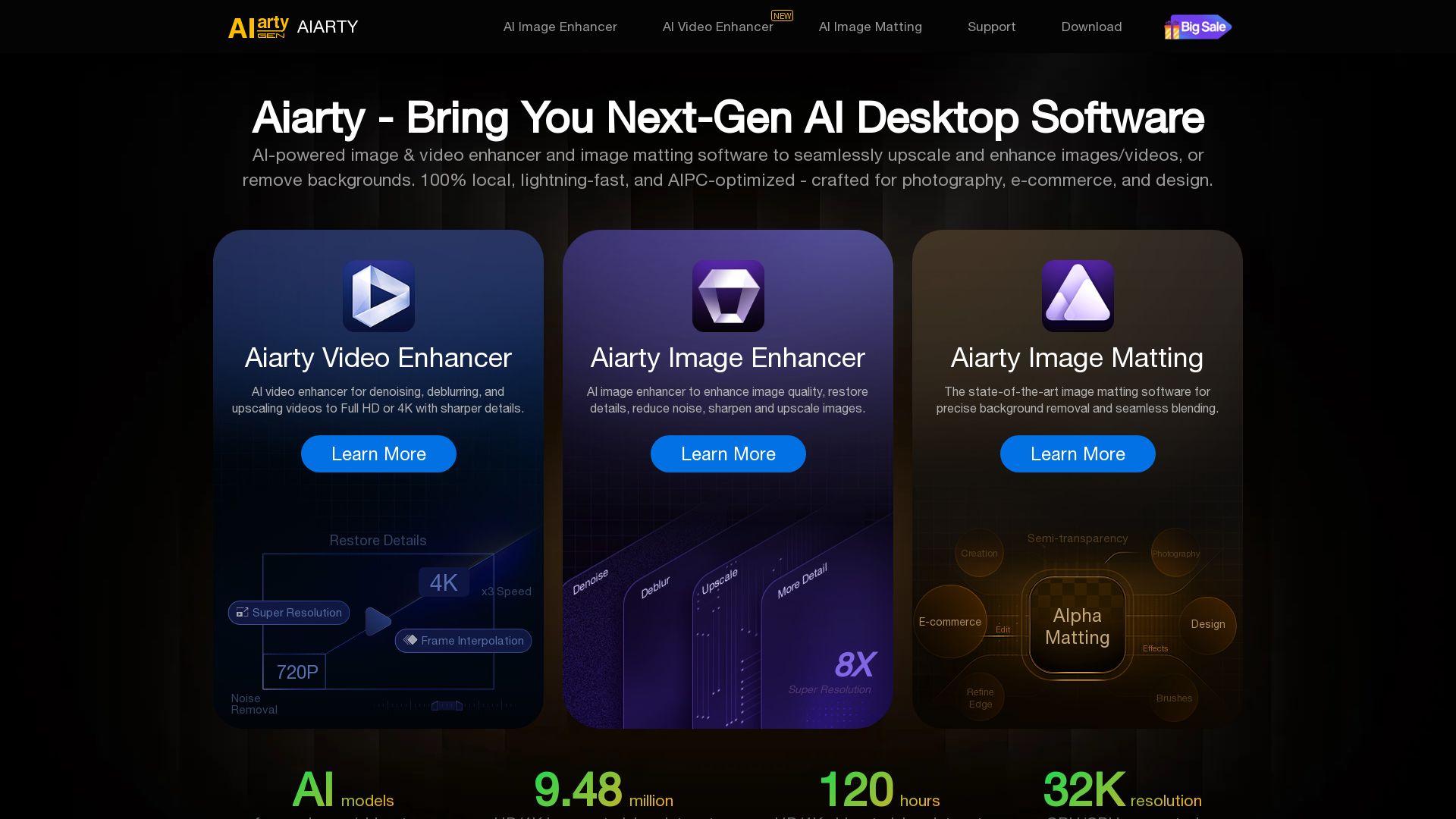
Upscale, enhance, and remove backgrounds with AI. Process images/video locally up to 32K. Denoise, deblur, restore details. Trusted by experts.



Editor's Verdict
Key Takeaways
- AI Image Enhancer
- AI Video Enhancer
- AI Image Matting
- 100% Local Processing
In-Depth Review: What is Aiarty?
Aiarty is a suite of AI-powered desktop tools for image enhancement, video enhancement, and image matting (background removal). It allows you to upscale images up to 32K, enhance video to 4K, denoise, deblur, and restore details. All processing is done locally and lightning-fast. Ideal for photographers, e-commerce, designers, and content creators. Trusted by experts and offers free trials.
Core Features
AI Image Enhancer
Upscales and enhances images up to 32K, restores details, reduces noise, sharpens, and corrects colors with realistic AI-generated details for skin, hair, and textures.
AI Video Enhancer
Upscales videos to 4K, removes blur and noise, enhances details and colors, and interpolates frames up to 60/120FPS for smooth motion.
AI Image Matting
Precise background removal and seamless blending even for complex details like hair, fur, semi-transparency, and low-light scenes, with alpha matting and edge refinement.
100% Local Processing
All AI processing runs offline on your own device, ensuring data privacy and security.
AIPC-Optimized & Lightning-Fast
Optimized for AI PCs with GPU acceleration, delivering fast processing speeds for batch operations.
Batch Processing
Allows multiple images or videos to be processed at once, saving time for large projects.
Pros and Cons
Pros
- High-Quality AI EnhancementGenerates realistic details in skin, hair, fur, and textures without the artificial 'AI look', producing natural results.
- Versatile Product SuiteOffers image enhancement, video enhancement, and image matting in one ecosystem, covering a wide range of needs.
- Privacy-FocusedRuns entirely offline, keeping all files on the user's device, ideal for sensitive or confidential images.
- Batch Processing CapabilityEnables efficient handling of multiple files simultaneously, boosting productivity for professionals.
- Handles Complex DetailsImage matting excels with fine details like hair strands, fur, lace, and semi-transparency, as praised by experts.
Cons
- Desktop-OnlyNo web or mobile version available, limiting accessibility to desktop computers only.
- Pricing Not TransparentNo pricing details provided on the homepage, requiring users to navigate further for cost information.
- Hardware RequirementsMay require a powerful GPU or AIPC for optimal performance, potentially excluding lower-end devices.
- Limited Platform SupportOnly mentioned for Windows/macOS? No explicit support for Linux or other operating systems.
- Learning Curve for Advanced FeaturesWhile user-friendly, advanced features like alpha matting and batch settings may require time to master.
Use Cases & Recommended Professions
Photographer→ View Toolkit
To upscale and enhance image details, restore old photos, and remove backgrounds for professional portfolios.
E-commerce Business Owner→ View Toolkit
To batch remove and replace backgrounds for product images, improving visual consistency and appeal.
Graphic Designer→ View Toolkit
To upscale low-res images for print, enhance AI-generated art, and apply precise matting for complex compositions.
Content Creator→ View Toolkit
To enhance video quality, upscale to 4K, and remove noise for polished social media or YouTube content.
AI Artist→ View Toolkit
To upscale AI-generated images to 4K/8K/32K for high-quality prints or display.
Wildlife/Sports Photographer→ View Toolkit
To restore clarity and details in distant or blurry photos and videos, reducing noise and sharpening results.
Frequently Asked Questions
Alternative AI Tools
View Detailed Comparison →
Superdesign
Create stunning designs with AI. Iterate quickly using natural language. Export production-ready code. Browse design prompts and styles.


Figma Console MCP
Connect AI to Figma for design extraction, token sync, and component creation. Turn your design system into a programmable API.


UX Pilot
Ideate, design, and hand-off web apps in seconds with UX Pilot's AI. Generate wireframes, hi-fi designs, and clean code. Trusted by 1M+ users.


AIDesigner
Create premium UI, logos, brand kits, and more with AIDesigner. No design experience needed. Free to try, no credit card required. Join 15,000+ users.


Figma
Figma is the intelligent, AI-native canvas for designing, prototyping, and building products together. Trusted by 95% of Fortune 500. Explore design and dev tools.

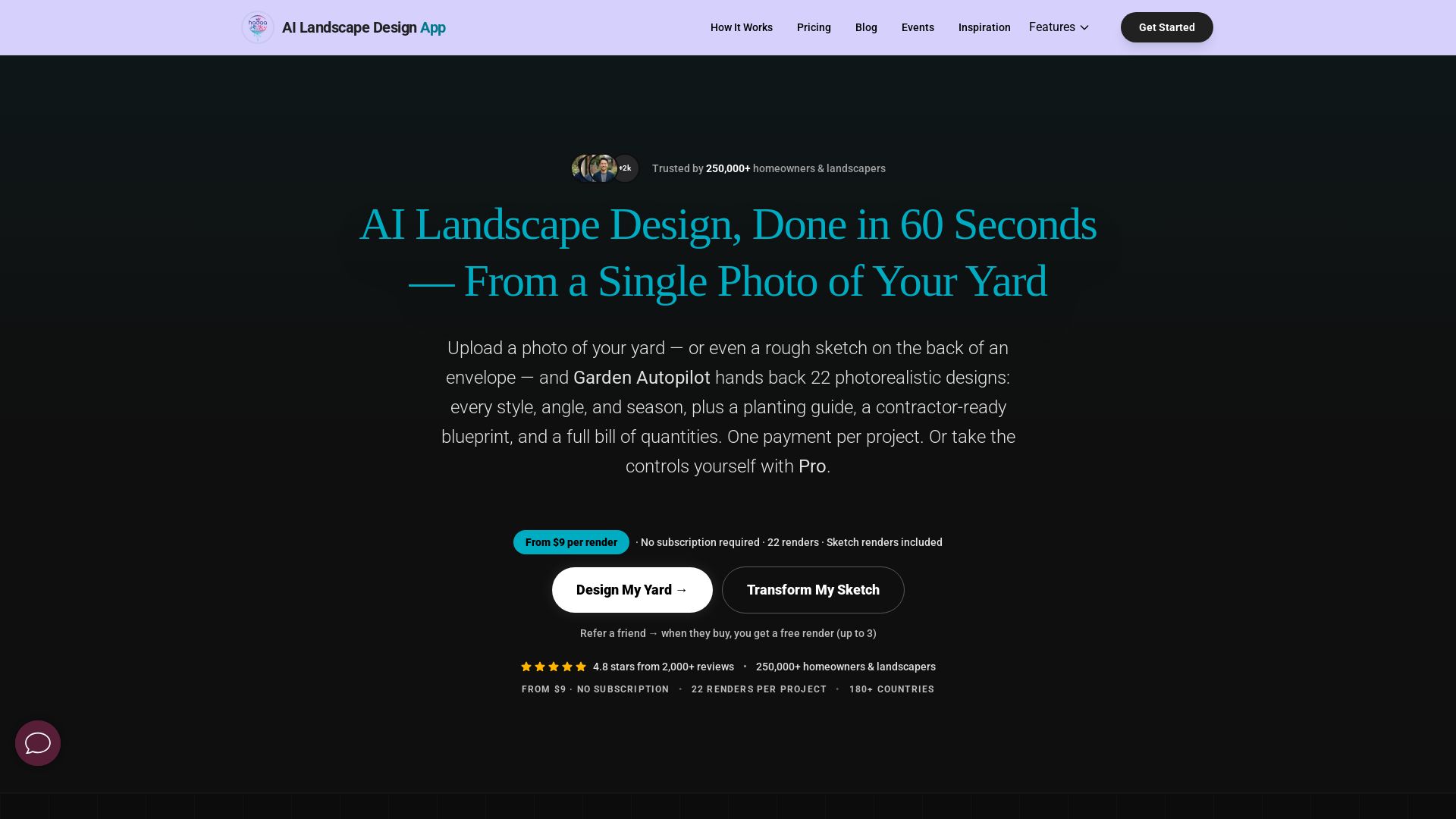
AI Garden Design vs Hadaa: Features & Pricing (2026)
Upload a photo or sketch, get 22 photorealistic designs, planting guide, blueprint & BOQ. Pay per project, no subscription.


Ideal House
Transform your home with AI tools for interior remodeling, landscaping, and floor plans. Get inspired, design, and visualize your dream space in seconds. Join 3.12M+ users.


Anima
Convert Figma designs, images, and code into live HTML/React apps. AI with design context for developers and agents.

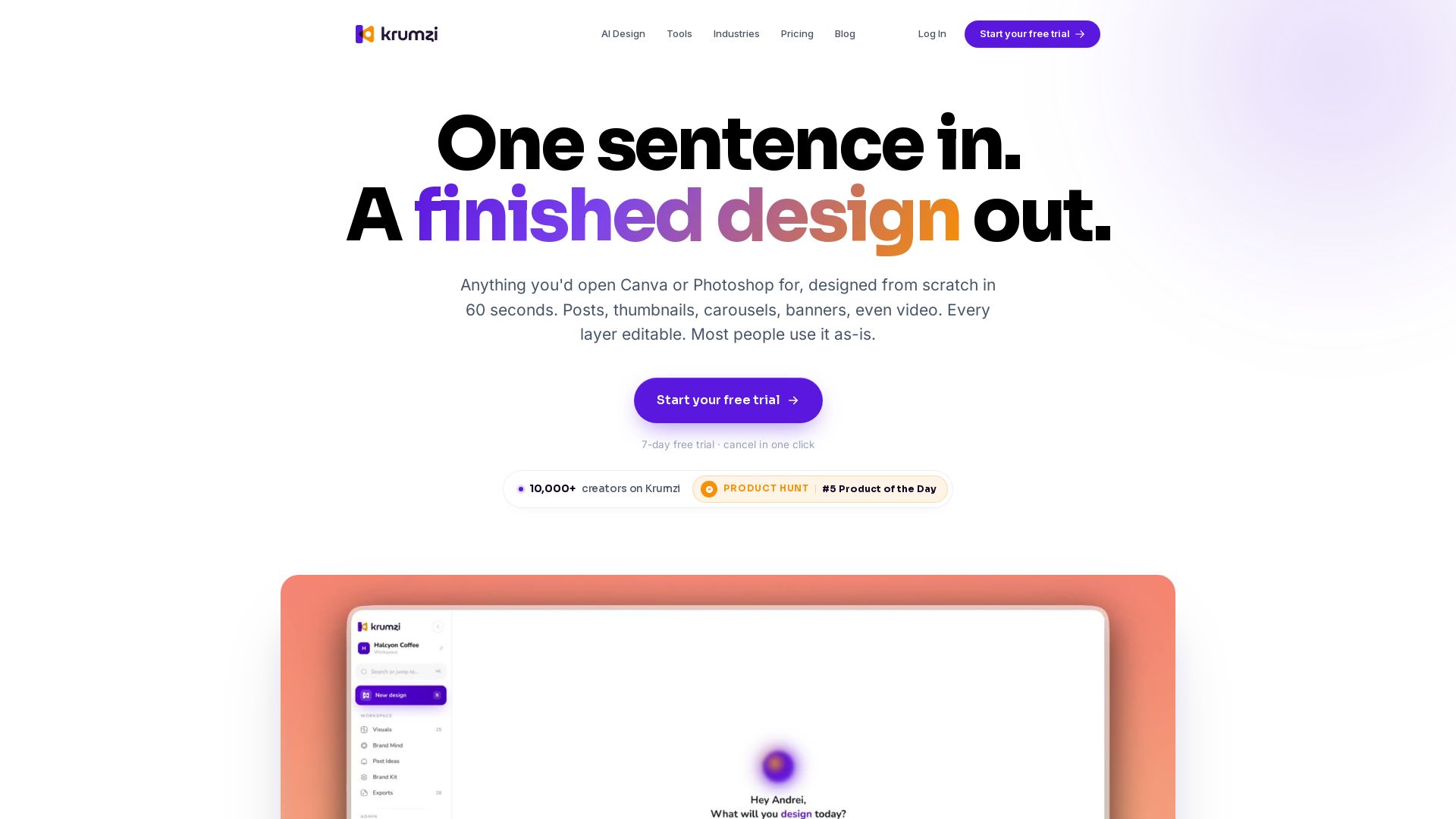


Komposo
Turn product ideas into real, editable designs with AI. Generate, edit, and export UIs using plain language. Trusted by 100k+ users. Start for free.


Figr
Ship better UX faster. Figr builds a living understanding of your product, maps flows, finds edge cases, and generates high-fidelity prototypes from your actual design system.


Icons8
Millions of icons, illustrations, photos, 3D models, music. AI tools: face swap, upscaler, background remover, human generator. Free Mac/Windows apps.

ℹ️ Curation Disclosure: The overview and features of Aiarty were synthesized using AI and fact-checked by our curation team to ensure accuracy.