
Icons8

Millions of icons, illustrations, photos, 3D models, music. AI tools: face swap, upscaler, background remover, human generator. Free Mac/Windows apps.



Editor's Verdict
Key Takeaways
- Icons Library
- AI Tools Suite
- Illustrations
- Stock Photos & Music
In-Depth Review: What is Icons8?
Icons8 is a comprehensive design resource platform offering a vast library of design assets including icons, illustrations, stock photos, 3D models, and royalty-free music. Additionally, it provides cutting-edge AI tools such as face swapping, image upscaling, background removal, human generation, and AI photo generation. The platform also features free design applications like Lunacy and Pichon, along with plugins for Figma, to streamline creative workflows. Ideal for designers, developers, and content creators seeking high-quality graphics and automation tools.
Core Features
Icons Library
Access over 1 million icons in 47 styles, available in PNG, SVG, PDF, and editable via online editor.
AI Tools Suite
Includes AI human generator, face swapper, image upscaler, background remover, and AI photo generator.
Illustrations
Pre-made and customizable 2D and 3D illustrations for various themes like business, education, and trendy.
Stock Photos & Music
Royalty-free stock photos and background music for video and design projects.
Design Apps & Plugins
Lunacy (free design app), Pichon, GoProd, and plugins for Figma, Sketch, etc.
API & Developer Tools
APIs for icons, illustrations, photos, music, and AI tools; MCP support; hackable icon URLs.
AI Search
Smart search to find icons, illustrations, and photos using natural language or keywords.
Online Editors
Mega Creator for custom illustrations, Iconizer for icon customization, and AI-powered editing.
Pricing
Free
- Access to limited free icons and illustrations
- AI tools with limited credits
- Community forum access
AI & Graphics
- Full access to icons, illustrations, photos, music
- AI tools with included credits
- Extra downloads available per-item fee
- Team member support
Icons-only
- Access to icon library only
- Multiple formats and styles
Generated Photos
- AI-generated face photos
- High-resolution outputs
- Commercial license
Hey Photo
- Basic AI photo editing
- Limited features
Human Generator
- Generate full-body human images
- AI-powered
Pros and Cons
Pros
- Vast Design Asset LibraryOver 1 million icons, illustrations, photos, and music tracks in multiple styles and formats.
- Integrated AI ToolsBuilt-in AI for face swapping, image upscaling, background removal, and human generation.
- Free Professional Design AppLunacy is a free, full-featured design app with built-in graphics and AI tools, Figma import.
- Developer-Friendly APIAPIs for all assets and AI tools, enabling custom integrations and automation.
- Cross-Platform AvailabilityWeb-based, desktop apps (Mac, Windows), and plugins for popular design tools.
Cons
- Pricing ComplexityMultiple separate plans and credit systems can be confusing for new users.
- Limited Free TierFree plan offers limited downloads and AI credits, requiring subscription for full access.
- AI Credit CostsAI tools consume credits quickly; extra credits cost $2 per 1000.
- No Lifetime License OptionOnly subscription-based pricing; no perpetual license available.
- Attribution Required on Free PlanFree usage requires attribution, which may not suit all projects.
Use Cases & Recommended Professions
Graphic Designer→ View Toolkit
Needs a vast library of icons, illustrations, and photos for client projects, plus AI tools for quick edits.
Web Developer→ View Toolkit
Requires scalable icons and illustrations for websites and apps, with API integration for dynamic content.
UI/UX Designer→ View Toolkit
Uses icons and illustrations to create user interfaces, needs consistent styles and easy customization.
Marketing Specialist→ View Toolkit
Creates engaging visuals for social media, ads, and presentations; benefits from AI tools for fast content generation.
Video Editor→ View Toolkit
Needs royalty-free music and stock footage, plus AI background removal and face swapping for video projects.
Product Manager→ View Toolkit
Oversees design and development teams, needs a centralized asset library and collaboration features.
Frequently Asked Questions
Alternative AI Tools
View Detailed Comparison →
Superdesign
Create stunning designs with AI. Iterate quickly using natural language. Export production-ready code. Browse design prompts and styles.

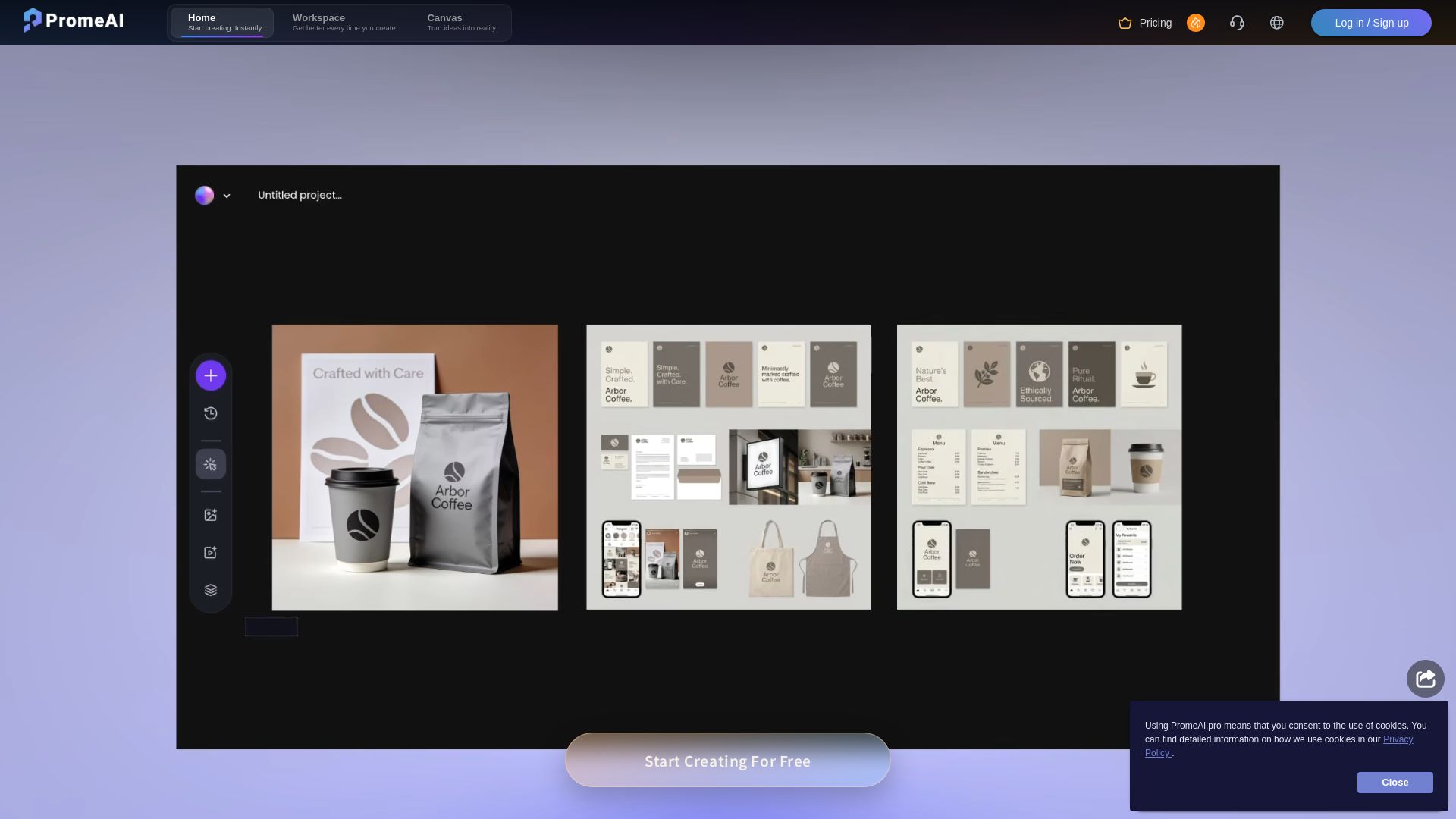
PromeAI
Transform sketches into realistic renders with PromeAI. 42+ AI tools for architecture, interior design, and more. Trusted by 2M+ users.

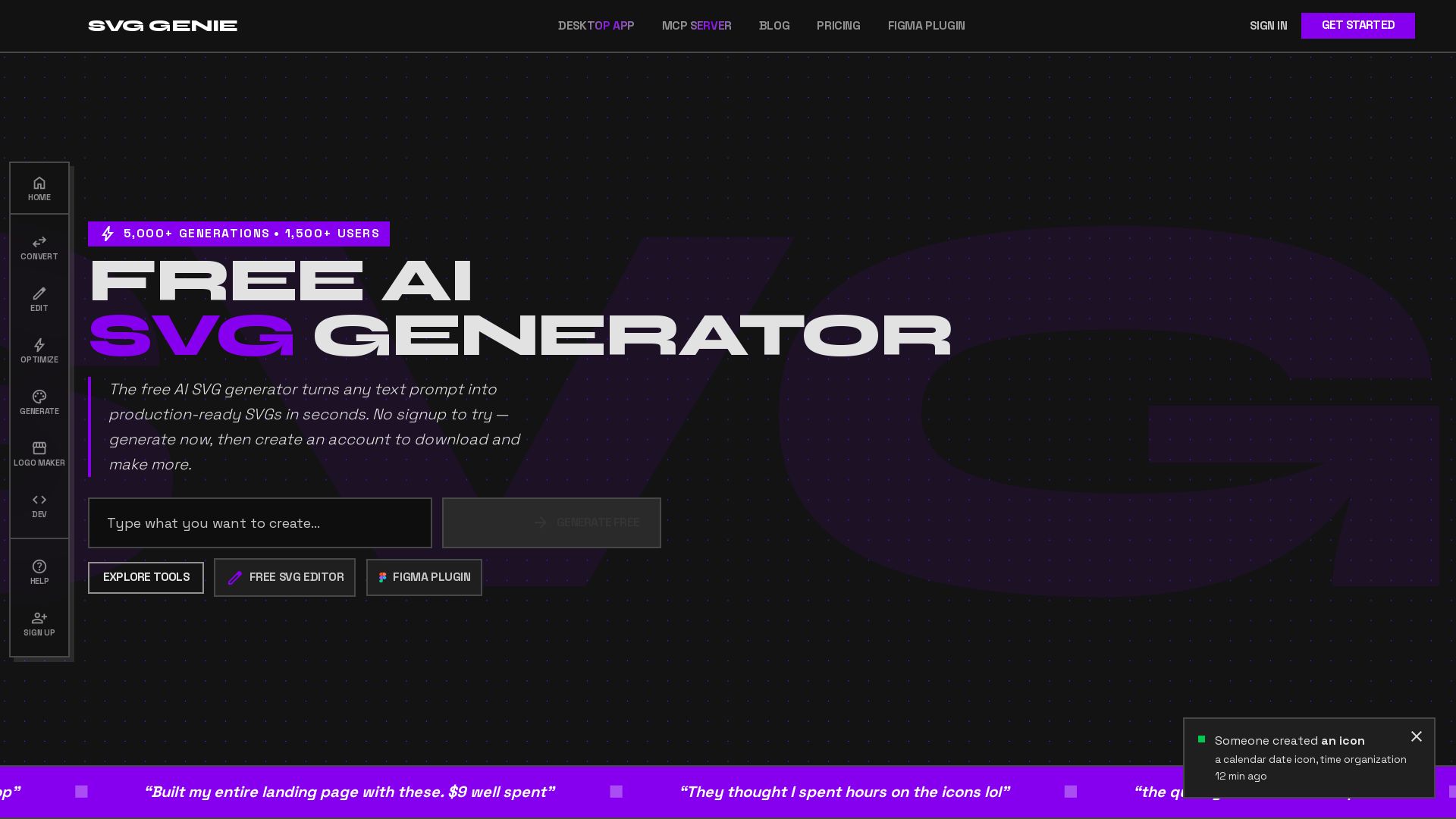
SVG Genie
Transform text prompts into production-ready SVGs instantly. Free AI SVG generator with 20+ tools. No sign-up needed. Download and create unlimited vectors.


Figma
Figma is the intelligent, AI-native canvas for designing, prototyping, and building products together. Trusted by 95% of Fortune 500. Explore design and dev tools.


UX Pilot
Ideate, design, and hand-off web apps in seconds with UX Pilot's AI. Generate wireframes, hi-fi designs, and clean code. Trusted by 1M+ users.


Figma Console MCP
Connect AI to Figma for design extraction, token sync, and component creation. Turn your design system into a programmable API.

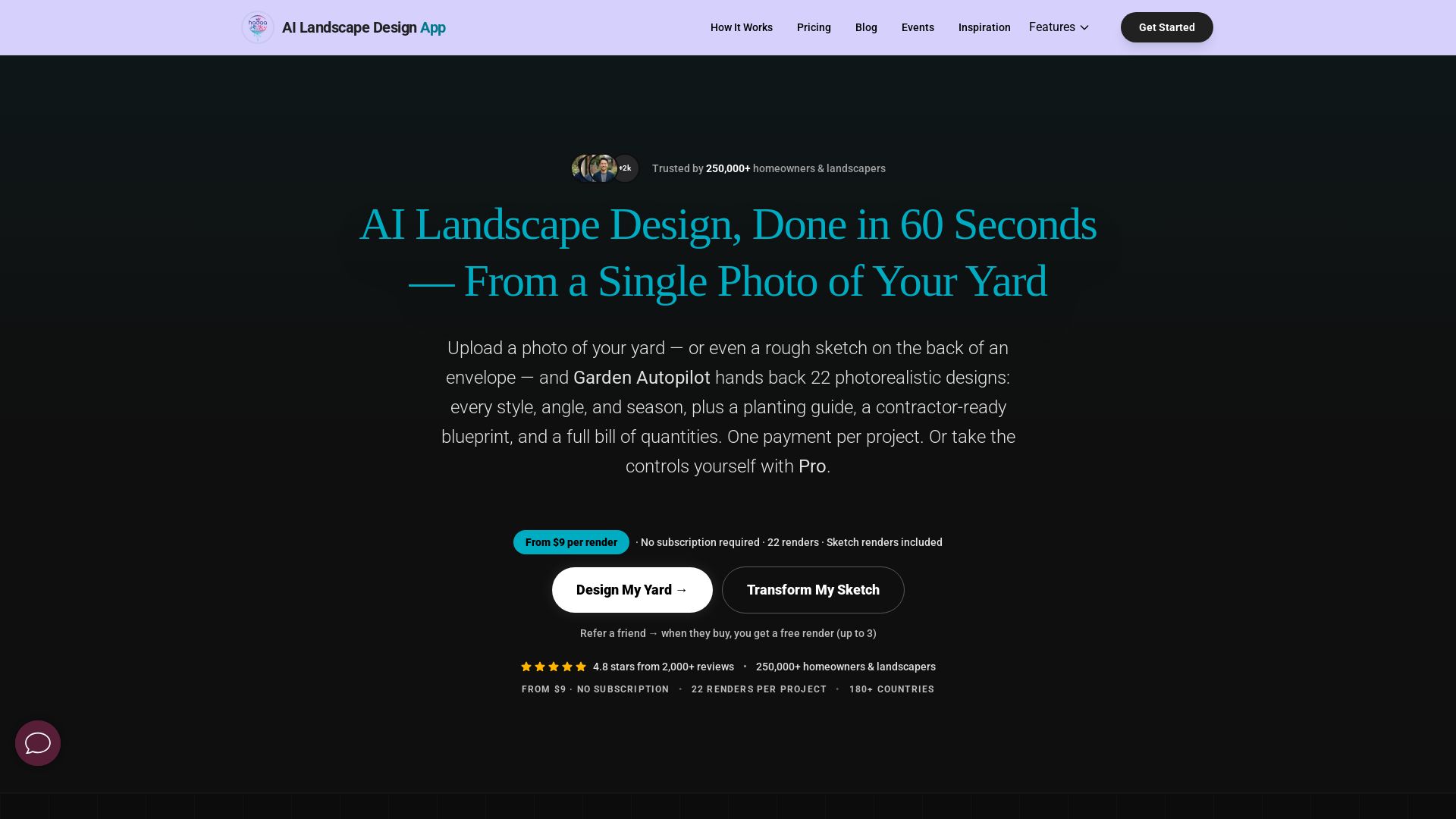
AI Garden Design vs Hadaa: Features & Pricing (2026)
Upload a photo or sketch, get 22 photorealistic designs, planting guide, blueprint & BOQ. Pay per project, no subscription.

Ideal House
Transform your home with AI tools for interior remodeling, landscaping, and floor plans. Get inspired, design, and visualize your dream space in seconds. Join 3.12M+ users.


AIDesigner
Create premium UI, logos, brand kits, and more with AIDesigner. No design experience needed. Free to try, no credit card required. Join 15,000+ users.


Anima
Convert Figma designs, images, and code into live HTML/React apps. AI with design context for developers and agents.




Komposo
Turn product ideas into real, editable designs with AI. Generate, edit, and export UIs using plain language. Trusted by 100k+ users. Start for free.

ℹ️ Curation Disclosure: The overview and features of Icons8 were synthesized using AI and fact-checked by our curation team to ensure accuracy.