
SVG Genie
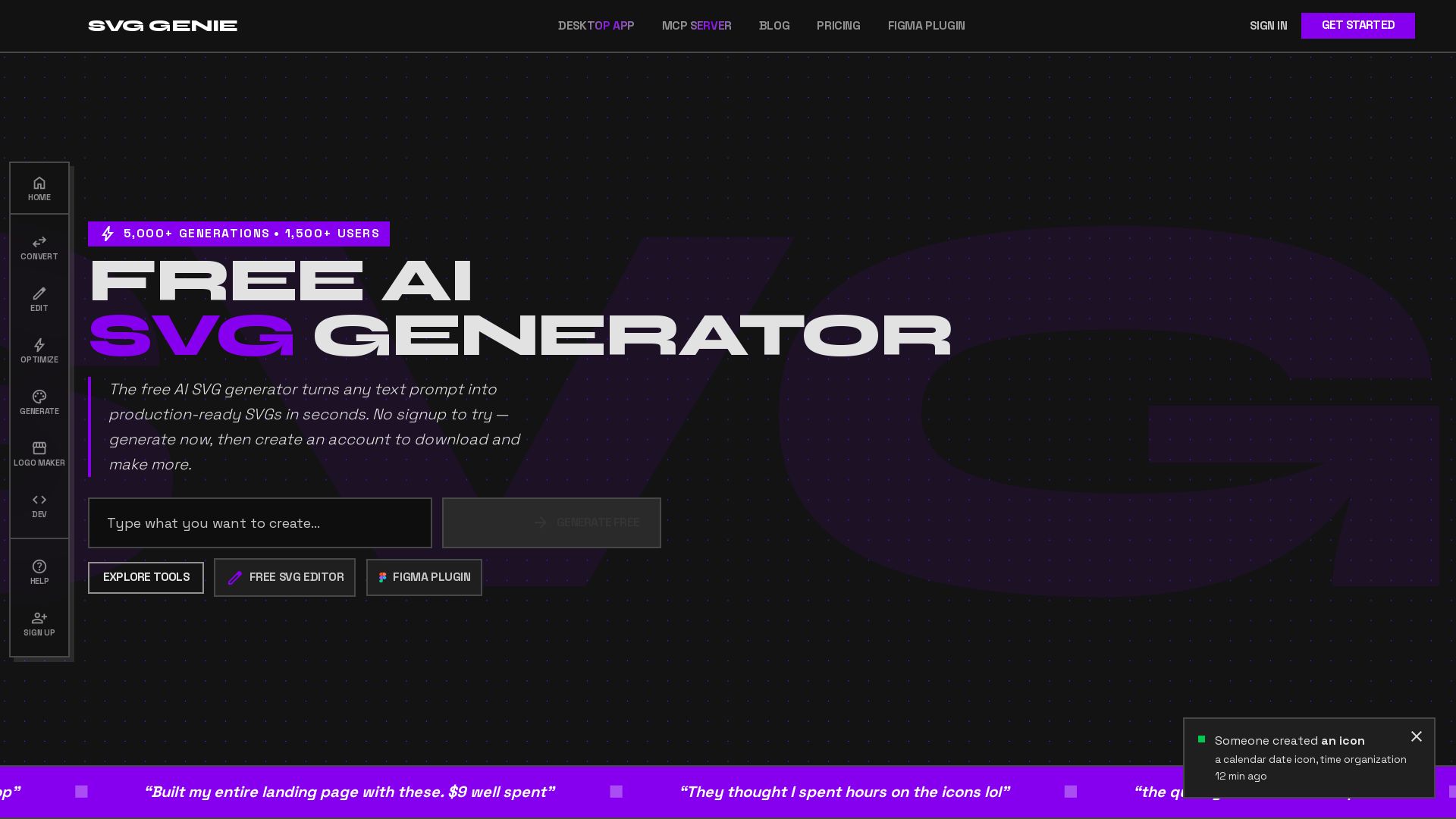
Transform text prompts into production-ready SVGs instantly. Free AI SVG generator with 20+ tools. No sign-up needed. Download and create unlimited vectors.
Editor's Verdict
Key Takeaways
- AI SVG Generator
- PNG to SVG
- SVG Editor
- SVG Backgrounds
In-Depth Review: What is SVG Genie?
SVG Genie is the ultimate AI-powered vector design platform. Generate clean, scalable SVG graphics from simple text prompts using advanced neural engines. With over 20 free vector nodes including an SVG editor, PNG to SVG converter, color changer, and React/Vue component exporter, it's the all-in-one solution for developers, designers, and marketers. Produce high-quality vectors in seconds with multiple AI styles and quality modes. Try it free without an account and enjoy commercial usage rights. Perfect for logos, icons, web graphics, and more.
Core Features
AI SVG Generator
Transform text prompts into production-ready vector graphics using neural engine that converts semantic intent into optimized Bezier curves, fill patterns, and clean SVG paths.
PNG to SVG
AI-powered vectorization from raster images to scalable SVG format.
SVG Editor
Figma-style editor with AI assistance for live preview and editing.
SVG Backgrounds
Generate waves, blobs, gradients, and other background patterns as SVG.
Image to SVG
Convert any image format to SVG with full support.
SVG to React/Vue Components
Export SVG as React or Vue components for seamless integration in web projects.
Color Changer
Apply brand colors to SVG assets in one click with preset palettes.
Quality Modes
Choose Quick, HD, or Premium pipelines to balance speed, detail, and credit cost.
Infinite Scalability
Pure mathematical paths render with 100% fidelity from 1px to 1,000,000px, no blurring or artifacting.
Template Library
24 professionally crafted prompt templates across 9 categories for quick-start designs.
Icon Creator
Dedicated workflow for app icons with industry targeting, platform presets, and keyword guidance.
Design Management
Organize creations with collections, color coding, and smart filtering, with secure private storage.
Desktop App (SVG Genie Desktop)
Offline SVG converter for repeated image-to-SVG conversion without uploads or subscriptions.
Pricing
Starter (Credit Pack)
- 13 total credits (10 purchased + 3 free)
- Never expires
- Use across Quick, HD, or Premium generations
- Instant delivery
- Includes commercial use on paid downloads
Most Popular (Credit Pack)
- 40 total credits (30 purchased + 10 free)
- Never expires
- Use across Quick, HD, or Premium generations
- Instant delivery
- Includes commercial use on paid downloads
Pro Creator (Credit Pack)
- 100 total credits (75 purchased + 25 free)
- Never expires
- Use across Quick, HD, or Premium generations
- Instant delivery
- Includes commercial use on paid downloads
Designer (Subscription)
- 100 credits per month
- Priority generation speed
- No watermarks
- Commercial license included
- Designs saved for 30 days
- Email support
Agency (Subscription)
- 350 credits per month
- Priority generation queue
- No watermarks
- Commercial license included
- Designs saved forever
- Priority chat support
- Early access to features
Agency Annual + Desktop Bundle
- 350 credits every month
- Priority generation queue and support
- Design history saved forever
- SVG Genie Desktop included free (Mac and Windows)
- Unlimited offline image-to-SVG conversion with no extra credits
Pros and Cons
Pros
- Free to try without signupGenerate 2 free SVGs immediately with no account or credit card required.
- Production-ready outputsSVGs are clean, scalable, and usable directly in projects, not 'AI slop'.
- Multiple generation modesQuick, HD, and Premium modes allow flexibility in quality and credit usage.
- Commercial use includedPaid downloads come with a commercial license, suitable for marketing, products, and game assets.
- Versatile toolsetOver 20 free vector nodes including AI generation, conversion, editing, and optimization.
Cons
- Limited free generationsOnly 2 free previews; downloads require credits. Heavy users may need to purchase credits or subscribe.
- Credit costs vary by modeQuick uses 1 credit, HD 2, Premium 3, which may be a consideration for users on tight budgets.
- No offline capability in free planOffline desktop app is a separate purchase ($99) or included only in Agency Annual bundle.
- Subscription benefits for frequent usersOccasional users may find credit packs less cost-effective compared to subscription when generating many SVGs.
- Design storage limits on free/subscription tiersFree designs not saved; Designer saves 30 days; only Agency and Agency Annual save designs forever.
Use Cases & Recommended Professions
Web Developer→ View Toolkit
Generate scalable icons and graphics for websites, convert SVG to React/Vue components, and optimize SVGs for performance.
UI/UX Designer→ View Toolkit
Create custom vector icons, backgrounds, and illustrations for app designs without heavy software like Illustrator.
Digital Marketer→ View Toolkit
Produce brand assets, scalable logos, and marketing graphics instantly from text or images.
Game Developer→ View Toolkit
Design clean line-art assets, UI elements, and sprites that are scalable for game interfaces.
Graphic Designer→ View Toolkit
Quickly generate and edit SVGs for print or web, change colors, and convert files without complex tools.
Content Creator→ View Toolkit
Create custom SVGs for coloring pages, social media graphics, and Etsy products with no design skills.
Frequently Asked Questions
Alternative AI Tools
View Detailed Comparison →
Figma Console MCP
Connect AI to Figma for design extraction, token sync, and component creation. Turn your design system into a programmable API.


Figma
Figma is the intelligent, AI-native canvas for designing, prototyping, and building products together. Trusted by 95% of Fortune 500. Explore design and dev tools.


Superdesign
Create stunning designs with AI. Iterate quickly using natural language. Export production-ready code. Browse design prompts and styles.


Anima
Convert Figma designs, images, and code into live HTML/React apps. AI with design context for developers and agents.

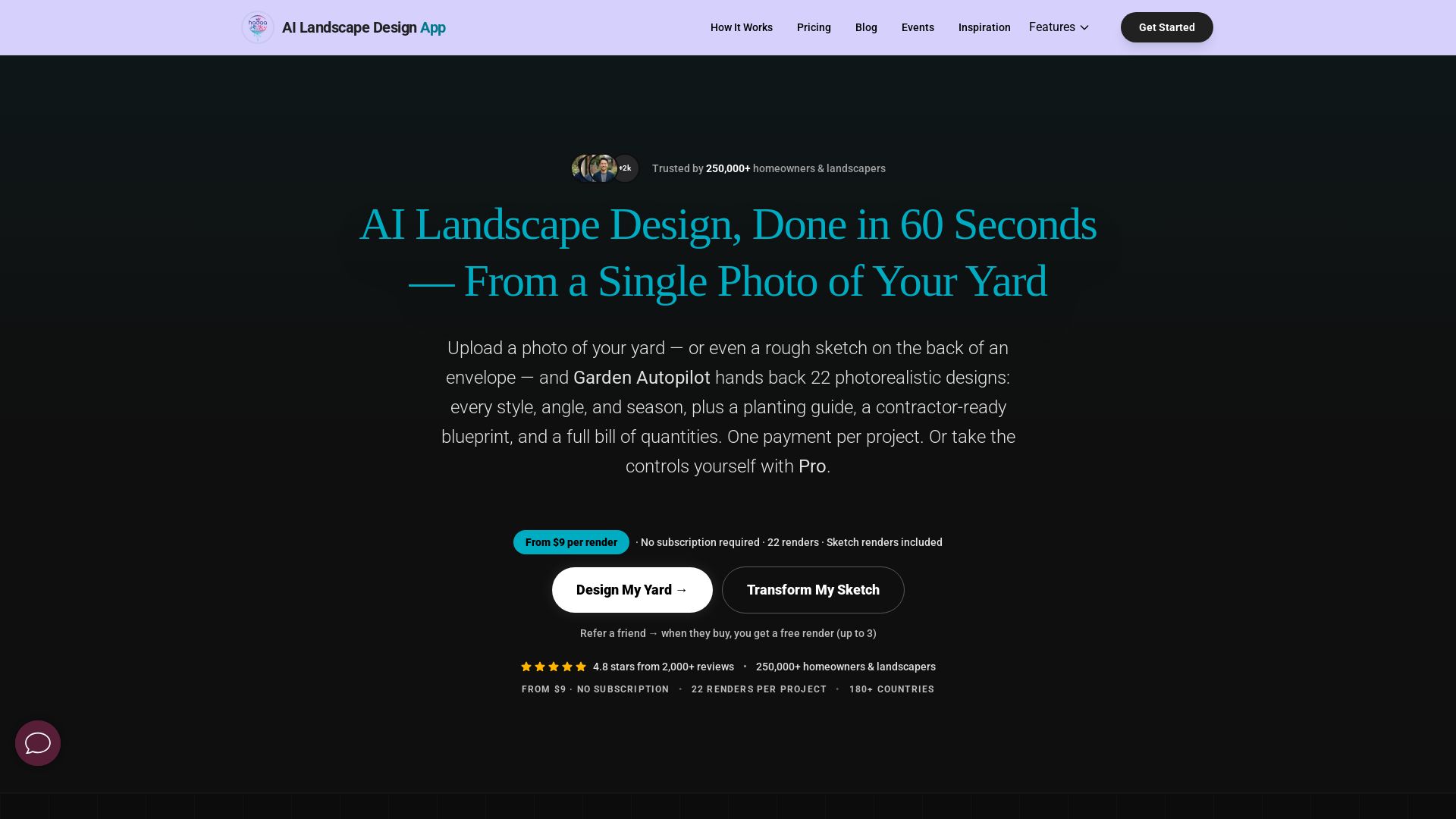
AI Garden Design vs Hadaa: Features & Pricing (2026)
Upload a photo or sketch, get 22 photorealistic designs, planting guide, blueprint & BOQ. Pay per project, no subscription.


Komposo
Turn product ideas into real, editable designs with AI. Generate, edit, and export UIs using plain language. Trusted by 100k+ users. Start for free.


Figr
Ship better UX faster. Figr builds a living understanding of your product, maps flows, finds edge cases, and generates high-fidelity prototypes from your actual design system.


UX Pilot
Ideate, design, and hand-off web apps in seconds with UX Pilot's AI. Generate wireframes, hi-fi designs, and clean code. Trusted by 1M+ users.

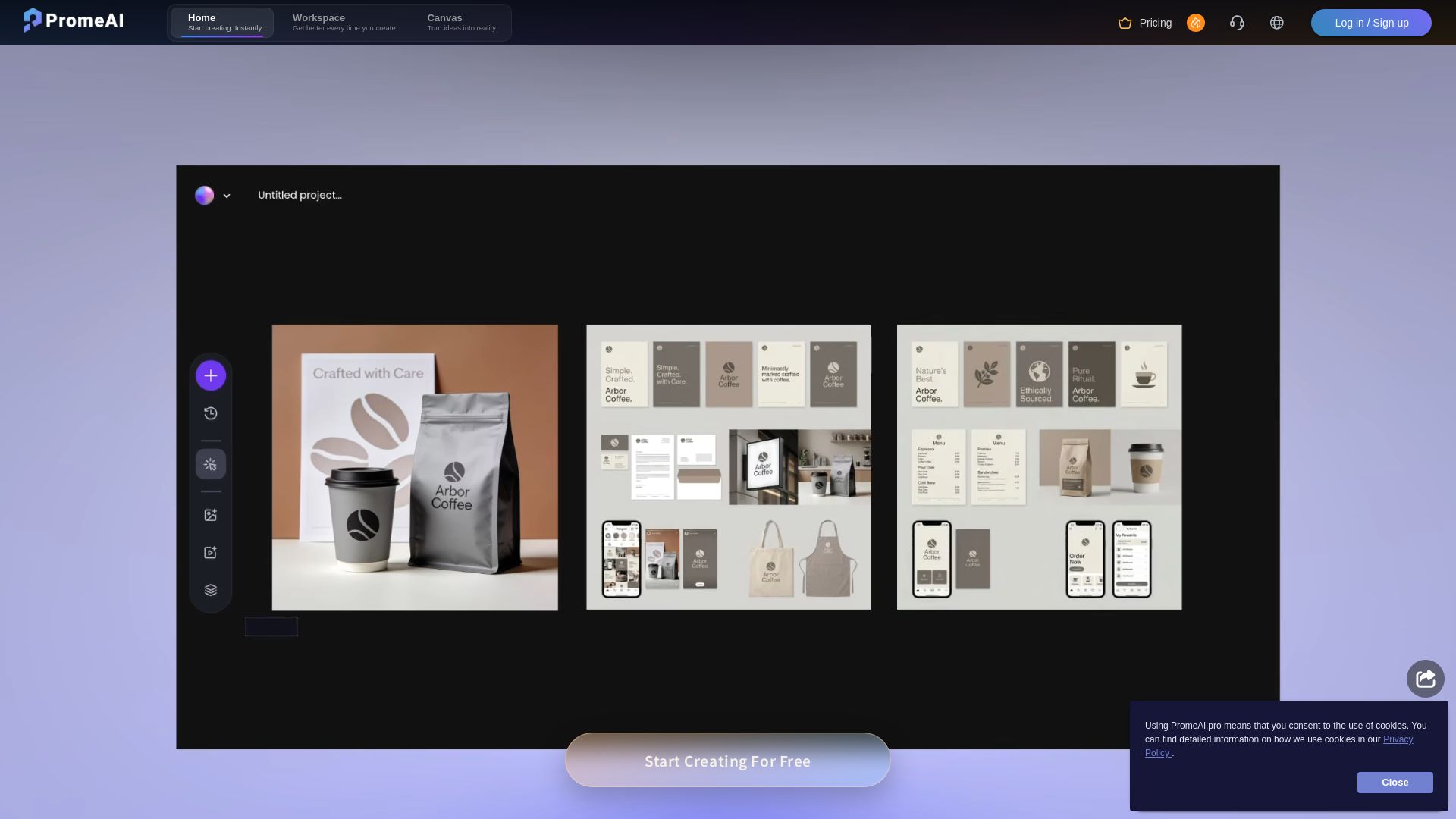
PromeAI
Transform sketches into realistic renders with PromeAI. 42+ AI tools for architecture, interior design, and more. Trusted by 2M+ users.


AIDesigner
Create premium UI, logos, brand kits, and more with AIDesigner. No design experience needed. Free to try, no credit card required. Join 15,000+ users.


Motiff AI
Generate production-ready UI from text, wireframes, or screenshots with Motiff AI. Choose preset styles, export to React/HTML. Fast, consistent design.

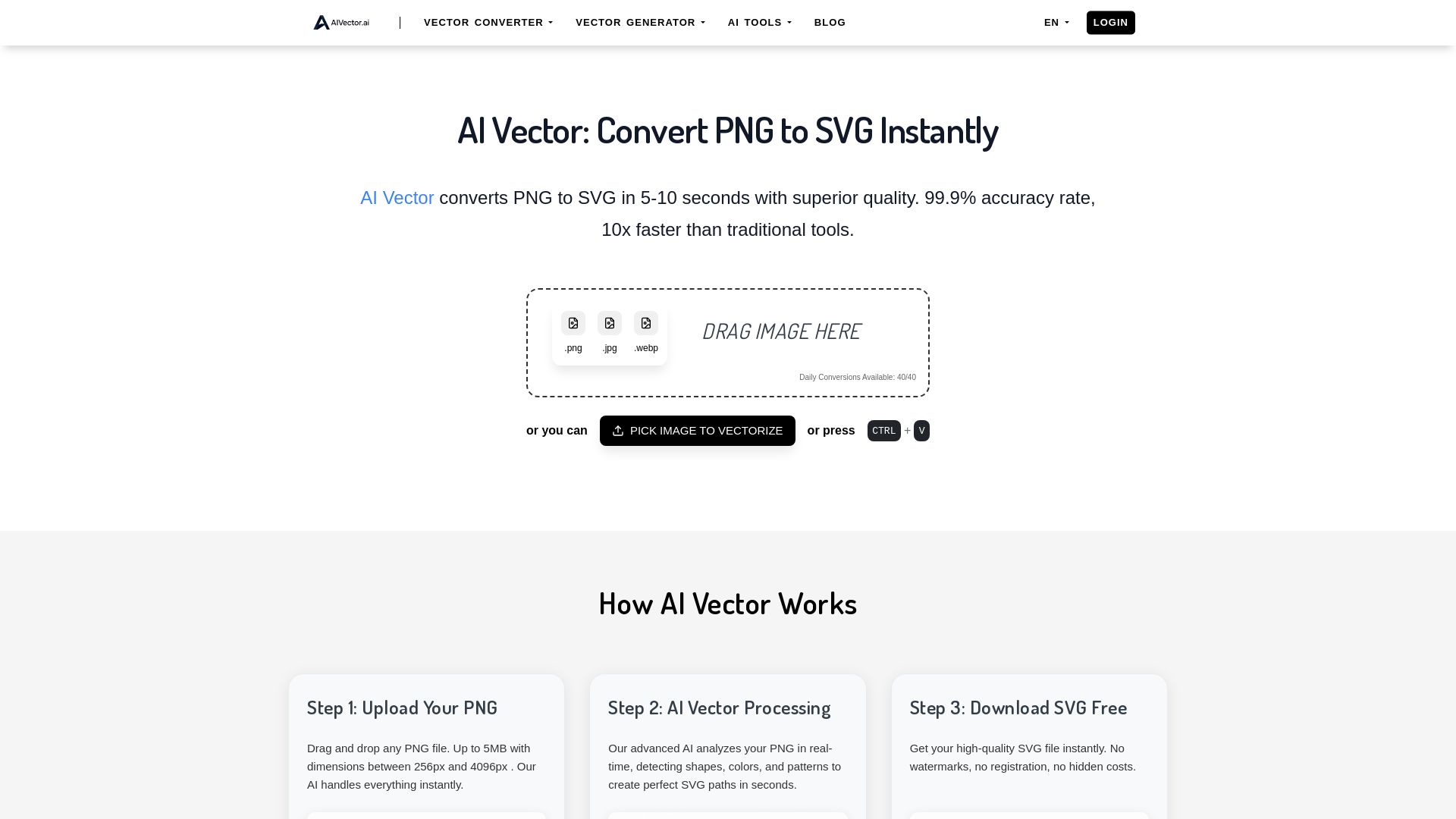
AI Vector
Convert PNG to SVG instantly with AIVector. Free AI-powered tool, no registration needed, unlimited conversions, and professional-quality SVG files in seconds.

ℹ️ Curation Disclosure: The overview and features of SVG Genie were synthesized using AI and fact-checked by our curation team to ensure accuracy.
