
AI Vector
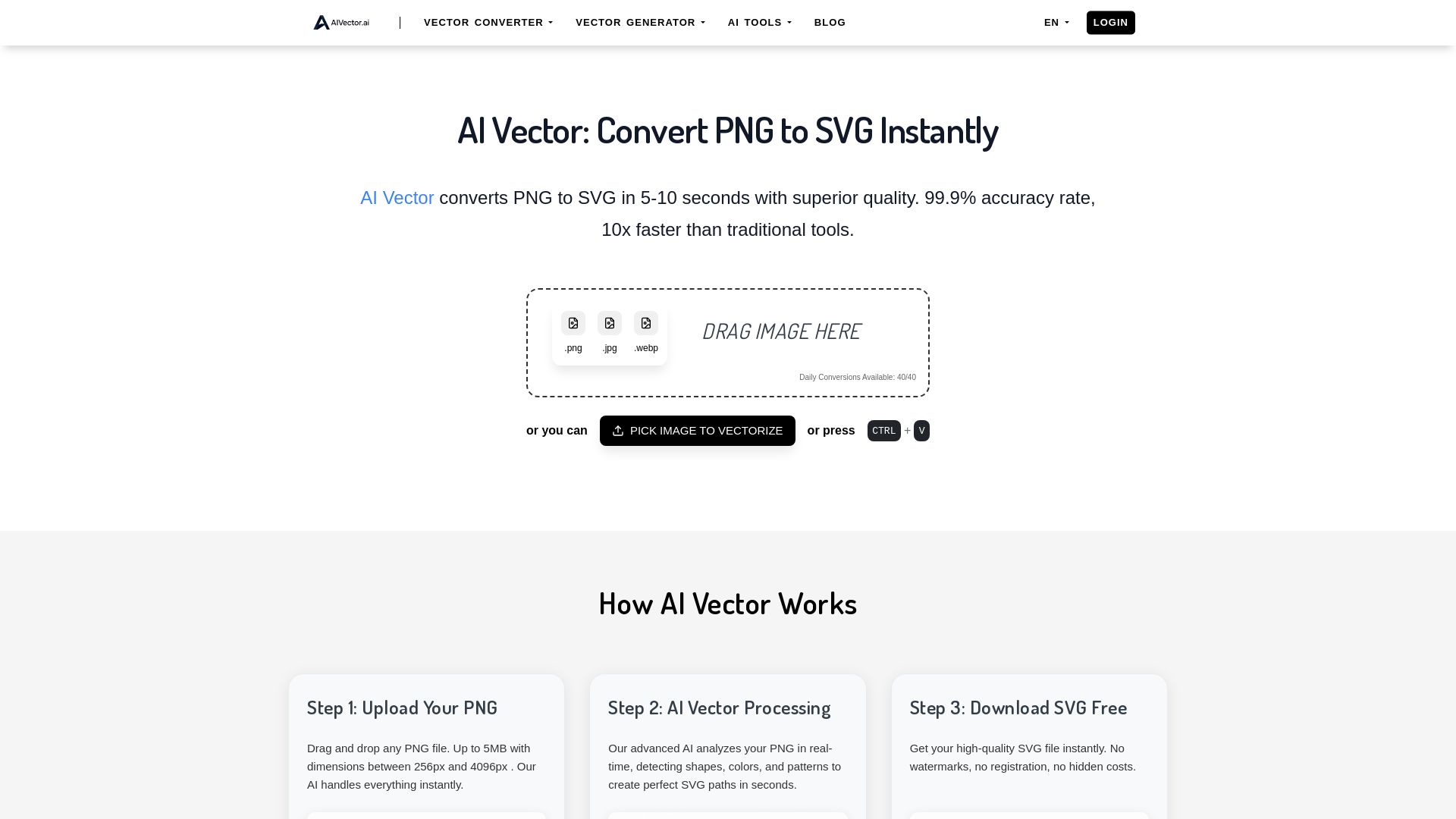
Convert PNG to SVG instantly with AIVector. Free AI-powered tool, no registration needed, unlimited conversions, and professional-quality SVG files in seconds.
Editor's Verdict
Key Takeaways
- Instant PNG to SVG Conversion
- AI Vector Processing
- No Sign Up Required
- Unlimited Conversions
In-Depth Review: What is AI Vector?
AIVector is a free online AI-powered tool that converts PNG, JPG, and WebP images to scalable SVG vectors in under 10 seconds. With 99.9% accuracy, no sign-up required, unlimited daily conversions, and a strong emphasis on privacy, it offers a fast and professional alternative to traditional vectorization software. Ideal for designers, marketers, and creators needing crisp, editable SVG files for logos, illustrations, print, and web graphics.
Core Features
Instant PNG to SVG Conversion
Convert PNG to SVG in 5-10 seconds with superior quality and 99.9% accuracy rate, 10x faster than traditional tools.
AI Vector Processing
Advanced AI analyzes PNG in real-time, detecting shapes, colors, and patterns to create perfect SVG paths instantly.
No Sign Up Required
Start converting immediately without creating an account or providing any personal information.
Unlimited Conversions
Convert as many PNG files as you want without any restrictions or hidden limits.
Professional Results
Output quality that rivals expensive desktop software with cleaner lines and smoother curves.
Privacy First
Your PNG files are never stored or shared; they are processed securely and deleted after conversion.
File Format Support
Upload PNG, JPG, and WebP files up to 5MB with dimensions between 256px and 4096px.
Drag-and-Drop Interface
Easily drag and drop images or use Ctrl+V to paste from clipboard for quick conversion.
Pricing
Free Plan
- Convert PNG to SVG instantly
- Up to 40 conversions per day
- No registration required
- No watermarks
- Commercial use allowed
Pros and Cons
Pros
- Lightning FastConverts in under 10 seconds, compared to traditional tools that take 2-5 minutes.
- Superior QualityAI algorithms deliver cleaner lines and smoother curves, achieving 99.9% accuracy.
- No Sign Up RequiredStart converting immediately without creating an account or logging in.
- Privacy FirstFiles are never stored or shared, ensuring complete privacy.
- Professional ResultsOutput quality that rivals expensive desktop software, suitable for commercial use.
Cons
- Daily Conversion LimitLimited to 40 conversions per day on the free plan.
- File Size and Dimension RestrictionsOnly files up to 5MB and dimensions between 256px and 4096px are supported.
- No Advanced Editing FeaturesLacks manual vector editing capabilities found in desktop software.
Use Cases & Recommended Professions
Graphic Designer→ View Toolkit
Quickly convert PNG logos and illustrations into scalable SVG files for branding and print materials.
Digital Artist→ View Toolkit
Transform PNG artwork into editable SVG graphics for further manipulation and use in various media.
Web Developer→ View Toolkit
Generate scalable SVG graphics that look perfect on any device or screen size without quality loss.
Marketer→ View Toolkit
Create high-resolution SVG files for brochures, banners, and social media graphics efficiently.
Content Creator→ View Toolkit
Easily convert PNG images to SVG for use in videos, presentations, and online content.
Small Business Owner→ View Toolkit
Transform PNG logos and marketing materials into professional SVG files without expensive software.
Frequently Asked Questions
Alternative AI Tools
View Detailed Comparison →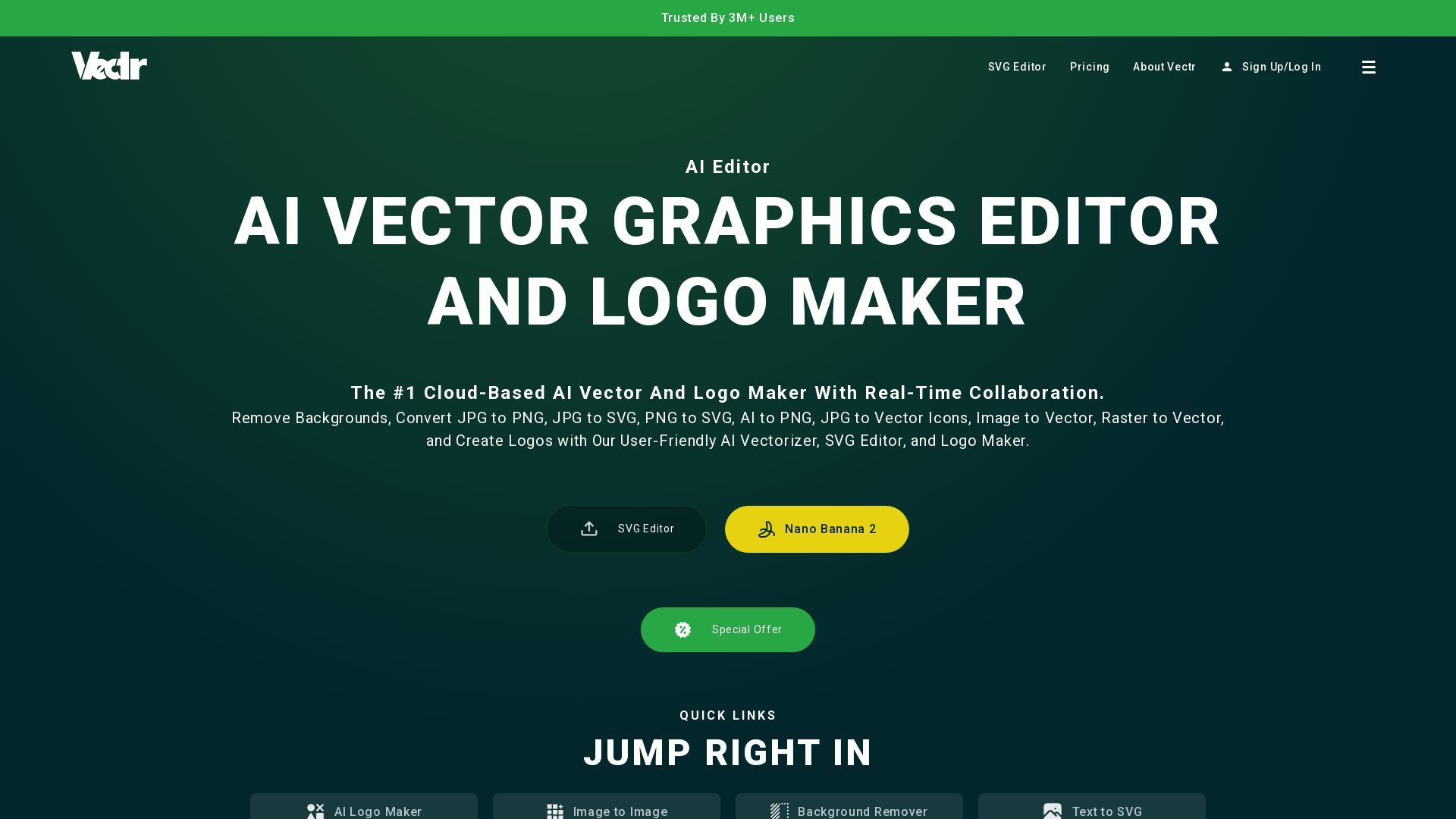
Vectr
Convert images to vectors, create logos, remove backgrounds, and collaborate in real-time. The #1 cloud-based AI vector editor for professionals and beginners.

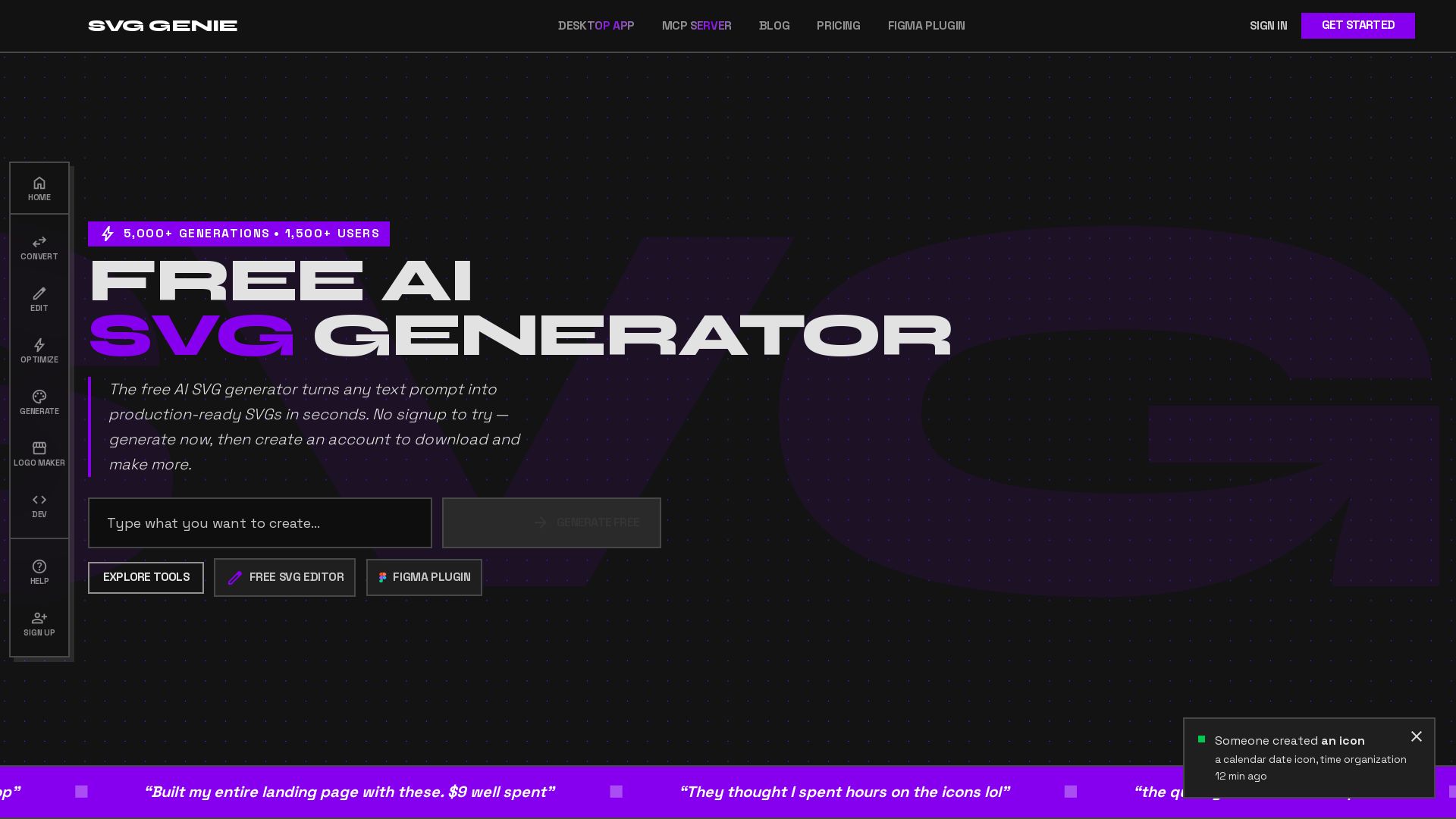
SVG Genie
Transform text prompts into production-ready SVGs instantly. Free AI SVG generator with 20+ tools. No sign-up needed. Download and create unlimited vectors.


Superdesign
Create stunning designs with AI. Iterate quickly using natural language. Export production-ready code. Browse design prompts and styles.


Marketing Mary
Unify research, creation, publishing & optimization with one AI Co-Pilot. Works in your existing stack. Join 500+ leaders on the waitlist.


Figma
Figma is the intelligent, AI-native canvas for designing, prototyping, and building products together. Trusted by 95% of Fortune 500. Explore design and dev tools.


Marketing Titan
Replace HubSpot, ZoomInfo, Hootsuite & Jasper with 180+ AI agents & Darwin AI. Save $50K+/yr. Start free trial.


Figma Console MCP
Connect AI to Figma for design extraction, token sync, and component creation. Turn your design system into a programmable API.


AIDesigner
Create premium UI, logos, brand kits, and more with AIDesigner. No design experience needed. Free to try, no credit card required. Join 15,000+ users.


Anima
Convert Figma designs, images, and code into live HTML/React apps. AI with design context for developers and agents.


UX Pilot
Ideate, design, and hand-off web apps in seconds with UX Pilot's AI. Generate wireframes, hi-fi designs, and clean code. Trusted by 1M+ users.

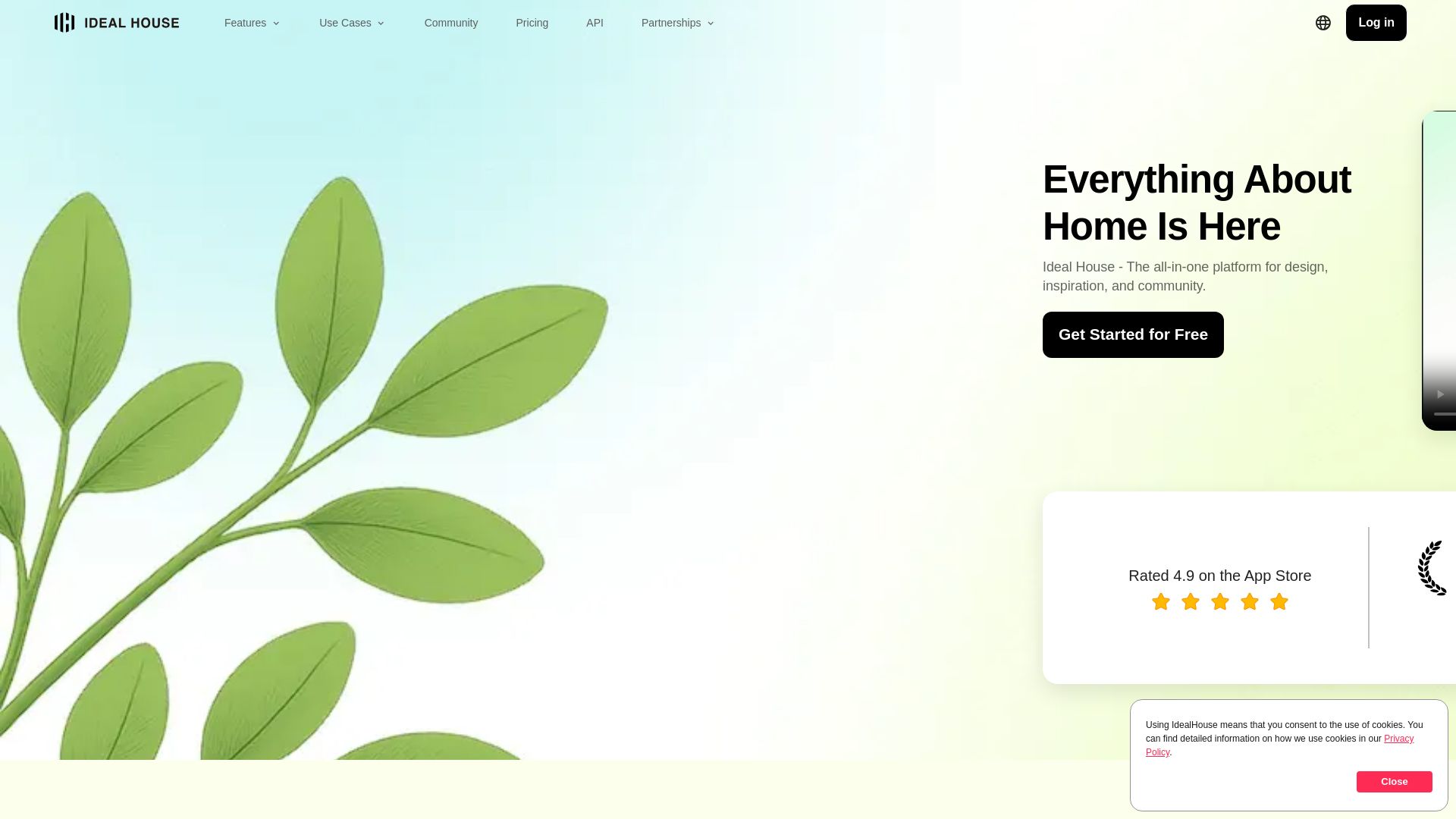
Ideal House
Transform your home with AI tools for interior remodeling, landscaping, and floor plans. Get inspired, design, and visualize your dream space in seconds. Join 3.12M+ users.

Simplified
Automate end-to-end marketing campaigns with Riley AI. Plan, create, approve, publish, and report. Trusted by 15M+ users. Start free.

ℹ️ Curation Disclosure: The overview and features of AI Vector were synthesized using AI and fact-checked by our curation team to ensure accuracy.
