
PixLab
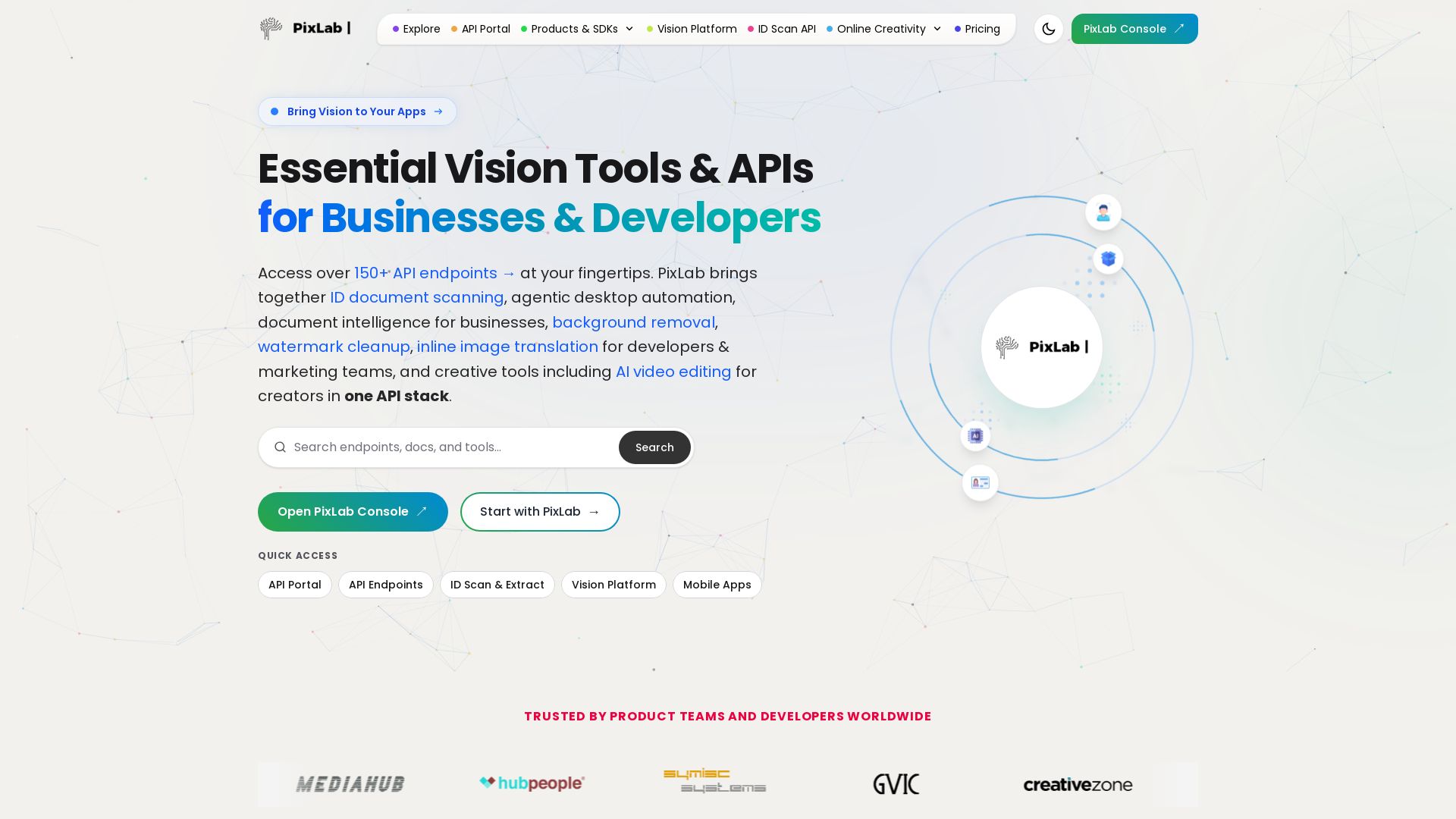
Access 150+ API endpoints for ID scanning, document intelligence, background removal, AI video editing & more. Trusted by developers worldwide. Start with PixLab.


Editor's Verdict
Key Takeaways
- ID Document Scanning
- Agentic Desktop Automation
- Document Intelligence
- Background Removal
In-Depth Review: What is PixLab?
PixLab provides a comprehensive API stack for computer vision, media processing, and creative automation. With over 150 API endpoints, it empowers businesses and developers to integrate ID document scanning, agentic desktop automation, document intelligence, background removal, watermark cleanup, inline image translation, and AI video editing into their applications. Trusted by product teams globally, PixLab enables faster development and creative automation.
Core Features
ID Document Scanning
Automated ID document scanning and data extraction for businesses, enhancing verification processes.
Agentic Desktop Automation
AI-driven desktop automation to streamline repetitive tasks and increase productivity.
Document Intelligence
Advanced document processing and understanding for efficient data management and analysis.
Background Removal
AI-powered background removal for images, enabling easy editing and integration into various applications.
Watermark Cleanup
Automated removal of watermarks from images, facilitating cleaner visual assets.
Inline Image Translation
Translate text within images seamlessly, useful for multilingual content creation.
AI Video Editing
Creative AI tools for video editing, enabling quick and professional video production.
Rich-PDF Generation APIs
Generate feature-rich PDF documents programmatically with ease.
Vision Platform
Comprehensive computer vision platform with over 150 API endpoints for various visual tasks.
Pros and Cons
Pros
- Comprehensive API StackOffers over 150 API endpoints covering ID scanning, document intelligence, image processing, and video editing, all in one platform.
- Trusted by Global TeamsWidely adopted by product teams and developers worldwide, ensuring reliability and proven performance.
- Versatile Use CasesSuitable for businesses, developers, marketers, and creators, with tools for automation, creativity, and media processing.
- Developer-FriendlyProvides an API Portal, SDKs, and clear documentation for easy integration and rapid development.
- Innovation and UpdatesIncludes modern tools like AI video editing, mobile UI code generation, and facial authentication, keeping up with industry trends.
Cons
- Pricing Not TransparentThe provided input lacks explicit pricing details, making it hard for users to evaluate cost-effectiveness upfront.
- Complexity for New UsersWith a wide range of APIs and tools, beginners may find the platform overwhelming and require time to learn.
- Potential OverlapSome features may overlap with other specialized tools, possibly leading to redundancy for users with narrow needs.
Use Cases & Recommended Professions
Software Developer→ View Toolkit
Needs PixLab's APIs to integrate vision, document processing, and media editing features into applications quickly.
Product Manager→ View Toolkit
Leverages PixLab to add advanced AI capabilities to products without building from scratch, speeding up time-to-market.
Marketing Professional→ View Toolkit
Uses image translation, background removal, and video editing tools to create engaging content for campaigns.
Data Analyst→ View Toolkit
Benefit from document intelligence and OCR capabilities to extract and analyze data from documents efficiently.
AI/ML Engineer→ View Toolkit
Utilizes the vision platform as a resource for computer vision tasks, reducing development effort.
Graphic Designer→ View Toolkit
Employs creative tools like AI photo editor and background removal for rapid design iterations.
Frequently Asked Questions
Alternative AI Tools
View Detailed Comparison →
Scuti AI
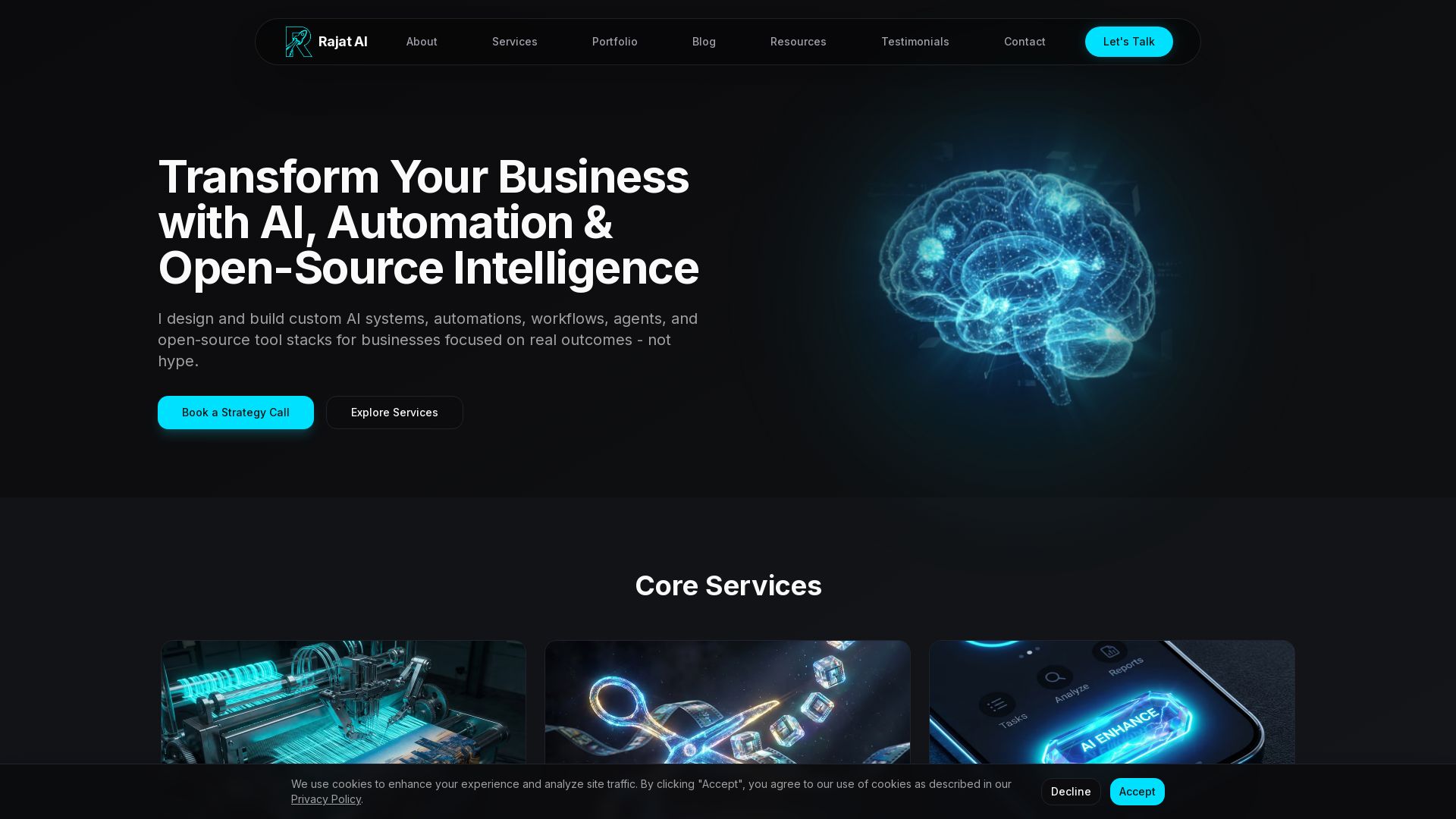
We specialize in generative AI, AI-OCR, RAG, and offshore development. Combining Vietnam's speed with Japan's quality to automate tasks and boost business.


Agentic Workers
Automate tasks with 100+ pre-built AI workflows. Connect 800+ tools, save 10+ hours/week. No coding needed. Join 13,000+ professionals.


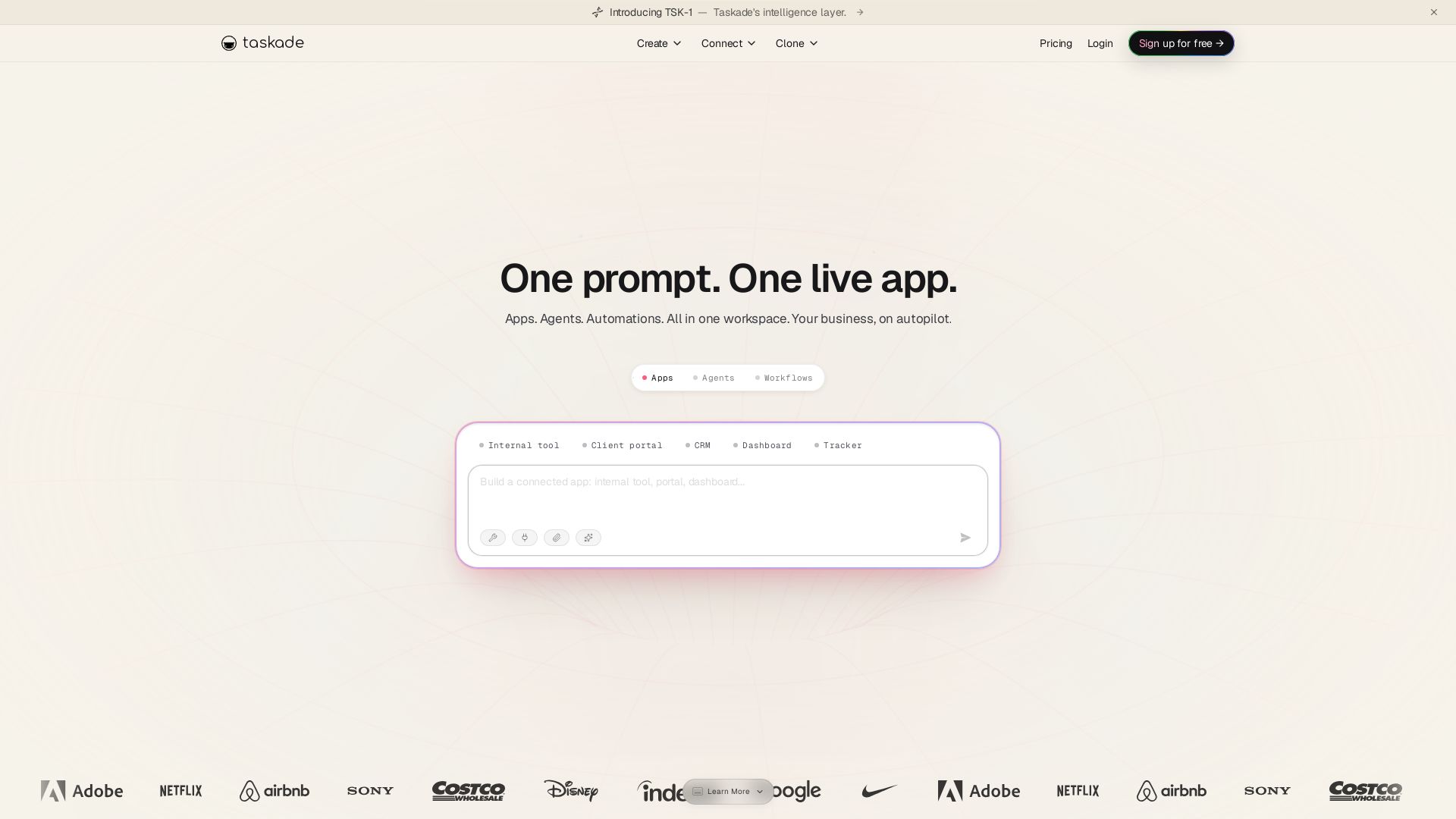
Taskade
Turn one prompt into living apps with AI agents and automations. Clone CRMs, dashboards, portals. No code. Your business on autopilot.


Zapier
Connect AI to 9,000+ apps. Build AI agents, chatbots, and workflows without code. Trusted by Fortune 500. Start free.


Wizr AI
Build autonomous enterprises with AI-powered automation. Accelerate software delivery by 50% with production-ready AI systems. Trusted by world-class enterprises.

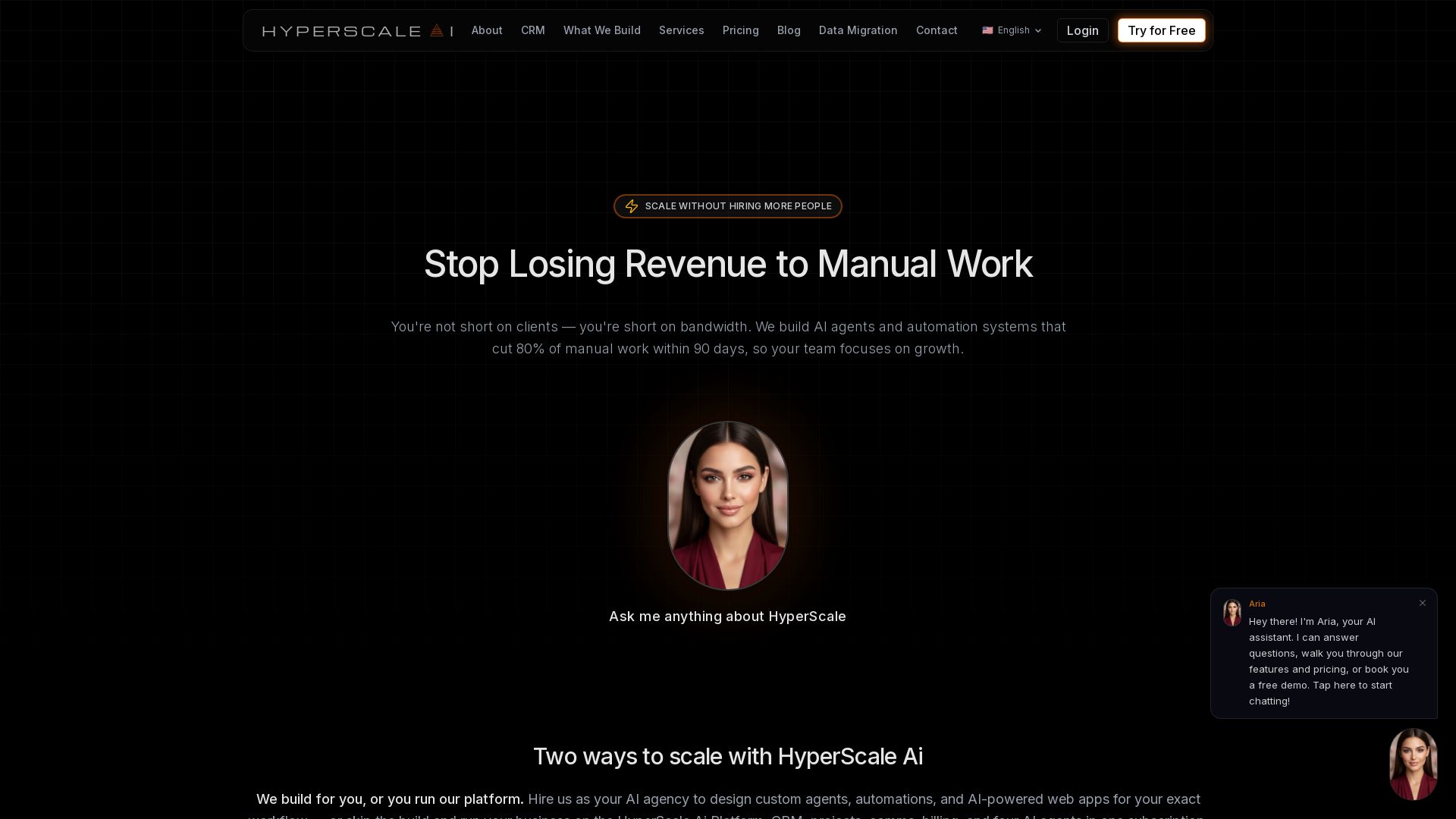
HyperScale Ai
Replace 8+ tools with one AI-native platform: CRM, projects, chat, billing, and 4 AI agents. Or hire us to build custom AI agents and automation. Scale without hiring.
Twin
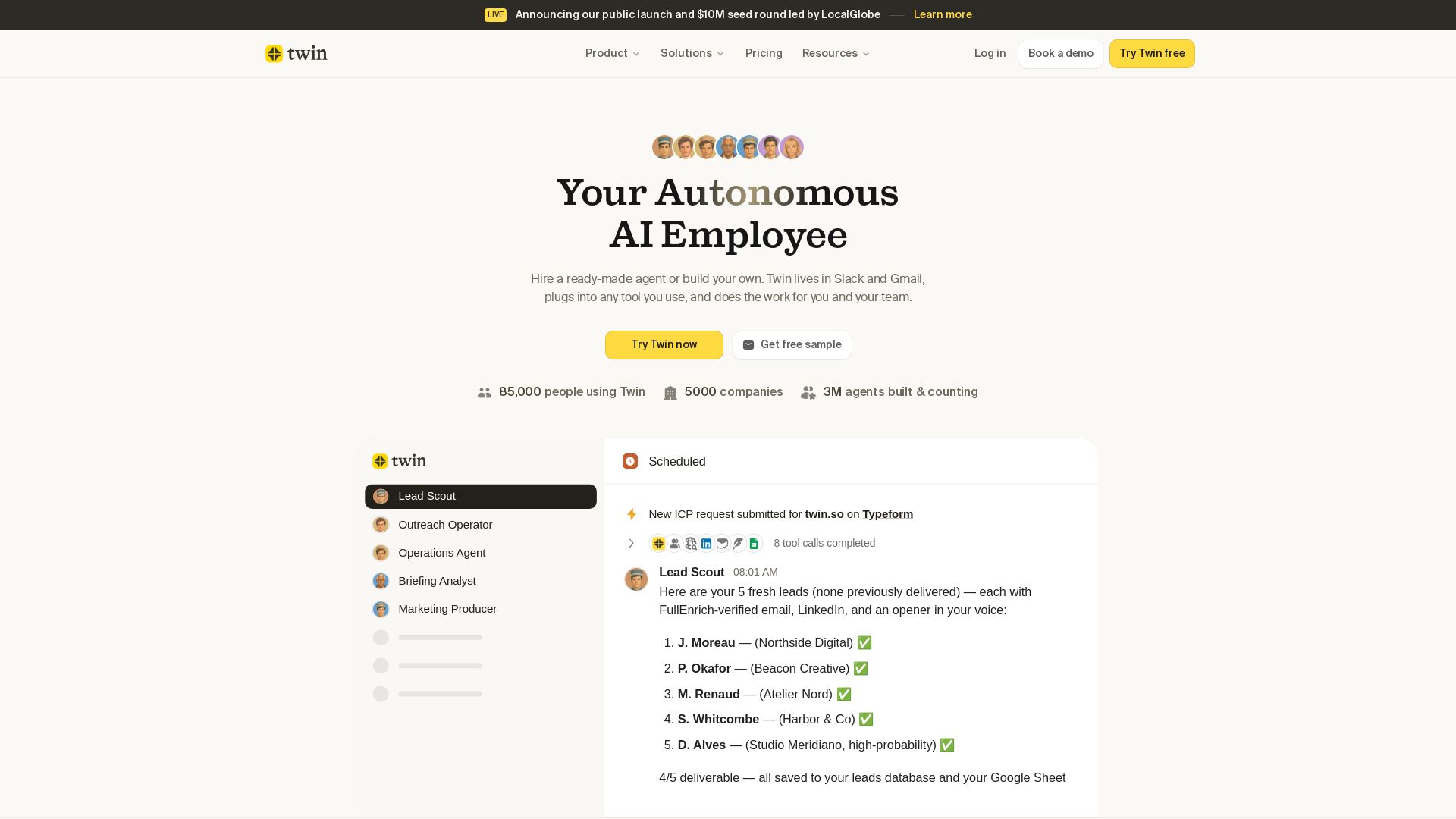
Twin: ready-made AI agents that work in Slack & Gmail. Automate prospecting, outreach, and more. Trusted by 85,000 users. Start free.

Odin AI
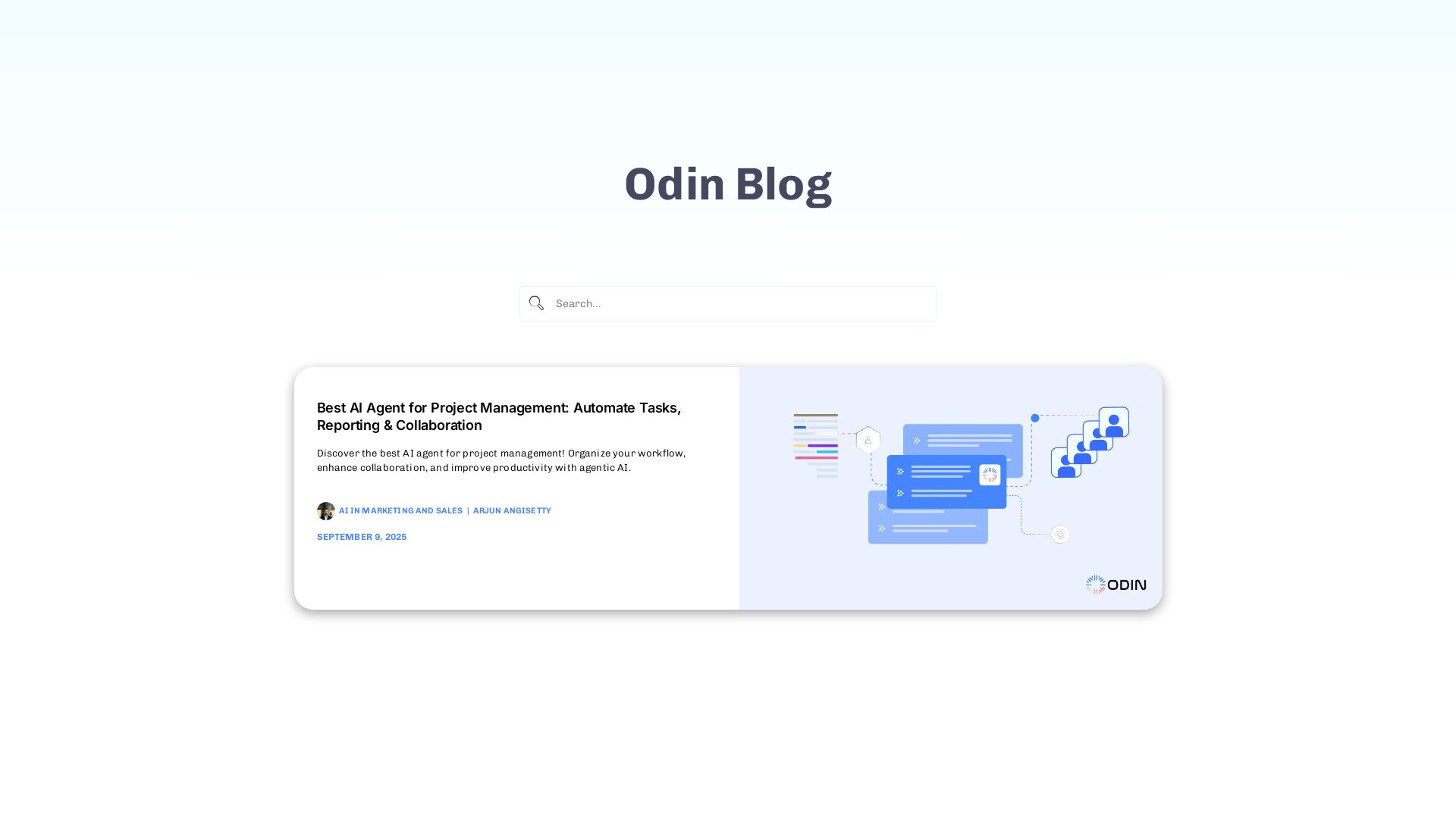
Automate tasks, document summarization, and collaboration with Odin AI's no-code platform. Boost productivity with intelligent AI agents.

AY Automate
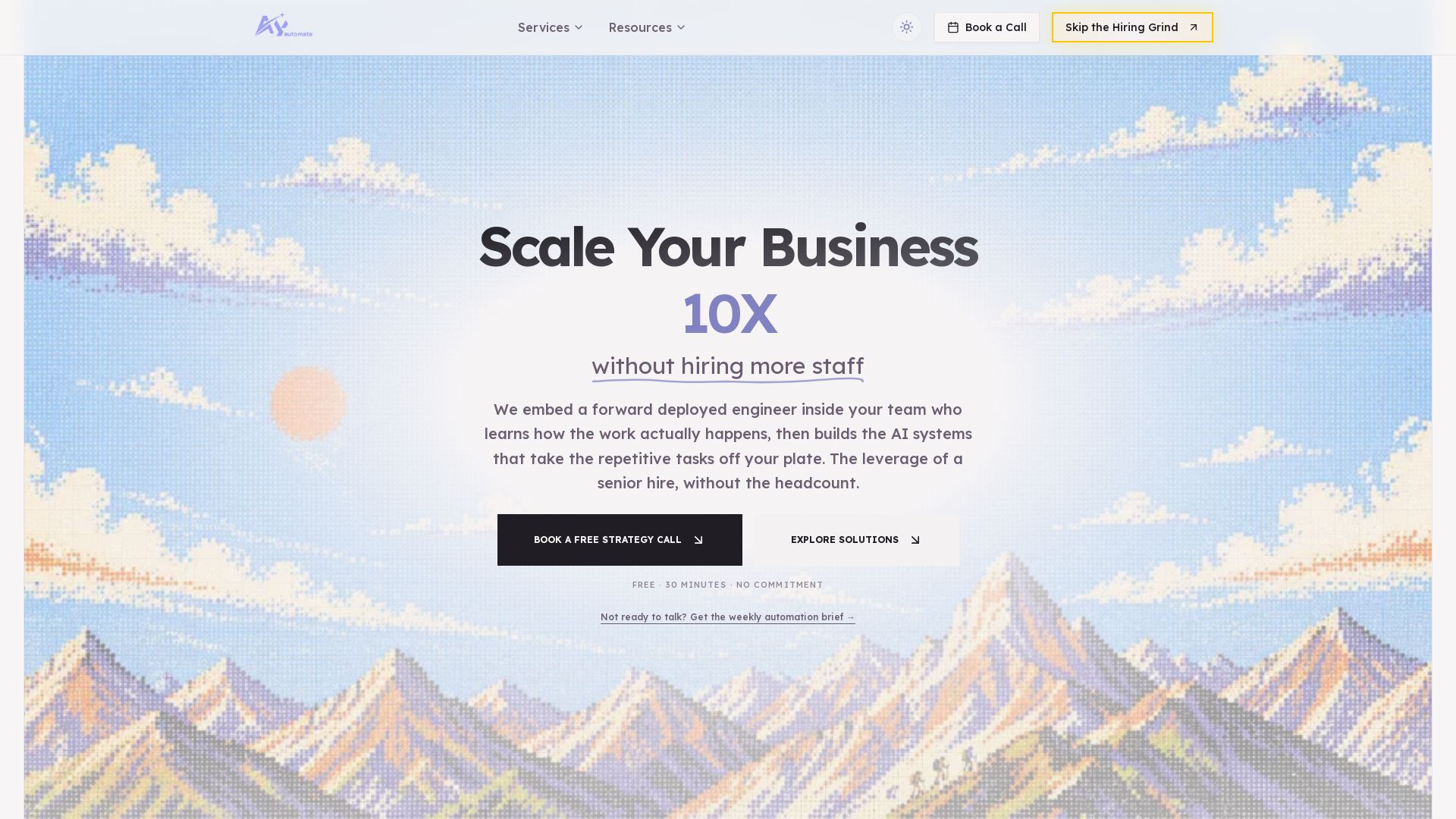
AI automation agency embedding engineers to build custom AI agents. Automate workflows with n8n, Claude Code. Month one refundable. Free strategy call.


Section AI
Turn AI investment into workforce transformation with Section. Command center, coaching, and strategic support to drive measurable ROI.


SF AI Labs
End-to-end AI services from strategy to launch. Proven delivery framework, expert network in San Francisco. Maximize ROI with custom AI solutions for modern companies.

ℹ️ Curation Disclosure: The overview and features of PixLab were synthesized using AI and fact-checked by our curation team to ensure accuracy.