
Odin AI
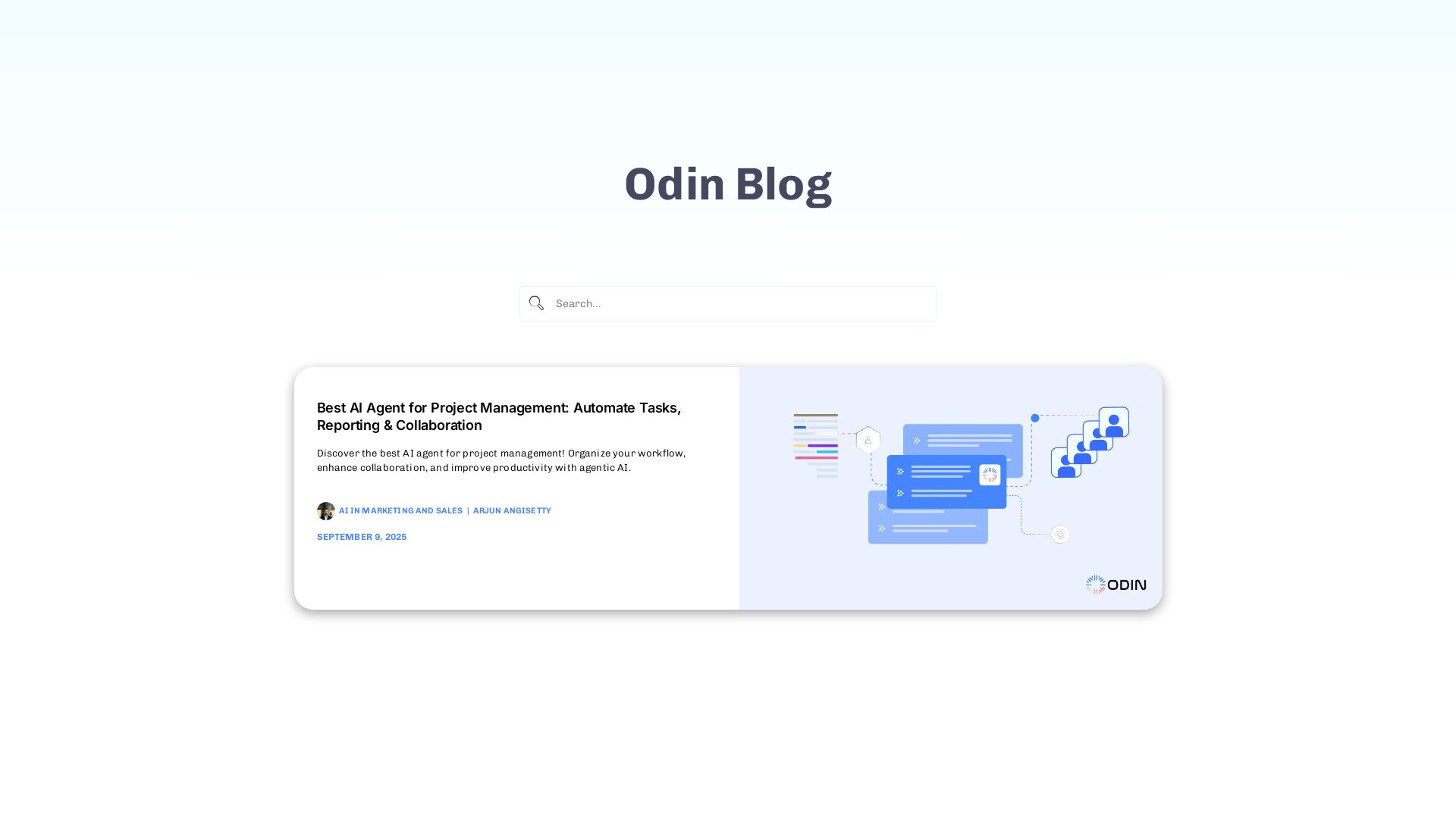
Automate tasks, document summarization, and collaboration with Odin AI's no-code platform. Boost productivity with intelligent AI agents.



Editor's Verdict
Key Takeaways
- Autopilot
- On Premise
- Chat Support
- Automator
In-Depth Review: What is Odin AI?
Odin AI is a powerful no-code platform that lets businesses build and deploy AI agents to automate workflows, streamline project management, enhance collaboration, and handle tasks like document summarization, vendor onboarding, finance operations, and more. With Odin, you can create custom AI agents without coding, integrating them into your existing tools to save time and reduce costs.
Core Features
Autopilot
Go from one prompt to production-ready AI agents, enabling rapid deployment of autonomous workflows.
On Premise
Deploy Odin inside your own infrastructure for enhanced security and compliance.
Chat Support
AI-powered support agents for customer and internal teams to reduce response times.
Automator
No-code workflows across 200+ integrations to automate repetitive tasks.
AI Agents
Build specialized AI agents for every workflow without coding.
AI Notetaker
Capture meetings, summaries, and follow-ups automatically.
Knowledge Base
Ground agents in your company data for accurate and context-aware responses.
Chatbot Builder
Publish branded AI assistants quickly to engage users.
Conversational AI
Natural language interfaces for business operations to improve user experience.
Pricing
Pro
- Autopilot access
- Unlimited AI agents with pre-built templates
- Multi-step workflow automation
- Smart tables and triggers
- GPT 5.5, Sonnet 4.6, Gemini 3.5 & frontier models
- Automatic model routing and fallback
- Custom LLM configuration (BYOK)
- 200+ native app integrations
- API access and webhooks
- MCPs, skills, and prompt library
- Shared knowledge base
- Enterprise search across connected data
- Document grounding with citations
- Shared workflow builder
- Usage analytics
- Pooled usage
- Priority support
- Centralized team billing and administration
- SAML / SSO Support
- Team-wide privacy mode
- Audit logs
Growth
- 2 custom-built AI employees
- 30 days to deploy
- Full platform access (Pro Plan)
- Dedicated implementation engineer & account manager
- Workflow design & build for 1 core use case
- Integration setup with core tools
- Team onboarding session & handover docs
- Email support across the engagement
- 30-day post-launch monitoring
- $54K+ in payroll savings
Scale
- 4 custom-built AI employees
- 60 days to deploy
- Full platform access (Pro Plan)
- Dedicated implementation engineer, account manager & solution architect
- Workflow design & build across multiple departments
- Full-stack integration setup (unlimited tools)
- Multi-team training, playbooks & handover documentation
- On-call support across the engagement
- 60-day post-launch monitoring
- Strategic AI roadmap session
- $108K+ in payroll savings
Pros and Cons
Pros
- No-Code AI Agent BuildingBuild powerful AI agents without writing a single line of code, making AI accessible to all team members.
- Seamless Integrations200+ native app integrations and API access to connect with existing tools and workflows.
- Flexible DeploymentOptions include cloud, on-premise, and hybrid deployment to meet enterprise security requirements.
- Transparent PricingClear per-seat subscription pricing without hidden fees or complex quotes, starting at $20/seat/month.
- Comprehensive Feature SetAll-in-one platform combining AI agents, automation, knowledge base, chatbot, and conversational AI.
Cons
- Cost for Small TeamsWhile per-seat pricing is clear, the Pro plan may be expensive for very small teams or individual users.
- Learning CurveDespite no-code capabilities, building effective AI agents and workflows may require time to learn the platform.
- Dependence on IntegrationsCore value relies on integrations; if a required app is not supported, customization may be needed.
- Limited Free TierNo free plan is mentioned; only a demo is available, which may deter some potential users.
- AI Model CostsUsage of advanced models may incur additional costs beyond the base subscription (BYOK optional).
Use Cases & Recommended Professions
Product Manager→ View Toolkit
Use AI agents for feedback analysis, roadmap planning, and cross-functional coordination without coding.
Finance Manager→ View Toolkit
Automate invoice processing, expense reports, and compliance workflows to save hours every quarter.
HR Specialist→ View Toolkit
Streamline recruitment, onboarding, and employee support with AI-powered automation.
Marketing Manager→ View Toolkit
Deploy AI agents for lead qualification, personalized campaigns, and customer engagement.
Customer Support Lead→ View Toolkit
Reduce response times and improve satisfaction with AI support agents and knowledge base.
Sales Representative→ View Toolkit
Automate outreach, CRM updates, and lead scoring to focus on closing deals.
Frequently Asked Questions
Alternative AI Tools
View Detailed Comparison →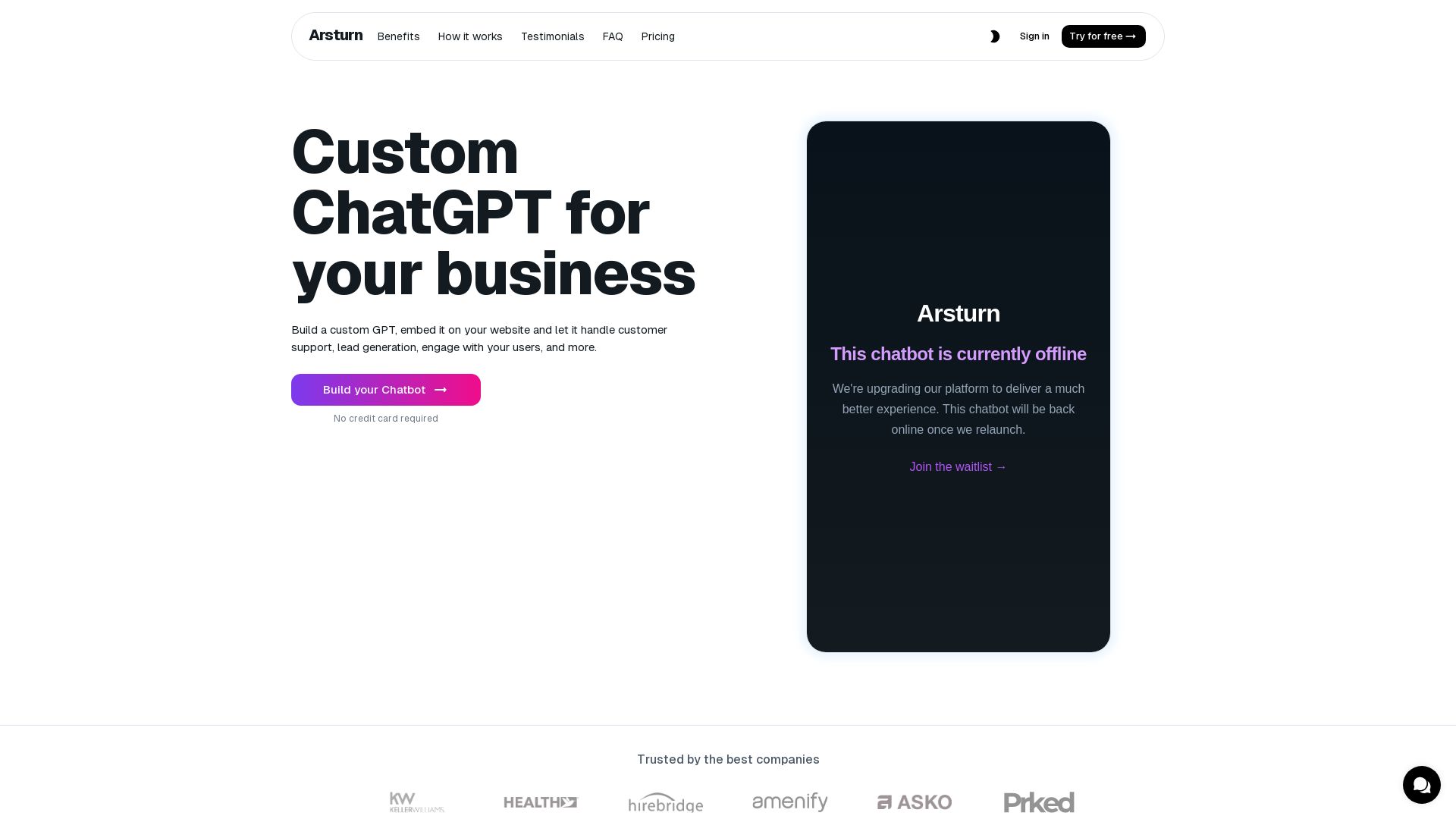
Arsturn
Build a custom GPT chatbot without coding. Train with your data, embed on website, boost engagement and lead generation. Free plan available.


PrometAI
Generate investor-ready business plans in minutes with PrometAI's AI. Trusted by 100,000+ founders. Start for free, no guesswork.

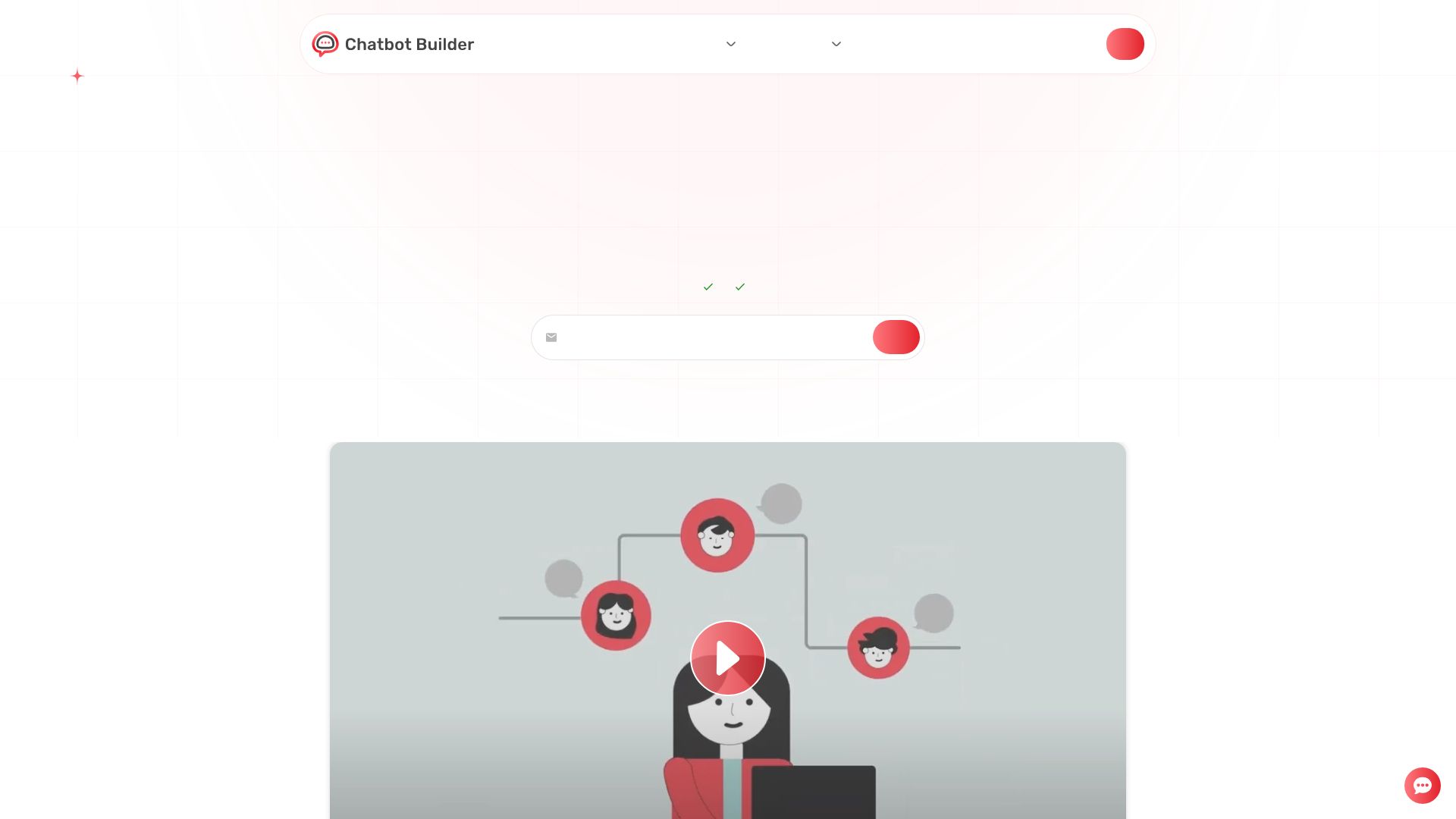
Chatbot Builder
Build an AI chatbot in minutes without coding. 24/7 customer support, sales automation, and seamless integrations. Start your free 14-day trial today!


Expo AI Chatbot
Build AI chatbot apps for iOS, Android & web with Expo SDK 54, AI SDK 5, voice, long-term memory, and more. Open-source codebase.


ChatBot
Train an AI agent on your website in minutes. Answer questions, recommend products, and close sales 24/7. Free 14-day trial, no credit card.

What is crewAI?
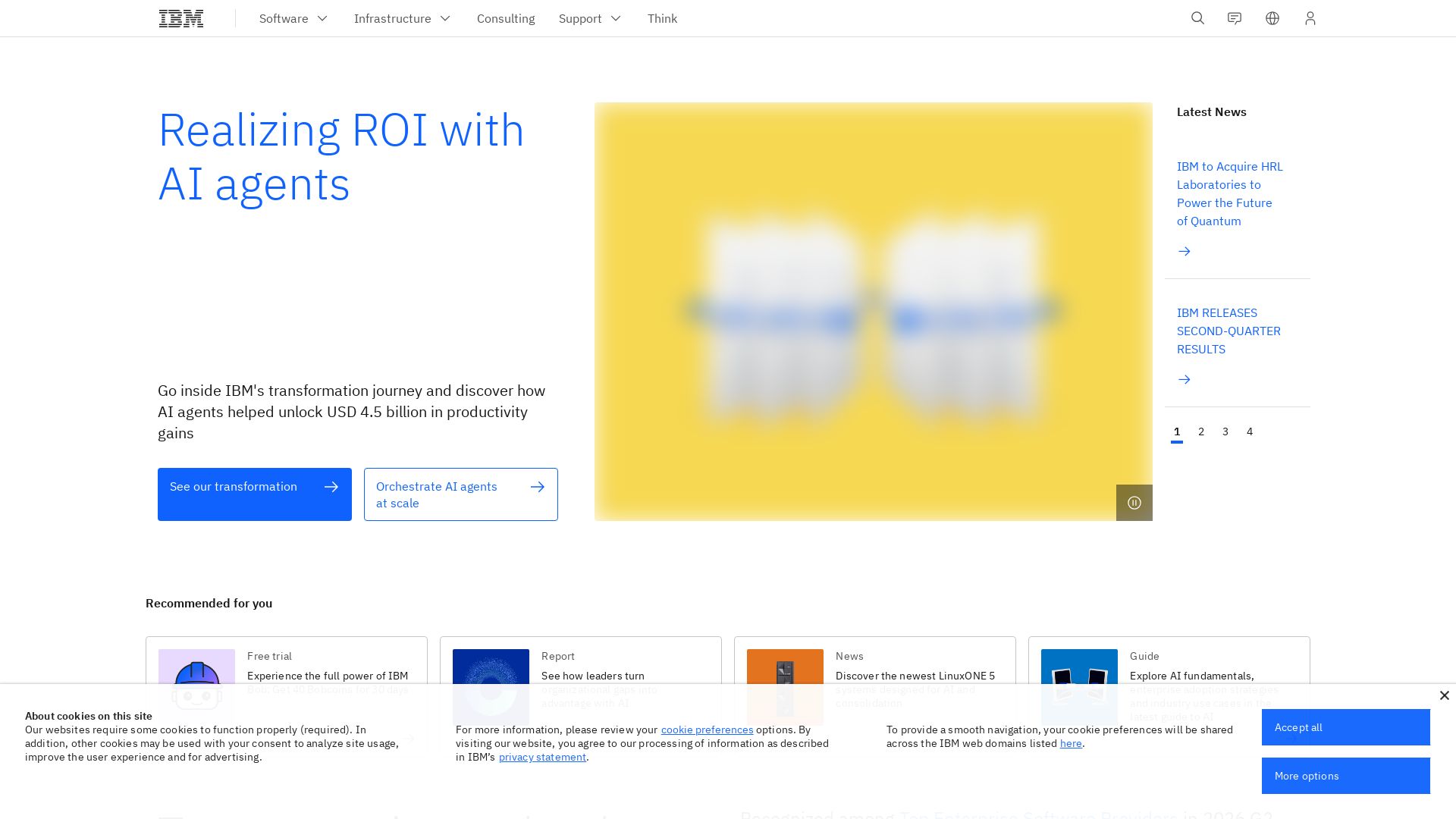
Discover how IBM's AI agents unlocked $4.5B in productivity gains. Explore watsonx, IBM Bob, and hybrid cloud to drive smarter business outcomes.

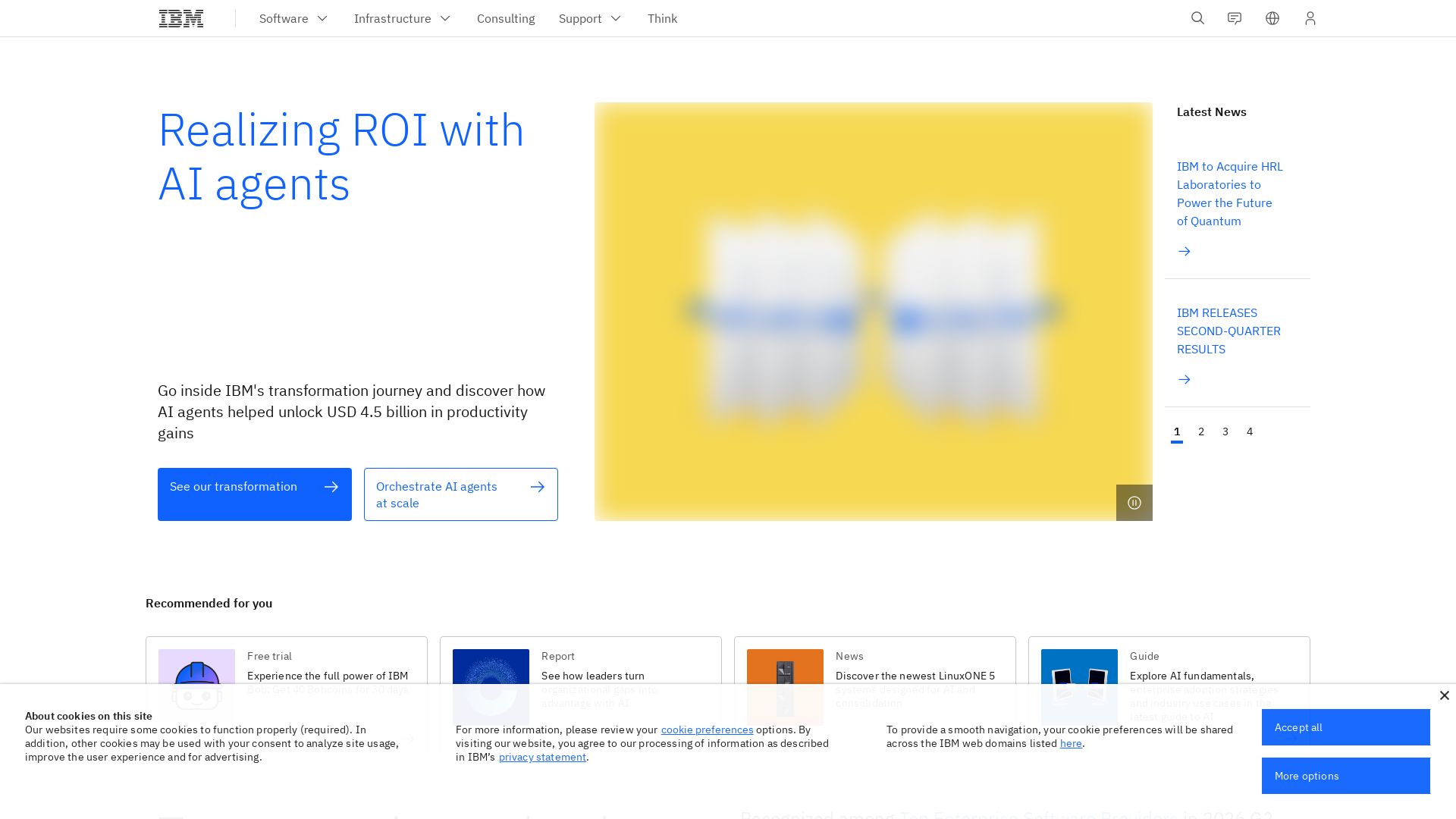
IBM
Discover how IBM's AI agents transformed operations, delivering $4.5 billion in productivity. Explore IBM Bob, watsonx Orchestrate, and more.

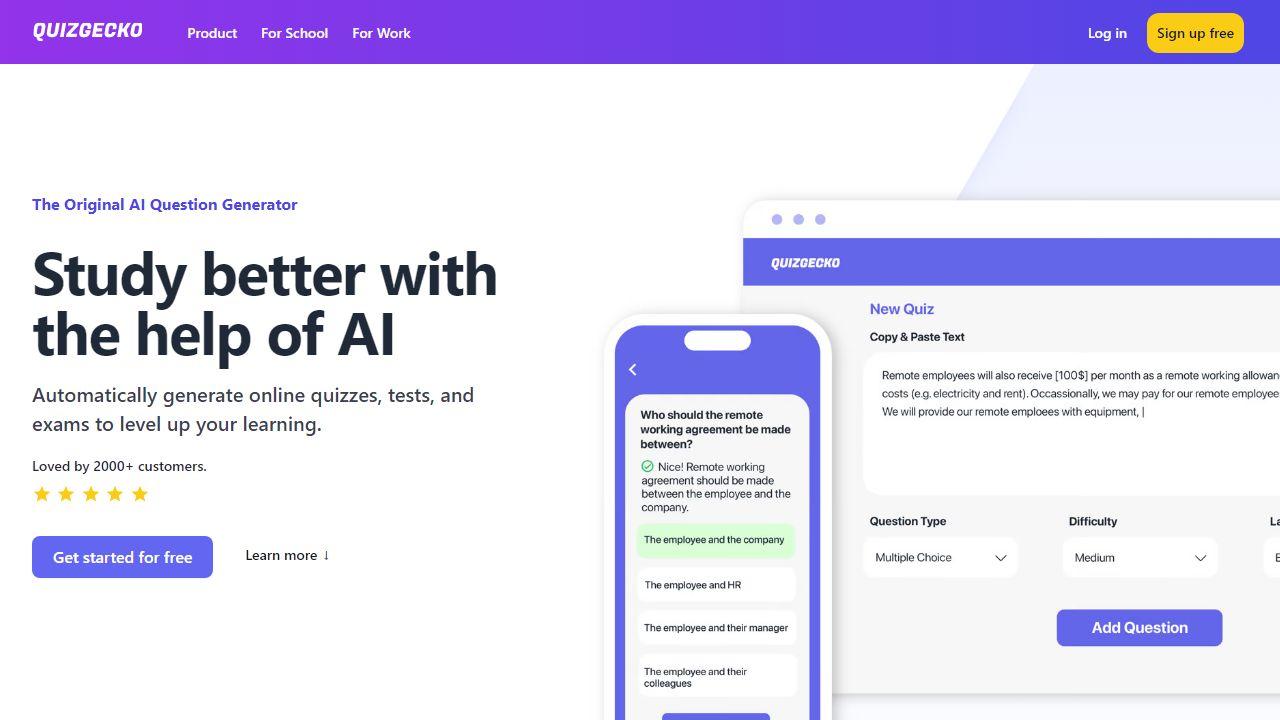
Pickaxe
Create, deploy, and sell custom AI agents with no coding. Branded portals, billing, and integrations built-in. Start free.

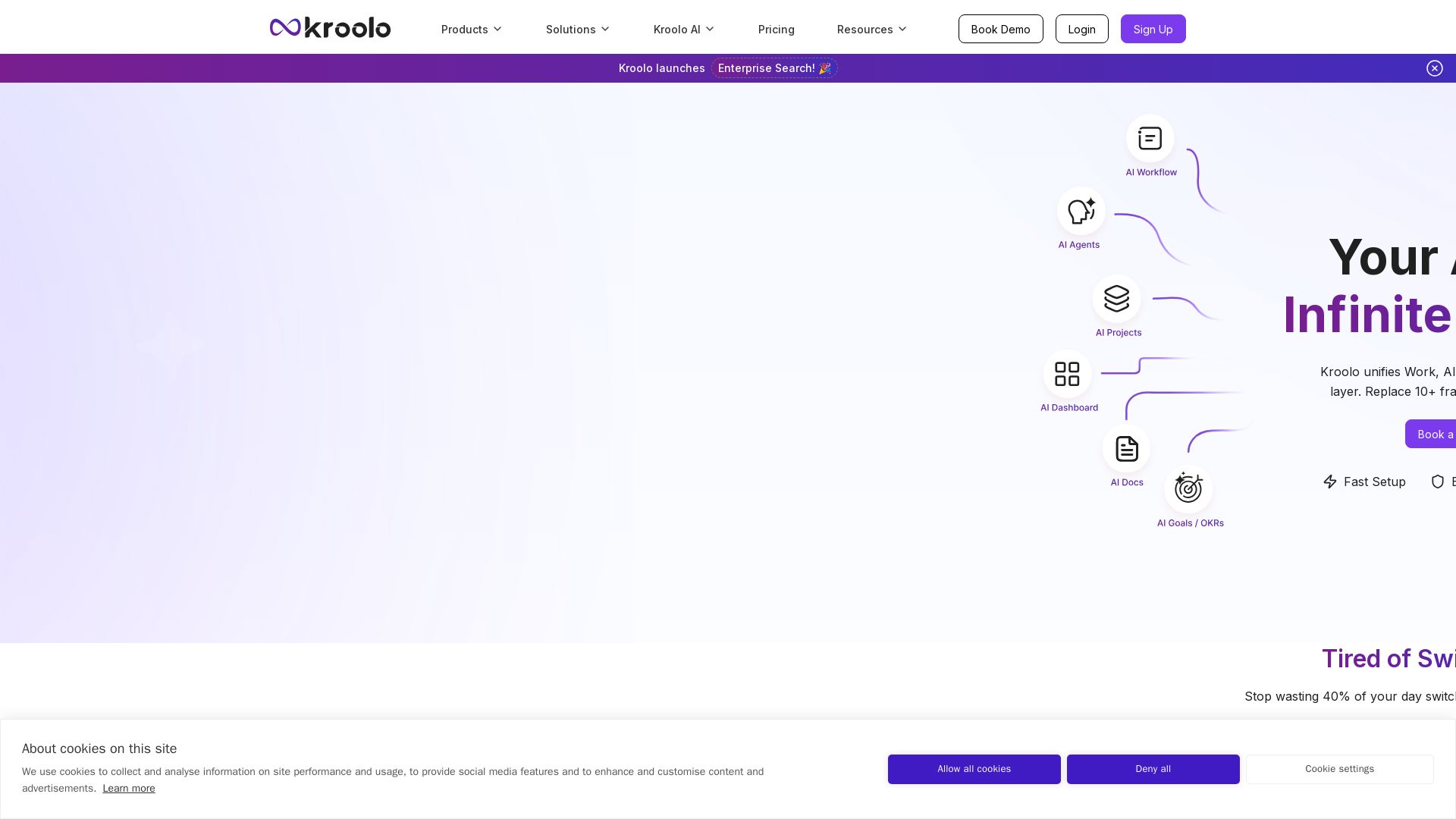
Kroolo
Replace 10+ fragmented apps with one AI-native platform. Kroolo unifies work, AI agents, and enterprise search to boost productivity up to 70%.


Cequence AI Gateway
Safely connect AI agents to business apps with enterprise-grade security, OAuth 2.1, and MCP. Unlock agentic AI productivity.

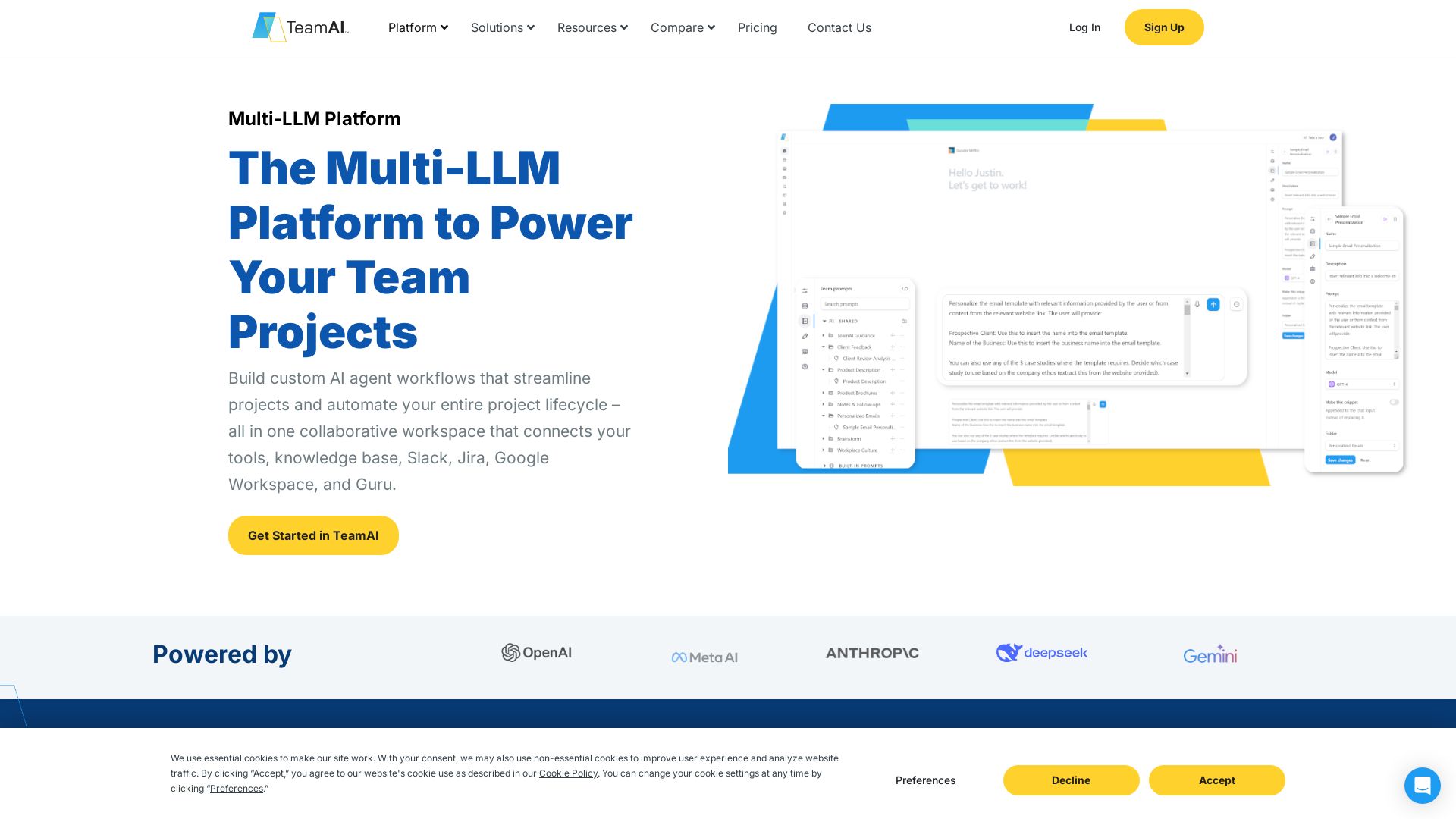
TeamAI
Build custom AI agents, automate workflows, and collaborate with top models in one workspace. Trusted by 1000+ businesses. Start free!

Thinkstack
Build custom AI chatbots with no code. Train on your data, deploy on any website, and automate support 24/7. Free plan available.
ℹ️ Curation Disclosure: The overview and features of Odin AI were synthesized using AI and fact-checked by our curation team to ensure accuracy.