
Pixelcut
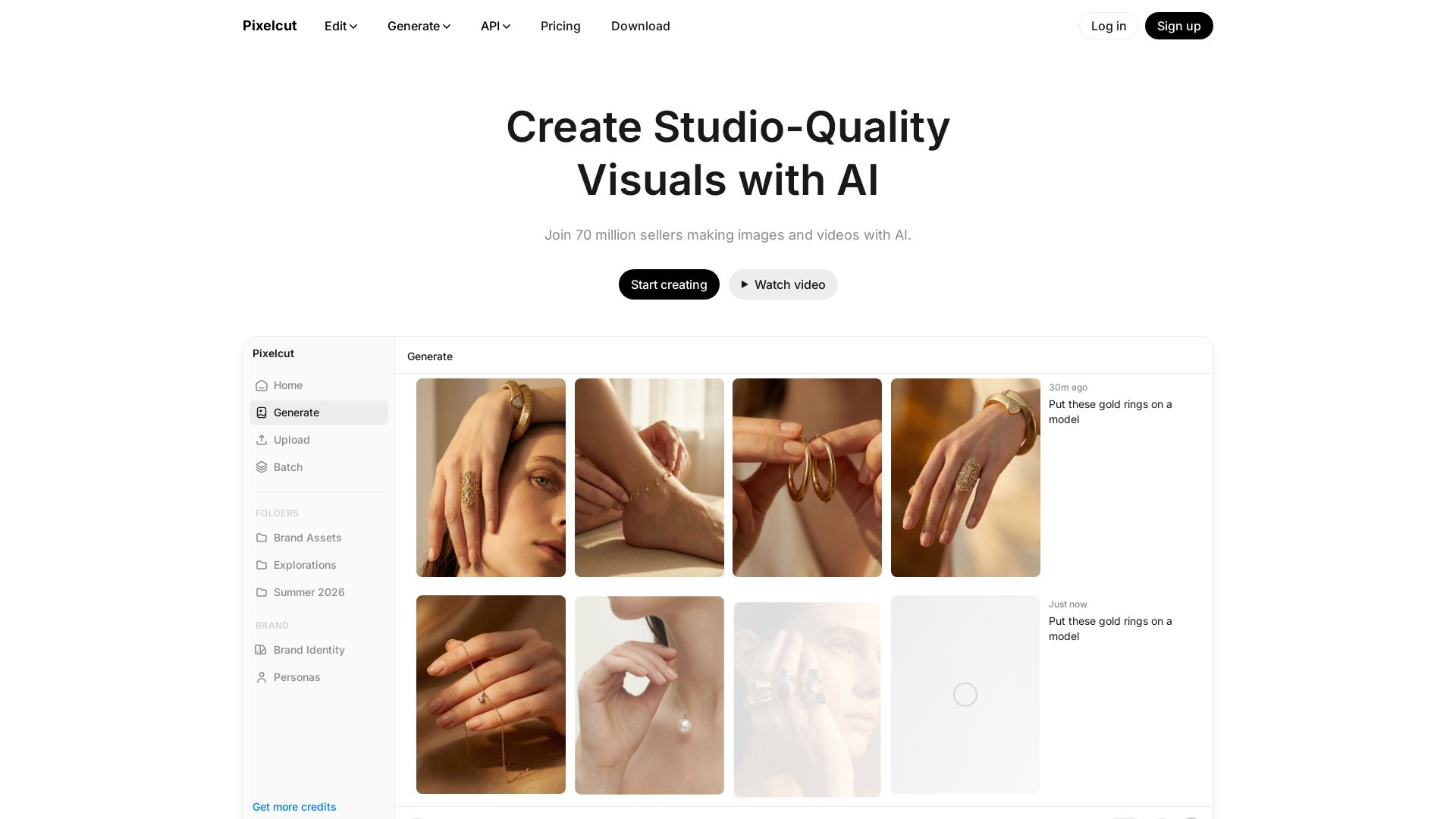
Create studio-quality images and videos with AI. Remove backgrounds, upscale, retouch, and generate consistent brand visuals. Join 70M+ creators.

Editor's Verdict
Key Takeaways
- Background Removal
- Upscale
- Expand
- Retouching
In-Depth Review: What is Pixelcut?
Pixelcut is an AI-driven creative workspace trusted by over 70 million creators, brands, and businesses. It enables users to generate, edit, and enhance images and videos with ease. Key features include ultra-high-quality background removal, upscaling up to 16x, generative fill, expand, retouch, and batch editing. It also offers perfect character and brand consistency across all visuals, making it ideal for product showcases, AI UGC ads, and persona creation. With intuitive prompts and powerful tools like Nano Banana Pro and Sora 2, Pixelcut delivers professional results without requiring special skills.
Core Features
Background Removal
Ultra-high quality, proprietary background removal for both image and video.
Upscale
High quality upscaling up to 16x resolution, choose from a range of models including Topaz.
Expand
Reframe your images using proprietary expand tool to extend beyond the edges of your frame.
Retouching
Precise AI retouch, can easily erase or edit using generative fill.
Shadows
Precise shadow generation for realistic product images.
Batch Editing
Perform edits across hundreds of files at once.
Character Consistency
Every image and video infused with deep understanding of your character and brand for on-brand images and videos.
Product Showcase
Bring your products to life with studio-grade imagery, generated with just a prompt.
AI UGC Ads
Create talking videos to promote your brand in seconds.
Personas
Create custom personas that can be consistent across your content.
AI Image Generator
Generate images using advanced AI models.
AI Video Generator
Generate videos using advanced AI models.
Pricing
Free
- Limited Background Removal
- Limited Upscale
- Free export without watermark
Pro
- 600 AI Credits Monthly
- Access all AI models
- Unlimited Background Removal
- Unlimited Upscale
- 3 Person Team
- 1,000 Batch Exports Monthly
- Commercial license
Business
- 3,600 AI Credits Monthly
- Access all AI models
- Unlimited Background Removal
- Unlimited Upscale
- 10 Person Team
- 2,000 Batch Exports Monthly
- Commercial license
Pro Yearly
- Same as Pro monthly but billed annually
- Save 20%
Business Yearly
- Same as Business monthly but billed annually
- Save 20%
Pros and Cons
Pros
- Easy to usePixelcut is easy to use, even for non-designers, with intuitive prompts and automated workflows.
- Saves time and moneyHelps small businesses create professional marketing materials quickly and affordably.
- Professional resultsStudio-quality visuals with advanced AI models like background removal and upscaling.
- Character consistencyMaintains brand identity across all images and videos with consistent character features.
- Batch editingEdit hundreds of files simultaneously, boosting productivity for large projects.
Cons
- Limited free planFree plan has limited background removal and upscale, and no credits for advanced AI models.
- Credit system complexityAdvanced AI features require credits, and different models consume varying amounts, which may confuse users.
- No offline modePixelcut is a web-based tool, requiring internet connection for all features.
- Learning curve for advanced featuresWhile basic use is easy, mastering all AI models and workflows may take time.
- Dependency on third-party modelsSome AI models are from partners, meaning availability and quality may fluctuate.
Use Cases & Recommended Professions
E-commerce seller→ View Toolkit
Create lifestyle shots for products, remove backgrounds, and upscale images for online listings.
Small business owner→ View Toolkit
Produce professional marketing materials, ads, and social media content without hiring a designer.
Content creator→ View Toolkit
Generate consistent visuals for videos and social media, including AI ads and character personas.
Marketer→ View Toolkit
Quickly produce on-brand images and videos for campaigns with batch editing and AI generation.
Photographer→ View Toolkit
Enhance photos with background removal, retouching, and upscaling for client delivery.
Graphic designer→ View Toolkit
Use advanced AI tools like generative fill and expand to speed up creative workflows.
Frequently Asked Questions
Alternative AI Tools
View Detailed Comparison →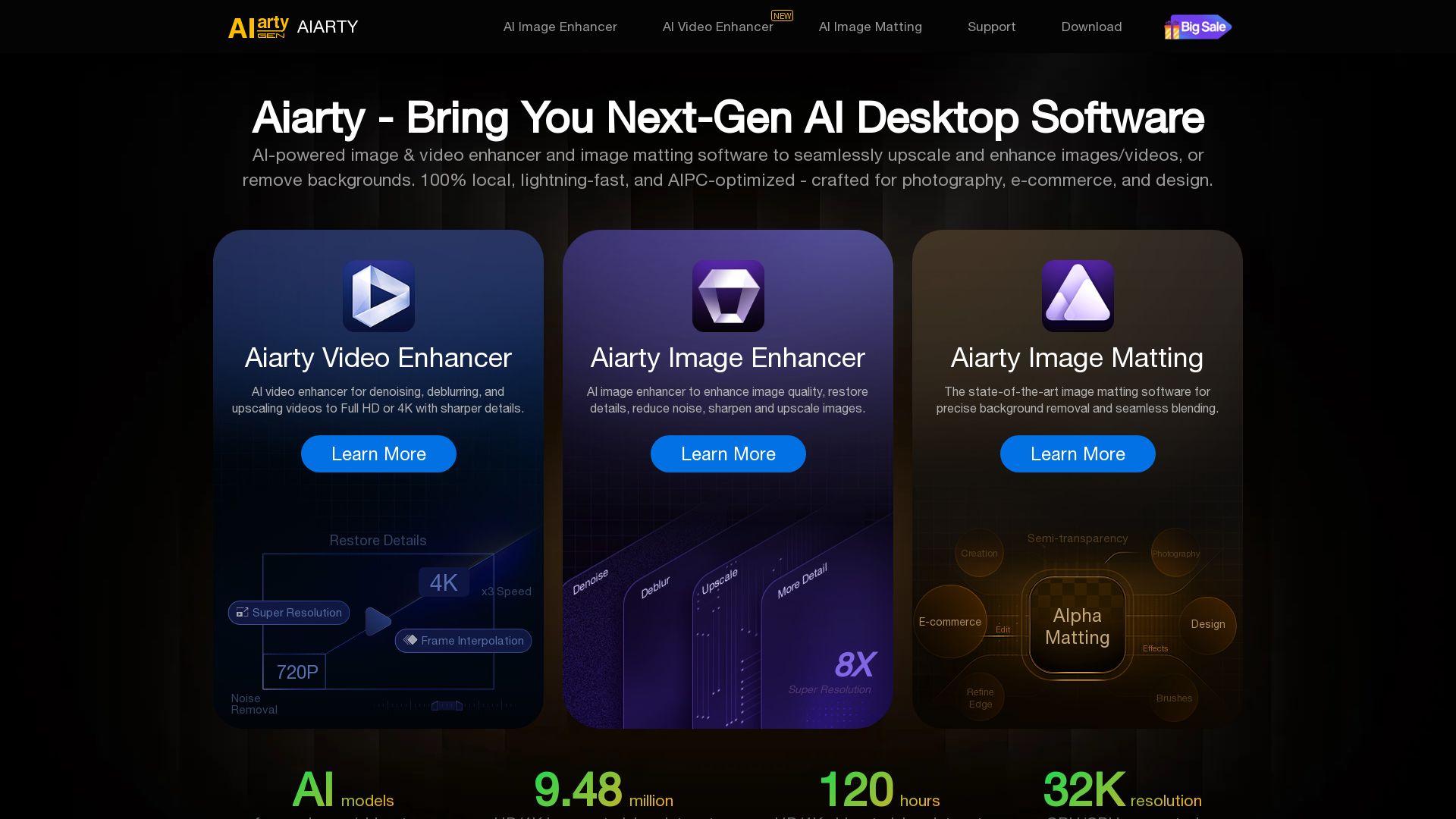
Aiarty
Upscale, enhance, and remove backgrounds with AI. Process images/video locally up to 32K. Denoise, deblur, restore details. Trusted by experts.


Superdesign
Create stunning designs with AI. Iterate quickly using natural language. Export production-ready code. Browse design prompts and styles.


Marketing Mary
Unify research, creation, publishing & optimization with one AI Co-Pilot. Works in your existing stack. Join 500+ leaders on the waitlist.


Figma
Figma is the intelligent, AI-native canvas for designing, prototyping, and building products together. Trusted by 95% of Fortune 500. Explore design and dev tools.


Marketing Titan
Replace HubSpot, ZoomInfo, Hootsuite & Jasper with 180+ AI agents & Darwin AI. Save $50K+/yr. Start free trial.

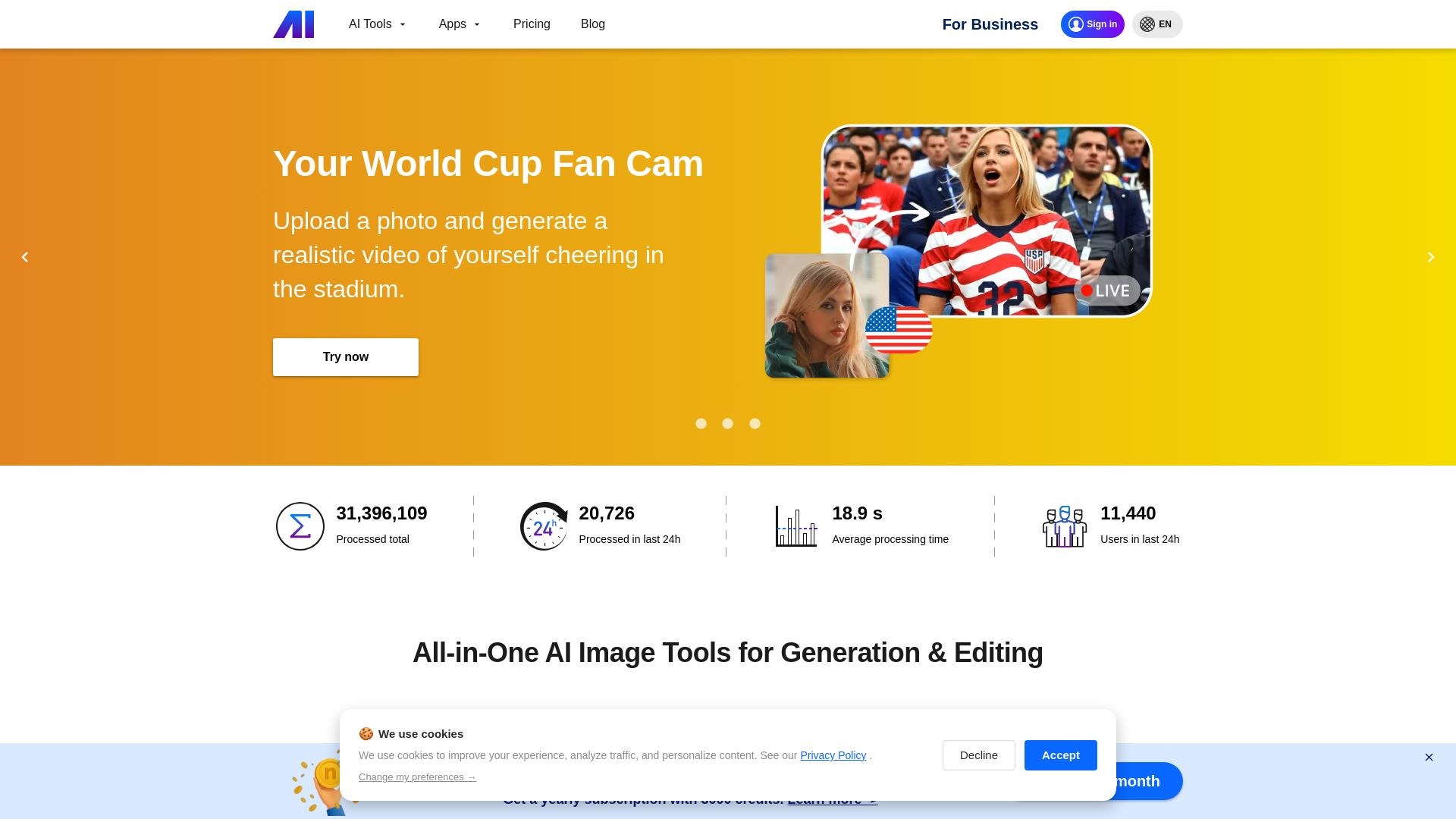
Nero AI
Upload photos, restore old images, upscale videos, generate AI effects. Free AI tools for designers, e-commerce, and more. Try now!

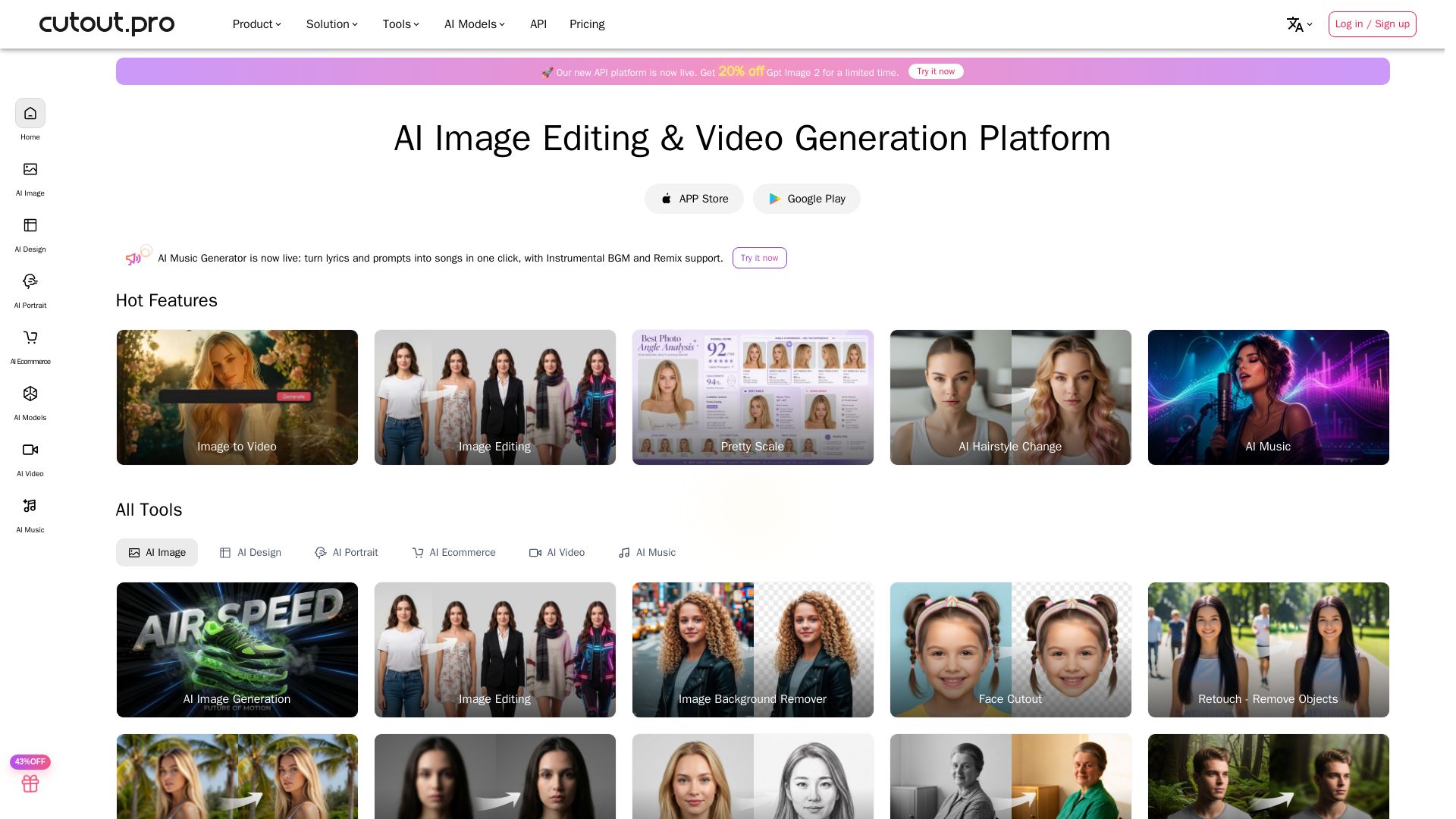
Cutout.Pro
Cutout.Pro offers AI image editing, video generation, background removal, and API integration. Trusted by 25K+ businesses. Get started for free.


Figma Console MCP
Connect AI to Figma for design extraction, token sync, and component creation. Turn your design system into a programmable API.


AIDesigner
Create premium UI, logos, brand kits, and more with AIDesigner. No design experience needed. Free to try, no credit card required. Join 15,000+ users.


Anima
Convert Figma designs, images, and code into live HTML/React apps. AI with design context for developers and agents.


UX Pilot
Ideate, design, and hand-off web apps in seconds with UX Pilot's AI. Generate wireframes, hi-fi designs, and clean code. Trusted by 1M+ users.


Icons8
Millions of icons, illustrations, photos, 3D models, music. AI tools: face swap, upscaler, background remover, human generator. Free Mac/Windows apps.

ℹ️ Curation Disclosure: The overview and features of Pixelcut were synthesized using AI and fact-checked by our curation team to ensure accuracy.
