
PhotoGrid
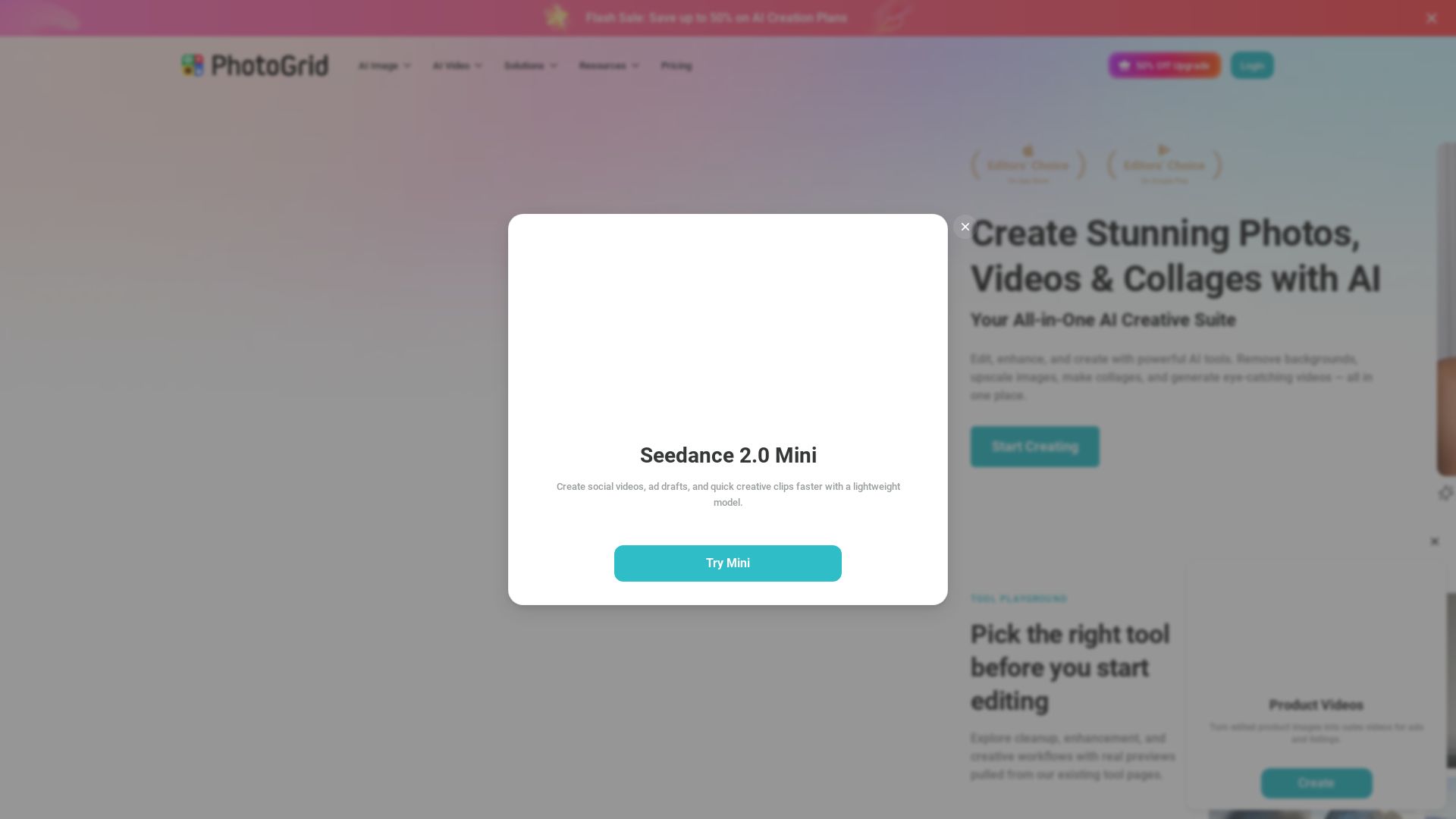
Transform photos and videos with AI. Remove backgrounds, upscale, create collages, and generate AI videos. Free online tool with 20,000+ templates.

Editor's Verdict
Key Takeaways
- AI Photo Editing
- AI Video Generation
- Collage Maker
- Generative AI Tools
In-Depth Review: What is PhotoGrid?
PhotoGrid is a comprehensive AI-powered creative platform that lets you edit photos, create collages, generate AI images and videos, and much more. With over 20,000 templates and powerful AI tools like background removal, image upscaling, and object removal, it simplifies editing for everyone. Trusted by millions, it's available online and as a mobile app.
Core Features
AI Photo Editing
Edit photos with powerful AI tools: remove backgrounds, upscale images, erase objects, restore photos, and more with one click.
AI Video Generation
Create eye-catching videos using AI: generate videos from text or images, apply effects, and edit seamlessly.
Collage Maker
Design stunning photo collages with thousands of ready-made layouts, adjustable grids, text, stickers, and backgrounds.
Generative AI Tools
Harness advanced generative AI for image creation, headshots, art, product videos, and more.
Template Library
Access over 20,000 templates for social media, holidays, e-commerce, and other creative projects.
Multi-device Access
Use PhotoGrid on mobile or desktop with cloud sync for projects across devices.
Pricing
Free
- Standard photo editing tools
- Basic collage & layout tools
- Selection of free templates
- 100 MB cloud storage
- Watermarked exports
VIP
- 180 credits/month
- Up to ~180 AI-generated images per month
- Up to ~18 AI-generated videos per month
- Access to Core AI Models
- Unlimited Fast AI Editing
- No Watermark Downloads
- Batch Edit up to 10 Images
- 1,000 Cloud Projects
- Commercial Usage Rights
- Multi-device Access
Pro
- 500 credits/month
- Up to ~500 AI-generated images per month
- Up to ~50 AI-generated videos per month
- Access to All AI Models
- Unlimited Fast AI Editing
- Priority Processing
- Faster Generation Queue
- Batch Edit up to 20 Images
- 5,000 Cloud Projects
- Commercial Usage Rights
- Early Access to New Features
Ultra
- 2,000 credits/month
- Up to ~2000 AI-generated images per month
- Up to ~200 AI-generated videos per month
- Priority Access to New AI Models
- Unlimited Fast AI Editing
- Fastest Processing Priority
- Highest Generation Capacity
- Batch Edit up to 50 Images
- 30,000 Cloud Projects
- Commercial Usage Rights
- Priority Access to New Features
- Premium Customer Support
Pros and Cons
Pros
- All-in-One Creative SuiteCombines photo editing, video generation, collage making, and AI tools in one platform, eliminating the need for multiple apps.
- AI AutomationPowerful AI automates complex tasks like background removal, object erasure, and upscaling, saving time and effort.
- User-FriendlyDesigned for all skill levels with intuitive interfaces and one-click solutions, no professional experience needed.
- Extensive Template LibraryOver 20,000 templates provide instant inspiration for social media posts, collages, and marketing materials.
- Free Tier AvailableA free plan offers essential tools and templates, allowing users to explore the platform before committing.
Cons
- Watermark on Free PlanFree plan exports include watermarks, which may be distracting for professional use.
- Credit-Based SystemAI generation is credit-limited, requiring careful usage or additional purchases for heavy users.
- Limited Cloud Storage on FreeFree plan includes only 100 MB cloud storage, insufficient for large projects.
- Advanced Features Behind PaywallHigher-tier features like batch editing and priority processing require paid plans.
- AI Quality VariabilityAI-generated results may vary and sometimes require manual adjustments to meet expectations.
Use Cases & Recommended Professions
Social Media Manager→ View Toolkit
Need to create engaging visuals and videos quickly for multiple platforms; PhotoGrid's templates and AI tools speed up content production.
E-commerce Seller→ View Toolkit
Require product images with clean backgrounds, promotional videos, and collages; AI background remover and video generator simplify the process.
Graphic Designer→ View Toolkit
Can leverage AI for rapid prototyping, background removal, and generating assets, while the collage maker aids in layout design.
Content Creator→ View Toolkit
Needs versatile tools to produce photos, videos, and collages for blogs and social media; PhotoGrid offers an all-in-one solution.
Marketer→ View Toolkit
Must create professional marketing materials like ads and social posts; AI headshot and product video tools save time and resources.
Photographer→ View Toolkit
Benefits from AI photo restoration, upscaling, and editing features to enhance and retouch images efficiently.
Frequently Asked Questions
Alternative AI Tools
View Detailed Comparison →
Flow AI Video Generator
Create stunning 4K AI videos with Flow AI Video. Text-to-video, image-to-video, multi-shot storytelling. Get 50% OFF now!

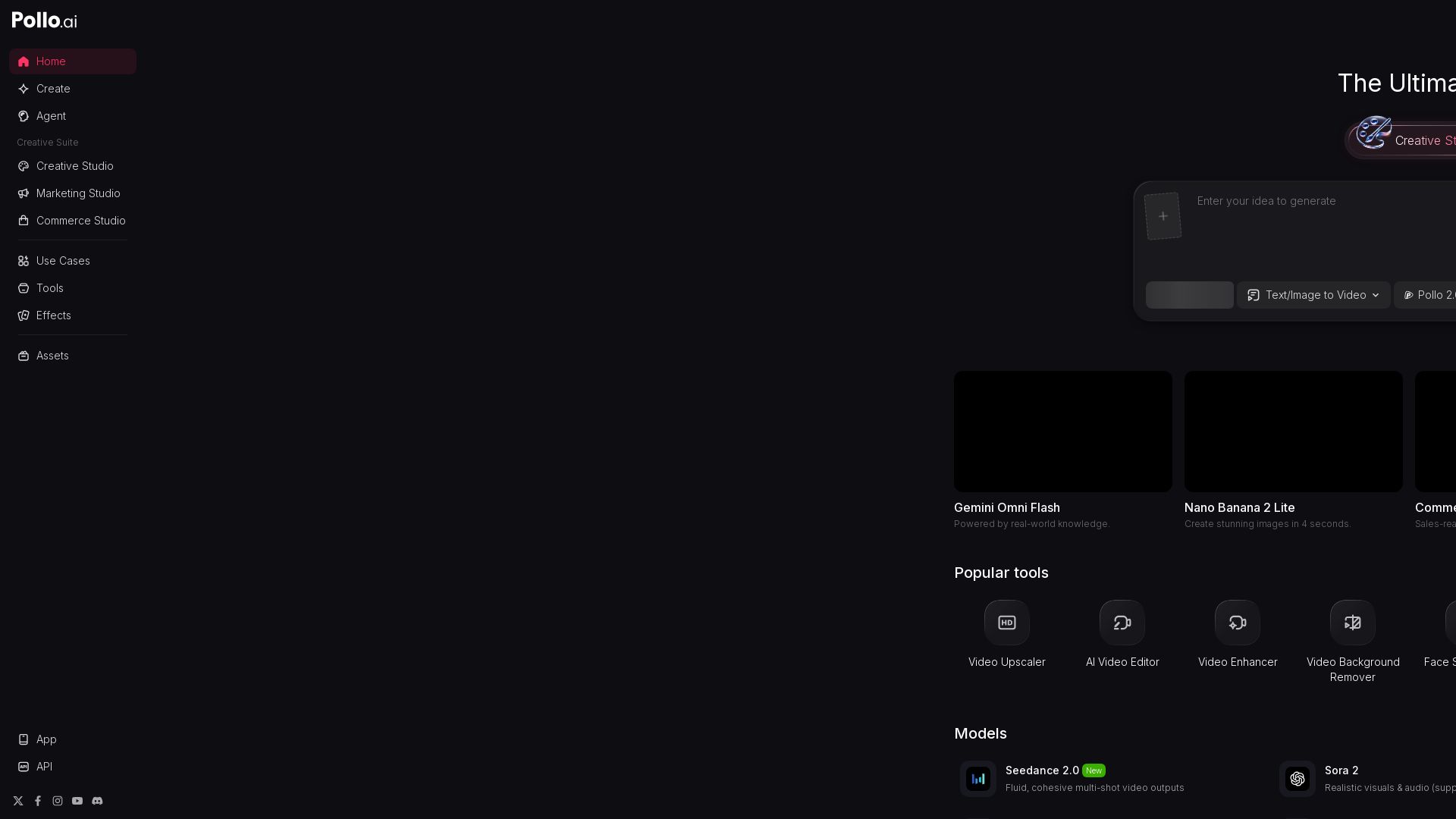
Pollo AI
Create stunning AI videos and images with Pollo.ai. Tools for video generation, editing, upscaling, and marketing. Models like Pollo 2.5, Sora 2, Kling 3.0.

Digen AI
Create stunning AI videos in seconds. Generate from text, images, lip sync, and more. Explore tools like video upscaler, watermark remover, and FPS booster.


Gen AI Video Generator
Create stunning AI videos and images with 90+ models including Google VEO 3, Sora 2, Seedance 2.0. Text-to-video, image-to-video, photo editing on iOS.

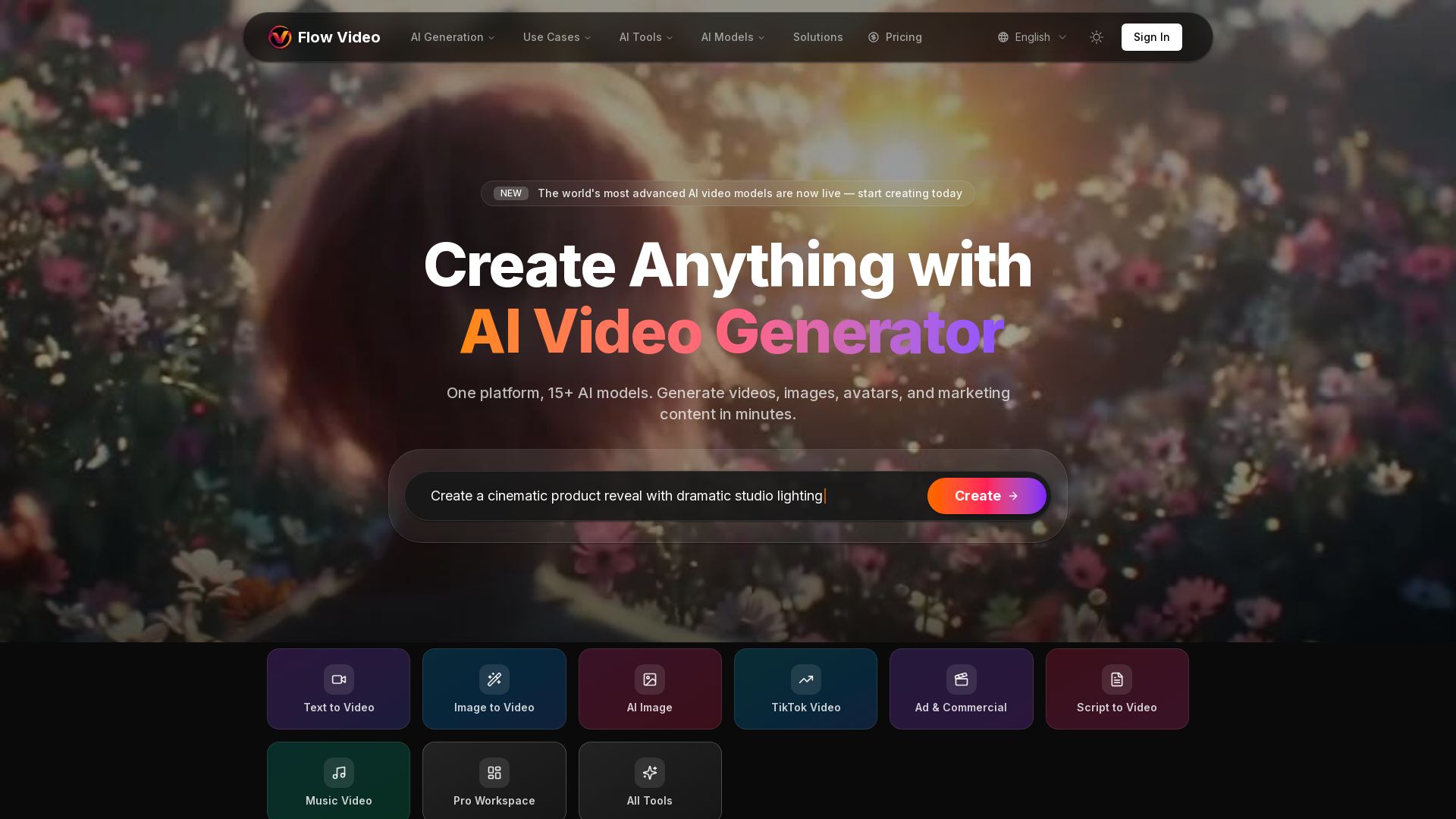
Flow Video AI
Create stunning AI videos, images, and marketing content with 15+ models. Text to video, image to video, and more. Start free!


Figma
Figma is the intelligent, AI-native canvas for designing, prototyping, and building products together. Trusted by 95% of Fortune 500. Explore design and dev tools.


Superdesign
Create stunning designs with AI. Iterate quickly using natural language. Export production-ready code. Browse design prompts and styles.


Marketing Mary
Unify research, creation, publishing & optimization with one AI Co-Pilot. Works in your existing stack. Join 500+ leaders on the waitlist.


AI Video - AI Video Generator
Create animated videos from text or images with AI. Drag-and-drop editing, lip-sync, HD export. No skills needed. Download free!

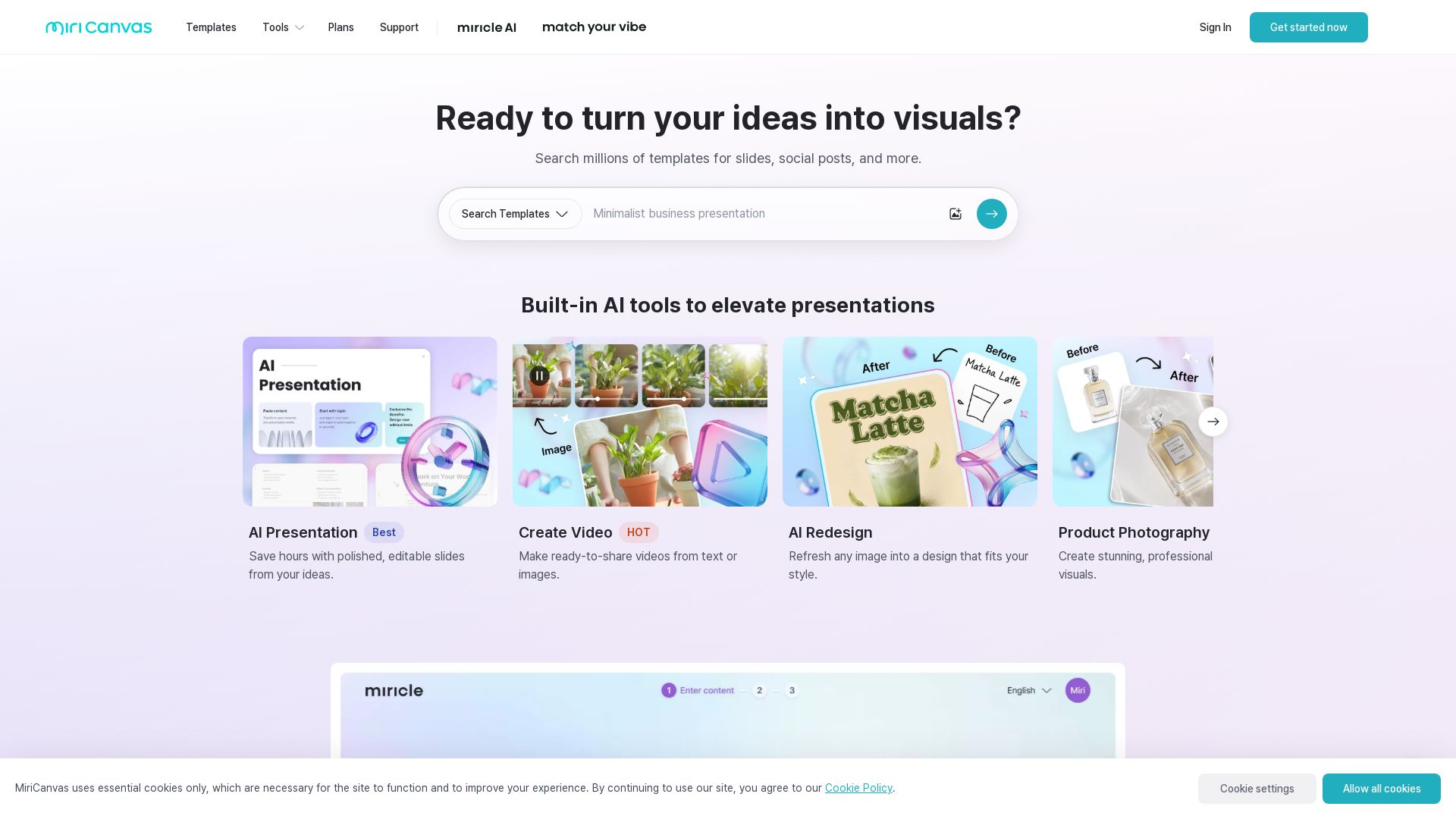
MiriCanvas
Create stunning presentations, videos, and social graphics with MiriCanvas AI. Over 530K templates, 10M+ elements. Try free!

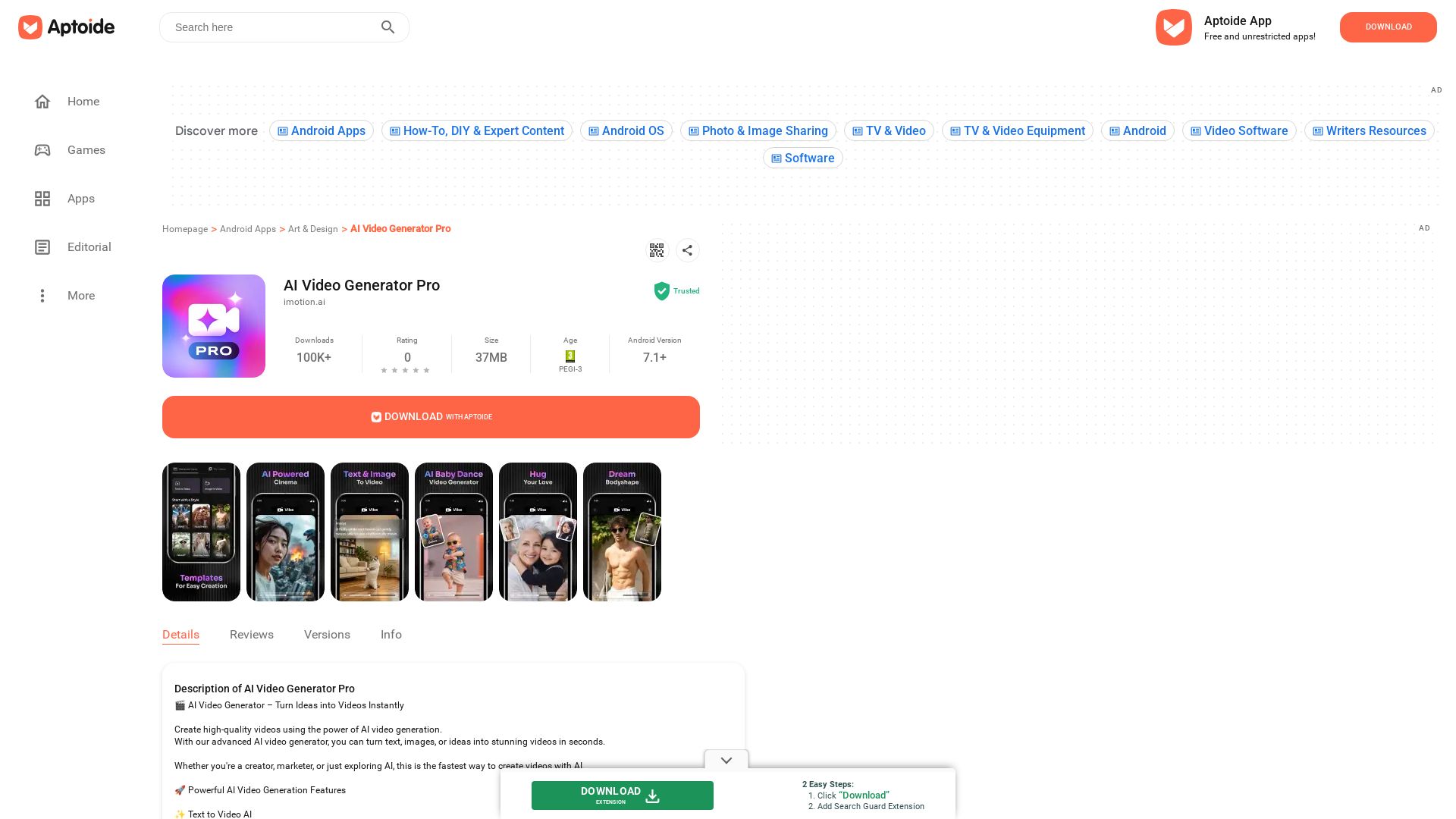
AI Video Generator Pro
Download free Android apps and games with cashback rewards. Discover AI Video Generator Pro and millions of apps. Trusted by 100K+ downloads.

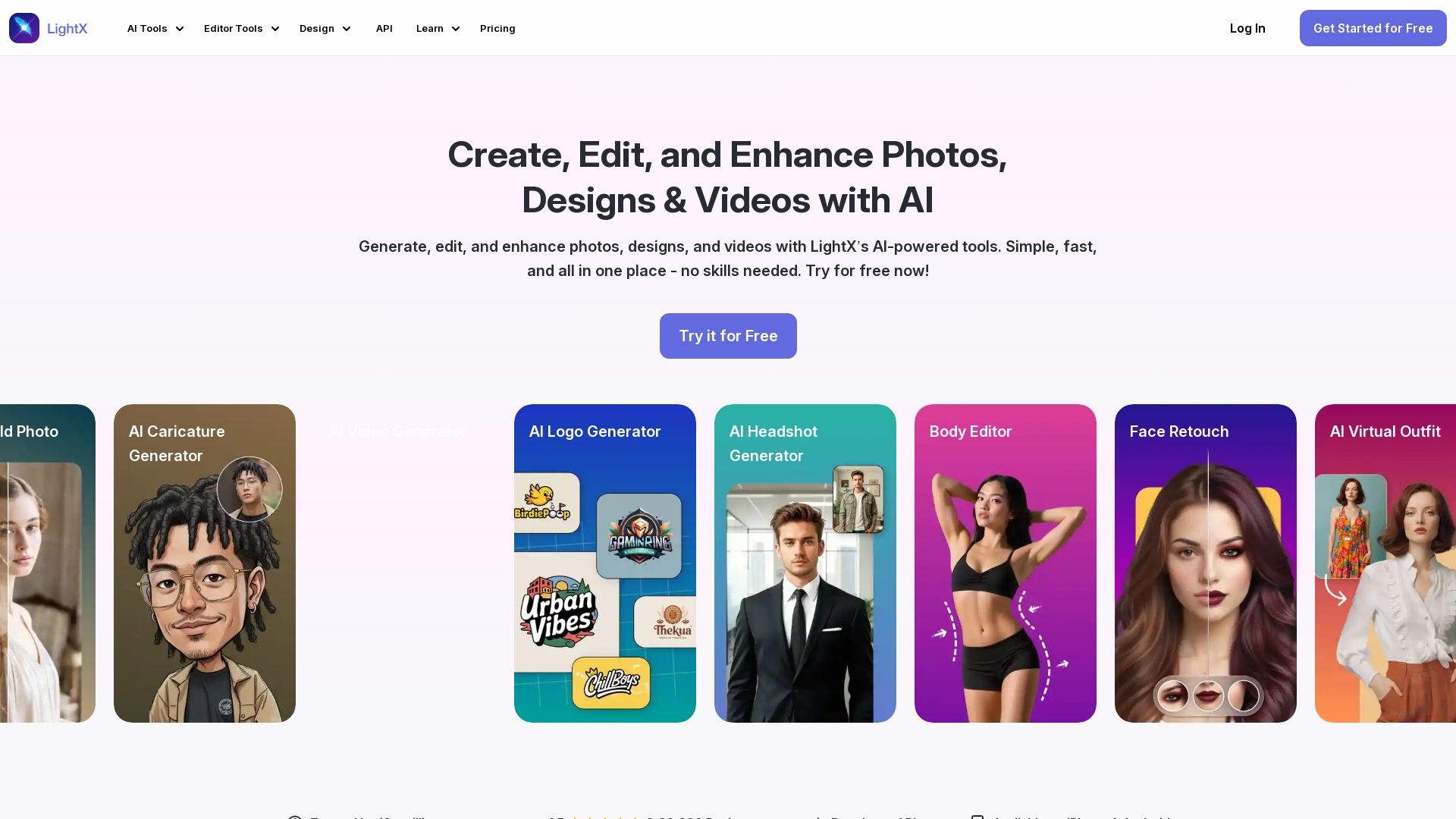
LightX
Edit photos, design logos, and create videos with LightX's AI-powered tools. 80+ free online tools for headshots, retouching, background removal, and more.

ℹ️ Curation Disclosure: The overview and features of PhotoGrid were synthesized using AI and fact-checked by our curation team to ensure accuracy.
