
LightX
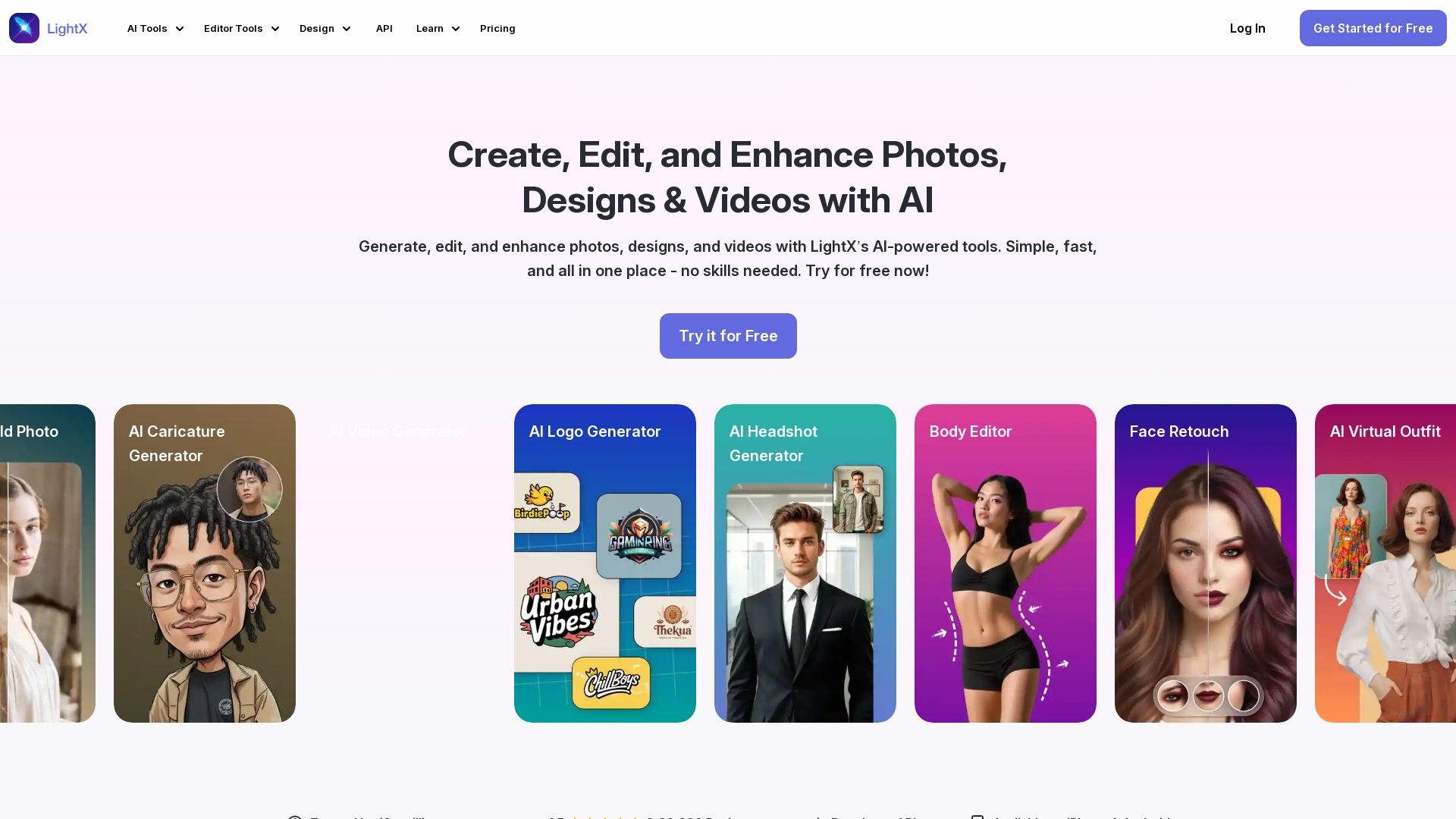
Edit photos, design logos, and create videos with LightX's AI-powered tools. 80+ free online tools for headshots, retouching, background removal, and more.



Editor's Verdict
Key Takeaways
- AI Headshot Generator
- Body Editor
- Face Retouch
- AI Virtual Outfit
In-Depth Review: What is LightX?
LightX is an all-in-one AI-powered platform for photo editing, graphic design, and video creation. It offers over 80 tools, including AI headshot generator, body editor, face retouch, virtual outfit try-on, background removal, old photo restoration, caricature generator, video generator, and logo maker. Trusted by over 10 million creators, it provides easy-to-use solutions for both beginners and professionals, with free daily credits and affordable subscription plans. Available on web and mobile.
Core Features
AI Headshot Generator
Create unique AI professional headshots with perfect lighting, framing, and background.
Body Editor
Refine body shape naturally while keeping curves and proportions perfectly balanced.
Face Retouch
Achieve realistic AI portrait retouching to bring out your best look.
AI Virtual Outfit
Try on clothes virtually with AI to see yourself in new styles for a perfect style preview.
Remove Background
Quickly remove image backgrounds with precise edges and clean results.
Restore Old Photo
Repair faded or torn old photos online for free with clear details.
AI Caricature Generator
Turn any photo into fun, playful art with an AI caricature generator.
AI Video Generator
Generate professional videos from text or images with smooth transitions using AI.
AI Logo Generator
Get custom AI logo designs instantly for a modern and standout brand identity.
AI Photo Editor
All-in-one online photo editor for touch-ups, restoration, background removal, and more.
AI Design
Design logos, T-shirts, posters, packaging, and more with easy-to-use AI tools.
AI Product Photoshoot
Create studio-quality product images for e-commerce without leaving home.
Generative AI
Generate images from text, replace elements, expand photos, and more with generative AI.
Image to Video
Convert static images into dynamic videos with AI motion effects.
Pricing
Starter
- 5 daily free AI credits
- Generate up to 5 images daily
- Access to photo editor tools
- Access to free design and video templates
- Access to free assets
- Create templates in all social sizes
- Cloud storage up to 1GB
- Royalty-free images
- Export up to 512px resolution
- JPG format
- Watermark on projects
- Basic editing
- Remove background (JPG, Low Resolution)
- Limited access to Body Editor, Face Retouch, Face Expression, Face Reshape, AI Clean Up
- Remove watermark up to 2 images
- Remove text up to 2 images
- Photo restoration up to 2 images
- Generative AI up to 5 credits
- AI Image Generator up to 1 image
- AI Headshot up to 2 headshots
- AI Virtual Outfit up to 2 outfit changes
- AI Hairstyle up to 2 hairstyle changes
- AI Design Generator up to 1 generation
- AI Avatar up to 2 avatars
- AI Upscale up to 2 images
- AI Expand up to 2 images
- AI Replace up to 2 images
- Access to free templates only
- Free assets access
- Limited folder and project creation
- 1GB storage
Pro Subscription
- 1000 AI credits monthly
- Generate up to 500 images monthly
- Access to all AI Tools
- Unlimited access to 100+ Photo Editing Tools
- Generate up to 10 videos monthly
- Unlimited access to remove and change background
- Access to all premium design and video templates
- Unlimited access to all assets
- No watermark on projects
- Unlimited cloud storage
- Create multiple projects and folders
- Export up to 4096px resolution
- JPG and PNG formats
- No watermark
- Full access to Body Editor, Face Retouch, Face Expression, Face Reshape, AI Clean Up
- Remove watermark up to 500 images
- Remove text up to 500 images
- Photo restoration up to 500 images
- Generative AI up to 1000 credits
- AI Image Generator up to 200 images
- AI Headshot up to 500 headshots
- AI Virtual Outfit up to 500 outfit changes
- AI Hairstyle up to 500 hairstyle changes
- AI Design Generator up to 200 generations
- AI Avatar up to 500 avatars
- AI Upscale up to 500 images
- AI Expand up to 500 images
- AI Replace up to 500 images
- Access to all premium design and video templates
- Unlimited access to all assets
- Multiple projects and folder creation
- Unlimited storage
AI Credits
- 1000 AI credits
- Generate up to 500 images
- Access to all premium AI tools
- Generate up to 10 videos
- No watermark
- Lifetime validity
Pros and Cons
Pros
- User-Friendly InterfaceLightX is very user-friendly and does everything you'd want from a photo editor, with intuitive controls suitable for beginners and professionals.
- Comprehensive AI ToolsOffers a wide range of AI-powered tools for photo editing, design, video generation, and more, all in one platform.
- Affordable Pricing OptionsProvides a free starter plan with daily credits and reasonably priced premium plans, including a 7-day free trial.
- Responsive Customer SupportThe support team is wonderfully receptive to suggestions and functional issues, as noted by multiple users.
- Cross-Platform AvailabilityAvailable on iPhone, Android, and web, with an API for developers, ensuring flexibility across devices.
Cons
- Limited Free FeaturesThe free starter plan has significant limitations, including watermarks, low-resolution exports, and only 5 daily AI credits.
- Credit-Based SystemAI credits can be restrictive for heavy users; additional credits must be purchased separately.
- Mobile App Sync IssuesSome users may experience credits not appearing in the mobile app after purchase, requiring support assistance.
- No Offline ModeThe app requires an internet connection for all AI-powered features, limiting usage in low-connectivity areas.
- Learning Curve for Advanced ToolsWhile basic editing is easy, some advanced AI features may require experimentation to master.
Use Cases & Recommended Professions
E-commerce Seller→ View Toolkit
Create studio-quality product photos, remove backgrounds, and enhance images to boost sales without expensive equipment.
Social Media Manager→ View Toolkit
Quickly edit photos, generate logos and caricatures, and create engaging video content for social media posts.
YouTuber→ View Toolkit
Generate thumbnails, edit face and body, and create video content without needing high-end PCs for advanced editing.
Graphic Designer→ View Toolkit
Design logos, posters, and marketing materials with AI assistance, saving time on repetitive tasks.
Photographer→ View Toolkit
Retouch portraits, restore old photos, and apply artistic effects to enhance professional portfolios.
Content Creator→ View Toolkit
Generate AI avatars, caricatures, and virtual outfits for unique and engaging content across platforms.
Frequently Asked Questions
Alternative AI Tools
View Detailed Comparison →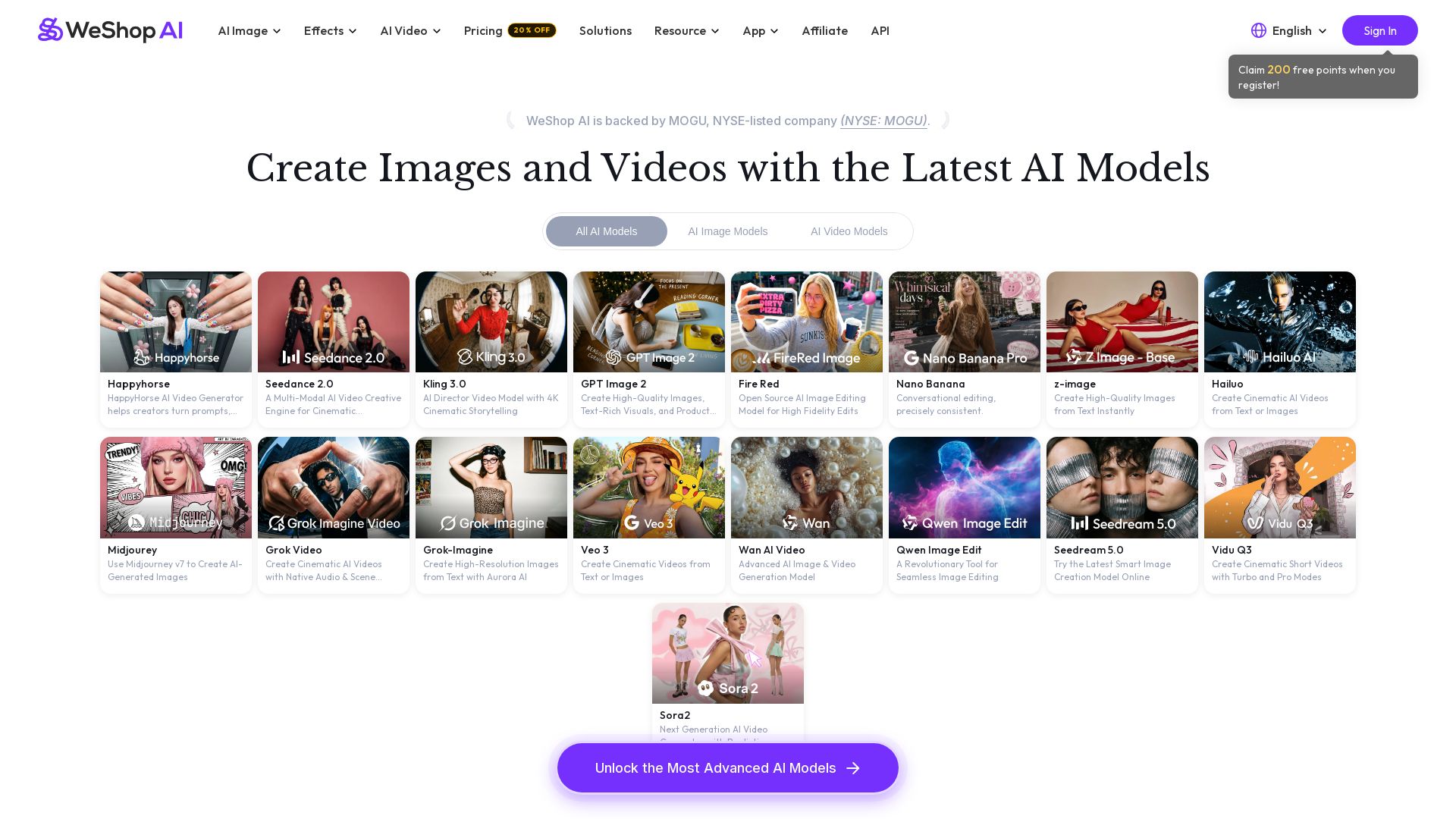
WeShop AI
Generate high-quality AI images and videos using top models like Midjourney, Kling, and Seedance. Try virtual try-on, AI fashion models, and more. Trusted by 3M+ users. Start with 200 free points!

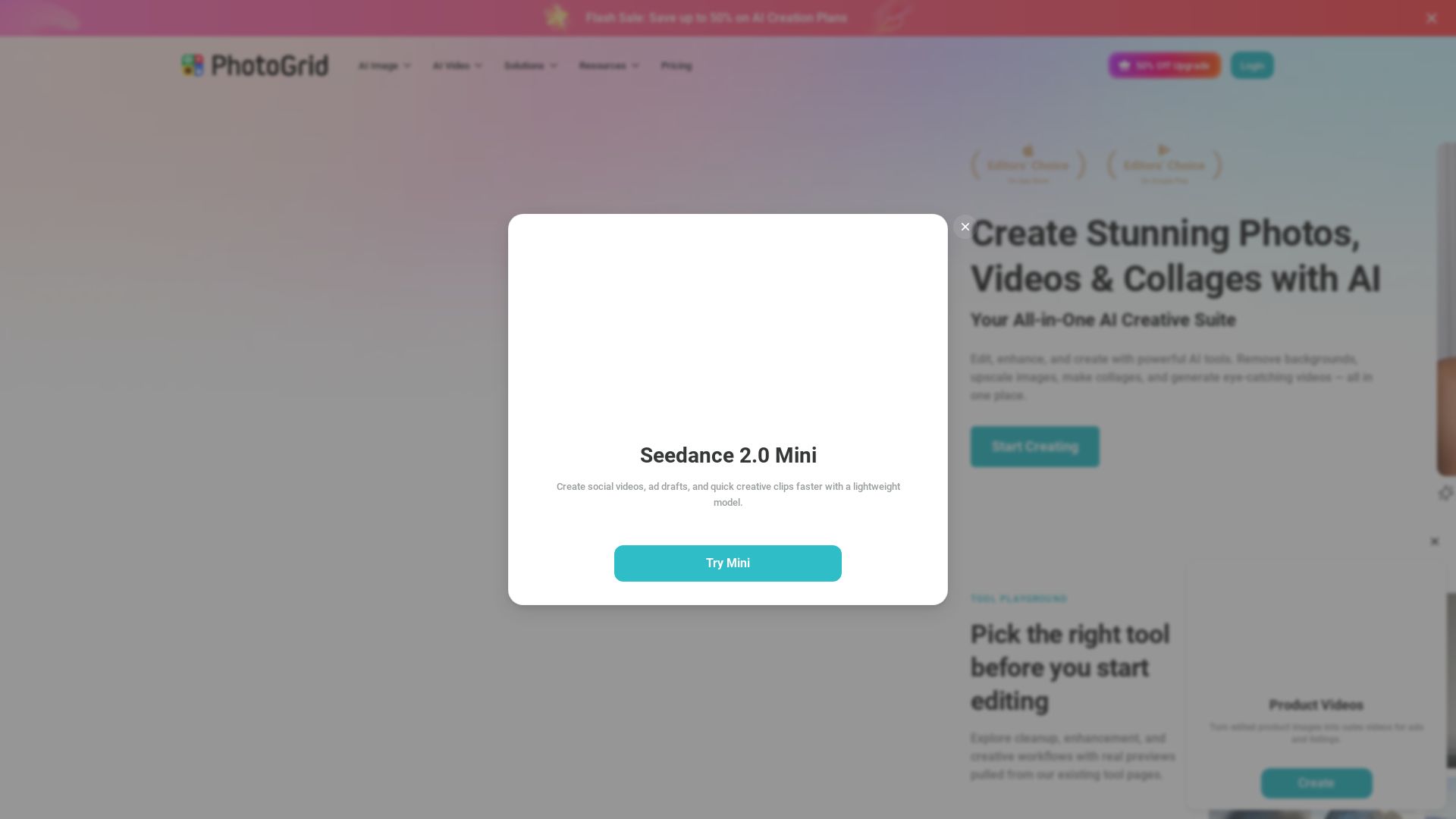
PhotoGrid
Transform photos and videos with AI. Remove backgrounds, upscale, create collages, and generate AI videos. Free online tool with 20,000+ templates.


Superdesign
Create stunning designs with AI. Iterate quickly using natural language. Export production-ready code. Browse design prompts and styles.


SeaArt AI
Turn ideas into stunning images and cinematic videos with SeaArt AI. Free tools, community, and advanced models like Seedance 2.0.

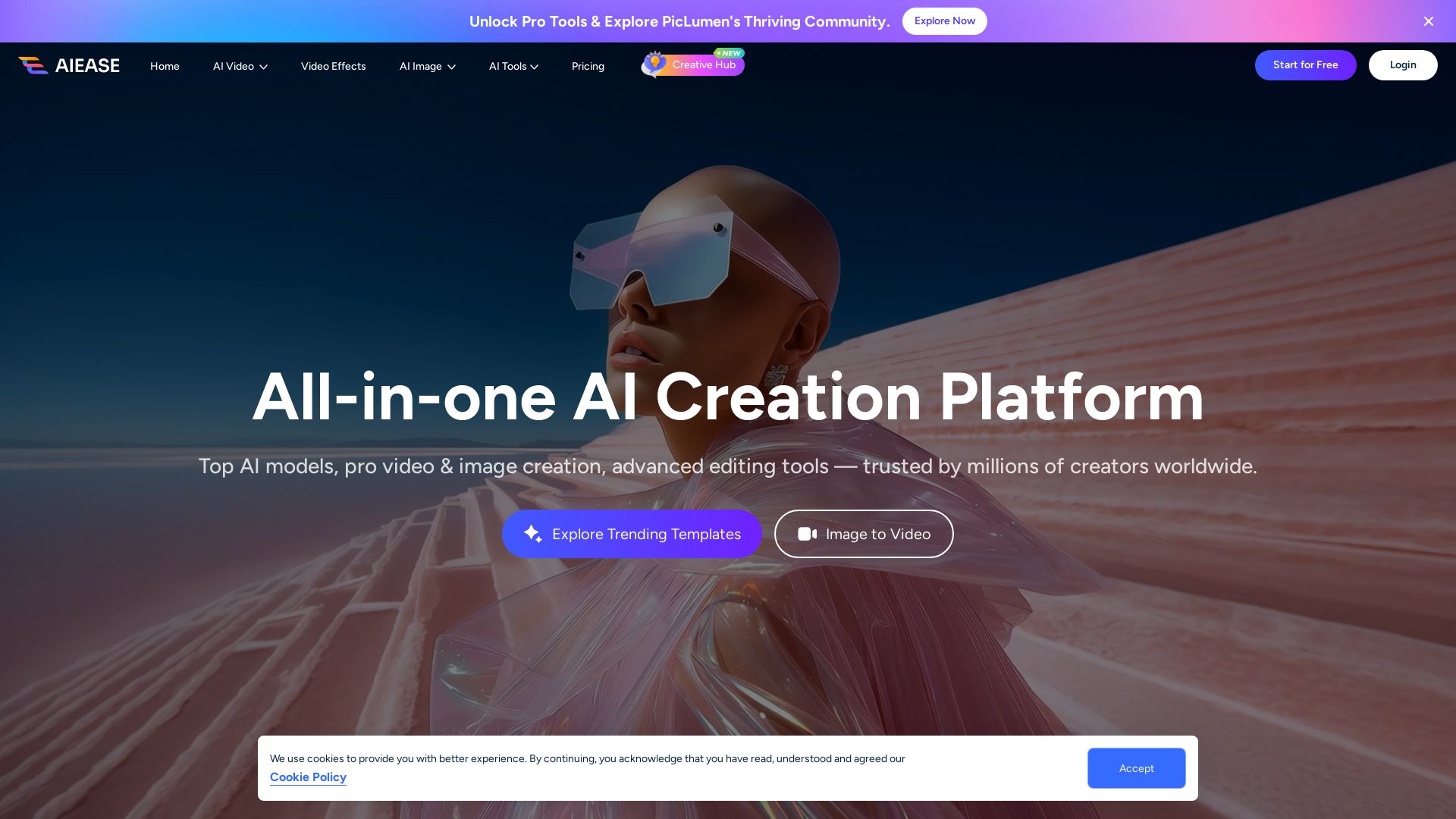
AI Ease
Create stunning AI videos and images with top models. Free tools for text-to-video, image generation, editing, and more. Trusted by millions.

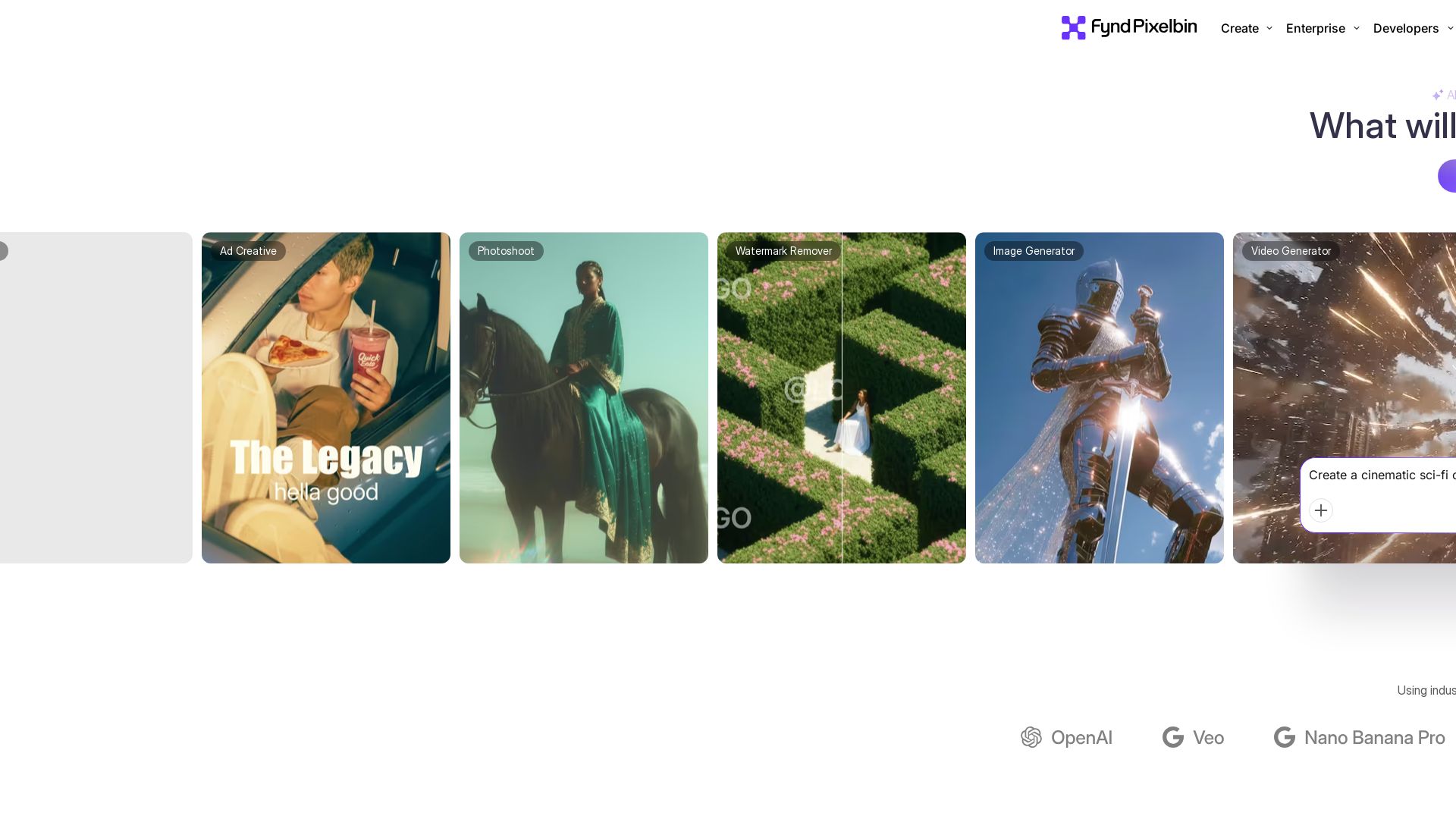
Pixelbin AI Studio
Create stunning visuals with Pixelbin's AI tools: image editing, video generation, upscaling, batch processing. Trusted by 58M+ users. Free to start.

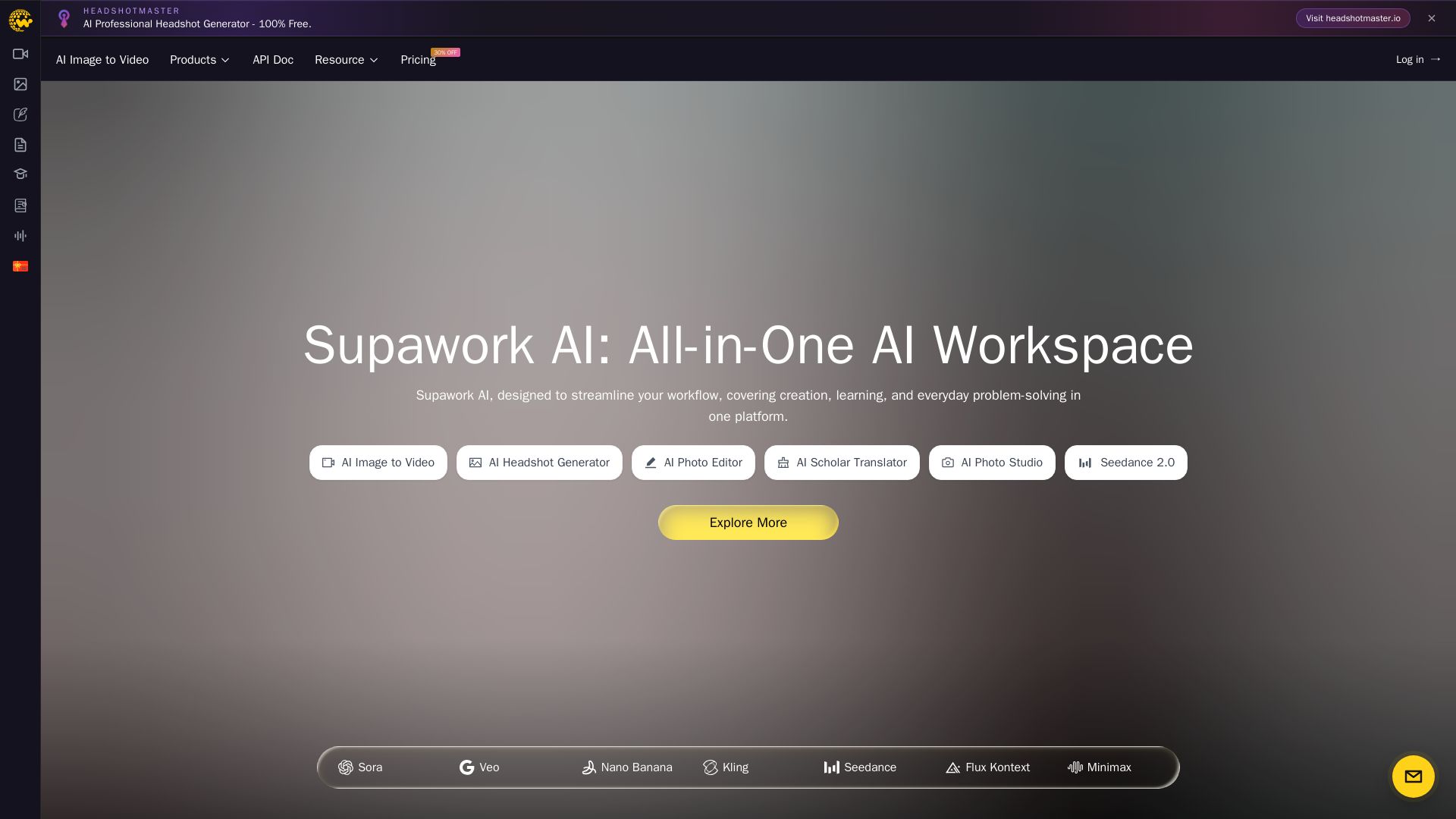
Supawork AI
Create stunning AI headshots, videos, and effects. Free tools for creators, filmmakers, and professionals. Visit headshotmaster.io.

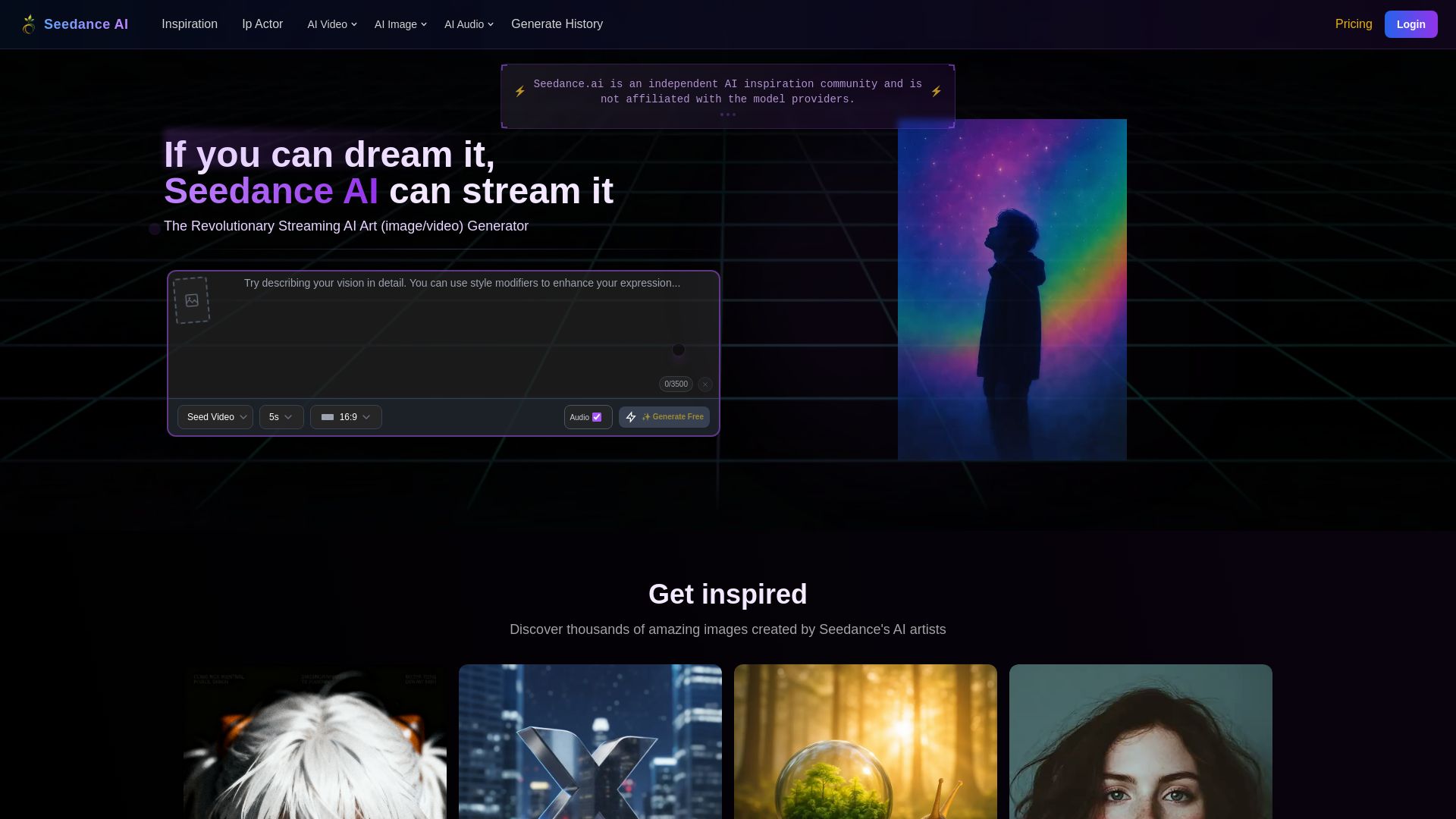
Seedance AI
Create stunning AI images and videos for free. Join millions of artists in the Seedance community. Generate, share, and explore AI art.

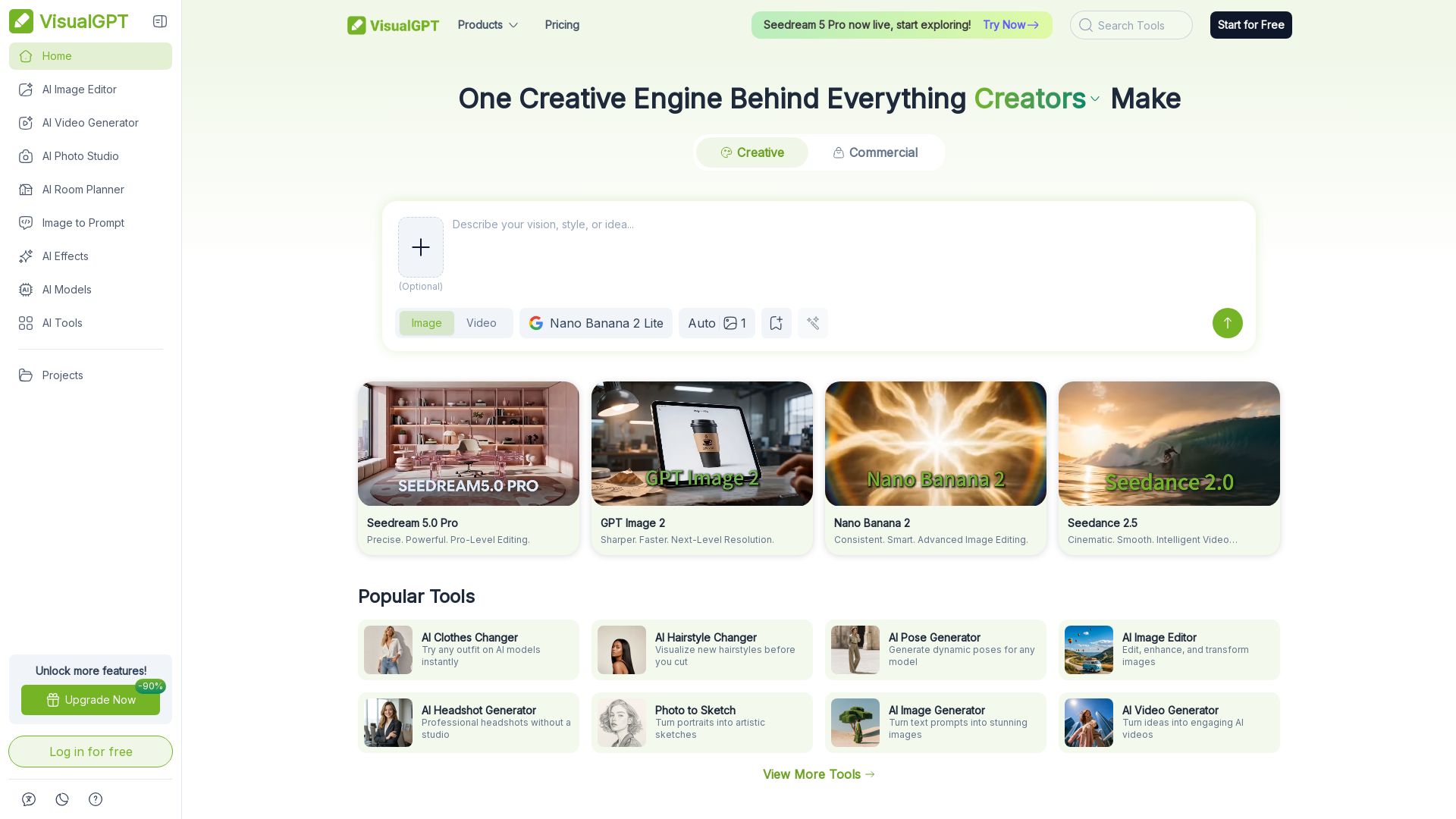
VisualGPT
Create stunning AI images, videos, and portraits. Trusted by 800+ organizations. Try the #1 AI creative suite for free.

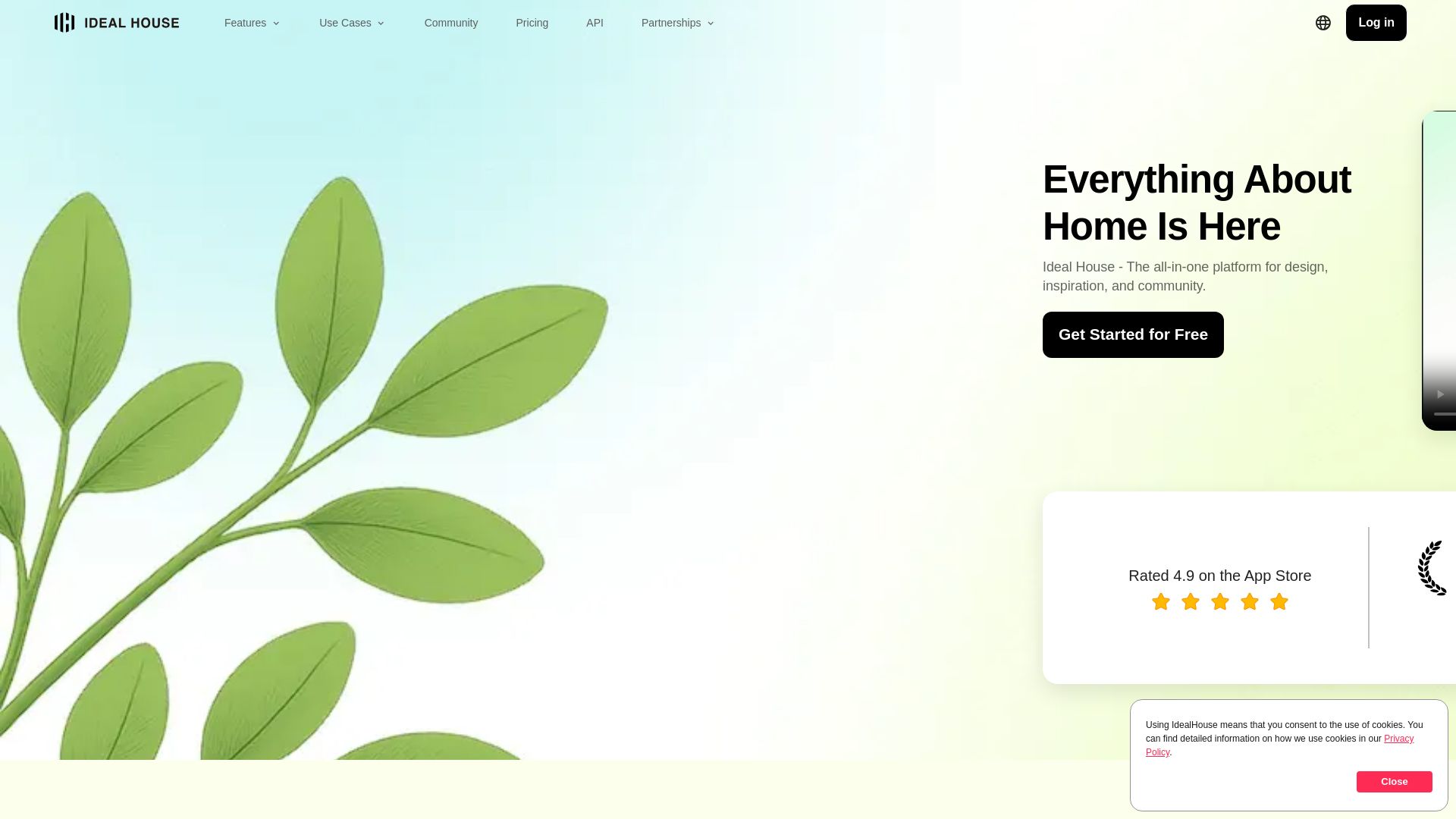
Ideal House
Transform your home with AI tools for interior remodeling, landscaping, and floor plans. Get inspired, design, and visualize your dream space in seconds. Join 3.12M+ users.

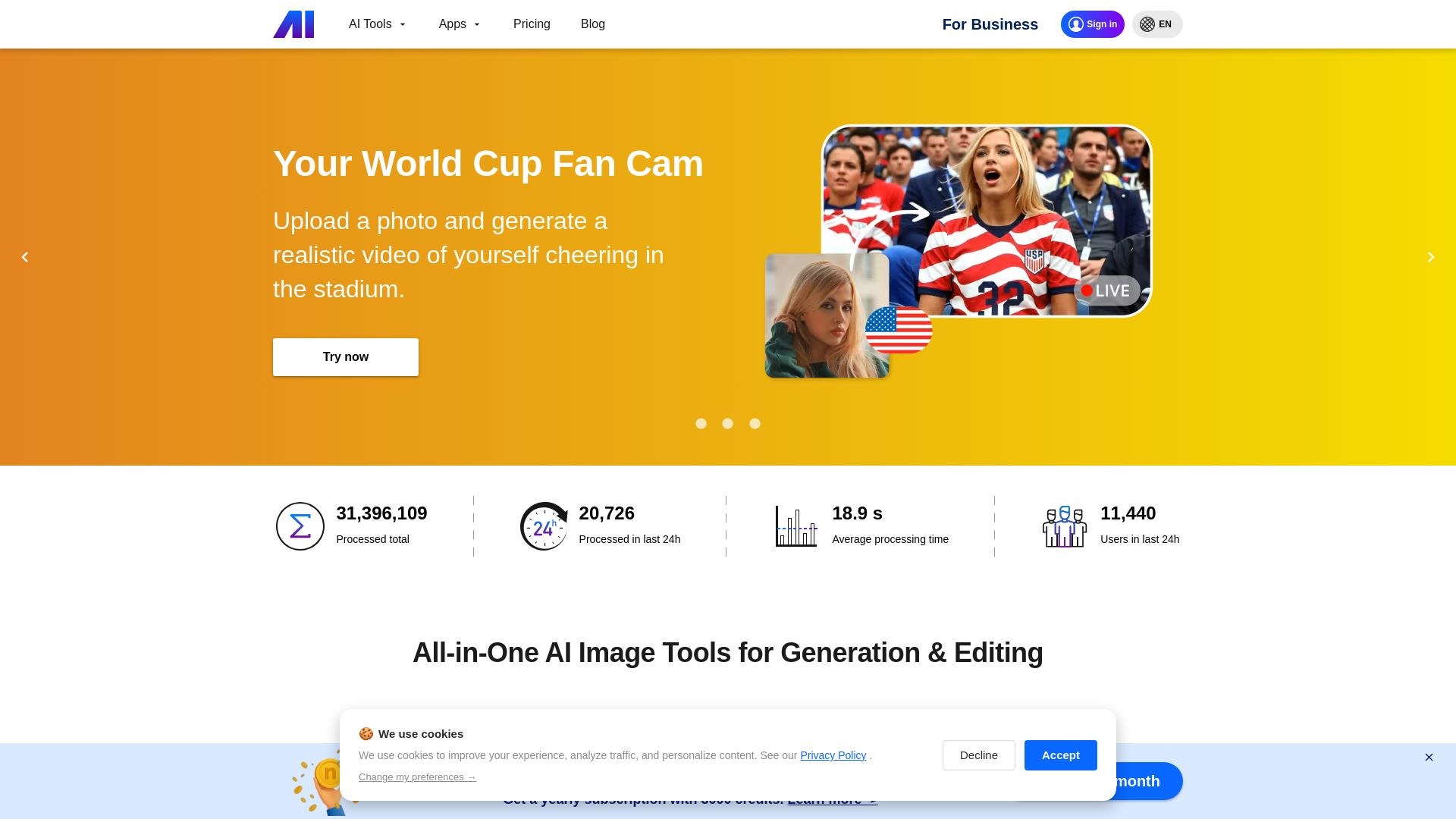
Nero AI
Upload photos, restore old images, upscale videos, generate AI effects. Free AI tools for designers, e-commerce, and more. Try now!

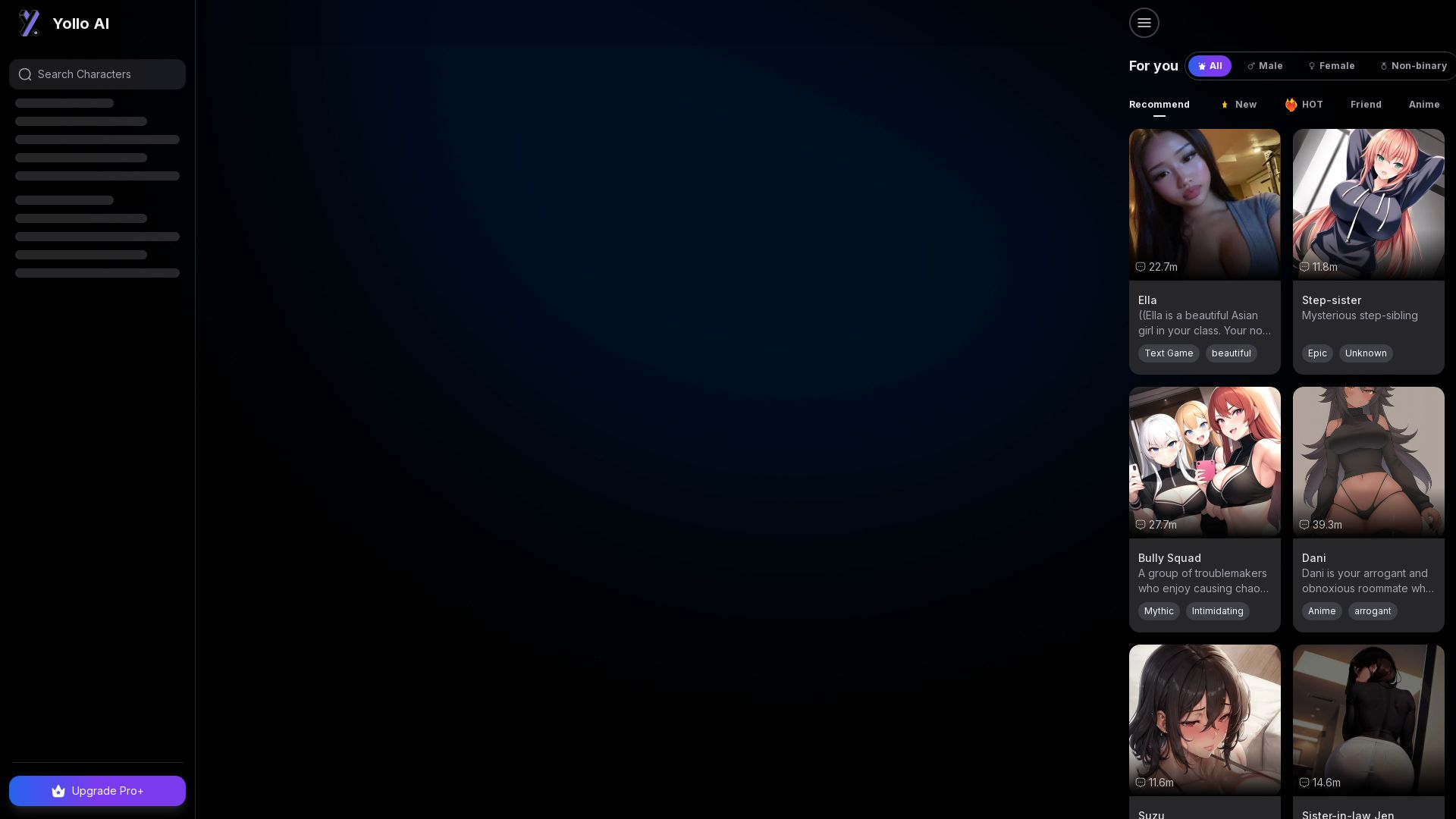
Yollo AI
Free, no sign-up. Chat with 200K+ characters, create NSFW AI art & videos. Ultimate creative freedom.

ℹ️ Curation Disclosure: The overview and features of LightX were synthesized using AI and fact-checked by our curation team to ensure accuracy.