
PhotoEditor.ai
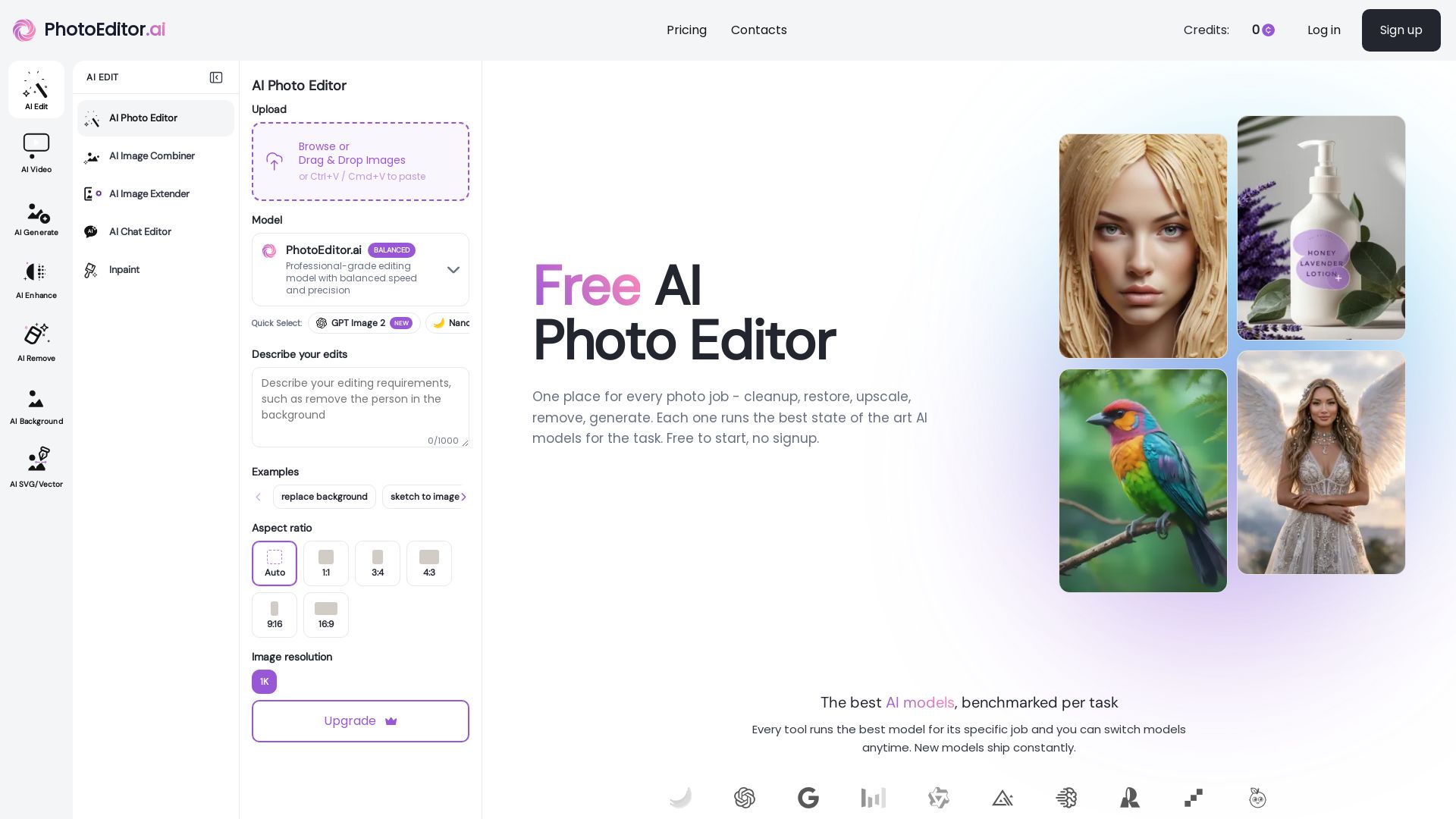
Edit, enhance, and generate images with 30+ AI tools. Remove backgrounds, objects, upscale, restore old photos. Free to start, no signup needed.
Editor's Verdict
Key Takeaways
- AI Edit
- AI Remove (Object Removal)
- AI Background Removal & Replacement
- AI Enhance & Upscale
In-Depth Review: What is PhotoEditor.ai?
PhotoEditor.ai is a comprehensive AI-powered photo editing platform that combines 30+ purpose-built tools into one seamless interface. It offers the best AI models for each task—from background removal, object eraser, and image enhancement to generative fill, upscaling, and AI image generation. Users can edit by typing prompts, brushing over areas, or dropping reference images. The platform prioritizes privacy with encrypted uploads and automatic deletion, supports commercial use, and works on any device via browser. Whether you're a photographer, designer, or casual user, PhotoEditor.ai delivers professional results in seconds.
Core Features
AI Edit
Edit any photo with AI using prompts, brushes, or reference images for tasks like generative fill, image combining, and full-shot transforms.
AI Remove (Object Removal)
Remove unwanted objects, people, text, or watermarks from photos; AI rebuilds the background seamlessly.
AI Background Removal & Replacement
One-click background removal with pixel-perfect edges on hair, fur, and glass; export transparent PNG or replace background.
AI Enhance & Upscale
Sharpen blurry photos, reduce noise, restore old photos, and upscale to 4K/8K without quality loss.
AI Generate
Generate new images from text prompts or reference images, including portraits, logos, product shots, vectors, and illustrations.
AI Image Extender (Outpaint)
Expand the canvas of an image beyond its original boundaries using generative outpaint.
AI Chat Editor
Edit photos using conversational chat commands for intuitive and guided edits.
AI SVG/Vector Generation
Convert images to SVG or generate vector graphics from prompts using dedicated AI models.
30+ Purpose-Built AI Tools
Each tool is optimized for a specific task (cleanup, remove BG, enhance, upscale, generate) rather than a generalist editor.
Best Model per Task
Benchmarked models like Nano Banana, GPT Image, Seedream, and others are assigned per tool; users can override model selection.
Fast Processing
Most edits complete in under 10 seconds; generation and 4K upscale take up to a minute.
Cross-Platform Access
Works on iPhone, Android, and any browser without app installation.
Privacy First
Uploads encrypted in transit, processed in isolated workers, deleted within 1 hour; never used for training or shared.
Commercial Use Allowed
AI outputs can be used for client work, products, prints, ads, and social media; user responsible for source-image rights.
Free to Start
No signup required; free tier available for standard quality downloads.
Pricing
Starter
- 150 credits/month
- Access to PhotoEditor.ai Models
- Limited AI models
- AI Upscale
- AI Inpaint (Generative Fill)
- AI Expand (Uncrop)
- Object Remover
- Photo Enhancer (Unblur)
- Background Remover
- No watermarks
- For Personal Use Only
Pro
- 600 credits/month (4x Starter)
- Full Access to All AI Tools
- Premium AI Models
- Unlimited History Storage
- Commercial Use License
- Early access to advanced AI features
- Custom AI chat-guided edits
- AI Portrait Generator
- AI Logo Maker
- AI Image Generator
- AI Upscale
- AI Inpaint (Generative Fill)
- AI Expand (Uncrop / Outpaint)
- Object Remover
- Background Remover
- Enhancer
- No watermarks
- Includes models: Flux, Flux Kontext, Nano Banana, Nano Banana 2, Nano Banana Pro, Seedream 4.0, 4.5, 5.0, GPT Image 1.5, Imagen 4, Ideogram v3, Qwen, PhotoEditor.ai
Business
- 1700 credits/month (12x Starter)
- Everything in Pro
- Maximum credits allocation
- All premium AI tools & models
- Dedicated support
- Includes all AI models: Flux, Flux Kontext, Nano Banana, Nano Banana 2, Nano Banana Pro, Seedream 4.0, 4.5, 5.0, GPT Image 1.5, Imagen 4, Ideogram v3, Qwen, PhotoEditor.ai
Pros and Cons
Pros
- Best AI Models Per TaskEach tool uses the benchmarked best model for its specific job, ensuring high-quality results.
- Fast and EfficientMost edits complete in under 10 seconds, with no queues or waiting.
- Comprehensive All-in-One SuiteOver 30 purpose-built tools replace multiple separate apps, reducing complexity and cost.
- Privacy and Commercial UseUploads are encrypted and deleted within 1 hour; outputs are free for commercial use.
- No Installation RequiredWorks in any browser on desktop and mobile, no app or permissions needed.
Cons
- Limited Free TierFree version offers standard quality only; HD downloads require a paid plan.
- Credit-Based SystemPaid plans use a credit system that may be limiting for heavy users without upgrading.
- No Offline ModeRequires internet connection; no desktop application for offline editing.
- Learning Curve for Advanced FeaturesWhile basic tasks are simple, advanced features like prompt engineering may require trial and error.
- Output Quality VariesNot every generation or edit is perfect; users may need to retry or refine prompts.
Use Cases & Recommended Professions
Photographer→ View Toolkit
Quickly retouch, enhance, and upscale photos; remove unwanted elements; restore old images.
e-Commerce Manager→ View Toolkit
Clean up product photos, remove backgrounds, and generate consistent images for listings.
Graphic Designer→ View Toolkit
Create logos, vectors, and illustrations; edit images with AI for client projects.
Social Media Manager→ View Toolkit
Generate and edit visuals for posts, ads, and stories; remove backgrounds and enhance images.
Real Estate Agent→ View Toolkit
Enhance property photos, remove clutter, and expand images for virtual tours.
Content Creator / Influencer→ View Toolkit
Edit photos quickly for social media, create engaging visuals, and retouch images without professional software.
Frequently Asked Questions
Alternative AI Tools
View Detailed Comparison →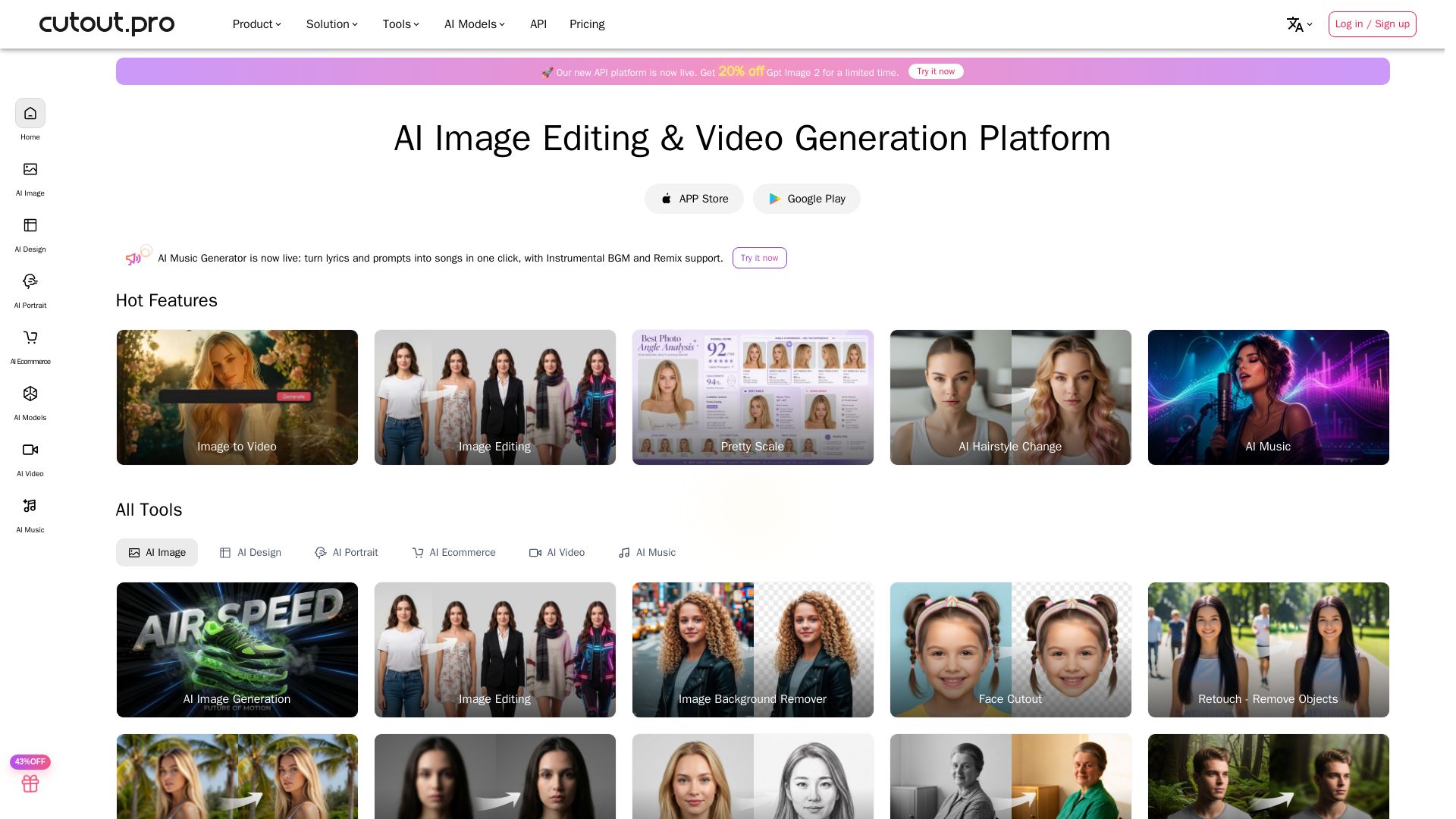
Cutout.Pro
Cutout.Pro offers AI image editing, video generation, background removal, and API integration. Trusted by 25K+ businesses. Get started for free.


Pixlr
Edit, generate, and design with Pixlr's free AI photo editor. Transform photos, create images from text, and more – all in your browser. No download needed.

Deep-Image.ai
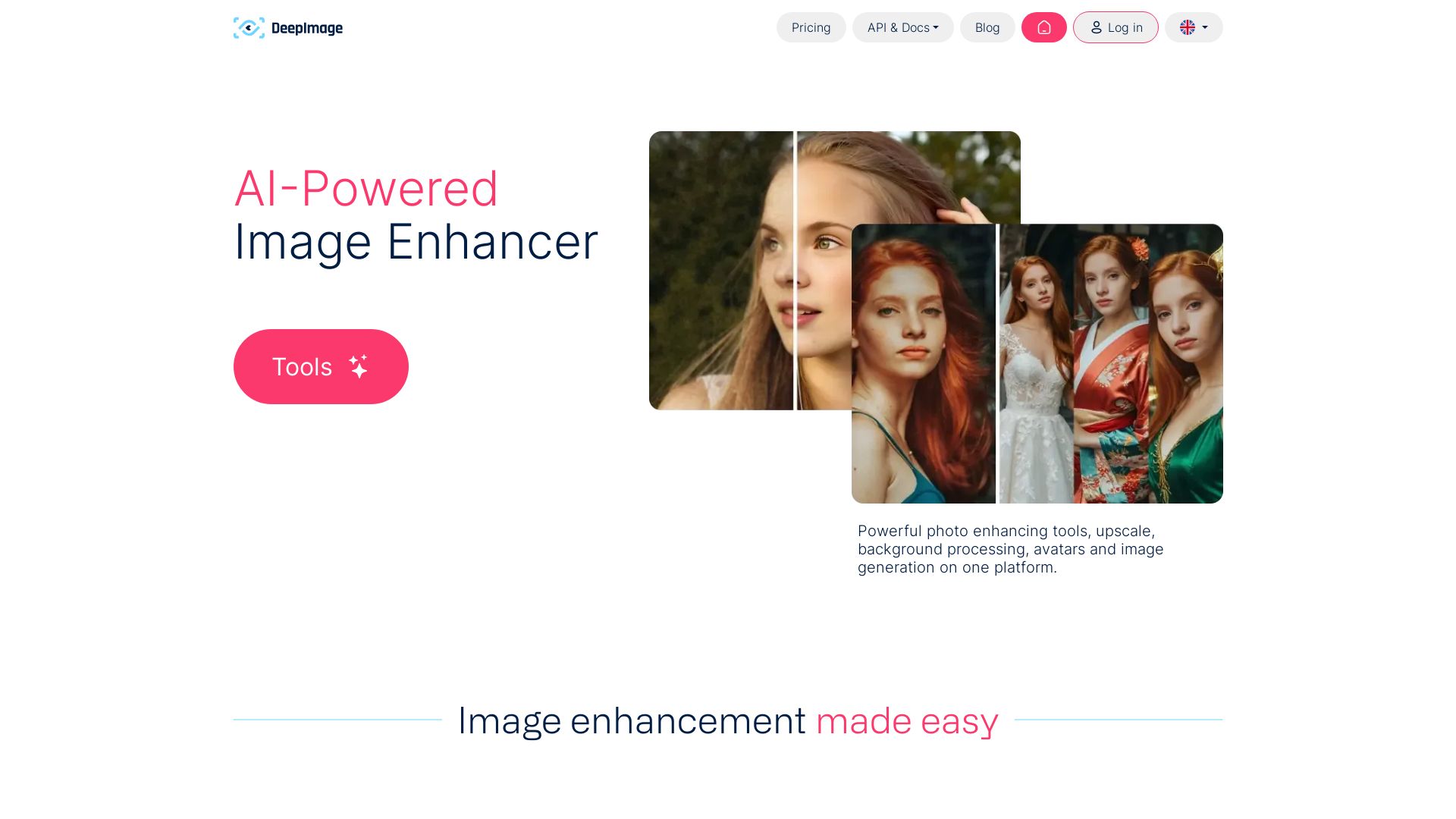
AI-powered image enhancement: upscale x4, remove noise, sharpen, correct colors, swap backgrounds. Perfect for e-commerce, print, and real estate.

Qwen Image
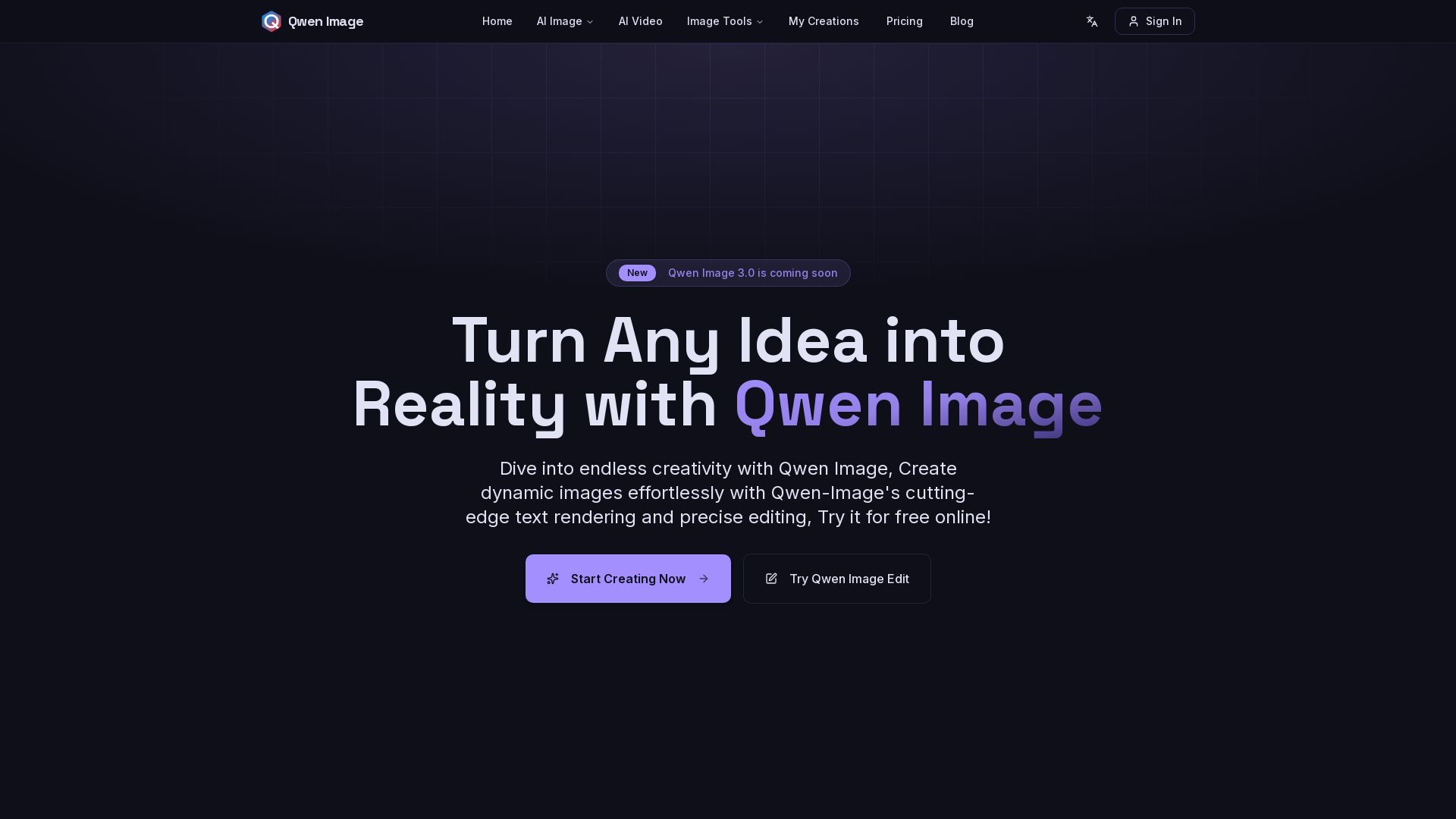
Free AI image generator with superior text rendering and precise editing. Create commercial-quality images for any project.

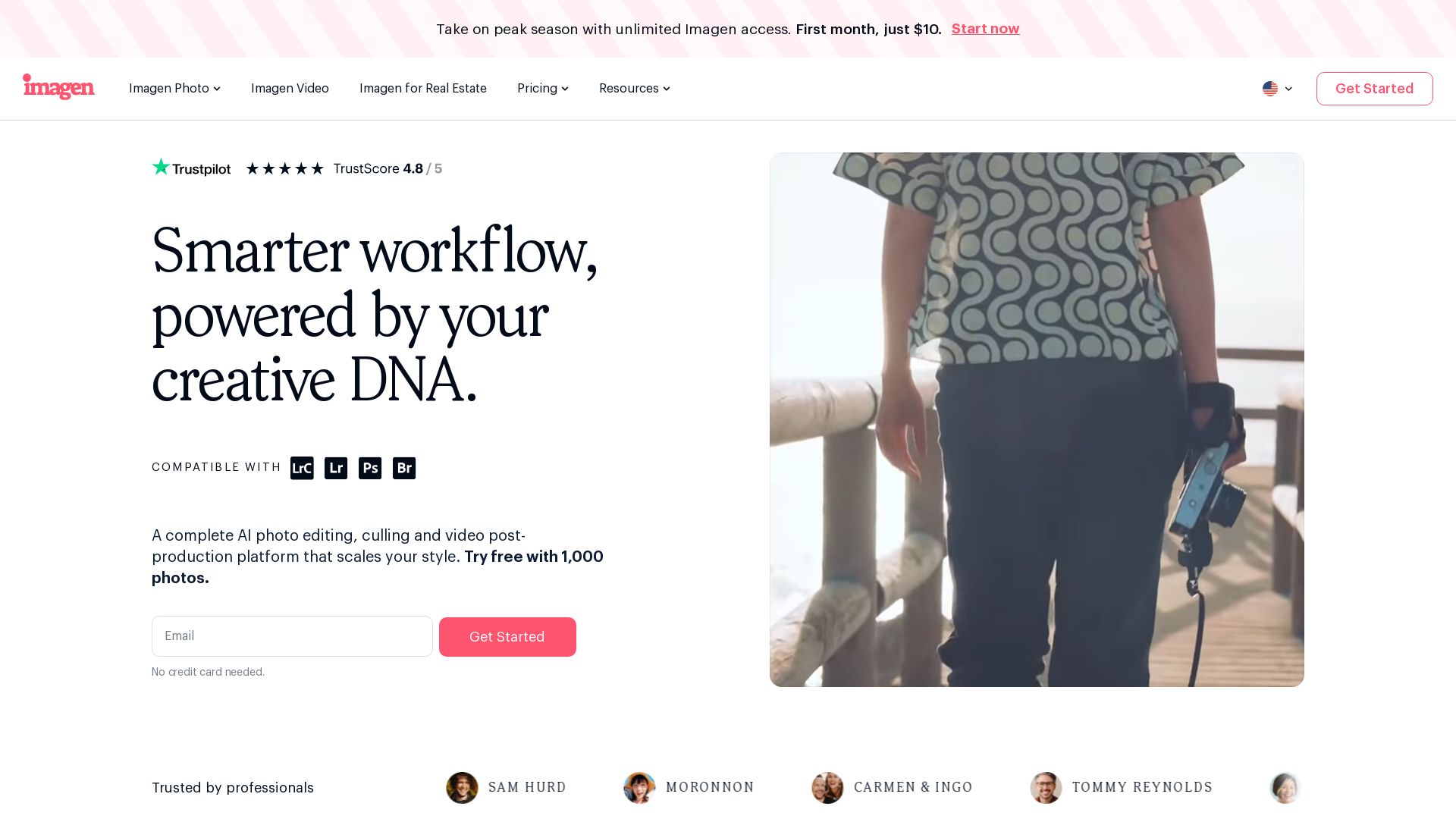
Imagen
Scale your style with AI-powered photo editing, culling, and video color grading. Trusted by top photographers. Start free.

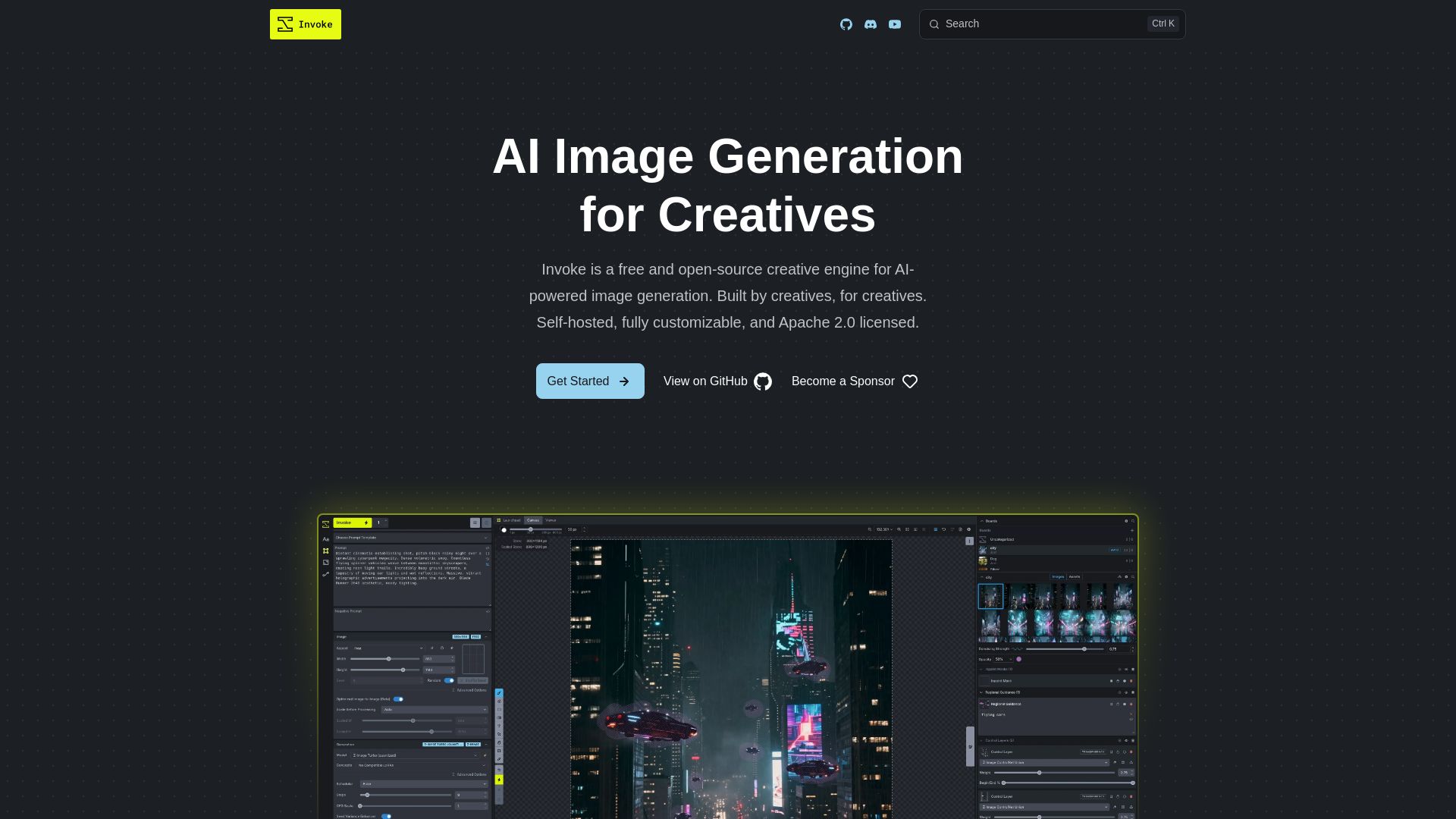
InvokeAI
Free, open-source creative engine for AI-powered image generation. Self-hosted, fully customizable, with Unified Canvas, Node workflows, and leading model support.

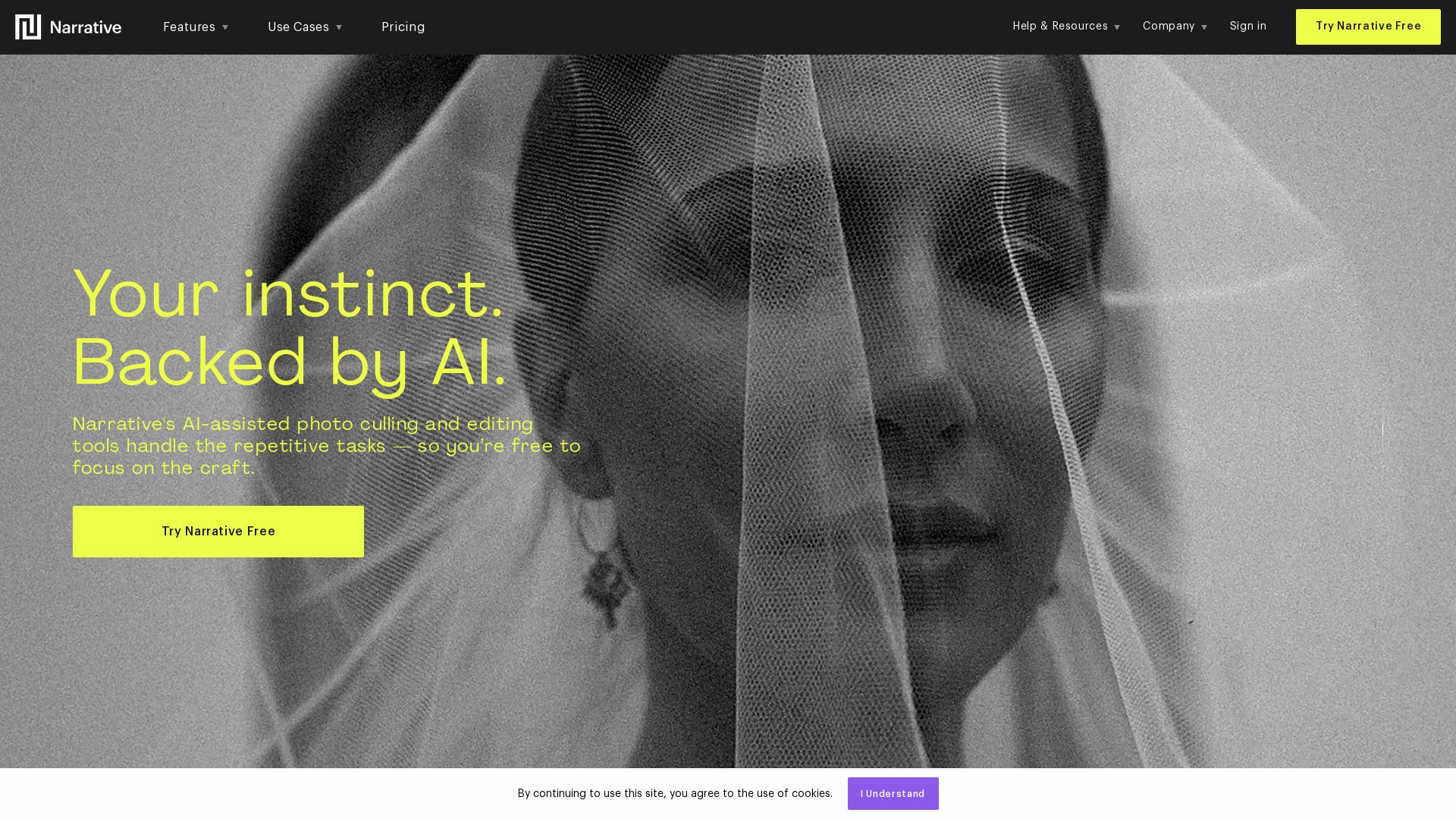
Narrative
Narrative's AI-assisted photo culling and editing tools handle repetitive tasks, so you focus on craft. Save hours, work offline, and ship selects to Lightroom.

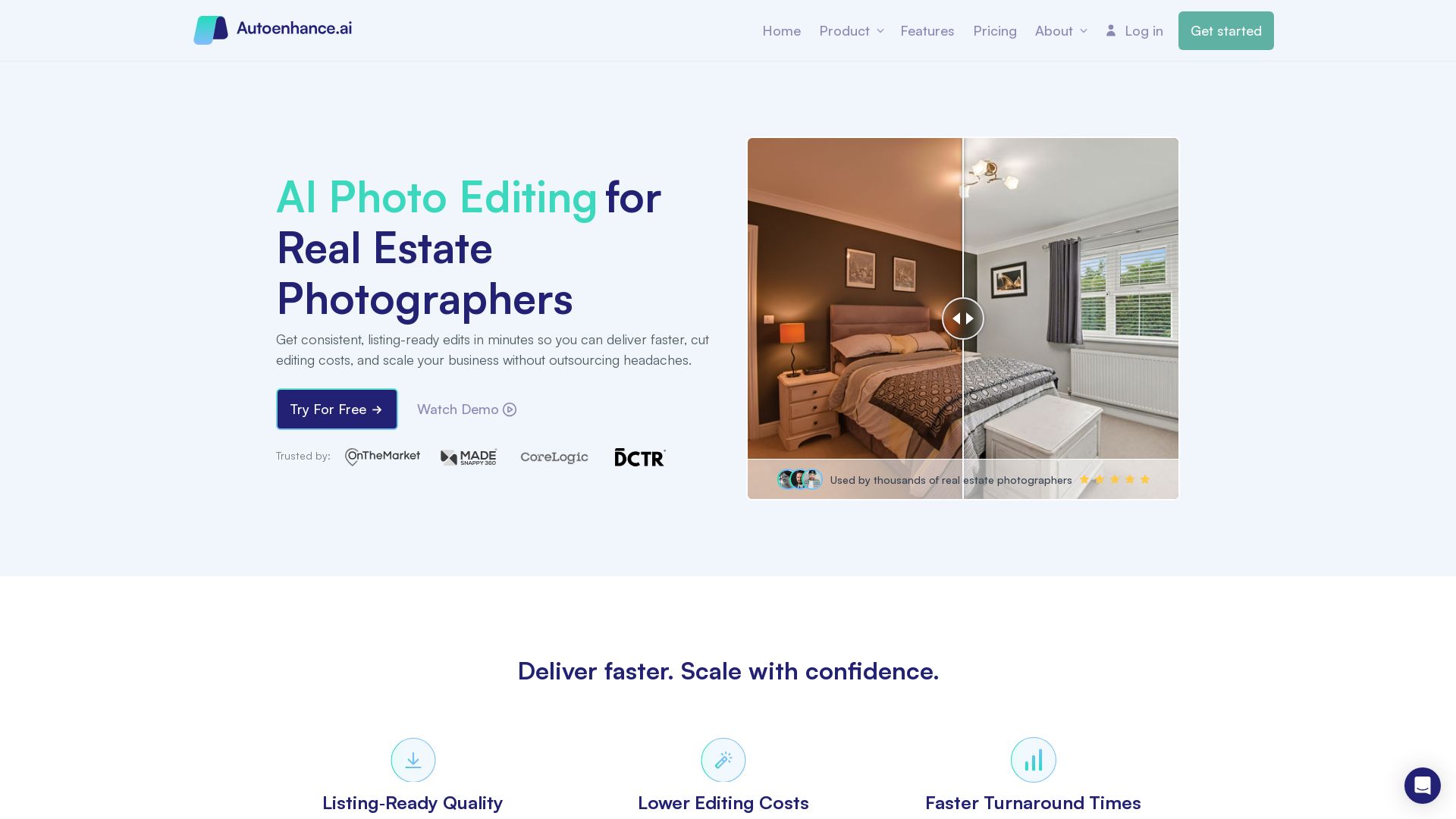
Autoenhance.ai
Get listing-ready edits in minutes. Reduce editing costs, deliver faster, and scale your real estate photography business with AI.

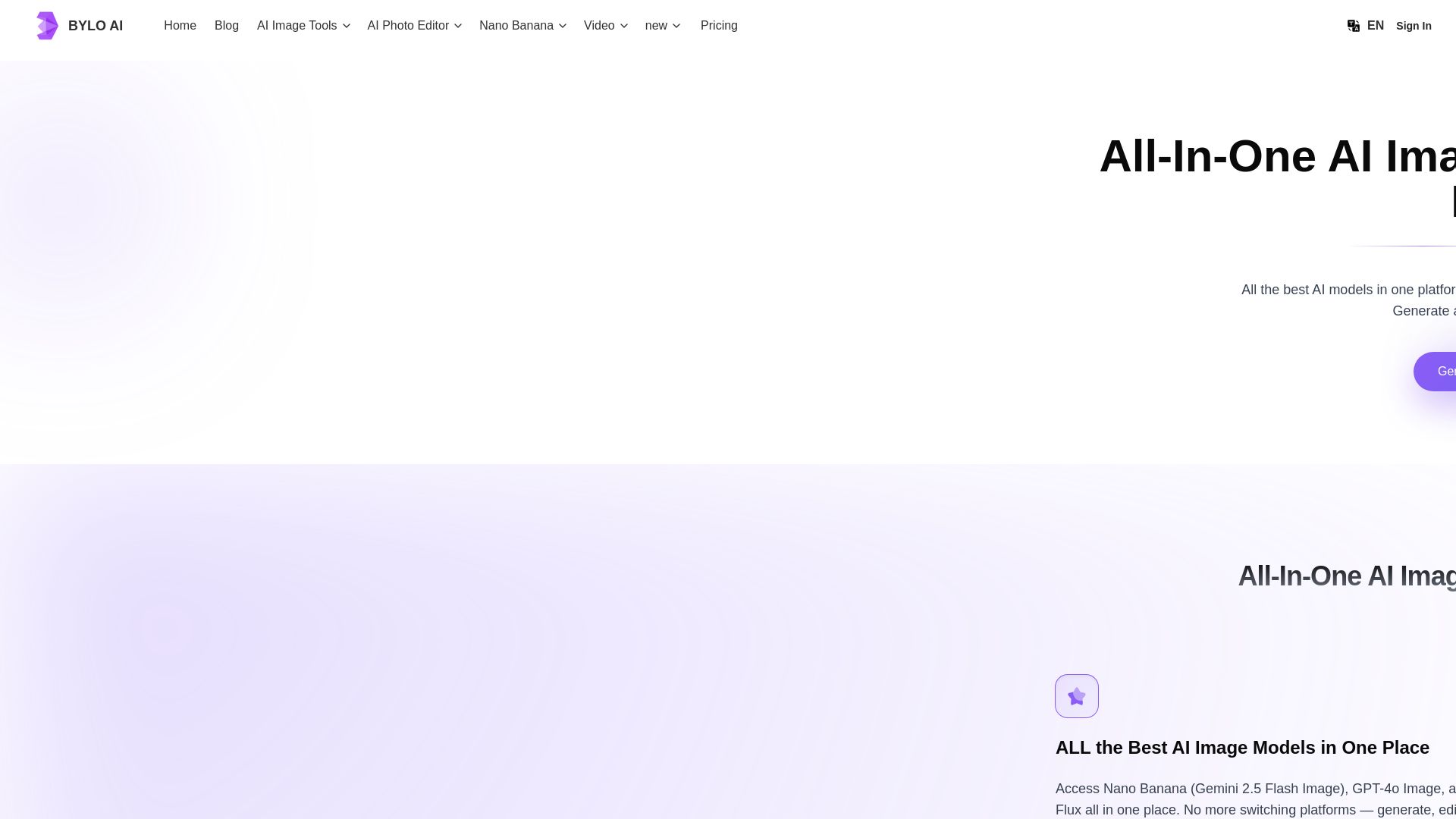
Bylo AI
Generate stunning images with GPT-4o, Gemini Nano Banana, Flux AI. Edit photos, apply Ghibli style, remove backgrounds. Free online tool.

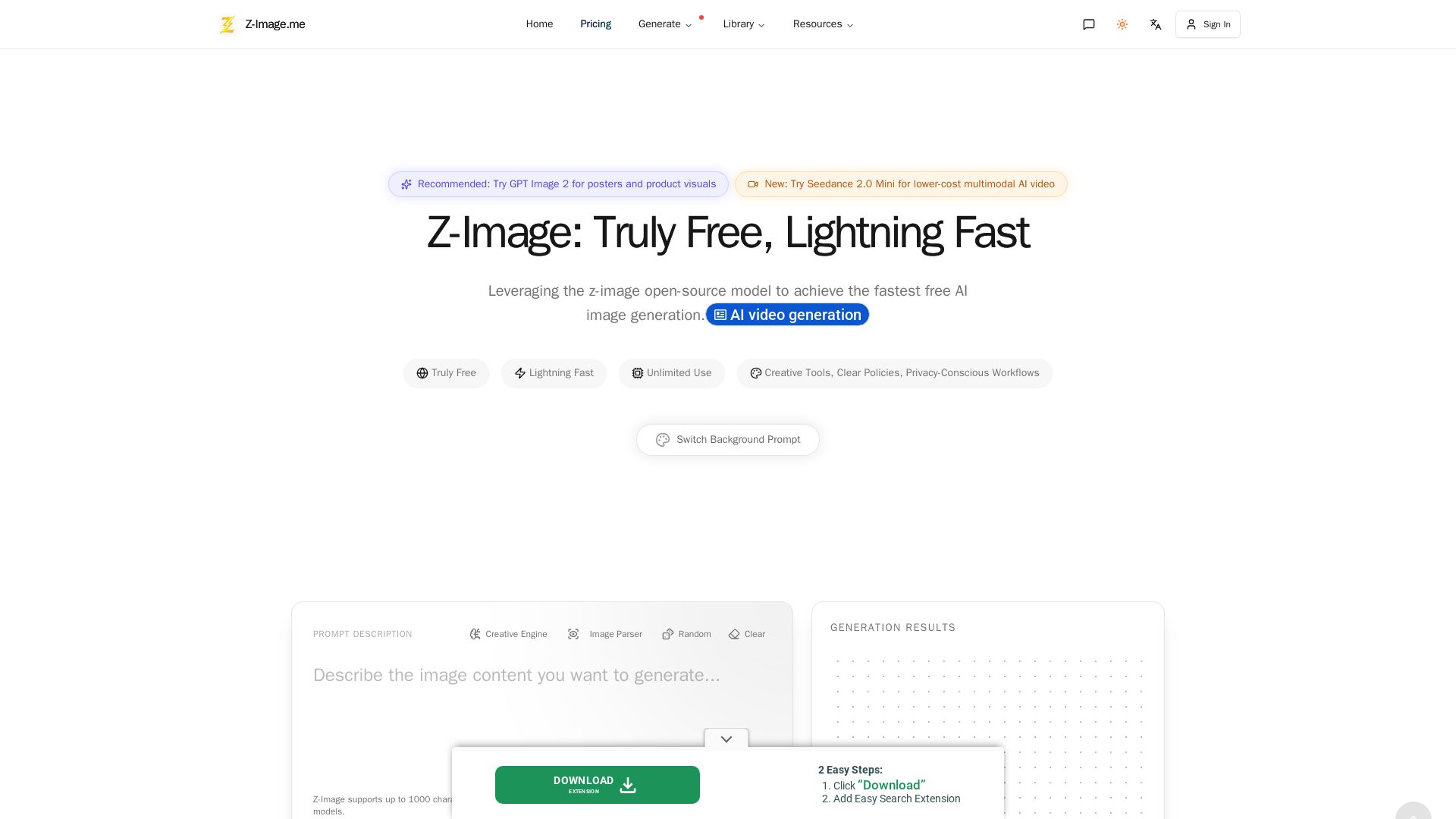
Z-Image
Experience lightning-fast, truly free AI image generation with unlimited use, creative tools, and privacy-focused workflows. Generate stunning visuals instantly.

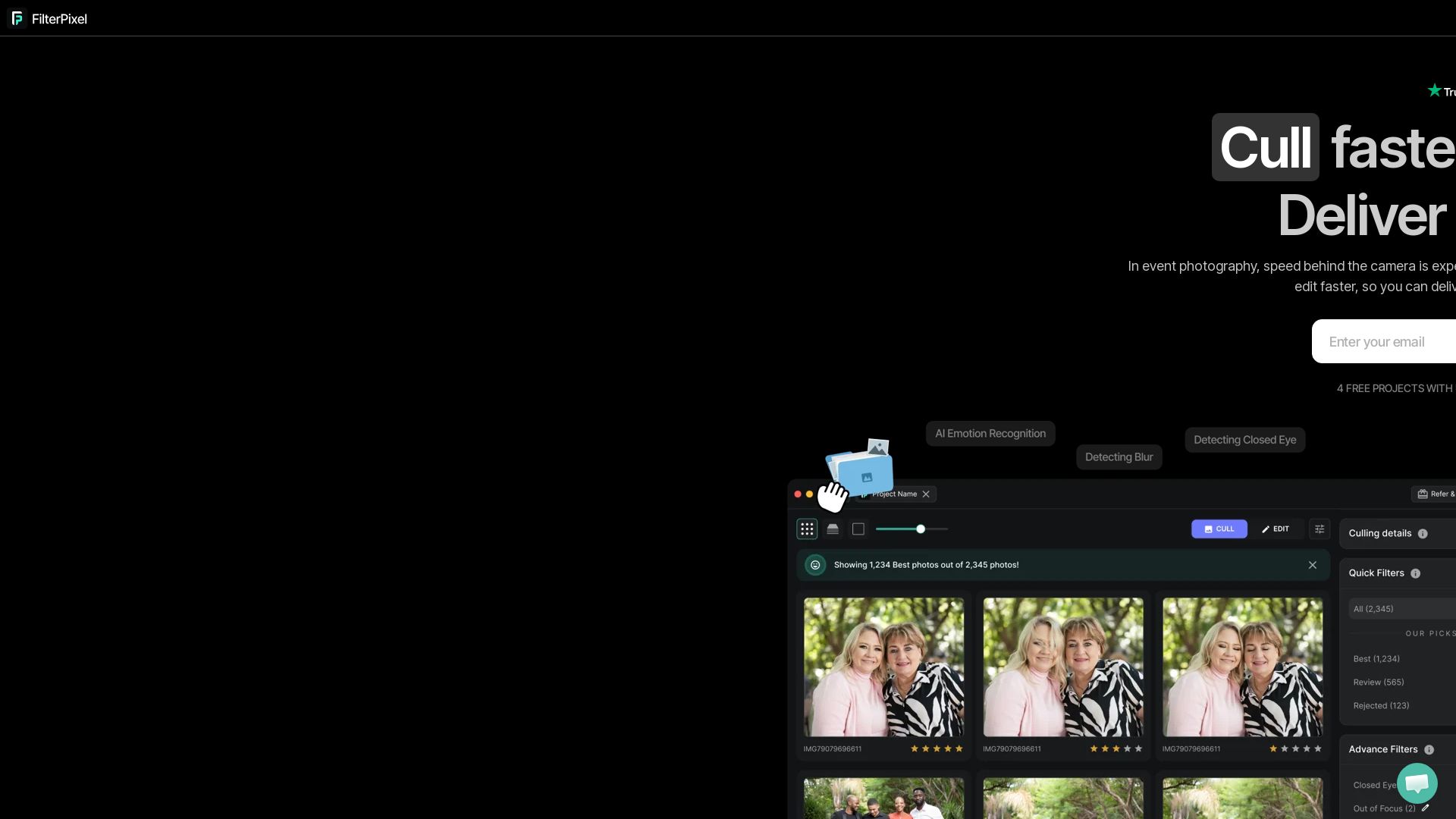
FilterPixel
Speed up photo culling and editing with AI. Deliver event galleries in minutes. Try 4 free projects, no credit card required.

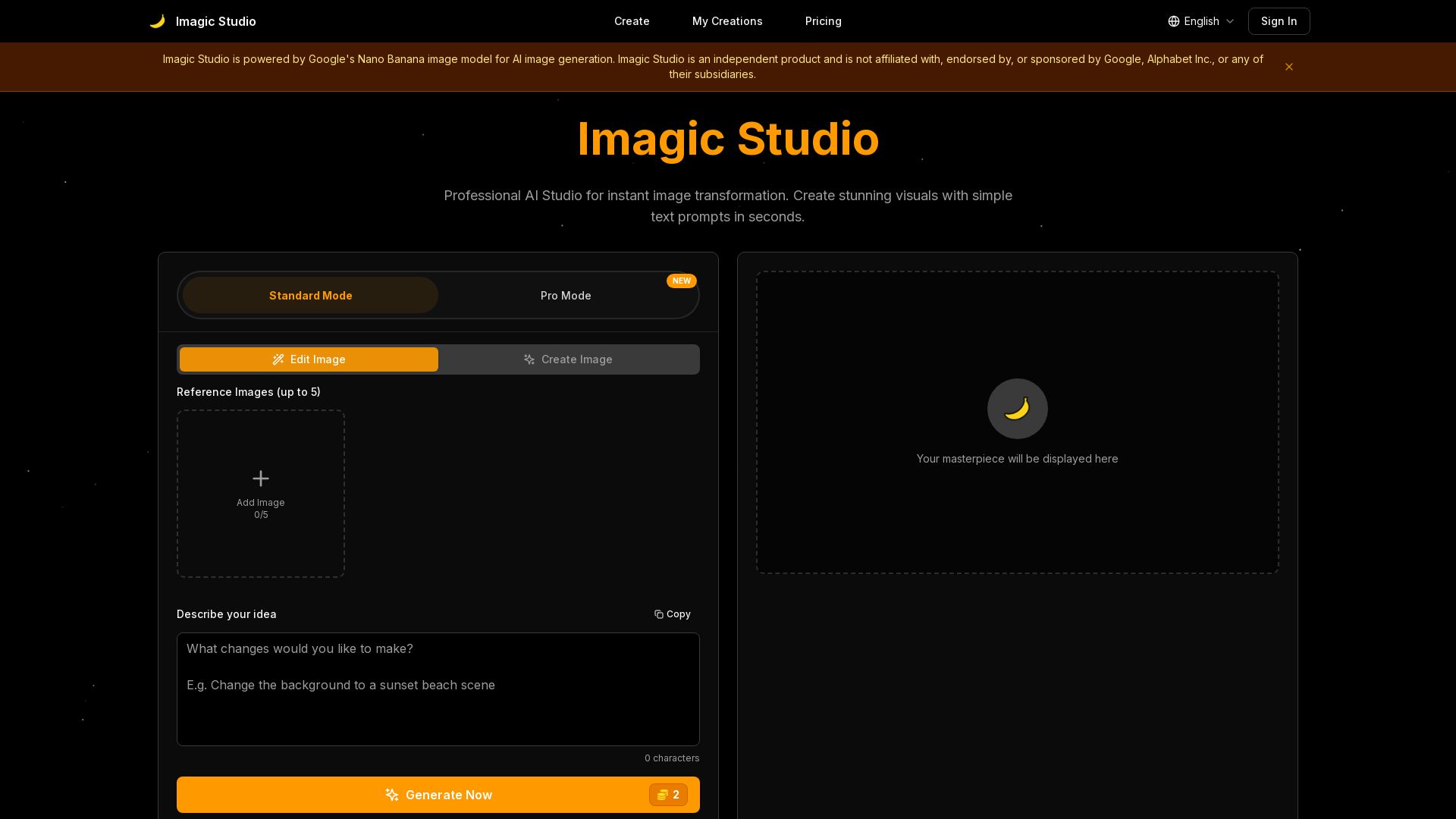
Imagic Studio
Create stunning AI images in seconds. Edit photos with text, keep same face, mix images. Professional quality, no download needed. Start free!

ℹ️ Curation Disclosure: The overview and features of PhotoEditor.ai were synthesized using AI and fact-checked by our curation team to ensure accuracy.
