
Deep-Image.ai
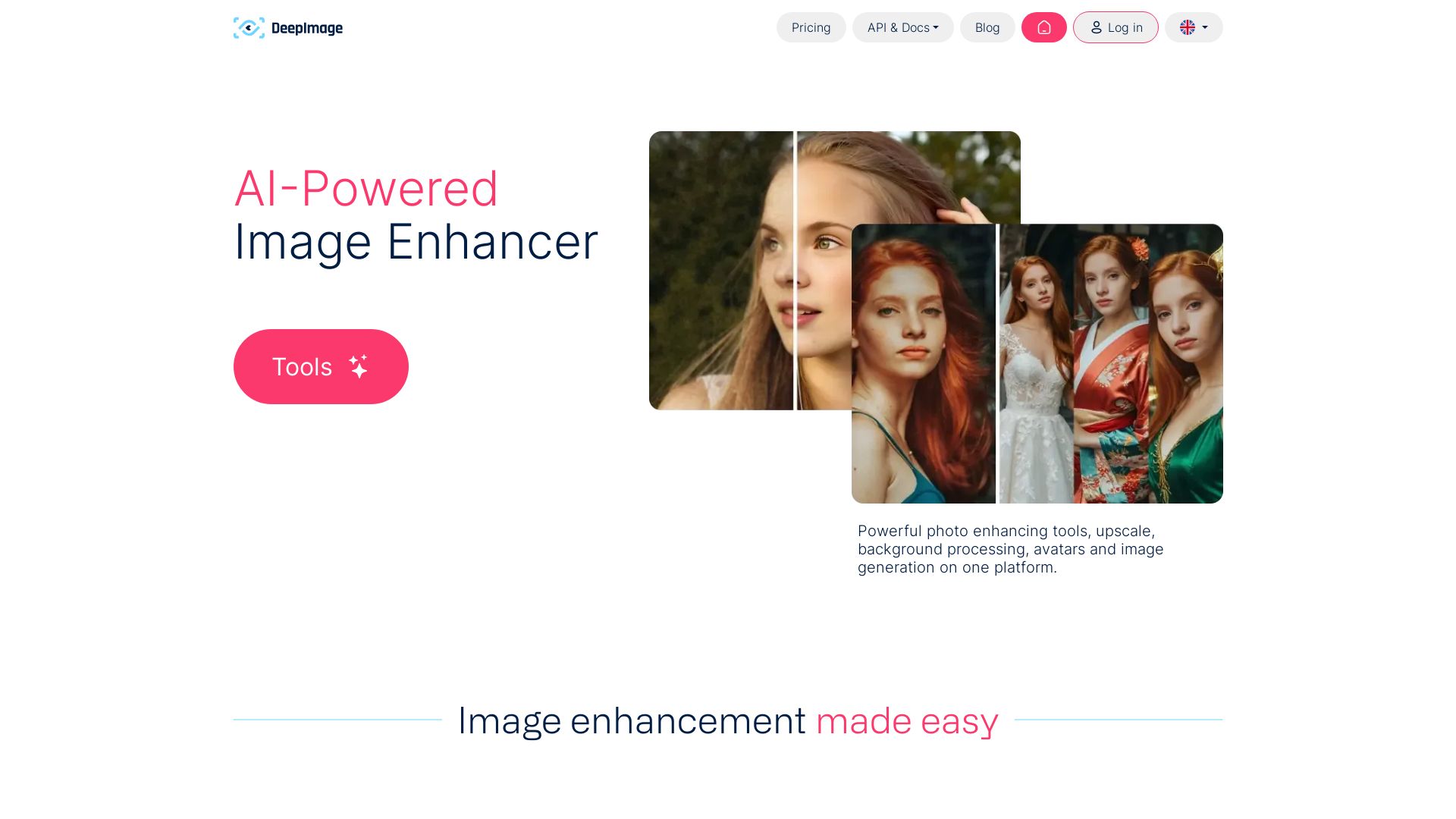
AI-powered image enhancement: upscale x4, remove noise, sharpen, correct colors, swap backgrounds. Perfect for e-commerce, print, and real estate.

Editor's Verdict
Key Takeaways
- Generative Upscale
- Batch Processing
- Noise Removal
- AI Sharpening
In-Depth Review: What is Deep-Image.ai?
Deep-Image.ai is a comprehensive AI-powered image enhancement platform. It offers tools like generative upscaling (up to 4x), noise removal, sharpening, color correction, background removal and swapping, avatar creation, and AI image generation. Designed for professionals in e-commerce, print, real estate, and digital art, it integrates with popular platforms via API and Zapier. Trusted by teams like Print Plaza and Autosync, it delivers high-quality results with batch processing and easy-to-use presets.
Core Features
Generative Upscale
Revolutionary upscaling method that creates new details within the picture's context, bringing back almost lost images.
Batch Processing
Increase image size up to 4 times the original, and up to 50 images at the same time.
Noise Removal
Instantly remove noise from photos taken on high ISO or in low light conditions.
AI Sharpening
Recover face details and edges with state-of-the-art AI sharpening.
Background Removal & Swap
Remove and swap backgrounds for ecommerce-ready product photos or generate new backgrounds using AI.
AI Image Generation
Generate high-quality digital arts using text prompts and image-to-image technology.
Pros and Cons
Pros
- High-quality AI upscalingGenerative upscaling adds new details, making images look natural even at 4x enlargement.
- Batch processingEnhance up to 50 images simultaneously, saving time for bulk work.
- One-click enhancementsAuto-enhance feature corrects colors and lighting with a single click.
- Comprehensive toolsetIncludes upscaling, noise removal, sharpening, background removal, and AI generation.
- API integrationRobust API allows automation and integration with ecommerce platforms and workflows.
Cons
- No free tier mentionedThe homepage does not specify a free plan, which may limit trial usage.
- Dependence on internetAs a cloud-based service, it requires a stable internet connection.
- Potential cost for heavy usageHigh-volume use or API calls may incur significant costs.
- Upscale limit of 4xMaximum upscale factor is 4x, which may not suffice for some professional print needs.
- Limited offline capabilitiesNo desktop application; all processing is done online.
Use Cases & Recommended Professions
Professional Photographer→ View Toolkit
Enhance and upscale photos for print and digital portfolios, save time on post-processing.
E-commerce Seller→ View Toolkit
Create high-quality product images with background removal and upscaling to boost sales.
Real Estate Agent→ View Toolkit
Enhance property photos to highlight features and attract buyers.
Graphic Designer→ View Toolkit
Upscale and sharpen images for use in design projects without losing quality.
Print Professional→ View Toolkit
Achieve print DPI requirements by upscaling low-resolution images with AI.
API Developer→ View Toolkit
Integrate image enhancement capabilities into custom applications and workflows.
Frequently Asked Questions
Alternative AI Tools
View Detailed Comparison →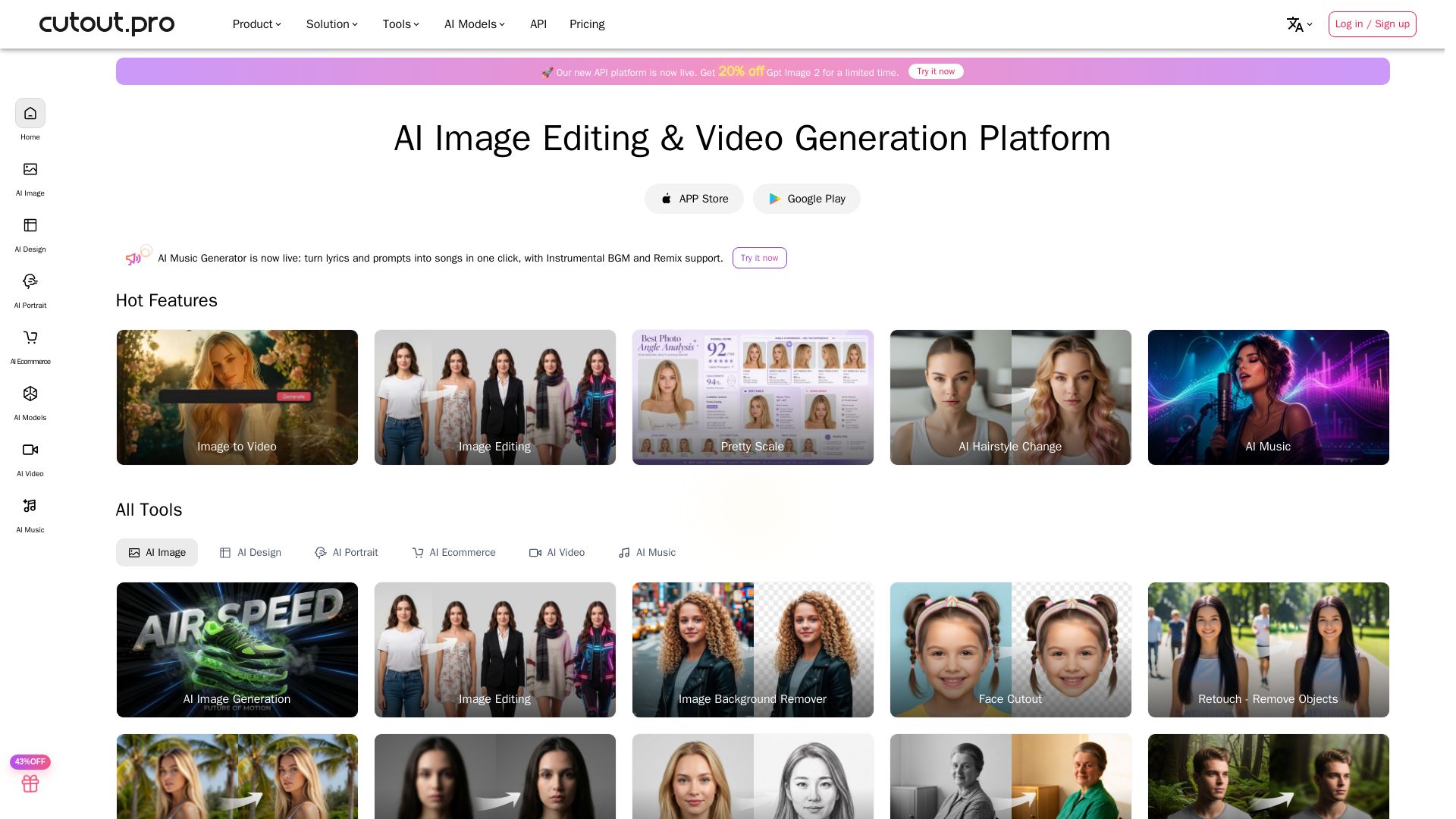
Cutout.Pro
Cutout.Pro offers AI image editing, video generation, background removal, and API integration. Trusted by 25K+ businesses. Get started for free.

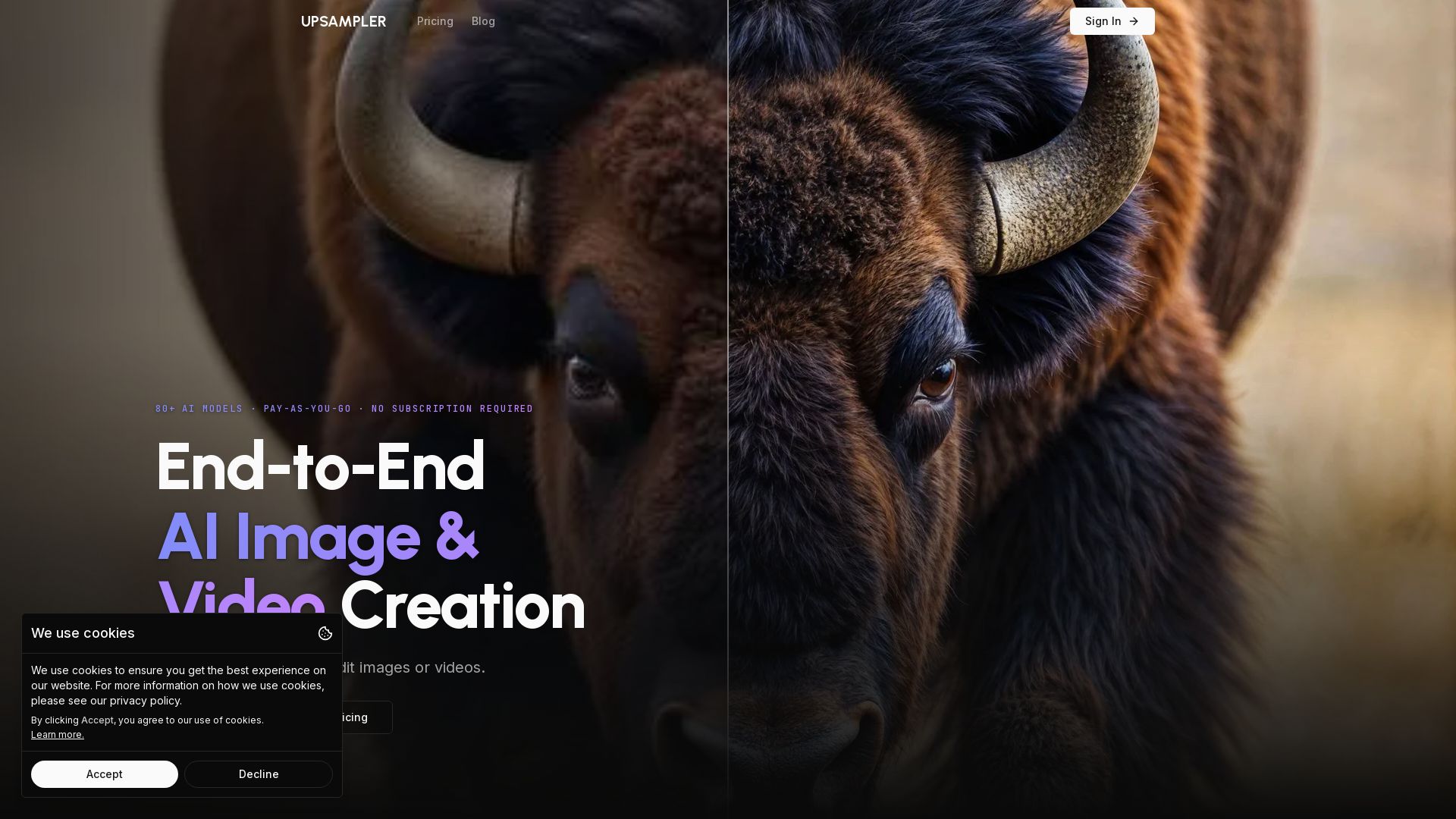
Upsampler
Upsampler: The all-in-one AI platform for generating, upscaling, and editing images and videos. Access 80+ models, pay per use, no subscription. Create stunning visuals easily.

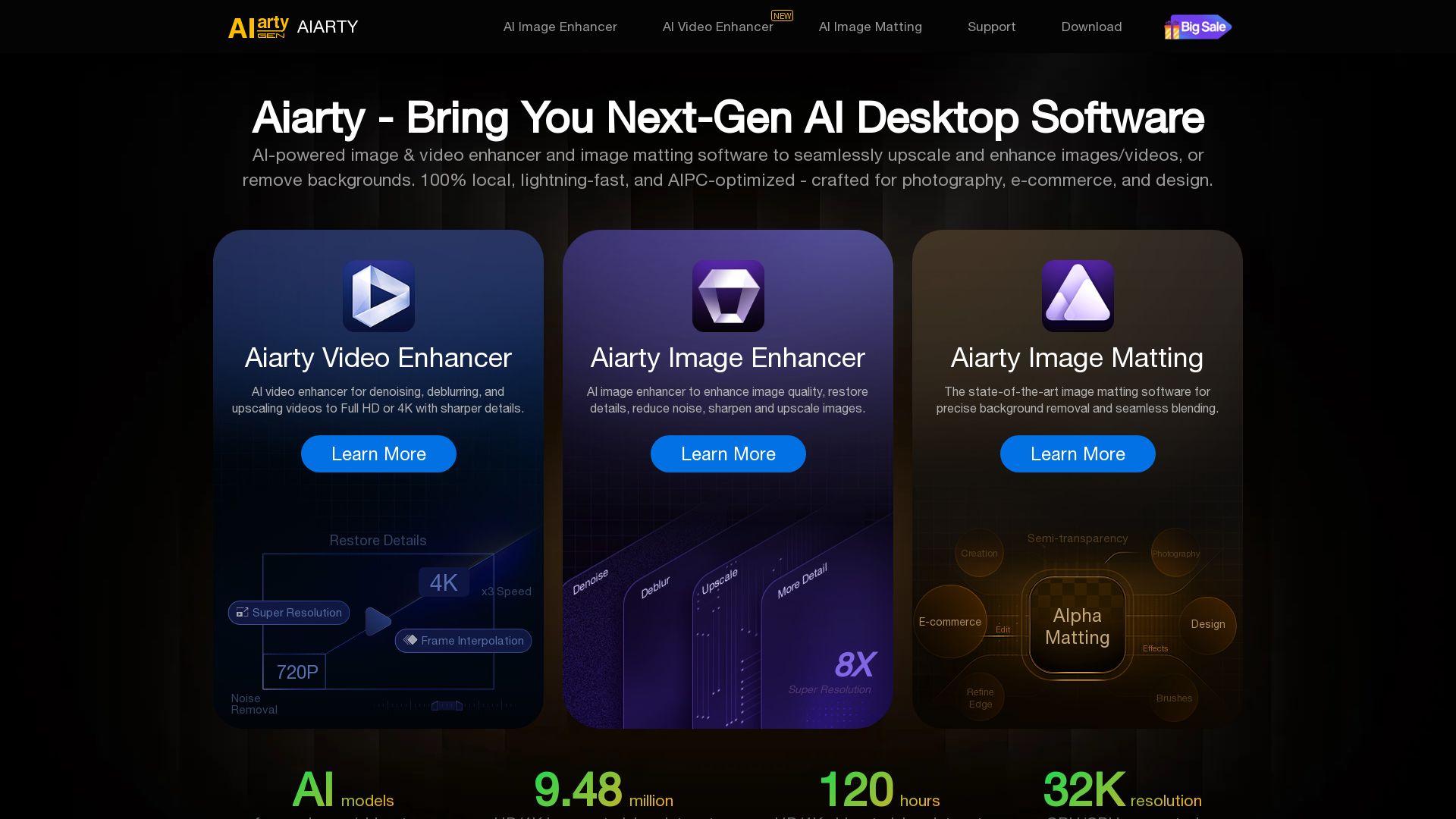
Aiarty
Upscale, enhance, and remove backgrounds with AI. Process images/video locally up to 32K. Denoise, deblur, restore details. Trusted by experts.


Pixlr
Edit, generate, and design with Pixlr's free AI photo editor. Transform photos, create images from text, and more – all in your browser. No download needed.

Qwen Image
Free AI image generator with superior text rendering and precise editing. Create commercial-quality images for any project.
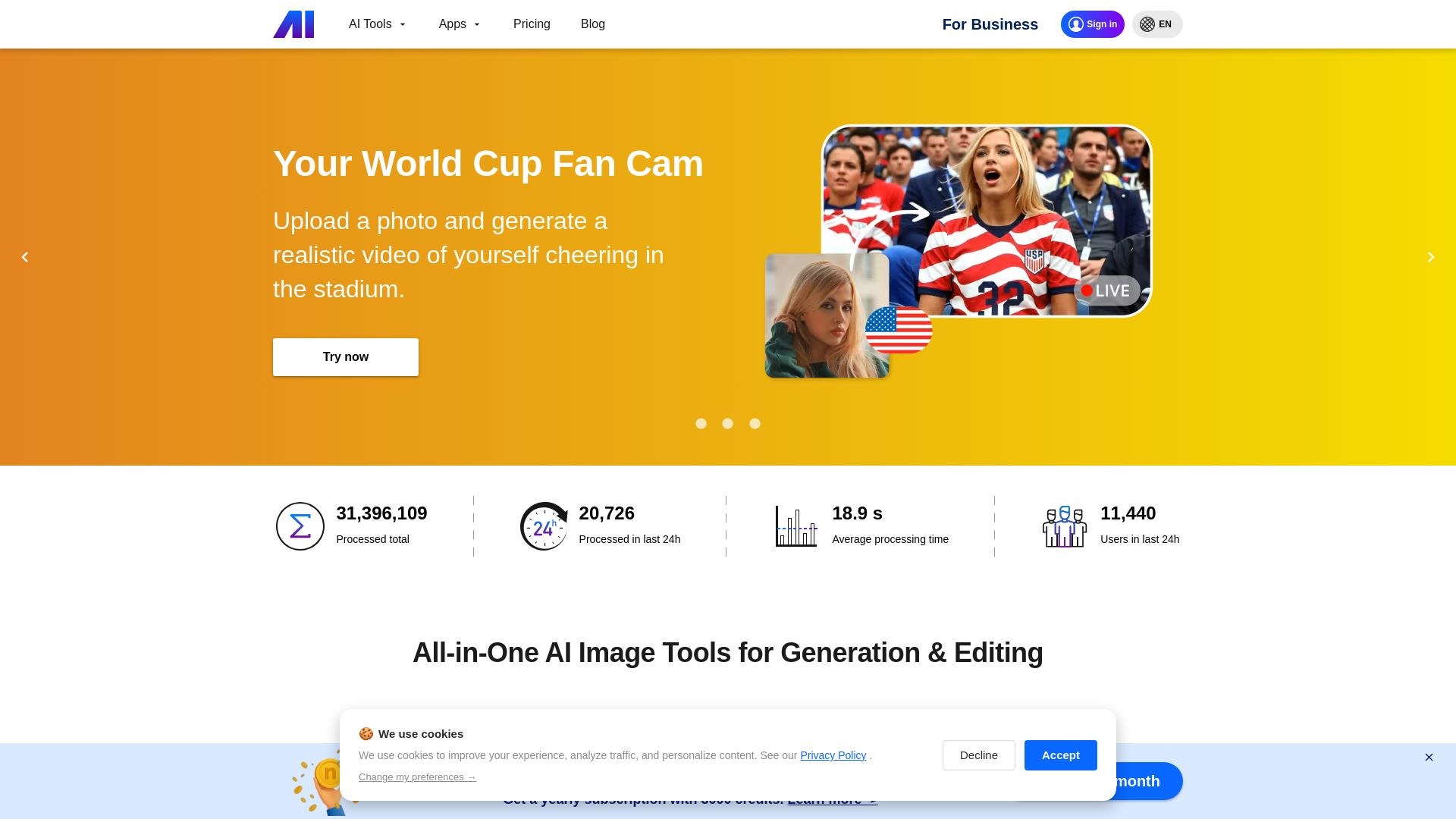
Nero AI
Upload photos, restore old images, upscale videos, generate AI effects. Free AI tools for designers, e-commerce, and more. Try now!

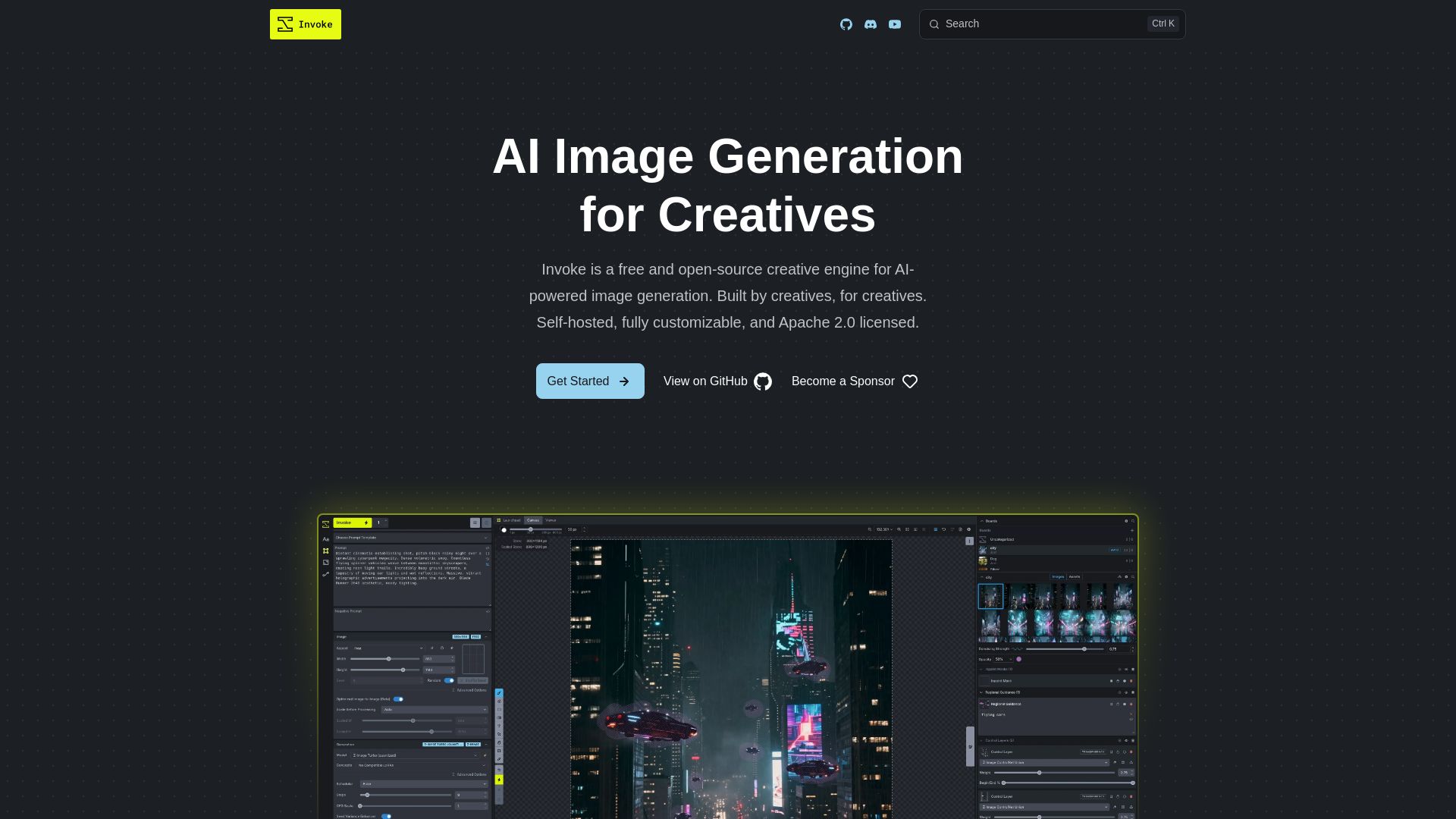
InvokeAI
Free, open-source creative engine for AI-powered image generation. Self-hosted, fully customizable, with Unified Canvas, Node workflows, and leading model support.

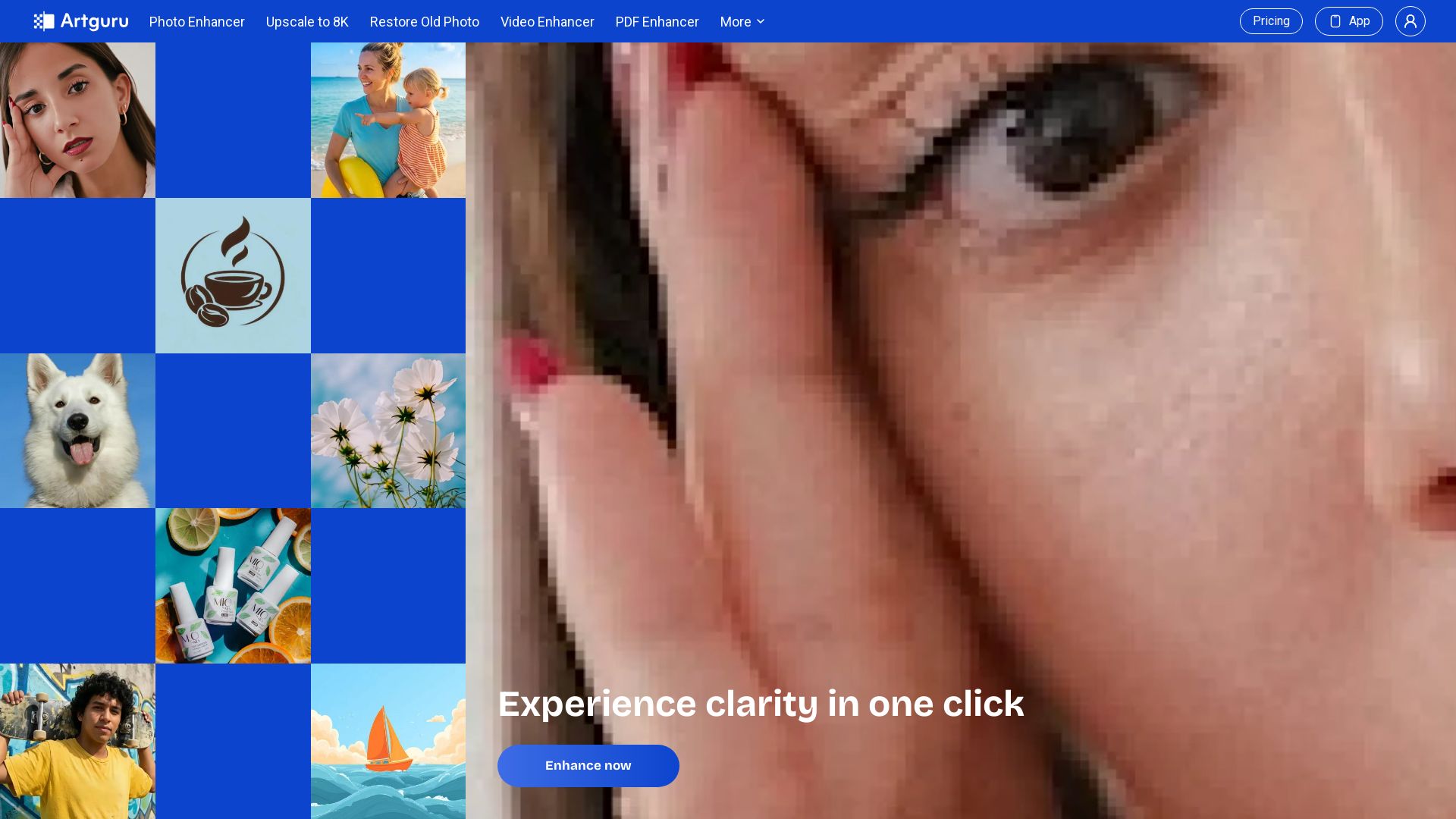
Artguru
Enhance photos, upscale to 8K, restore old images, sharpen videos & documents. One-click AI clarity for professionals.

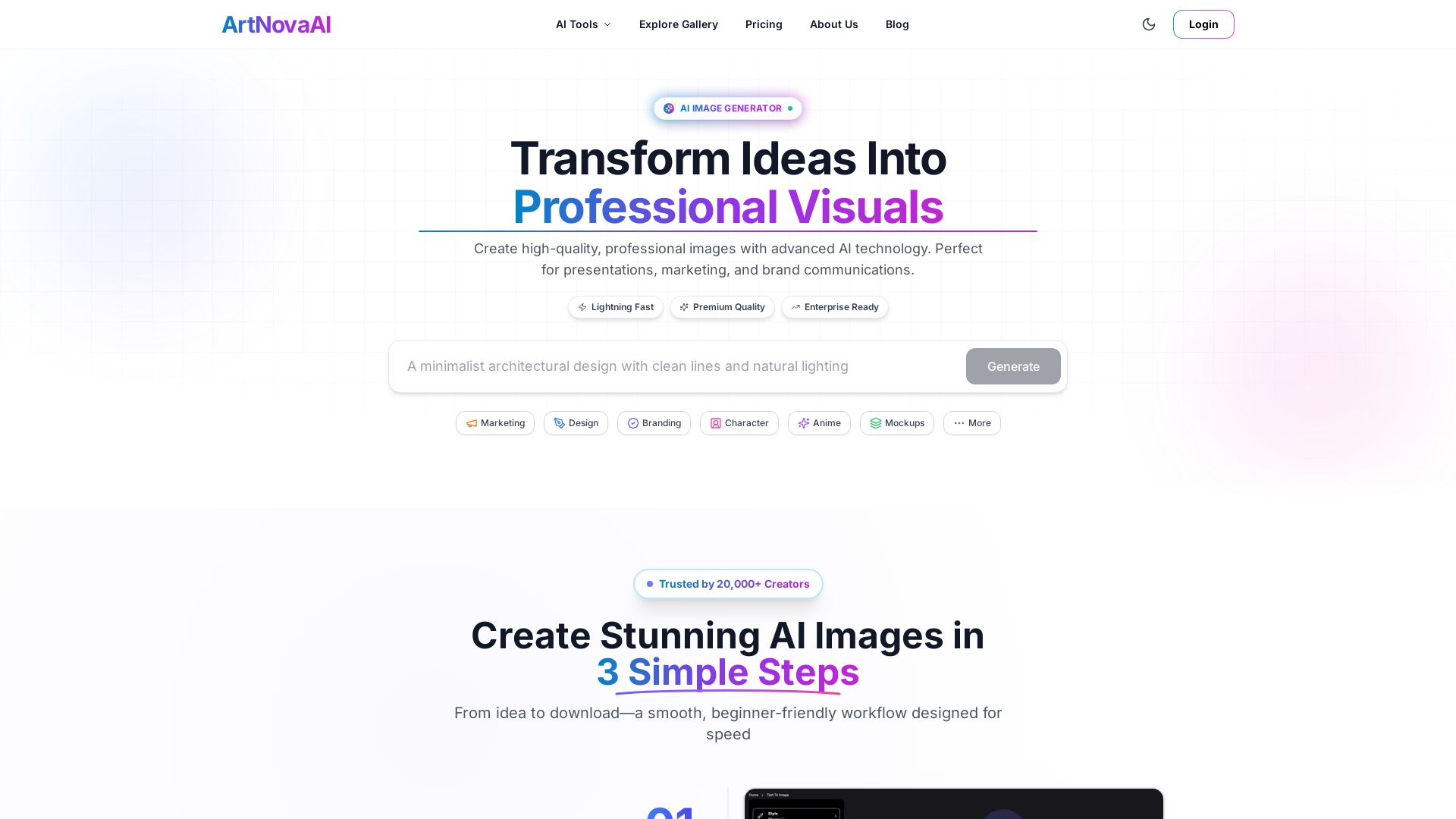
ArtNovaAI
Create high-quality AI images in seconds with full commercial rights. No Discord needed. Text to image, editing, upscaling. Trusted by 20,000+ creators.

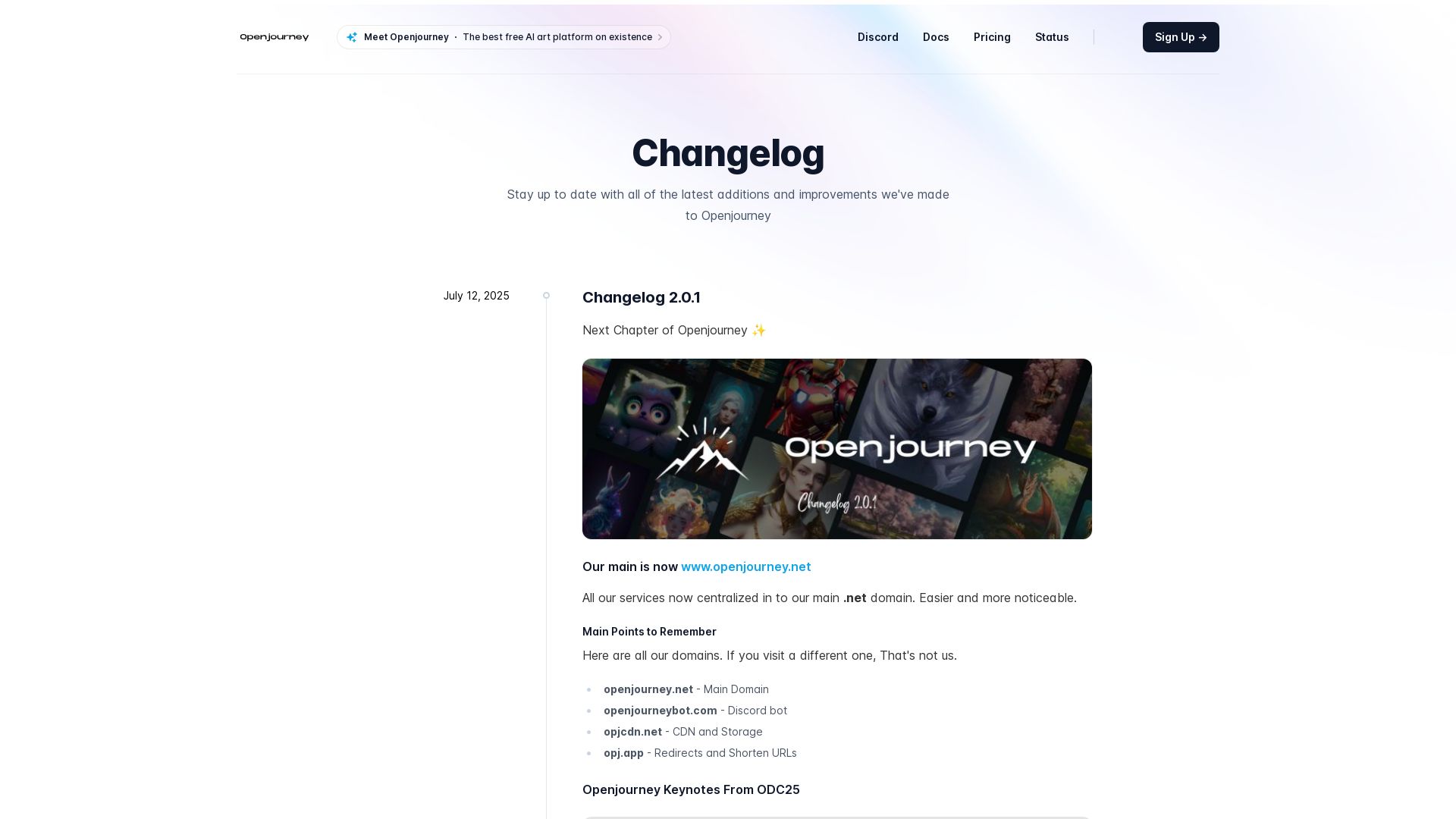
Openjourney bot
Create stunning AI art for free with Openjourney. Generate images, upscale, swap faces, and use developer API. The best free AI art platform.

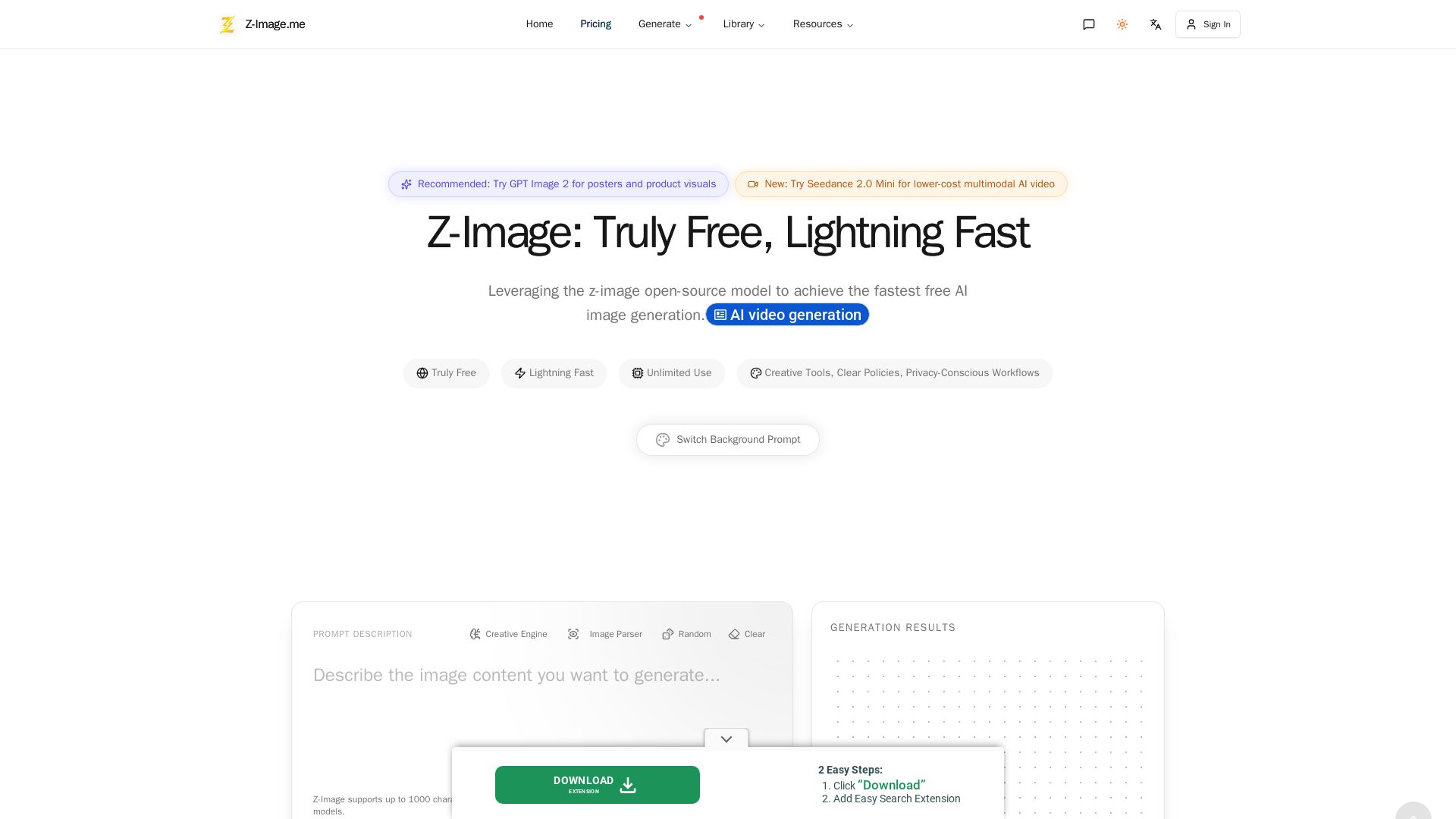
Z-Image
Experience lightning-fast, truly free AI image generation with unlimited use, creative tools, and privacy-focused workflows. Generate stunning visuals instantly.

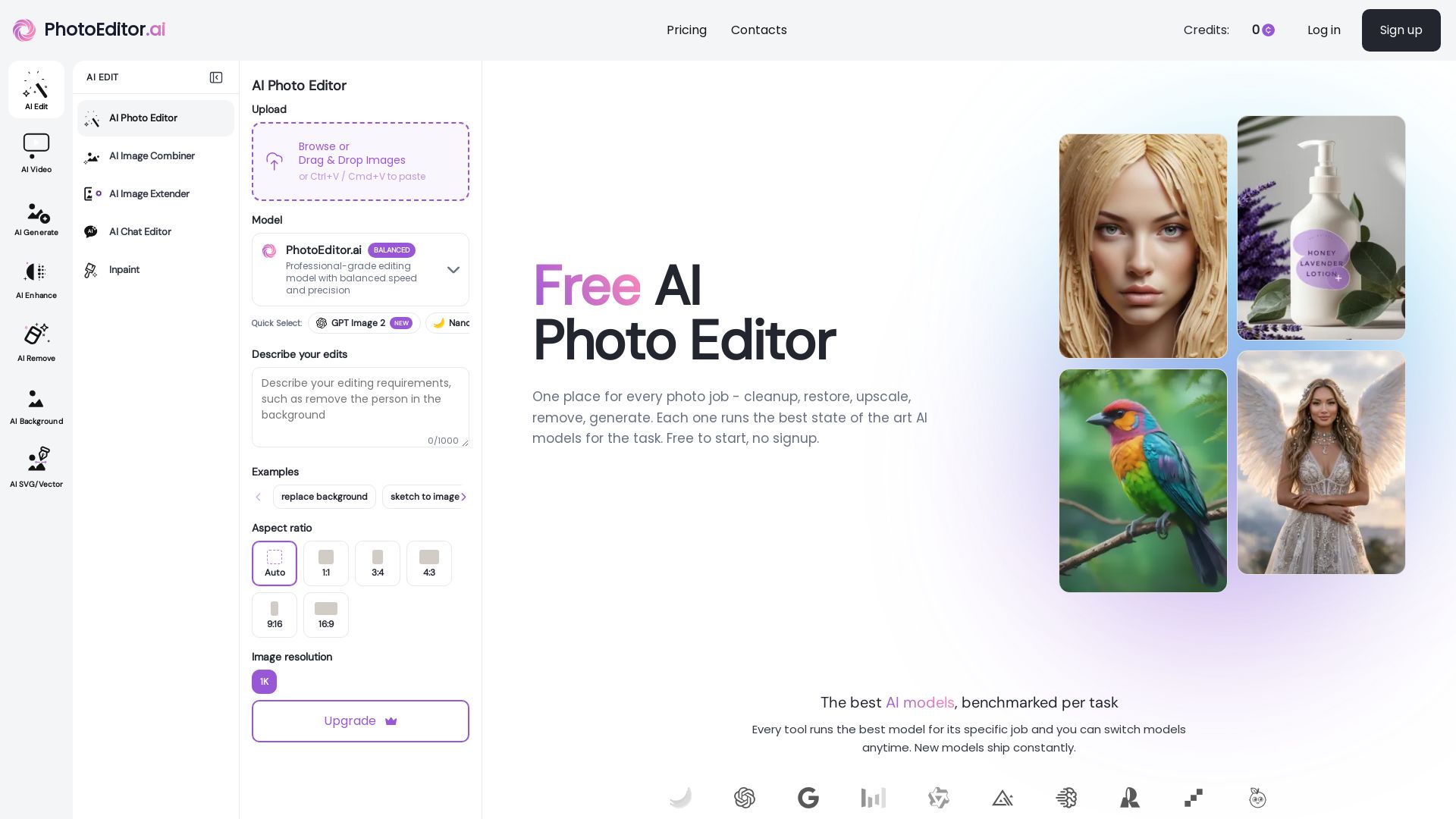
PhotoEditor.ai
Edit, enhance, and generate images with 30+ AI tools. Remove backgrounds, objects, upscale, restore old photos. Free to start, no signup needed.

ℹ️ Curation Disclosure: The overview and features of Deep-Image.ai were synthesized using AI and fact-checked by our curation team to ensure accuracy.
