
Upsampler
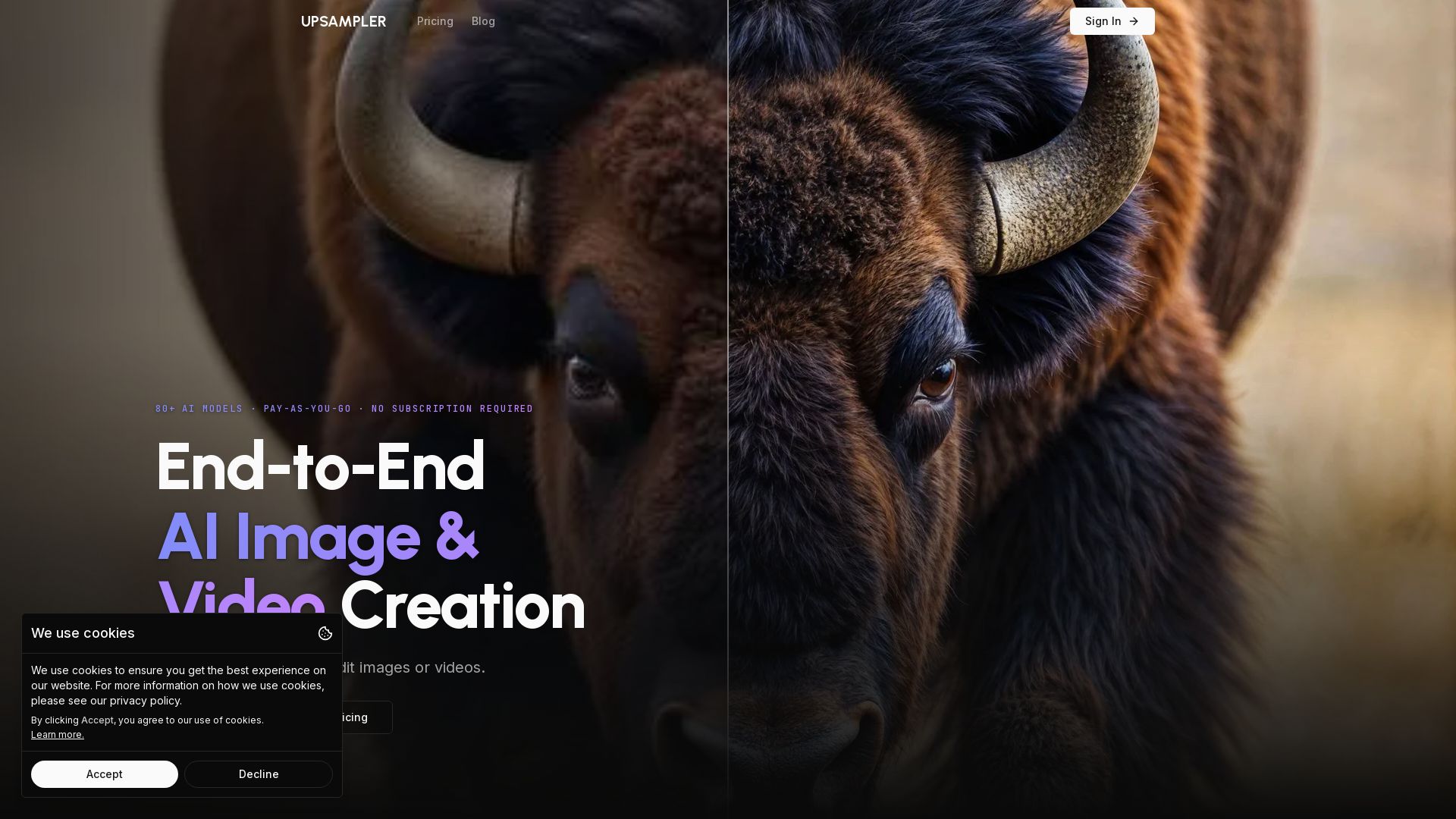
Upsampler: The all-in-one AI platform for generating, upscaling, and editing images and videos. Access 80+ models, pay per use, no subscription. Create stunning visuals easily.
Editor's Verdict
Key Takeaways
- AI Image Generation
- Creative Upscale
- Precise Upscale
- AI Image Editing
In-Depth Review: What is Upsampler?
Upsampler is a comprehensive AI-powered platform for image and video creation. It offers over 80 models for generating images from text, upscaling images to 4K with creative or precise modes, editing images at full resolution, and generating or upscaling videos. With pay-as-you-go credits and no subscription required, it's accessible to everyone from beginners to professionals. Ideal for enhancing portraits, architecture, anime, game assets, and text-heavy images. All processing is online, no downloads needed.
Core Features
AI Image Generation
Generate completely new images from text prompts using 33 advanced AI models, offering a wide variety of styles and capabilities.
Creative Upscale
Intelligently regenerates images at higher resolution, adding realism and detail, ideal for AI-generated images with complex elements like text, hands, and faces.
Precise Upscale
Upscales and sharpens images while faithfully preserving original content, reducing noise and artifacts, perfect for real photos, manga, and anime.
AI Image Editing
Edit images at full resolution using text prompts and optional masking to add, remove, or refine details without degrading quality.
AI Video Generation
Generate videos from text prompts or animate images using 15 advanced video models, creating stunning animations and clips.
Video Upscale to 4K
Increase video resolution up to 4K with state-of-the-art super-resolution, reconstructing sharp edges and textures while maintaining motion stability.
80+ AI Models
Access over 80 models for generation, upscaling, and editing, including top models like Flux, Stable Diffusion, GPT Image 2, and more.
Pay-As-You-Go Pricing
No subscription required; buy one-time credits that never expire and use them across all tools. Commercial use license included.
Pricing
Starter
- 0 included monthly credits
- 4 cent per extra credit (do not expire)
- 2 jobs at a time
- 4 jobs in queue
- Full API access
- Commercial use license
Pro
- 1400 included monthly credits
- 3 cent per extra credit (do not expire)
- 4 jobs at a time
- 18 jobs in queue
- Full API access
- Commercial use license
Premium
- 3000 included monthly credits
- 2 cent per extra credit (do not expire)
- 6 jobs at a time
- 36 jobs in queue
- Full API access
- Commercial use license
Business
- 10000 included monthly credits
- 1 cent per extra credit (do not expire)
- 15 jobs at a time
- 90 jobs in queue
- Full API access
- Commercial use license
- Customization of concurrent jobs and queue size
Pros and Cons
Pros
- Extensive Model SelectionAccess to 80+ AI models for diverse tasks, including top-tier models for generation, upscaling, and editing.
- Flexible Pay-As-You-GoNo monthly subscription required; buy credits that never expire, making it suitable for occasional or heavy users.
- High-Quality UpscalingBoth Creative and Precise upscaling options deliver excellent results for different content types, from AI art to real photos.
- Full Resolution EditingUnlike other editors, Upsampler preserves full image resolution during masked edits, preventing quality loss.
- API and Commercial UseAll plans include full API access and a commercial use license, enabling integration and monetization.
Cons
- Complex Credit SystemCredit consumption varies by model and task, which can be confusing for new users to estimate costs.
- Limited Free TierThe Starter plan has 0 included credits, requiring immediate purchase of credits to use the service.
- Concurrent Job LimitsLower-tier plans restrict the number of simultaneous jobs, potentially slowing down high-volume workflows.
- No Yearly DiscountOnly monthly billing is available; no discounted annual plans are offered, which might be a drawback for long-term users.
- Learning Curve for ModelsWith many models available, beginners may find it overwhelming to choose the best one for their specific task.
Use Cases & Recommended Professions
Graphic Designer→ View Toolkit
Generate and upscale high-quality images for marketing materials, social media, and branding using diverse AI models.
Content Creator→ View Toolkit
Create engaging visuals and videos for online content, enhance image quality, and edit scenes with AI-powered tools.
Game Developer→ View Toolkit
Upscale game assets, textures, and concept art to higher resolutions while adding detail, improving visual fidelity.
Photographer→ View Toolkit
Enhance and upscale real photos with Precise Upscale to preserve original content, reduce noise, and sharpen details.
Anime Artist→ View Toolkit
Improve anime scenes and digital illustrations by adding sharpness, vibrancy, and new details using specialized models.
Marketing Professional→ View Toolkit
Generate and edit product images, advertisements, and promotional videos quickly without needing a design team.
Frequently Asked Questions
Alternative AI Tools
View Detailed Comparison →
Pixlr
Edit, generate, and design with Pixlr's free AI photo editor. Transform photos, create images from text, and more – all in your browser. No download needed.

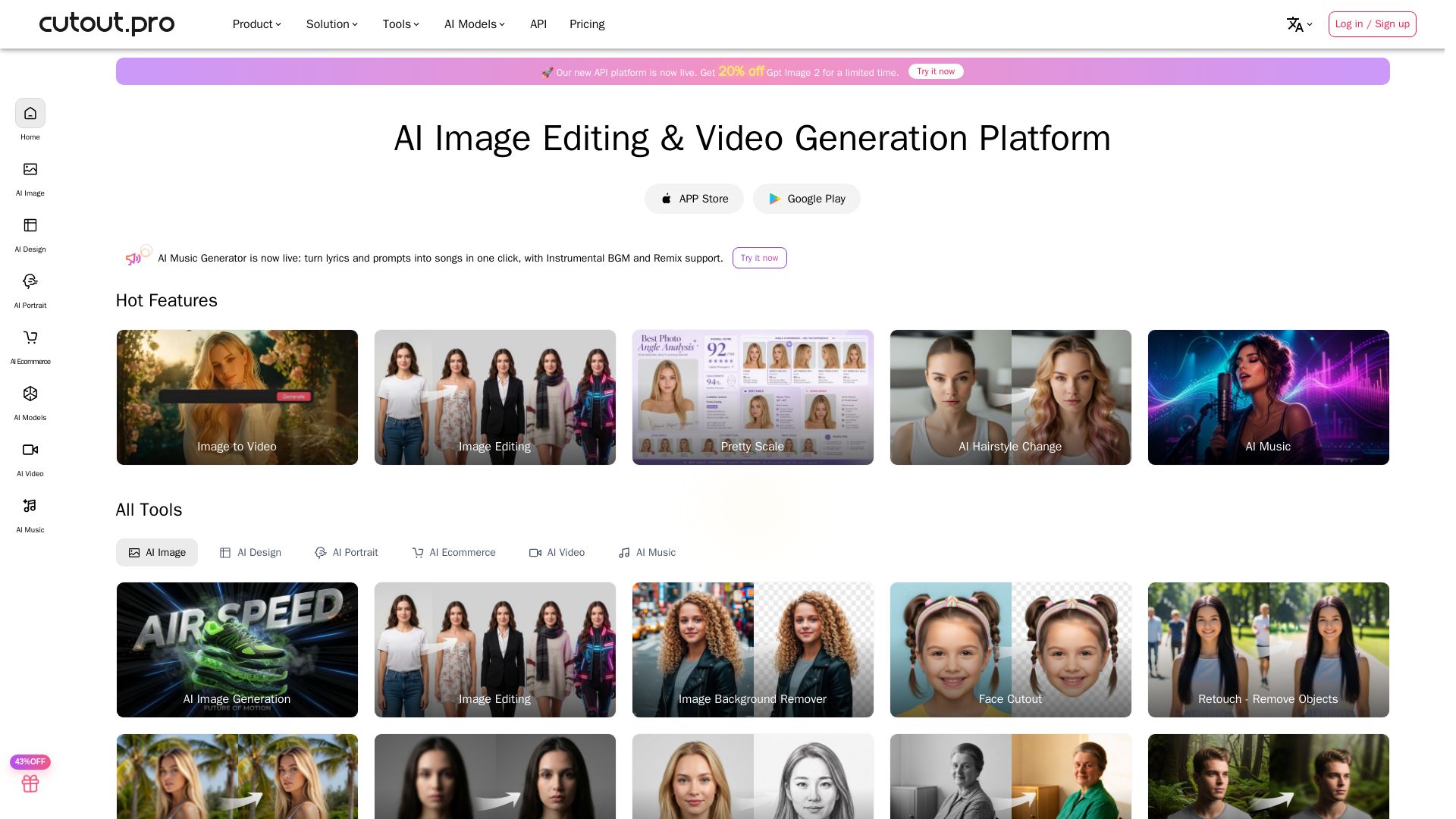
Cutout.Pro
Cutout.Pro offers AI image editing, video generation, background removal, and API integration. Trusted by 25K+ businesses. Get started for free.

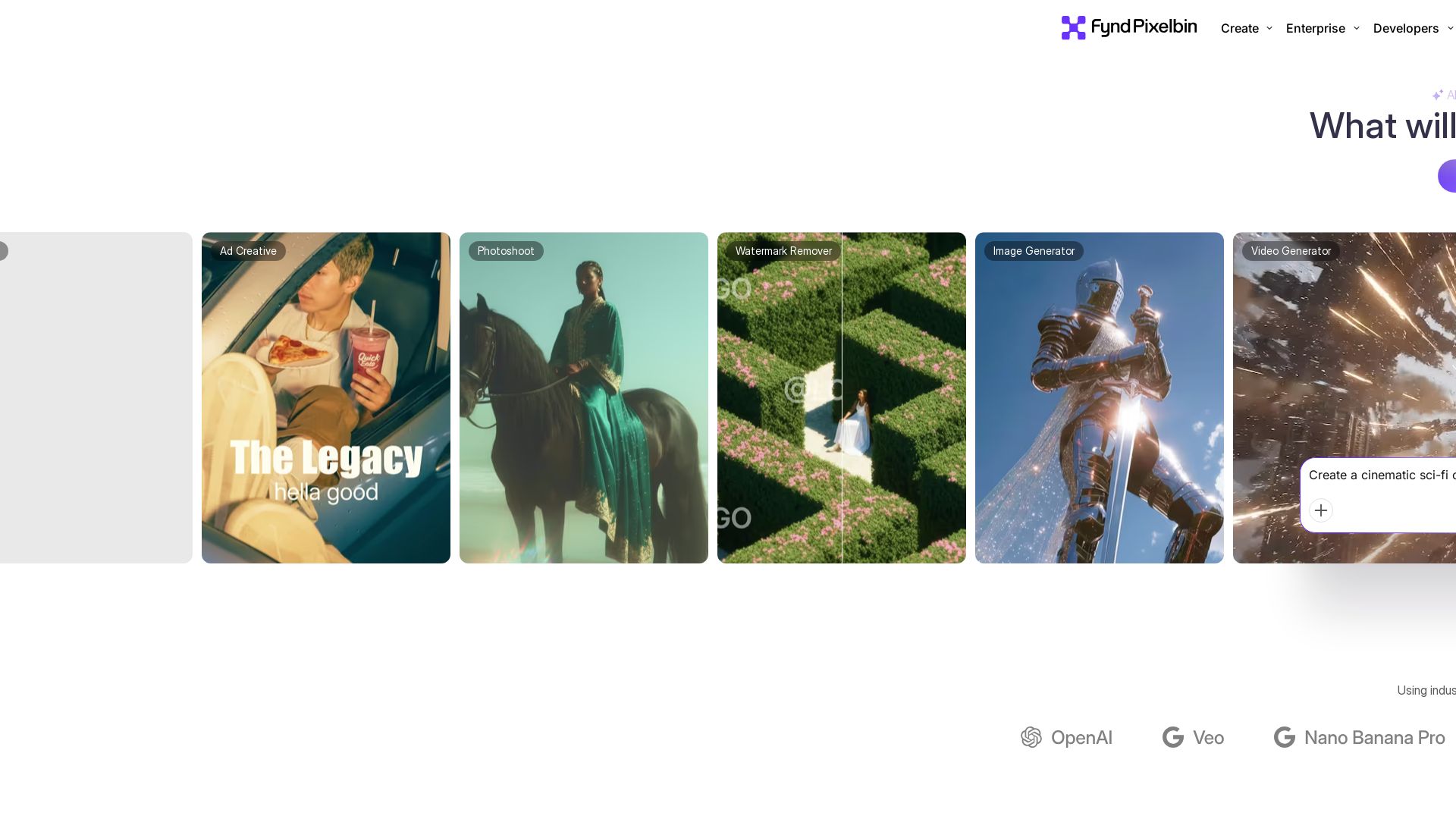
Pixelbin AI Studio
Create stunning visuals with Pixelbin's AI tools: image editing, video generation, upscaling, batch processing. Trusted by 58M+ users. Free to start.

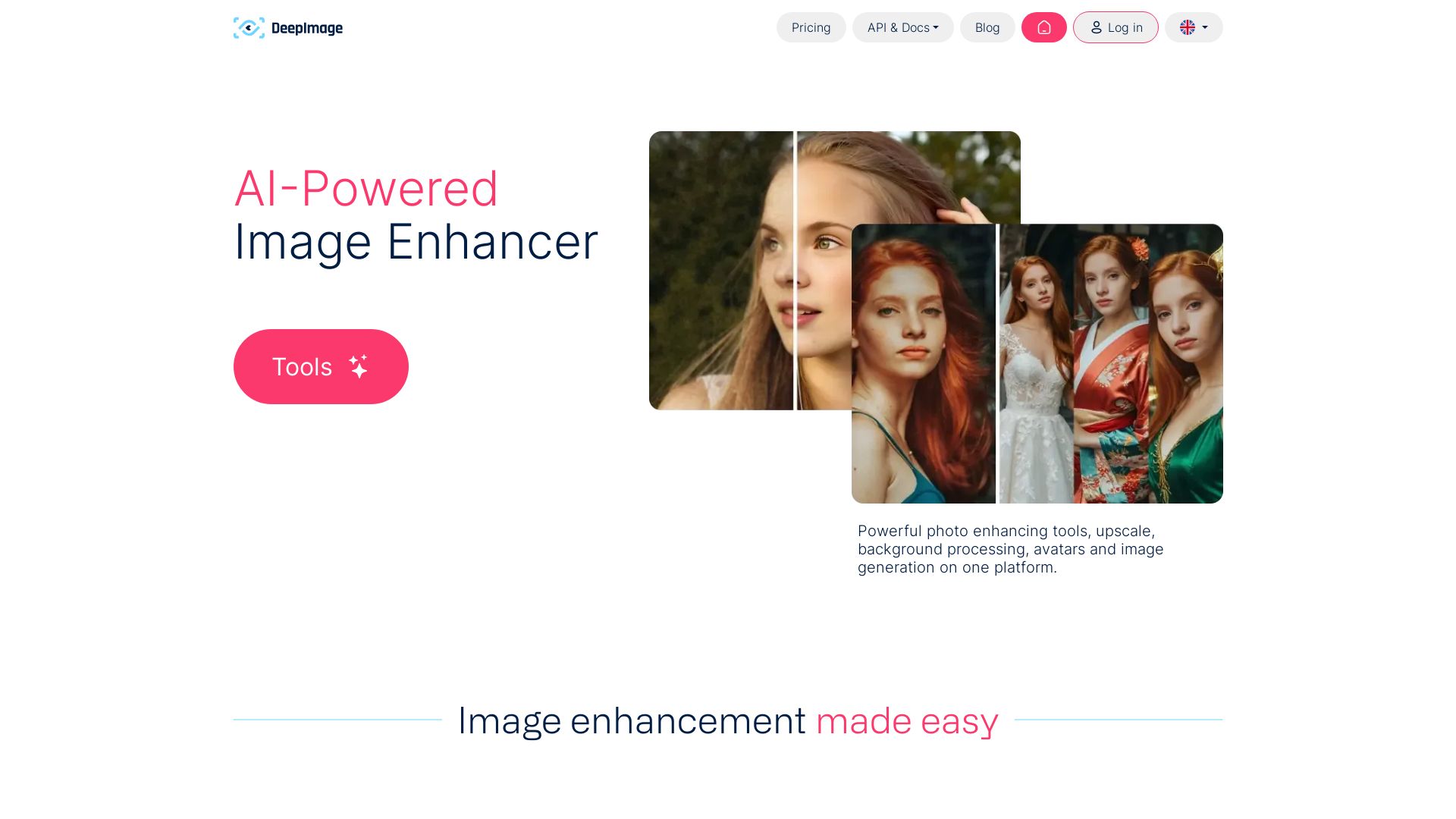
Deep-Image.ai
AI-powered image enhancement: upscale x4, remove noise, sharpen, correct colors, swap backgrounds. Perfect for e-commerce, print, and real estate.

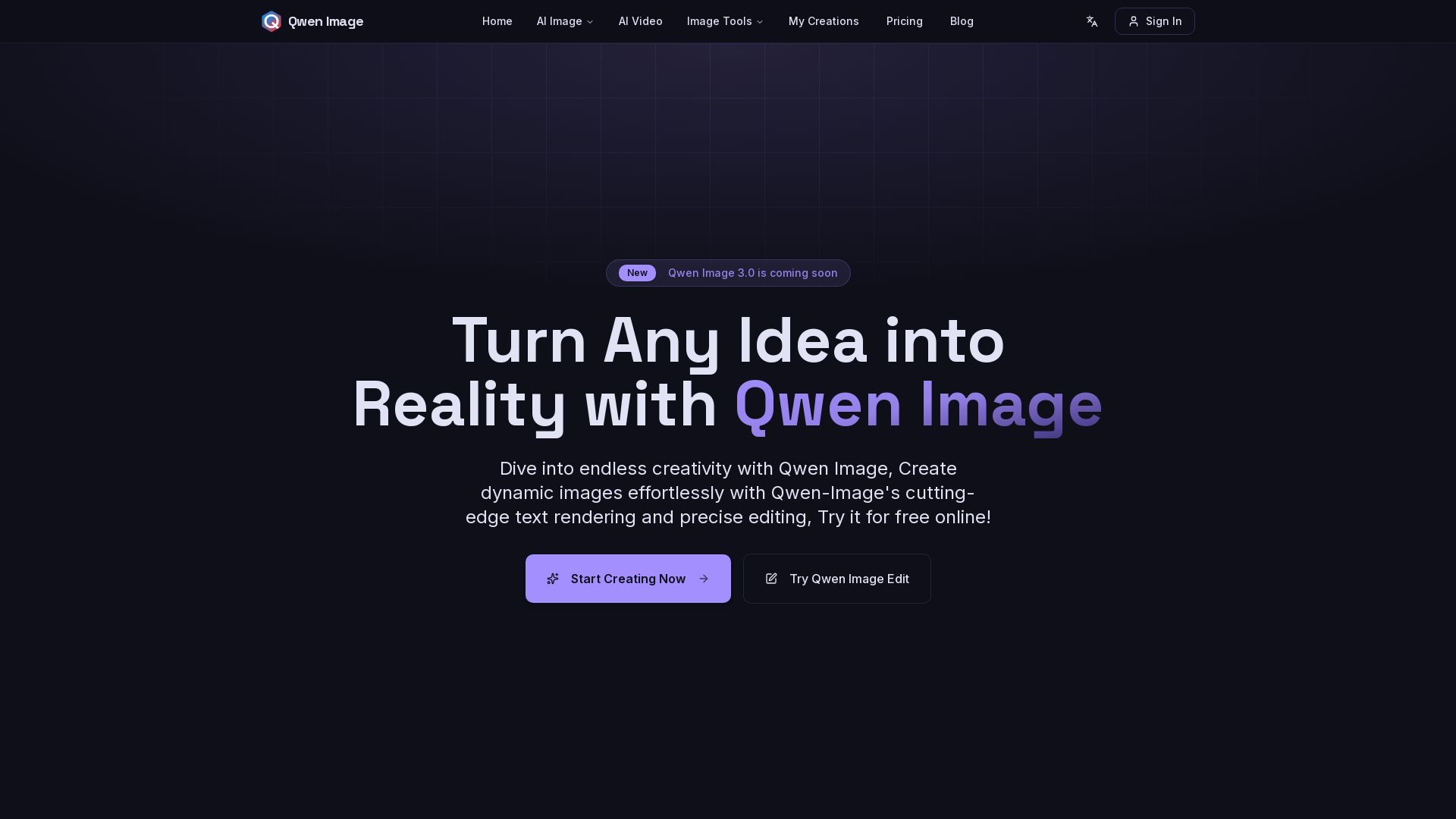
Qwen Image
Free AI image generator with superior text rendering and precise editing. Create commercial-quality images for any project.
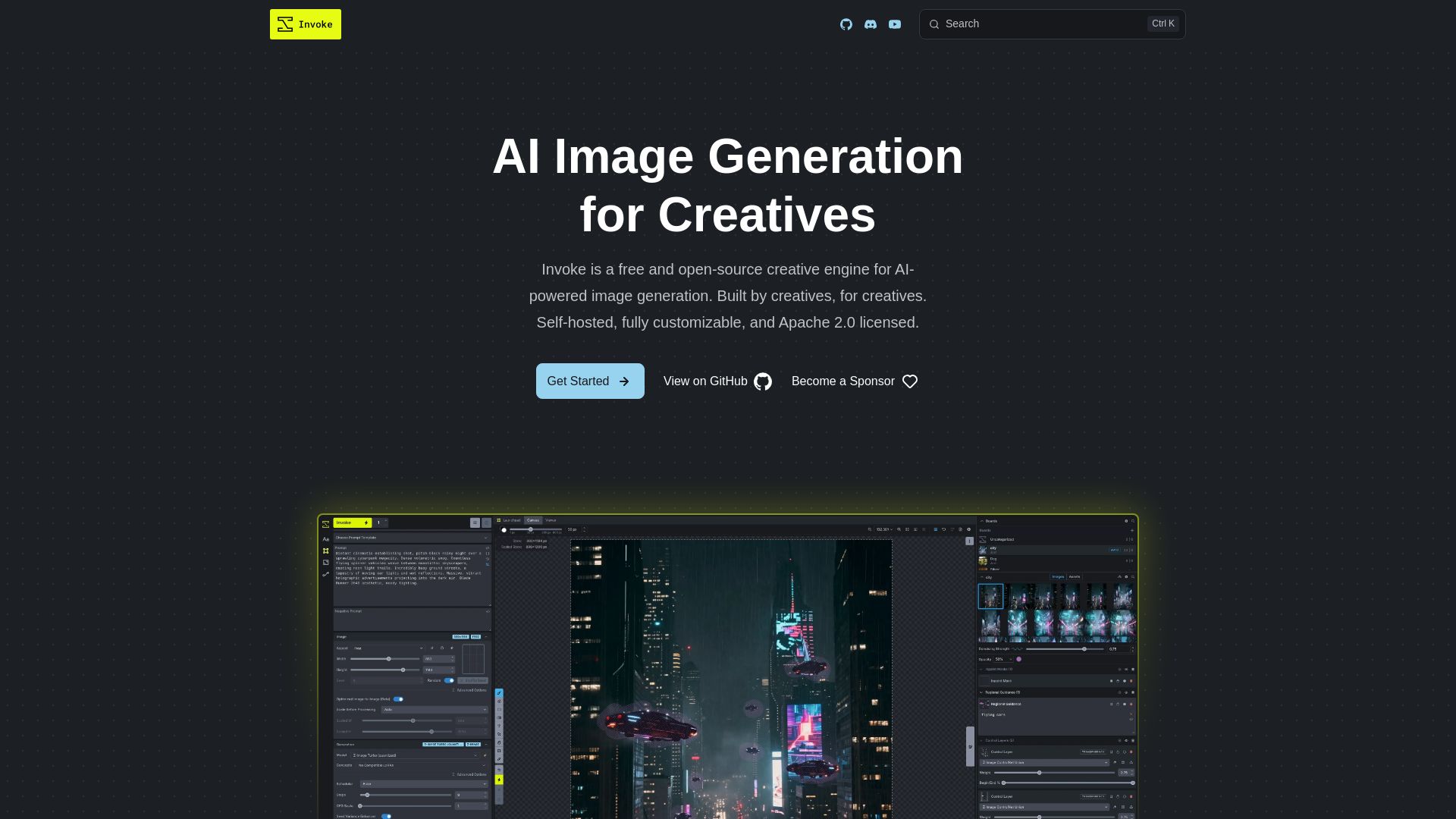
InvokeAI
Free, open-source creative engine for AI-powered image generation. Self-hosted, fully customizable, with Unified Canvas, Node workflows, and leading model support.


Flow AI Video Generator
Create stunning 4K AI videos with Flow AI Video. Text-to-video, image-to-video, multi-shot storytelling. Get 50% OFF now!

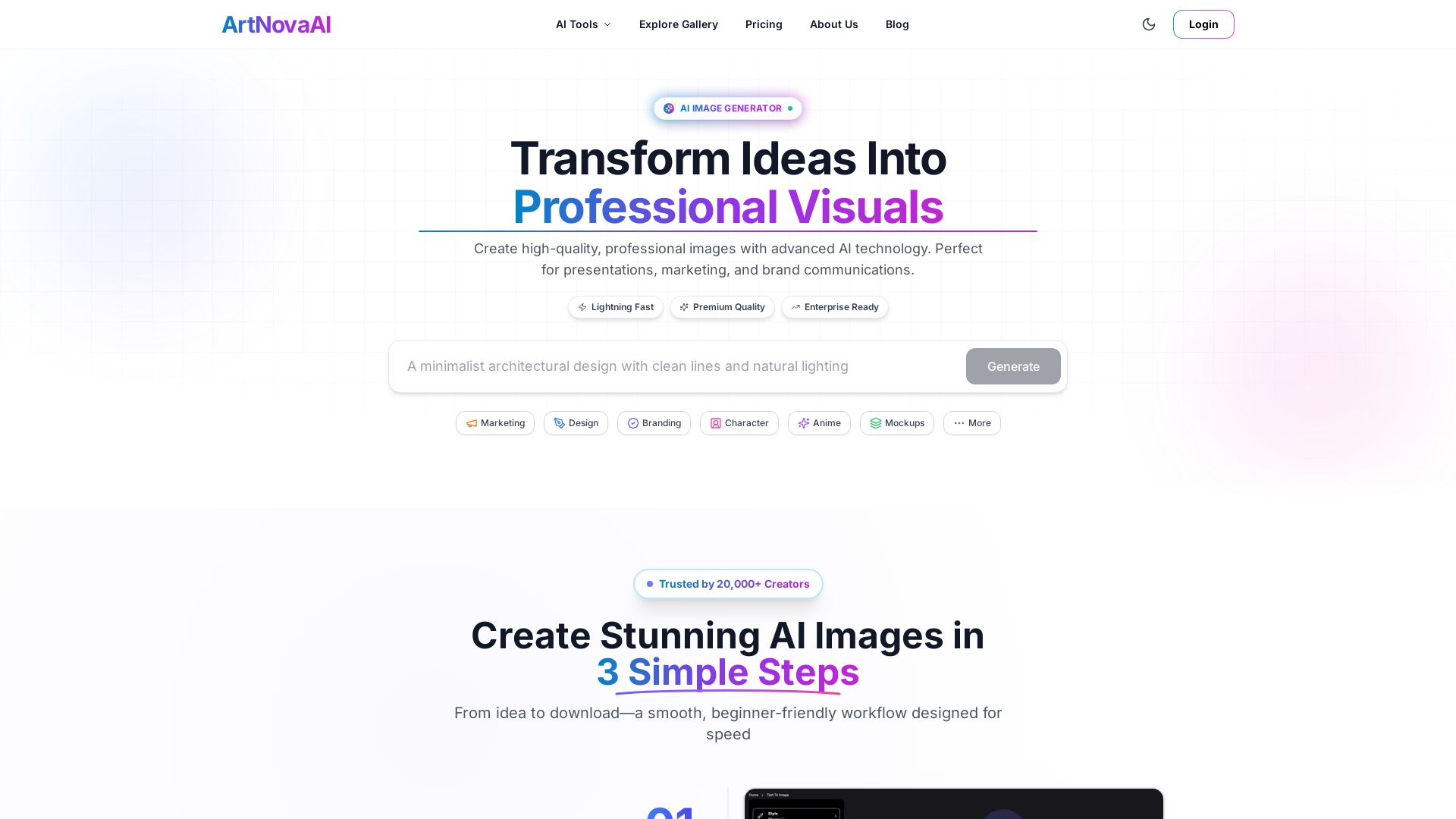
ArtNovaAI
Create high-quality AI images in seconds with full commercial rights. No Discord needed. Text to image, editing, upscaling. Trusted by 20,000+ creators.

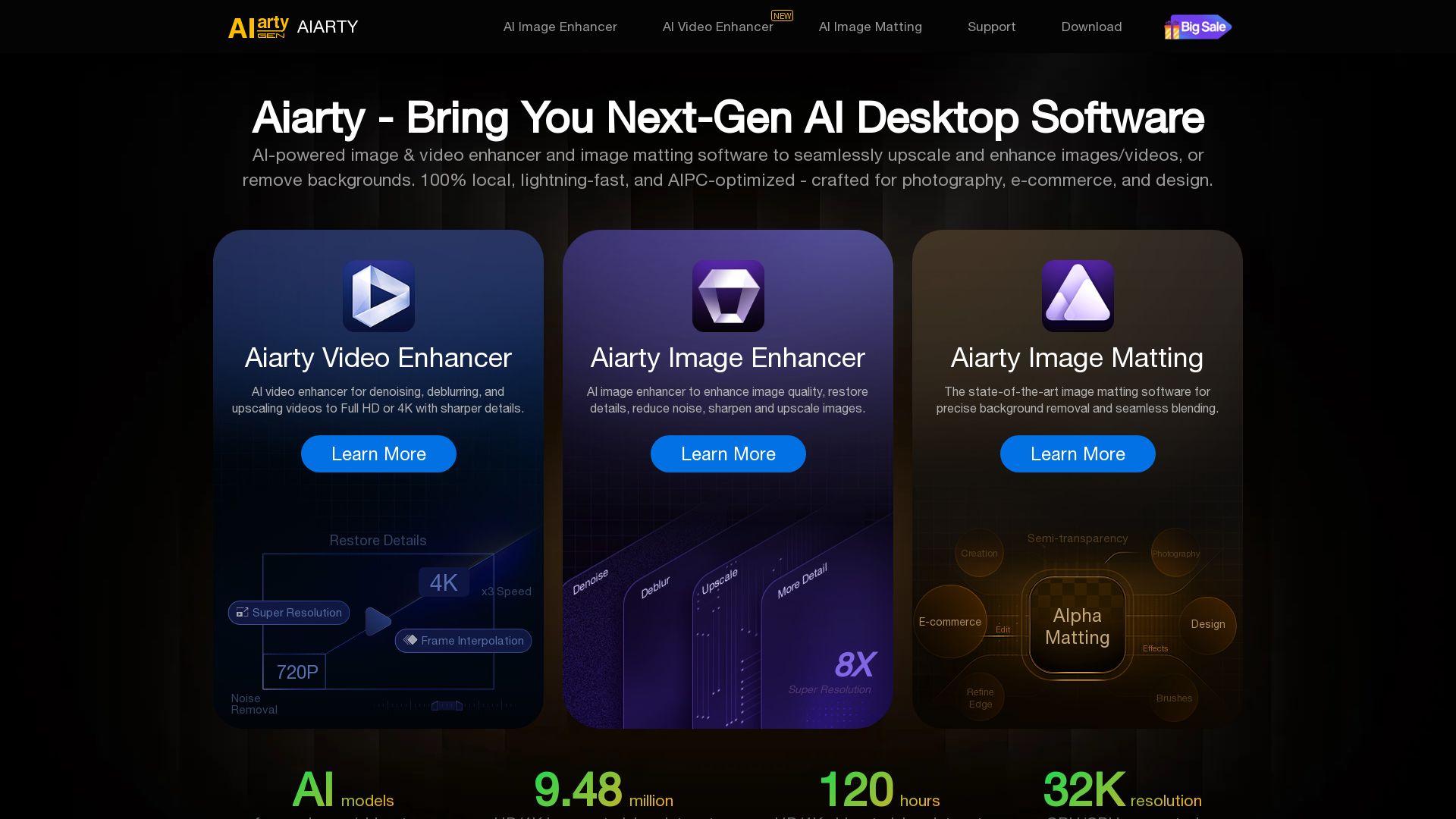
Aiarty
Upscale, enhance, and remove backgrounds with AI. Process images/video locally up to 32K. Denoise, deblur, restore details. Trusted by experts.


SeaArt AI
Turn ideas into stunning images and cinematic videos with SeaArt AI. Free tools, community, and advanced models like Seedance 2.0.

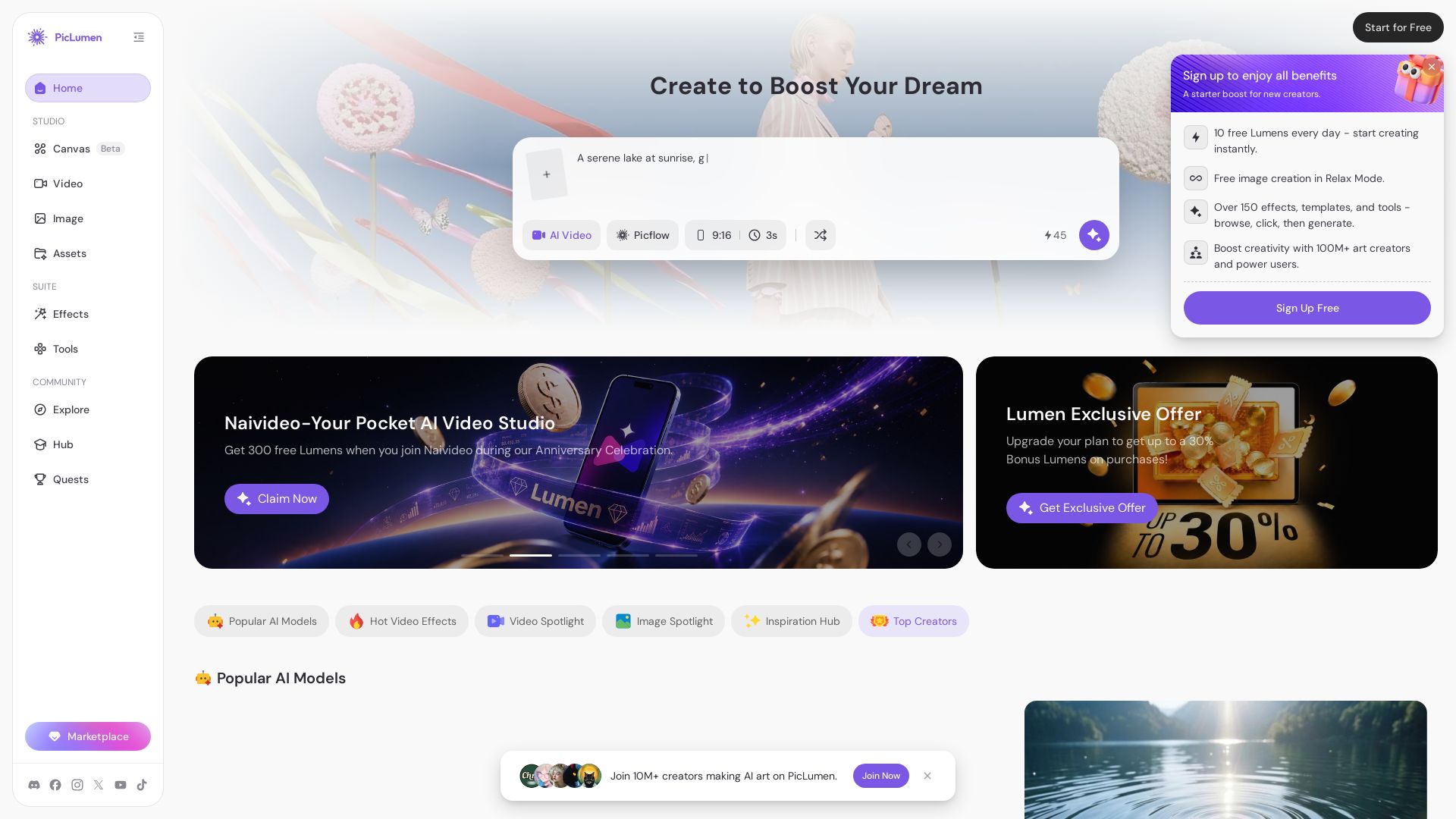
PicLumen
Create stunning AI images and videos with top models. Free to start. Join a vibrant creator community. Try PicLumen today!

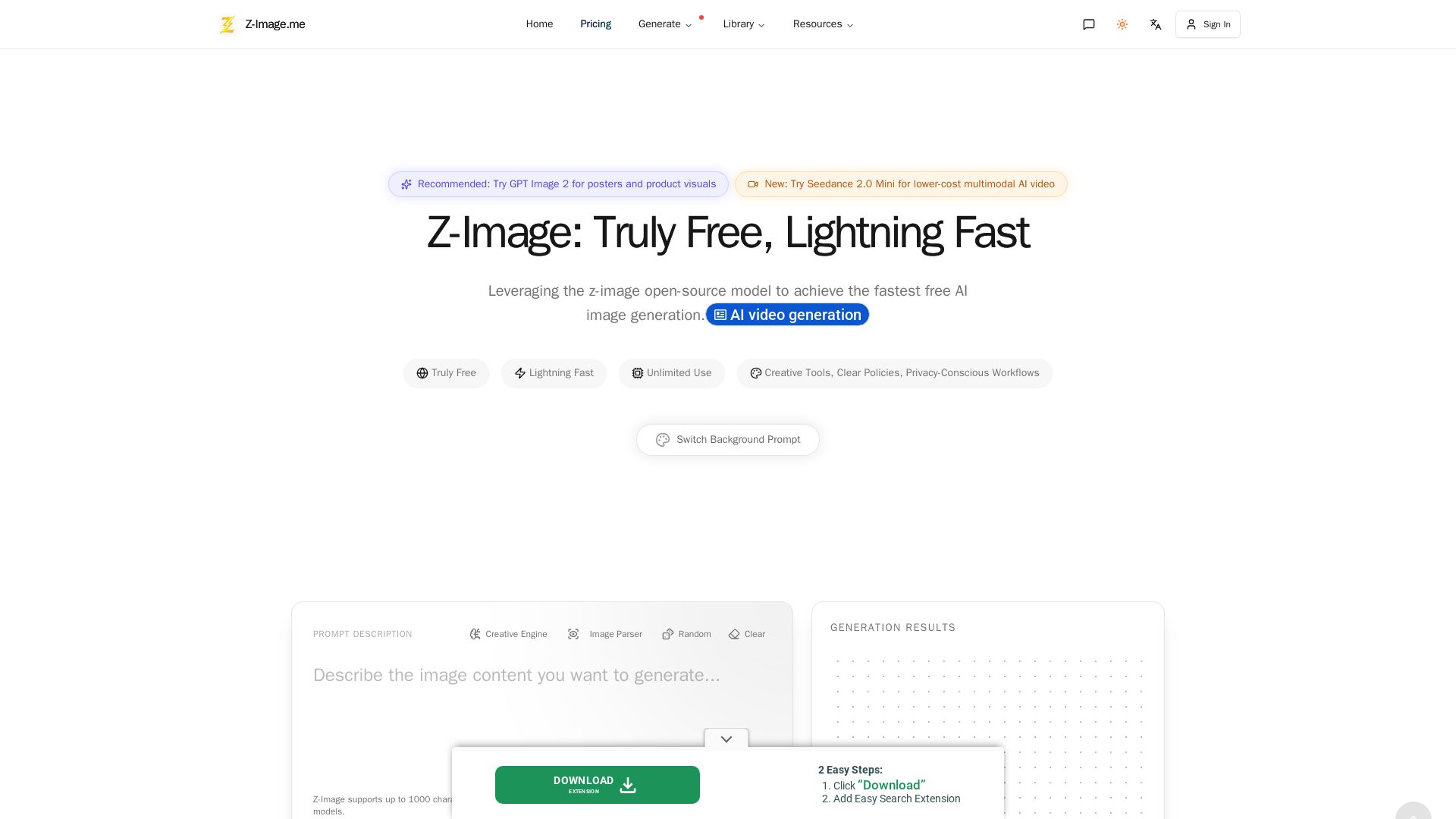
Z-Image
Experience lightning-fast, truly free AI image generation with unlimited use, creative tools, and privacy-focused workflows. Generate stunning visuals instantly.

ℹ️ Curation Disclosure: The overview and features of Upsampler were synthesized using AI and fact-checked by our curation team to ensure accuracy.
