
PicLumen
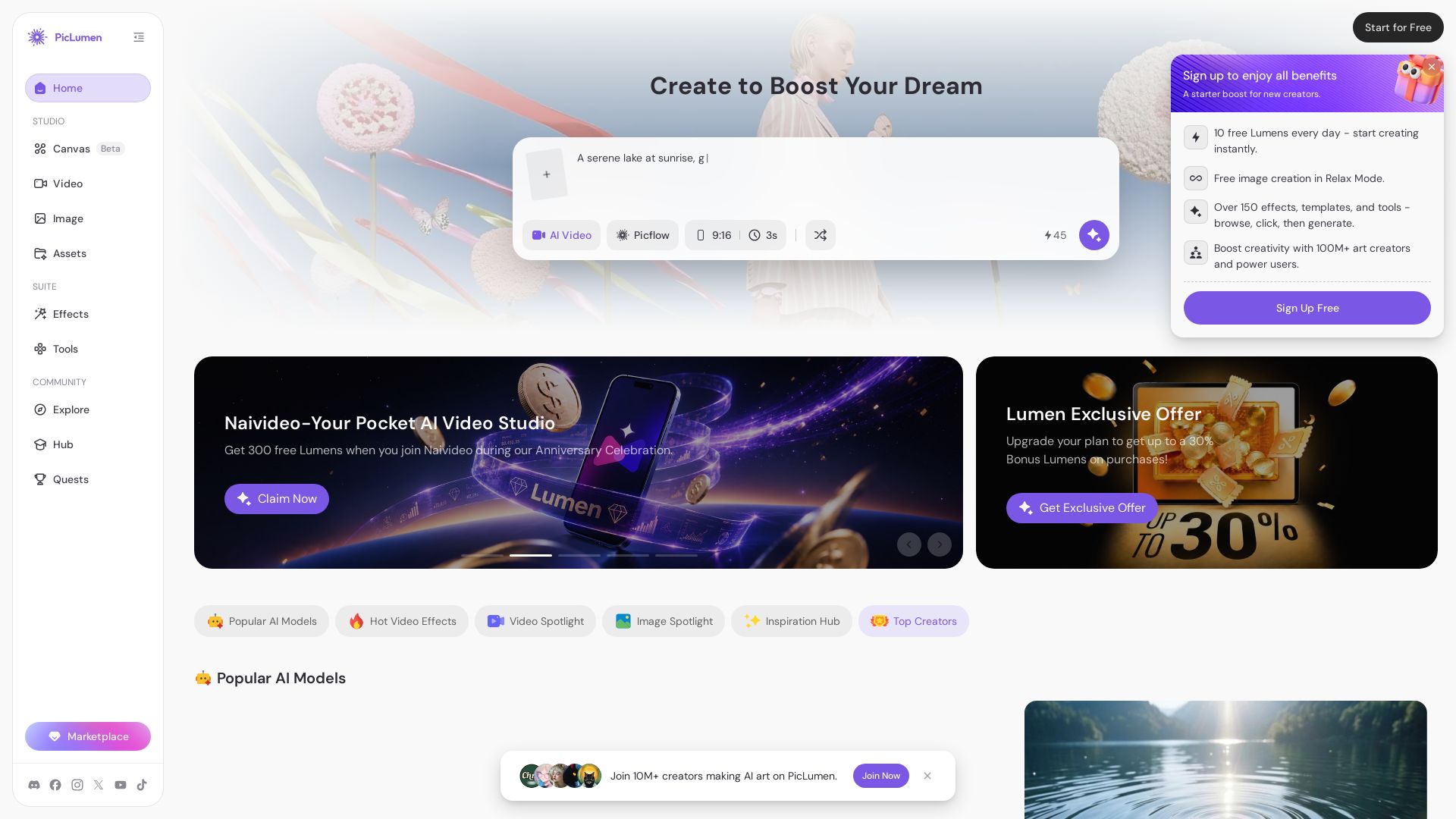
Create stunning AI images and videos with top models. Free to start. Join a vibrant creator community. Try PicLumen today!
Editor's Verdict
Key Takeaways
- AI Image Generation
- AI Video Generation
- Canvas Pipeline
- Video Effects
In-Depth Review: What is PicLumen?
PicLumen is an all-in-one AI creative platform that combines cutting-edge image and video generation with a thriving community. Access top models like Seedream 5.0 Pro, Seedance 2.0, Kling, and more. Use Canvas to orchestrate text, image, and video in one seamless flow. Start for free with daily Lumens, upgrade for commercial use. Loved by creators worldwide for quality, ease, and affordability.
Core Features
AI Image Generation
Generate high-quality images from text prompts or reference images using top models like Seedream 5.0 Pro, Midjourney, and GPT Image 2.
AI Video Generation
Create videos from text, images, or scripts with models like Seedance 2.0, Kling 2.6, and Veo 3.1, supporting native audio and multi-shot control.
Canvas Pipeline
Orchestrate text, image, and video generation in one seamless flow on an infinite canvas, combining multiple AI models for complex projects.
Video Effects
Apply hot video effects such as Bombaye Dance, Football Star Arrival, and Orbit Shot to add creative flair to videos.
Community and Inspiration Hub
Explore a vibrant community of creators, get inspired by top creators, and access tutorials and prompt-engineering guides.
Image Editing Tools
Upscale, inpaint, outpaint, remove backgrounds, colorize, and edit images with AI-powered tools for professional results.
Pricing
Basic
- 10 free Lumens daily
- Standard generation mode
- Watermarked images
- Limited commercial licensing
- Access to PicLumen models
Lite
- 750 Lumens per month
- Standard generation mode
- Limited commercial licensing
- Watermark-free creation
- 10 Canvas Projects, 50 Nodes Per Canvas
- Access to top models
Standard
- 2,500 Lumens per month
- Fast generation mode
- Full commercial licensing
- Watermark-free creation
- 20 Canvas Projects, 150 Nodes Per Canvas
- Unlimited image generation in Relax Mode (PicLumen models)
- Generate 2 tasks at once
Pro
- 6,000 Lumens per month
- Turbo generation mode
- Full commercial licensing + Extension
- Watermark-free creation
- 50 Canvas Projects, 300 Nodes Per Canvas
- Unlimited image and video generation in Relax Mode (PicLumen models)
- Generate 5 tasks at once
Elite
- 25,000 Lumens per month (multiple sub-tiers)
- Hyper generation mode
- Watermark-free creation
- 100 Canvas Projects, 500 Nodes Per Canvas
- Unlimited image and video generation in Relax Mode
- Generate 10 tasks at once
- 30% Lumen Vault roll-over (annual billing)
Pros and Cons
Pros
- High-quality outputImages and videos are realistic, vibrant, and detailed, with access to top-tier models like Seedream 5.0 Pro and Seedance 2.0.
- Affordable pricingOffers a generous free tier (10 Lumens daily) and competitive subscription plans, making it accessible for beginners and professionals.
- User-friendly interfaceIntuitive design, easy to use for AI novices, with tutorials and a supportive community to help you get started.
- Versatile toolsetSupports both image and video generation, plus editing tools like upscale, inpaint, and background removal in one platform.
- Strong community and inspirationActive creator community, daily challenges, and inspiration hub with prompt-engineering guides to spark creativity.
Cons
- Limited free tierFree users get only 10 Lumens per day, which may not be enough for heavy experimentation or multiple generations.
- Some features require subscriptionAdvanced features like unlimited relax mode, commercial licensing, and higher generation speeds are locked behind paid plans.
- Watermark on free planFree plan outputs have watermarks; removing them requires a paid subscription.
- Dependence on Lumens systemEach generation consumes Lumens, which can be confusing for new users and require careful management to avoid running out.
- Relax mode speedRelax mode (used when Lumens run out) has lower priority and slower generation, which can be frustrating for time-sensitive projects.
Use Cases & Recommended Professions
Graphic Designer→ View Toolkit
Need to quickly generate high-quality images and edit them for projects, presentations, or client work with AI assistance.
Video Content Creator→ View Toolkit
Create engaging short-form videos for platforms like TikTok and YouTube using AI video generation and effects.
Digital Marketer→ View Toolkit
Produce product ads, promotional videos, and social media visuals efficiently with AI to boost marketing campaigns.
Anime Artist→ View Toolkit
Generate anime-style images and characters using specialized models like Pony Diffusion V6 and GPT Image 2.
Social Media Manager→ View Toolkit
Consistently create visually appealing posts and stories with AI to maintain brand presence and engage followers.
E-commerce Entrepreneur→ View Toolkit
Need product shots, unboxing videos, and branding materials without hiring a professional photographer or videographer.
Frequently Asked Questions
Alternative AI Tools
View Detailed Comparison →
Flow AI Video Generator
Create stunning 4K AI videos with Flow AI Video. Text-to-video, image-to-video, multi-shot storytelling. Get 50% OFF now!


Gen AI Video Generator
Create stunning AI videos and images with 90+ models including Google VEO 3, Sora 2, Seedance 2.0. Text-to-video, image-to-video, photo editing on iOS.


Viyou
Create stunning AI videos and images for free. Generate avatars, romantic kisses, dance videos, and more - all on one platform with full access.


AI Video - AI Video Generator
Create animated videos from text or images with AI. Drag-and-drop editing, lip-sync, HD export. No skills needed. Download free!


SeaArt AI
Turn ideas into stunning images and cinematic videos with SeaArt AI. Free tools, community, and advanced models like Seedance 2.0.

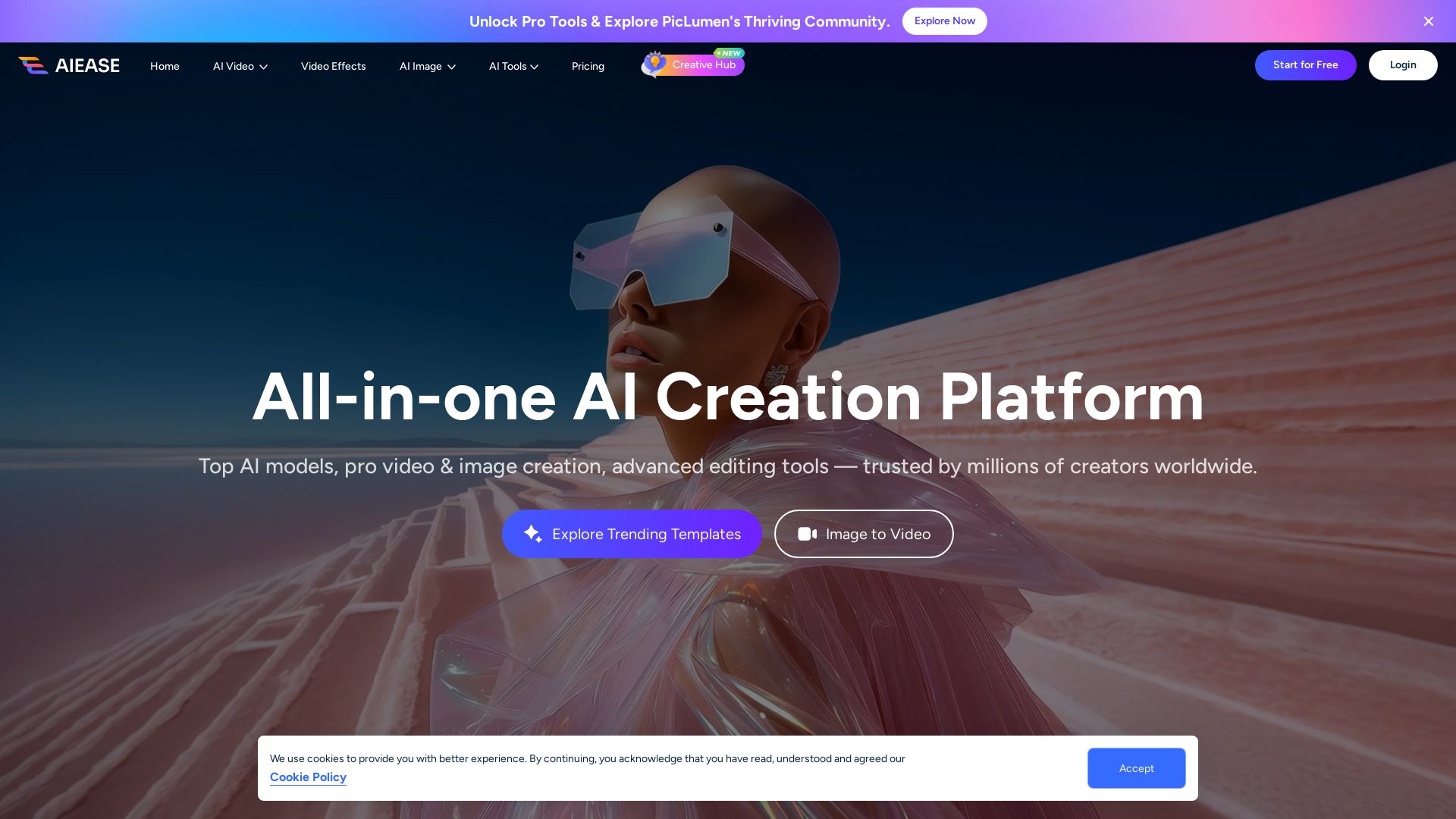
AI Ease
Create stunning AI videos and images with top models. Free tools for text-to-video, image generation, editing, and more. Trusted by millions.

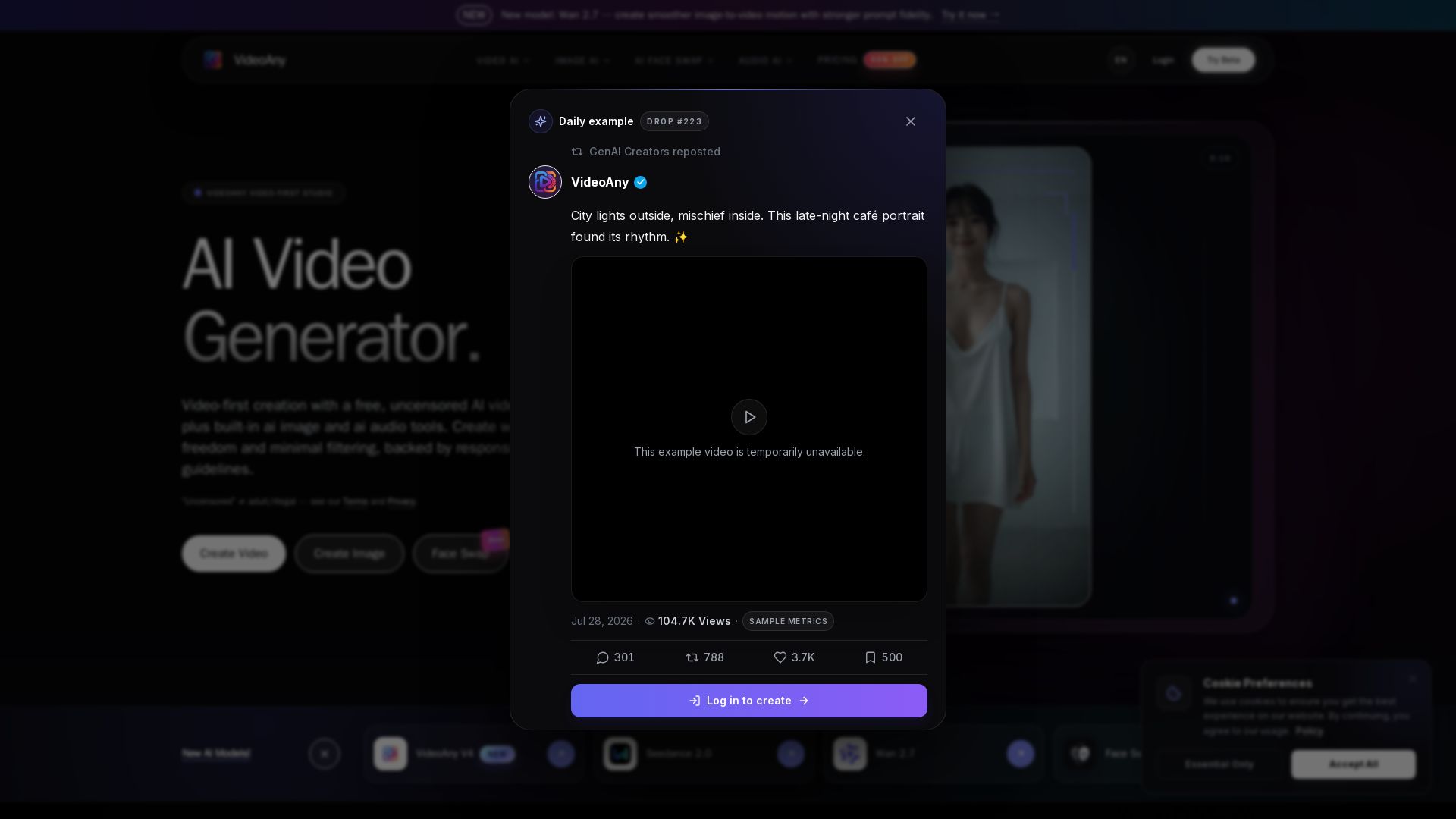
VideoAny
Generate cinematic AI videos, images, and audio with uncensored models. No filters, full creative freedom. Try Seedance 2.0, Wan 2.7 & more.

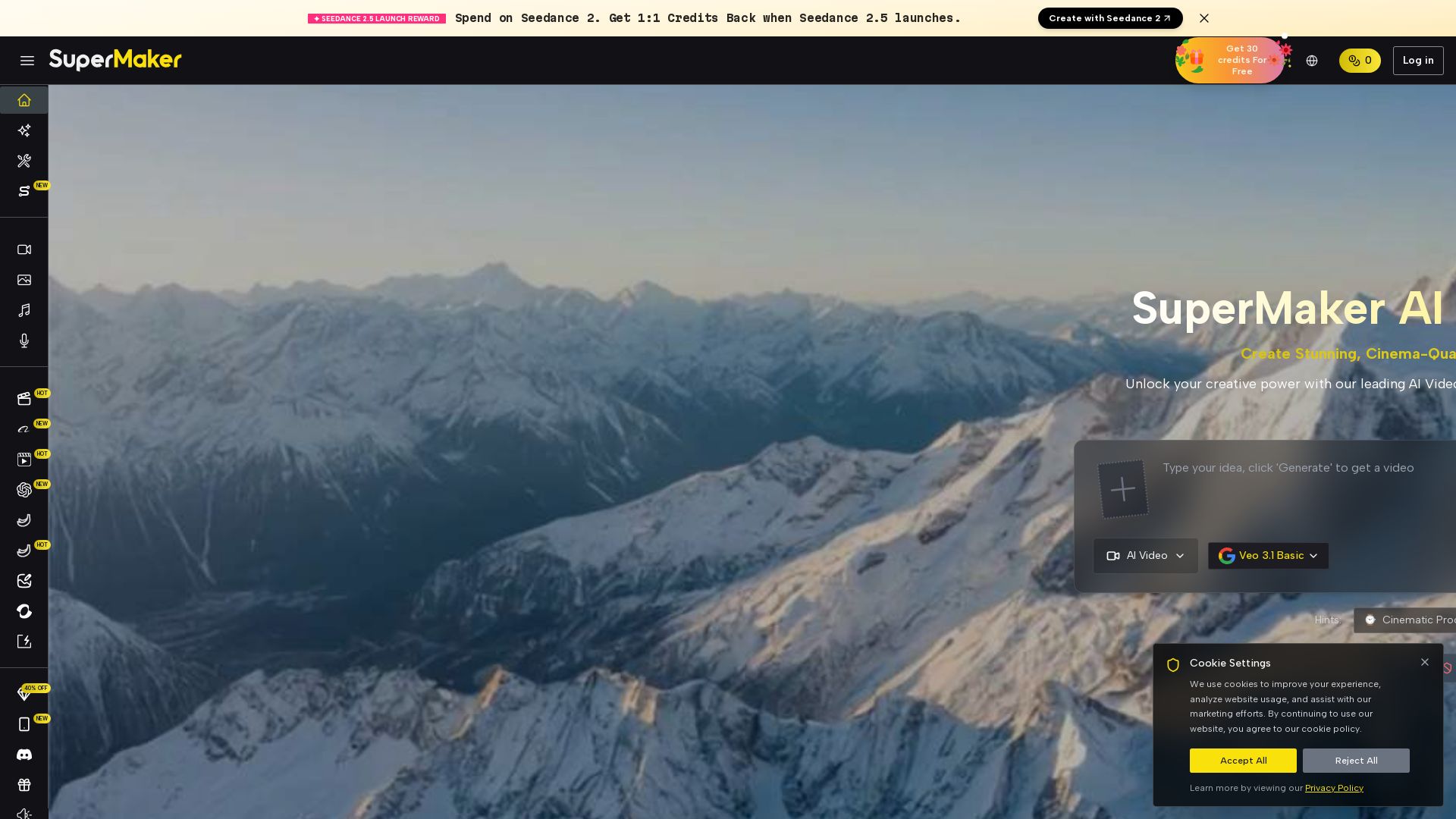
SuperMaker AI
Create stunning cinema-quality videos with SuperMaker's AI Video Generator. All-in-one suite for video, image, music, and voice. Start free.

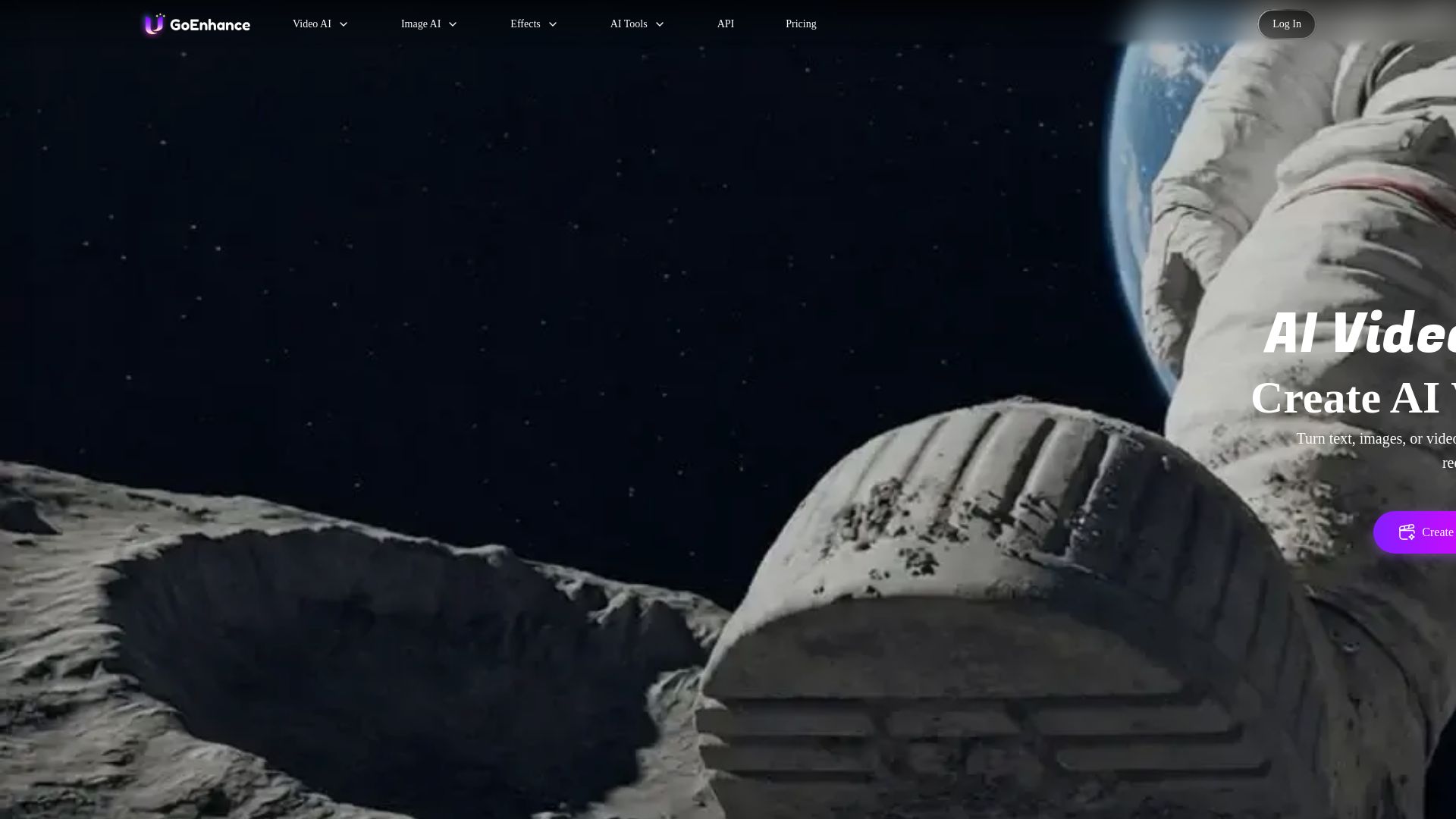
GoEnhance AI
Turn text, images, or videos into stunning AI videos and images. Access 50+ models like Sora, Runway, and Flux. Free to start!

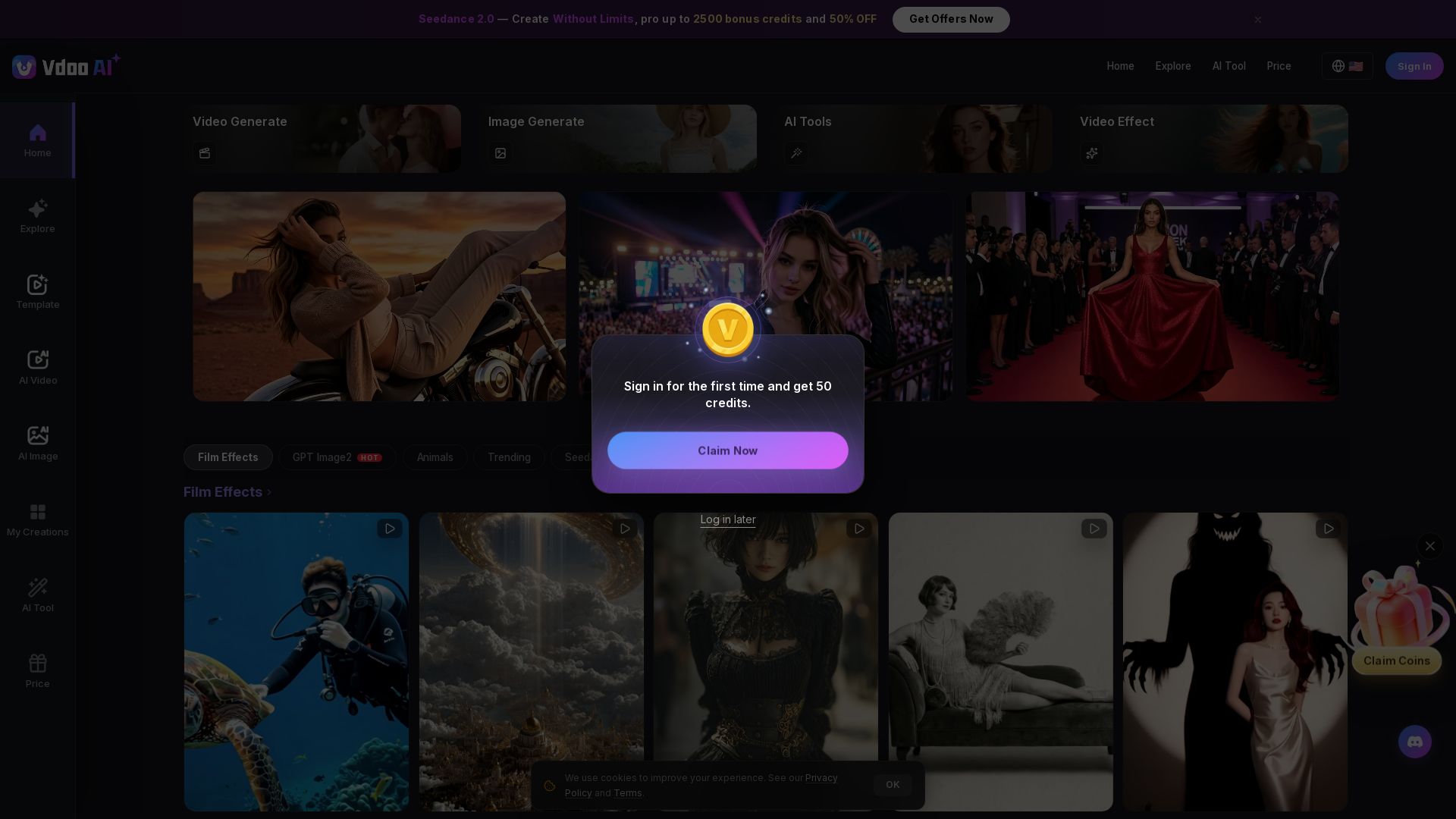
Vdoo AI
Create stunning AI videos and images with cutting-edge models. Easy-to-use platform for professional-quality content. Try free tools today!

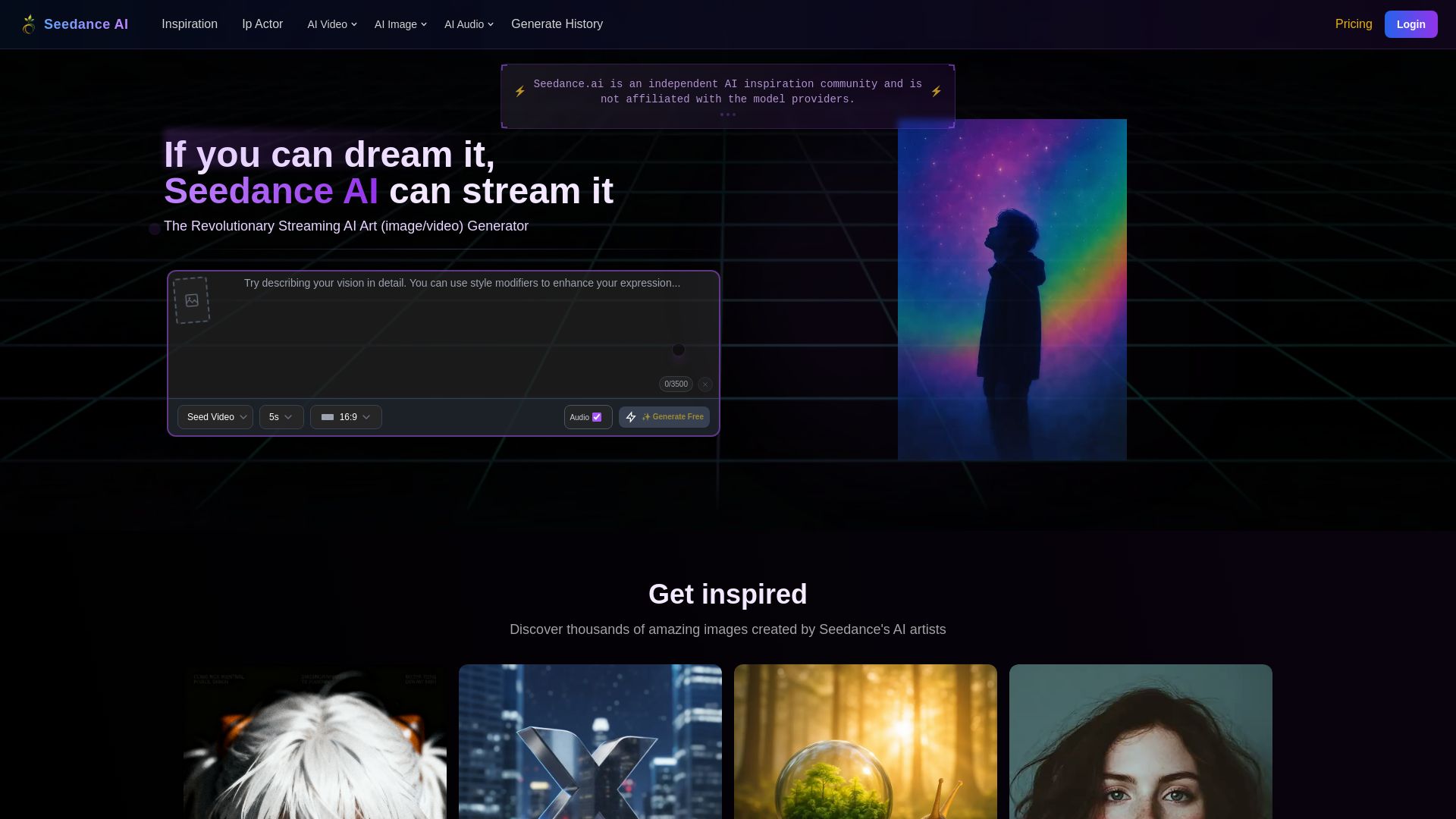
Seedance AI
Create stunning AI images and videos for free. Join millions of artists in the Seedance community. Generate, share, and explore AI art.

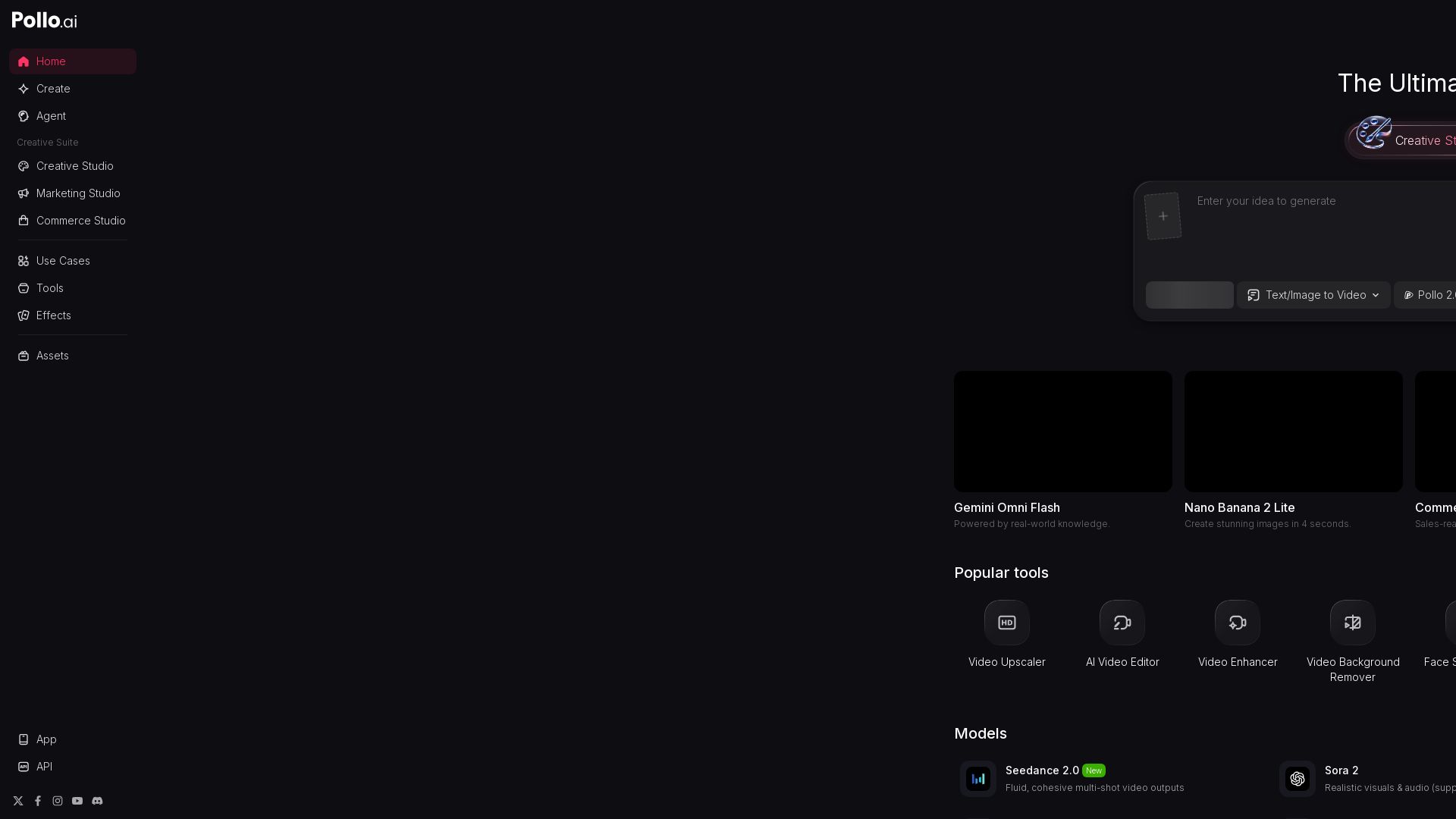
Pollo AI
Create stunning AI videos and images with Pollo.ai. Tools for video generation, editing, upscaling, and marketing. Models like Pollo 2.5, Sora 2, Kling 3.0.

ℹ️ Curation Disclosure: The overview and features of PicLumen were synthesized using AI and fact-checked by our curation team to ensure accuracy.
